Lightning To SD Card Camera Readers
Lightning To SD Card Camera Reader makes it easy to transfer photos and videos from your camera’s SD card directly to your compatible device. Ideal for photographers and content creators, this essential accessory streamlines the process of managing media files on the go. Browse a wide selection of Lightning To SD Card Camera Reader options designed to help you back up, view, and share your favorite moments with ease. Find the perfect solution to fit your workflow and enjoy seamless connectivity every time you need it.
Sort

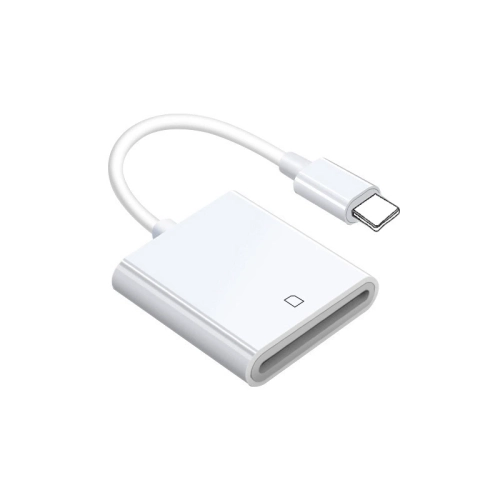
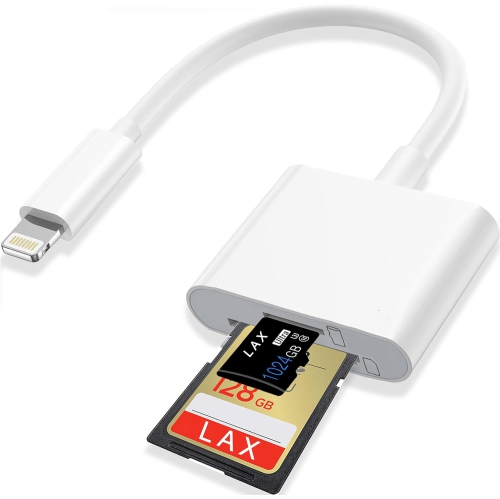
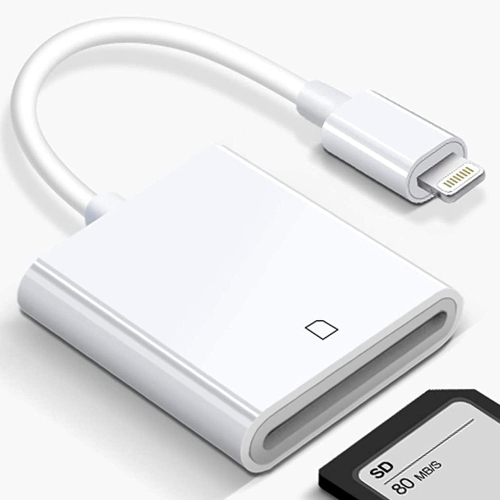
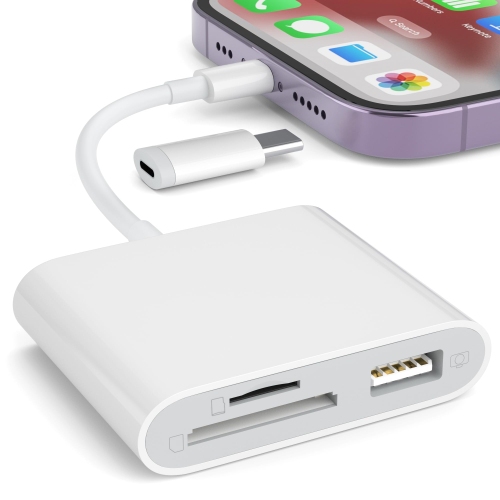
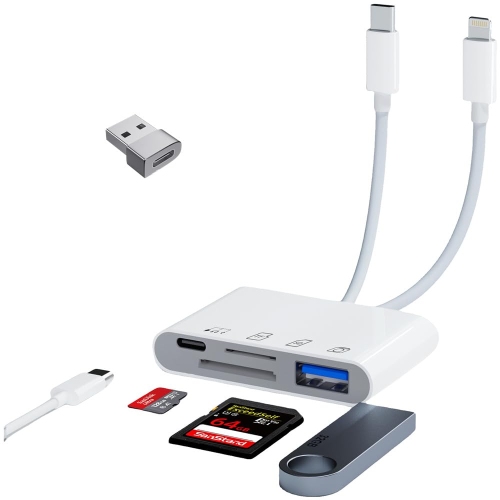

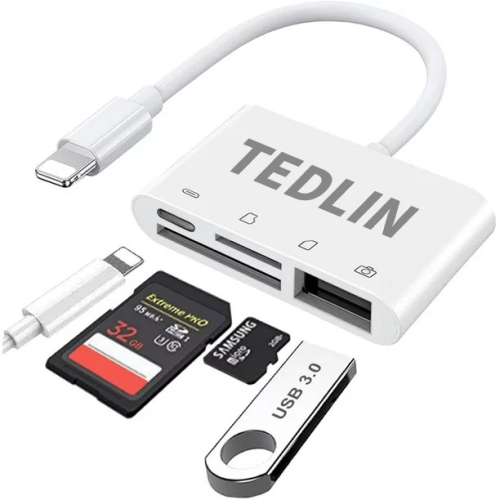
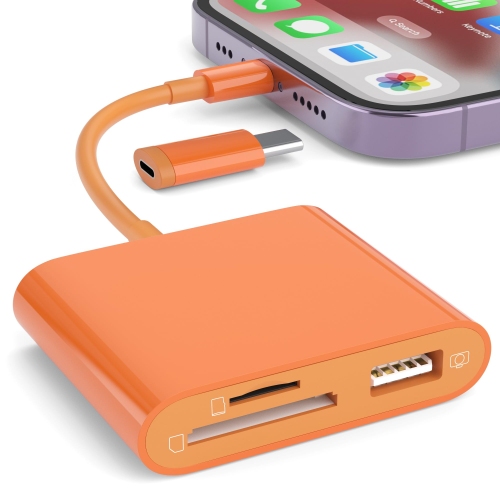
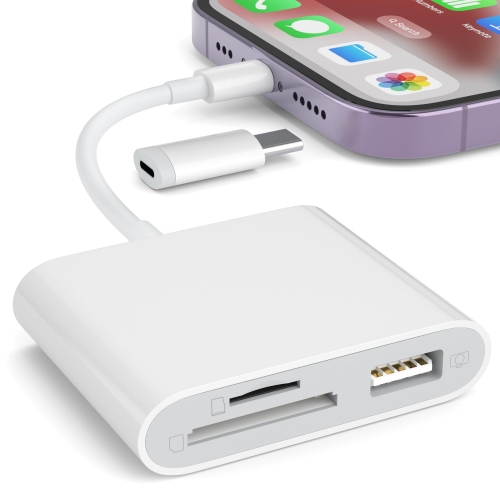
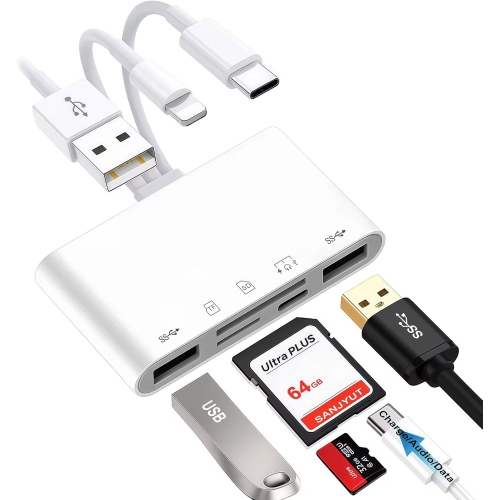
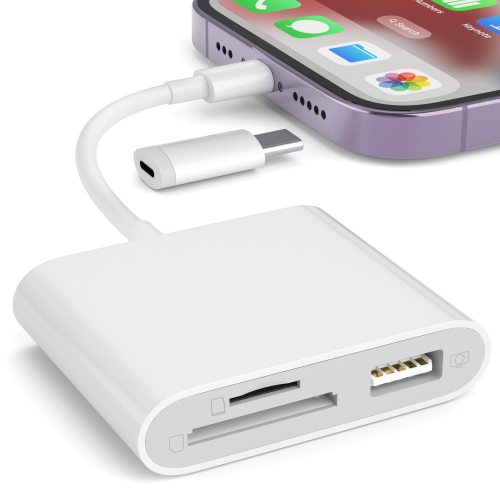
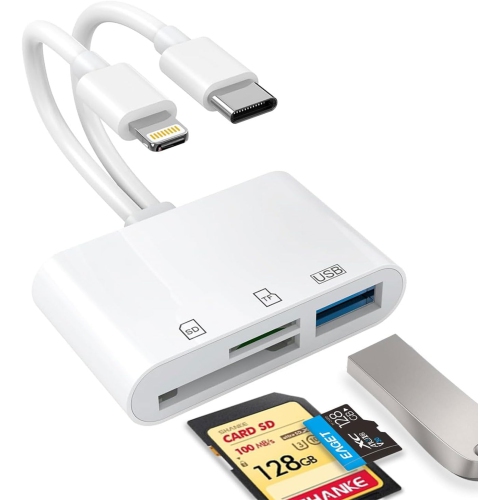
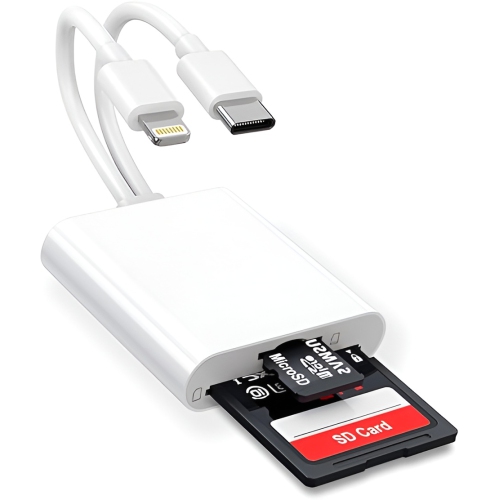


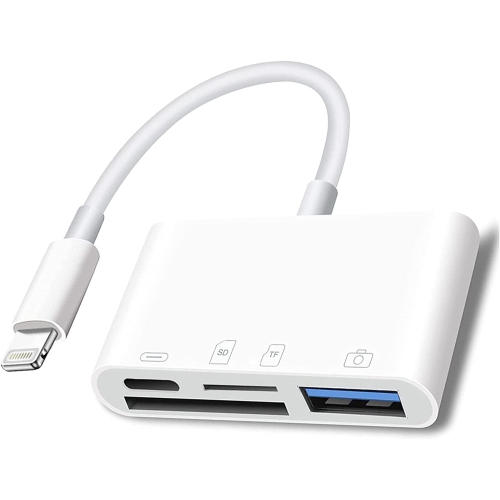
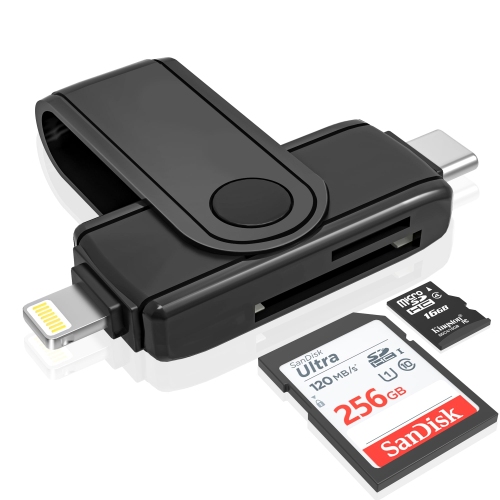

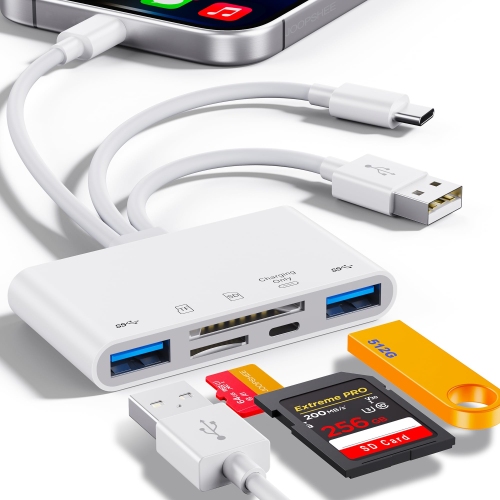
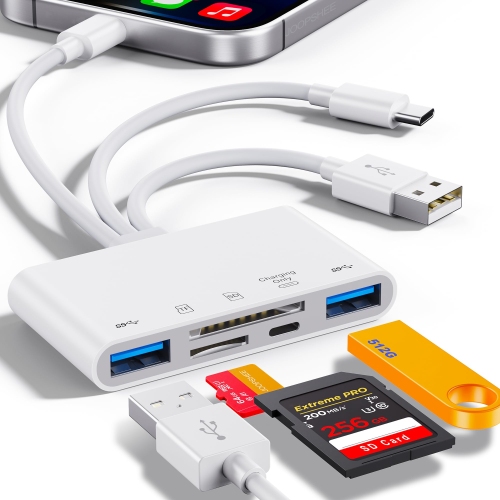

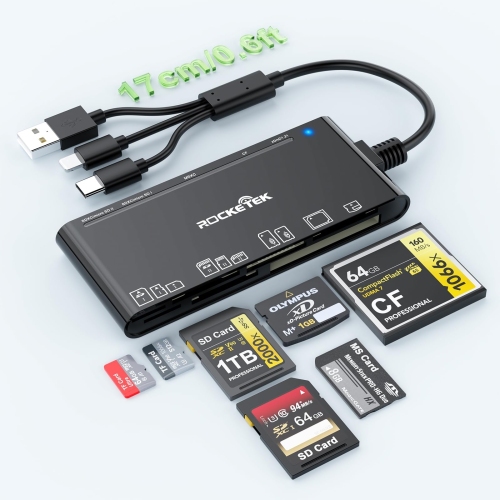
Camera photos on your mobile screen without a computer
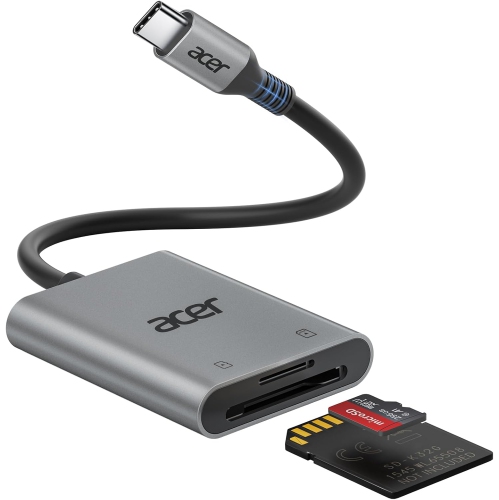
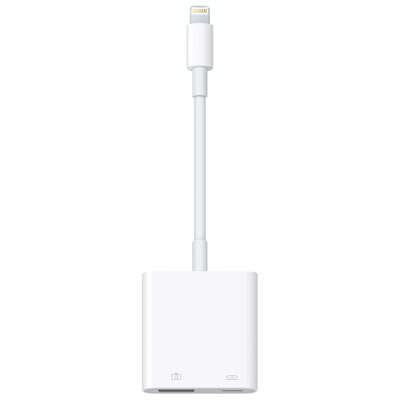
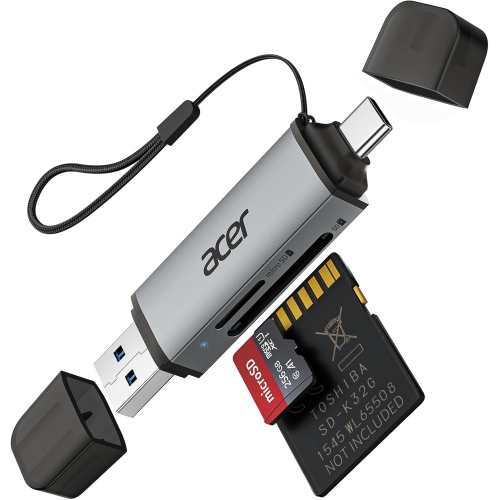
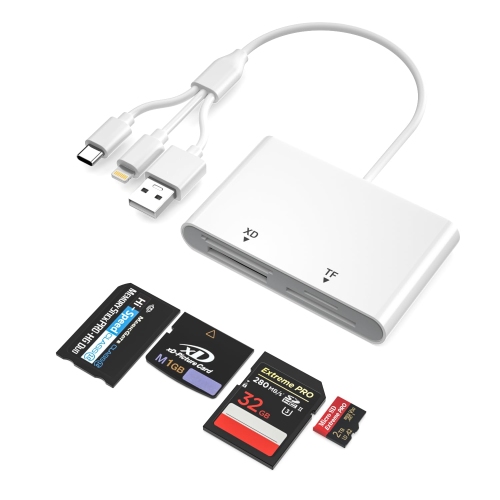
Lightning to SD card camera readers transfer photos and videos from a camera’s SD card to a compatible phone or tablet with a Lightning port. They provide a direct, wired connection for importing supported files without first moving them through a computer. For photographers who want to review a portrait on a larger screen, share a few pictures after a family gathering, or check a sequence of action shots away from a desk, that small connection can make a camera feel less separate from everyday mobile devices. The reader typically has a card slot at one end and a Lightning connector at the other, either joined by a short cable or built into a compact body. Its main purpose is to read the memory card; it does not replace the camera, increase image resolution, or add storage inside the phone or tablet. Compatibility begins with the connector on the receiving device, since a Lightning plug does not fit a USB-C port. The device’s operating system, the reader’s stated requirements, and the type of memory card also matter. A full-size SD slot is not the same as a dedicated microSD slot, although some readers accept a microSD card inside a suitable full-size adapter. Support for SD, SDHC, and SDXC cards, including their capacities, should be confirmed in the reader’s specifications rather than assumed from the shape of the slot. For someone using several cameras, matching the reader to the cards already in the camera bag is more useful than choosing by appearance alone. These details distinguish a camera card reader from a charging accessory or a general-purpose storage adapter, even when their connectors look similar. Readers in this category are particularly useful for people who take pictures on a dedicated camera but prefer the familiar screen, editing tools, and sharing options of a compatible mobile device.
File compatibility is just as important as the physical connection. A reader carries data from the card, while the receiving device and its apps determine which photos and videos can be imported, displayed, or edited. Common camera files such as JPEG photographs and supported video formats may fit a straightforward mobile workflow, while RAW photographs and certain video codecs can require compatible software. A file transferring successfully does not necessarily mean every installed app can open it. Camera-created folder structures can also affect whether an import app recognizes files, so a reader that accepts a card is not automatically a match for every collection of images saved on it. For a photographer reviewing a session, the practical benefit might be selecting a handful of promising frames rather than copying the entire card. A parent might import a short performance clip to share with relatives, while a student could move project photographs onto a tablet for a presentation. Large RAW files, long videos, and high-resolution image sequences take more storage space and can take longer to transfer than a few compressed photographs. Transfer speed depends on the reader, card, receiving device, and file sizes; a fast card alone does not guarantee equally fast imports. Enough free space on the phone or tablet is essential, and importing photographs is not the same as maintaining a separate backup. Keeping the originals until another copy has been checked helps protect irreplaceable pictures. Import support also should not be taken as a promise that a reader can export files back to the card or handle every type of document. For setups centred on connecting a camera through its USB cable instead of removing the memory card, Lightning to USB camera adapters offer a different connection approach, with compatibility depending on the camera, receiving device, and adapter. The distinction is whether the intended connection is directly to the memory card or through the camera itself.
Physical design makes a noticeable difference when a reader travels between a camera bag, a desk drawer, and a tablet case. Housings may use moulded plastic, metal, or a combination of materials, but material alone does not establish durability. A firmly seated connector, a well-finished card slot, and strain relief where a cable meets its housing are useful construction details. A short, flexible lead can give the reader room to sit beside a device rather than projecting rigidly from its port. Compact, cable-free designs take up little room, although their shape needs to suit the space around the device’s connector. Thick protective cases and recessed port openings can interfere with a plug reaching its proper position, making the width and length of the connector housing relevant to fit. During use, a stable desktop or work surface helps keep the reader and card from hanging under tension. Pulling on the connector housing rather than the cable reduces unnecessary strain, while allowing an import to finish before disconnecting helps avoid interrupted transfers. For routine care, a soft, dry cloth is generally suitable for the exterior, with the manufacturer’s cleaning directions taking priority. Card slots and exposed contacts are best protected from dust, liquids, and loose objects inside a bag. A small accessory pouch keeps the reader separate from keys and makes a microSD adapter less likely to disappear among larger camera accessories. These readers can be thoughtful gifts for photography students, hobbyists, travellers, and relatives who regularly use a dedicated camera, provided their device connector and memory cards are known. The best fit is less about adding another gadget and more about removing a familiar obstacle: pictures sitting on a camera card when someone wants to view, organize, edit, or share them on a mobile screen. Matching the connection, file support, and physical design to that everyday use gives a compact accessory a clear purpose.
Top selling and popular products
-
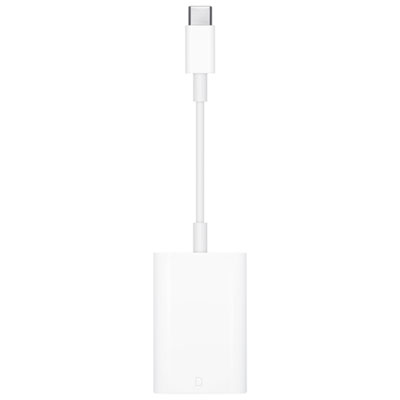 Your price for this item is $49
-
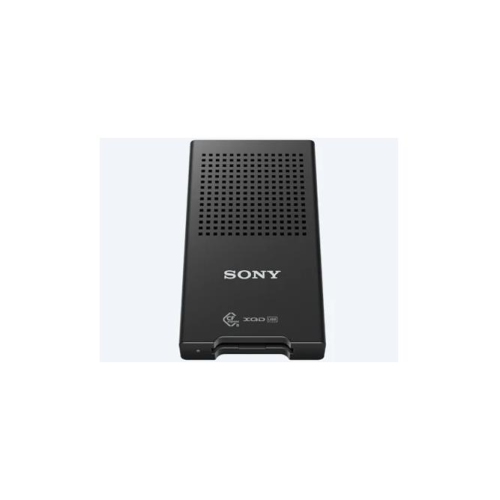 Your price for this item is $179.99
-
 Your price for this item is $39.68
-
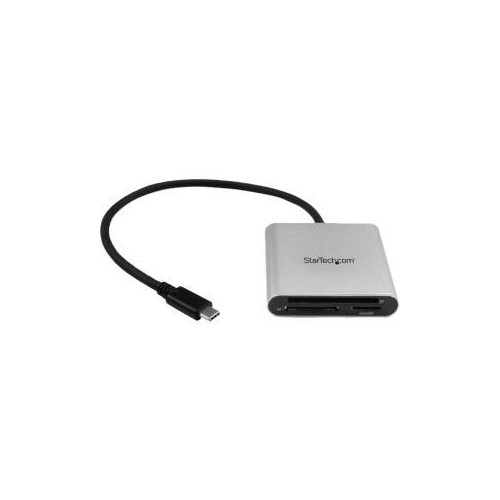 Your price for this item is $68.68
-
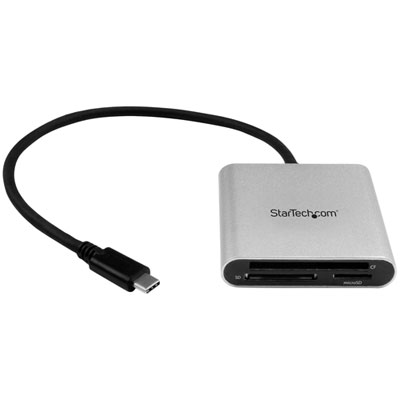 Your price for this item is $57.99
-
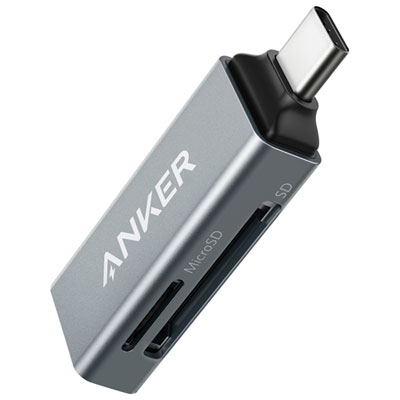 Your price for this item is $39.99
-
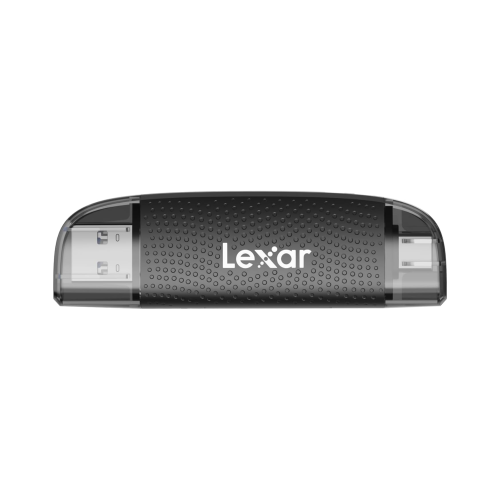 Your price for this item is $48.68
-
 Your price for this item is $13.99
Discover more categories related to Lightning To SD Card Camera Readers
Top Collections:
Best Black Friday Deals This Year, Best Black Friday Deals On Electronics, Kindle Devices, Pokemon Centers, Best Black Friday Deals On Apple Products, Best Cameras for Sports Photography, Dyson Airwrap, Pokémon 30th Celebration Cards, Apple iPhone 17 Pro, Canon G7X Cameras
Some products may be subject to Environmental Handling Fees
(EHF) depending on your province.
Learn more about EHFs.