Memory Cards Under $200
Explore a wide selection of Memory Card Under $200, perfect for expanding storage and capturing more of your favorite moments. Whether you're looking to save photos, videos, or important files, you'll find options to suit cameras, smartphones, tablets, and other devices. Shop with confidence and discover affordable solutions designed to maximize your device's potential without exceeding your budget. Find the ideal Memory Card Under $200 to meet your needs today.
Sort

Why memory card compatibility matters as much as speed
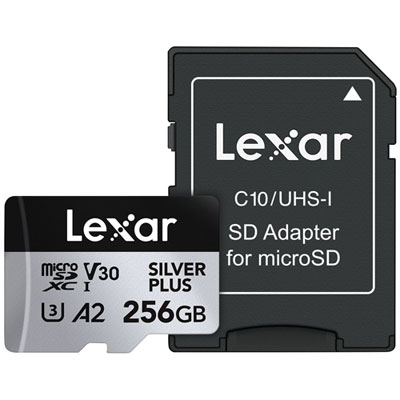
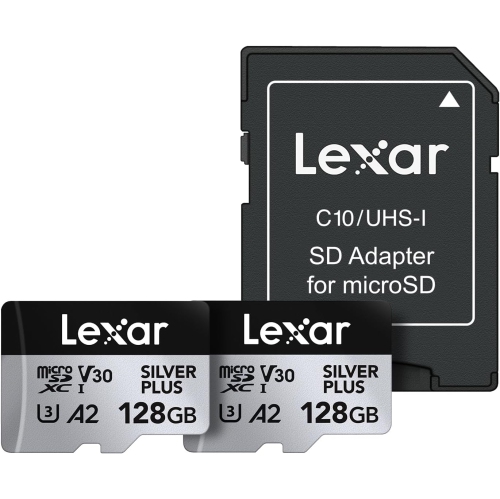
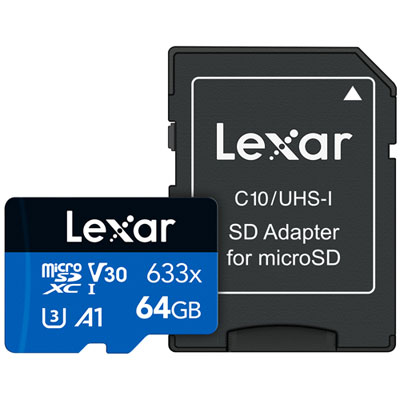
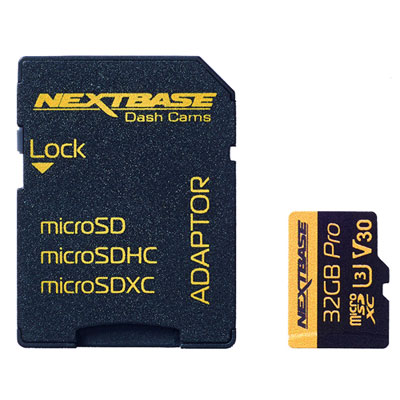
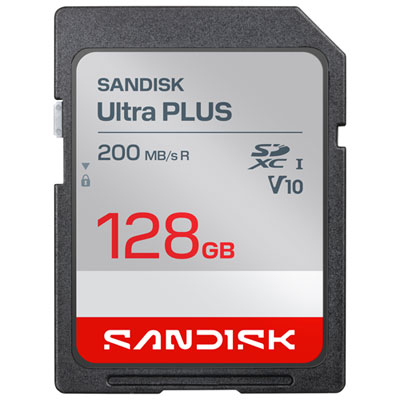
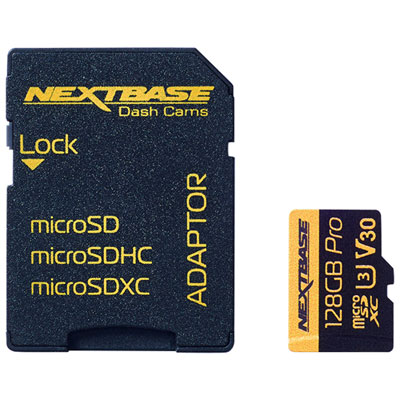
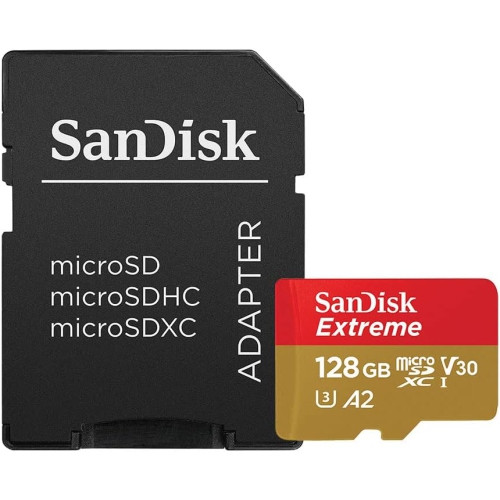
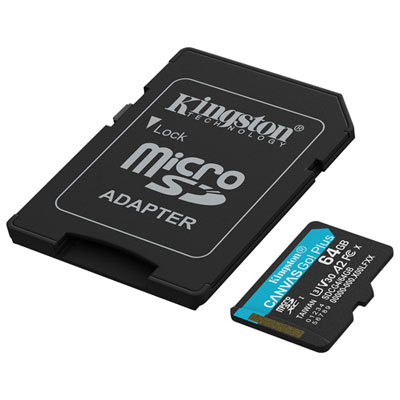
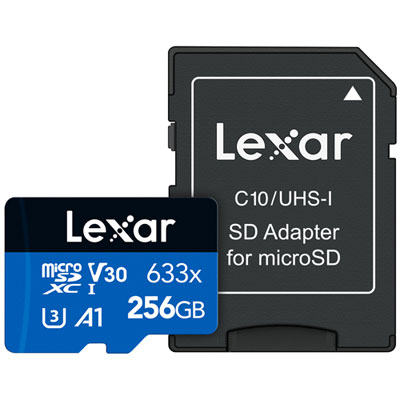
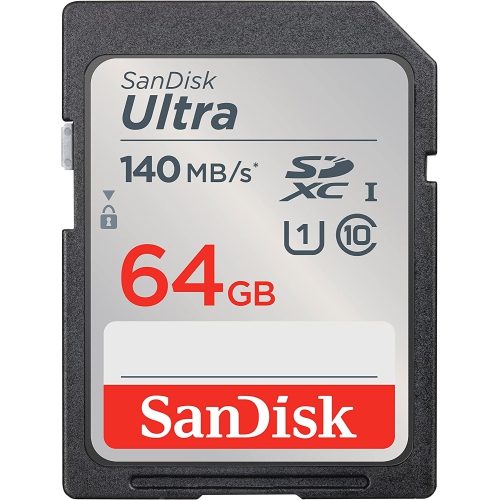
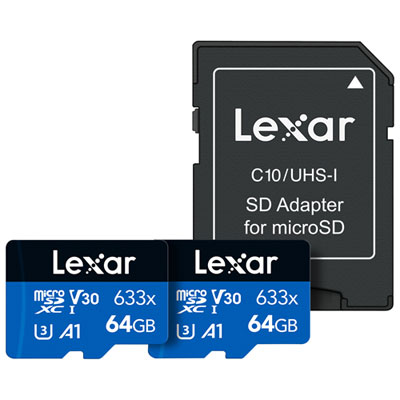
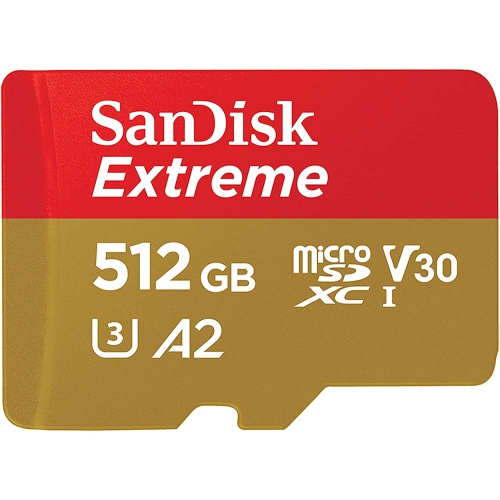
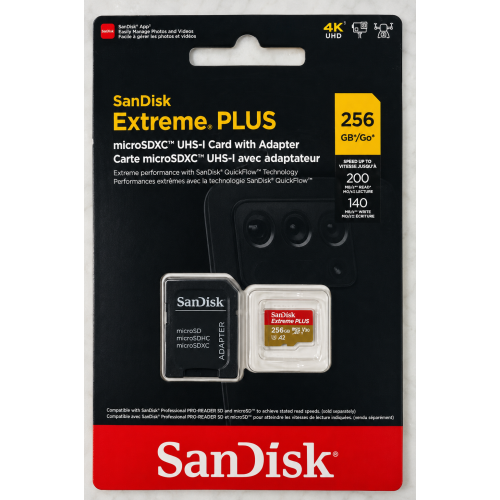
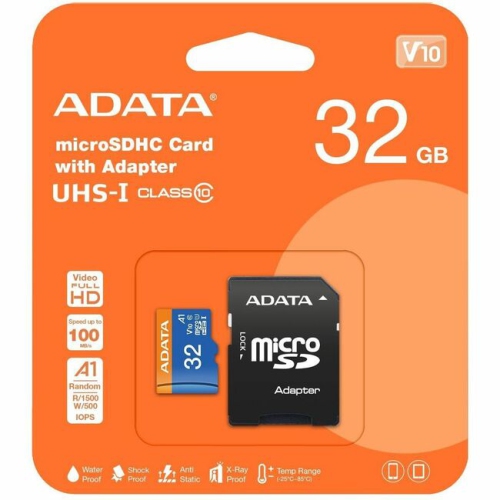
Memory cards provide removable storage for photos, videos, audio recordings, games, and other digital files, keeping content accessible even when the device is switched off. Their small size makes them useful for everything from a camera carried on a family trip to a dash camera that saves footage throughout a commute. The most suitable card depends on the device, the files being stored, and how often that content is written or transferred. Full-size SD cards are common in cameras and audio recorders, while microSD cards fit many action cameras, drones, portable gaming devices, and compatible phones and tablets. Some cameras use other formats, such as CFexpress, which require a matching slot and compatible hardware. Physical size is only part of the fit: the device must also support the card format and capacity. SDHC and SDXC, for example, identify different capacity standards, so an older device may not recognize a newer, larger card even when it fits the slot. A microSD card with a full-size SD adapter can work in some SD devices, but the adapter does not change the card’s capacity, speed rating, or underlying compatibility. For devices with a microSD slot, Budget Friendly MicroSD Cards offer a related selection in that smaller format. Capacity is best understood in relation to actual use rather than a single estimate of how many files will fit. A collection of compressed music files needs much less space than high-resolution video, while RAW photographs occupy more storage than typical JPEG images. Video resolution, frame rate, compression, and bitrate all affect recording space. A card used for occasional snapshots may fill slowly, while one capturing extended video sessions can fill much faster. Usable capacity will also be slightly lower than the labelled figure once formatting and the device’s storage reporting are taken into account.
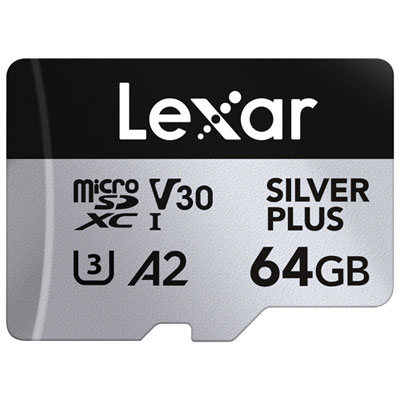
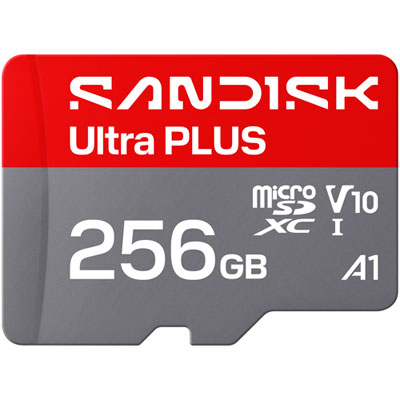
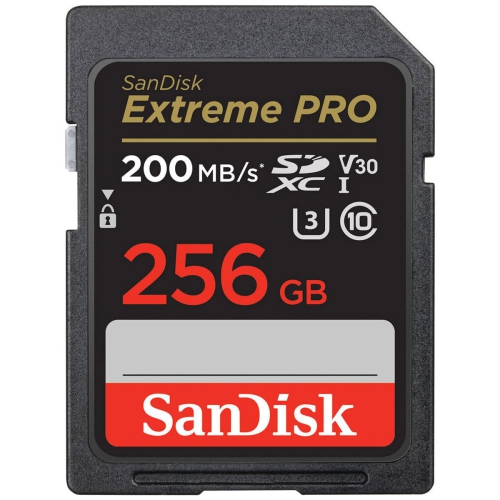
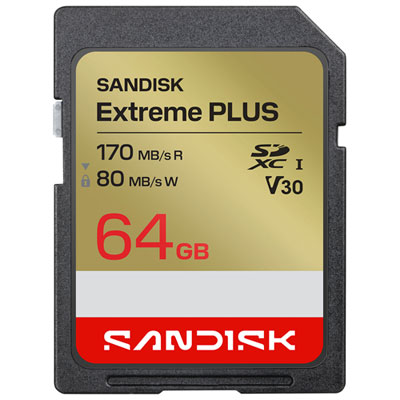
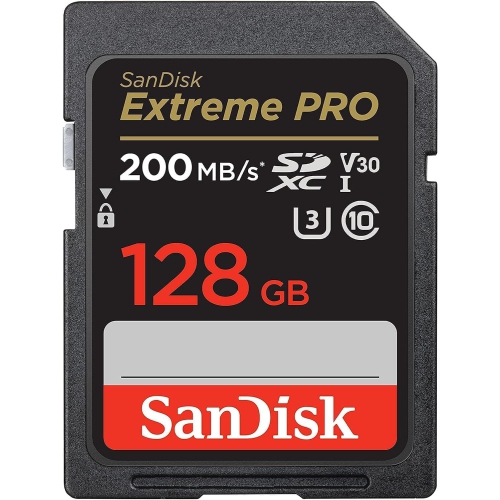
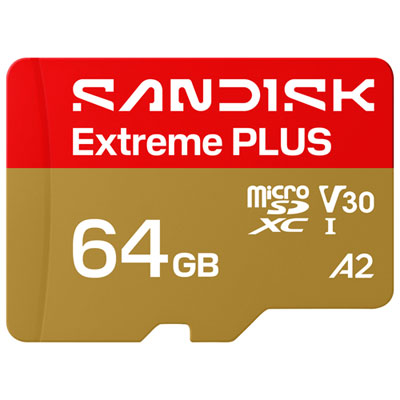
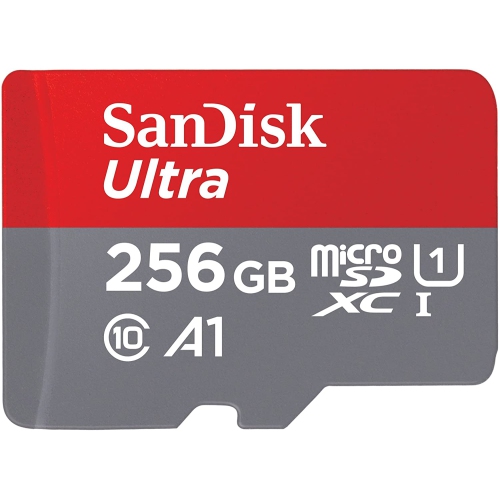
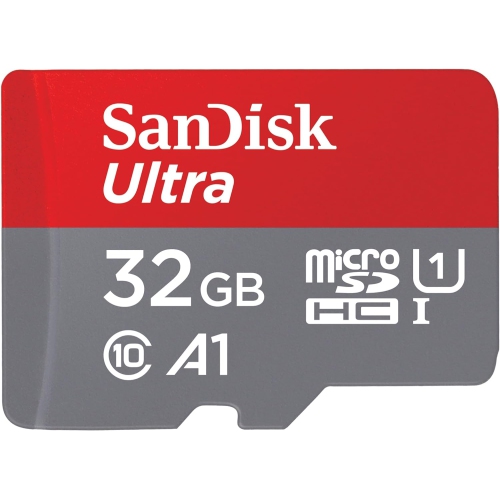
Speed matters in different ways depending on what the card is doing. Read speed affects how quickly files can move from the card to a compatible computer or reader, while write speed affects how quickly the device can save new content. The large speed figure printed on packaging often describes a maximum transfer rate under particular conditions, rather than the sustained write performance needed for continuous recording. Speed-class markings provide more useful context for that task. U1 and V10 indicate a minimum sequential write speed of 10 MB/s under the applicable standard, while U3 and V30 indicate 30 MB/s. V60 and V90 identify higher minimum sequential write speeds of 60 MB/s and 90 MB/s respectively. These markings help distinguish cards intended for different recording demands, although the device manufacturer’s requirements remain important. A camera filming at a high bitrate may need a faster class than another camera recording at the same resolution with more compression. For a photographer capturing a quick sequence of a child scoring a goal, write performance can influence how quickly the camera clears its buffer and becomes ready for another burst. For someone transferring a large set of travel photos, read performance and the card reader’s capabilities become more noticeable. The connection to the computer can also limit transfer speed, even when the card itself supports faster operation. Application performance ratings such as A1 and A2 are relevant when compatible devices use microSD storage for apps, because those workloads involve many small reads and writes rather than only large files. They do not replace a suitable video speed class or guarantee the same results in every device. Gaming systems also have their own supported formats, capacity limits, and performance requirements. Extra card storage can create room for supported downloads and saved media, but it does not increase a device’s RAM or make its processor faster.
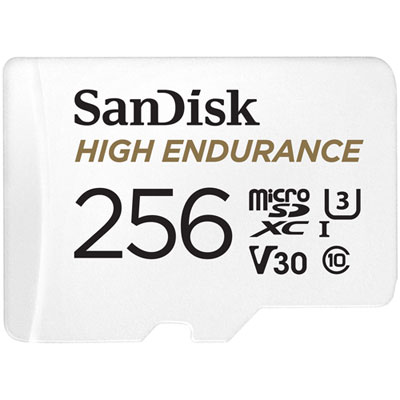
Construction, handling, and intended workload contribute to how well a memory card holds up over time. Flash storage has no moving parts, but the card’s housing and exposed contacts still need care. Many SD and microSD cards have lightweight moulded plastic bodies that are easy to carry yet small enough to misplace or damage through rough handling. A fitted storage case keeps spare cards separated from loose keys, coins, and other objects that could scratch contacts or bend a card. Contact surfaces should stay clean and dry, and cards should slide into the correct slot without force. Resistance claims vary by card, so water, impact, and other durability ratings should be assessed individually rather than assumed from the format alone. A resistant card also does not give the camera, phone, or recorder the same protection. Workload is another important distinction. Dash cameras and security cameras may repeatedly overwrite footage for long periods, making endurance-rated storage particularly relevant where the device supports it. A card intended mainly for occasional file transfers may not be designed for that same continuous writing pattern. For everyday use, allowing a device to finish saving before removing the card helps protect files from interruption. Using the device’s eject or power-off process where applicable, and formatting through its supported process after copying important files elsewhere, can help avoid preventable compatibility and file-system problems. Formatting removes access to stored content, so it belongs after a verified backup, not before one. Separate copies remain important because a memory card can be lost, damaged, or fail without warning; removable storage is convenient working space, not a complete backup plan. For photographers, students recording projects, travellers collecting video clips, and families preserving celebrations, dependable storage supports moments that cannot simply be repeated. A compatible card can also make a practical gift for someone with a camera or portable gaming device, especially when the exact device model and its storage requirements are known. The right match brings together usable capacity, supported performance, and a format that fits naturally into the recipient’s routine.
Top selling and popular products
-
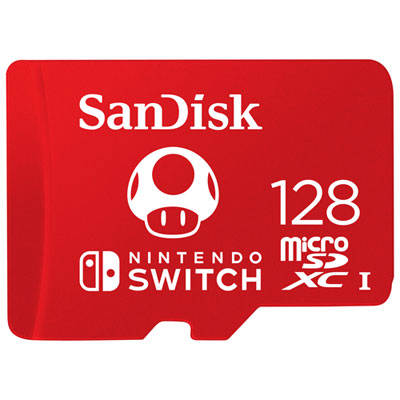 Your price for this item is $50.95
-
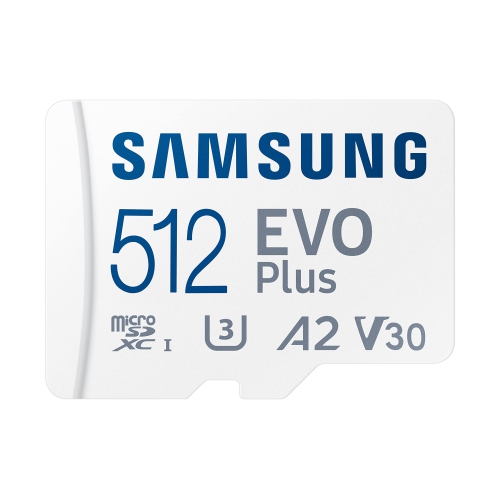 Your price for this item is $159.99
-
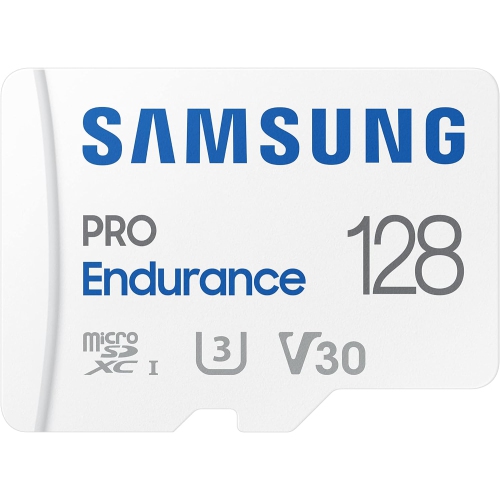 Your price for this item is $120.22
-
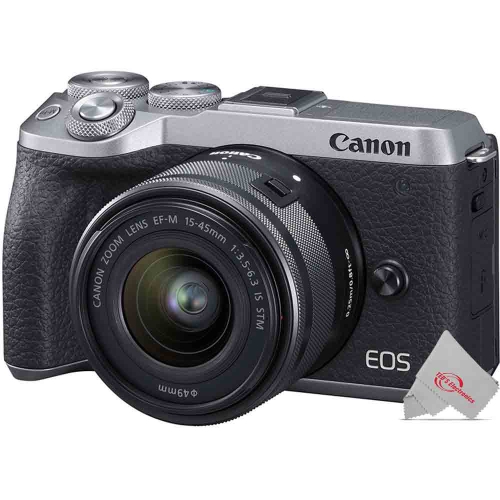 Your price for this item is $113.99
-
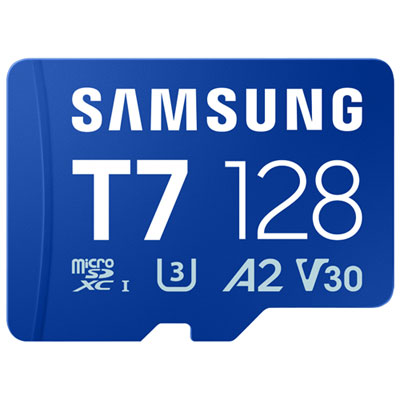 Your price for this item is $69.99
-
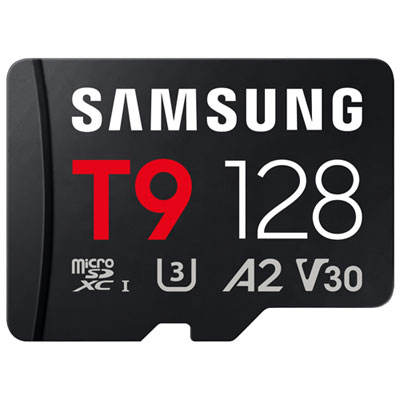 Your price for this item is $84.99
-
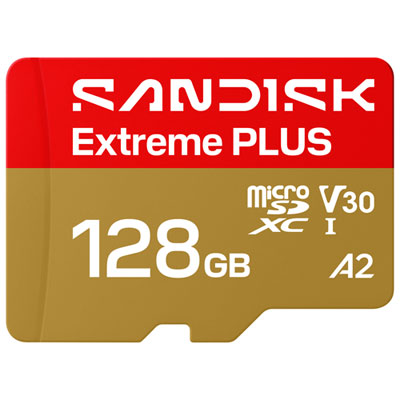 Your price for this item is $77.99
-
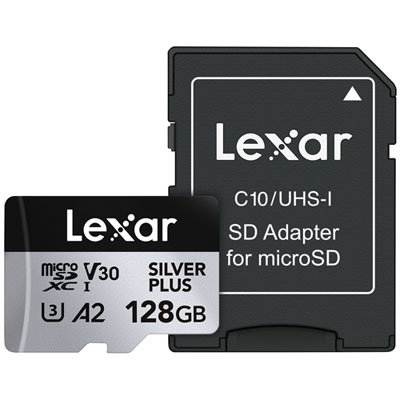 Your price for this item is $89.99
Discover more categories related to Memory Cards Under $200

Top Collections:
Best Black Friday Deals This Year, Best Black Friday Deals On Electronics, Kindle Devices, Pokemon Centers, Best Black Friday Deals On Apple Products, Best Cameras for Sports Photography, Dyson Airwrap, Pokémon 30th Celebration Cards, Apple iPhone 17 Pro, Canon G7X Cameras
Some products may be subject to Environmental Handling Fees
(EHF) depending on your province.
Learn more about EHFs.