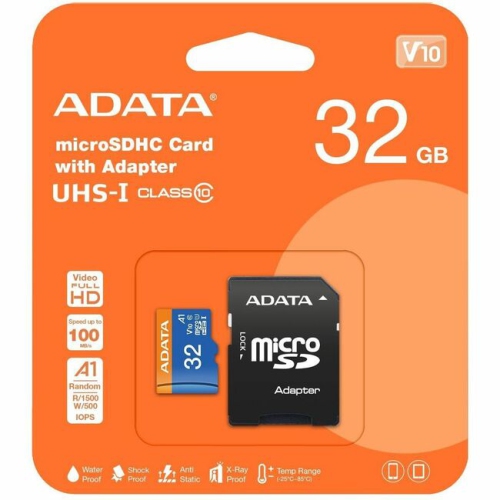
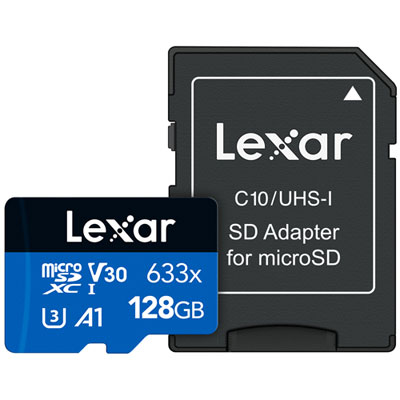
MicroSD Cards Under $50
MicroSD Cards Under $50 offer a budget-friendly way to expand your device’s storage without compromising on versatility. Whether you’re looking to save more photos, videos, or important files, these options provide reliable solutions for smartphones, cameras, tablets, and other compatible devices. Explore a wide selection of MicroSD Cards Under $50 to find the right fit for your needs and enjoy extra space for all your digital essentials.
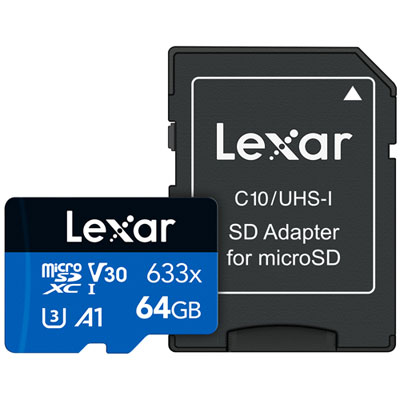
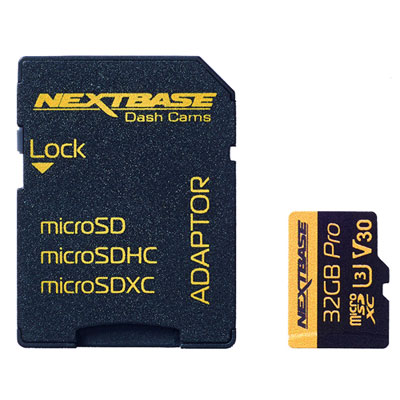

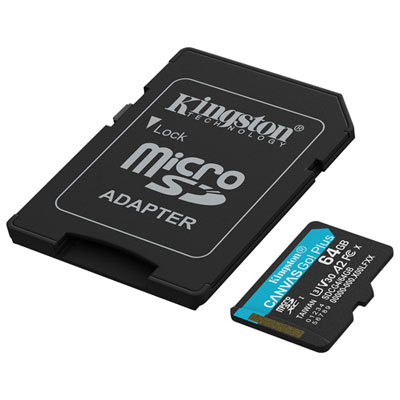
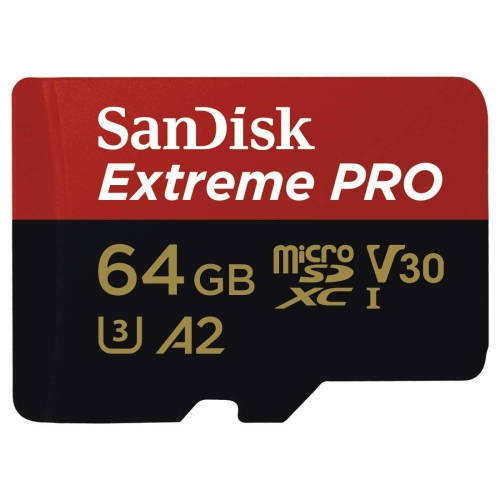
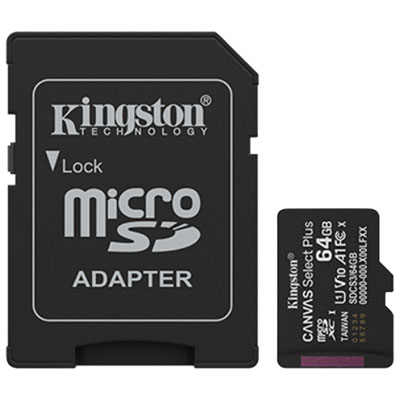
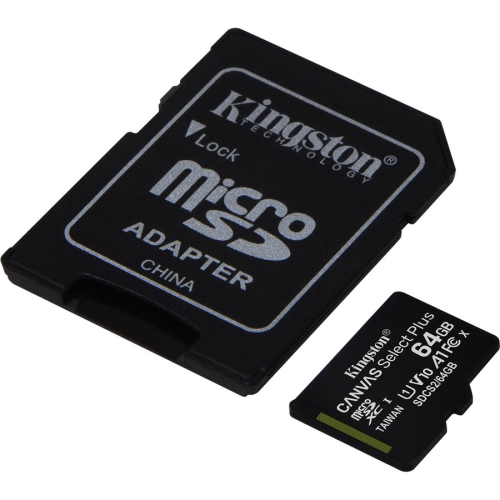
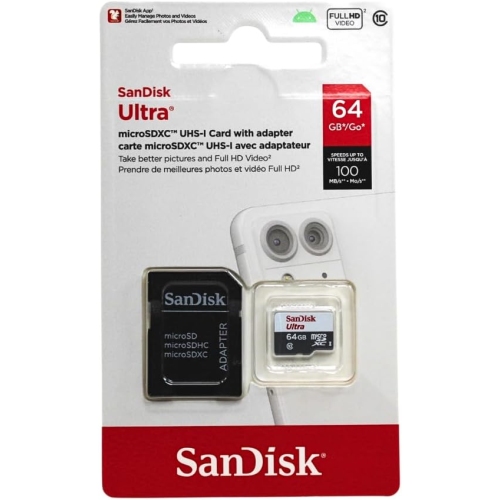
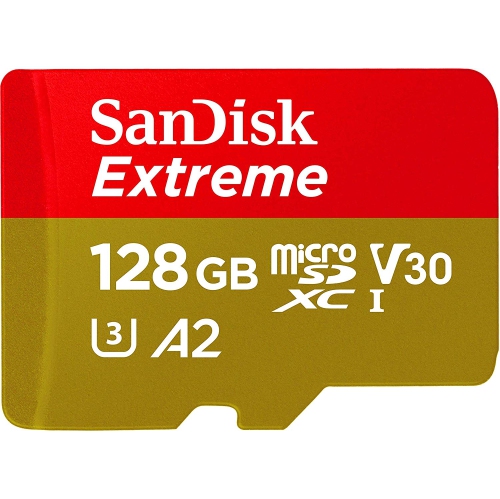
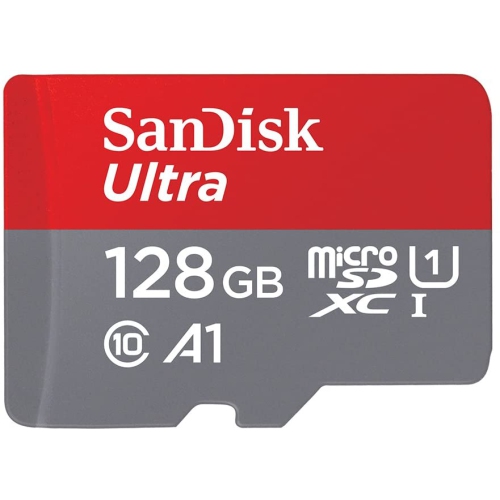
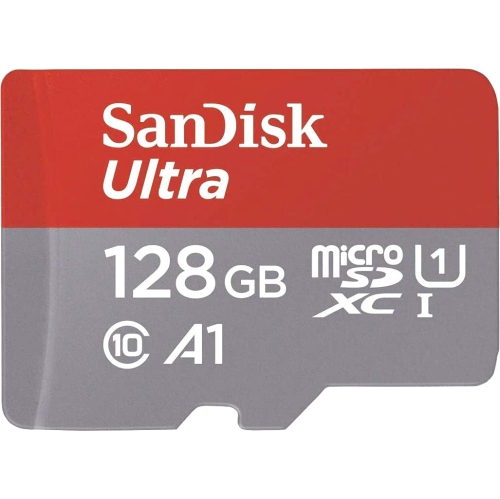
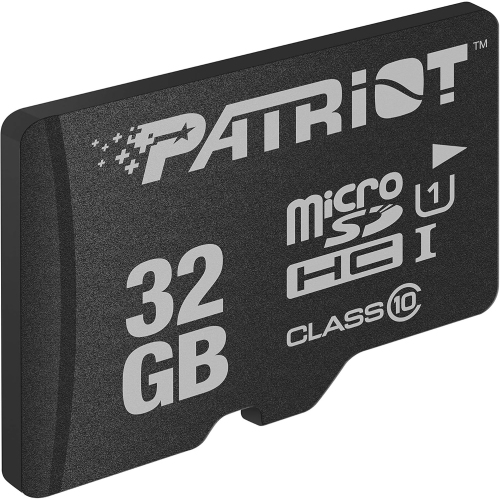
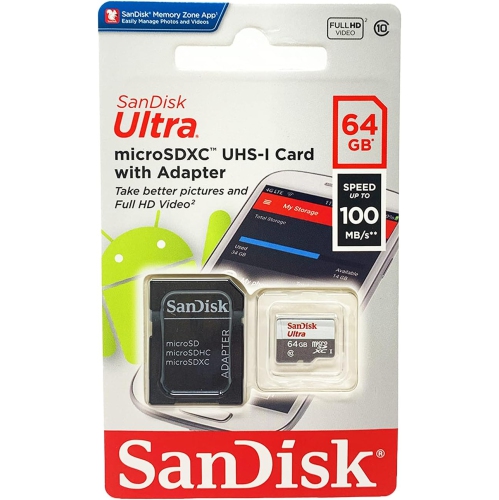
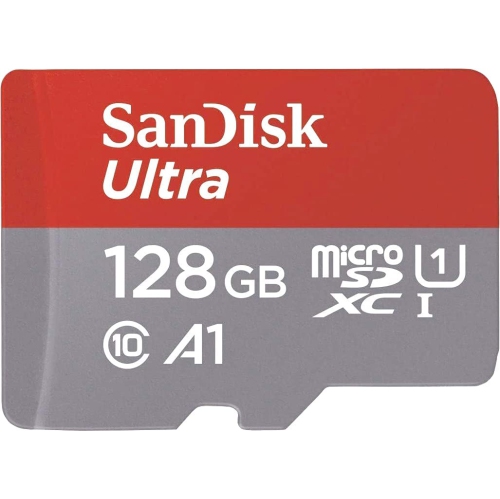
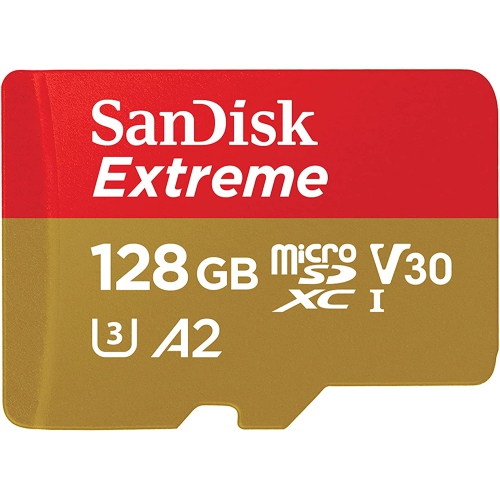
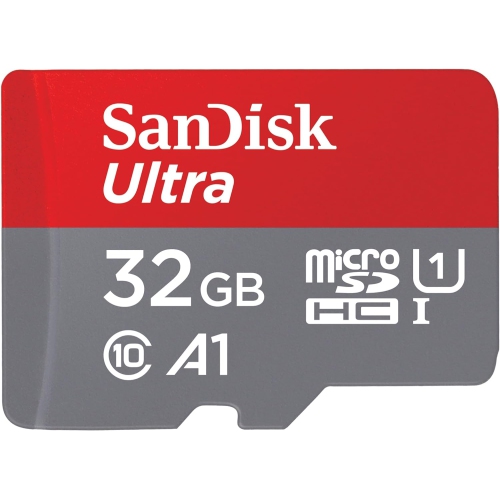
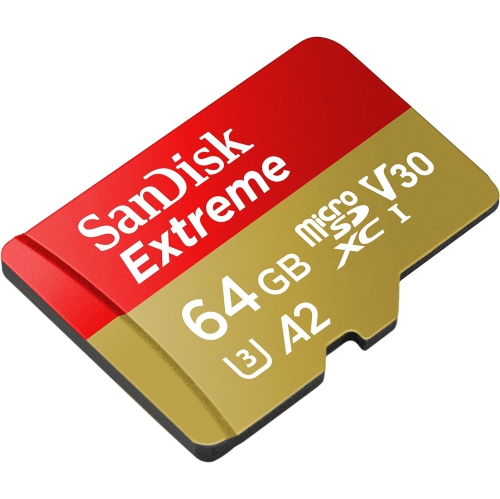
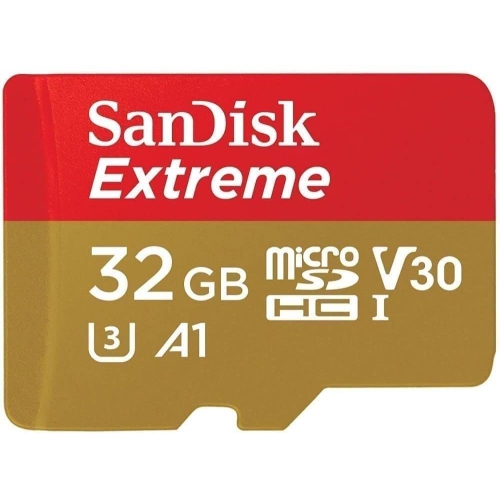

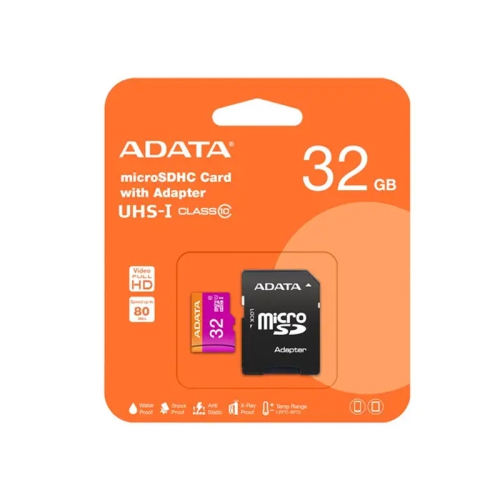
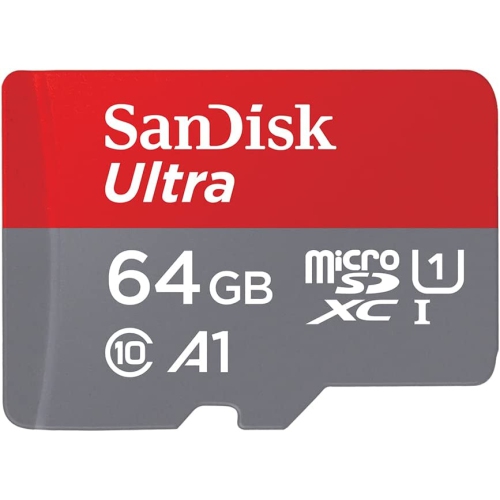


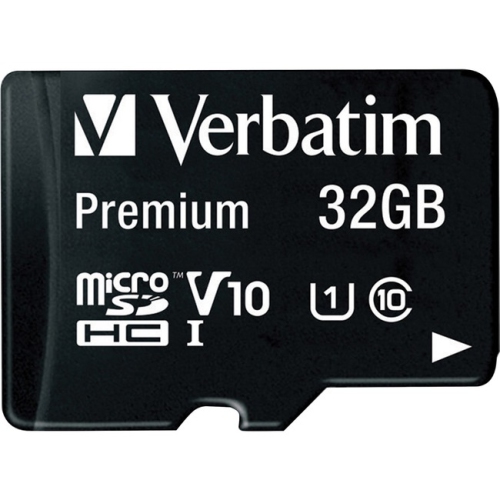
Flexible microSD storage for everyday devices and adventures
Choosing the best memory card under $50 involves considering a few key factors to ensure you get the right fit for your needs. Storage capacity is a primary consideration—think about how many photos, songs, or hours of video you plan to store. Speed class is also important: a higher speed rating ensures smoother video recording and faster file transfers, which is especially valuable for those using cameras or gaming devices. Durability matters too, especially if the card will be used in environments where it may be exposed to temperature fluctuations or the occasional splash. For anyone upgrading a device or preparing for a season of travel and events, microSD cards in this price range deliver impressive performance without stretching your budget. They’re easy to swap between devices, making them a flexible solution for growing digital collections or sharing content with friends and family. If you want to explore more options or learn about compatibility with your devices, visit the Micro SD Cards page for a full selection and helpful details.
FAQ
What devices are compatible with microSD cards?
MicroSD cards are widely compatible with smartphones, tablets, digital cameras, drones, action cameras, gaming consoles, and some laptops. Always check your device’s specifications to ensure it supports microSD cards.
How do I properly insert or remove a microSD card from my device?
To insert a microSD card, locate the card slot on your device—often found under a removable cover or tray. Gently slide the card in with the label facing up until it clicks into place. To remove, push the card in gently until it pops out. Always power off your device before removing or inserting a microSD card to prevent data loss.
Can I use a microSD card to transfer files between devices?
Yes, microSD cards are commonly used for transferring photos, videos, music, and documents between compatible devices. You may need an adapter or a card reader if your computer does not have a built-in microSD slot.
What is the difference between microSD, microSDHC, and microSDXC cards?
The main differences are in storage capacity and file system format. MicroSD cards typically offer up to 2GB of storage, microSDHC cards range from 2GB to 32GB, and microSDXC cards start at 32GB and can go much higher. Make sure your device supports the type of card you plan to use.
How can I maintain the longevity of my microSD card?
To extend the life of your microSD card, avoid exposing it to extreme temperatures or moisture, handle it carefully when inserting or removing it from devices, and regularly back up important data. Also, safely eject the card before removing it from any device.
Top selling and popular products
-
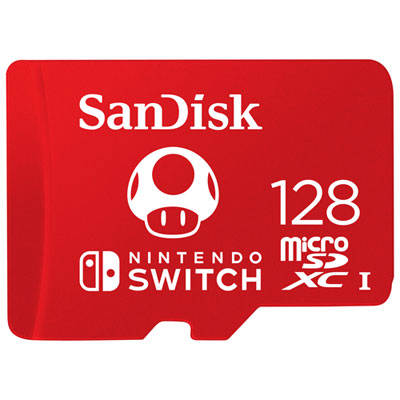 Your price for this item is $50.95
-
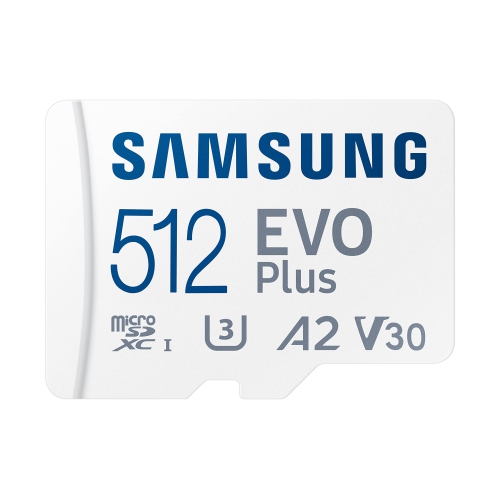 Your price for this item is $159.99
-
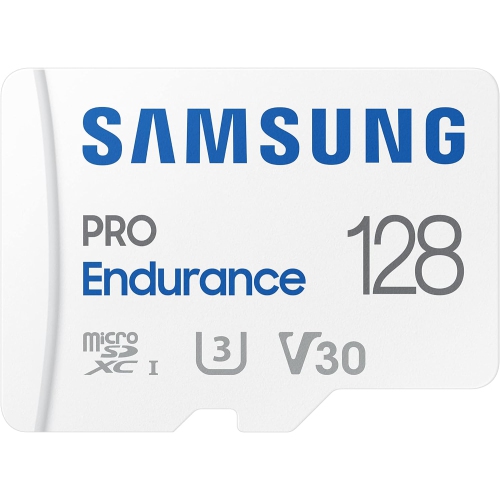 Your price for this item is $120.22
-
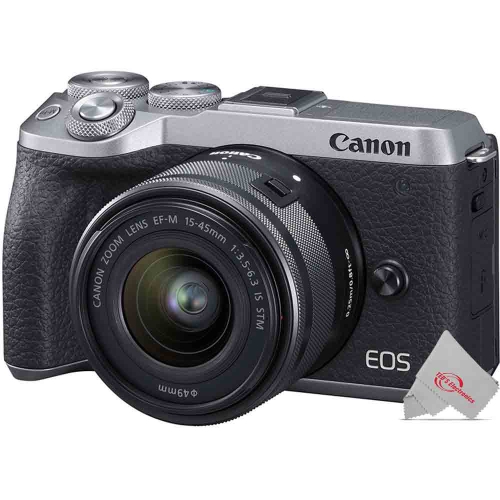 Your price for this item is $113.99
-
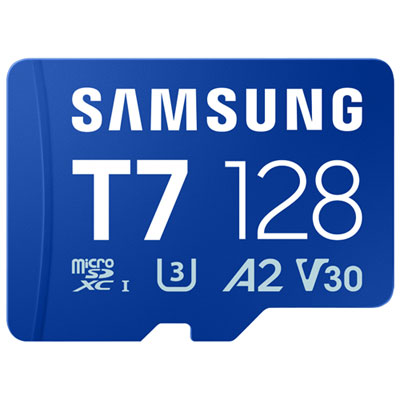 Your price for this item is $69.99
-
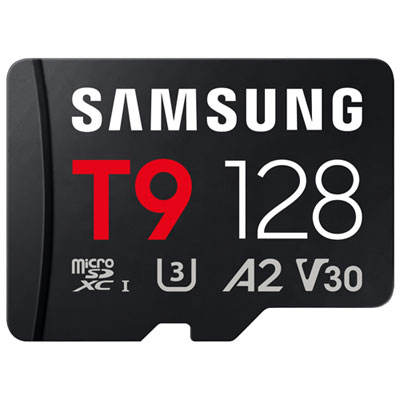 Your price for this item is $84.99
-
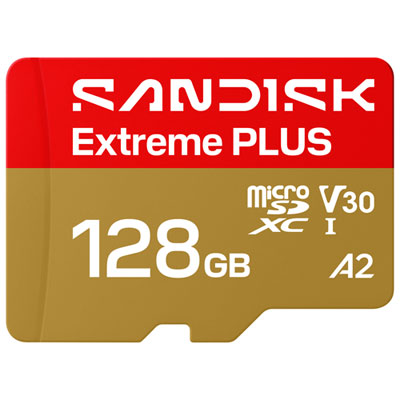 Your price for this item is $77.99
-
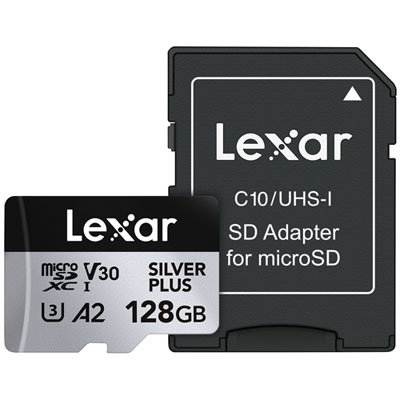 Your price for this item is $89.99