Memory Cards for Canon 7D
Capture every moment with confidence by choosing the right memory cards for Canon 7D. Whether you're shooting high-resolution photos or recording HD videos, having reliable storage ensures you never miss a shot. Explore a wide selection of memory cards designed to support your Canon 7D, offering ample space and dependable performance for all your photography needs. Find the perfect fit to keep your creative workflow smooth and efficient.
Sort
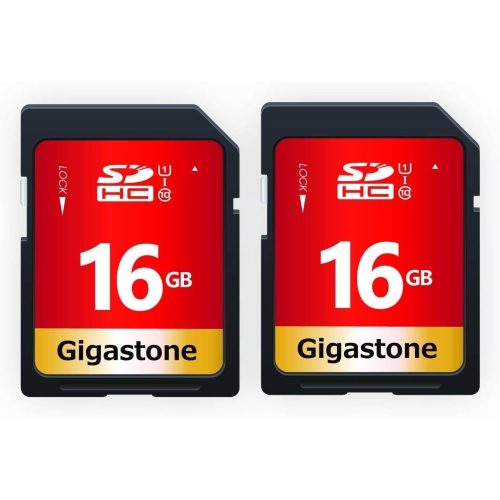

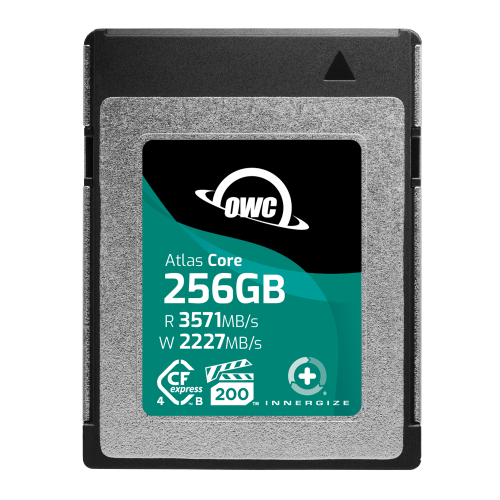

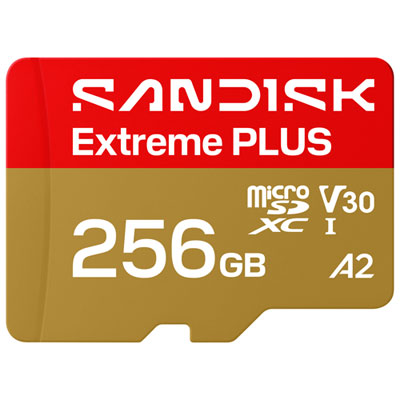
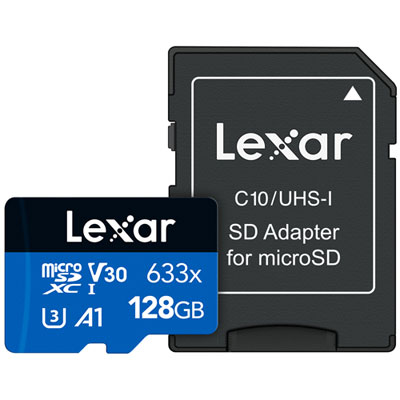
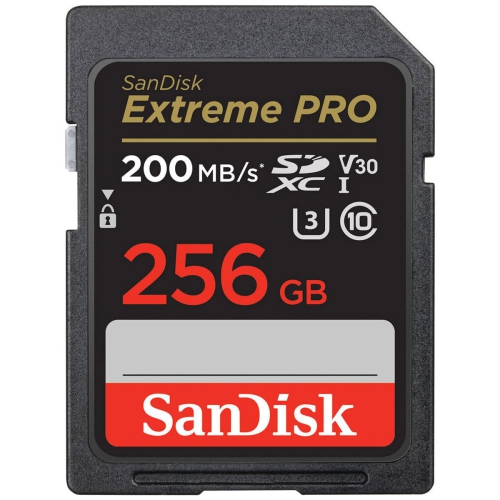
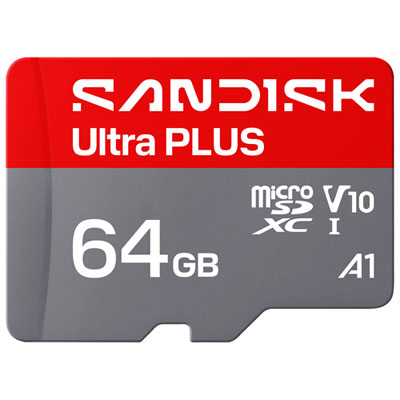

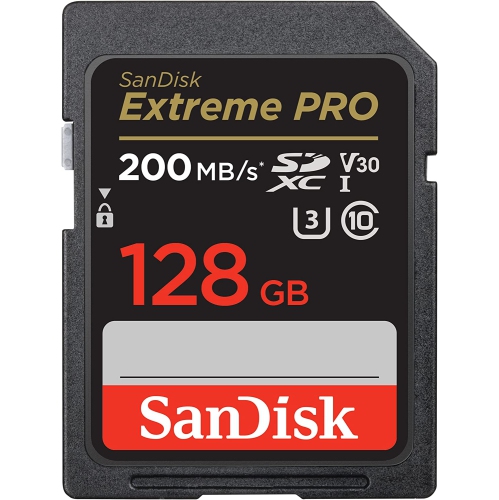
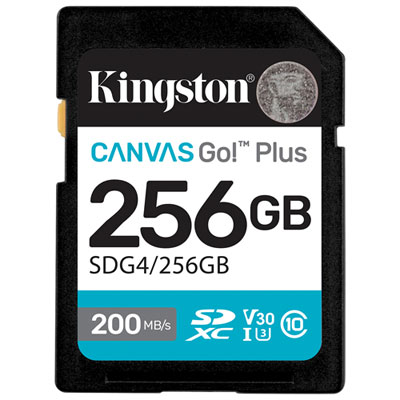
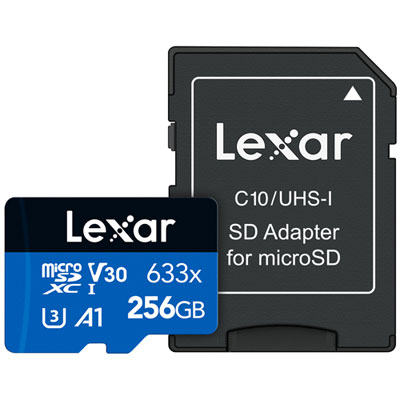
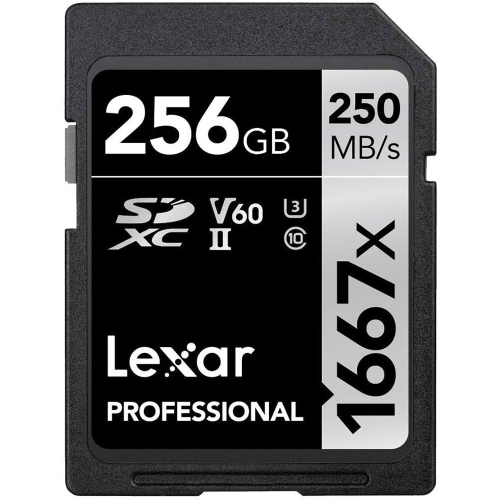
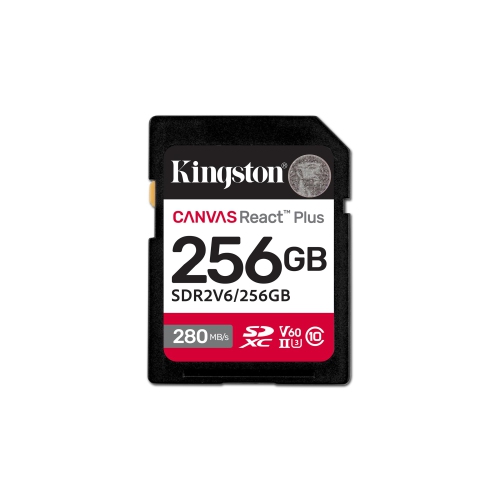
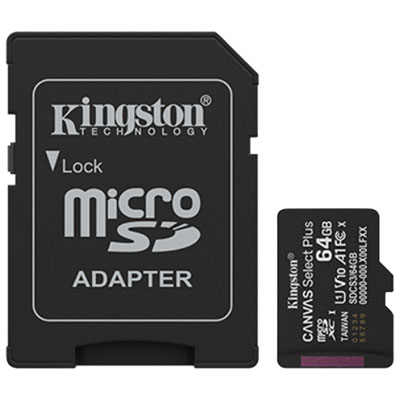

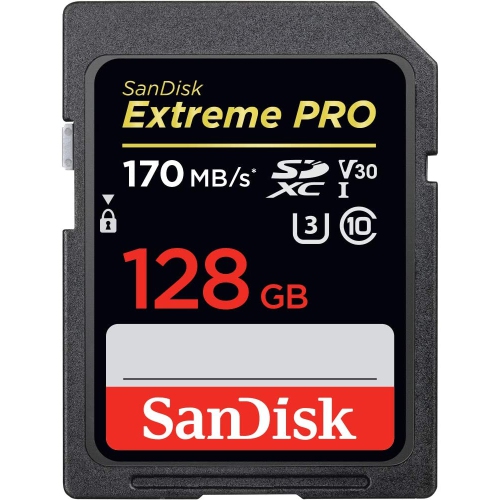
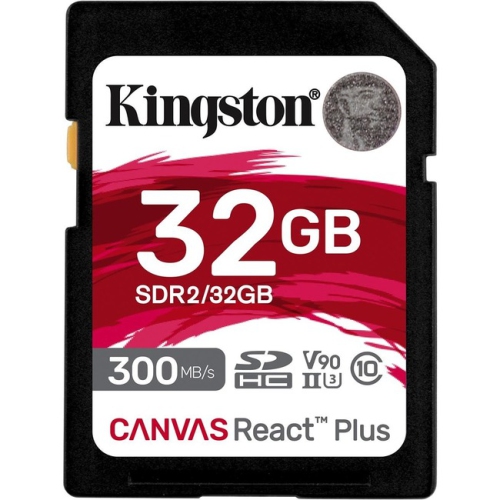
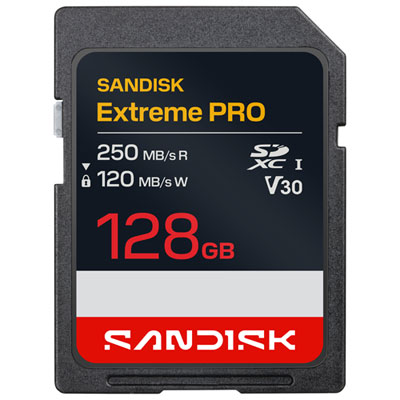
What fits your 7D and keeps up during bursts
The original Canon EOS 7D takes Type I CompactFlash (CF) memory cards and does not have a built-in SD card slot. The later 7D Mark II has separate slots for CompactFlash and SD cards, so an SD card used in a Mark II won’t fit directly into the original 7D. Checking the full model name on the camera body is especially useful when adding storage to a second-hand kit or buying a card for someone else. The format name on the card matters just as much: CompactFlash, CFast and CFexpress are different formats and aren’t interchangeable. A Type I CompactFlash card is 3.3 mm thick and has a recessed row of sockets that mates with pins in the camera. A standard SD card has a different shape and connector. A CF-to-SD adapter can make it possible to use an SD card, but the adapter adds another point of compatibility, and the setup may not match the write performance of a CompactFlash card used directly in the camera. A card reader is a separate consideration. Some multi-format readers have slots for SD and microSD but no slot for CompactFlash, which is worth checking before packing a reader for a shoot or setting up a desktop for photo transfers. For a kit that also includes a T3i, the Memory Cards for Canon T3i page covers the SD format used by that camera. Keeping the two formats in separate pockets of a card wallet makes it easier to grab the right one without having to read a tiny label while changing cards.
Capacity and write speed solve different problems. Capacity determines how much room there is for images and clips, while write speed affects how quickly the camera can save them. A photographer taking single JPEGs at a family gathering may have plenty of room on a card that fills much sooner when used for RAW files at a basketball game. Saving RAW and JPEG copies together uses more space than saving either alone, since the camera stores two files for each exposure. During a burst, the camera holds images briefly in its internal buffer while writing them to the card. When the buffer fills, shooting slows until some of that data has been saved. A card with good write performance within the camera’s limits can shorten the wait between bursts when a player is about to take another shot or a bird is still in flight. For video, steady write performance matters more than a high peak read number on the label. The card needs to keep accepting data throughout the clip, and a card that can’t keep up can cause recording to stop. Read speed comes into play later, when copying files from the card to a computer; the reader and its connection can also affect how long that takes. A larger card leaves more room for a mix of stills and clips without an interruption to swap media. Several smaller cards make it easier to set aside completed portions of a shoot rather than carrying every image on the same card. A rehearsal photographer, for instance, might keep the first run-through on one card and start the next on a fresh one, while someone filming an interview may prefer enough room to leave the card in place for the entire session.
CompactFlash cards store files in solid-state memory inside a rigid shell, often with metal faceplates and a plastic frame. There are no moving parts inside, but the housing and connector still benefit from careful handling. A fitted case or card wallet keeps loose grit and lint away from the sockets and keeps spare cards from rattling around with keys, batteries or lens caps. The camera’s slot guides the card into position; if the card meets resistance before it seats, it’s better to check its orientation than push against the pins. After a burst or a video clip, the access light may stay on while the camera finishes writing. Letting that light go out before opening the card door helps prevent an interrupted save. For cards that are used repeatedly, a dedicated pocket for full cards can make the difference between confidently reaching for a blank one and having to check each card on the camera screen halfway through a session. Once the files are copied, opening a few photos and clips and keeping a separate backup adds reassurance before the card goes back into rotation. Formatting in the camera clears the card, so it’s a step to leave until the files have been transferred and backed up. A spare CompactFlash card can be a practical gift for someone getting to know a used 7D, a photography student documenting a project over several sessions, or a hobbyist who likes to keep a backup card in the bag. The most useful match starts with the exact camera body, then comes down to what the photographer shoots and how often there’s time to transfer the files.
Top selling and popular products
-
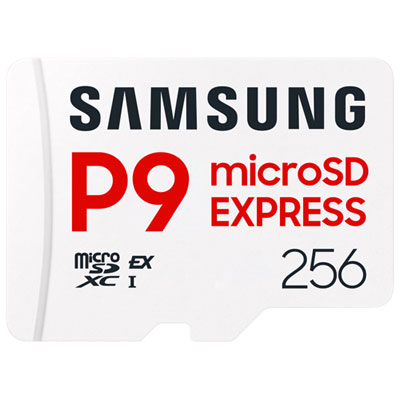 Your price for this item is $79.99
-
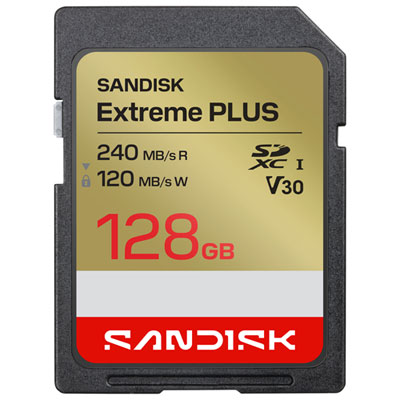 Your price for this item is $79.99
-
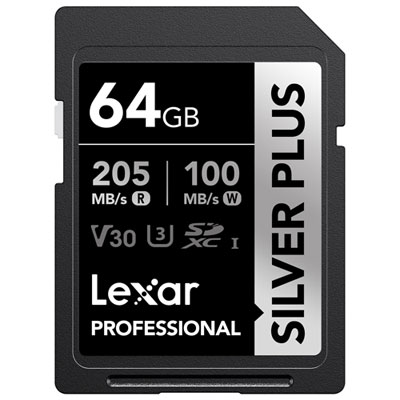 Your price for this item is $59.99
-
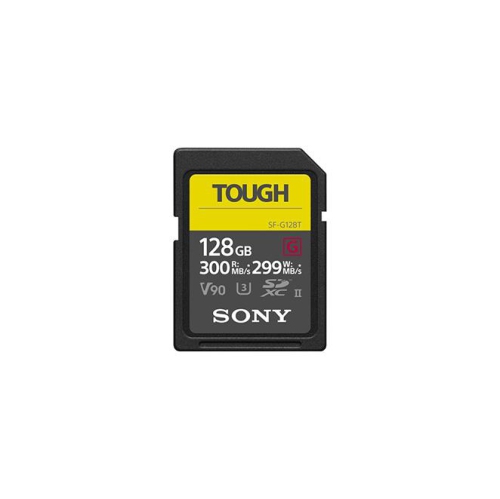 Your price for this item is $388
-
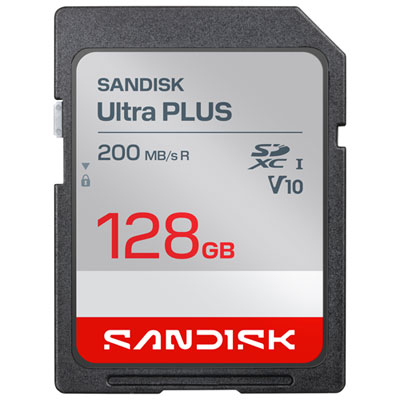 Your price for this item is $64.99
-
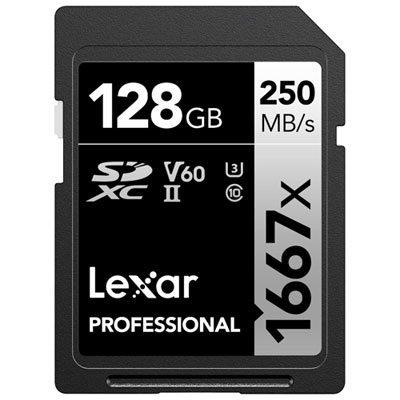 Your price for this item is $199.99
-
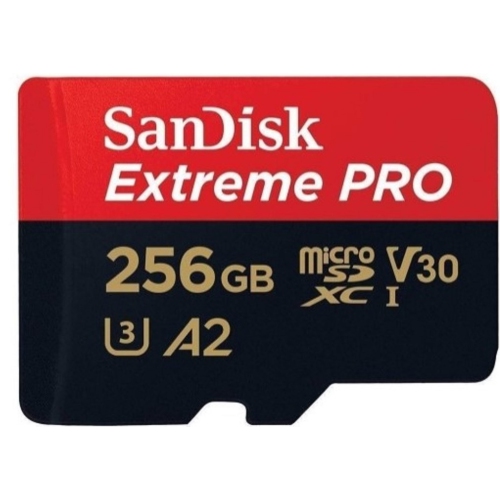 Your price for this item is $99.99
-
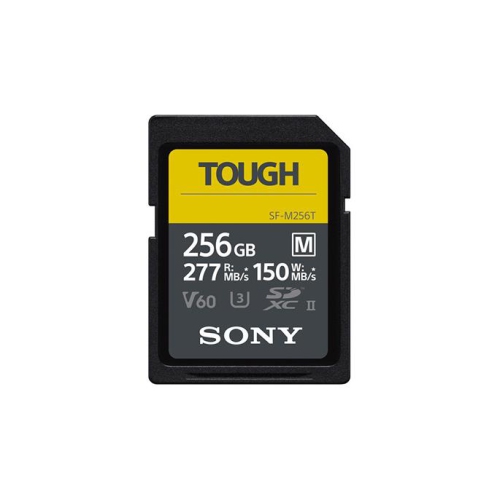 Your price for this item is $298
Discover more categories related to Memory Cards for Canon 7D
Top Collections:
Best Black Friday Deals This Year, Best Black Friday Deals On Electronics, Kindle Devices, Pokemon Centers, Best Black Friday Deals On Apple Products, Best Cameras for Sports Photography, Dyson Airwrap, Pokémon 30th Celebration Cards, Apple iPhone 17 Pro, Canon G7X Cameras
Some products may be subject to Environmental Handling Fees
(EHF) depending on your province.
Learn more about EHFs.