Memory Cards for Nikon D5300
Upgrade your photography experience with the right memory cards for Nikon D5300. Whether you're capturing high-resolution images or recording videos, having a reliable memory card ensures you never miss a moment. Explore a wide selection of options designed to provide ample storage and smooth performance for your Nikon D5300. Find the ideal memory card to keep your creative workflow uninterrupted and make the most of every shot.
Sort
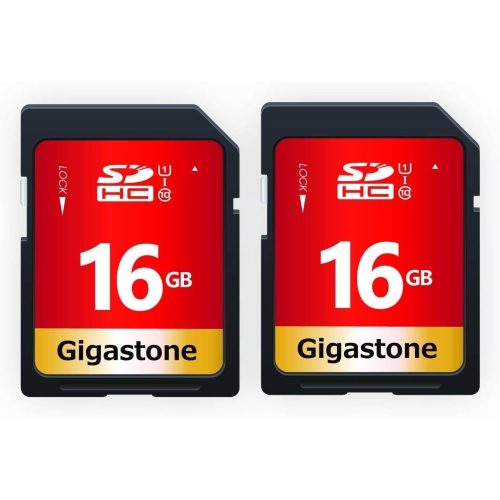
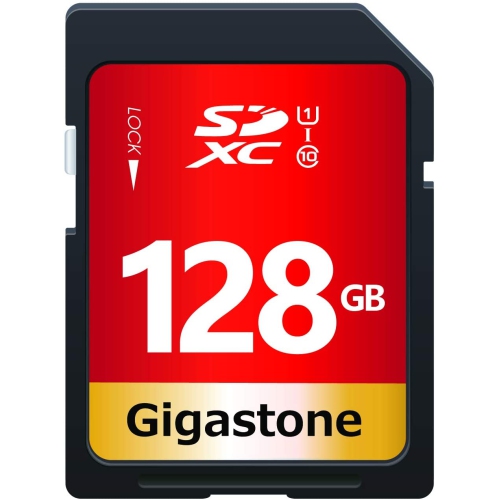
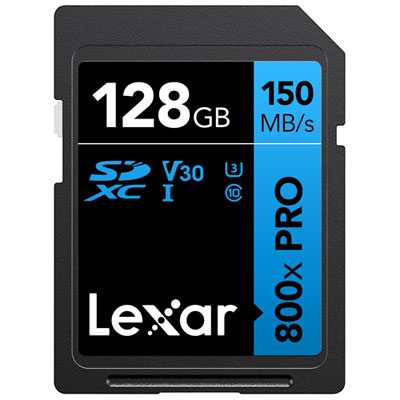
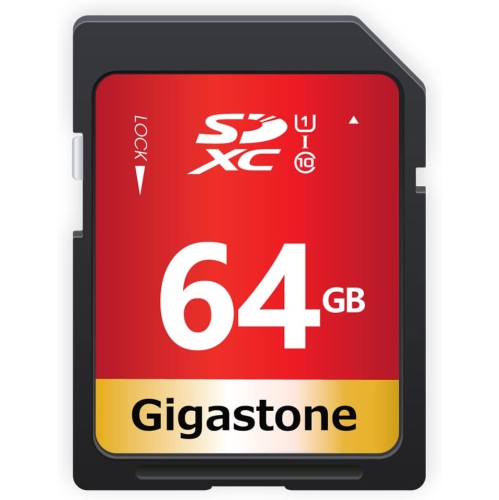
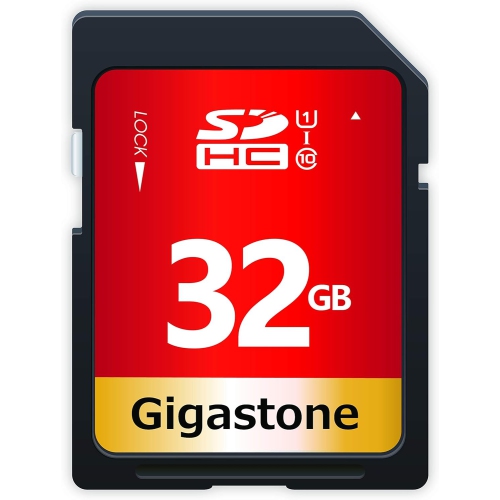
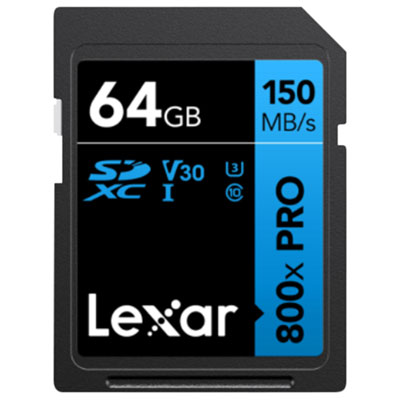

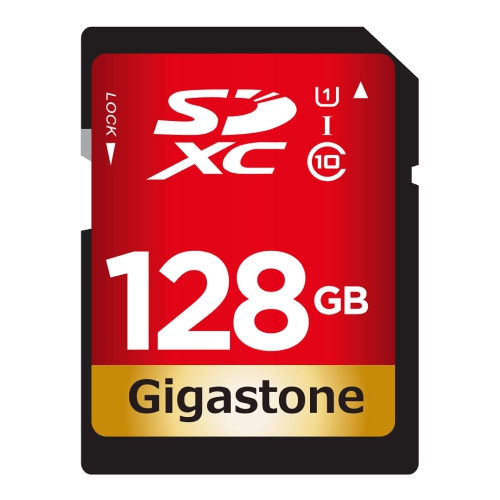
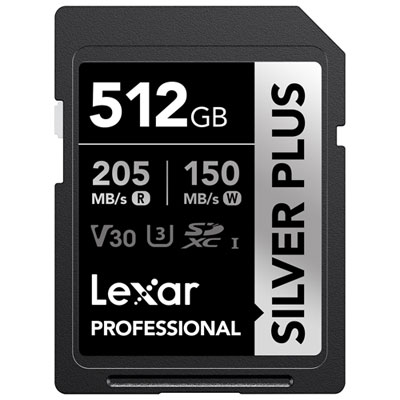
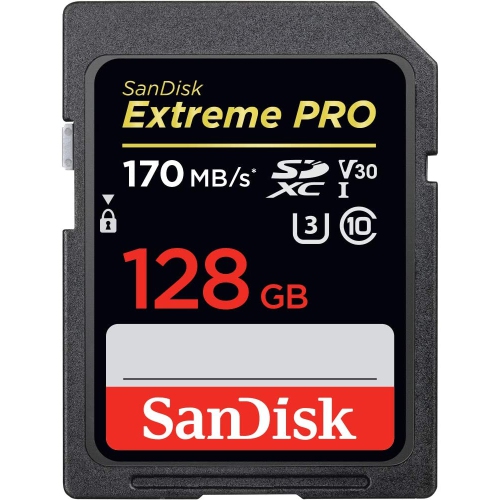
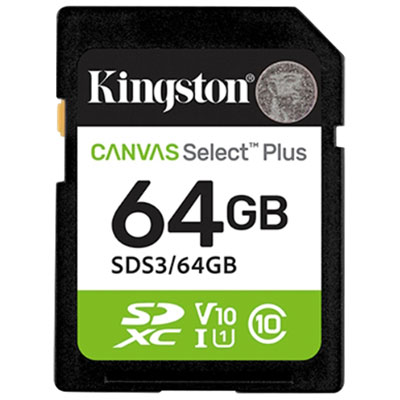

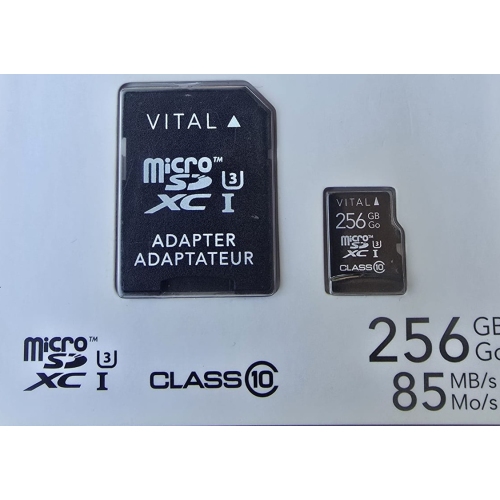
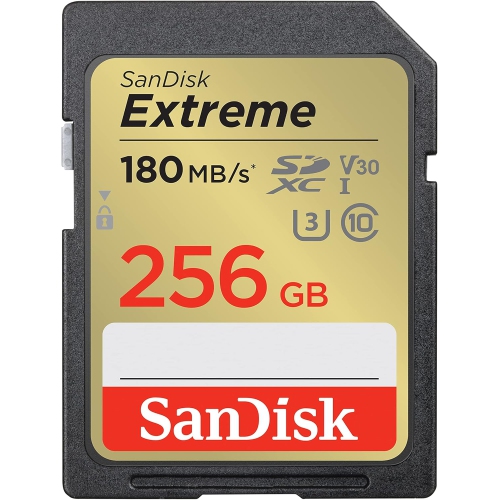
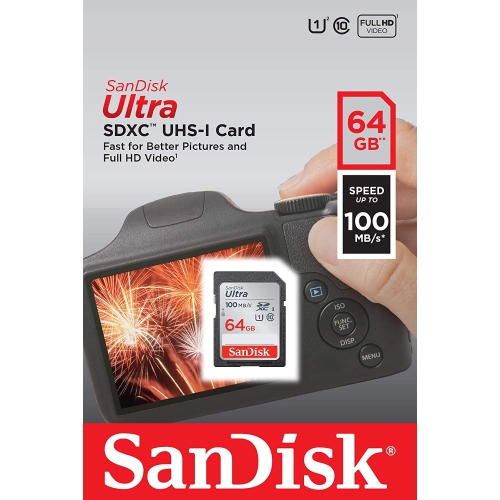

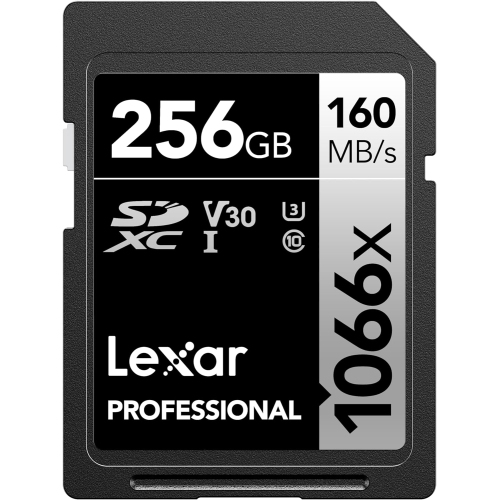
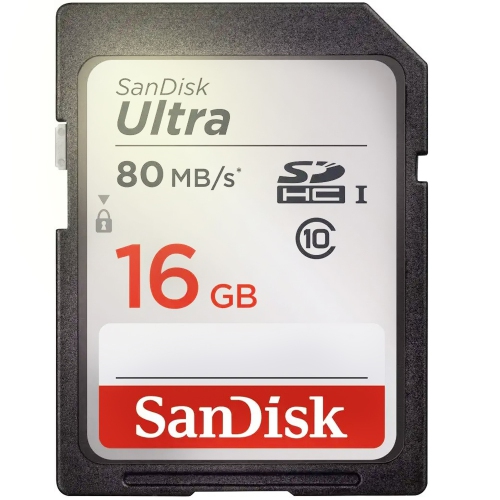

How card capacity and write speed affect your photography
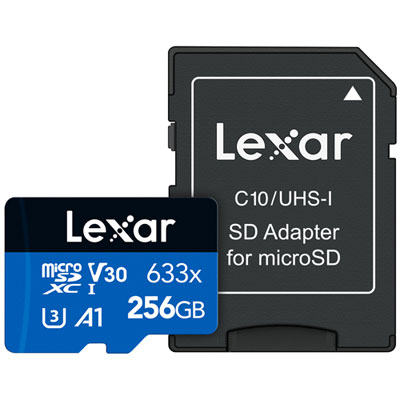
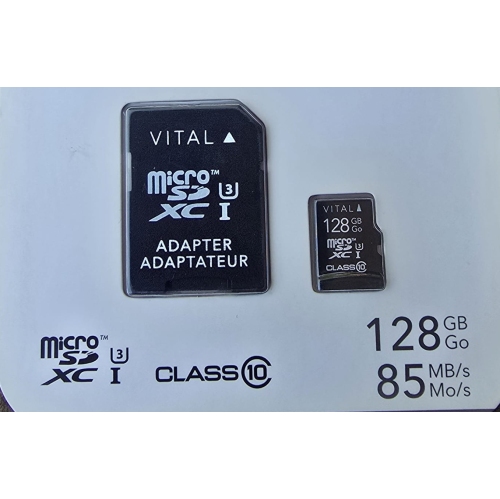
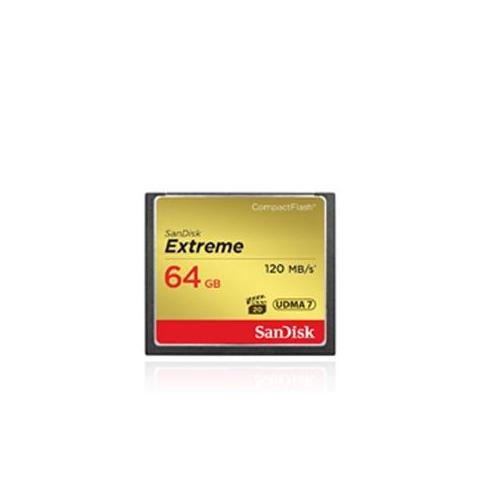
Compatible memory cards give this DSLR the space and write performance needed for everyday photography, detailed still images, and Full HD video. The camera has one full-size Secure Digital (SD) card slot and supports SD, SDHC, and SDXC memory cards, with a UHS-I interface. That combination makes card format, capacity, and sustained writing speed the main considerations when comparing storage. A full-size SD card fits directly into the slot, while a microSD card requires an SD adapter, adding another component to handle and keep track of. Other card formats, such as CompactFlash, XQD, and CFexpress, are not interchangeable with SD cards and do not fit this slot. For a camera with a 24.2-megapixel sensor, storage needs depend heavily on whether photographs are saved as JPEG files, RAW files, or both. Video also benefits from consistent writing performance, particularly during longer Full HD recordings. Speed markings help distinguish cards intended for different workloads: Class 10, U1, and V10 each indicate a minimum sequential write speed of 10 MB/s under their respective standards, while U3 and V30 indicate 30 MB/s. These ratings describe minimum performance rather than the highest number printed on the packaging. A prominently displayed transfer speed may refer to reading files from the card, which matters when copying photographs to a computer but does not necessarily describe how quickly the camera can save them. Class 10 UHS-I cards are a practical starting point for general photography and Full HD recording, with the camera’s requirements and the card’s compatibility information providing the final check. Higher sustained write ratings can offer additional headroom, but they do not change the camera’s supported video modes or remove its internal performance limits. Similarly, a UHS-II label does not mean this camera can use that interface’s maximum speed. For photographing a child running across a playground or capturing several frames of a bird taking flight, card performance works alongside the camera’s buffer; even a fast card cannot make continuous shooting unlimited.
Capacity is largely a matter of how photographs are made and how often files are transferred elsewhere. A 32GB card is commonly an SDHC card, while 64GB and 128GB cards fall within the SDXC category. These capacities offer different balances between room for longer sessions and the convenience of keeping separate shoots on separate cards. Exact compatibility should still be checked against the camera’s documentation, especially when considering larger capacities. For casual JPEG photography, a moderate-capacity card may comfortably cover family visits, walks with a camera, and practice sessions devoted to composition or exposure. RAW photography places greater demands on storage because it retains more image information for later editing. Saving RAW and JPEG versions together uses additional space, and recording video can fill a card much faster than occasional still photography. Image counts are therefore estimates rather than fixed promises: file size changes with image quality settings, scene detail, and recording choices. The camera’s remaining-capacity display provides a more useful reference during a session than a generic photograph count. A larger card can reduce interruptions when photographing a performance or recording several short clips, while multiple smaller cards can help separate assignments, locations, or personal projects. Neither approach replaces a backup. Because the camera has a single card slot, it cannot save matching copies to two cards at the same time. Transferring files to a computer and keeping another verified copy on separate storage protects photographs more effectively than leaving the only copy on a card. A compatible card reader can make those transfers more convenient, and its supported interface affects whether the card’s advertised read speed is useful outside the camera. For photographers working with more than one camera body, Memory Cards for DSLR offers a broader category to compare, with format and capacity requirements checked separately for each camera. Cards that look alike are not automatically equally suitable for every body or recording setting.
Physical construction and everyday handling also matter, particularly for storage that moves frequently between a camera, reader, and carrying case. Full-size SD cards have a lightweight plastic housing, exposed electrical contacts, and a small write-protect tab. The housing makes them easy to carry, but the thin shape still calls for care: bending a card, forcing it into a slot, or leaving it loose among keys and spare batteries can damage it. A fitted storage case keeps cards organized and helps protect their contacts from dirt and abrasion. Clearly separating cards that are ready to use from cards containing photographs awaiting transfer can also prevent confusion during a busy shoot. The write-protect tab can help prevent unintended changes when supported by the device reading the card, though it is not a substitute for a separate copy of important files. Inserting and removing cards gently, following the camera’s power-off instructions, and waiting until the card-access light has finished are sensible habits for protecting saved images. Interrupting a write operation by removing the card or battery can leave files incomplete or unreadable. Formatting in the camera is part of preparing a card for use, but existing photographs should first be copied and checked because formatting removes access to those files. A card showing repeated errors deserves attention rather than continued use for an important event; irreplaceable photographs are better entrusted to storage that is functioning consistently. Durability claims also vary, so resistance to drops or liquids should be treated as a stated product feature rather than assumed from the card’s appearance. For photography students, hobbyists learning RAW editing, and family photographers building a dependable camera kit, compatible storage is a practical accessory with an immediate purpose. It can also make a thoughtful gift for someone who already owns the camera, particularly when the card’s format and capacity match their needs. The most useful choice leaves enough room for the intended session, handles the selected recording settings, and fits naturally into a routine of careful handling and regular file transfers.
Top selling and popular products
-
 Your price for this item is $79.99
-
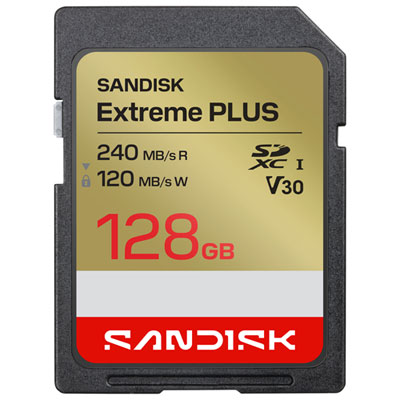 Your price for this item is $79.99
-
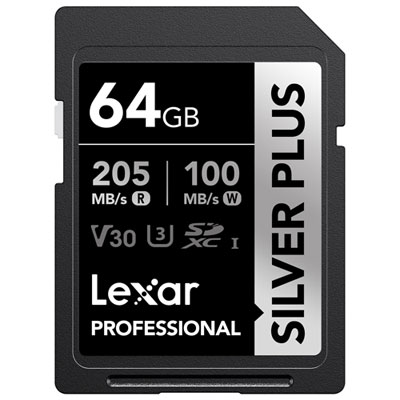 Your price for this item is $59.99
-
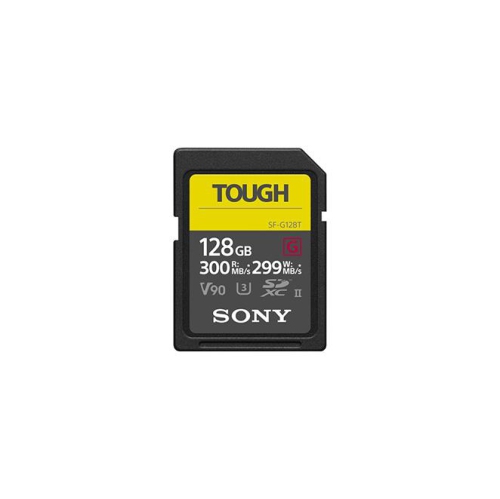 Your price for this item is $388
-
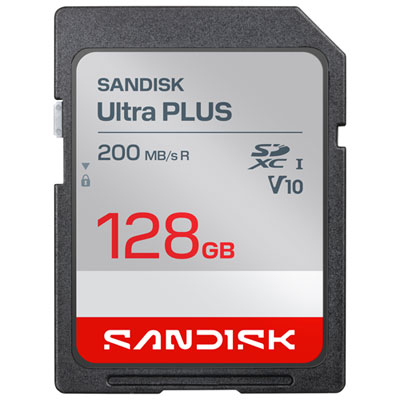 Your price for this item is $64.99
-
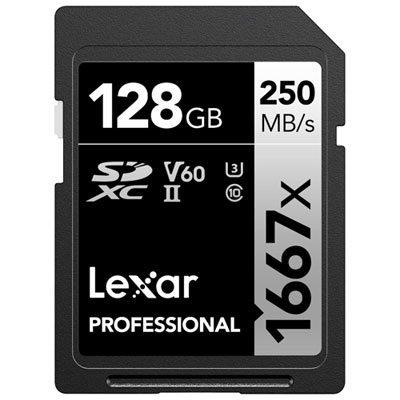 Your price for this item is $199.99
-
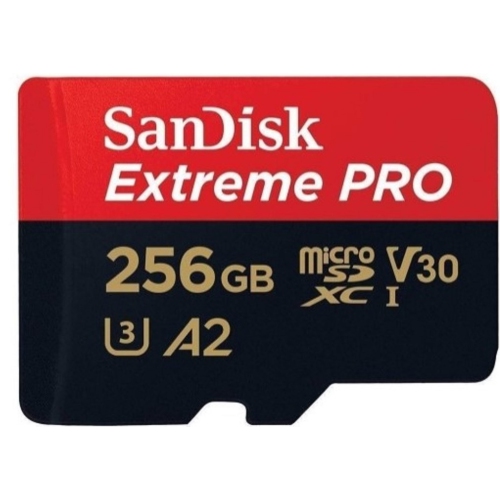 Your price for this item is $99.99
-
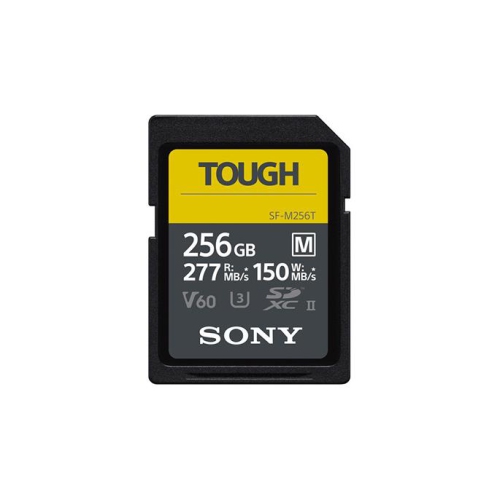 Your price for this item is $298
Discover more categories related to Memory Cards for Nikon D5300
Top Collections:
Best Black Friday Deals This Year, Best Black Friday Deals On Electronics, Kindle Devices, Pokemon Centers, Best Black Friday Deals On Apple Products, Best Cameras for Sports Photography, Dyson Airwrap, Pokémon 30th Celebration Cards, Apple iPhone 17 Pro, Canon G7X Cameras
Some products may be subject to Environmental Handling Fees
(EHF) depending on your province.
Learn more about EHFs.