Audio Controllers
Discover the perfect harmony between sound and control with our selection of audio controllers, designed to elevate your auditory experience to new heights. Whether you're an audiophile seeking precision or a gamer looking for immersive soundscapes, these devices offer seamless integration and intuitive management of your audio setup. Explore options that cater to diverse needs, from professional studio environments to personal home systems, ensuring you find the ideal match for your lifestyle. With cutting-edge technology and user-friendly interfaces, achieving the perfect sound has never been easier.
Sort
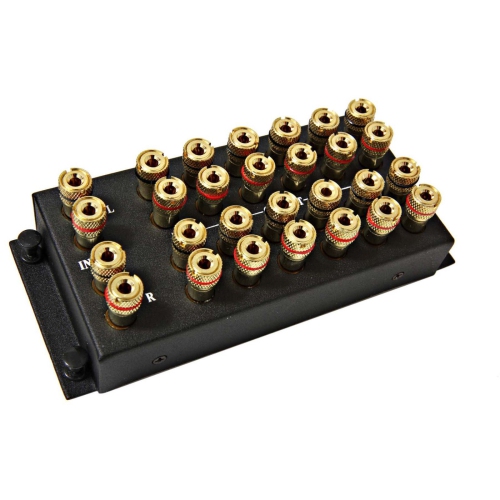
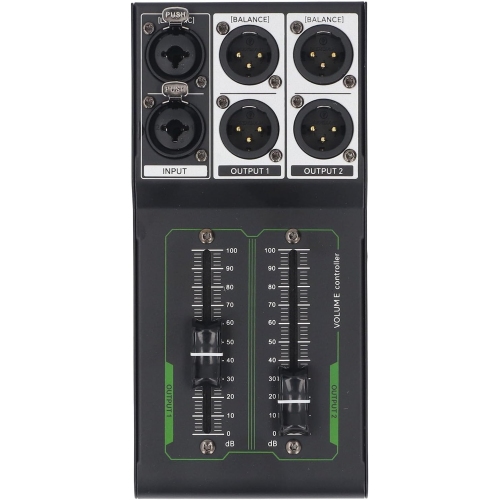
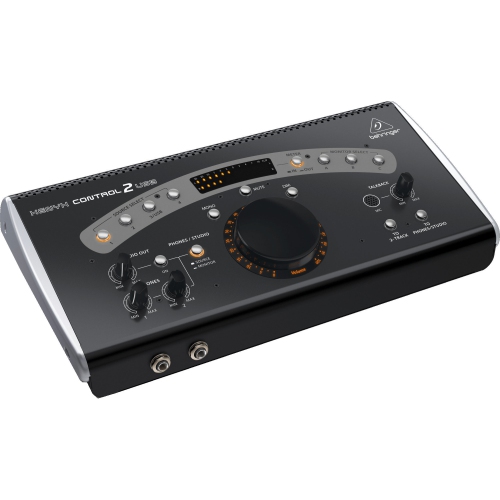
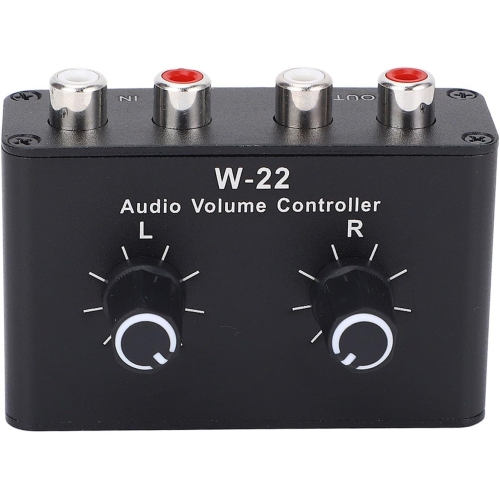
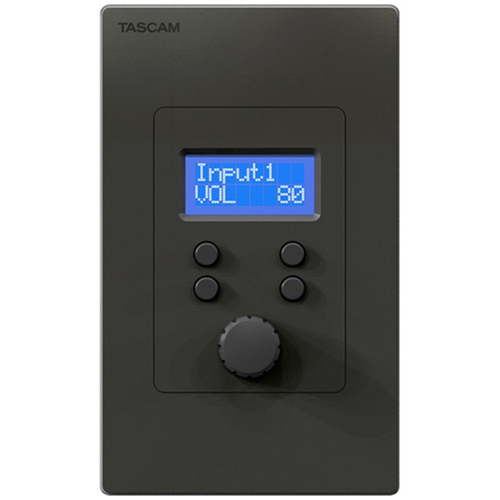

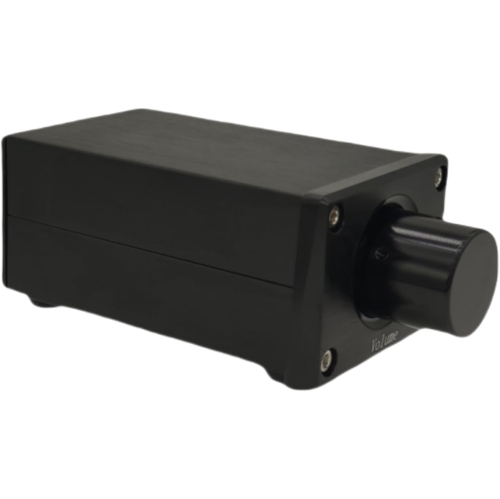
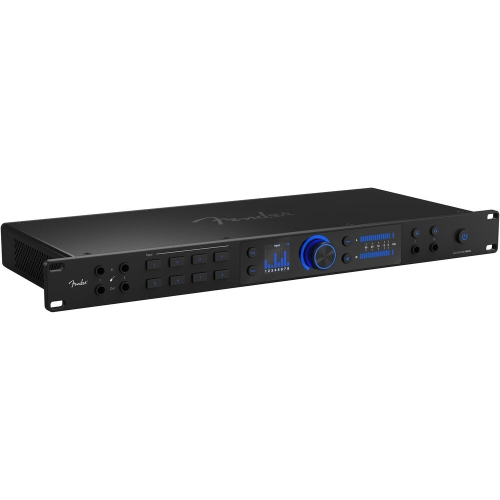
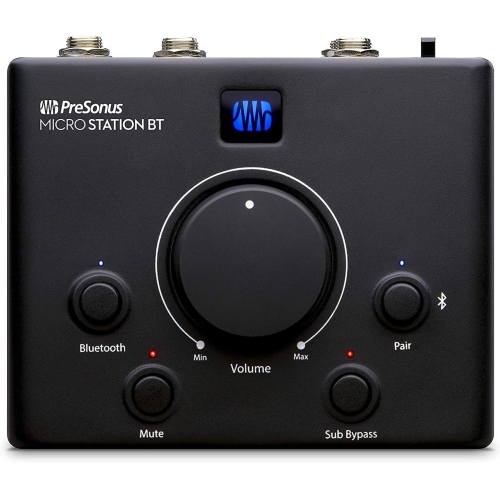

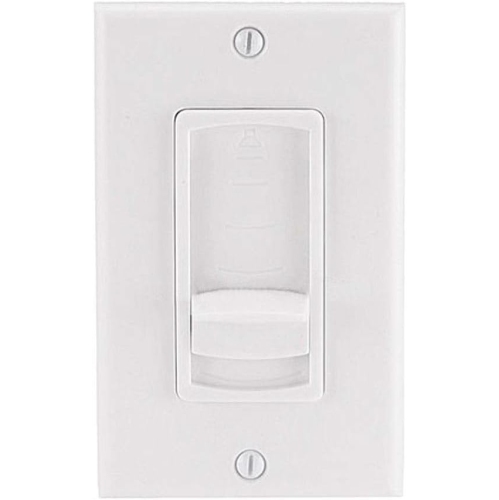
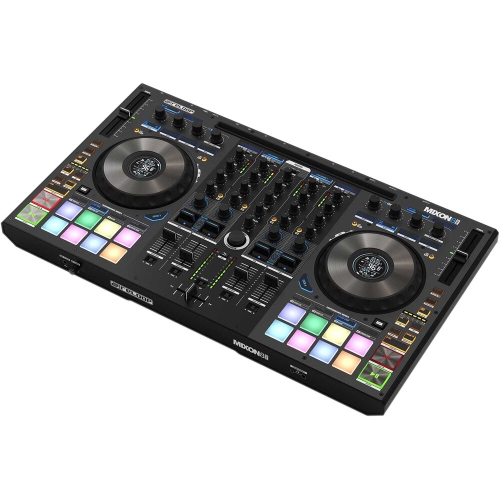
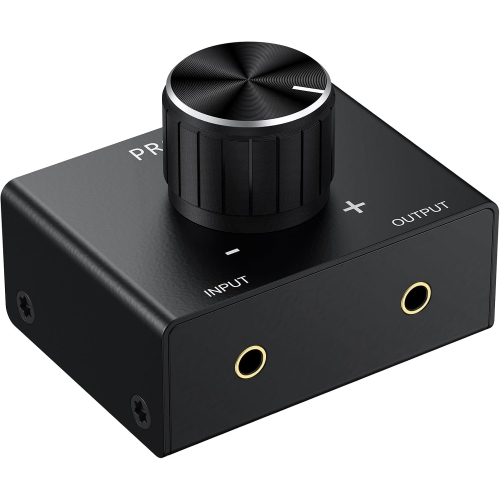
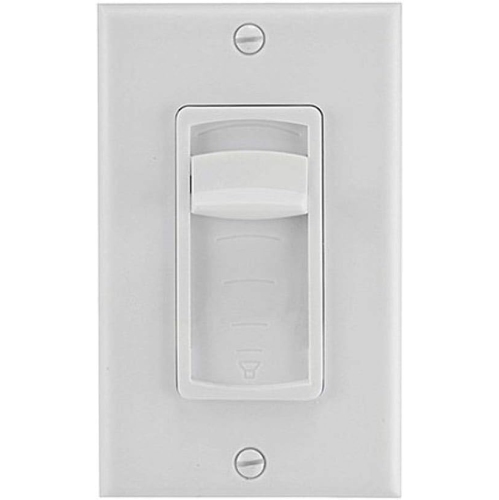
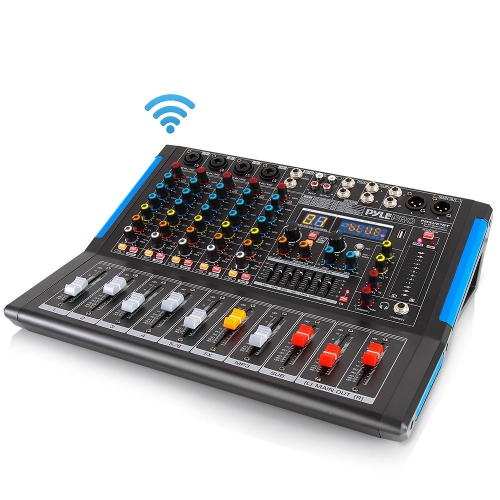
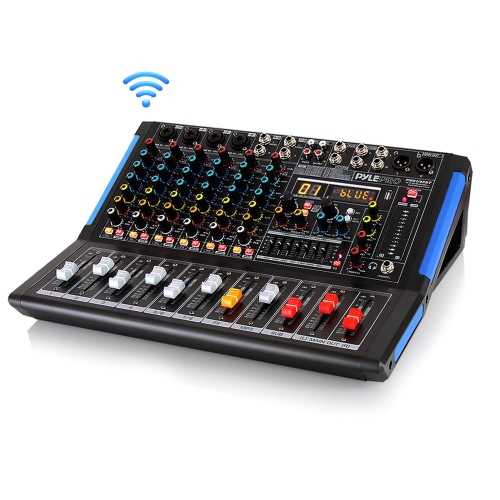
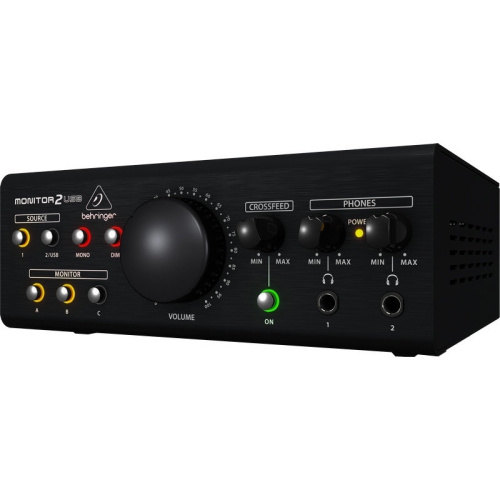
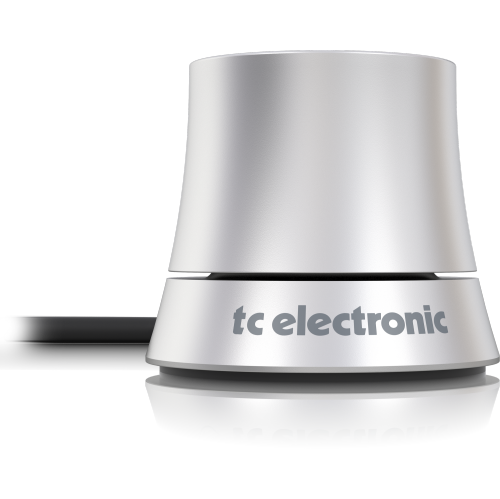
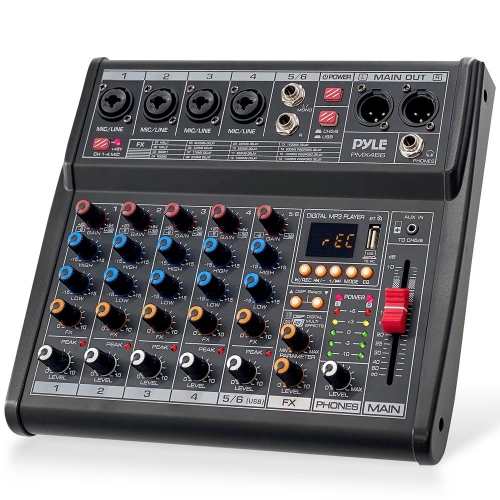
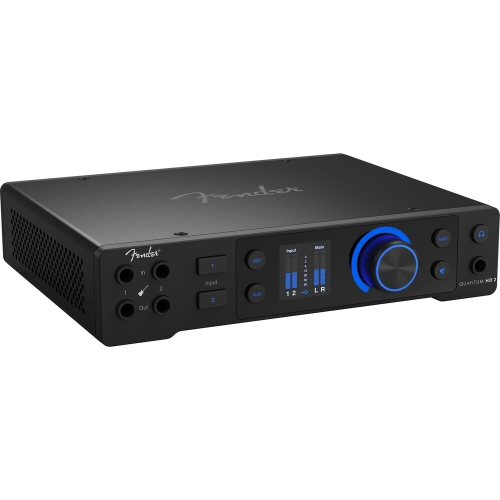
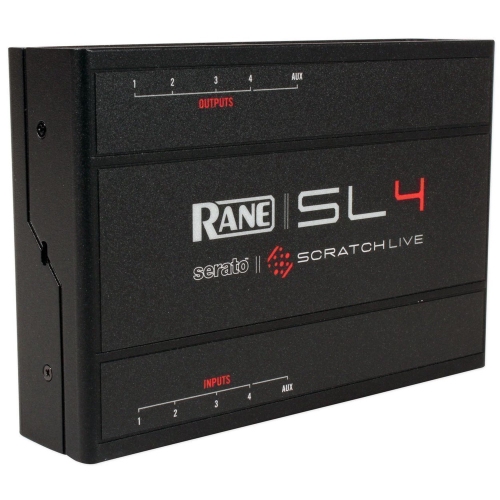
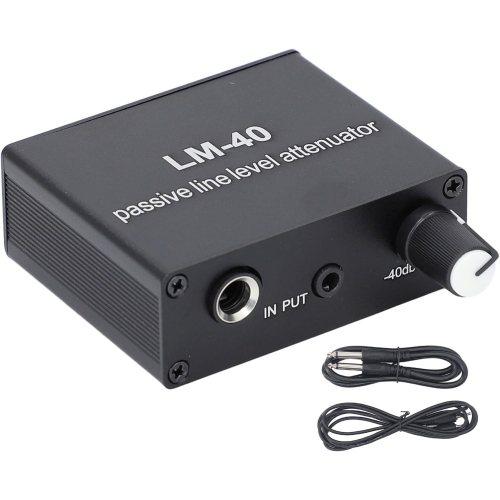
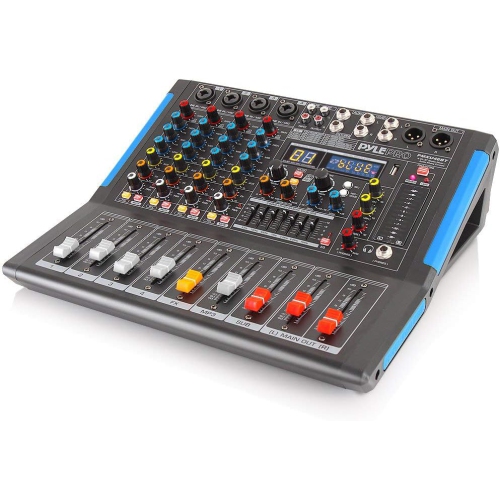
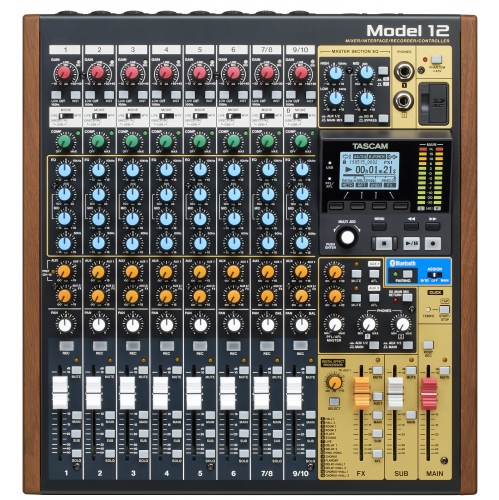
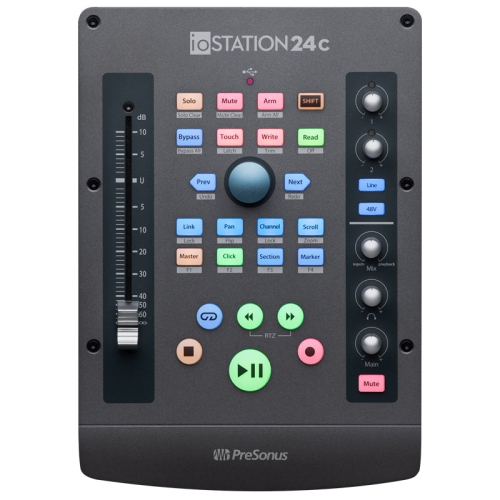

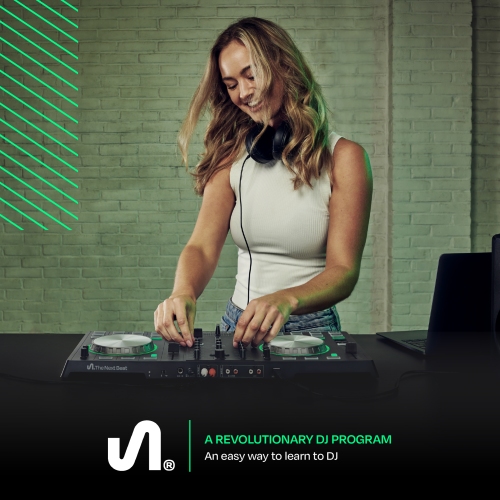
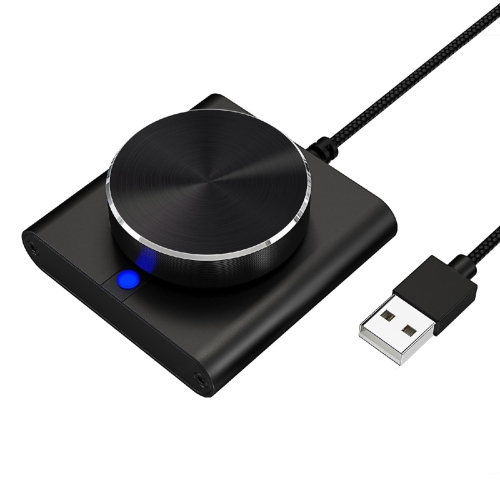
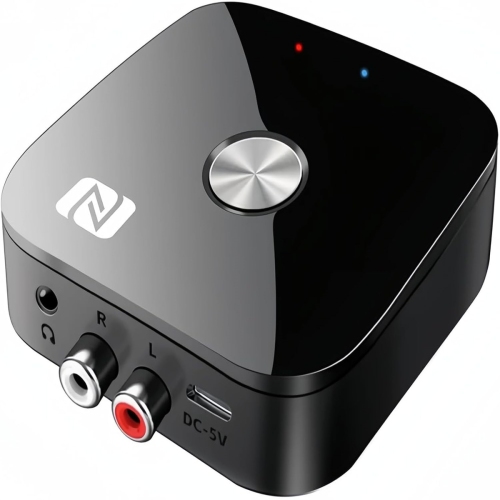
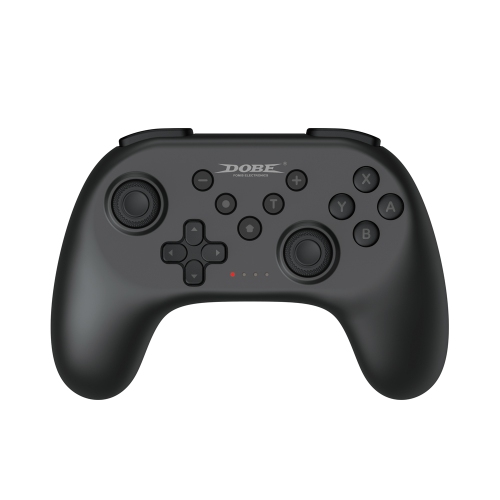
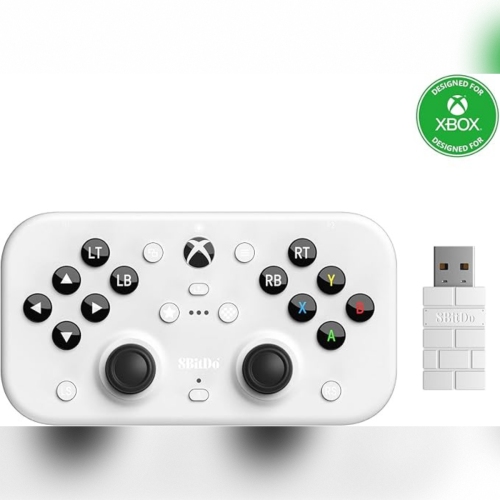
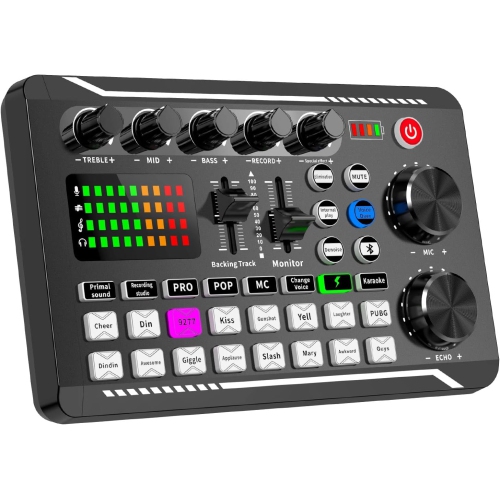
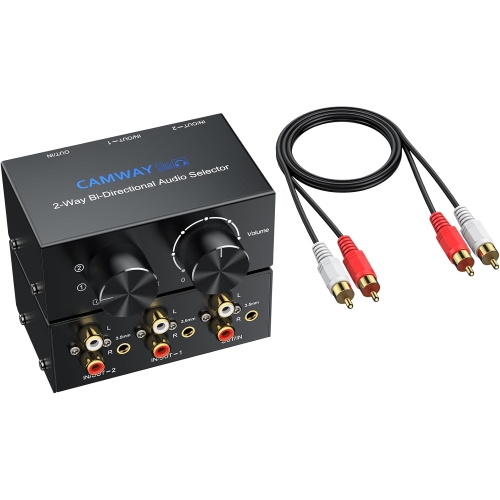
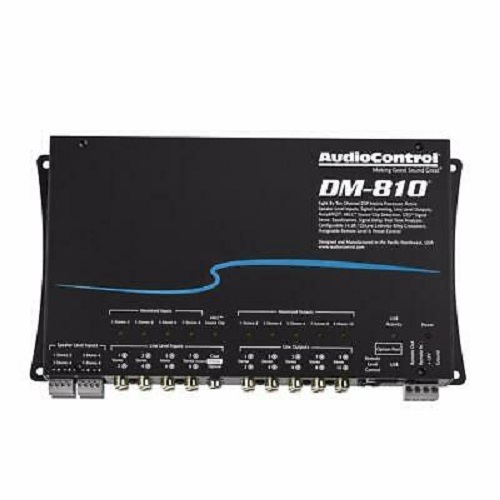
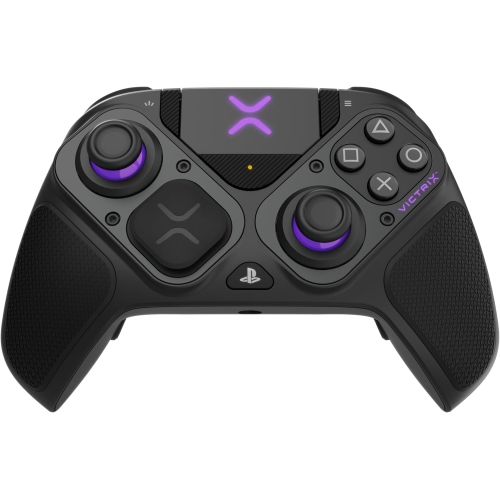
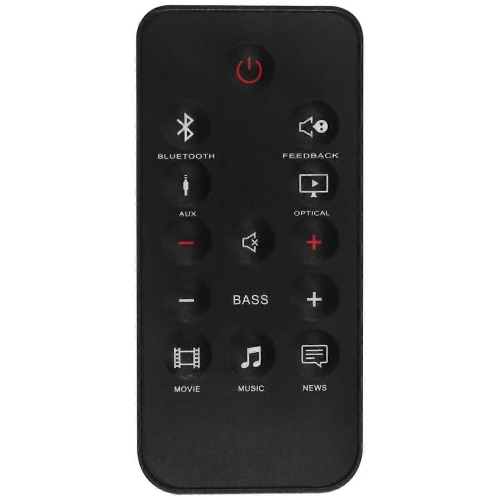
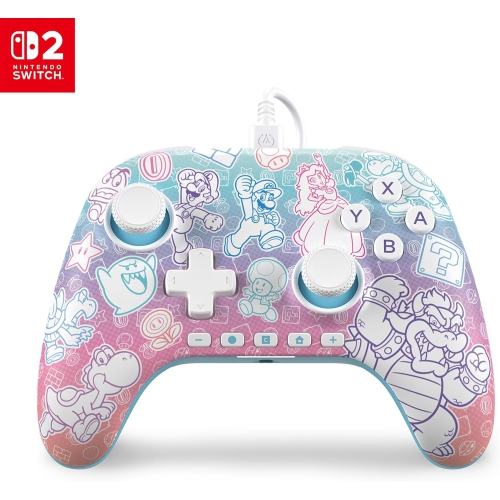
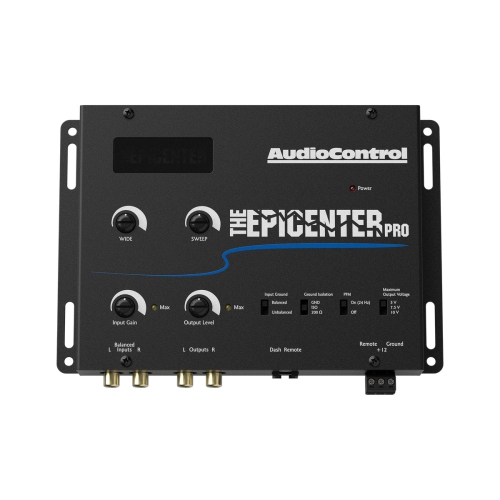
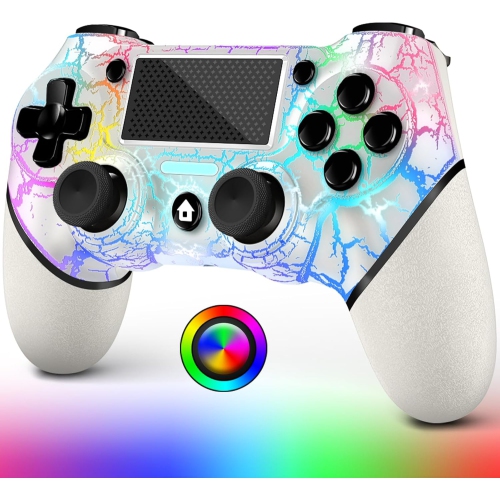
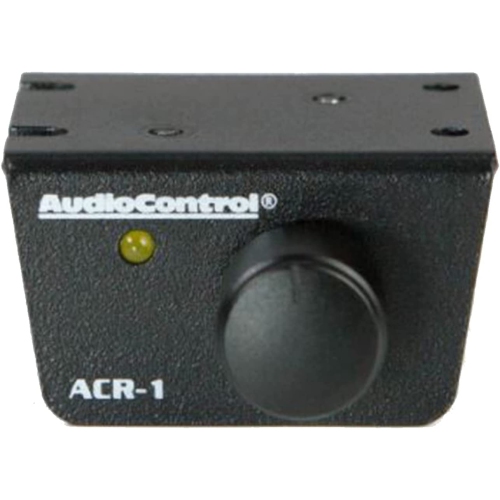

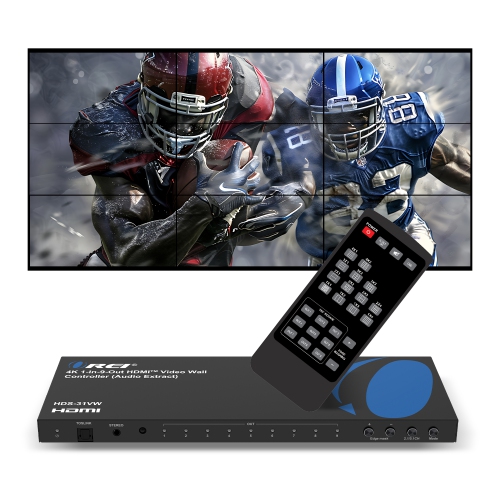
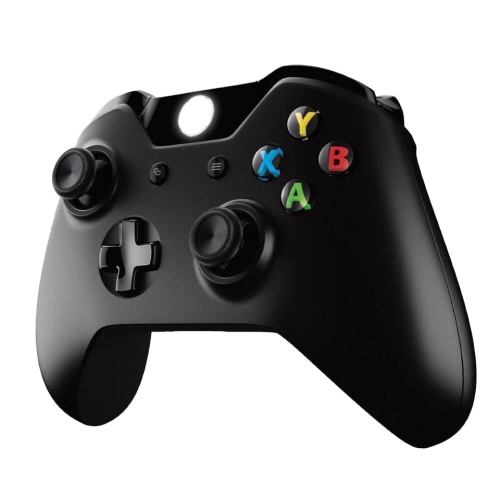
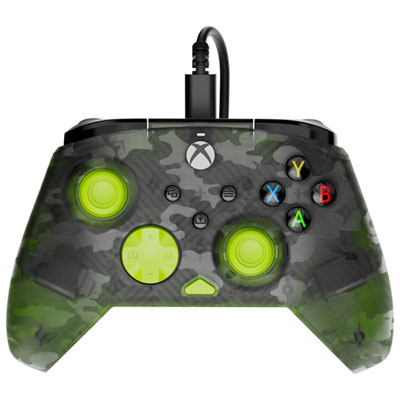
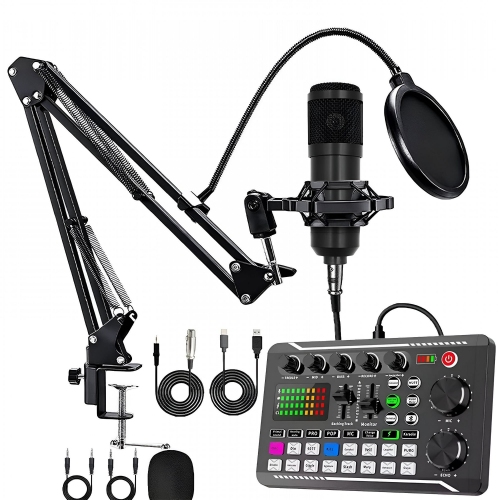
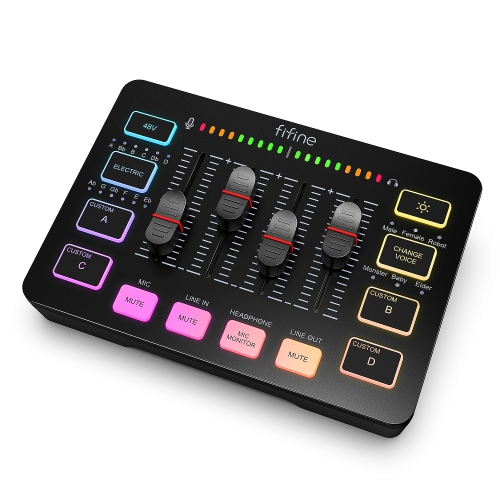

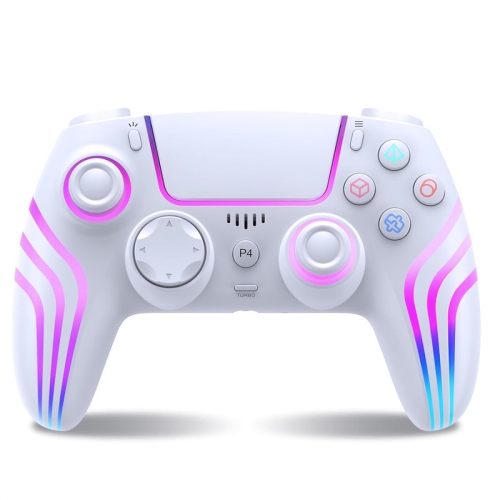
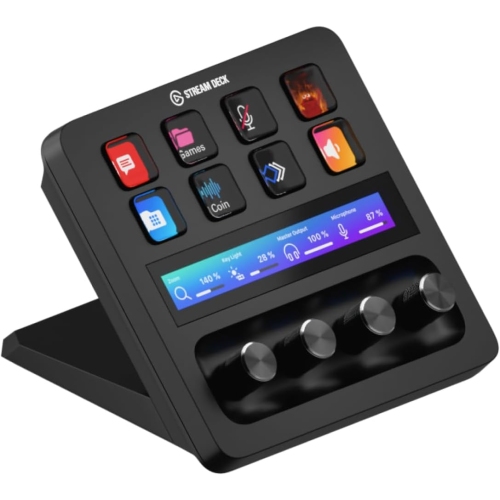
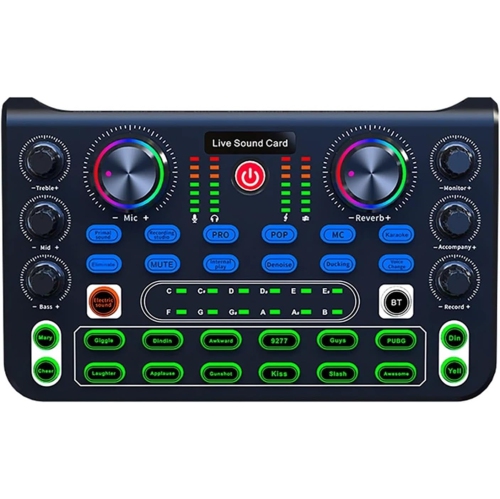
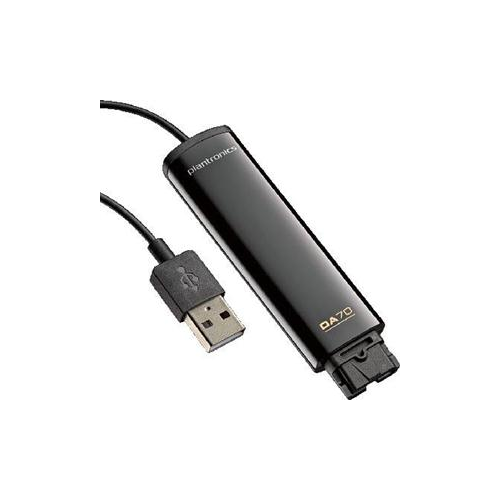
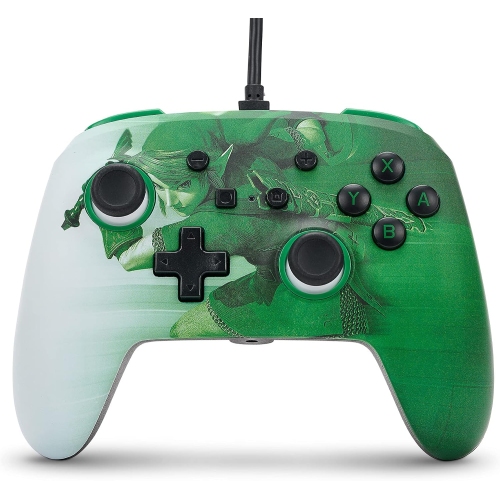
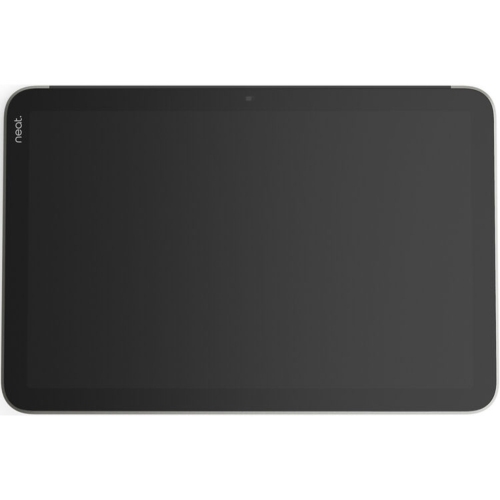
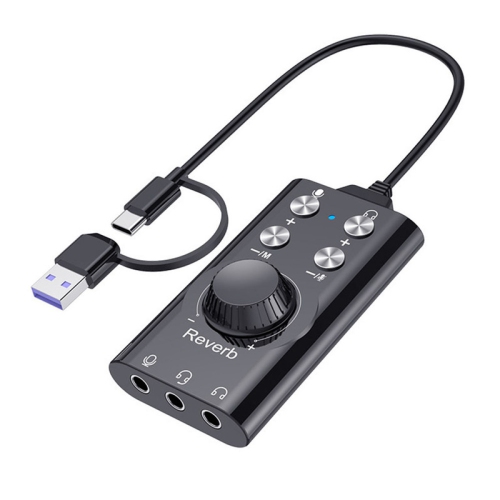
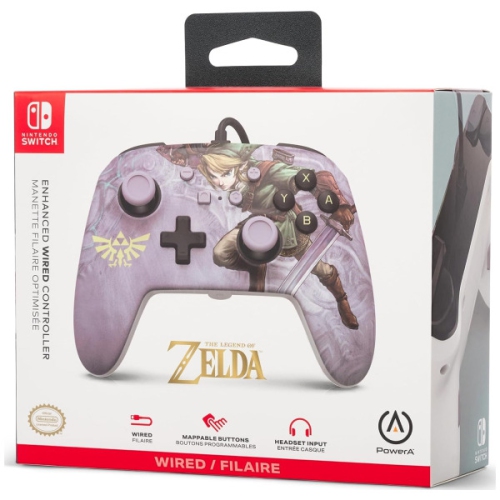
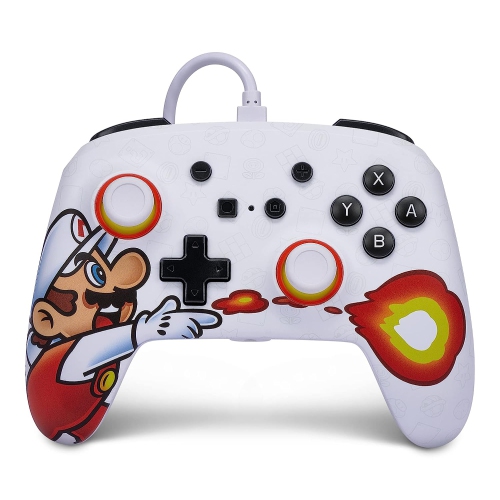


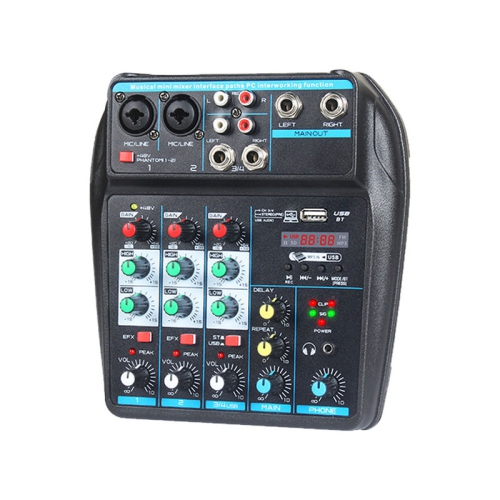
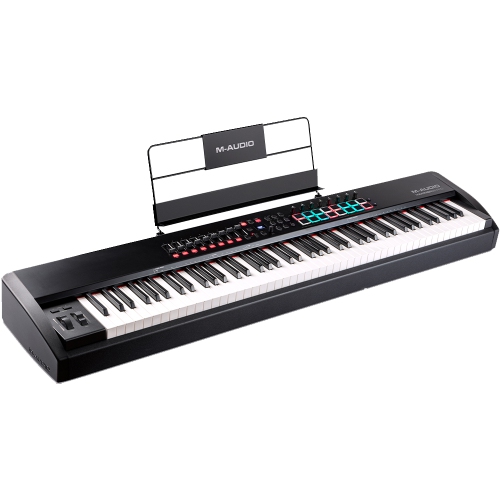
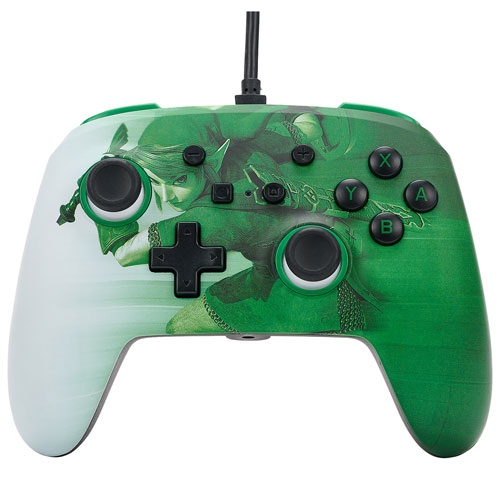
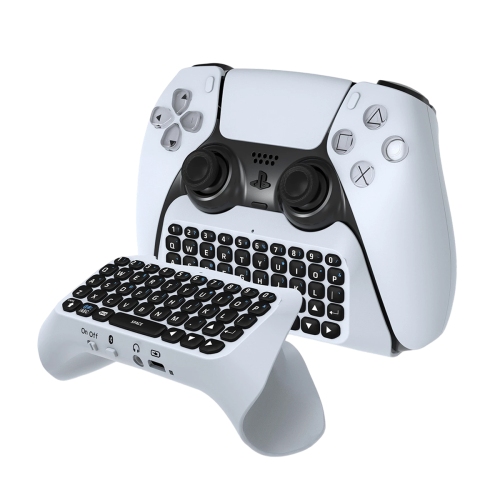
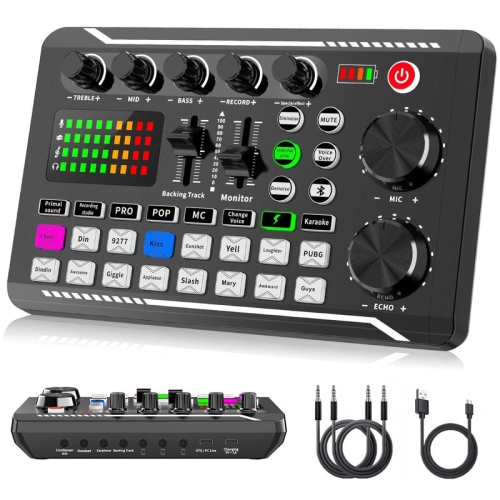
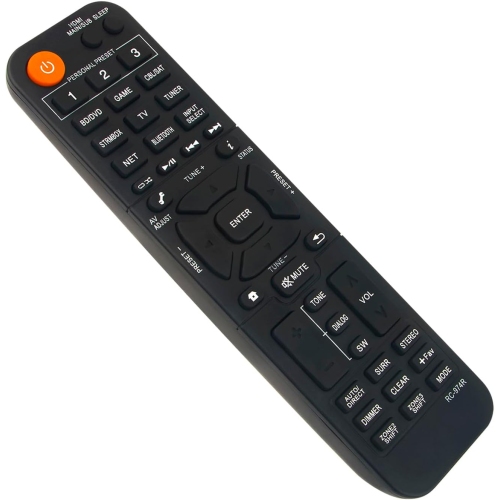

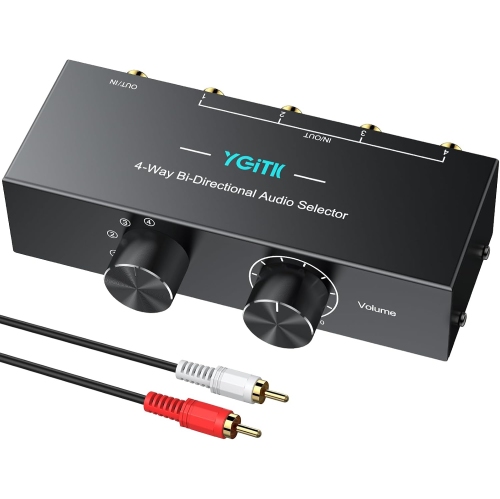
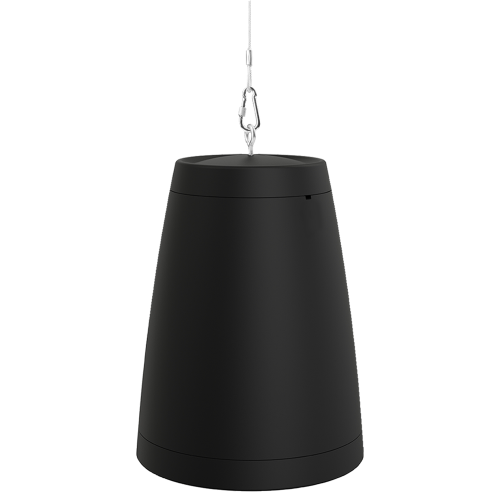
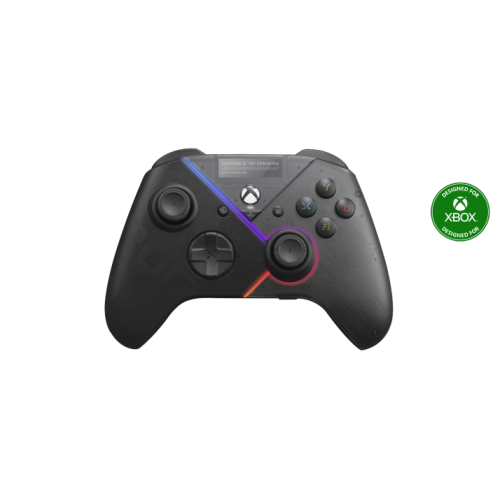

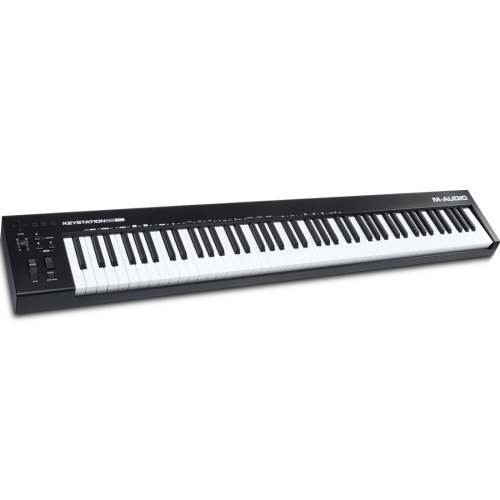
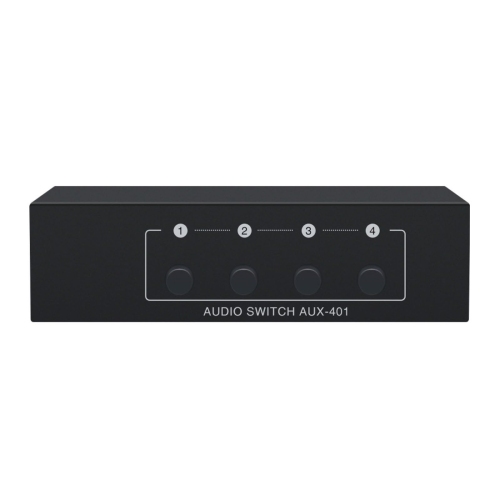
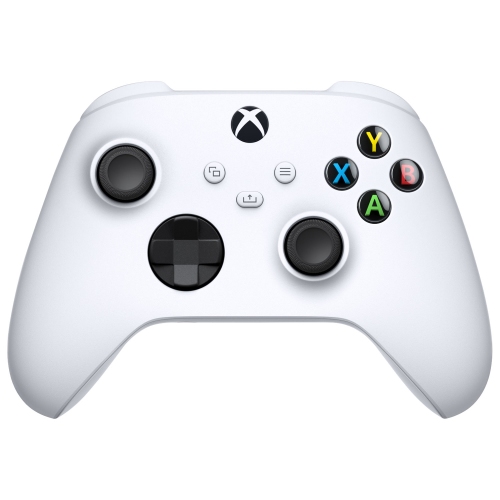

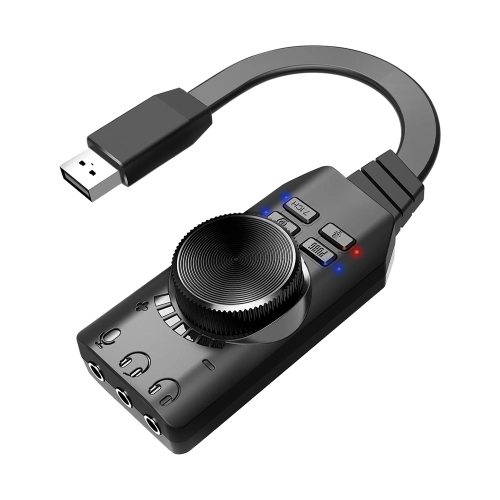
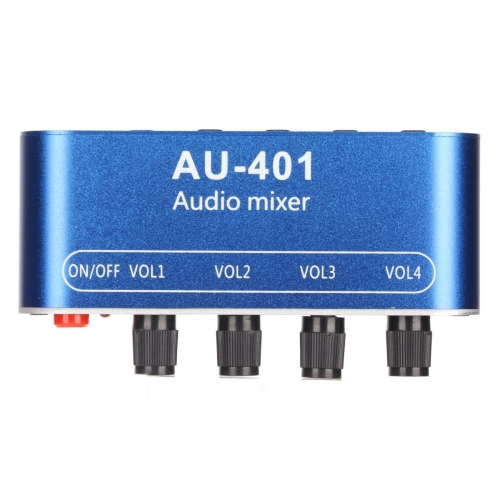


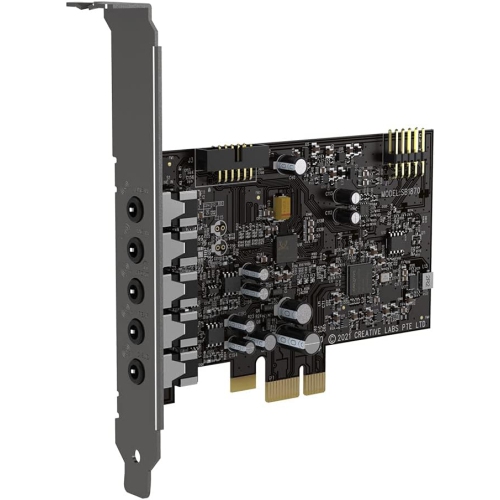
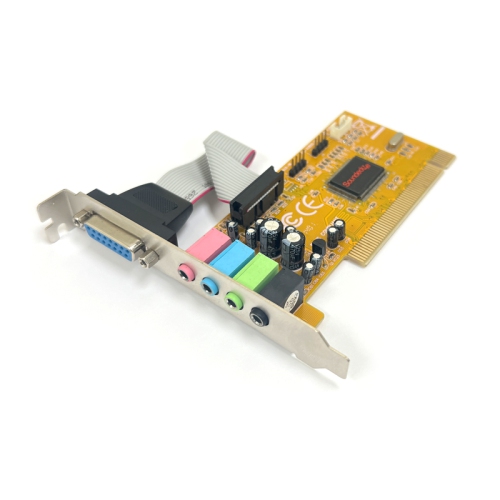
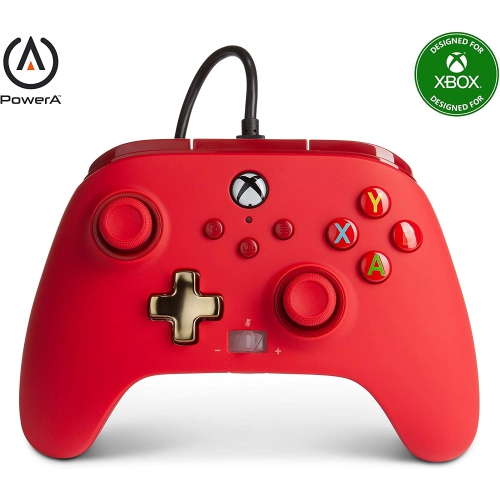
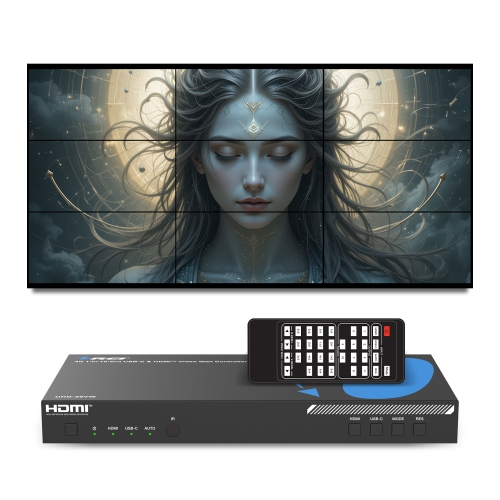
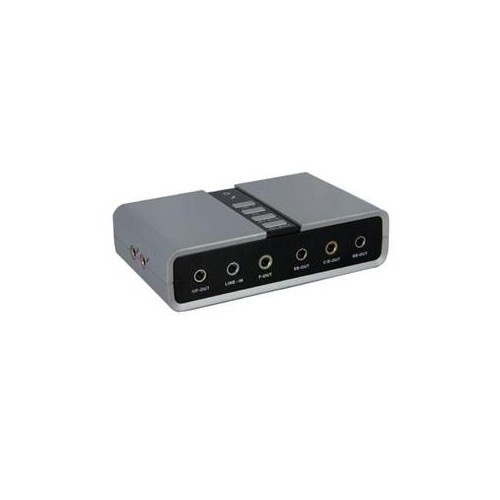
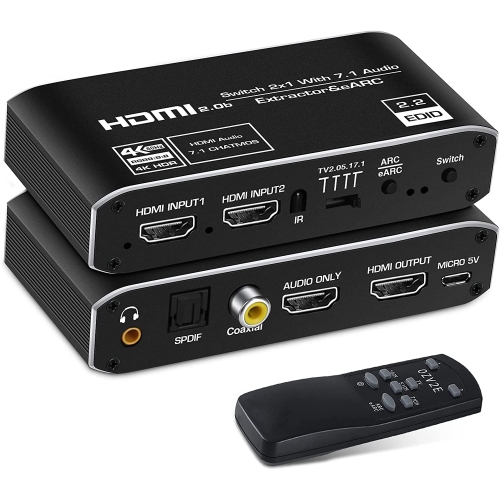
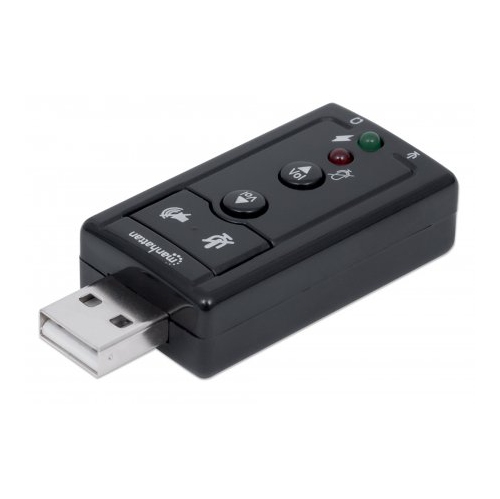
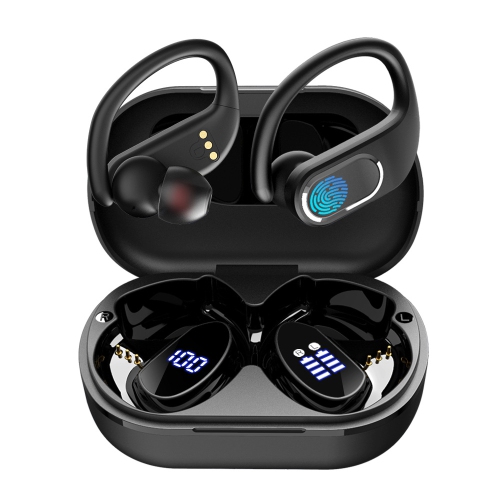
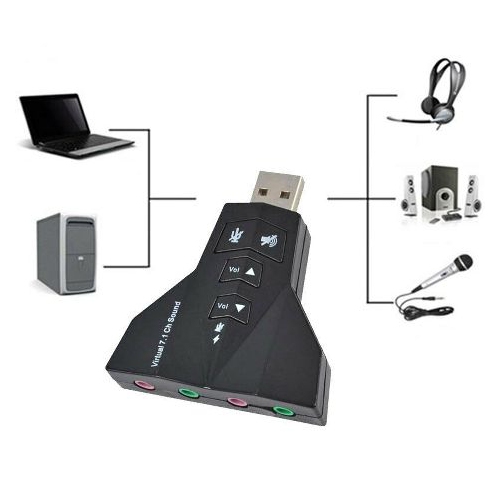
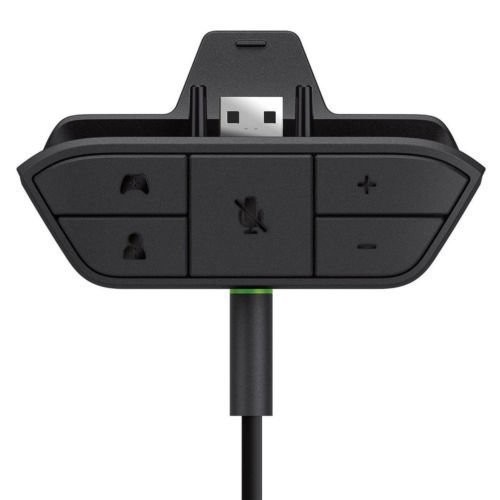


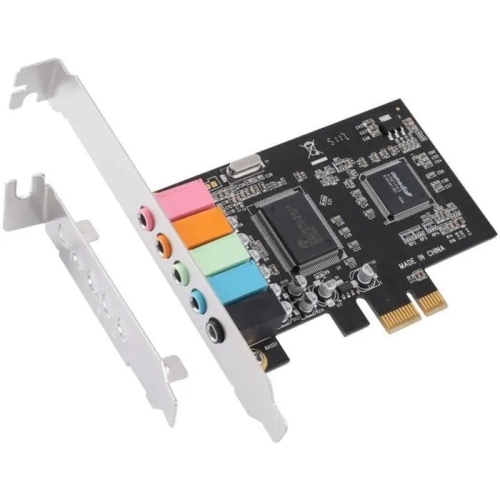
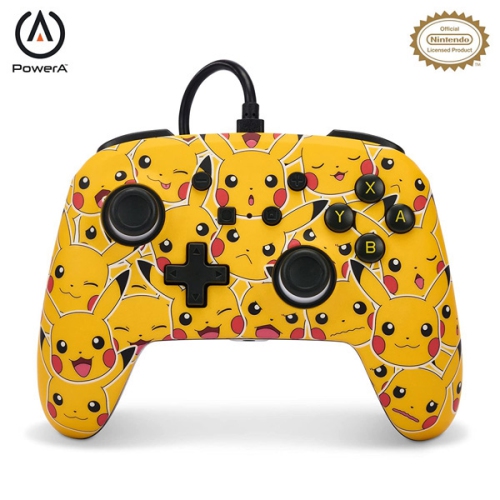
Why similar-looking controls serve very different audio needs
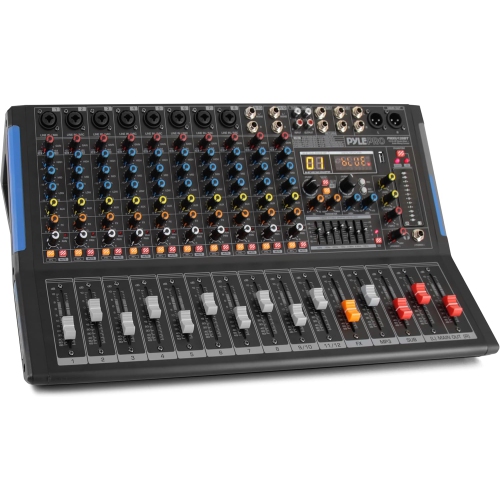
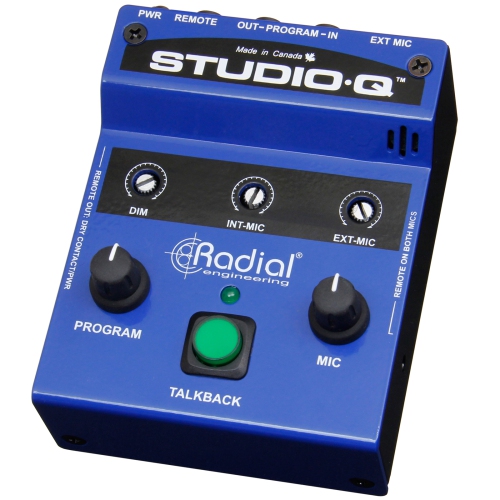
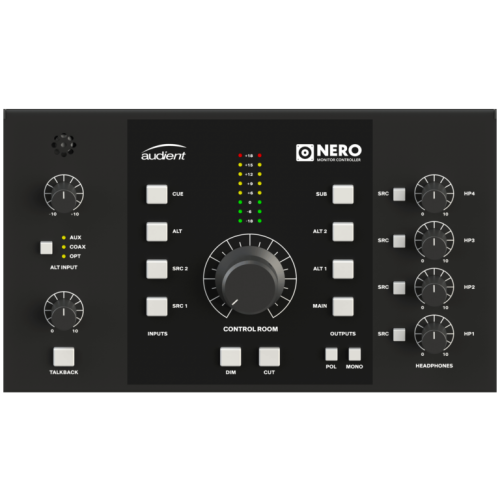
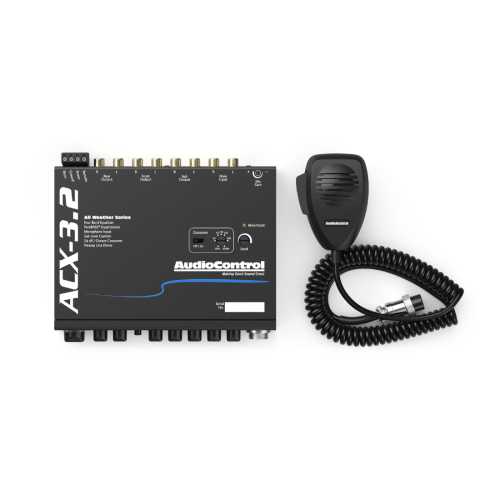
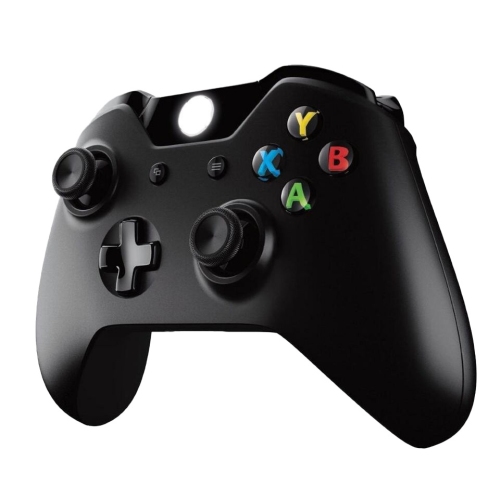
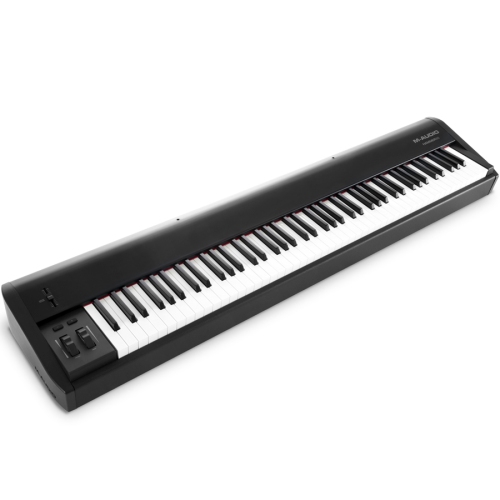
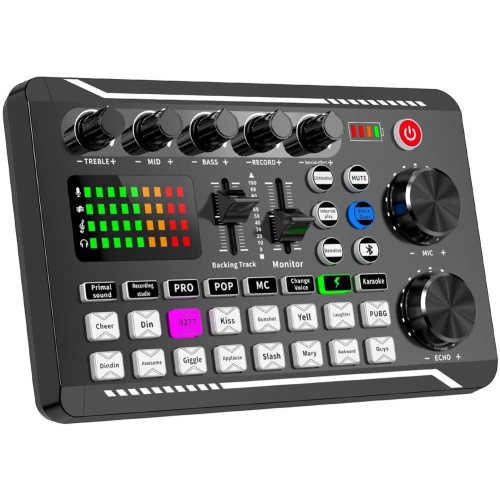
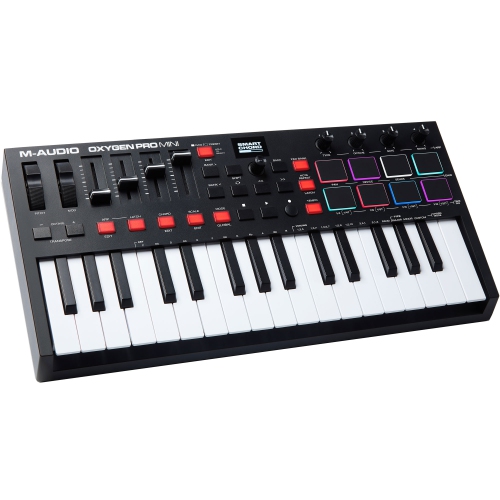
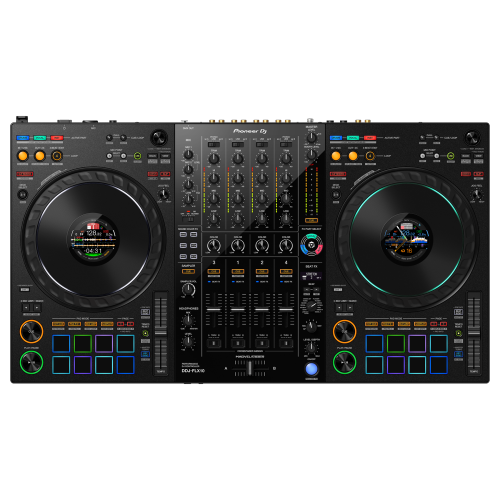
Audio controllers are devices that manage sound levels, signal routing, playback, or mixing within a connected audio setup. They bring frequently used controls within reach, whether that means turning down desktop speakers, adjusting a microphone alongside game audio, or moving several recording tracks with physical faders. The term covers several distinct product types, so the intended use matters more than the number of knobs on the surface. A monitor controller typically sits between an audio source and powered speakers or an amplifier, providing convenient volume adjustment and, on some designs, speaker selection, muting, or headphone monitoring. A control surface operates compatible recording software through faders, buttons, and rotary controls; it may send control messages without carrying an audio signal itself. Mixer-style controllers can combine multiple sources when their inputs and internal routing support that function, while DJ controllers focus on hands-on playback and mixing through compatible software. These differences are important because a physical volume knob, a microphone input, and a programmable software control serve different purposes, even when they appear on similar-looking devices. For someone recording a voice track at a desktop, an accessible mute button and a separate headphone level control can be more useful than a large bank of faders. Someone arranging music may prefer controls that follow track levels and transport commands, keeping attention on the performance instead of repeated mouse movements. A livestream host might need independent control over a microphone, music, and other computer audio, provided the controller and software support those separate channels. In a listening setup, a straightforward monitor controller can make it easier to move between speakers and headphones without reaching behind equipment. An audio controller does not necessarily include audio conversion, microphone amplification, or power for passive speakers; those functions depend on the design. Understanding that distinction helps separate convenient control from the additional equipment needed to complete a working system.
Connections and software compatibility determine how an audio controller fits into an existing setup. Analogue connections carry audio signals, while USB connections may carry audio, control data, power, or some combination of the three. A USB socket alone does not confirm that a controller can record a microphone or send sound directly to speakers. Likewise, a control surface that communicates with recording software may still require a separate audio interface for sound input and output. Compatible cables and Audio Connectors help connect the equipment, but matching connector shapes is only part of the picture. Microphone, instrument, line-level, and headphone signals have different requirements, and an adapter does not automatically make them interchangeable. Balanced connections can help reduce interference over suitable cable runs when the connected equipment supports them, while shorter unbalanced connections can be practical for many desktop arrangements. Input and output counts also deserve context: a stereo source uses left and right channels, and separate speaker outputs do not always provide independent mixes. For shared recording sessions, individual headphone controls can allow listeners to choose comfortable levels, although separate headphone sockets do not necessarily mean each listener receives a different mix. Software-based controls depend on operating system support, compatible applications, and the commands or integration modes the device provides. Assignable buttons can be useful for playback, track selection, or muting, but their behaviour depends on the software and configuration. For voice recording and live performance, monitoring arrangements matter as much as the control layout. Direct monitoring, where supported by the audio hardware, lets a performer hear an incoming signal without the delay introduced by a round trip through recording software. A controller that only sends commands cannot remove that delay by itself. Power requirements also vary: some compact designs draw power from a computer, while others need an external supply. Together, these details shape whether a controller suits a simple listening desk, a voice-recording station, or a more involved music setup.
Physical design influences how comfortable an audio controller is to use and how well it stands up to repeated handling. A compact housing can fit beside a keyboard without crowding a desktop, while a wider surface gives faders, knobs, and buttons more room. The most useful fit leaves space for the controls and for cables to bend naturally behind the unit, rather than pressing connectors against a wall. Metal housings can provide rigidity and a reassuring weight, while moulded plastic designs may be easier to carry between workspaces. Neither material alone determines durability; secure sockets, stable feet, well-supported controls, and suitable protection during transport all contribute. A large volume knob can be easy to locate without looking away from a screen, while clearly marked buttons and readable level indicators help distinguish functions at a glance. Faders suit gradual level changes, and rotary controls can offer precise adjustment in a smaller footprint. For someone who moves between rooms or brings equipment to rehearsals, manageable weight and a protective case may matter more than an extensive control layout. On a permanent desk, stable placement and comfortable reach may take priority. Care is generally straightforward: with the device disconnected from power, a soft, dry cloth can remove surface dust, while liquids and cleaning sprays should stay away from fader slots, buttons, and sockets. Manufacturer care directions remain important for any finish or control mechanism that needs particular treatment. Cables are best supported so that their weight does not pull on connections, and a controller should not serve as a resting place for drinks or heavy equipment. As a gift, an audio controller is most useful when it matches the recipient’s existing speakers, headphones, computer, and software. A listener who wants simpler volume control has different needs from a musician shaping a multitrack recording. Matching the controls to those everyday tasks makes the device a practical part of the setup rather than another complicated layer.
Top selling and popular products
-
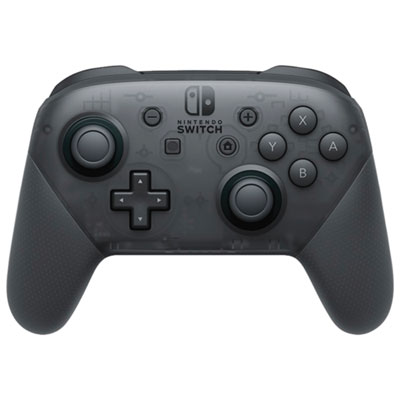 Your price for this item is $99.99
-
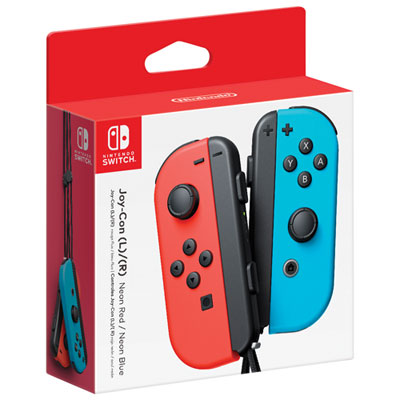 Your price for this item is $109.99
-
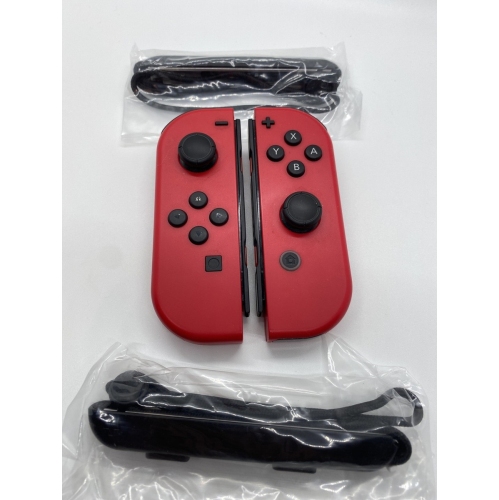 Your price for this item is $79.99
-
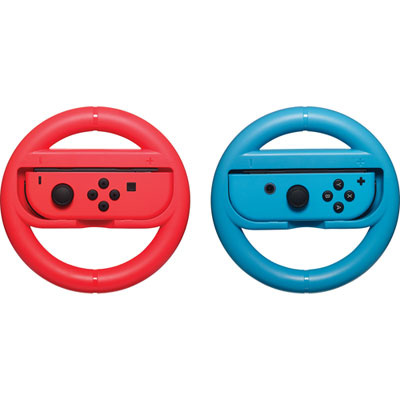 Your price for this item is $16.99
-
 Your price for this item is $79.99
-
 Your price for this item is $58.97
-
 Your price for this item is $64.99
-
 Your price for this item is $51.68
Discover more categories related to Audio Controllers
Top Collections:
Best Black Friday Deals This Year, Best Black Friday Deals On Electronics, Kindle Devices, Pokemon Centers, Best Black Friday Deals On Apple Products, Best Cameras for Sports Photography, Dyson Airwrap, Pokémon 30th Celebration Cards, Apple iPhone 17 Pro, Canon G7X Cameras
Some products may be subject to Environmental Handling Fees
(EHF) depending on your province.
Learn more about EHFs.