Touch Screen Navigation Systems
Upgrade your driving experience with the latest touch-screen navigation systems designed to make your journeys smoother and more convenient. Say goodbye to outdated paper maps and hello to intuitive technology that provides real-time traffic updates, hands-free calling, and easy-to-use interfaces. Whether you're navigating through busy city streets or embarking on a road trip adventure, these touch-screen navigation systems offer cutting-edge features to help you reach your destination with ease.
Sort
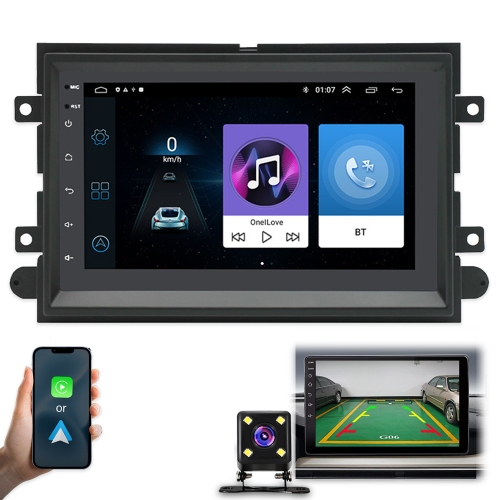
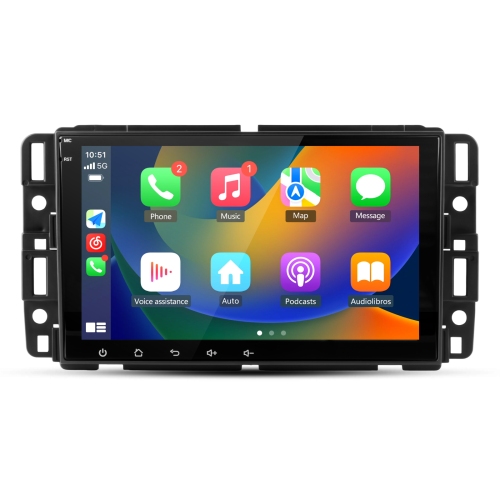
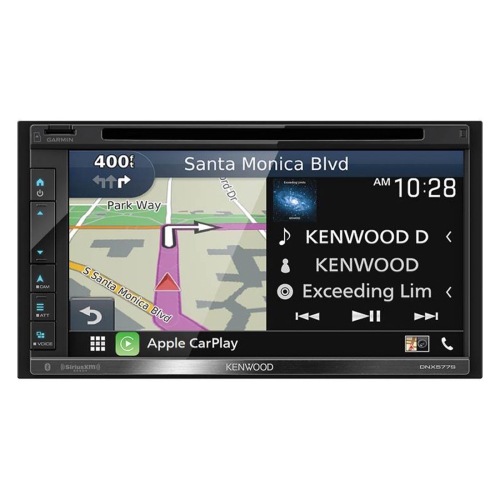
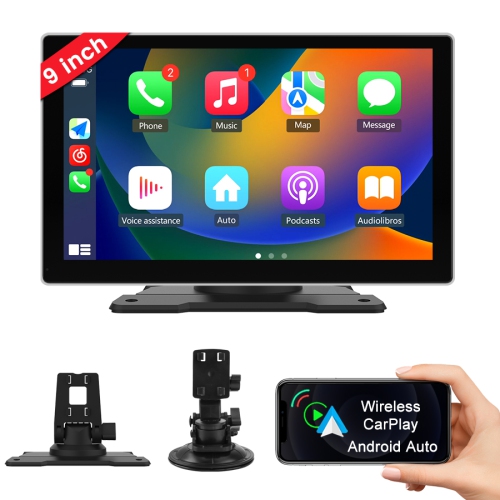
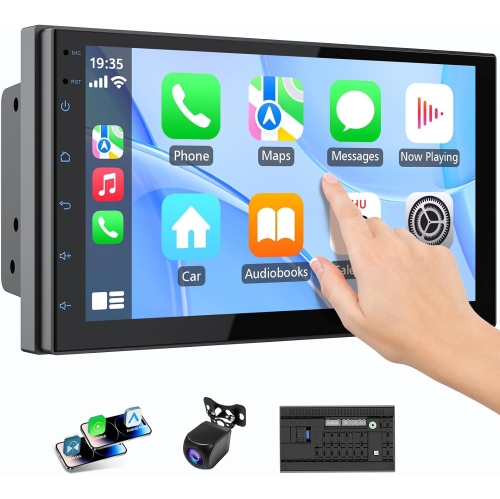
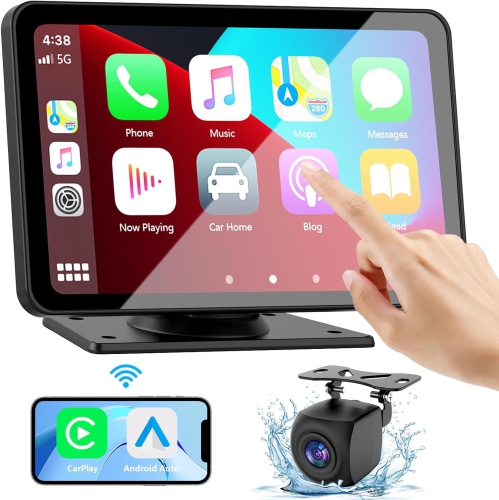
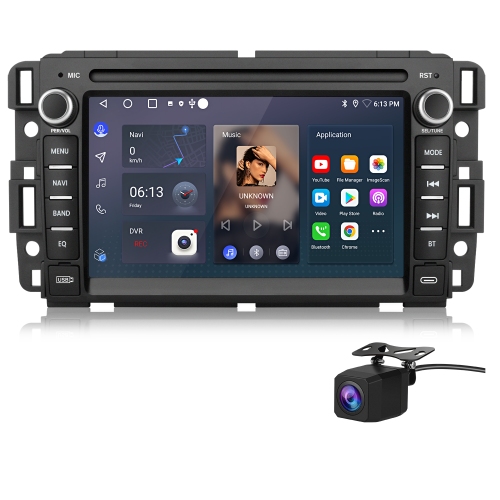
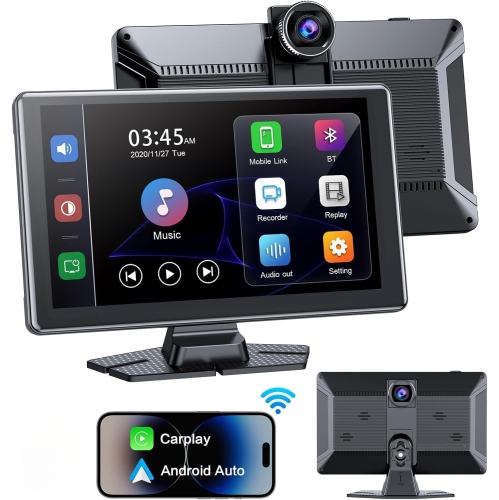

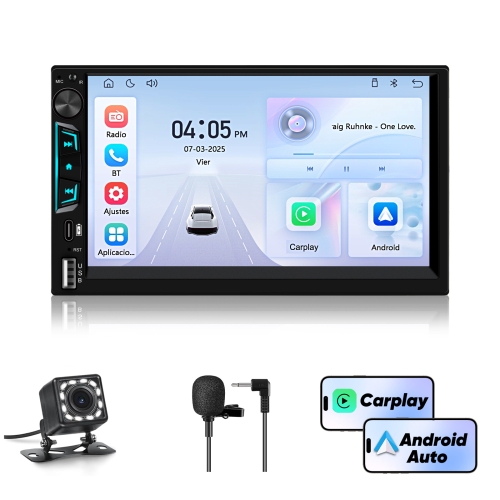
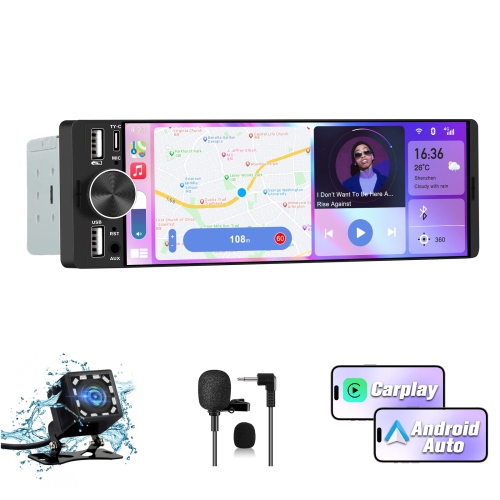
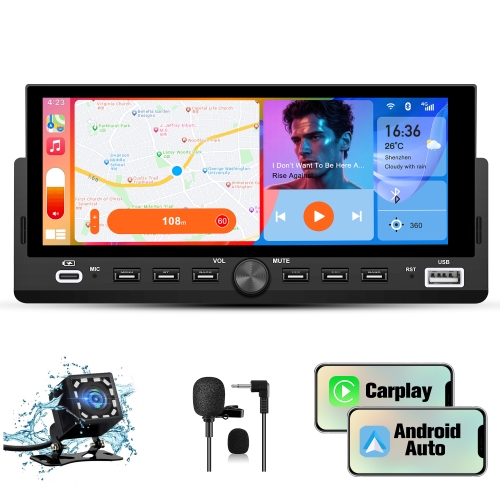
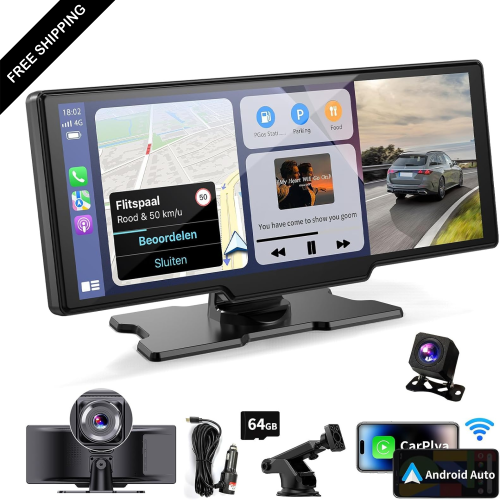

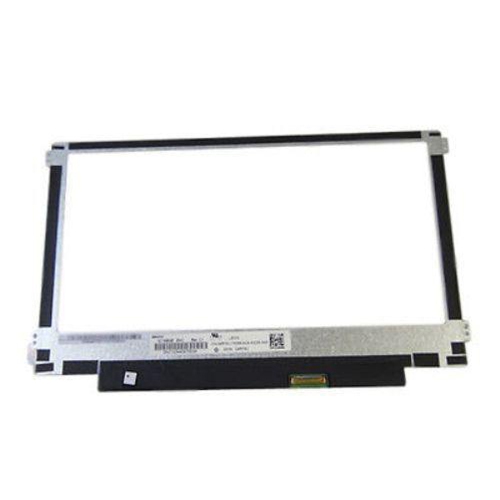
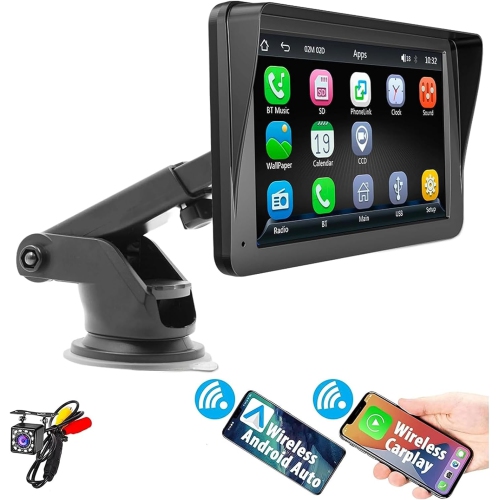
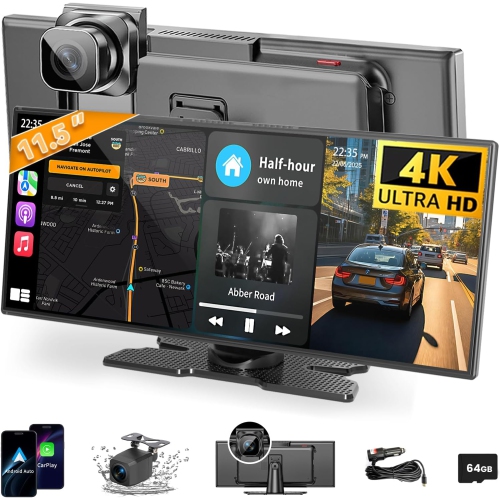
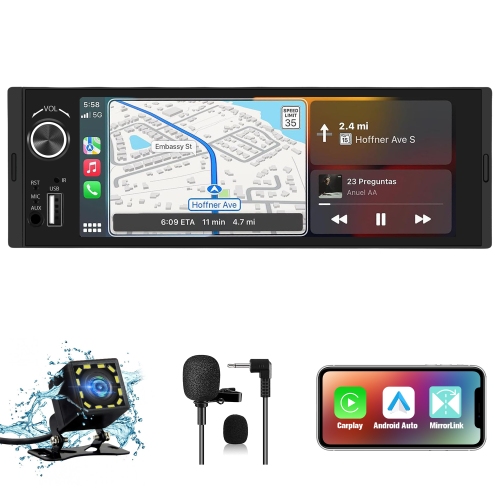
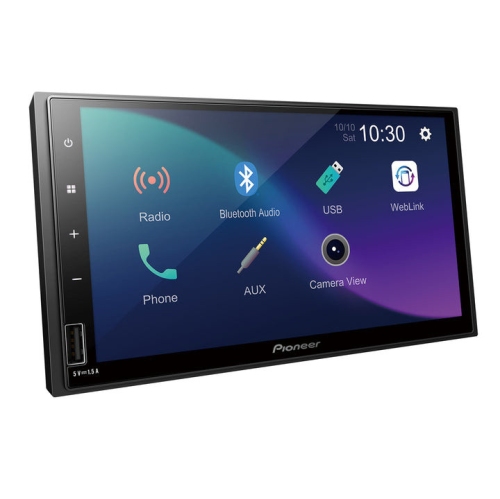
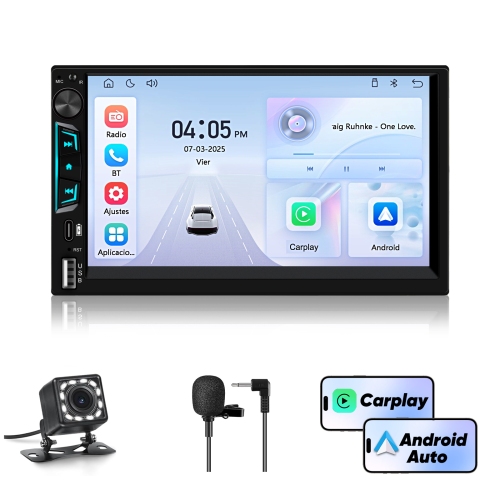
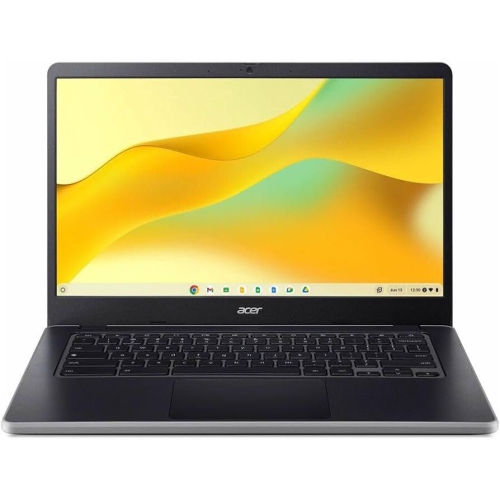
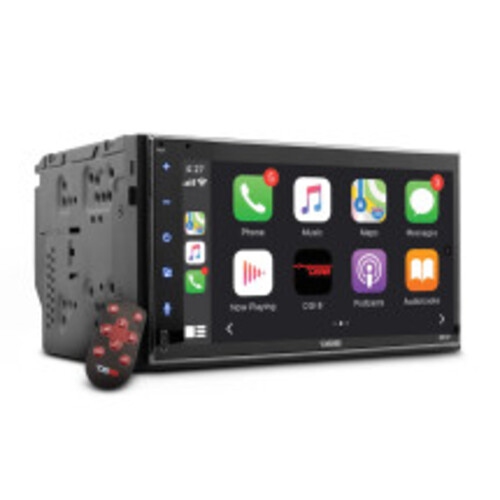
Clear directions depend on more than screen size
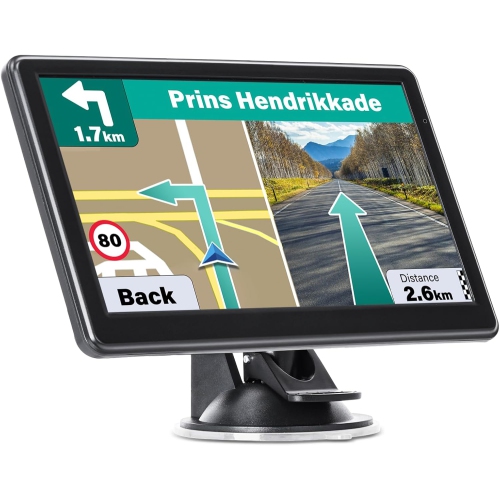
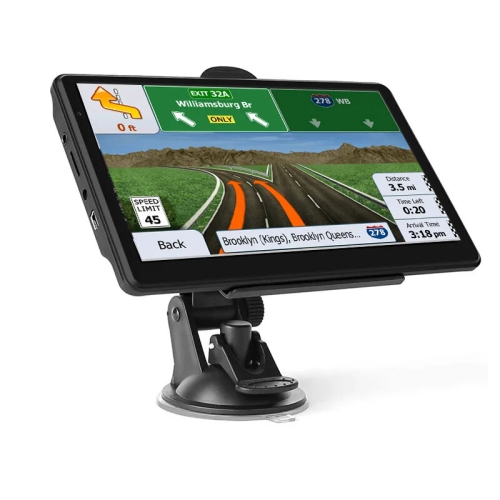
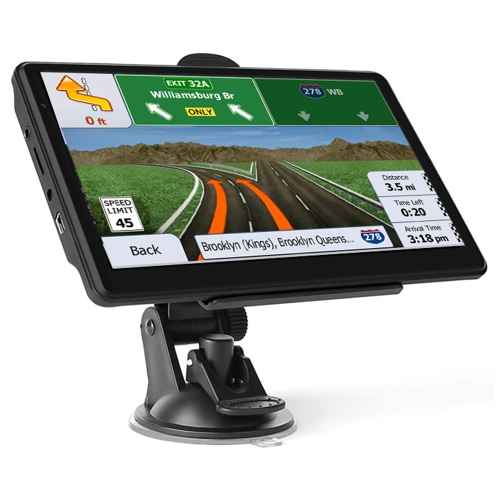
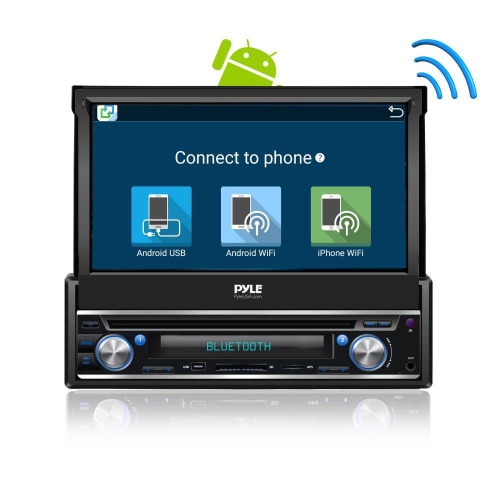
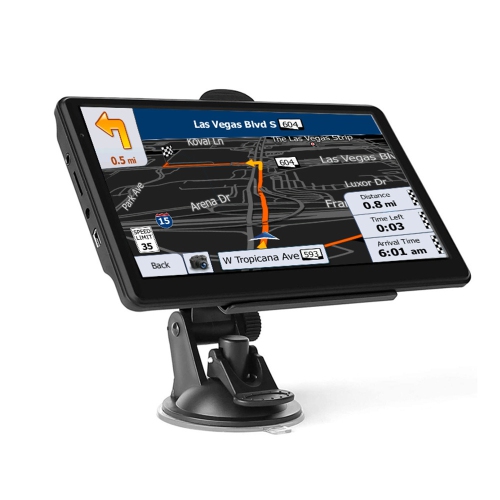
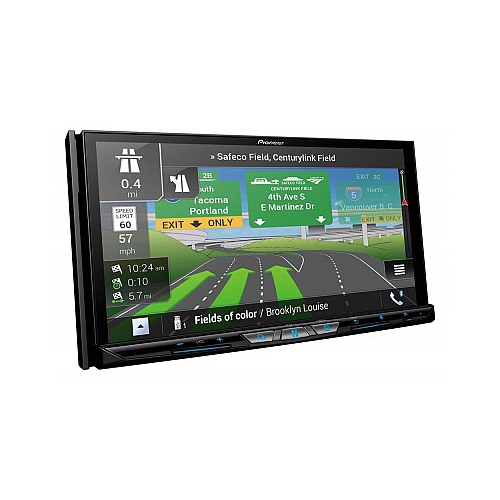
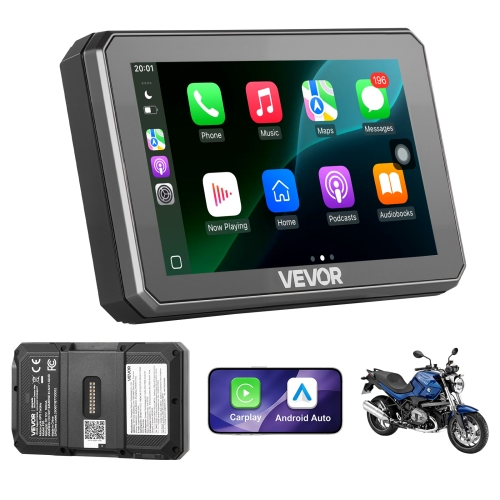
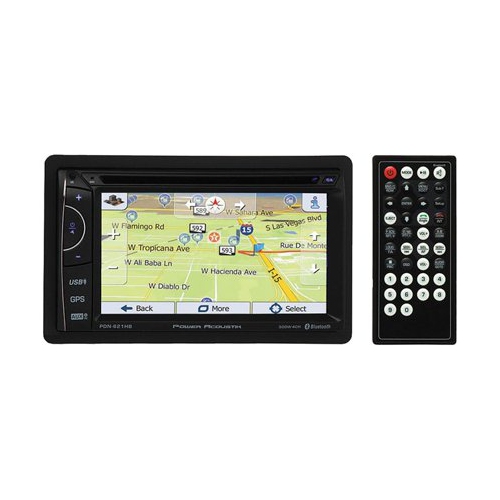
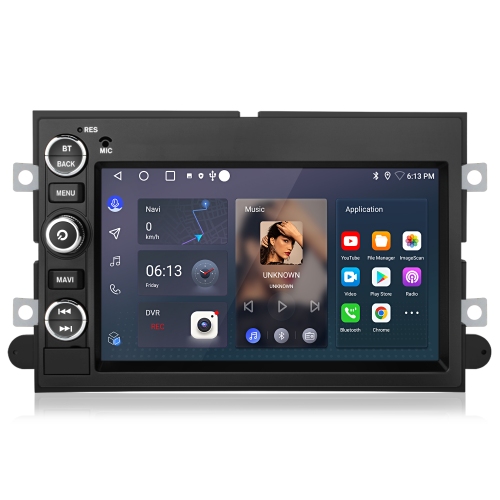
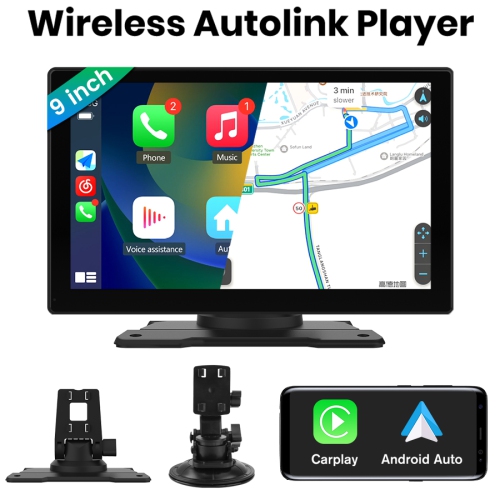
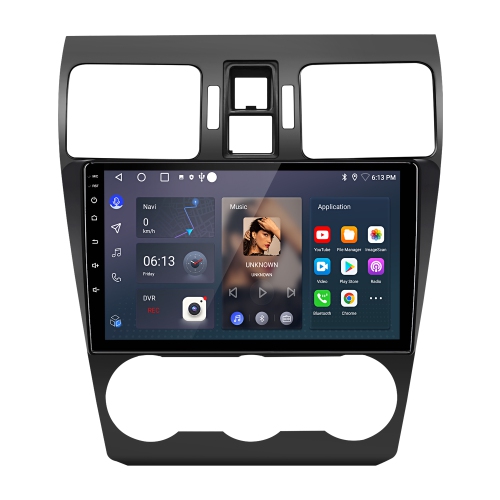
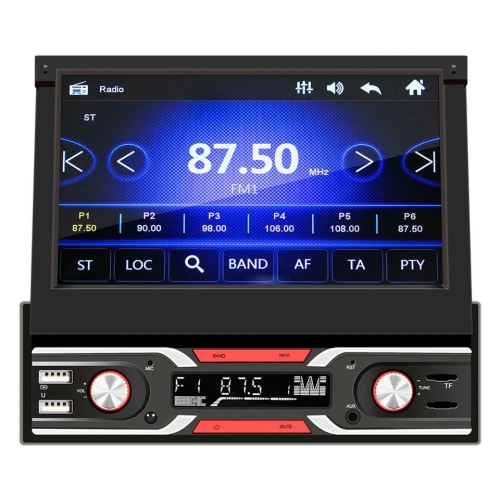
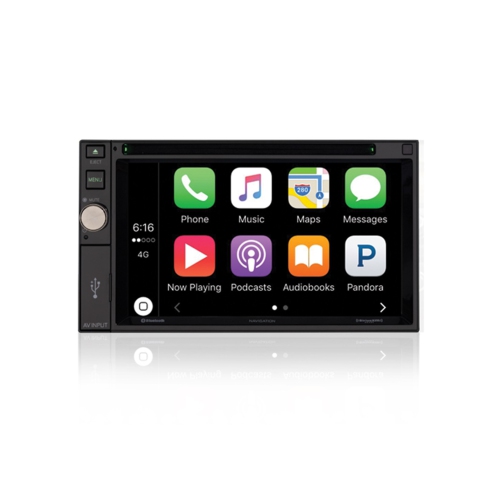
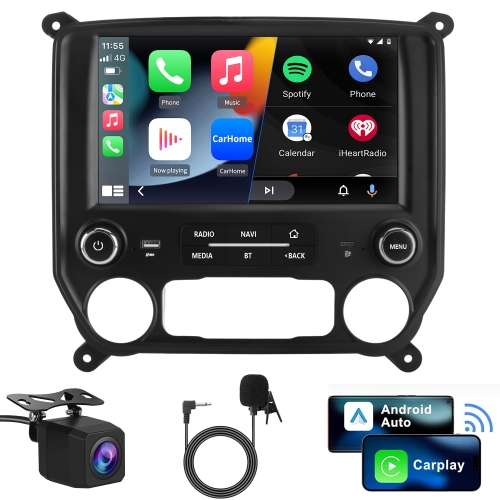
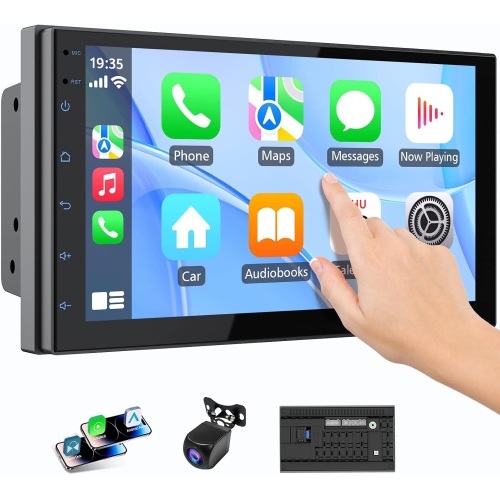
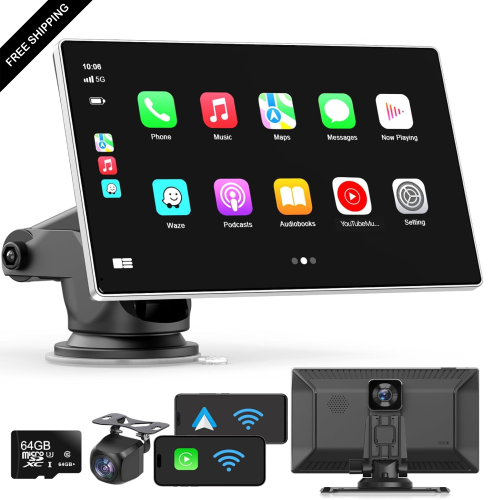
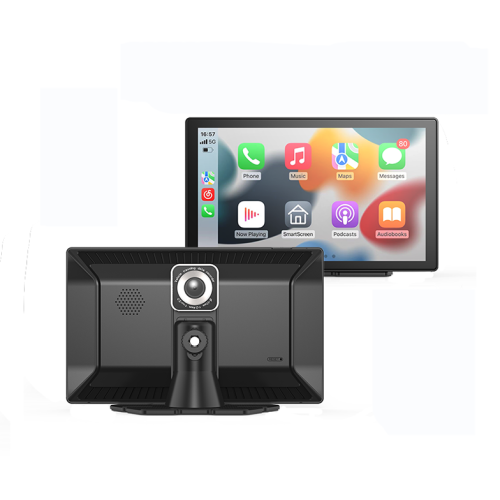
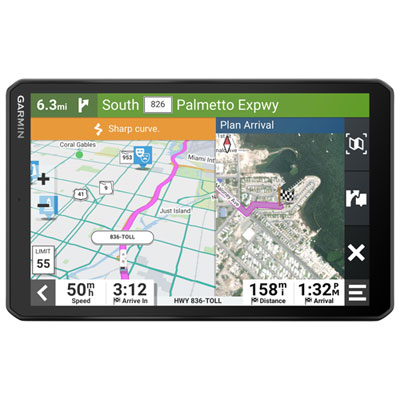
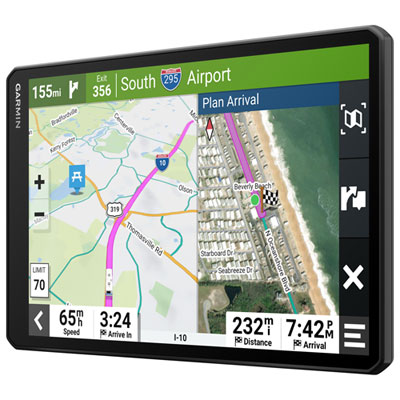
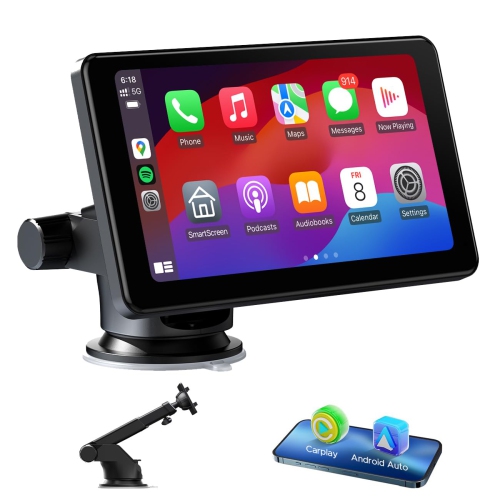
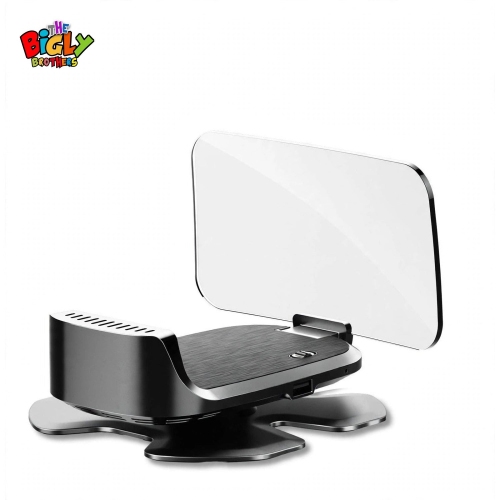
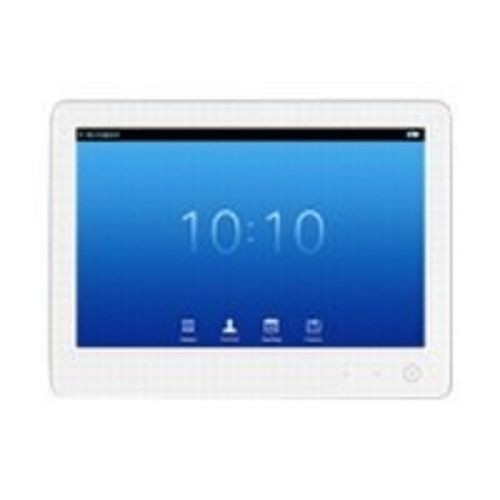
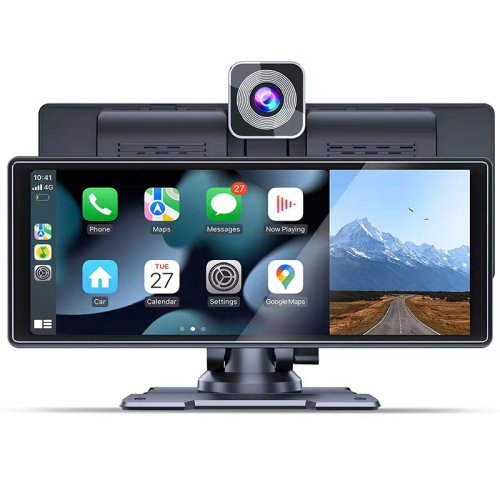
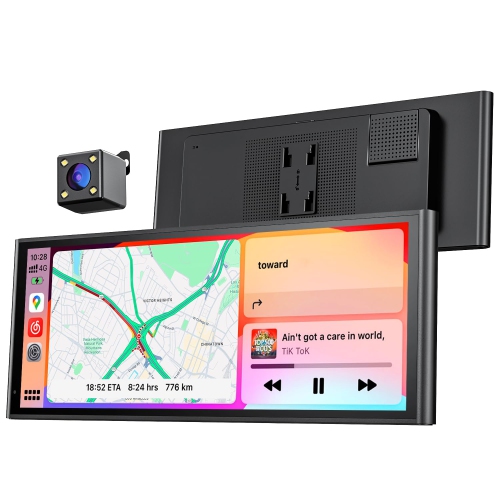
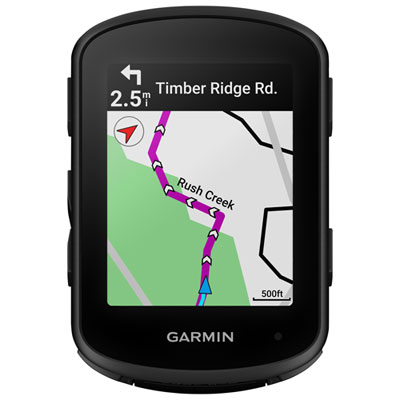
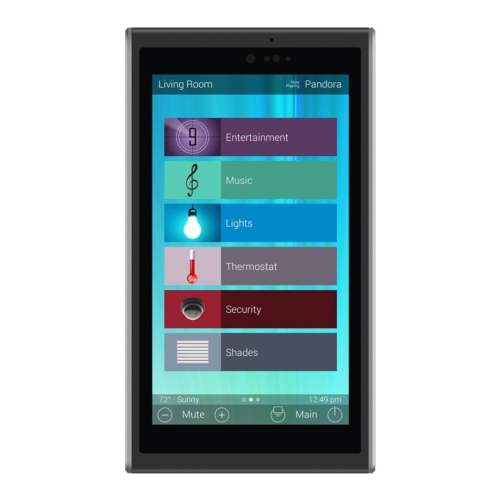
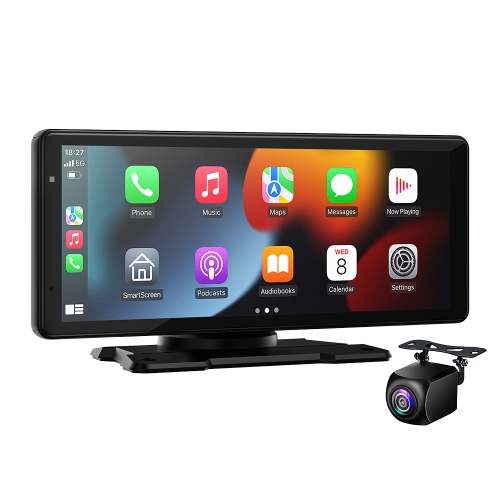
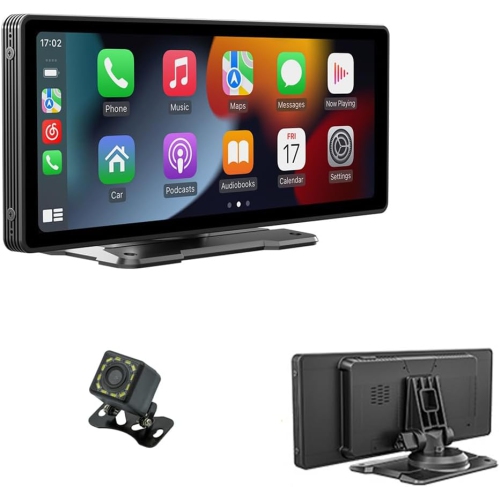
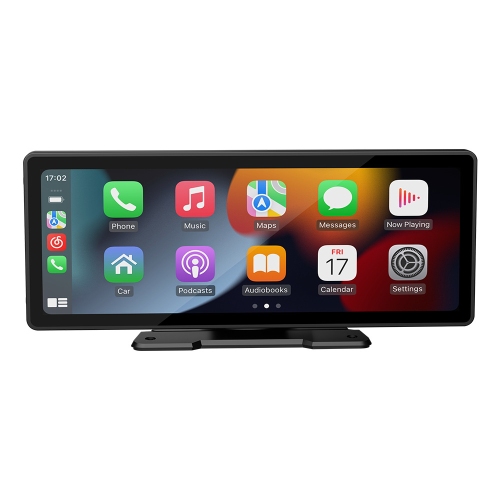
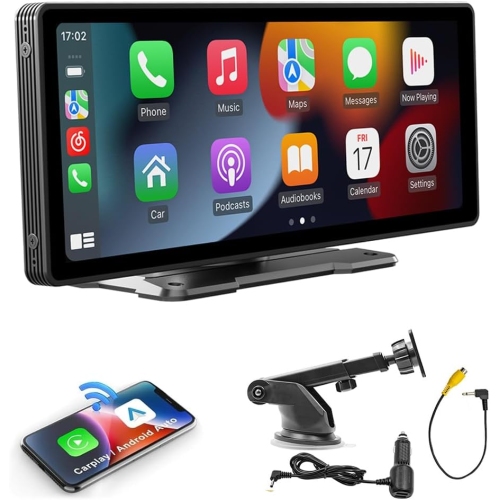
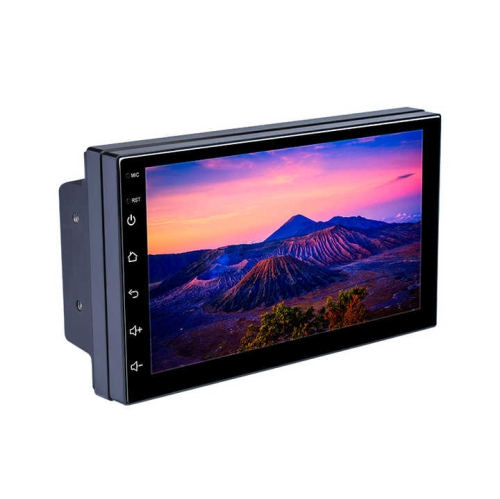
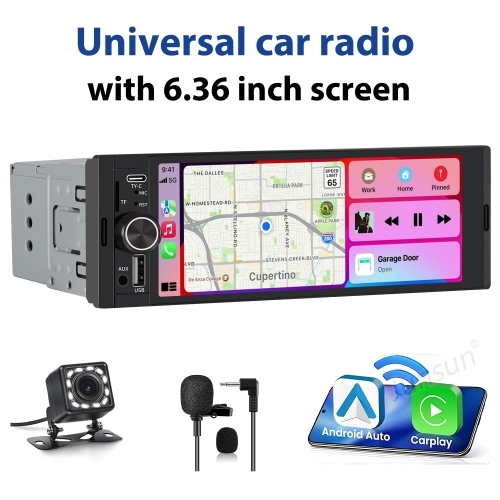
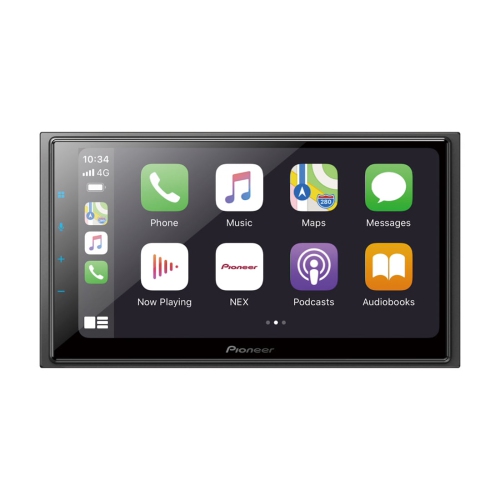
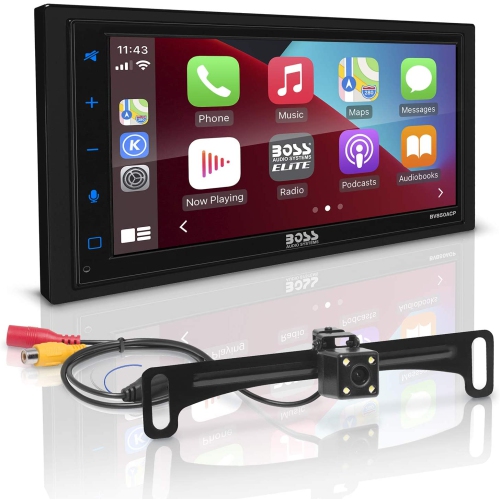
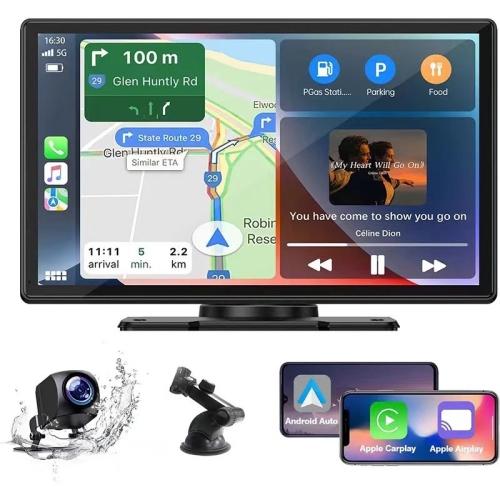
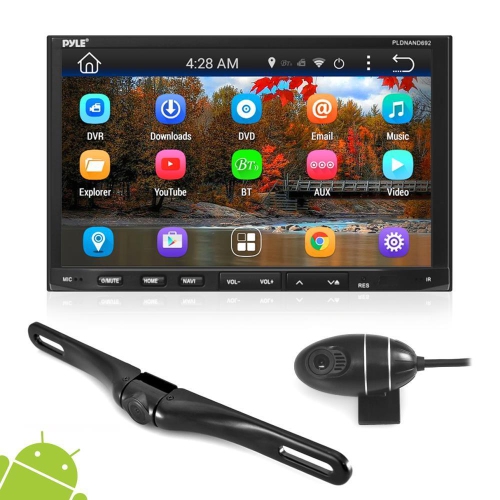
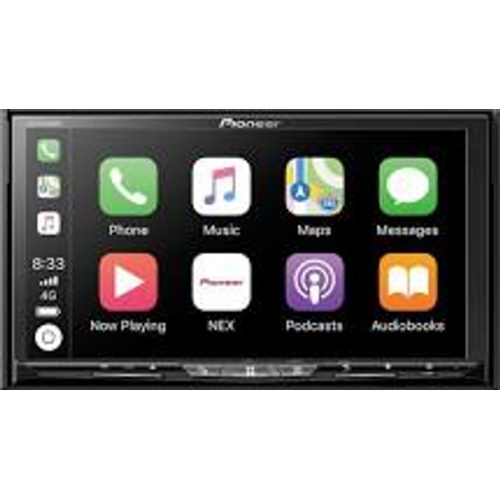
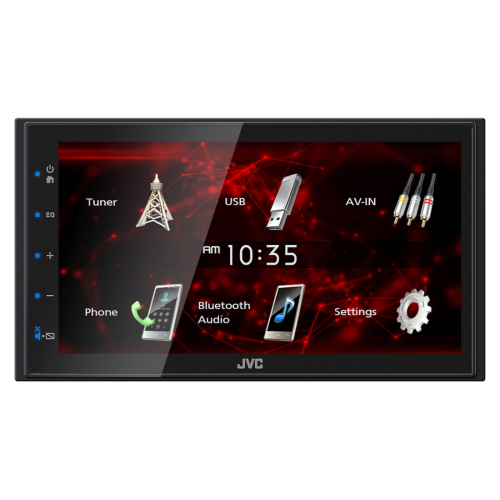
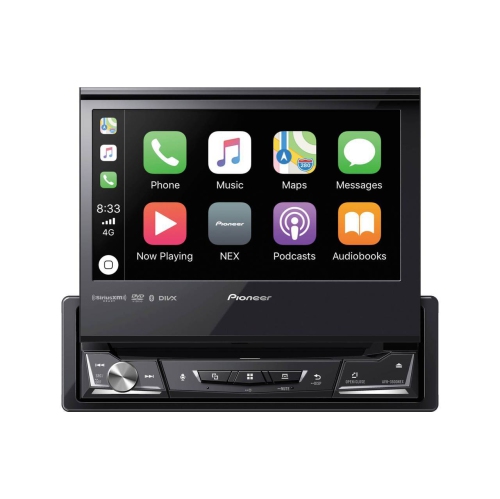
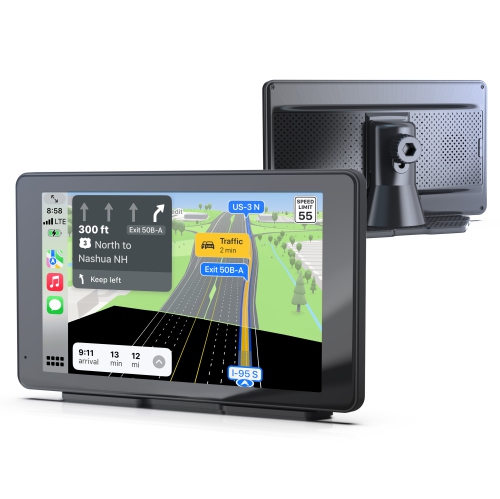
Touch screen navigation systems bring maps, route directions, and destination searches onto a display that is easy to read at a glance. Depending on the type of system, navigation may come from a built-in GPS receiver and stored maps, a connected smartphone, or compatible navigation software. Dedicated portable GPS units typically attach to a dashboard or windshield mount and can move between vehicles, making them practical for drivers who share a car or want familiar navigation in a rental vehicle. Portable dashboard displays can add smartphone-based maps and other supported functions without replacing the factory stereo, while in-dash systems create a more integrated setup within the vehicle’s centre console. A touchscreen stereo does not necessarily include navigation, so the distinction between built-in mapping and phone-connected navigation matters. Turn-by-turn directions, clearly marked lanes, searchable addresses, and points of interest can make an unfamiliar trip easier to follow, whether the destination is a downtown parking garage or a cottage reached by several rural roads. Where supported, spoken street names help distinguish between closely spaced turns, and junction views can clarify which lane leads to an upcoming highway exit. Live traffic information may help identify delays and suggest another route, but it generally depends on a compatible receiver, connected phone, or data service. Stored maps can provide navigation without cellular coverage when the system supports offline use, although live information may be unavailable. Map coverage is another important distinction: Canadian routes, neighbouring countries, and regional detail depend on the included mapping and any supported downloads. Drivers who regularly cross the border may value broader coverage, while those travelling mainly within one province may care more about accurate local streets and easy address entry. The most useful display is not simply the largest one; it is the one that presents the next turn clearly, keeps essential information visible, and suits the way the vehicle is used.
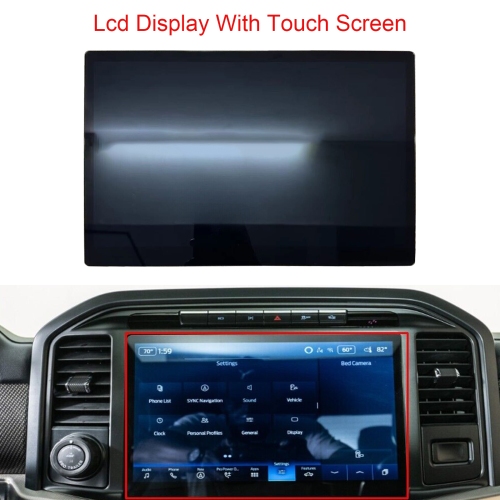
Physical fit and screen design have a substantial effect on everyday use. A larger display can make street names and lane information easier to see, but its placement should leave the road, mirrors, dashboard instruments, and vehicle controls unobstructed. Portable systems need a secure mounting position that does not interfere with airbags or create a loose object in the cabin. Windshield mounting rules vary by jurisdiction, and dashboard surfaces differ in texture and shape, so a mount that works well in one vehicle may not suit another. An in-dash installation requires closer attention to the stereo opening, trim, wiring connections, and compatibility with existing functions such as steering-wheel controls and a factory backup camera. A professional installation can help preserve those connections and keep cables neatly routed. Screen resolution, brightness adjustment, contrast, and glare control influence how easily a map can be read in bright light or after dark. Wide viewing angles can also help a passenger enter a destination while the driver remains focused on the road. Glass and plastic screen surfaces differ in feel and scratch resistance, and protective coatings may reduce visible fingerprints without eliminating the need for cleaning. A soft microfibre cloth and the manufacturer’s recommended cleaning method help protect the display; abrasive materials, excessive liquid, and pressure on the screen can damage its surface or edges. Touch response matters as much as appearance. Large controls, a responsive keyboard, and a straightforward route overview are useful when entering a full street address before departure. Some systems also offer voice commands, though supported tasks and recognition accuracy vary. Destinations and route preferences should be set while parked, with spoken guidance used to reduce the need to look at the display during travel. Navigation remains an aid rather than a substitute for road signs, posted restrictions, or safe judgement. A suggested turn may not account for a temporary closure, and the driver remains responsible for choosing a legal, appropriate route.
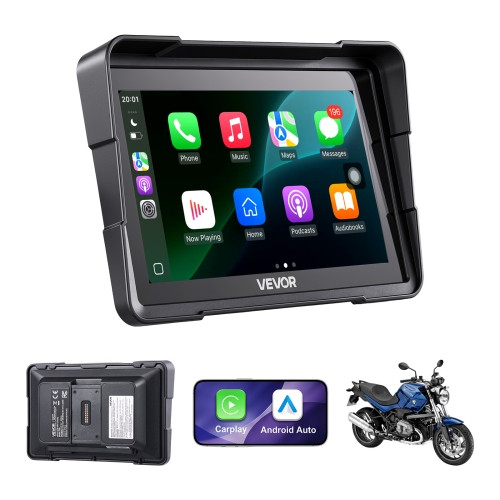
Power, connectivity, and long-term upkeep help determine how comfortably a navigation system fits into a routine. Portable units commonly rely on vehicle power, and any built-in battery may be intended for short periods rather than an entire journey. Cable length, power-outlet location, and the position of charging ports can make the difference between a tidy installation and a cord stretched across the console. Phone-connected displays may use a wired or wireless connection, depending on the hardware and supported software. Bluetooth can support functions such as calling or audio playback, but Bluetooth alone does not establish that a display can show a phone’s navigation interface. Compatibility with the phone’s operating system, connection method, and required applications deserves attention, particularly in a household where several people use the same vehicle. A wireless connection can reduce cable handling, while a wired setup may also charge the phone during use when the system supports it. Audio routing matters too: directions may play through the display’s speaker, the vehicle’s sound system, or another supported connection, and clear instructions should remain audible without overwhelming other sounds. Map and software updates help keep a system useful as roads, addresses, and supported phone features change. Update methods can include Wi-Fi, a computer connection, or removable storage, depending on the device. Frequent travellers may appreciate saved destinations and multiple-stop routing, while delivery drivers may benefit from route profiles suited to their vehicle where those features are supported. Vehicle dimensions, weight limits, and road restrictions still need independent verification rather than reliance on a general passenger-car route. A navigation system can also be a thoughtful gift for someone who enjoys road trips, provided the vehicle fit, phone compatibility, and preferred setup are known. For map viewing and trip planning at a desk, Touchscreen Monitors serve a different purpose and are not substitutes for vehicle navigation hardware. In the car, clear guidance, dependable mounting, and suitable map coverage are what make a touchscreen system useful beyond the first trip.
Top selling and popular products
-
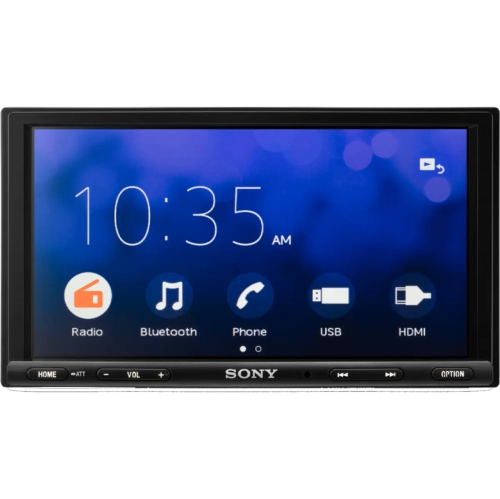 Your price for this item is $269
-
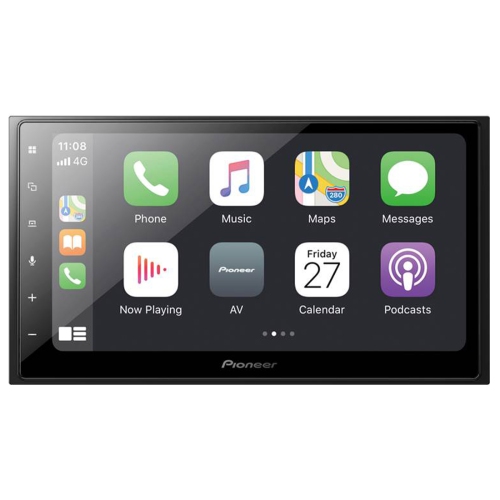 Your price for this item is $499.99
-
 Your price for this item is $568.99
-
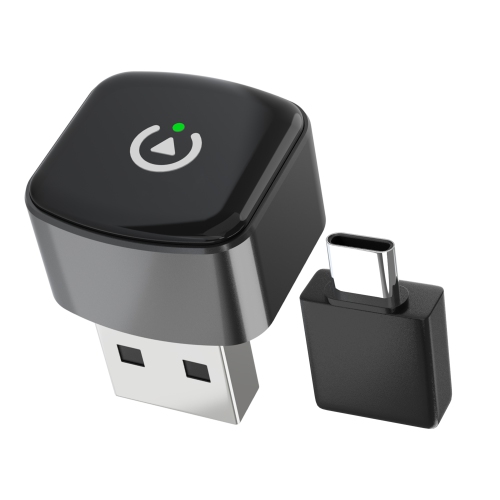 Your price for this item is $99.99
-
 Your price for this item is $898.99
-
 Your price for this item is $280
-
 Your price for this item is $798.99
-
 Your price for this item is $99.99
Discover more categories related to Touch Screen Navigation Systems

Top Collections:
Best Black Friday Deals This Year, Best Black Friday Deals On Electronics, Kindle Devices, Pokemon Centers, Best Black Friday Deals On Apple Products, Best Cameras for Sports Photography, Dyson Airwrap, Pokémon 30th Celebration Cards, Apple iPhone 17 Pro, Canon G7X Cameras
Some products may be subject to Environmental Handling Fees
(EHF) depending on your province.
Learn more about EHFs.