Dash Cameras for Fleet Vehicles
Dash cameras for fleet vehicles offer essential support for businesses looking to enhance their vehicle management and driver accountability. These devices help streamline operations by providing valuable video footage that can assist with incident reviews, route optimization, and overall fleet safety. With a variety of dash cameras for fleet vehicles available, it’s easy to find options that suit the specific needs of your business, whether you manage a small delivery service or a large transportation network. Explore the selection to discover solutions designed to keep your fleet running smoothly and efficiently.
Sort

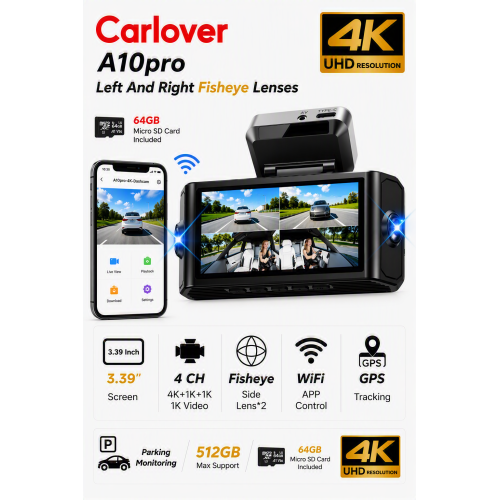


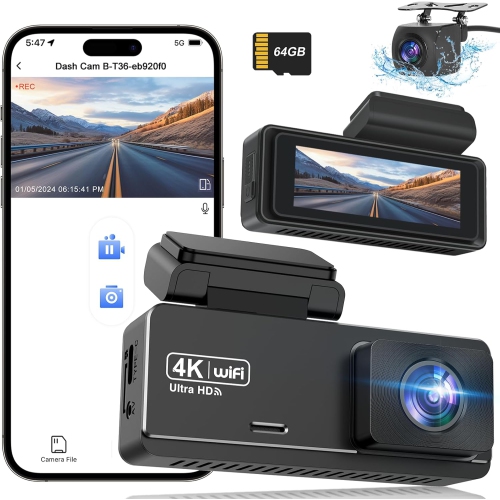


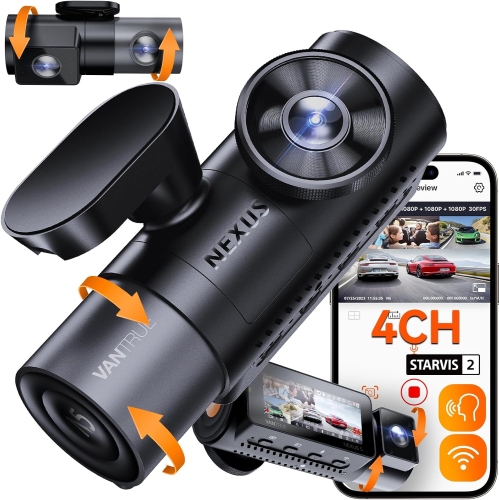


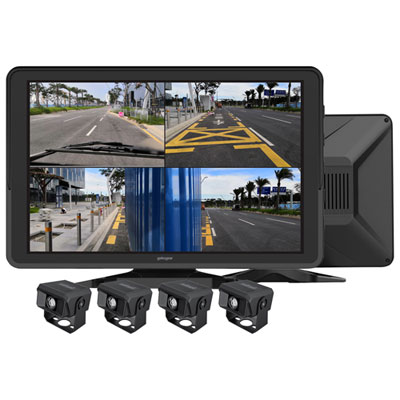
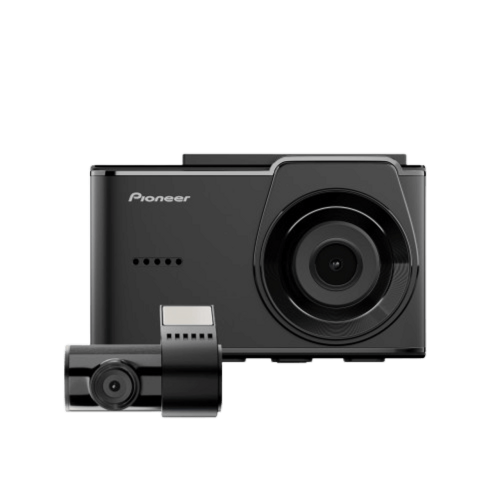


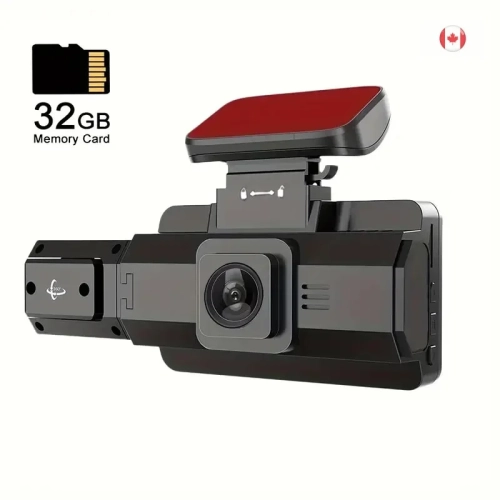


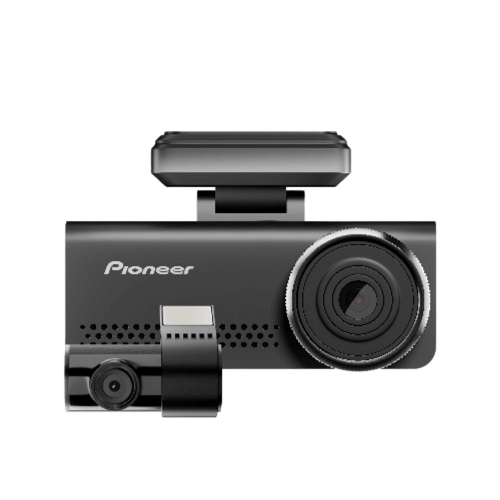


Road footage that helps explain fleet incidents
Dash cameras for fleet vehicles provide a video record of journeys, helping businesses understand what happened on the road rather than relying only on a driver’s recollection. They serve a range of commercial uses, from delivery vans making frequent stops to service vehicles travelling between appointments and trucks covering longer routes. A forward-facing camera captures the road ahead, while compatible multi-channel systems can add views of the cabin, the rear of the vehicle, or other areas covered by separately mounted cameras. Those perspectives serve different purposes: a road-facing view may show a vehicle cutting into a lane, while a rear view can add context to a collision during a delivery round. Cabin-facing coverage may support driver safety programmes, but it also calls for clear policies about recording and access. For a business with several drivers sharing vehicles, consistent camera placement and recording settings can make footage easier to review across the fleet. Image quality depends on more than the resolution printed on a specification sheet. Lens quality, exposure control, mounting position, and lighting all affect whether useful details appear clearly. Wide dynamic range can help balance bright areas and deep shadows in the same scene, such as a loading entrance with strong light beyond it. A wide viewing angle captures more of an intersection, although an especially broad view can make distant details appear smaller. Licence plates are not guaranteed to be readable in every recording, particularly when vehicles are moving quickly or are far from the lens. Timestamps and, on suitably equipped cameras, GPS information can add context to the video. For fleet operators, the practical value is often the ability to review a sequence of events: where the vehicle was positioned, how traffic moved around it, and what happened immediately before and after an incident. That context can support an incident report, an insurance review, or a constructive conversation with a driver without guaranteeing a particular outcome.
The fit between a dash camera and a commercial vehicle involves the mounting hardware, power connection, cable routing, and intended recording coverage. A compact camera positioned near the rear-view mirror may keep the driver’s view clearer than a larger screen mounted lower on the windshield, but suitable placement depends on the vehicle and applicable local requirements. Adhesive mounts offer a fixed position, while suction mounts can be convenient when equipment needs to move between vehicles; either arrangement depends on a clean mounting surface and secure attachment. Adjustable brackets help accommodate different windshield angles, and firmly supported camera housings are important in vehicles exposed to regular vibration. Cables need enough length to reach their connection points without hanging across controls, interfering with airbags, or being pinched by trim. Rear cameras on longer vans and trucks may require compatible extension cables or a different installation approach from a passenger vehicle. Power compatibility also matters, since commercial fleets can include vehicles with different electrical systems. Some cameras operate through an accessory socket, while others support a compatible hardwiring kit or another vehicle connection. Automatic recording at startup depends on the camera settings and how the vehicle supplies power; an accessory socket does not always switch off with the ignition. Parking recording, where supported, may require a separate power arrangement and low-voltage protection to help limit battery discharge. Professional installation can be useful when wiring several cameras or fitting equipment across a mixed fleet. Daily durability also includes the recording media. High-endurance memory cards designed for repeated video writing are often better suited to continuous recording than general-purpose cards, provided they meet the camera manufacturer’s requirements. Loop recording replaces older footage as storage fills, so important clips need to be saved before they are overwritten. Routine care is straightforward: keep lenses and the surrounding glass clean, check mounts and cables, and confirm periodically that recordings can be played back.
Fleet dash cameras range from self-contained recorders with removable storage to connected systems that support remote access and broader vehicle monitoring. GPS-equipped models can associate footage with location and speed data, but GPS recording alone does not provide live tracking. Remote viewing, automatic uploads, and central management require compatible hardware, software, and a suitable network connection. Wi-Fi may be used for nearby phone access or transfers at a depot, while cellular-enabled systems can transmit supported footage and alerts when network coverage permits. Upload timing varies with connectivity, settings, and file size, so cloud access should not be confused with an uninterrupted live view of every vehicle. Event detection also varies. A G-sensor can detect a sudden movement and flag or protect a recording, but a jolt does not necessarily indicate a collision. More advanced systems may identify behaviours such as close following or distracted driving, with driver-facing functions requiring an appropriate camera and compatible software. These distinctions matter when a small service business simply needs reliable trip recordings, while a larger operation needs clips organized by vehicle, driver, or event. A business considering related recording setups can also explore Dash Cam For Vehicle Monitoring. Across fleet uses, useful footage depends on dependable recording and clear management practices as much as connected features. Vehicle identifiers, accurate timestamps, and consistent file handling help a manager locate the relevant clip after a customer reports an incident at a delivery stop. Access controls and secure accounts help limit who can view or download recordings, particularly when footage includes drivers, passengers, customers, or private property. Audio recording deserves separate consideration because it captures conversations as well as road noise. Clear communication with drivers, appropriate notices, defined retention periods, and attention to applicable privacy requirements help establish responsible use. Whether the fleet consists of a few work vans or vehicles spread across multiple locations, well-matched dash cameras can provide a consistent record that supports incident review, driver coaching, and everyday operational oversight.
The fit between a dash camera and a commercial vehicle involves the mounting hardware, power connection, cable routing, and intended recording coverage. A compact camera positioned near the rear-view mirror may keep the driver’s view clearer than a larger screen mounted lower on the windshield, but suitable placement depends on the vehicle and applicable local requirements. Adhesive mounts offer a fixed position, while suction mounts can be convenient when equipment needs to move between vehicles; either arrangement depends on a clean mounting surface and secure attachment. Adjustable brackets help accommodate different windshield angles, and firmly supported camera housings are important in vehicles exposed to regular vibration. Cables need enough length to reach their connection points without hanging across controls, interfering with airbags, or being pinched by trim. Rear cameras on longer vans and trucks may require compatible extension cables or a different installation approach from a passenger vehicle. Power compatibility also matters, since commercial fleets can include vehicles with different electrical systems. Some cameras operate through an accessory socket, while others support a compatible hardwiring kit or another vehicle connection. Automatic recording at startup depends on the camera settings and how the vehicle supplies power; an accessory socket does not always switch off with the ignition. Parking recording, where supported, may require a separate power arrangement and low-voltage protection to help limit battery discharge. Professional installation can be useful when wiring several cameras or fitting equipment across a mixed fleet. Daily durability also includes the recording media. High-endurance memory cards designed for repeated video writing are often better suited to continuous recording than general-purpose cards, provided they meet the camera manufacturer’s requirements. Loop recording replaces older footage as storage fills, so important clips need to be saved before they are overwritten. Routine care is straightforward: keep lenses and the surrounding glass clean, check mounts and cables, and confirm periodically that recordings can be played back.
Fleet dash cameras range from self-contained recorders with removable storage to connected systems that support remote access and broader vehicle monitoring. GPS-equipped models can associate footage with location and speed data, but GPS recording alone does not provide live tracking. Remote viewing, automatic uploads, and central management require compatible hardware, software, and a suitable network connection. Wi-Fi may be used for nearby phone access or transfers at a depot, while cellular-enabled systems can transmit supported footage and alerts when network coverage permits. Upload timing varies with connectivity, settings, and file size, so cloud access should not be confused with an uninterrupted live view of every vehicle. Event detection also varies. A G-sensor can detect a sudden movement and flag or protect a recording, but a jolt does not necessarily indicate a collision. More advanced systems may identify behaviours such as close following or distracted driving, with driver-facing functions requiring an appropriate camera and compatible software. These distinctions matter when a small service business simply needs reliable trip recordings, while a larger operation needs clips organized by vehicle, driver, or event. A business considering related recording setups can also explore Dash Cam For Vehicle Monitoring. Across fleet uses, useful footage depends on dependable recording and clear management practices as much as connected features. Vehicle identifiers, accurate timestamps, and consistent file handling help a manager locate the relevant clip after a customer reports an incident at a delivery stop. Access controls and secure accounts help limit who can view or download recordings, particularly when footage includes drivers, passengers, customers, or private property. Audio recording deserves separate consideration because it captures conversations as well as road noise. Clear communication with drivers, appropriate notices, defined retention periods, and attention to applicable privacy requirements help establish responsible use. Whether the fleet consists of a few work vans or vehicles spread across multiple locations, well-matched dash cameras can provide a consistent record that supports incident review, driver coaching, and everyday operational oversight.
Top selling and popular products
-
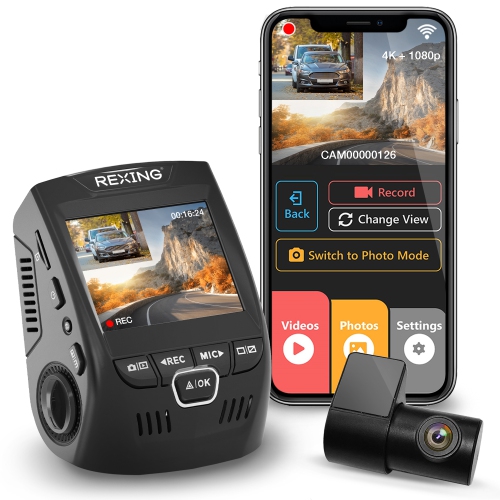 Your price for this item is $159.99
-
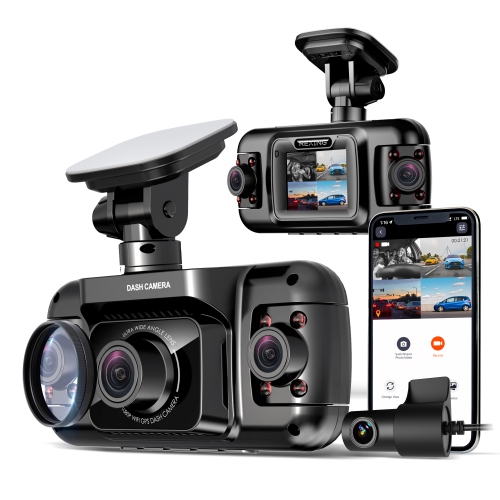 Your price for this item is $299.99
-
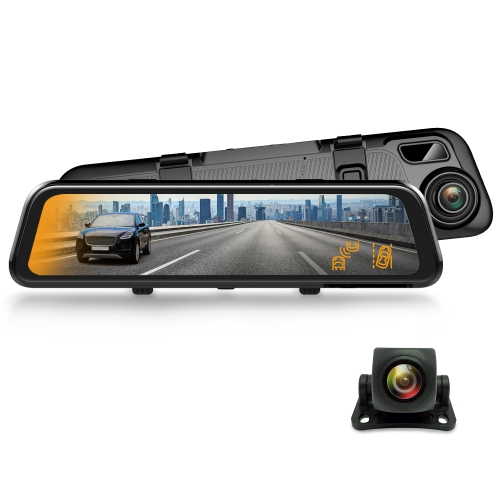 Your price for this item is $129.99
-
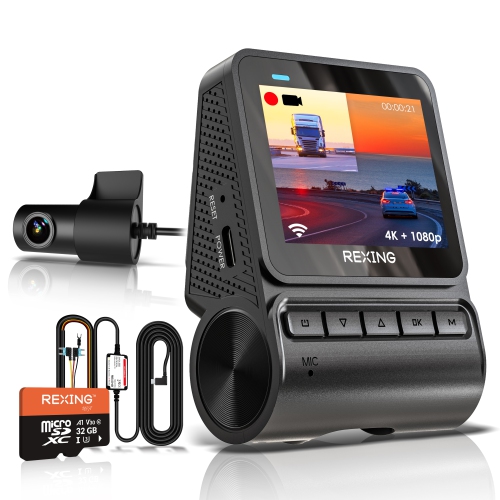 Your price for this item is $229.99
-
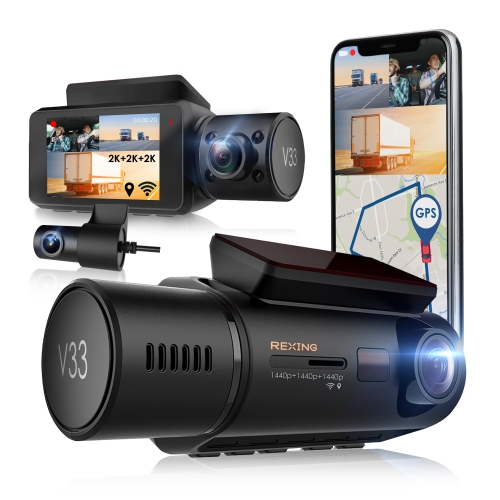 Your price for this item is $327.99
-
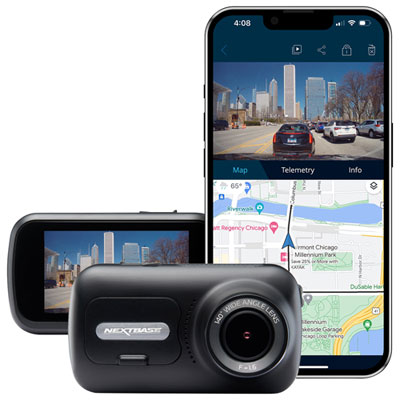 Your price for this item is $249.99
-
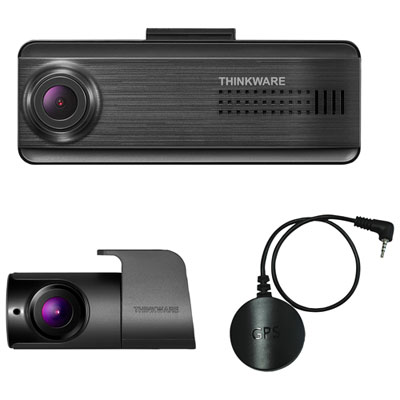 Your price for this item is $299.99
-
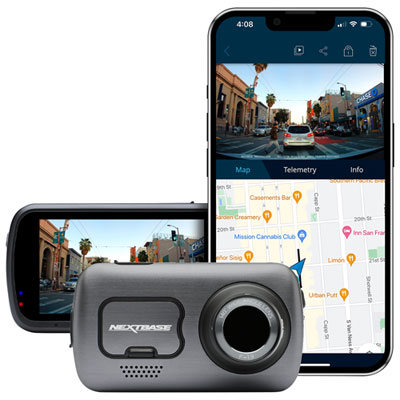 Your price for this item is $399.99
Discover more categories related to Dash Cameras for Fleet Vehicles

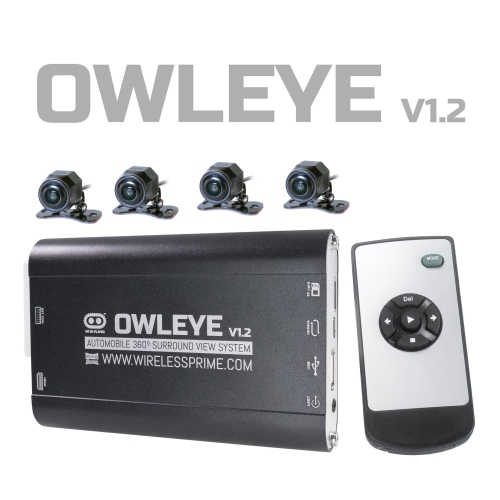
Top Collections:
Best Black Friday Deals This Year, Best Black Friday Deals On Electronics, Kindle Devices, Pokemon Centers, Best Black Friday Deals On Apple Products, Best Cameras for Sports Photography, Dyson Airwrap, Pokémon 30th Celebration Cards, Apple iPhone 17 Pro, Canon G7X Cameras
Some products may be subject to Environmental Handling Fees
(EHF) depending on your province.
Learn more about EHFs.