Car Monitor Screens
Enhance your driving experience with a high-quality car monitor screen. Designed to provide crisp visuals and seamless integration, these cutting-edge displays offer a range of features to keep you entertained and informed on the road. Whether you're looking to upgrade your entertainment system or add a rearview camera for enhanced safety, our selection of car monitor screens has you covered. Explore our diverse range of options and find the perfect screen to take your driving experience to the next level.
Sort
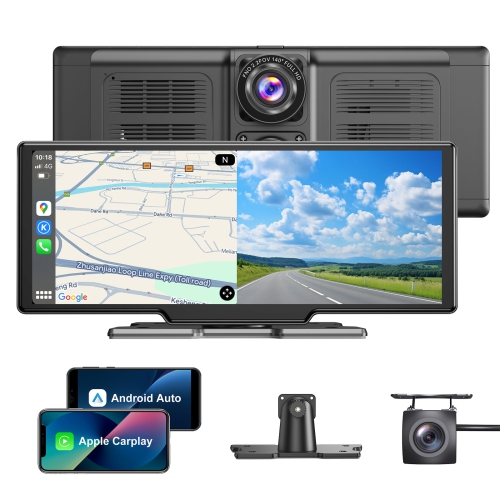
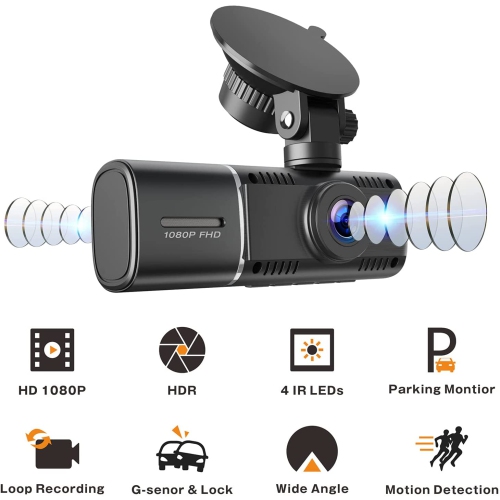
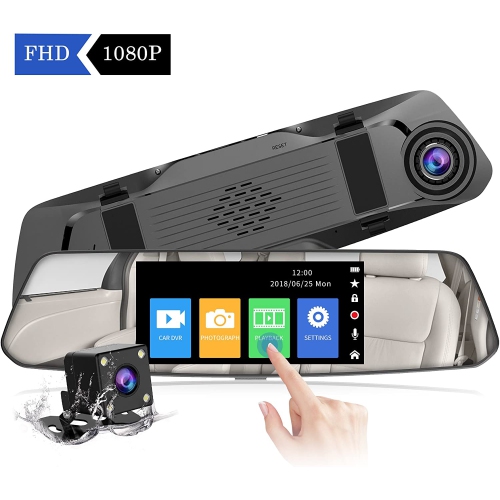
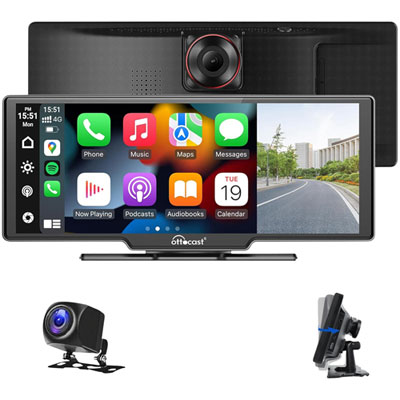
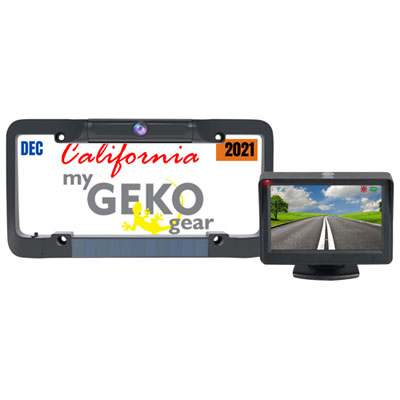
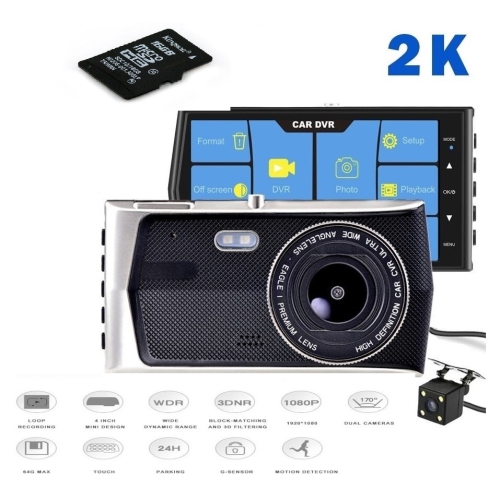
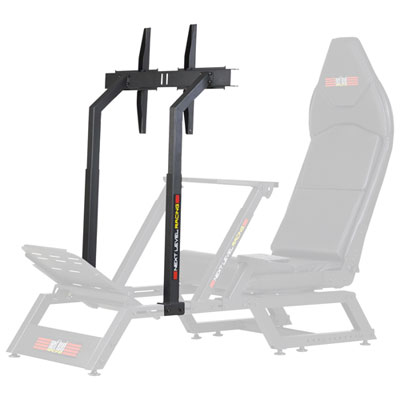
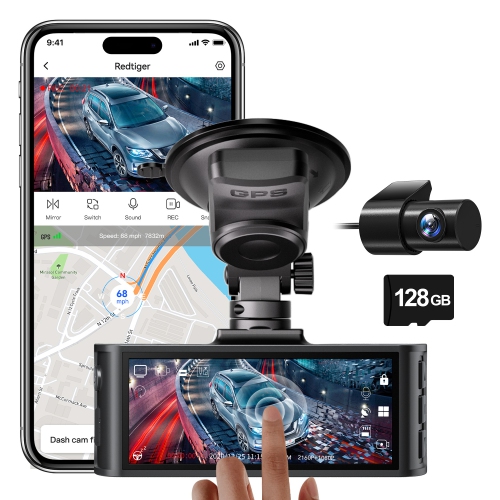

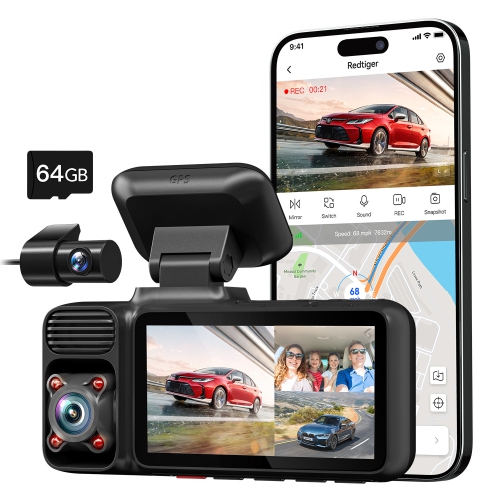
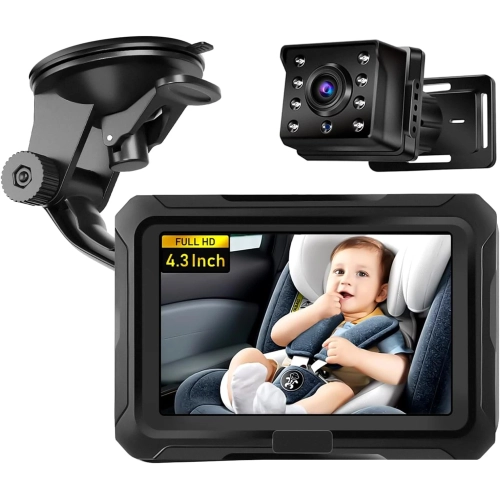
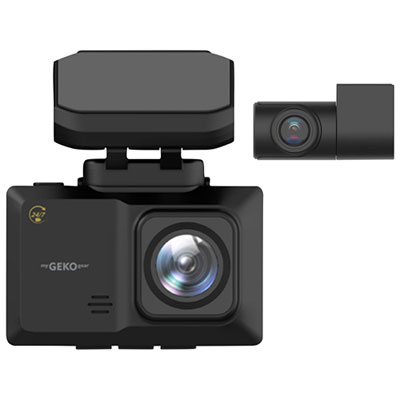
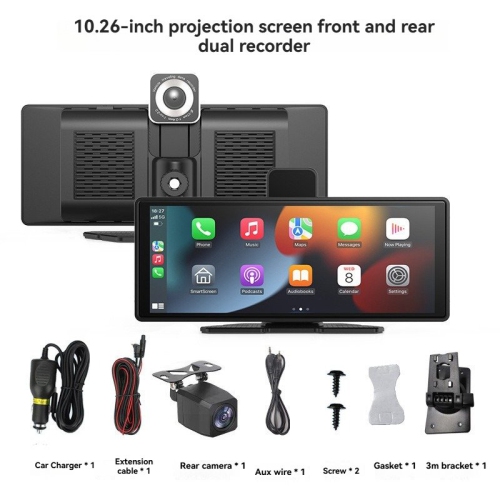
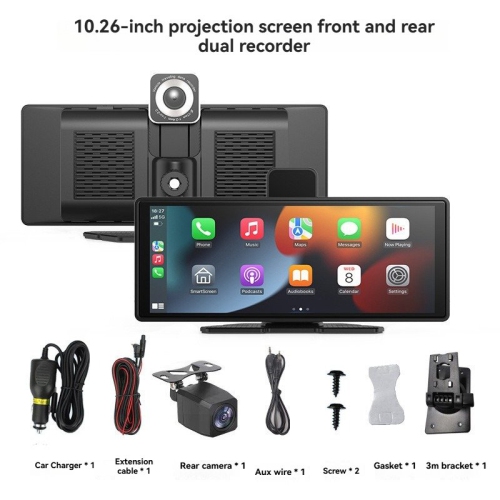
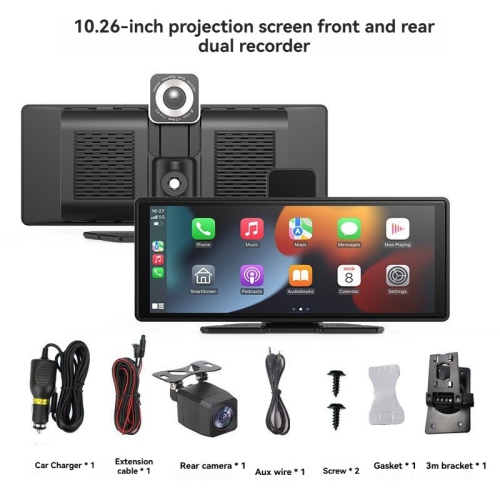
From dashboard navigation to back-seat entertainment
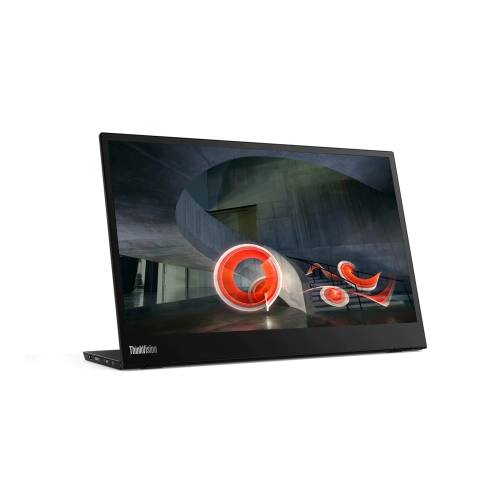
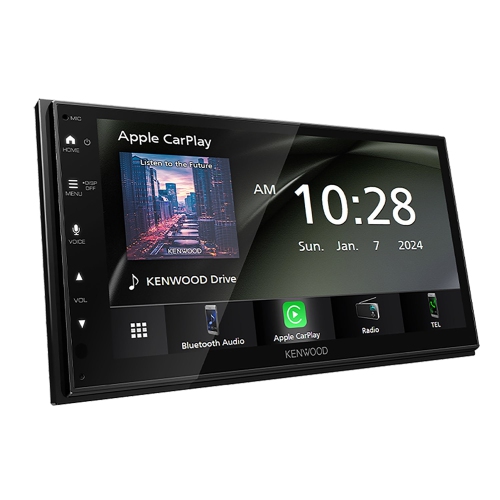
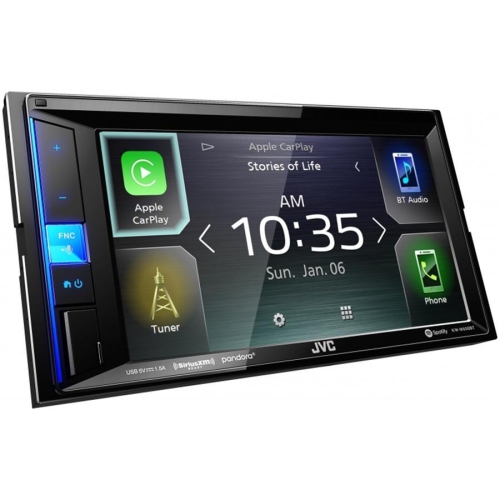
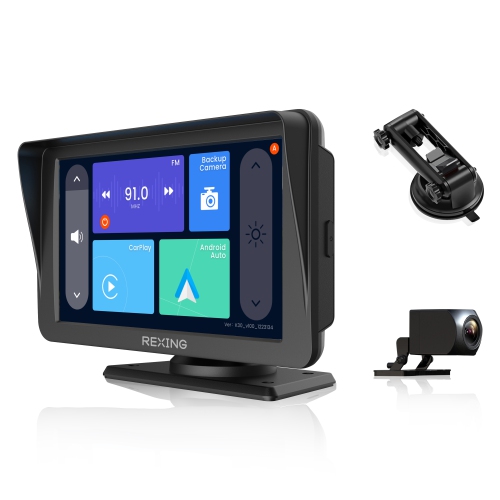
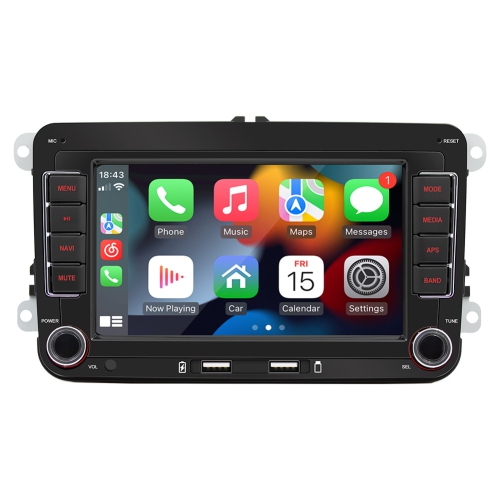
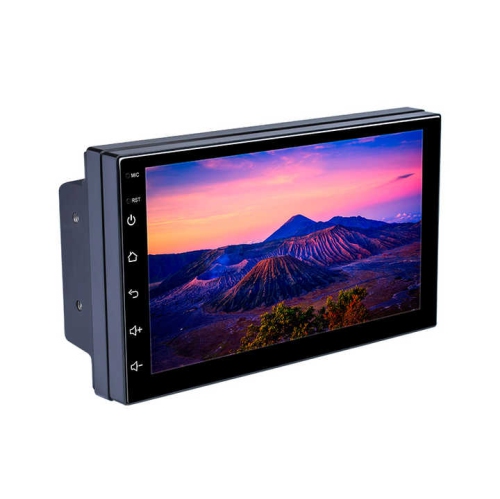
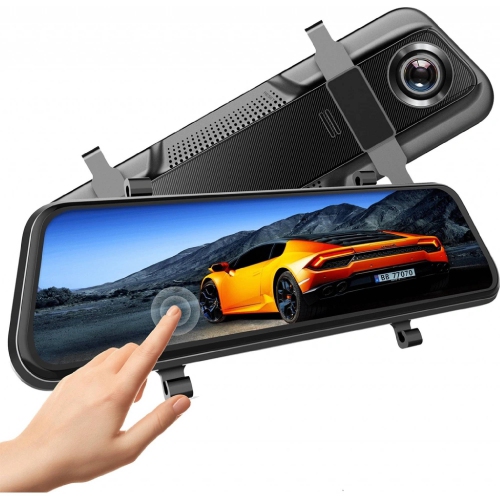
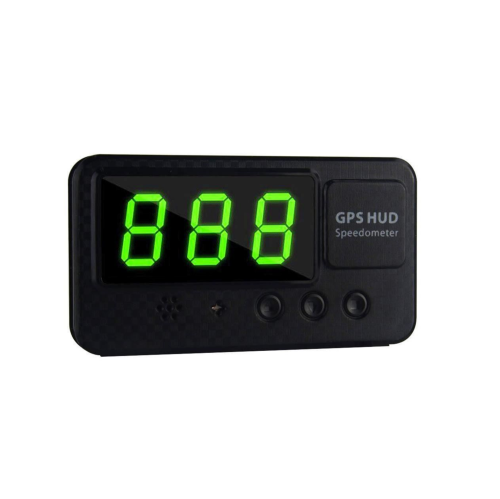
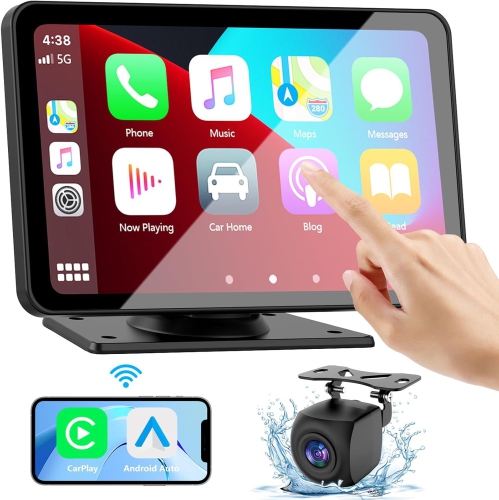
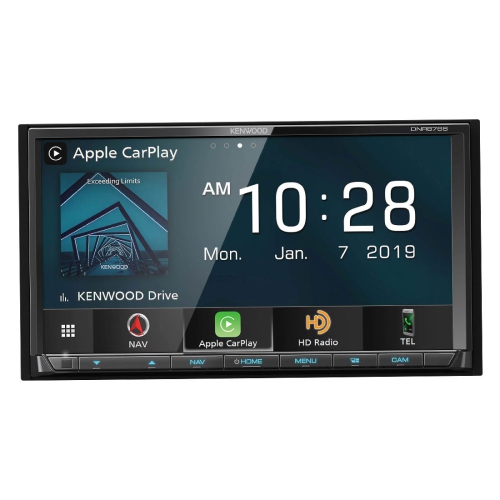
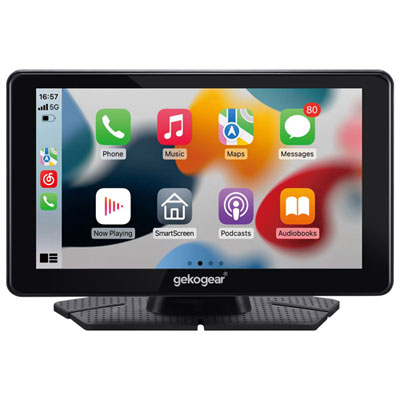
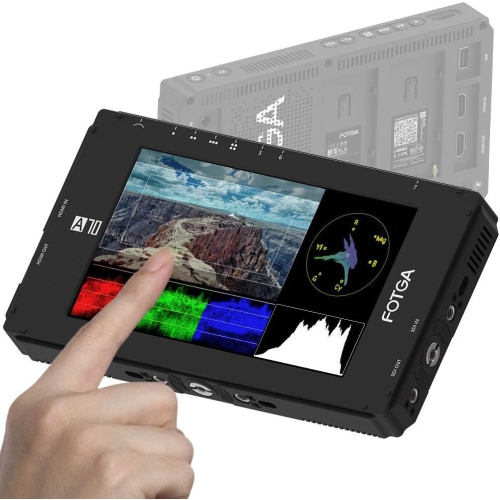
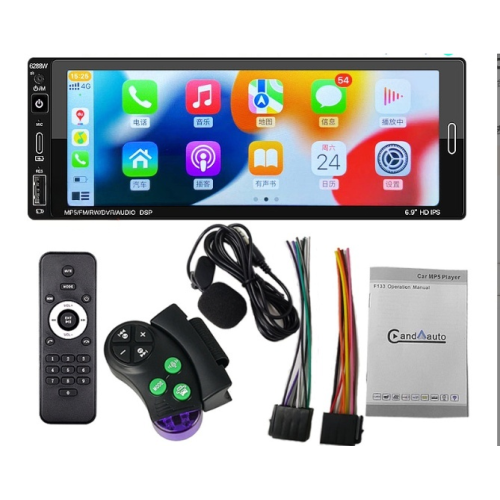
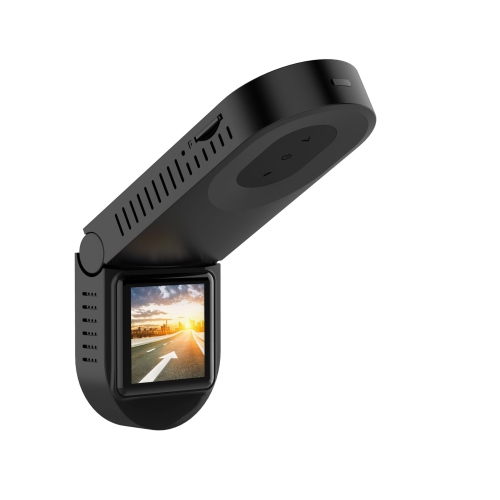
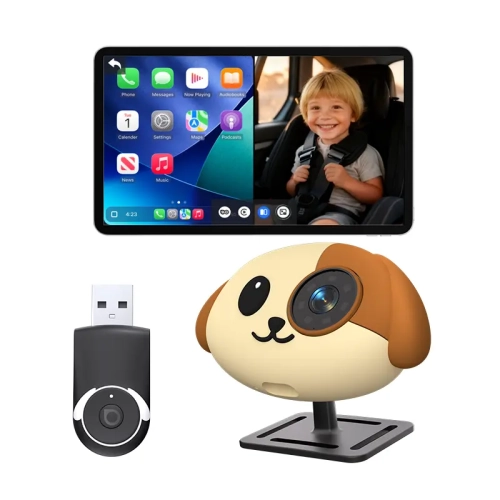
Car monitor screens can add useful technology to a vehicle without requiring a complete dashboard or stereo replacement. Portable dashboard displays are a practical choice for older cars, shared vehicles, rental vehicles, and drivers who want to move the screen between vehicles. Depending on the model, a display may provide navigation, music controls, hands-free calling, and access to compatible smartphone apps through Apple CarPlay or Android Auto. Many units attach to the dashboard or windshield with a suction mount or adhesive pad and receive power through a standard 12V outlet, making installation relatively straightforward. Before choosing a screen, consider the available space around the dashboard, the position of the 12V outlet, and whether the mount will remain stable over uneven roads. A clear display with adjustable brightness can be easier to read in bright daylight and less distracting during evening drives, while a responsive touchscreen makes it simpler to view directions or change audio without reaching for a phone. Smartphone compatibility is also important: wireless connections can reduce cable clutter, while wired connections may be preferable for dependable performance or for keeping a phone charged. Audio can often be sent through the vehicle’s speakers using Bluetooth, an AUX cable, or an FM transmitter, so check which connection methods work with the vehicle. Drivers who spend long hours commuting, make frequent deliveries, or travel between unfamiliar areas may appreciate having maps and hands-free communication positioned within their normal line of sight. A portable screen can also be a thoughtful gift for someone with an older vehicle, a new driver building confidence, or a family member who enjoys road trips but does not need a full infotainment upgrade. For shoppers comparing compact displays for use beyond the vehicle, Travel Monitors may offer another portable viewing option, although car monitor screens are designed with vehicle mounting, power, and driving-related functions in mind.
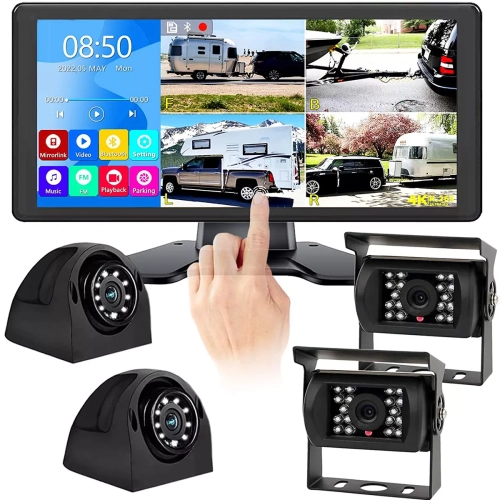
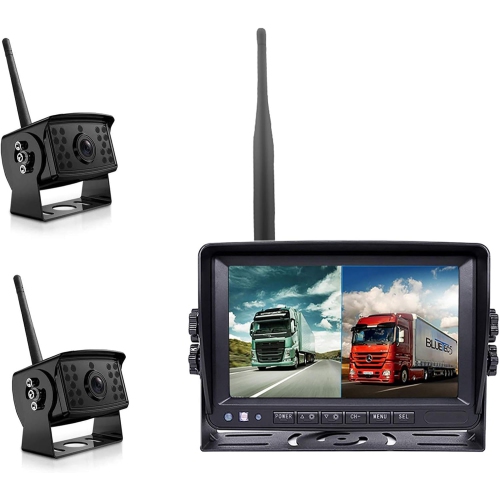
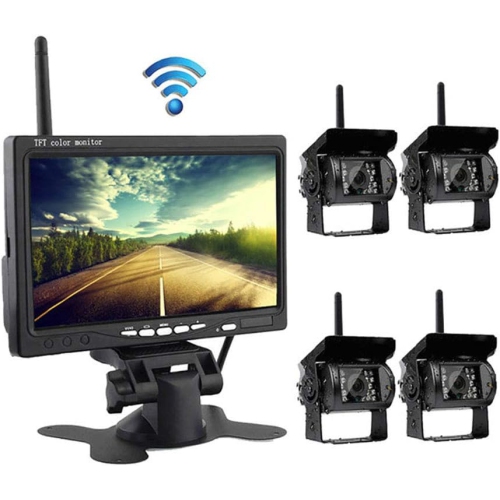
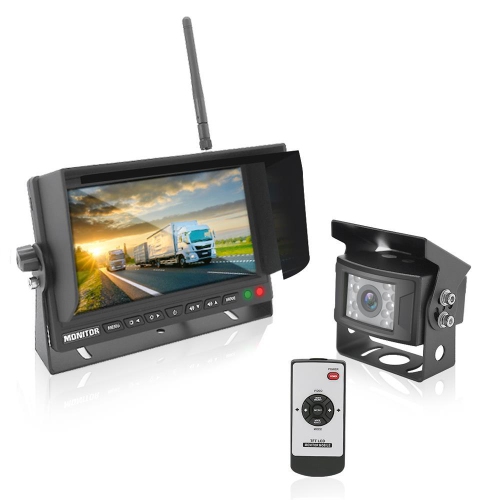
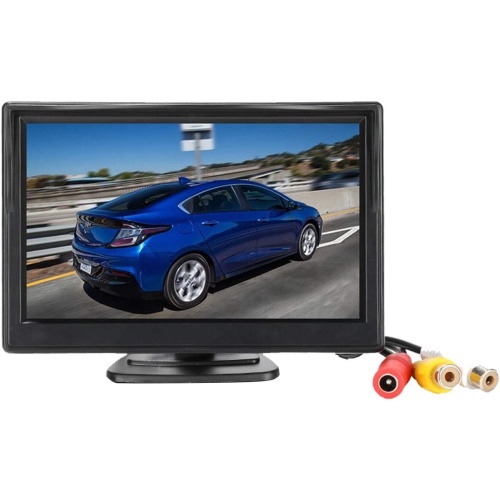
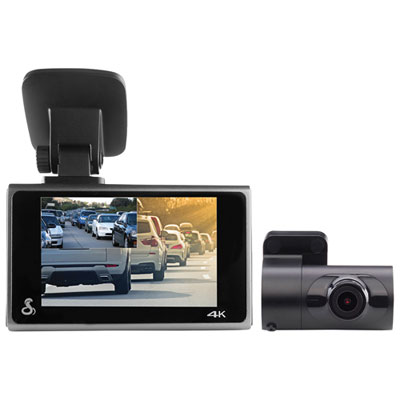
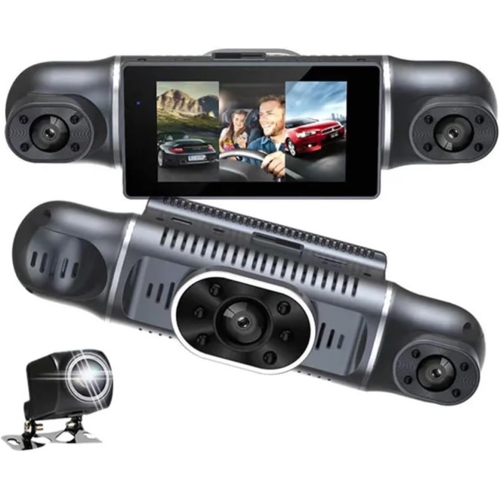
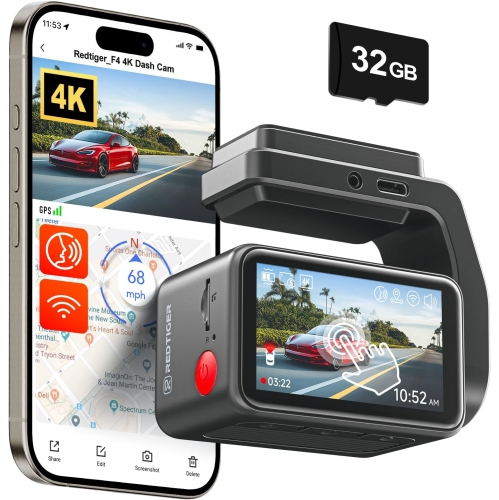
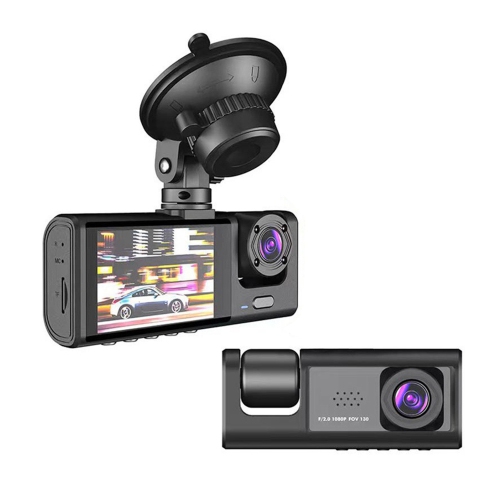
Backup and reverse monitors serve a different purpose from dashboard infotainment screens. These smaller displays are designed to show the view from a rear-facing camera, helping drivers see areas behind the vehicle that may be difficult to observe through mirrors alone. They can be especially useful in larger vehicles, work vans, trailers, recreational vehicles, and cars with limited rear visibility. Common screen sizes include 4.3 inch and 7 inch options, and the best size depends on where the monitor will be installed and how much dashboard space is available. Some systems activate automatically when the vehicle is shifted into reverse, while others can remain available for monitoring the camera feed at other times. When comparing a backup monitor, look for a clear image, suitable viewing angles, low-light performance, and a camera with a field of view that matches the vehicle. Parking guidelines displayed on the screen may help with alignment, but they are only an aid and should not replace checking mirrors, looking over the shoulder, and remaining alert to people or obstacles. Installation requirements vary, so confirm whether the screen and camera need hardwiring, a professional installation, or additional cables for the length of the vehicle. Portable dashboard monitors may also include a front-facing dash camera or support for a 1080p rear camera, creating a more versatile setup for drivers who want navigation and added camera coverage in one display. Because vehicles differ in trim, wiring, dashboard design, and existing camera systems, reviewing compatibility before ordering can prevent surprises. It is also worth checking whether the display is intended for a permanent installation or can be removed without leaving marks, particularly for leased vehicles or cars used by more than one driver. A well-positioned screen should not obstruct the windshield, block important controls, or create a distraction; secure mounting and careful cable routing help maintain a tidy, comfortable cabin.
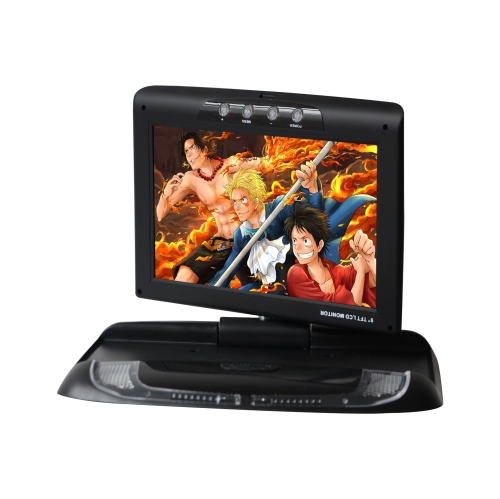
For passengers, overhead and roof-mounted car monitor screens can turn the back seat into a more enjoyable space during longer drives. Flip-down displays attach near the vehicle’s roof and can provide a larger viewing area for compatible video sources, making them suitable for families, group travel, and passengers who need entertainment during extended journeys. Placement, screen size, viewing distance, and available power connections all matter when selecting this type of monitor. A display mounted too far forward may be uncomfortable for rear passengers, while a unit that is too large for the vehicle can interfere with visibility or headroom. Check the vehicle’s roof structure and installation requirements carefully, since overhead systems may need more involved fitting than portable screens. Families may also want to consider headphone support, separate audio controls, and whether the screen can connect to the devices or media sources passengers already use. Some car monitor screens combine entertainment with practical features such as front or rear camera support, while others focus mainly on displaying content. When shopping, think about who will use the screen most often, whether it will stay in one vehicle, and how it will fit into everyday routines such as school trips, weekend drives, or journeys during the cooler months. A screen can be a useful present for parents, frequent travellers, new vehicle owners, or anyone preparing an older car for more comfortable road travel. Regardless of the style, look for a display that suits the vehicle’s interior, offers the connections you need, and can be installed securely. Drivers should set up navigation, pair devices, and test camera views while parked before setting out, and passengers should handle media controls whenever possible so the driver can stay focused on the road.
Backup and reverse monitors serve a different purpose from dashboard infotainment screens. These smaller displays are designed to show the view from a rear-facing camera, helping drivers see areas behind the vehicle that may be difficult to observe through mirrors alone. They can be especially useful in larger vehicles, work vans, trailers, recreational vehicles, and cars with limited rear visibility. Common screen sizes include 4.3 inch and 7 inch options, and the best size depends on where the monitor will be installed and how much dashboard space is available. Some systems activate automatically when the vehicle is shifted into reverse, while others can remain available for monitoring the camera feed at other times. When comparing a backup monitor, look for a clear image, suitable viewing angles, low-light performance, and a camera with a field of view that matches the vehicle. Parking guidelines displayed on the screen may help with alignment, but they are only an aid and should not replace checking mirrors, looking over the shoulder, and remaining alert to people or obstacles. Installation requirements vary, so confirm whether the screen and camera need hardwiring, a professional installation, or additional cables for the length of the vehicle. Portable dashboard monitors may also include a front-facing dash camera or support for a 1080p rear camera, creating a more versatile setup for drivers who want navigation and added camera coverage in one display. Because vehicles differ in trim, wiring, dashboard design, and existing camera systems, reviewing compatibility before ordering can prevent surprises. It is also worth checking whether the display is intended for a permanent installation or can be removed without leaving marks, particularly for leased vehicles or cars used by more than one driver. A well-positioned screen should not obstruct the windshield, block important controls, or create a distraction; secure mounting and careful cable routing help maintain a tidy, comfortable cabin.
For passengers, overhead and roof-mounted car monitor screens can turn the back seat into a more enjoyable space during longer drives. Flip-down displays attach near the vehicle’s roof and can provide a larger viewing area for compatible video sources, making them suitable for families, group travel, and passengers who need entertainment during extended journeys. Placement, screen size, viewing distance, and available power connections all matter when selecting this type of monitor. A display mounted too far forward may be uncomfortable for rear passengers, while a unit that is too large for the vehicle can interfere with visibility or headroom. Check the vehicle’s roof structure and installation requirements carefully, since overhead systems may need more involved fitting than portable screens. Families may also want to consider headphone support, separate audio controls, and whether the screen can connect to the devices or media sources passengers already use. Some car monitor screens combine entertainment with practical features such as front or rear camera support, while others focus mainly on displaying content. When shopping, think about who will use the screen most often, whether it will stay in one vehicle, and how it will fit into everyday routines such as school trips, weekend drives, or journeys during the cooler months. A screen can be a useful present for parents, frequent travellers, new vehicle owners, or anyone preparing an older car for more comfortable road travel. Regardless of the style, look for a display that suits the vehicle’s interior, offers the connections you need, and can be installed securely. Drivers should set up navigation, pair devices, and test camera views while parked before setting out, and passengers should handle media controls whenever possible so the driver can stay focused on the road.
Top selling and popular products
-
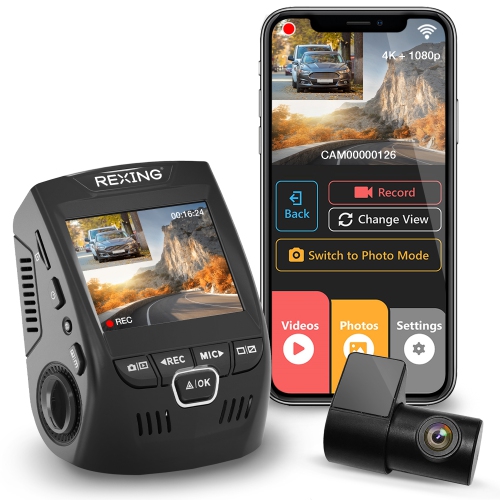 Your price for this item is $159.99
 -
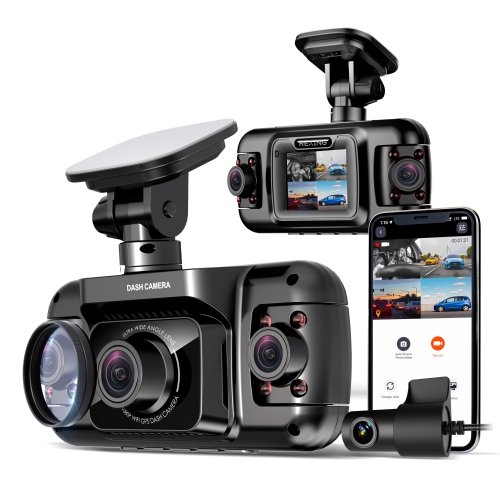 Your price for this item is $327.99
 -
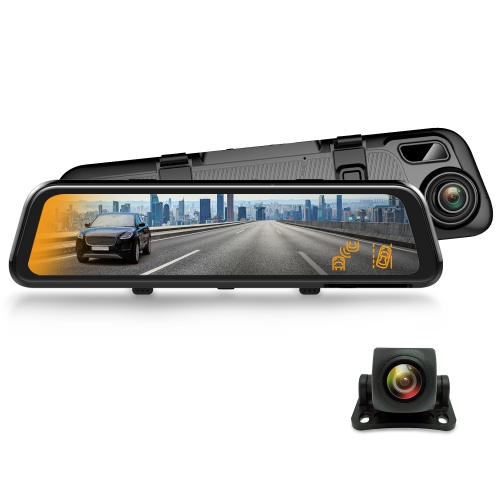 Your price for this item is $129.99
 -
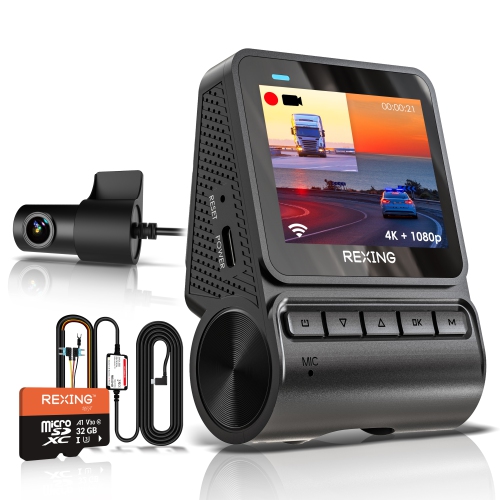 Your price for this item is $229.99
 -
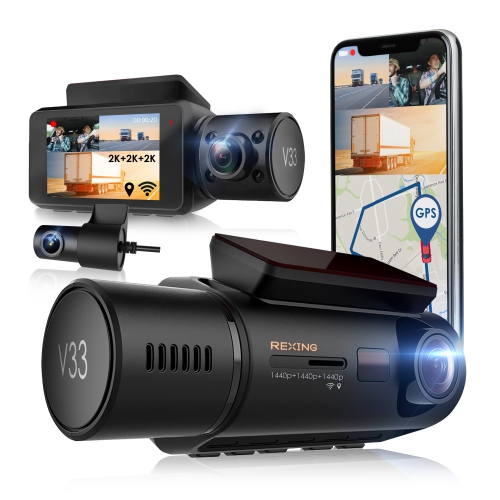 Your price for this item is $327.99
 -
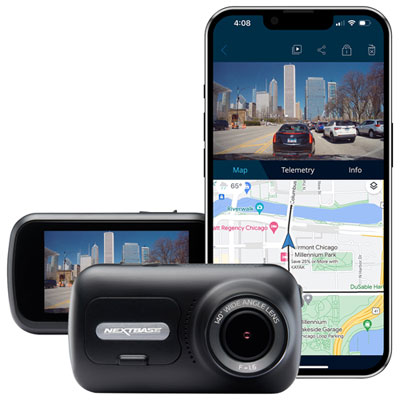 Your price for this item is $199.99
 -
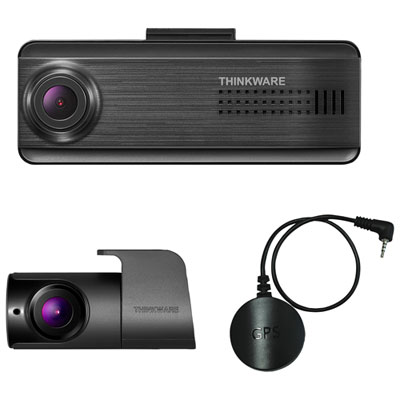 Your price for this item is $179.99
 -
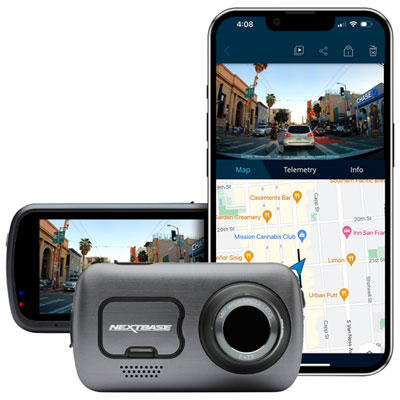 Your price for this item is $349.99
Discover more categories related to Car Monitor Screens

Top Collections:
Pokemon Centers, Kindle Devices, Best Budget Office Chairs, Apple iPhones 16, Best Laptops for Writers, iPhone 15 Apple, Canon G7X Cameras, Refurbished Apple Laptops, Alarm Clock, Motorola Razr Phones
Some products may be subject to Environmental Handling Fees
(EHF) depending on your province.
Learn more about EHFs.