Docking Stations for Lenovo Laptops
Maximize your productivity and streamline your workspace with docking stations for Lenovo laptops. Whether you're working from home, at the office, or on the go, these docking solutions make it easy to connect your laptop to monitors, keyboards, and other essential devices. Enjoy a clutter-free setup and effortless transitions between workspaces by choosing the right docking station for your Lenovo laptop needs.
Sort

A more capable workspace starts with one connection
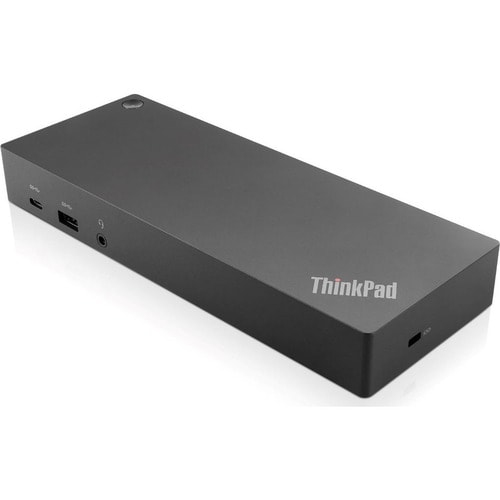
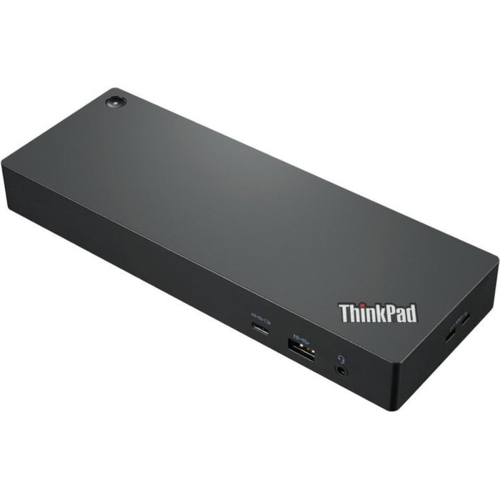
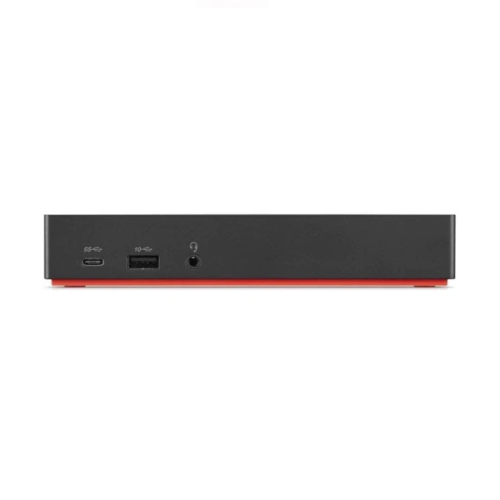
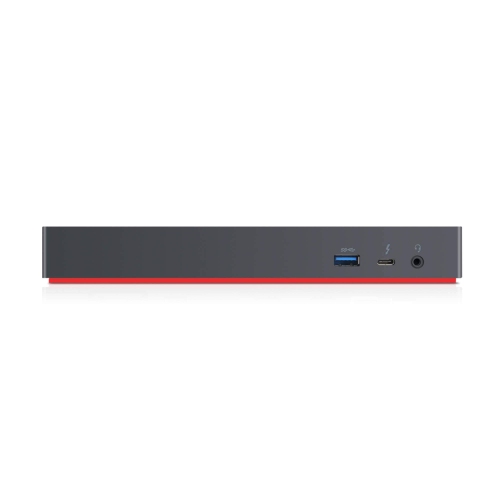
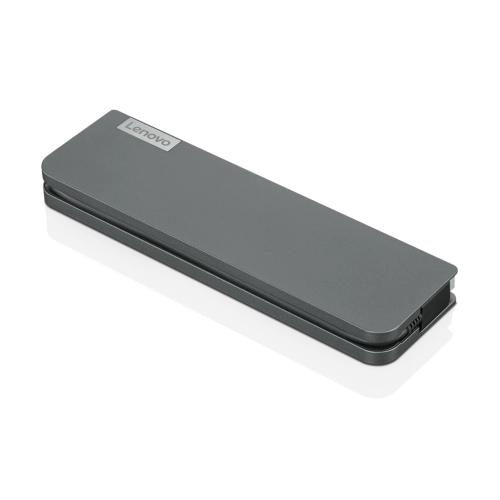
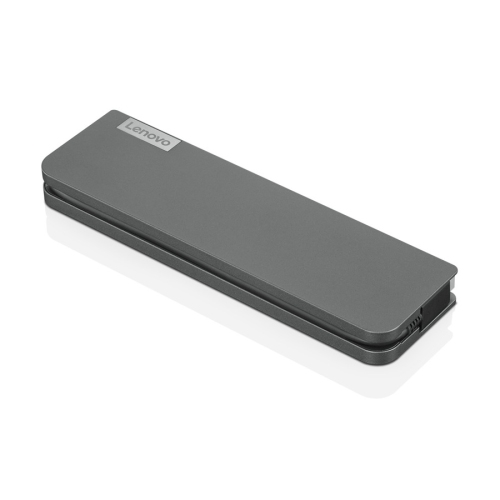
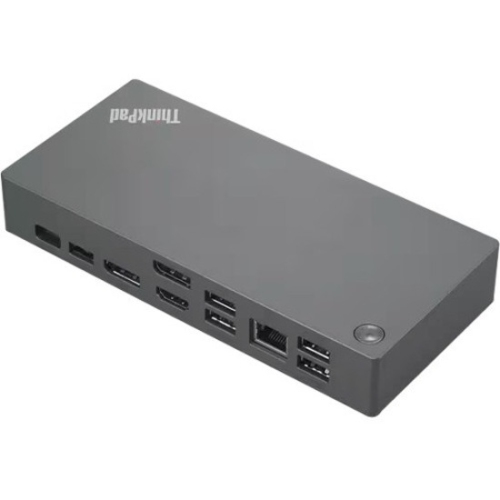
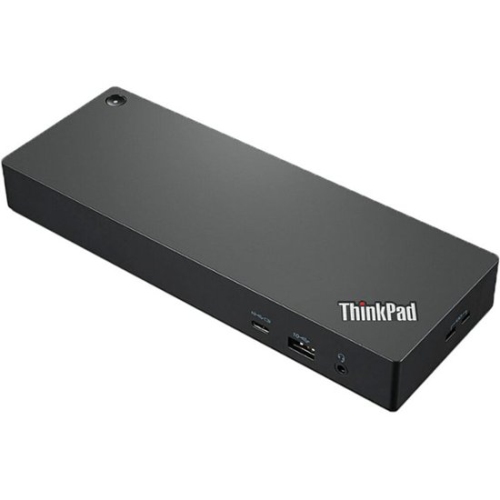
Docking stations for Lenovo laptops make it easier to move between portable work and a full desktop-style setup. A single connection can turn a laptop into the centre of a workspace with power, displays, wired networking, storage, keyboards, mice, headsets, printers, and other accessories connected through one hub. This arrangement is especially useful for people who carry a laptop between home, the office, classrooms, meeting rooms, and shared workspaces. Instead of reaching behind a monitor to reconnect several cables at the end of the day, a docking station can keep the main accessories neatly arranged and ready to use. It can also help create a more comfortable workstation by allowing a laptop to sit to the side while one or two larger monitors provide extra screen space. That added room is helpful for comparing documents, reviewing spreadsheets, managing email while working in another application, editing photos or video, attending virtual meetings, or keeping reference material visible during study sessions. When choosing a docking station, start by checking the laptop’s available ports and charging requirements. Many newer laptops connect through USB-C, but not every USB-C port supports video output or power delivery. Some systems use a proprietary docking connection, while older laptops may rely more heavily on USB-A. A suitable docking station should match the laptop’s connection type and operating system, and it should provide enough power for the computer to charge while in use. Checking the wattage supplied by the dock against the laptop’s included charger is an important step, particularly for larger laptops or models used for demanding work. A dock that delivers up to 65W may suit a compact everyday laptop, while a more powerful computer may benefit from 90W or higher power delivery. The right match helps prevent slow charging, battery drain during intensive tasks, or the need to keep a separate charger plugged in.
Display support is another key consideration when comparing docking stations for Lenovo laptops. A basic setup may need only one HDMI or DisplayPort connection, while a home office or professional workstation may require two external monitors. Look for the supported number of displays, maximum resolution, and refresh rate rather than assuming that every port can deliver the same performance. A docking station that supports dual 4K displays at 60Hz can provide a sharp, spacious arrangement for office work, design tasks, financial applications, and multitasking, provided the laptop and monitors also support those specifications. Other docks may be better suited to a single 4K screen or several Full HD displays. Pay attention to the difference between mirrored and extended displays as well: extended mode lets each screen show separate content, while mirrored mode shows the same image on both screens. Port selection can make a meaningful difference in everyday use. USB-A ports are convenient for familiar accessories such as wired keyboards, mice, flash drives, and older external hard drives, while USB-C ports can support newer storage devices, phones, and other compact peripherals. HDMI and DisplayPort connections offer flexibility for different monitor types, and an Ethernet port can provide a dependable wired network connection when wireless performance is inconsistent or when large files need to move quickly. Additional features such as an SD or microSD card reader may be valuable for photographers, content creators, students, and anyone who regularly transfers files from a camera or other portable device. Audio connections can also be useful for a headset, speakers, or a microphone without requiring access to the laptop’s built-in ports. For people who work at more than one location, size and cable management deserve equal attention. A compact, 8-port travel dock can fit into a laptop bag and may provide up to 65W power pass-through alongside a 4K display output, making it practical for mobile professionals and students who move between workspaces. A larger desktop docking station may offer more ports, stronger charging, dual-display support, and a more permanent cable arrangement for a home office.
The best docking station depends on how the laptop is used each day, not simply on the number of ports listed on the box. A remote worker might prioritize dual-monitor support, Ethernet, dependable charging, and quick access to a webcam, headset, and external storage. A student may prefer a compact unit that connects a monitor, keyboard, mouse, and presentation display without taking up much desk space. Someone who travels frequently may value a lightweight dock with USB-C and USB-A connections, a display output, and pass-through charging that reduces the number of accessories in a carry-on bag. A shared household workspace can benefit from a dock that keeps cables organized and makes it simple to connect a laptop for homework, video calls, budgeting, or creative projects. Docking stations can also make thoughtful gifts for a new graduate, a remote worker setting up a first home office, or anyone replacing a crowded desk with a cleaner, more flexible arrangement. Before purchasing, confirm the laptop model, connection type, charging capability, display requirements, and the operating system used by the computer. It is also worth counting the accessories that will remain connected, including monitors, USB devices, network cables, memory cards, speakers, and chargers, then choosing a dock with enough ports and some room for future additions. Drivers or firmware updates may be needed for certain display or networking features, and some advanced functions can vary between operating systems. People comparing options for other laptop families can also browse Docking Stations for HP Laptops. With the correct connection, power output, display support, and port layout, a docking station can give a portable Lenovo laptop the convenience of a more permanent workstation while keeping the flexibility to unplug and take the computer wherever the day leads.
Display support is another key consideration when comparing docking stations for Lenovo laptops. A basic setup may need only one HDMI or DisplayPort connection, while a home office or professional workstation may require two external monitors. Look for the supported number of displays, maximum resolution, and refresh rate rather than assuming that every port can deliver the same performance. A docking station that supports dual 4K displays at 60Hz can provide a sharp, spacious arrangement for office work, design tasks, financial applications, and multitasking, provided the laptop and monitors also support those specifications. Other docks may be better suited to a single 4K screen or several Full HD displays. Pay attention to the difference between mirrored and extended displays as well: extended mode lets each screen show separate content, while mirrored mode shows the same image on both screens. Port selection can make a meaningful difference in everyday use. USB-A ports are convenient for familiar accessories such as wired keyboards, mice, flash drives, and older external hard drives, while USB-C ports can support newer storage devices, phones, and other compact peripherals. HDMI and DisplayPort connections offer flexibility for different monitor types, and an Ethernet port can provide a dependable wired network connection when wireless performance is inconsistent or when large files need to move quickly. Additional features such as an SD or microSD card reader may be valuable for photographers, content creators, students, and anyone who regularly transfers files from a camera or other portable device. Audio connections can also be useful for a headset, speakers, or a microphone without requiring access to the laptop’s built-in ports. For people who work at more than one location, size and cable management deserve equal attention. A compact, 8-port travel dock can fit into a laptop bag and may provide up to 65W power pass-through alongside a 4K display output, making it practical for mobile professionals and students who move between workspaces. A larger desktop docking station may offer more ports, stronger charging, dual-display support, and a more permanent cable arrangement for a home office.
The best docking station depends on how the laptop is used each day, not simply on the number of ports listed on the box. A remote worker might prioritize dual-monitor support, Ethernet, dependable charging, and quick access to a webcam, headset, and external storage. A student may prefer a compact unit that connects a monitor, keyboard, mouse, and presentation display without taking up much desk space. Someone who travels frequently may value a lightweight dock with USB-C and USB-A connections, a display output, and pass-through charging that reduces the number of accessories in a carry-on bag. A shared household workspace can benefit from a dock that keeps cables organized and makes it simple to connect a laptop for homework, video calls, budgeting, or creative projects. Docking stations can also make thoughtful gifts for a new graduate, a remote worker setting up a first home office, or anyone replacing a crowded desk with a cleaner, more flexible arrangement. Before purchasing, confirm the laptop model, connection type, charging capability, display requirements, and the operating system used by the computer. It is also worth counting the accessories that will remain connected, including monitors, USB devices, network cables, memory cards, speakers, and chargers, then choosing a dock with enough ports and some room for future additions. Drivers or firmware updates may be needed for certain display or networking features, and some advanced functions can vary between operating systems. People comparing options for other laptop families can also browse Docking Stations for HP Laptops. With the correct connection, power output, display support, and port layout, a docking station can give a portable Lenovo laptop the convenience of a more permanent workstation while keeping the flexibility to unplug and take the computer wherever the day leads.
Top selling and popular products
-
 Your price for this item is $149.99
 -
 Your price for this item is $69.99
 -
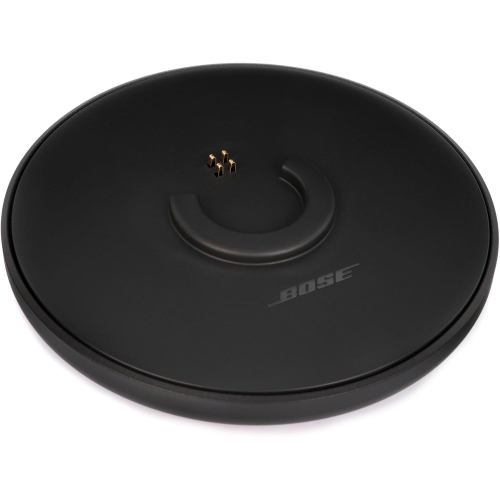 Your price for this item is $35
 -
 Your price for this item is $59.99
 -
 Your price for this item is $179.99
 -
 Your price for this item is $209.99
 -
 Your price for this item is $89.99
 -
 Your price for this item is $154.99
Discover more categories related to Docking Stations for Lenovo Laptops

Top Collections:
Pokemon Centers, Kindle Devices, Best Budget Office Chairs, Apple iPhones 16, Best Laptops for Writers, iPhone 15 Apple, Canon G7X Cameras, Refurbished Apple Laptops, Alarm Clock, Motorola Razr Phones
Some products may be subject to Environmental Handling Fees
(EHF) depending on your province.
Learn more about EHFs.