Work From Home Laptop Accessories
Enhance your remote workspace with the right work from home laptop accessories. Whether you're setting up a dedicated office or transforming your living area into a productive environment, the right tools can make all the difference. From ergonomic essentials to connectivity solutions, discover a wide selection designed to help you stay comfortable and efficient throughout your workday. Find everything you need to create a seamless and organized setup with top-quality work from home laptop accessories.
Sort
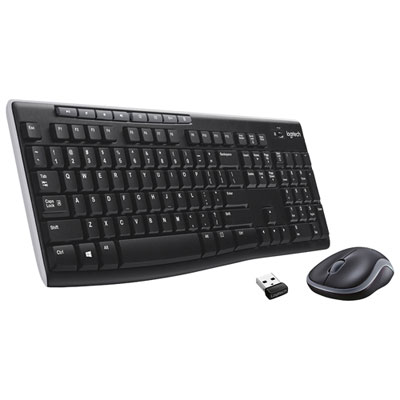
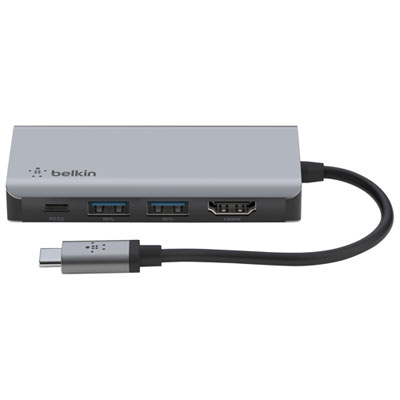
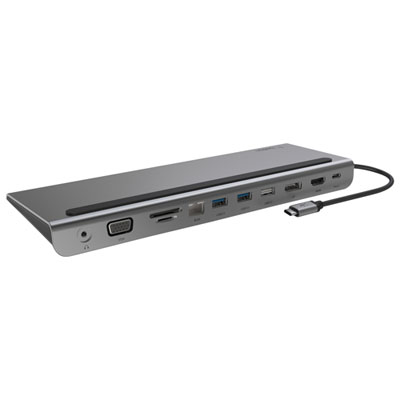


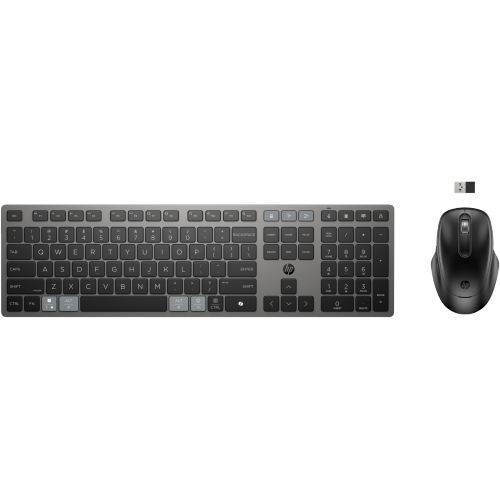



A laptop setup that fits your daily routine
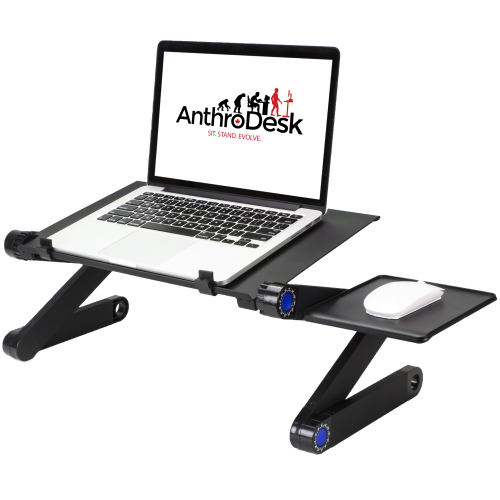
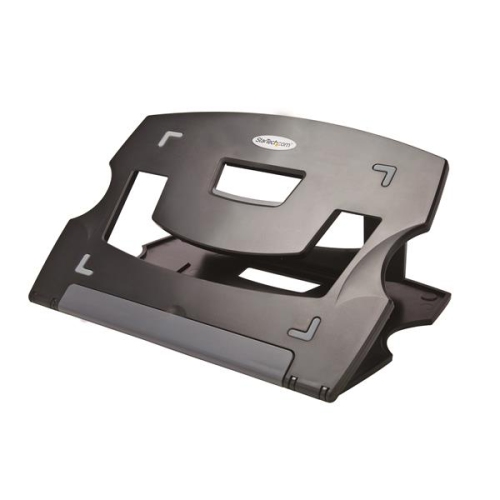
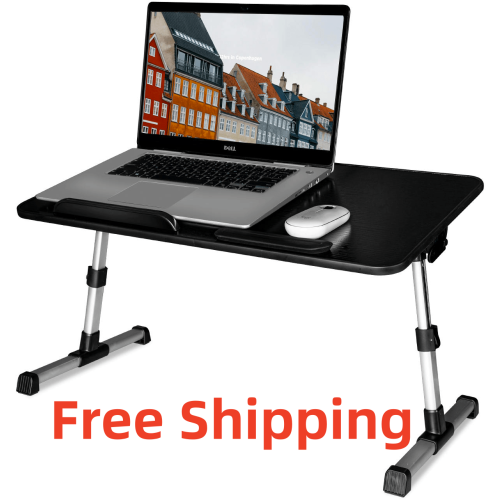
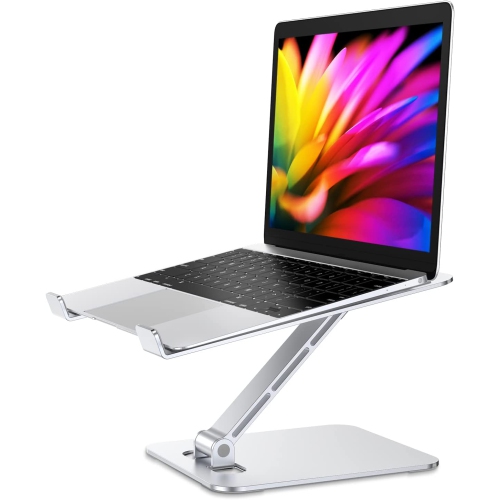
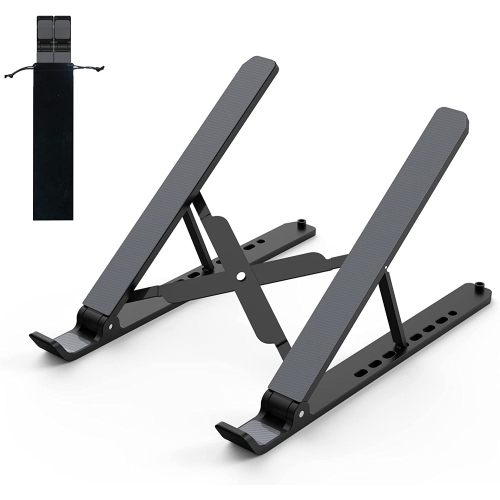
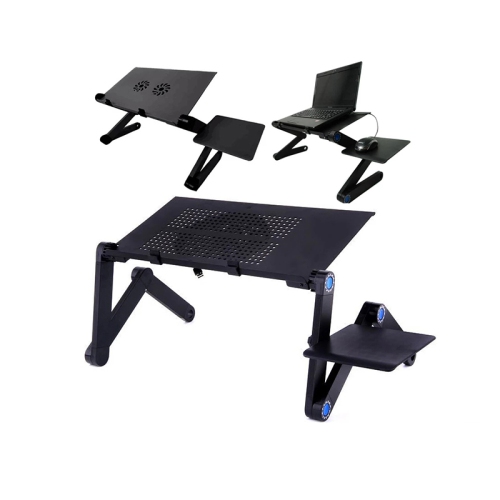
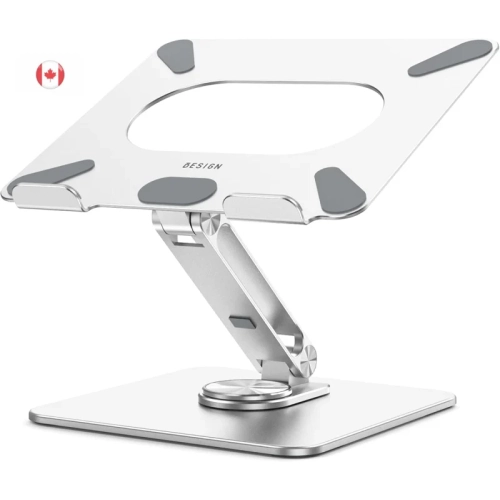
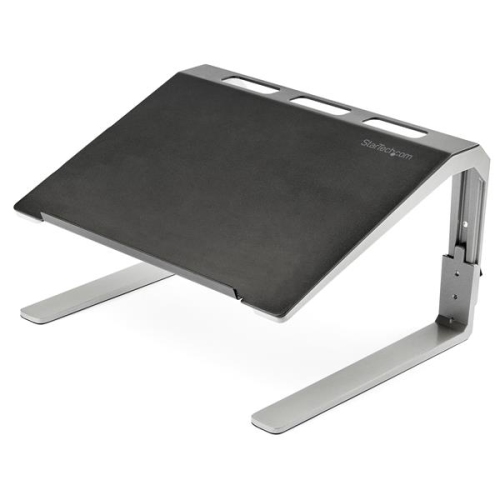
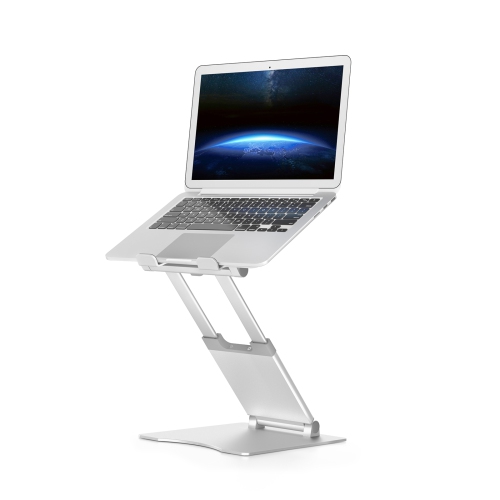
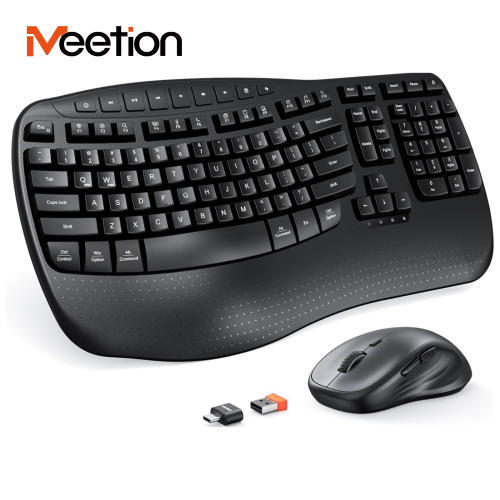
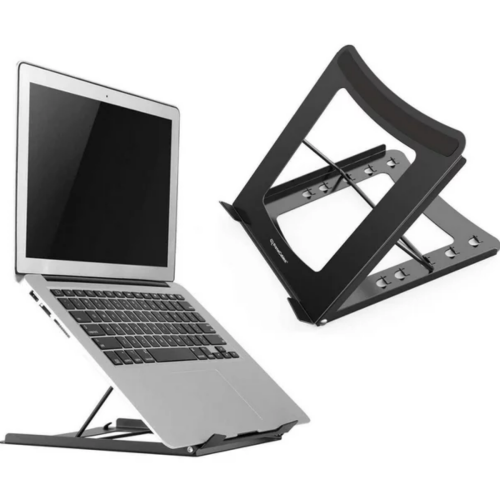
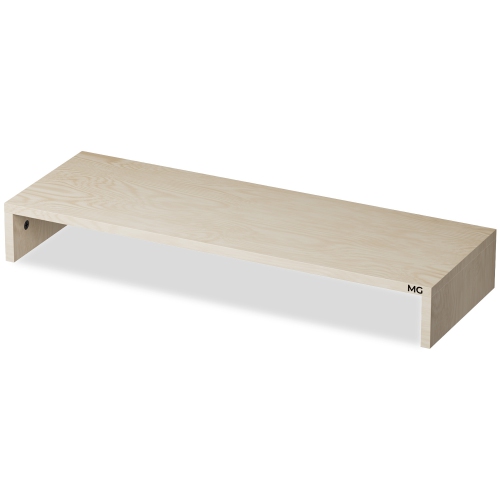
Work-from-home laptop accessories help turn a portable computer into a more comfortable, connected workspace. Laptop stands, external keyboards and mice, docking stations, monitors, headsets, and webcams each support a different part of the working day, from typing lengthy documents to joining video meetings or keeping several applications in view. Their value often comes from how well they fit everyday routines: a compact setup that clears away before dinner has different needs from a dedicated desk used for hours of spreadsheet work. A laptop stand raises the screen independently of the typing surface, while a separate keyboard and mouse allow the hands to stay at a comfortable height. Adjustable stands offer flexibility for different users and desk heights, and folding designs are easier to tuck into a drawer or carry between rooms. Stability matters as much as adjustment range. A broad base, secure support ledges, and non-slip contact points help keep a laptop steady, while an open design can leave its ventilation openings unobstructed. Aluminium stands tend to feel rigid, while lightweight plastic designs can be convenient for frequent packing; the supported weight and laptop dimensions matter more than material alone. External keyboards also vary in ways that become noticeable over a full day. A compact layout leaves more space for a mouse, whereas a number pad can be useful for accounting, budgeting, and regular data entry. Key spacing, switch feel, operating-system shortcuts, and language layout all affect familiarity and comfort. Mouse size, shape, and handedness deserve similar attention, especially for detailed design work or long stretches of navigation. Quiet keys and buttons can be helpful at a shared table, while wireless connections reduce cable clutter. Rechargeable accessories and those with replaceable batteries have different charging and maintenance needs, and a reliable place to store a small wireless receiver can prevent an inconvenient search before the next meeting.
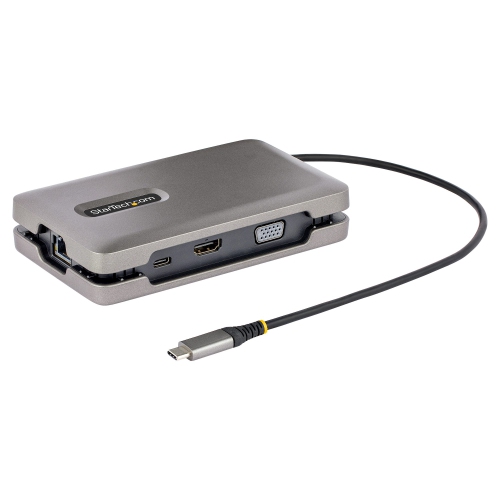
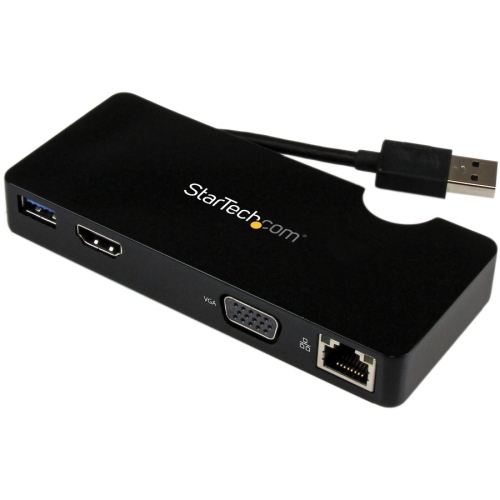
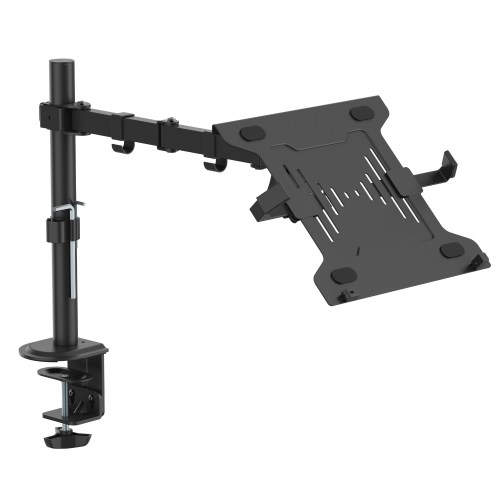
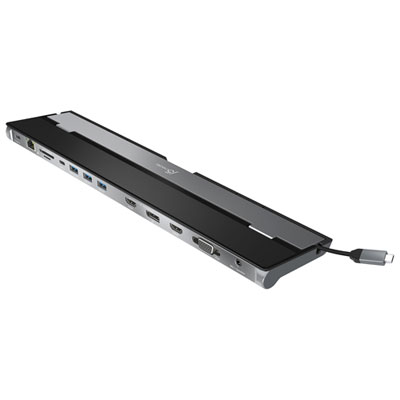
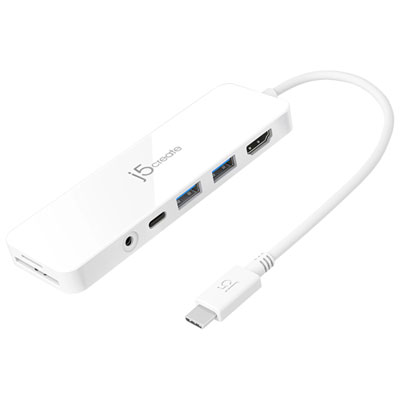
Accessories for Work From Home Laptops need to match the computer’s ports, charging requirements, and display capabilities. A connector that physically fits does not guarantee every function will work: USB-C ports and cables can support different combinations of data transfer, video output, and power delivery. A simple hub may provide extra connections for a mouse, keyboard, or memory card, while a docking station can bring displays, wired networking, storage, and charging together through fewer laptop connections. Charging through a dock depends on compatible power delivery and sufficient output for the laptop, including any power reserved for connected accessories. The dock, cable, and computer specifications all contribute to that match. External display support also varies by laptop hardware and operating system, particularly when more than one monitor is involved. Resolution, refresh rate, and supported display connections affect whether a screen can operate as intended. For everyday office work, the physical arrangement is just as important as those specifications. A monitor positioned behind the keyboard can leave room for a notebook, while a monitor arm may free up desk space if its mounting pattern, weight rating, and clamp suit both the display and the furniture. Desk thickness, edge shape, and clearance behind the work surface can determine whether an arm fits securely. Longer cables offer routing flexibility, but excess length can gather around chair wheels or pull against a connection when the laptop moves. Cable clips, sleeves, and under-desk trays help keep connections accessible without leaving loose cords across the working area. Wired Ethernet can provide a useful connection option where a network cable reaches the desk, though performance still depends on the network and internet service. External storage can support file transfers and backup routines, with capacity, connection speed, and security features suited to the work being handled. Keeping a separate backup matters because a single external drive is still only one copy.
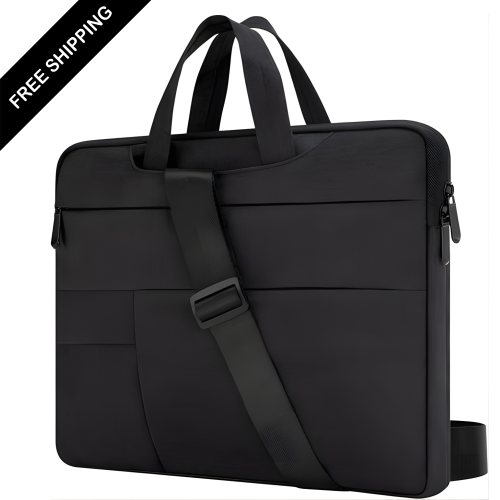
Clear communication and practical storage complete a home laptop setup, particularly when the same space handles focused work, calls, and packing up at the end of the day. A headset places the microphone near the speaker’s mouth and can make conversation easier to manage in a shared household. Microphone noise reduction addresses sound picked up during calls, while active noise cancellation is intended to reduce certain sounds heard by the wearer; the two features serve different purposes. Ear-cup size, headband adjustment, overall weight, and cushion material influence comfort during longer meetings. Fabric cushions can feel different from smooth synthetic coverings, and removable components may be easier to clean when the manufacturer permits it. A webcam offers more freedom to frame a call when the laptop sits off to one side or beneath an external monitor. Mounting stability, compatibility with calling software, and a physical privacy shutter are useful considerations alongside image resolution. Lighting also affects the picture: a softly diffused desk light positioned in front of the face can be more useful than a bright source directly behind the chair. Beyond calls, sleeves and laptop bags protect a computer from everyday scuffs during storage or trips between a home workspace and another location. Fit depends on the laptop’s actual dimensions and thickness, not just its advertised screen size. Padded corners, a soft lining, smooth zippers, and separate accessory compartments help keep chargers and connectors from rubbing against the computer. Water-resistant fabric offers a different level of protection from a waterproof enclosure, so care labels and material descriptions matter. Regular upkeep is usually straightforward: unplug accessories before cleaning, use a soft cloth as directed, and keep liquid away from openings. Sturdy hinges, reinforced cable entry points, and secure fasteners can make a difference with repeated daily use. For someone setting up a first home office, a thoughtfully chosen accessory can also make a useful gift when its size, connections, and purpose suit the recipient’s laptop and working habits.
Accessories for Work From Home Laptops need to match the computer’s ports, charging requirements, and display capabilities. A connector that physically fits does not guarantee every function will work: USB-C ports and cables can support different combinations of data transfer, video output, and power delivery. A simple hub may provide extra connections for a mouse, keyboard, or memory card, while a docking station can bring displays, wired networking, storage, and charging together through fewer laptop connections. Charging through a dock depends on compatible power delivery and sufficient output for the laptop, including any power reserved for connected accessories. The dock, cable, and computer specifications all contribute to that match. External display support also varies by laptop hardware and operating system, particularly when more than one monitor is involved. Resolution, refresh rate, and supported display connections affect whether a screen can operate as intended. For everyday office work, the physical arrangement is just as important as those specifications. A monitor positioned behind the keyboard can leave room for a notebook, while a monitor arm may free up desk space if its mounting pattern, weight rating, and clamp suit both the display and the furniture. Desk thickness, edge shape, and clearance behind the work surface can determine whether an arm fits securely. Longer cables offer routing flexibility, but excess length can gather around chair wheels or pull against a connection when the laptop moves. Cable clips, sleeves, and under-desk trays help keep connections accessible without leaving loose cords across the working area. Wired Ethernet can provide a useful connection option where a network cable reaches the desk, though performance still depends on the network and internet service. External storage can support file transfers and backup routines, with capacity, connection speed, and security features suited to the work being handled. Keeping a separate backup matters because a single external drive is still only one copy.
Clear communication and practical storage complete a home laptop setup, particularly when the same space handles focused work, calls, and packing up at the end of the day. A headset places the microphone near the speaker’s mouth and can make conversation easier to manage in a shared household. Microphone noise reduction addresses sound picked up during calls, while active noise cancellation is intended to reduce certain sounds heard by the wearer; the two features serve different purposes. Ear-cup size, headband adjustment, overall weight, and cushion material influence comfort during longer meetings. Fabric cushions can feel different from smooth synthetic coverings, and removable components may be easier to clean when the manufacturer permits it. A webcam offers more freedom to frame a call when the laptop sits off to one side or beneath an external monitor. Mounting stability, compatibility with calling software, and a physical privacy shutter are useful considerations alongside image resolution. Lighting also affects the picture: a softly diffused desk light positioned in front of the face can be more useful than a bright source directly behind the chair. Beyond calls, sleeves and laptop bags protect a computer from everyday scuffs during storage or trips between a home workspace and another location. Fit depends on the laptop’s actual dimensions and thickness, not just its advertised screen size. Padded corners, a soft lining, smooth zippers, and separate accessory compartments help keep chargers and connectors from rubbing against the computer. Water-resistant fabric offers a different level of protection from a waterproof enclosure, so care labels and material descriptions matter. Regular upkeep is usually straightforward: unplug accessories before cleaning, use a soft cloth as directed, and keep liquid away from openings. Sturdy hinges, reinforced cable entry points, and secure fasteners can make a difference with repeated daily use. For someone setting up a first home office, a thoughtfully chosen accessory can also make a useful gift when its size, connections, and purpose suit the recipient’s laptop and working habits.
Top selling and popular products
-
 Your price for this item is $149.99
-
 Your price for this item is $69.99
-
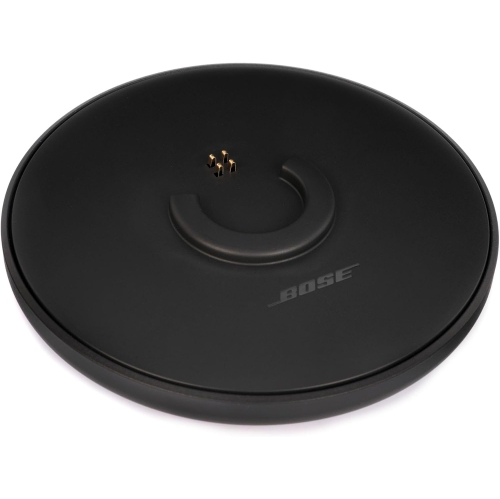 Your price for this item is $87.99
-
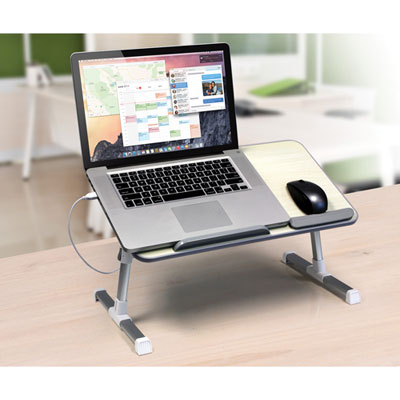 Your price for this item is $59.99
-
 Your price for this item is $96.16
-
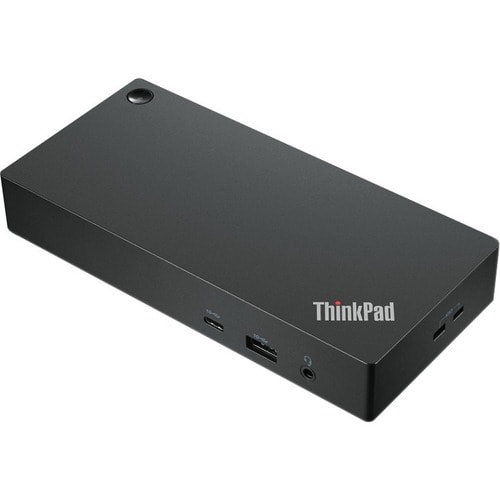 Your price for this item is $179.99
-
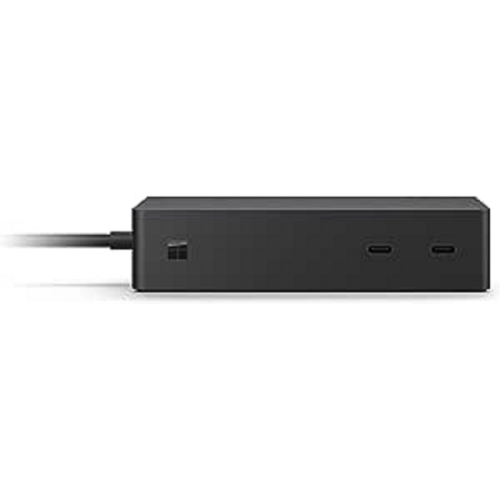 Your price for this item is $214.99
-
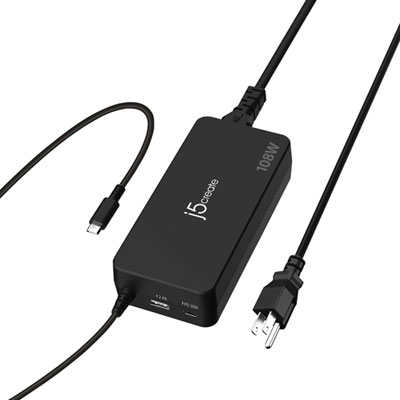 Your price for this item is $89.99
Discover more categories related to Work From Home Laptop Accessories
Top Collections:
Best Black Friday Deals This Year, Best Black Friday Deals On Electronics, Kindle Devices, Pokemon Centers, Best Black Friday Deals On Apple Products, Best Cameras for Sports Photography, Dyson Airwrap, Pokémon 30th Celebration Cards, Apple iPhone 17 Pro, Canon G7X Cameras
Some products may be subject to Environmental Handling Fees
(EHF) depending on your province.
Learn more about EHFs.