Cell Phone Photos
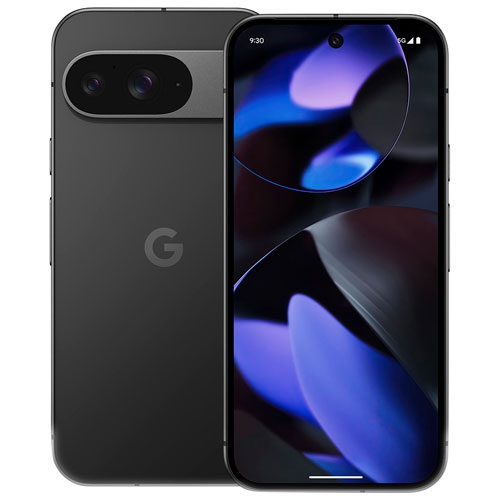
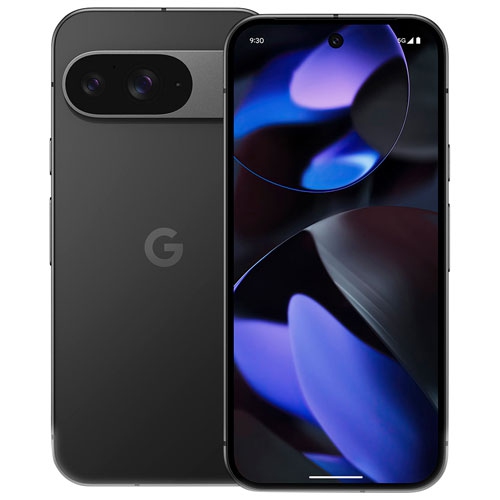
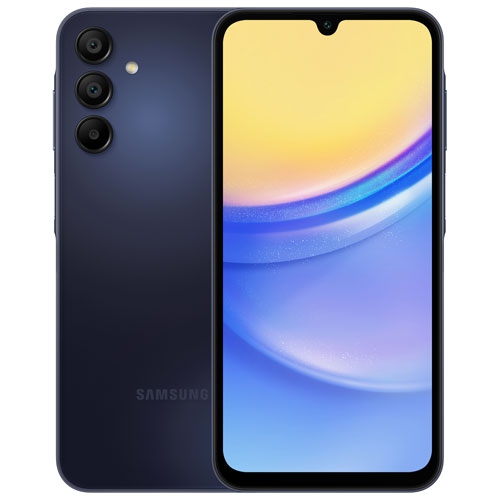
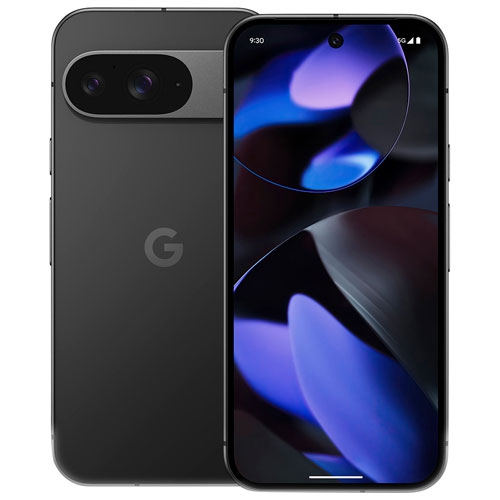
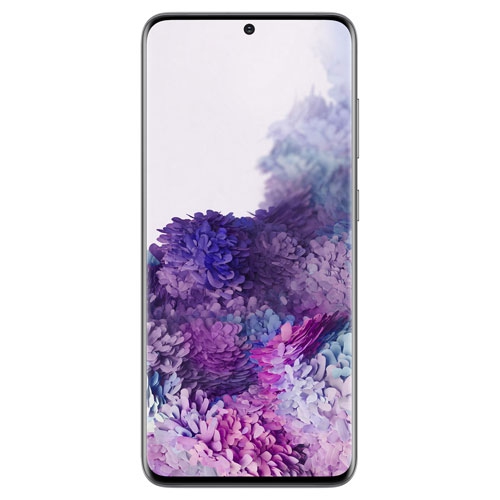
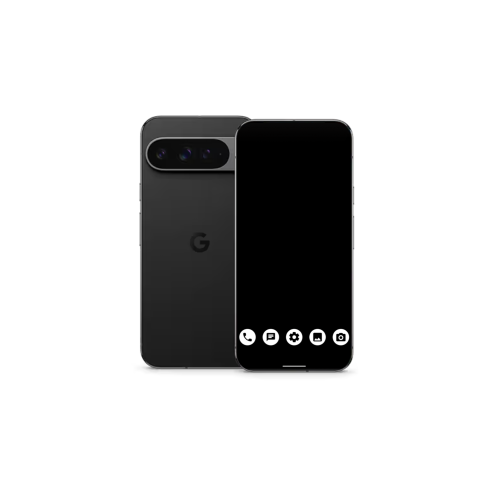
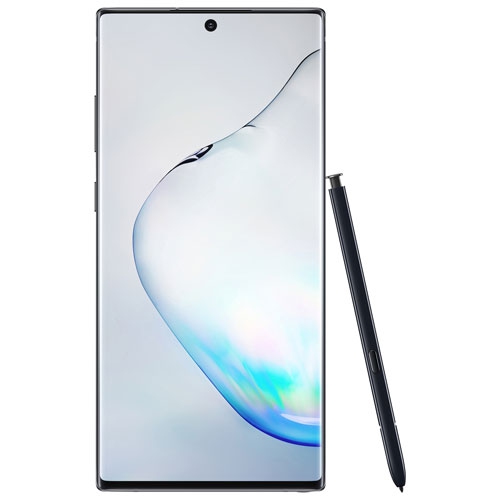
If you're like most people, you've got a phone that's become an integral part of your life. You use it for work, for play, for socializing and for capturing photos and video. These cellphones are great for taking photos and videos for memories as they have a great performing camera. Here are some great options of cellphones great for taking photos.
Sort




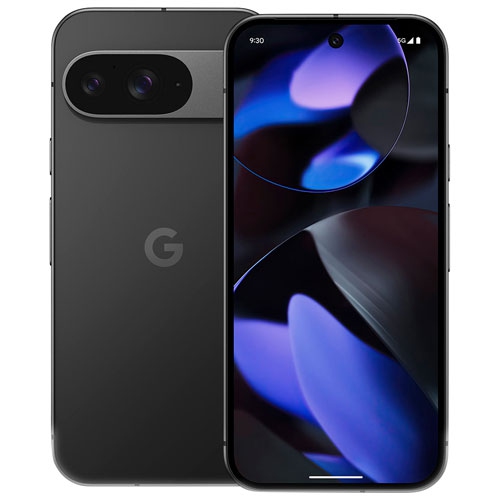



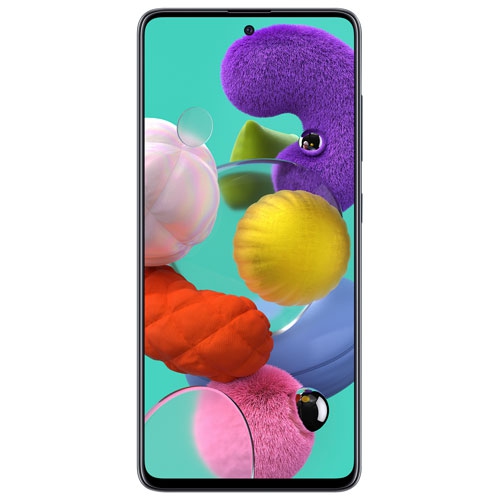
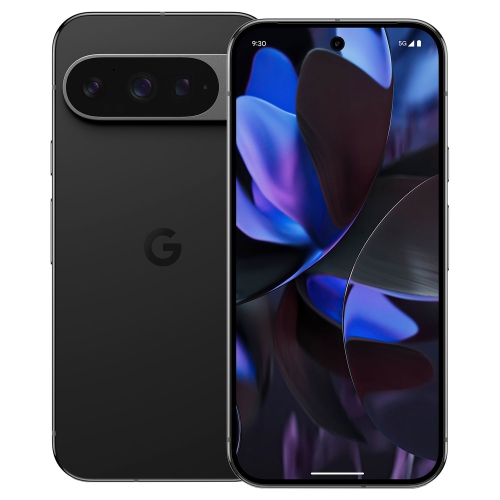


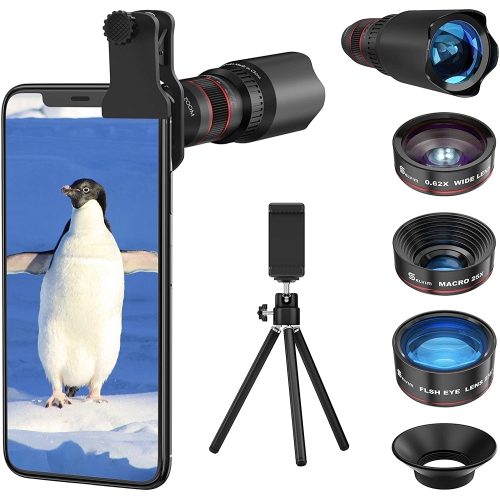




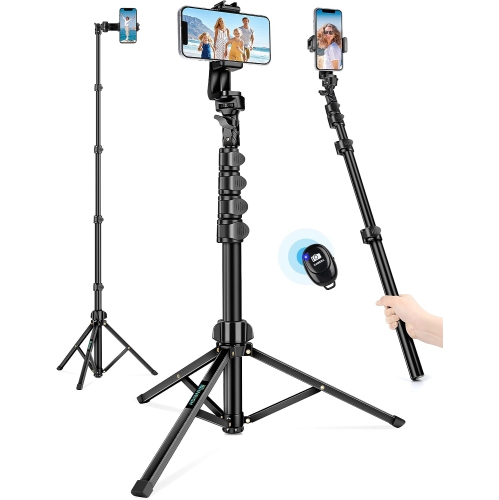

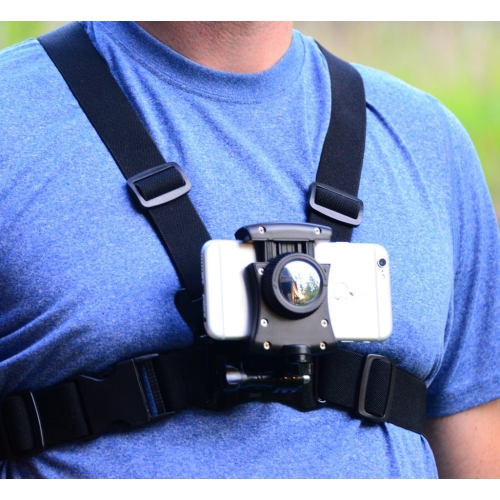


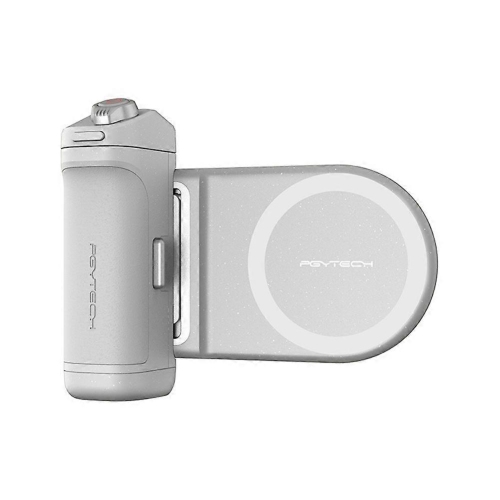
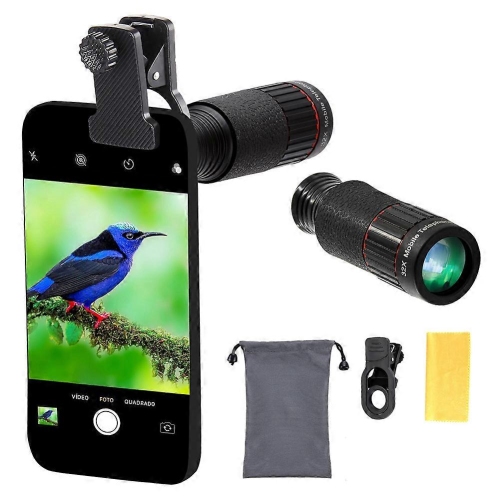
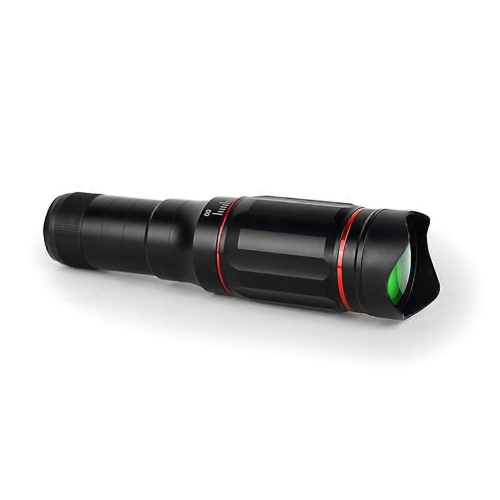
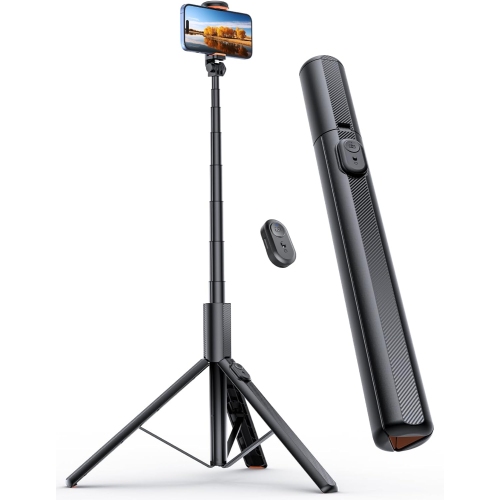




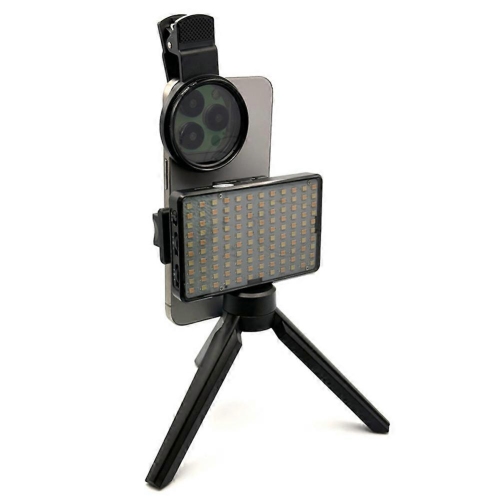


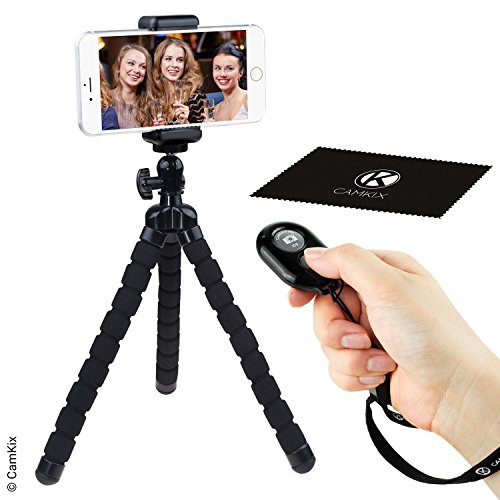


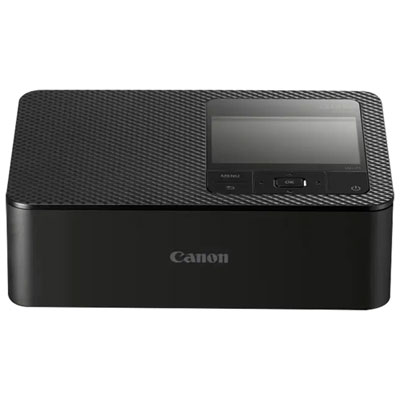
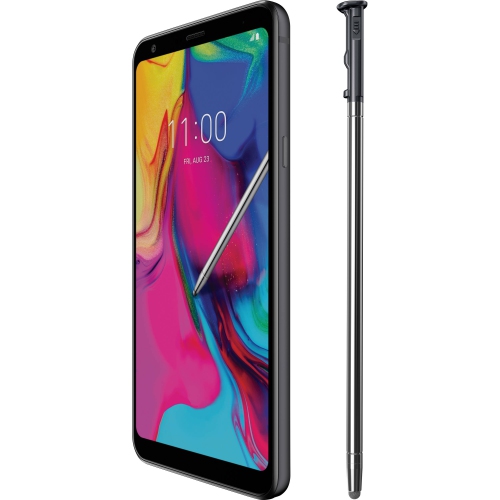
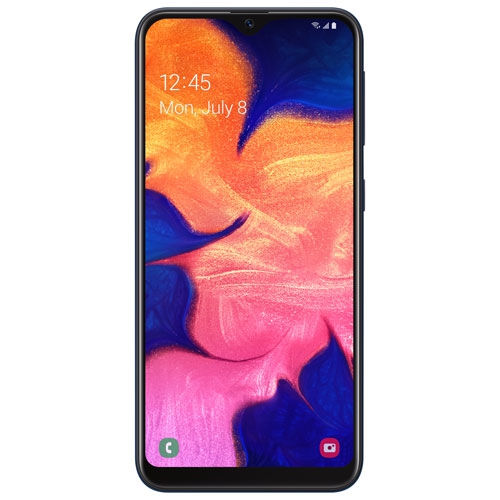
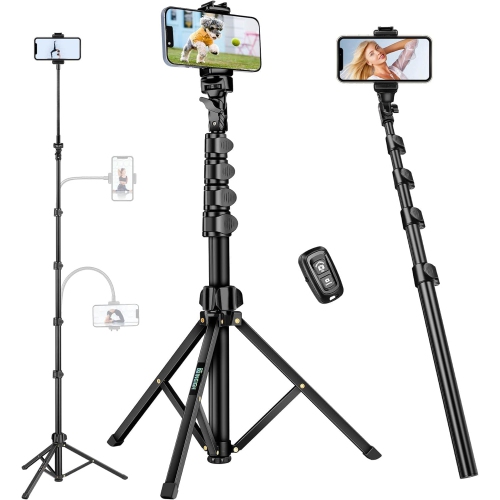







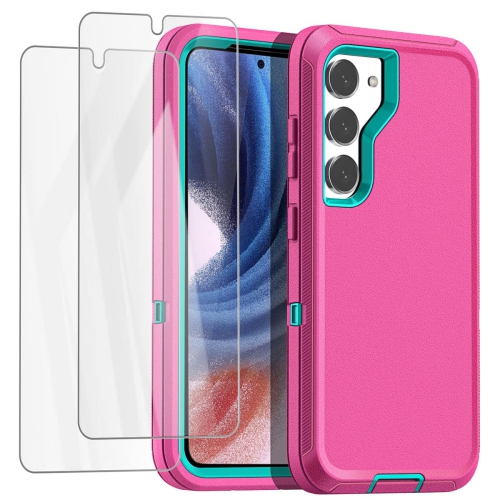


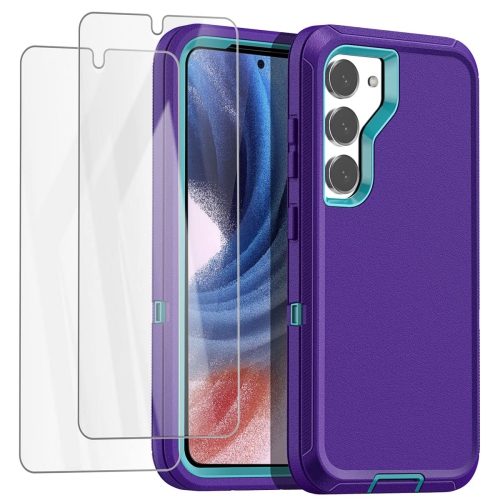


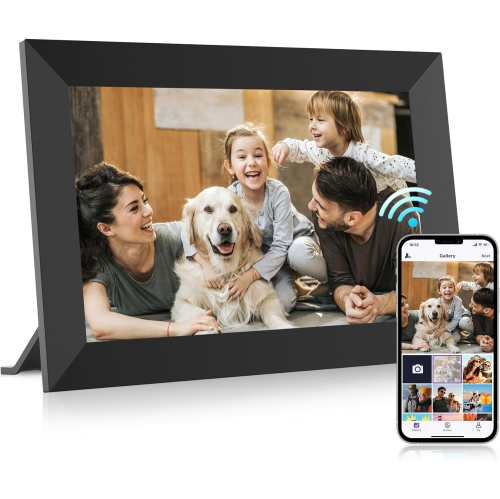


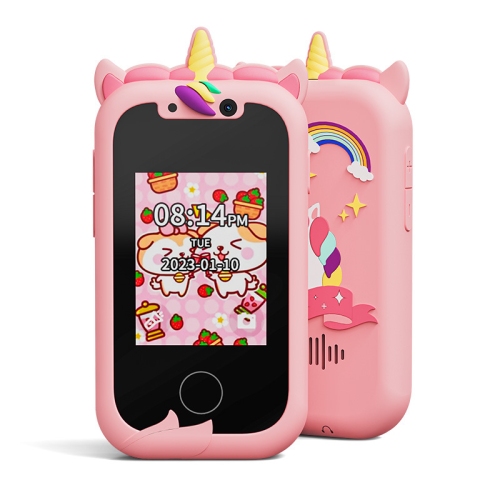





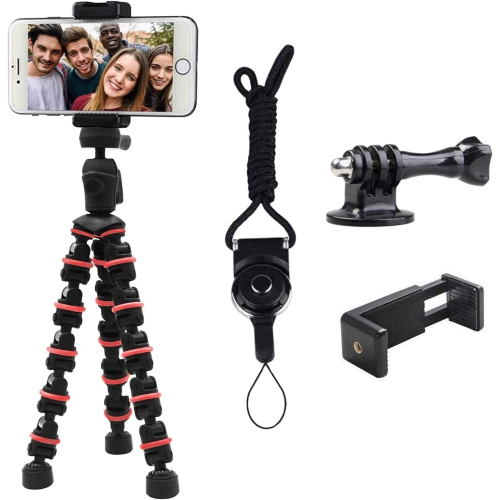


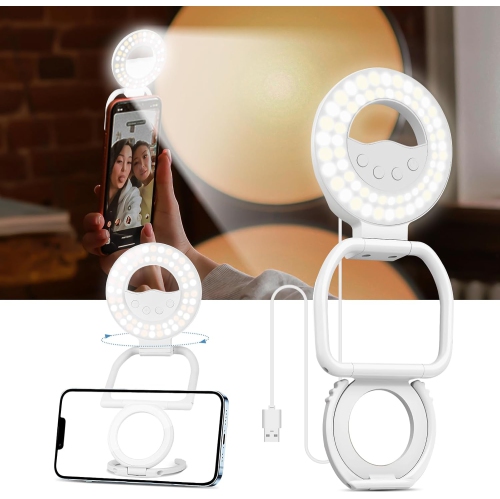
Simple techniques and accessories for better mobile photos
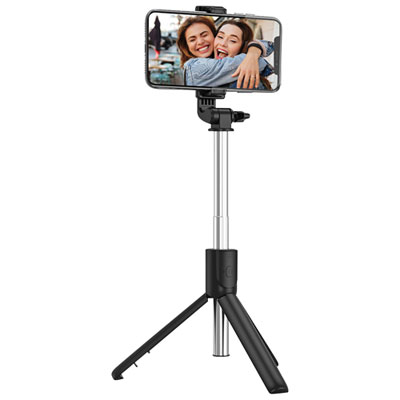
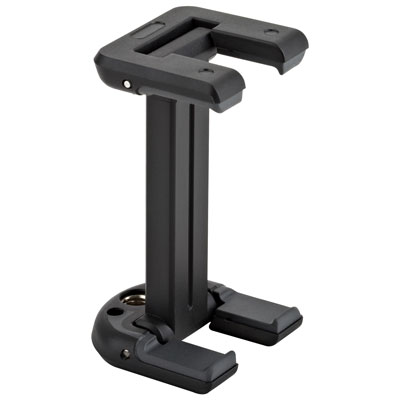
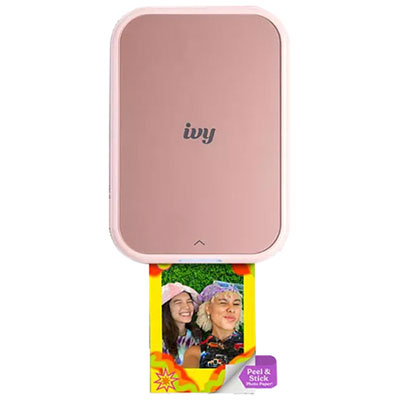
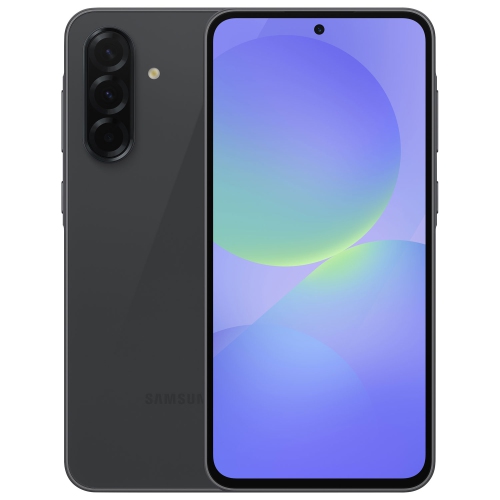
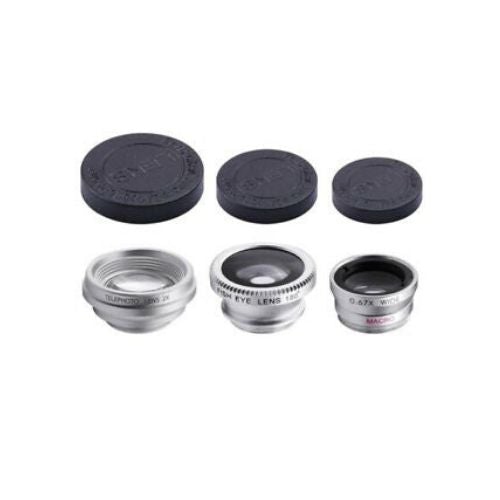
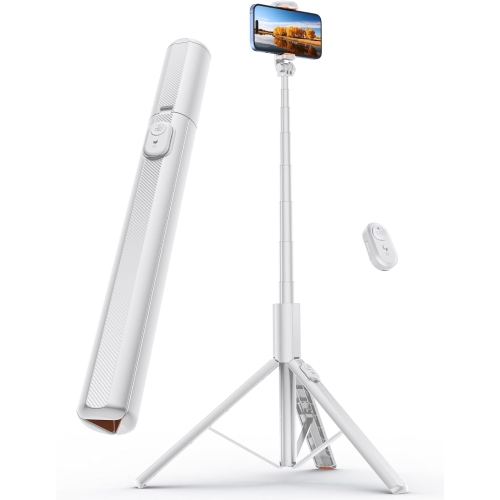
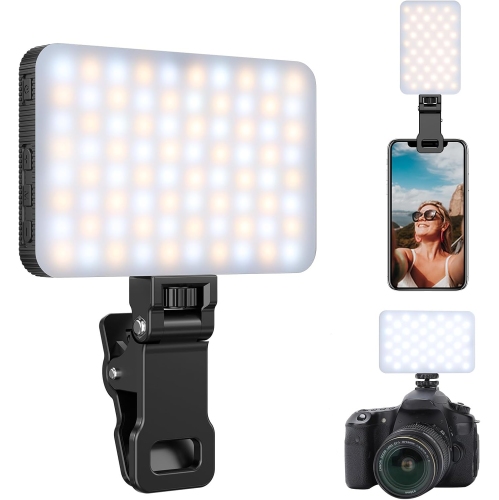
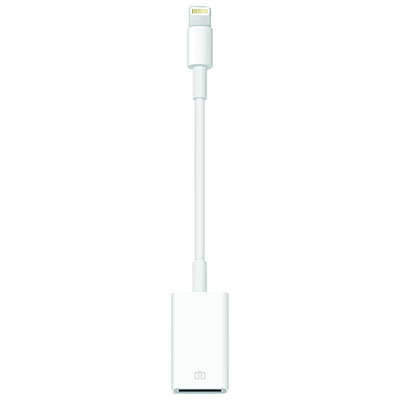
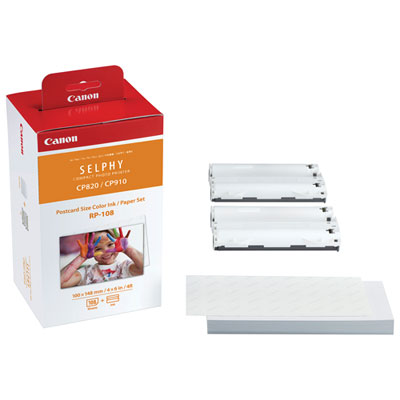
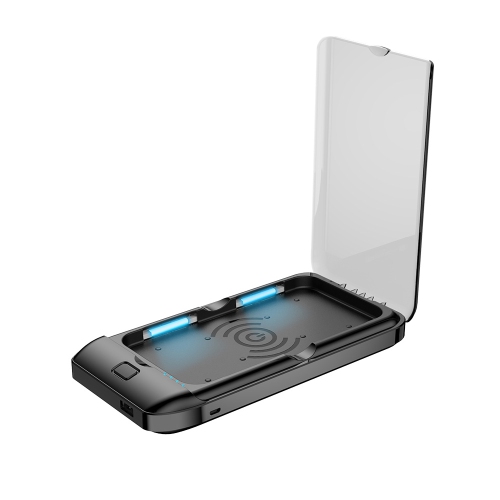
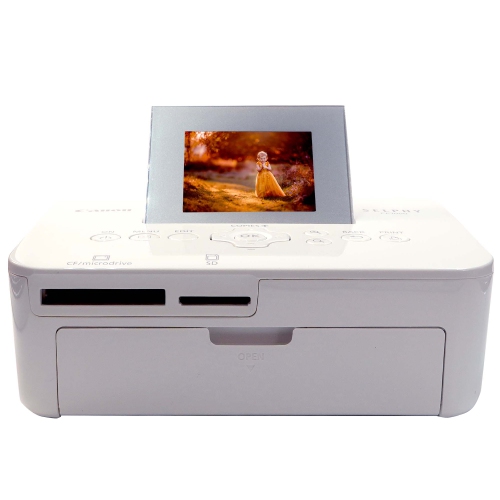
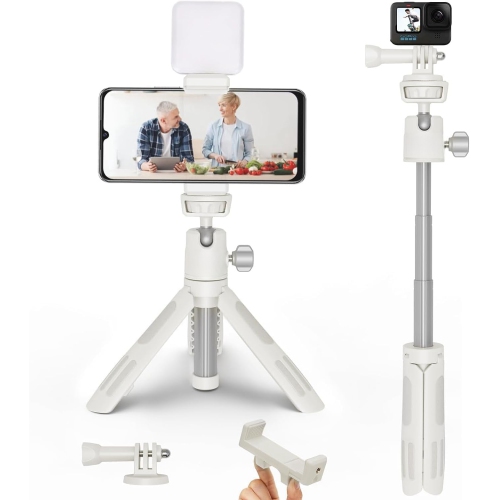
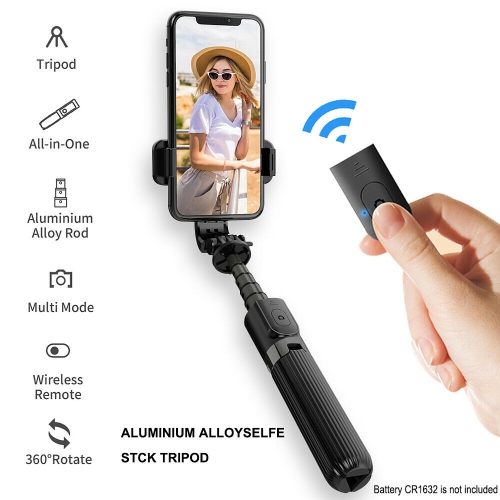
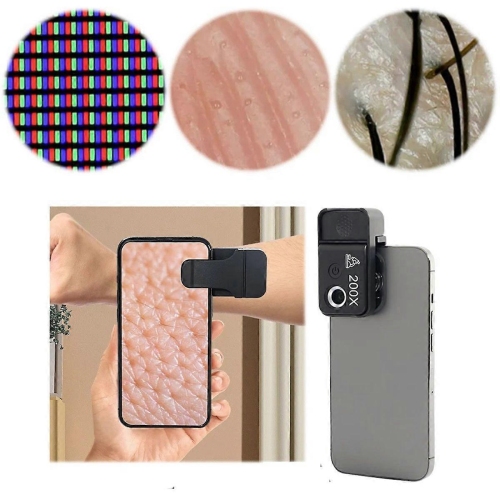
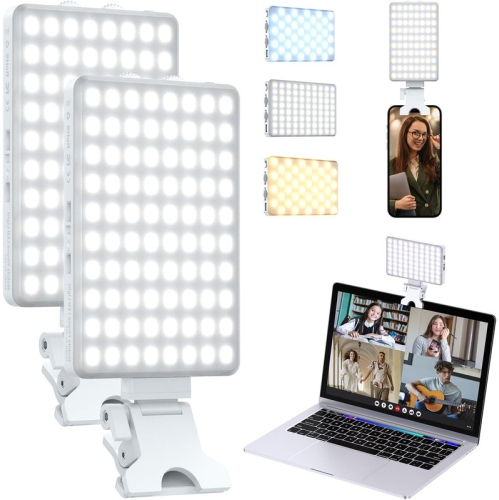
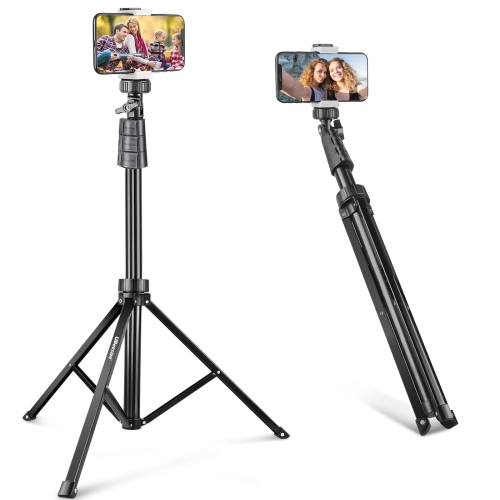
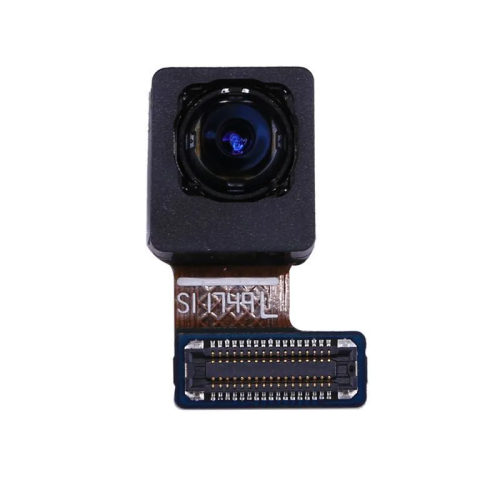
Cell phone photos are digital pictures taken with a mobile device camera, making it easy to capture everyday moments, important occasions, travel memories, food, pets, landscapes and portraits without carrying dedicated camera equipment. The right phone and photo accessories can help make those images sharper, brighter and easier to share, whether you are documenting a family gathering, taking quick snapshots during a walk or creating images for social media. When choosing from products related to cell phone photos, consider the camera system, image resolution, low-light performance, autofocus speed, optical image stabilization and available storage. A higher resolution camera can preserve fine detail and allow more flexibility when cropping, while stabilization can help reduce blur when photographing moving children, pets or scenes in dim surroundings. Multiple camera options may also be useful for switching between wide views, standard compositions and closer subjects. Screen size and brightness matter when reviewing images outdoors, while battery capacity is worth considering for travel, events and long days away from a charger. For shoppers comparing phones, the selection of Mobile Phones can help narrow down options by features, design and intended use. Accessories can add versatility to a mobile photography setup as well. A stable support can be helpful for group portraits, scenic views, self-timer shots and video, while a compact light can provide more even illumination indoors or after sunset. Additional storage or reliable backup options can be useful for anyone who takes many high-resolution images, especially during holidays, road trips, graduations or celebrations where there may be limited time to sort through files. These products can make thoughtful gifts for students, travellers, new parents, content creators, grandparents and anyone who enjoys recording ordinary moments as they happen. A phone with a capable camera may suit someone who values convenience, while photo-focused accessories can be a practical choice for a person who already has a phone they like. Think about how the recipient takes pictures, where they usually use their phone and whether they prefers quick sharing, creative editing or keeping a personal archive. A small, straightforward setup can be just as useful as a more advanced one when it fits naturally into the person’s routine.
Good cell phone photos often depend as much on technique as on camera specifications. Start by keeping the lens clean, since fingerprints, dust and pocket lint can create a hazy glow or soften details across the entire image. A soft, lint-free cloth is generally better than clothing fabric, which may leave fibres or move debris across the lens. Before taking a picture, tap the screen on the main subject to set focus and, when available, hold the control to lock focus and exposure. This is especially helpful for faces, close-ups of food, pets or objects placed in the foreground. Natural light from the sun is usually more flattering and balanced than the built-in flash, so moving near a window or turning a subject toward open shade can reveal more detail and reduce harsh shadows. Outdoors, avoid placing the brightest light directly behind the subject unless a silhouette is intentional. Indoors, a side-facing window can create gentle dimension across a face or tabletop scene. When photographing people, give them a little space and check the background for distracting signs, bright objects or clutter before pressing the shutter. Keep the phone steady with both hands, brace an elbow against a table or wall when possible and use a timer for self-portraits or group shots. In low light, extra movement can make an image blurry, so pause for a moment after framing the scene and let the camera complete its exposure. Built-in editing tools can then be used to crop, straighten, adjust brightness and improve contrast without changing the character of the moment. For food, try a slightly elevated angle or a close side view that shows texture. For landscapes, include a foreground detail such as a path, railing or branch to give the scene depth. For children and pets, continuous shooting or a short burst can help capture an expressive gesture rather than a stiff pose. During the cooler months, keep the phone protected from sudden temperature changes and avoid exposing it to moisture, while outdoor photographers can use a secure grip to reduce the chance of drops when wearing gloves. As the weather changes and indoor gatherings become more common, a clean lens, dependable battery and a little attention to light can turn familiar rooms into warm, detailed photo settings. With the right combination of camera features, supportive accessories and simple habits, cell phone photos can preserve the atmosphere of a moment—from the sparkle in a child’s eyes to the steam rising from a shared meal—in an immediate, personal format that is easy to edit, store and share.
Good cell phone photos often depend as much on technique as on camera specifications. Start by keeping the lens clean, since fingerprints, dust and pocket lint can create a hazy glow or soften details across the entire image. A soft, lint-free cloth is generally better than clothing fabric, which may leave fibres or move debris across the lens. Before taking a picture, tap the screen on the main subject to set focus and, when available, hold the control to lock focus and exposure. This is especially helpful for faces, close-ups of food, pets or objects placed in the foreground. Natural light from the sun is usually more flattering and balanced than the built-in flash, so moving near a window or turning a subject toward open shade can reveal more detail and reduce harsh shadows. Outdoors, avoid placing the brightest light directly behind the subject unless a silhouette is intentional. Indoors, a side-facing window can create gentle dimension across a face or tabletop scene. When photographing people, give them a little space and check the background for distracting signs, bright objects or clutter before pressing the shutter. Keep the phone steady with both hands, brace an elbow against a table or wall when possible and use a timer for self-portraits or group shots. In low light, extra movement can make an image blurry, so pause for a moment after framing the scene and let the camera complete its exposure. Built-in editing tools can then be used to crop, straighten, adjust brightness and improve contrast without changing the character of the moment. For food, try a slightly elevated angle or a close side view that shows texture. For landscapes, include a foreground detail such as a path, railing or branch to give the scene depth. For children and pets, continuous shooting or a short burst can help capture an expressive gesture rather than a stiff pose. During the cooler months, keep the phone protected from sudden temperature changes and avoid exposing it to moisture, while outdoor photographers can use a secure grip to reduce the chance of drops when wearing gloves. As the weather changes and indoor gatherings become more common, a clean lens, dependable battery and a little attention to light can turn familiar rooms into warm, detailed photo settings. With the right combination of camera features, supportive accessories and simple habits, cell phone photos can preserve the atmosphere of a moment—from the sparkle in a child’s eyes to the steam rising from a shared meal—in an immediate, personal format that is easy to edit, store and share.
Top selling and popular products
-
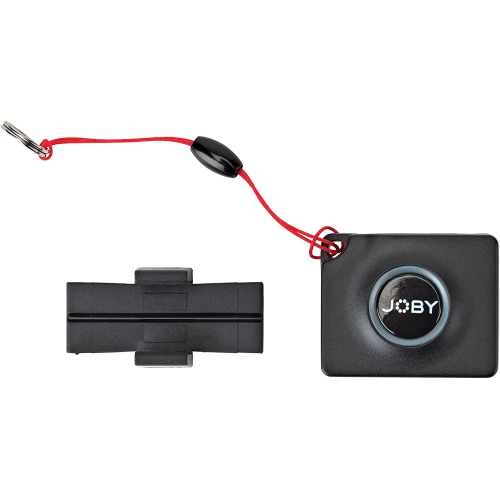 Your price for this item is $57.49
-
 Your price for this item is $45
-
 Your price for this item is $59.99
-
 Your price for this item is $39.99
-
 Your price for this item is $52
-
 Your price for this item is $45
-
 Your price for this item is $39.99
-
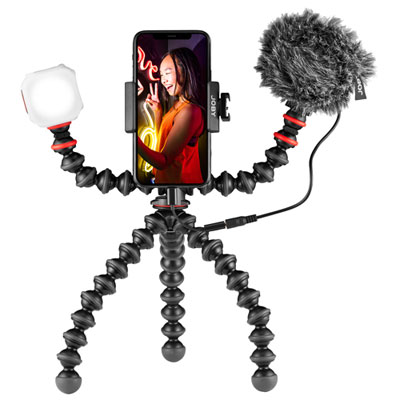 Your price for this item is $299.99
Discover more categories related to Cell Phone Photos



Top Collections:
Pokemon Centers, Pokémon 30th Celebration Cards, Best Budget Office Chairs, Kindle Devices, Best Cameras for Sports Photography, Canon G7X Cameras, Best Black Friday Deals On Electronics, Best Laptops for Writers, iPhone 15 Apple, Jackery Power Stations
Some products may be subject to Environmental Handling Fees
(EHF) depending on your province.
Learn more about EHFs.