Chromebooks for Web Browsing
Discover a wide selection of Chromebooks for web browsing, designed to help you stay connected and productive online. Whether you're checking emails, streaming your favorite content, or managing everyday tasks, these Chromebooks offer a streamlined experience tailored for effortless internet use. Explore options that combine portability and convenience, making it easy to browse the web from anywhere. Find the right Chromebook for web browsing to suit your needs and enjoy seamless access to everything the internet has to offer.
Sort
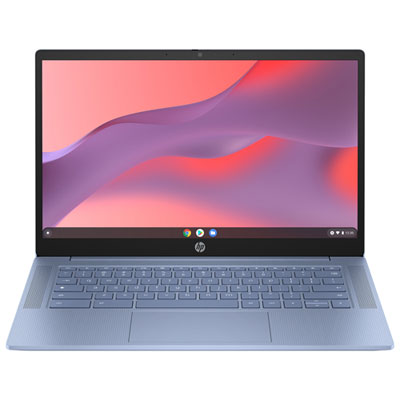
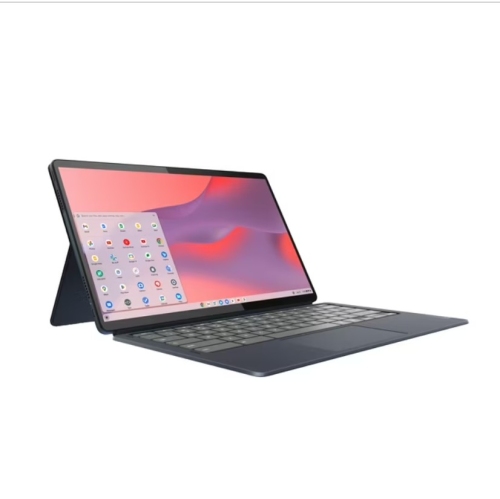
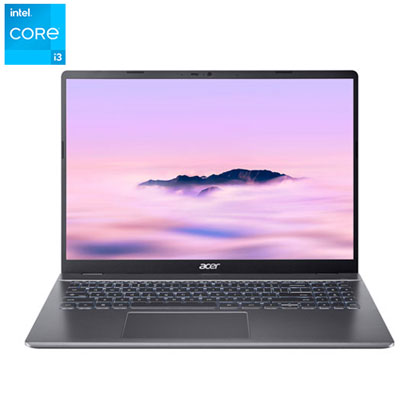
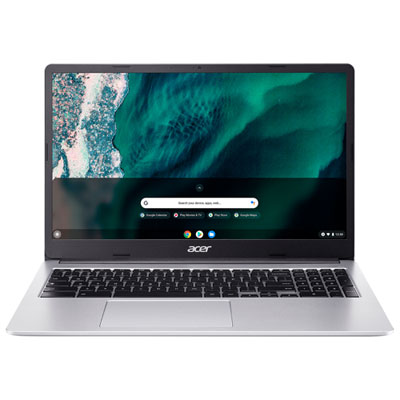

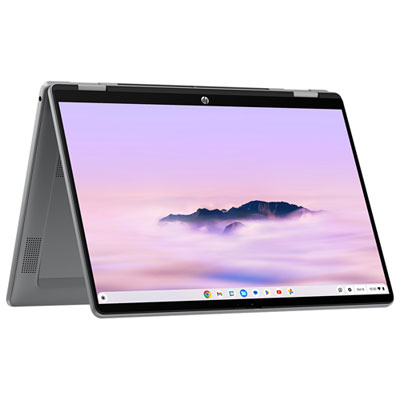
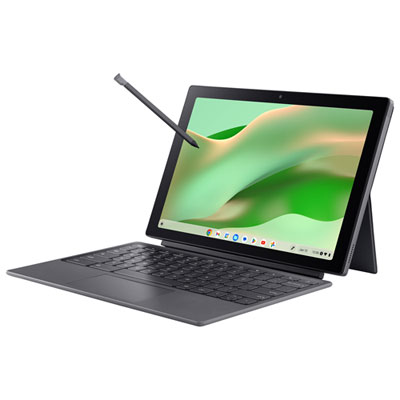
A practical guide to smoother everyday browsing on ChromeOS
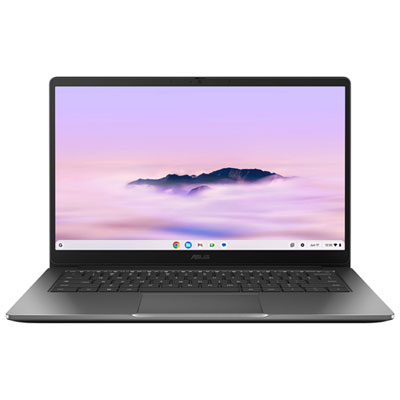
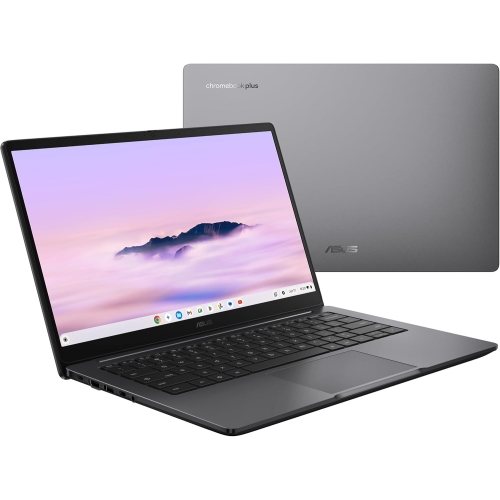
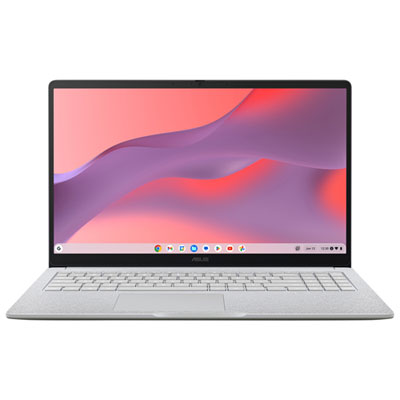
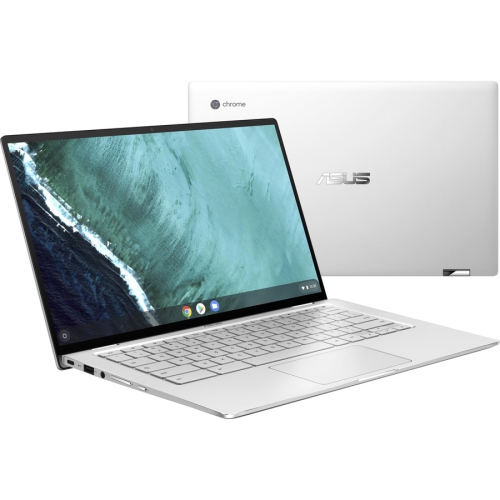
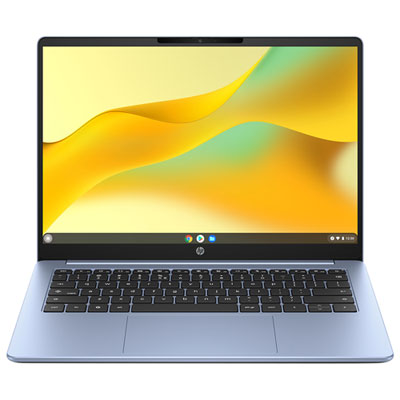
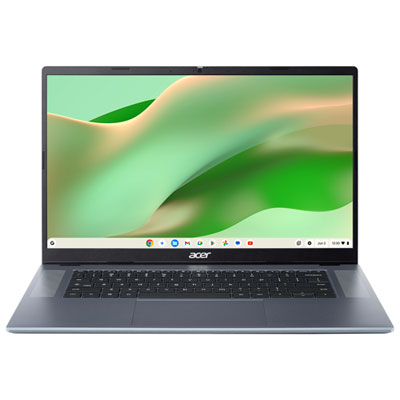
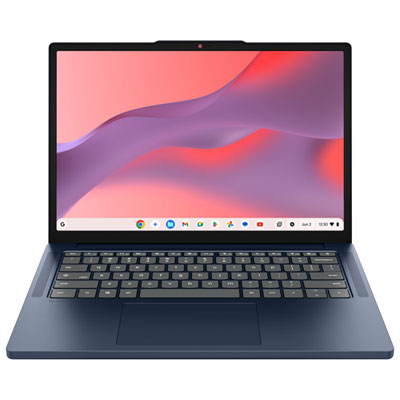
Chromebooks for web browsing are designed around the way many people use a computer every day: opening a browser, checking email, reading the news, managing online accounts, watching videos, joining virtual meetings, and using web-based apps. They run on ChromeOS, a streamlined operating system that starts quickly and keeps the browsing experience at the centre of the screen. Because much of the work happens online, these laptops are often simple to set up and easy to use, whether they are placed on a kitchen table for morning headlines, carried between classes, or kept beside a sofa for evening streaming. ChromeOS also receives automatic updates in the background, helping the device stay current without requiring complicated maintenance. Built-in security features, including sandboxed browser tabs and verified system processes, help protect against common online threats while you browse, shop, communicate, and manage personal accounts. Cloud-based file storage makes it convenient to access documents, photos, and other files from more than one device, while automatic syncing can reduce the need to keep large collections of files stored locally. This makes Chromebooks a practical choice for people who want a straightforward computer for online activity rather than a system focused on demanding desktop software. They can be useful for older adults who value a clear interface, students who need a dependable way to access online learning platforms, families sharing a computer at home, and anyone who wants a lightweight device for travel or everyday browsing. They can also make a thoughtful gift for a relative starting a new course, a household member setting up a home office, or a friend who mainly uses a computer for communication, entertainment, and online services. For school-focused tasks, you can also explore Chromebooks for School Work.
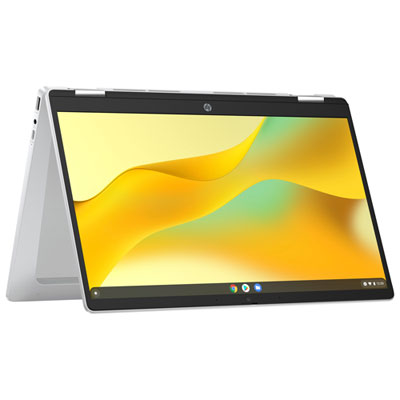
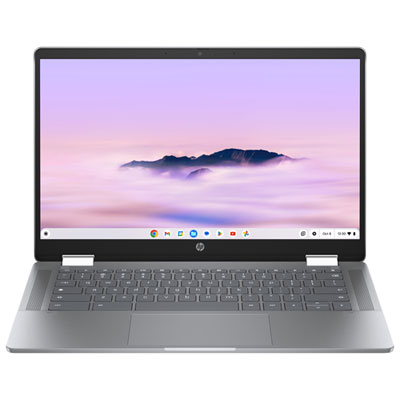
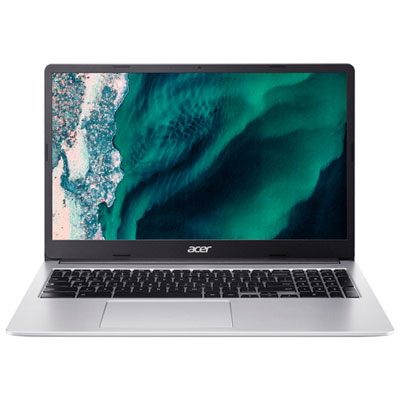
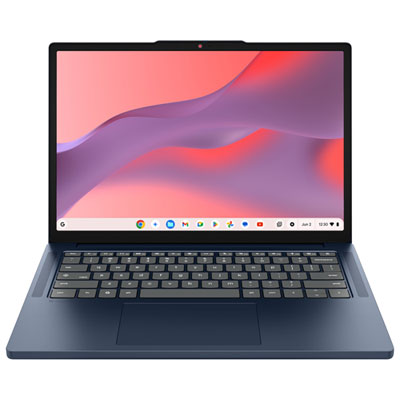
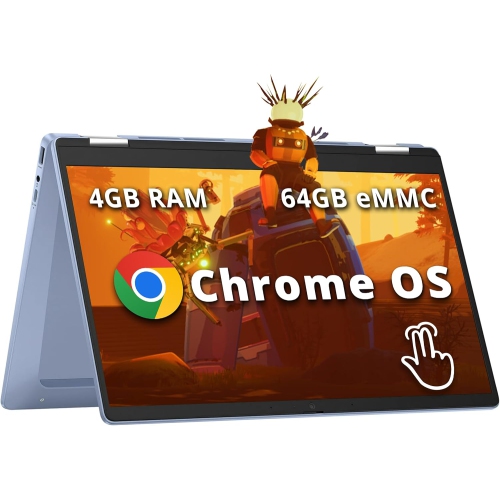
When comparing Chromebooks for web browsing, begin with the way you expect to use the device and the number of browser tabs you typically keep open. A model with 4GB of RAM can be suitable for lighter activities such as reading, email, basic document editing, and watching a video at a time. If you regularly move between numerous tabs, online meetings, streaming services, photo tools, and browser-based productivity apps, choosing at least 8GB of RAM can provide a smoother experience and help reduce the need to reload pages. The processor also affects how quickly pages open and how well a Chromebook handles websites with animations, interactive features, and other demanding scripts. Entry-level processors can be appropriate for straightforward browsing, while a mid-range processor, such as an Intel Core i3 or an equivalent option, is better suited to heavier web use and frequent multitasking. Display quality is another important consideration, particularly if you spend long stretches reading articles, reviewing documents, or watching video. A Full HD 1080p screen can make text and images appear sharper, while a larger display gives you more room to view side-by-side windows and detailed web pages. Compact screens are easier to carry and fit comfortably on smaller desks, whereas larger screens can be more comfortable for extended sessions at home. A touchscreen can make scrolling, zooming, and navigating certain apps feel more natural, and a 2-in-1 design can add flexibility when you want to fold the keyboard back for viewing. Think about the keyboard as well: a comfortable layout, responsive keys, and a precise touchpad can make a noticeable difference when writing messages, entering information, or moving between pages throughout the day.
Portability and connectivity help determine whether a Chromebook will fit naturally into your routine. A lighter model is convenient for carrying in a backpack, moving from one room to another, or taking on a trip during the cooler months, while a larger chassis may offer a roomier keyboard, more screen space, and a wider selection of ports. Battery life is worth considering if you expect to browse away from a power outlet, such as while travelling, attending a lecture, relaxing in a café, or working in different areas of the home. Look for the connections you are most likely to use, including USB ports for accessories, a headphone jack for private listening, and wireless connectivity for home networks and mobile hotspots. A built-in webcam and microphone are helpful for video calls, virtual appointments, remote lessons, and keeping in touch with family members. Storage needs are usually modest for a Chromebook centred on online activity, but additional local storage can be useful if you download videos, save many files offline, or work in places with limited internet access. It is also worth checking app compatibility before purchase, especially if you rely on specialized desktop programs; Chromebooks are strongest when your routine is built around browser-based services, cloud documents, online communication, and streaming. By matching memory, processing power, screen size, battery capacity, and portability with your browsing habits, you can choose a Chromebook that feels comfortable for everyday use and remains easy to manage as your online needs change.
When comparing Chromebooks for web browsing, begin with the way you expect to use the device and the number of browser tabs you typically keep open. A model with 4GB of RAM can be suitable for lighter activities such as reading, email, basic document editing, and watching a video at a time. If you regularly move between numerous tabs, online meetings, streaming services, photo tools, and browser-based productivity apps, choosing at least 8GB of RAM can provide a smoother experience and help reduce the need to reload pages. The processor also affects how quickly pages open and how well a Chromebook handles websites with animations, interactive features, and other demanding scripts. Entry-level processors can be appropriate for straightforward browsing, while a mid-range processor, such as an Intel Core i3 or an equivalent option, is better suited to heavier web use and frequent multitasking. Display quality is another important consideration, particularly if you spend long stretches reading articles, reviewing documents, or watching video. A Full HD 1080p screen can make text and images appear sharper, while a larger display gives you more room to view side-by-side windows and detailed web pages. Compact screens are easier to carry and fit comfortably on smaller desks, whereas larger screens can be more comfortable for extended sessions at home. A touchscreen can make scrolling, zooming, and navigating certain apps feel more natural, and a 2-in-1 design can add flexibility when you want to fold the keyboard back for viewing. Think about the keyboard as well: a comfortable layout, responsive keys, and a precise touchpad can make a noticeable difference when writing messages, entering information, or moving between pages throughout the day.
Portability and connectivity help determine whether a Chromebook will fit naturally into your routine. A lighter model is convenient for carrying in a backpack, moving from one room to another, or taking on a trip during the cooler months, while a larger chassis may offer a roomier keyboard, more screen space, and a wider selection of ports. Battery life is worth considering if you expect to browse away from a power outlet, such as while travelling, attending a lecture, relaxing in a café, or working in different areas of the home. Look for the connections you are most likely to use, including USB ports for accessories, a headphone jack for private listening, and wireless connectivity for home networks and mobile hotspots. A built-in webcam and microphone are helpful for video calls, virtual appointments, remote lessons, and keeping in touch with family members. Storage needs are usually modest for a Chromebook centred on online activity, but additional local storage can be useful if you download videos, save many files offline, or work in places with limited internet access. It is also worth checking app compatibility before purchase, especially if you rely on specialized desktop programs; Chromebooks are strongest when your routine is built around browser-based services, cloud documents, online communication, and streaming. By matching memory, processing power, screen size, battery capacity, and portability with your browsing habits, you can choose a Chromebook that feels comfortable for everyday use and remains easy to manage as your online needs change.
Top selling and popular products
-
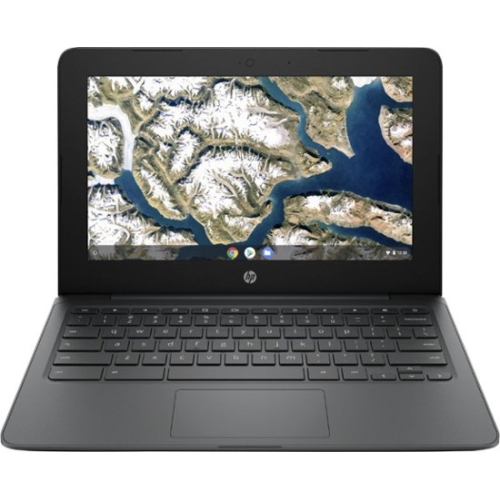 Your price for this item is $199.99
 -
 Your price for this item is $406.99
 -
 Your price for this item is $499.99
 -
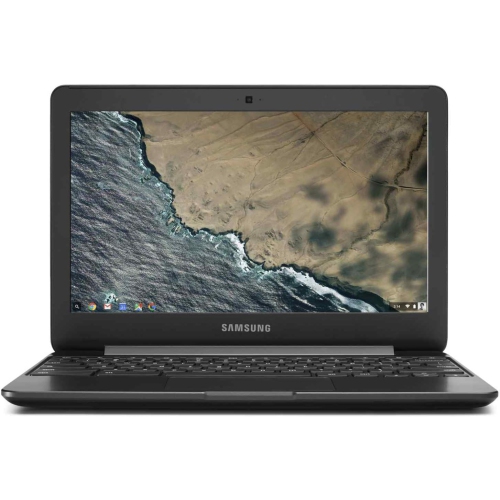 Your price for this item is $248
 -
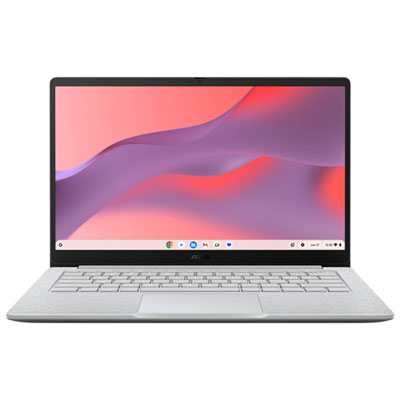 Your price for this item is $529.99
 -
 Your price for this item is $339.99
 -
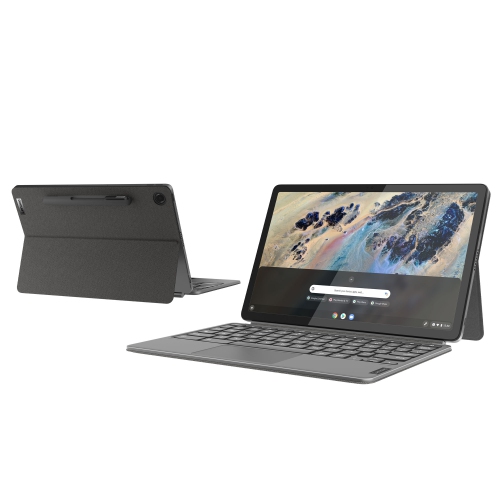 Your price for this item is $649
 -
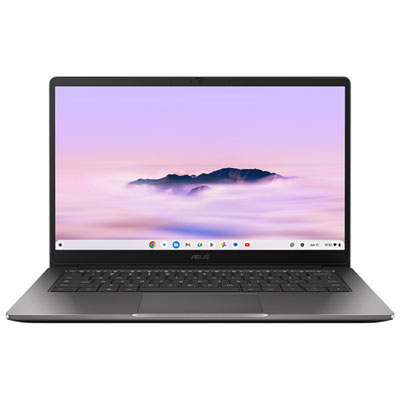 Your price for this item is $649.99
Discover more categories related to Chromebooks for Web Browsing
Top Collections:
Pokemon Centers, Budget 4K TVs, Kindle Devices, Canon G7X Cameras, Apple iPhones 16, iPhone 15 Apple, Laptops for Business Work, Flip Phones, Xiaomi Phones, Refurbished Apple Laptops
Some products may be subject to Environmental Handling Fees
(EHF) depending on your province.
Learn more about EHFs.