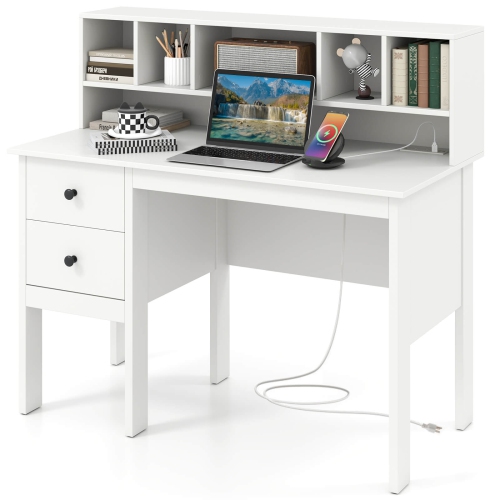
Clamp-On Desk Power Bars

Keep home office connections within reach with a desk clamp power strip that attaches to the edge of your work surface. Compare clamp-on power bars by desk compatibility, outlet layout, cord length and USB charging options to find a practical match for your workspace and devices.
Sort

Outlets within reach without giving up desk space

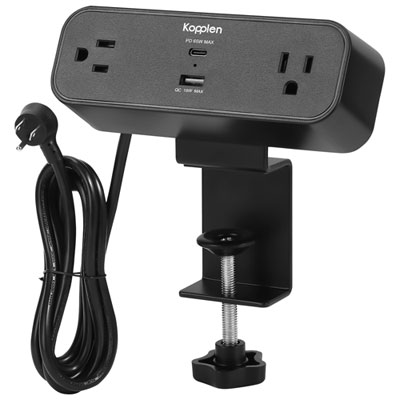
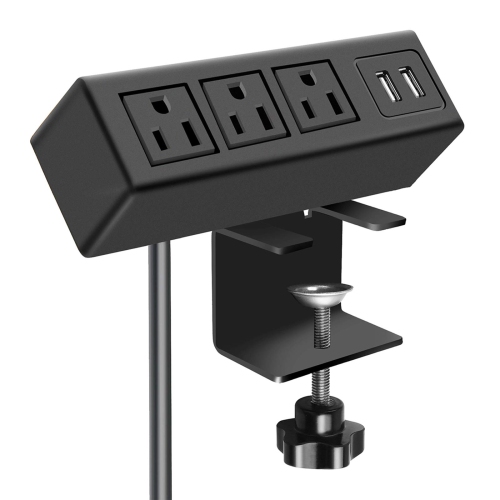
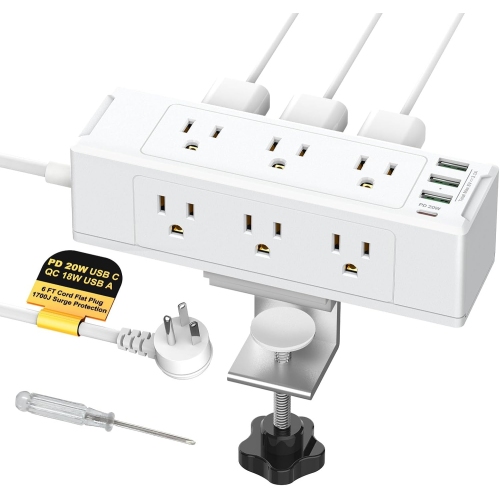
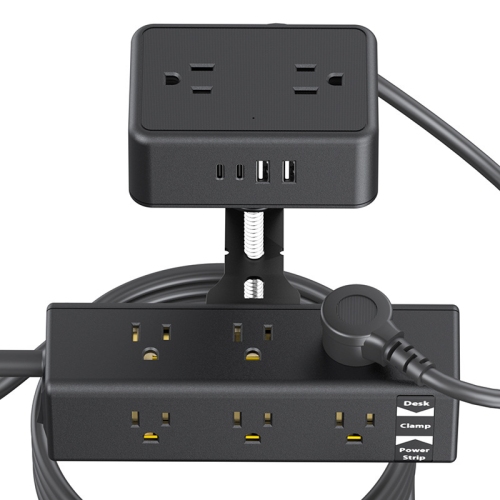
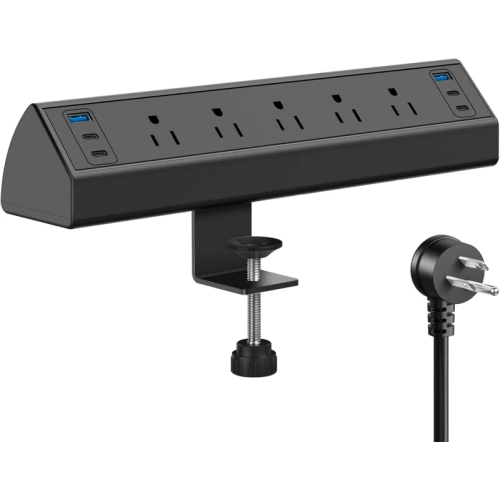
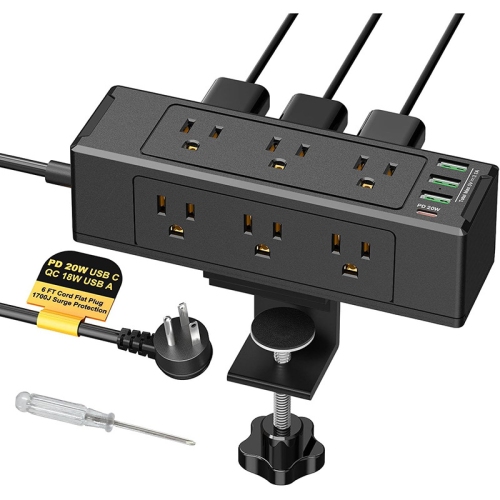
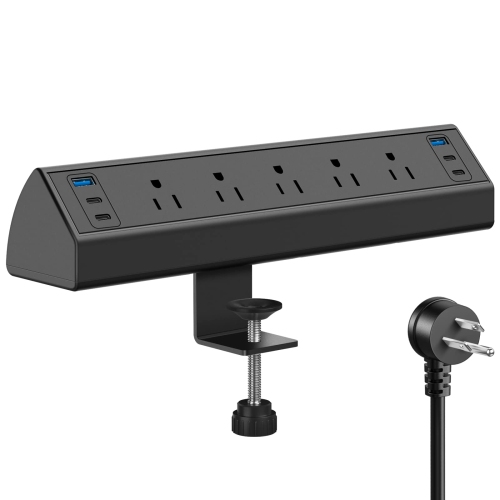
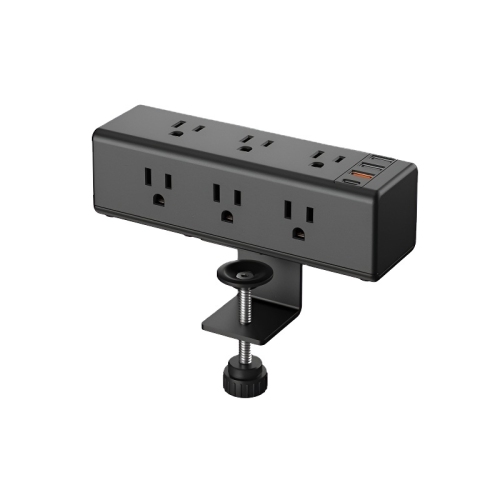
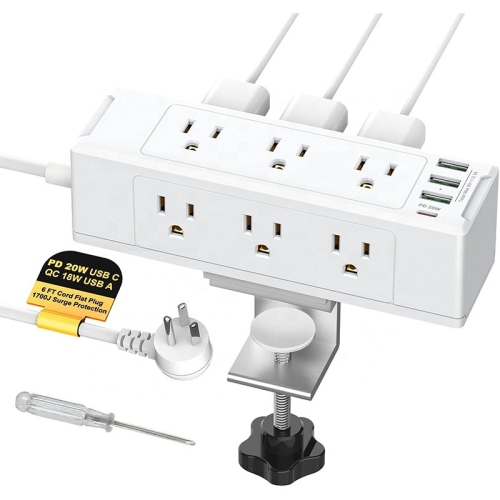
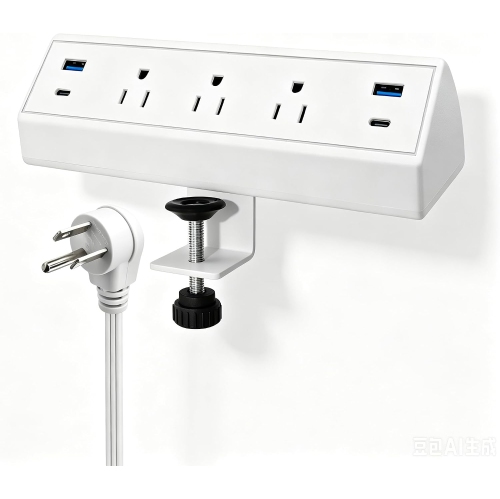
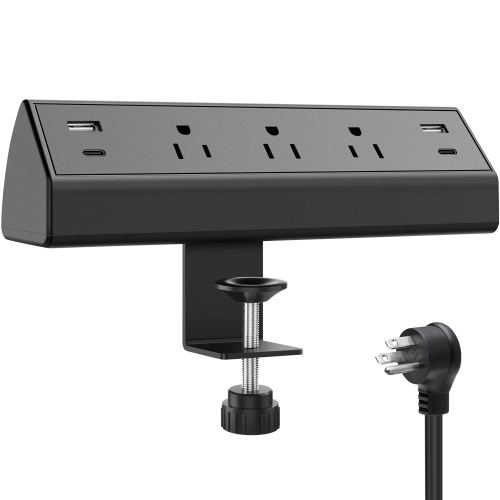
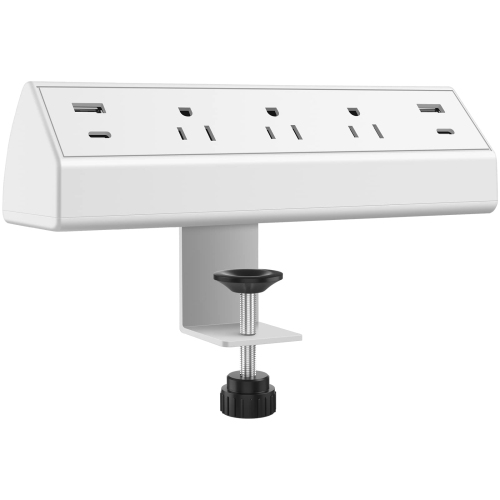
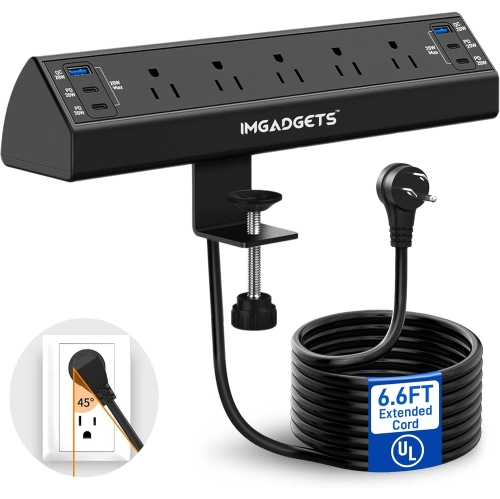
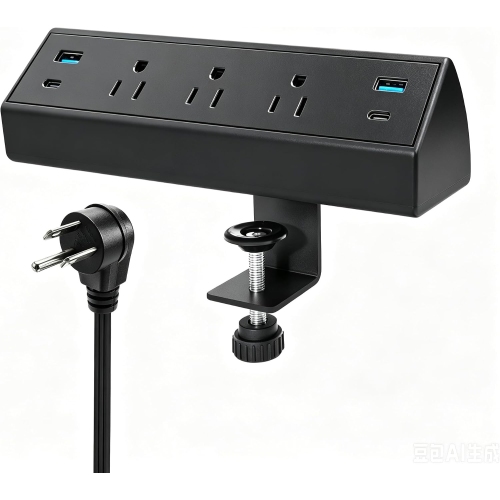
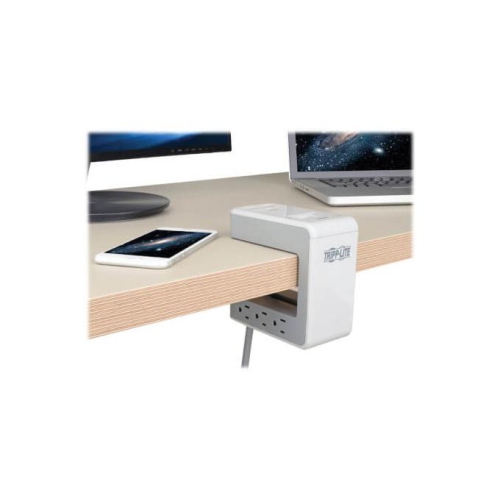
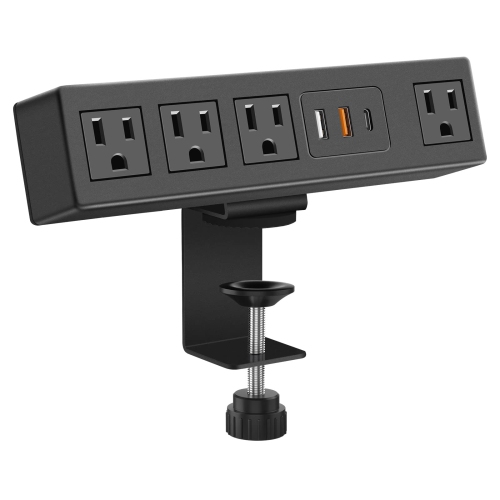
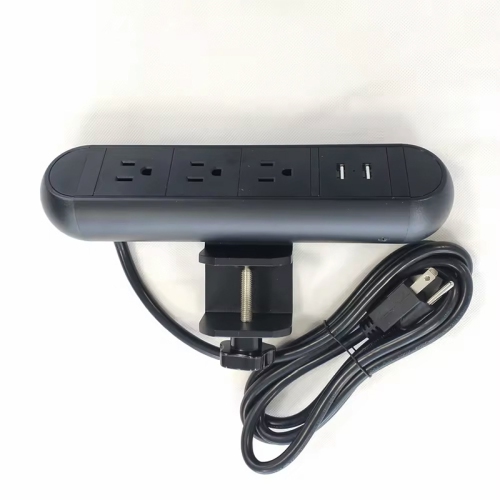
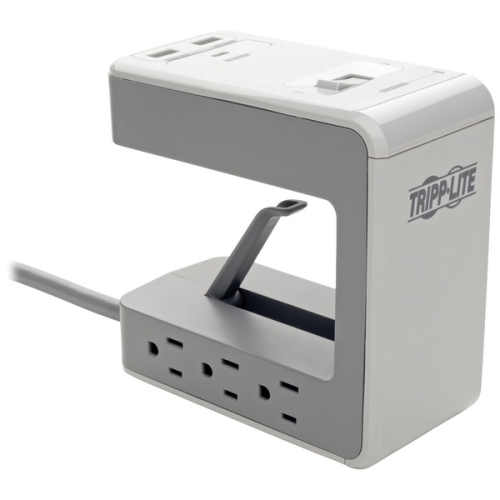
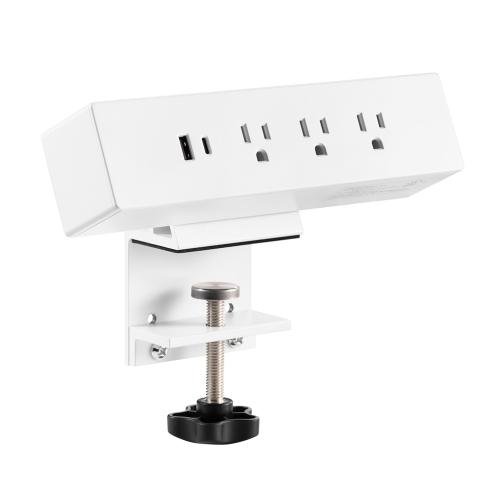
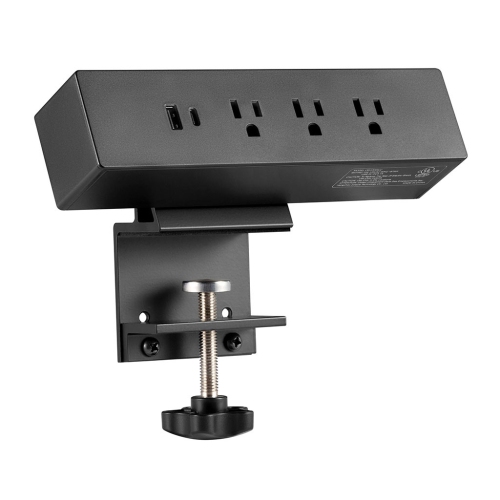
A clamp-on desk power bar brings outlets within reach without taking up the space where a keyboard, notebook or drawing tablet needs to sit. The clamp grips the edge of the work surface, so the bar stays in place when a charger is pulled out, rather than sliding across the desktop or dropping behind it. That’s handy at a home office desk that doubles as a study spot: the monitor and task lamp can stay plugged in while the laptop charger comes and goes. At a shared workstation, side-mounted outlets leave room for someone to set down a notebook and plug in without reaching behind a screen. The number of outlets matters, but their spacing and direction can make just as much difference. A wide power adapter can cover the next socket on a tightly spaced bar, and a plug that sticks straight out may get in the way along the edge used for writing. Outlets that face up are easy to see from a chair, while outward-facing sockets can keep bulkier plugs off the work surface. Built-in USB-A or USB-C ports can free up an AC outlet for another device, especially at a desk where a phone or headphones are charged regularly. A USB-C port doesn’t necessarily deliver enough power for a laptop, though, and some bars share their charging output across ports when more than one is in use. It helps to think about which cords rarely move and which are handled every day. A printer cord can sit out of sight at the back, while a port used to top up a phone is more convenient near the front corner, where the cable won’t have to run across the mouse pad.

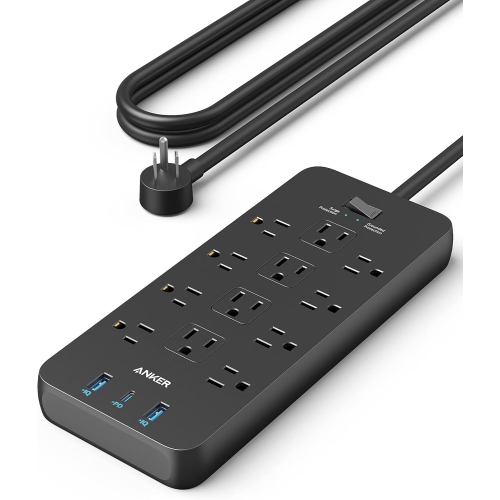
The clamp is what makes this style practical, and its fit depends on more than the thickness of the desktop. A squared edge gives most clamps a flat surface to grip, but a bevel, rounded lip or metal frame underneath can leave the lower clamp pad with nowhere to sit flush. A desk with a shallow drawer can look like a good fit from above until the adjustment knob blocks the drawer from opening. Check the thickness range and the clearance needed beneath the desktop at the exact spot where the bar would go. Padded contact points can help protect a wood veneer or laminate finish, but a clamp should only be used on a glass desktop if the desk and clamp manufacturers both permit it. If there’s no suitable edge, a freestanding Desktop Power Strip can keep sockets within reach without requiring a clamp. On a desk pushed against a wall, room for the plugs and their cords matters as much as room for the bar itself. Even if the housing fits along the back edge, there may not be enough space to insert a bulky adapter without shifting the desk forward. Side mounting can solve that problem, provided the bar doesn’t sit where an armrest or chair will hit it. For a sit-stand desk, the power cord needs enough slack to reach the wall outlet at full height without getting caught in the frame as the work surface comes back down. A steel bracket can provide a firm mount for a bar that gets used often, while a lighter housing can be a practical fit on a compact work surface. In either case, a clamp that sits flat and a cord that isn’t tugging at the housing do more for everyday stability than a heavy build alone.

A power bar at the desk edge tends to see more daily handling than one tucked behind furniture. At a gaming station, a headset charger might be connected and disconnected every day; at a craft desk, keeping the power connections off the work surface leaves more room to spread out fabric or paper. A sturdy housing, a clamp that doesn’t shift when a plug is removed, and a reinforced point where the cord enters the housing are useful details for either setup. A power switch can be handy for turning off several accessories together, as long as it’s positioned where it won’t be bumped while reaching for an outlet. A switch or reset button doesn’t mean the bar provides surge protection, so check for that feature separately if it matters for the equipment being connected. Extra sockets also don’t increase the bar’s electrical capacity. Choose a bar approved for use in Canada, plug it directly into a wall outlet and keep the combined load within the stated rating. A desk power bar is better suited to monitors, chargers and other typical desktop electronics than to a high-draw appliance such as a portable heater, which should be plugged directly into a wall outlet. For routine care, unplug the bar before wiping it down with a dry cloth, keep drinks away from the sockets and check the clamp after moving the desk or rearranging the cables. If the bar no longer sits firmly, check its position before tightening it further, especially on a surface that dents easily. As a gift, a clamp-on power bar can be useful for a student setting up a small desk or someone who’s tired of fishing for a charger behind a filing cabinet. It’s easiest to choose for a desk whose edge and layout are already familiar, so the clamp has a clear place to sit and the outlets land where they’ll actually get used.

FAQ

Some products may be subject to Environmental Handling Fees (EHF) depending on your province. Learn more about EHFs.