Clamp Desk Mounts
Maximize your workspace and keep your desk organized with a clamp desk mount. Perfect for home offices, gaming setups, and professional environments, these mounts offer an easy way to create more room on your desktop. Find options designed to support monitors, laptops, lights, or other accessories, all while maintaining a clean and efficient work area. Explore a variety of clamp desk mount solutions to suit your needs and enhance your daily productivity.
Sort
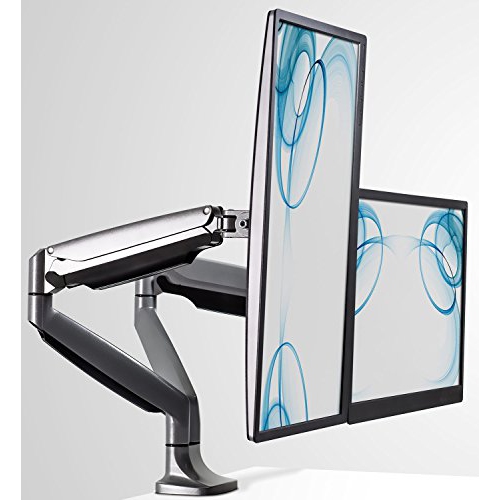
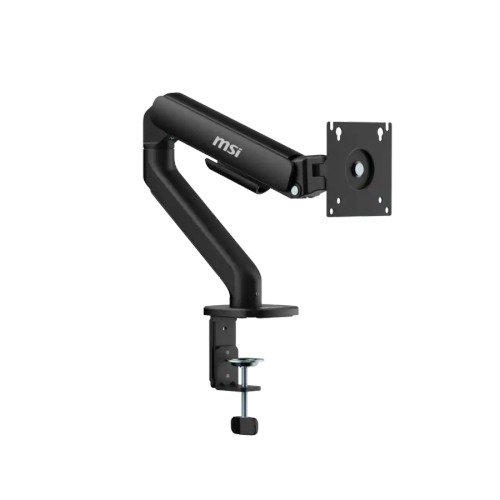
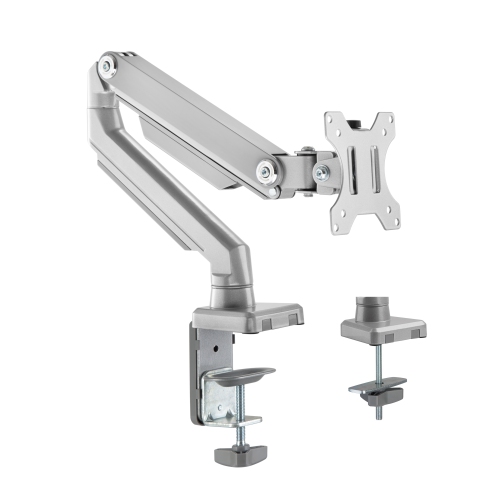

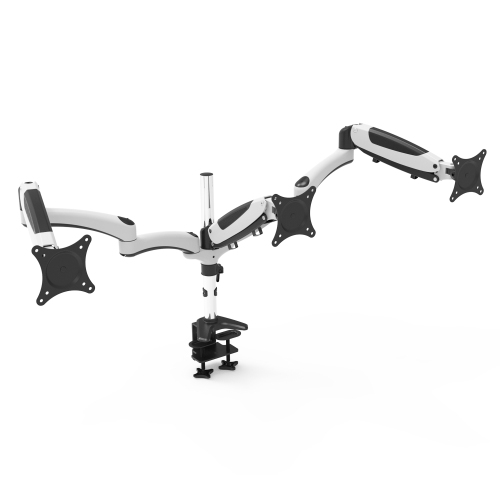
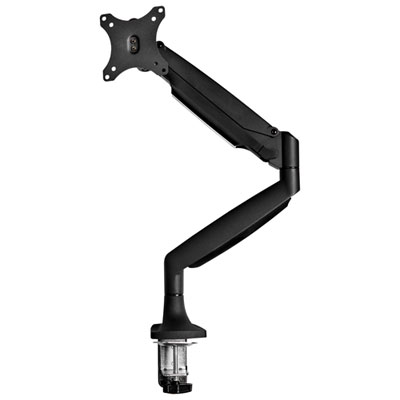
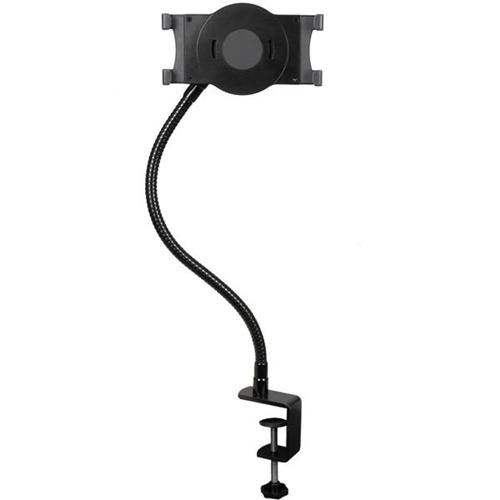
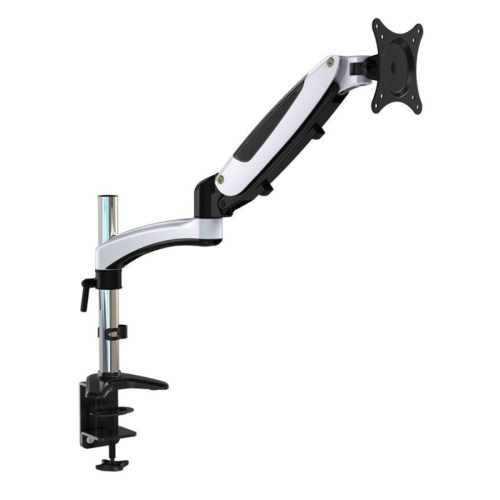
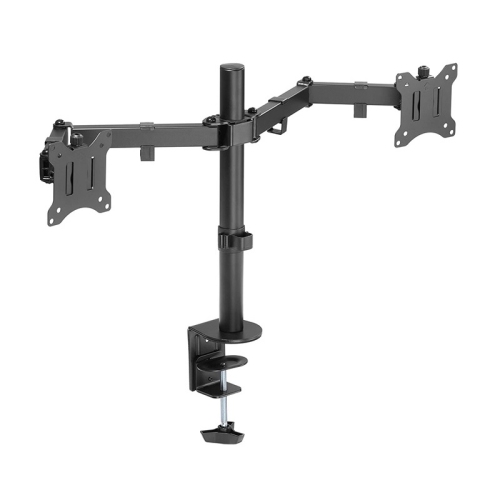

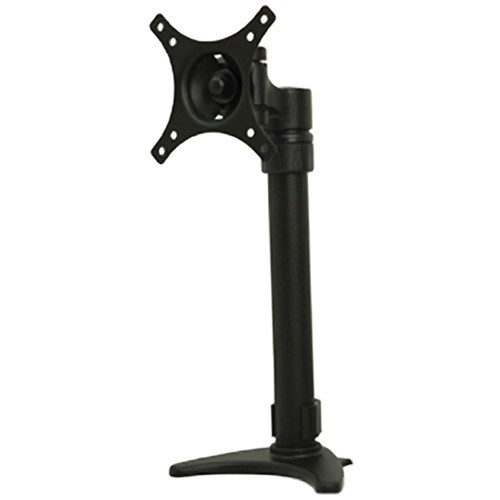
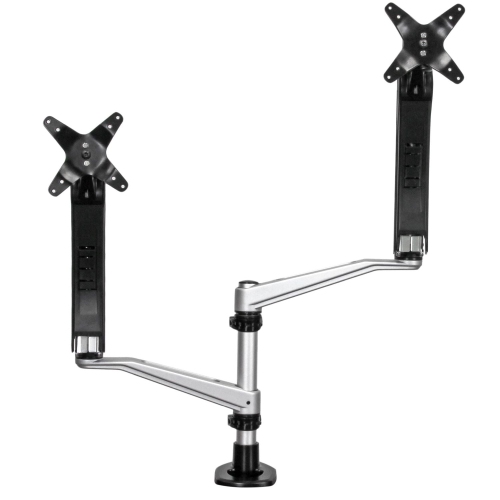
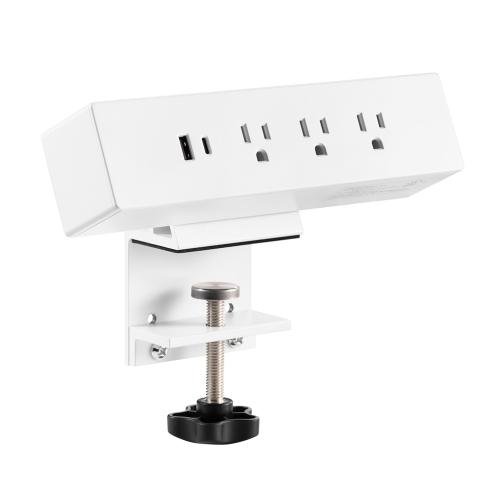
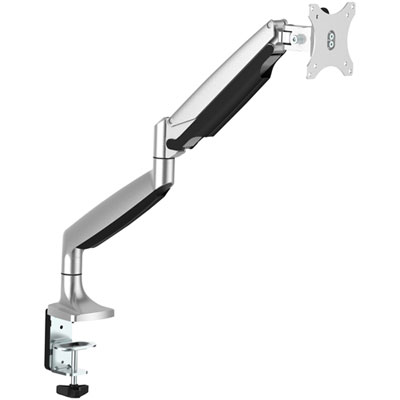
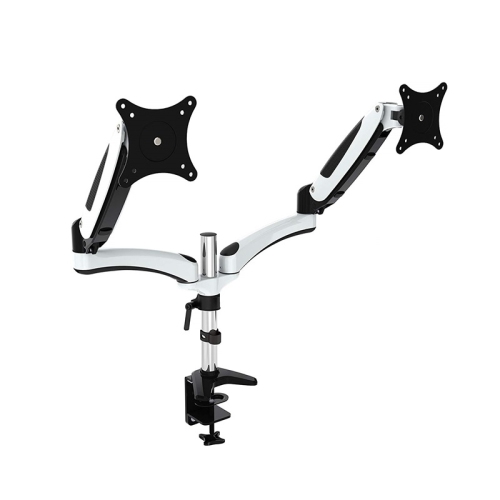
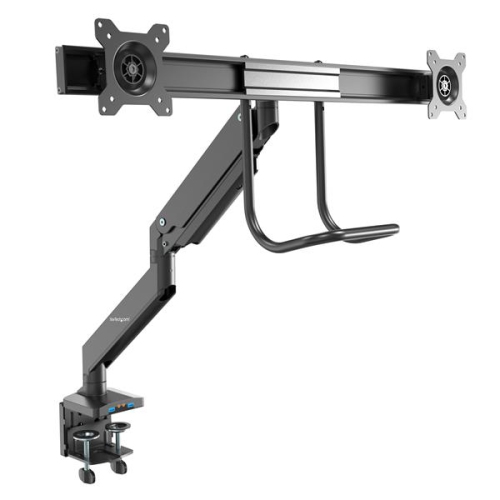
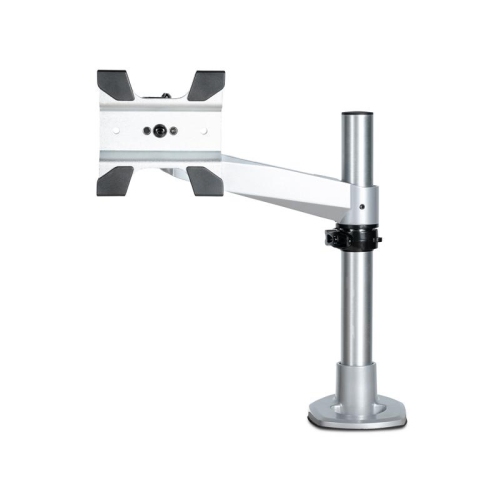
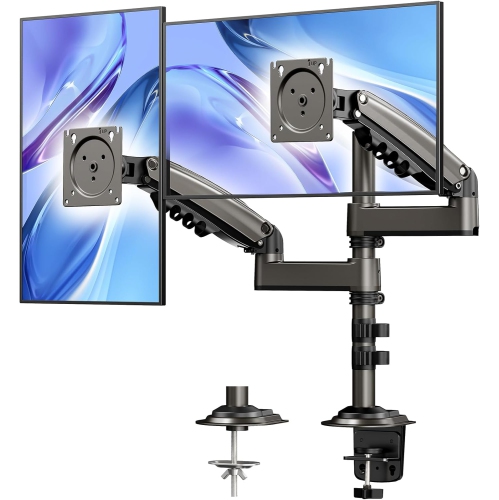
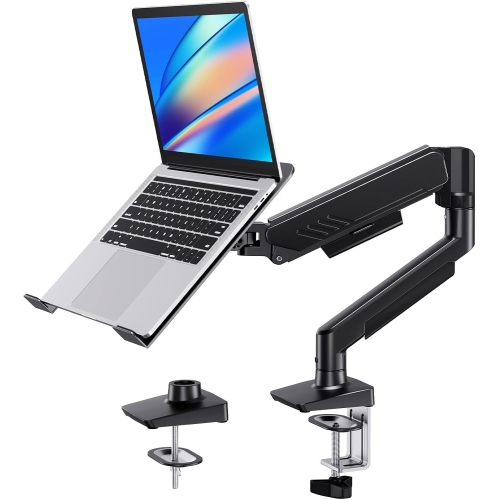
More desktop space starts with a secure fit
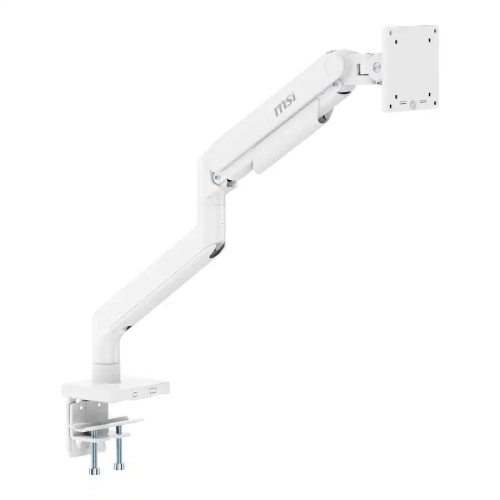
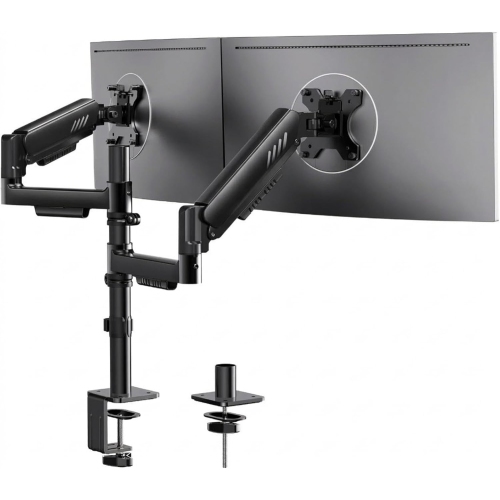
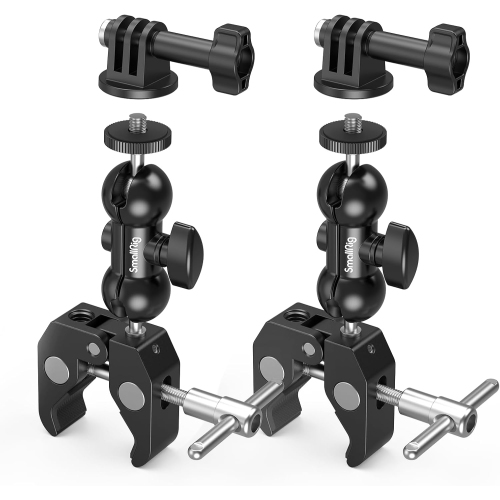
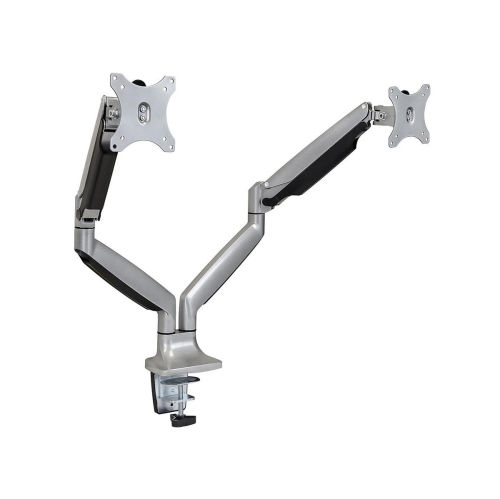
Clamp desk mounts attach monitors, microphones, cameras, lights and other compatible equipment to the edge of a desktop, often without drilling holes or using a separate floor stand. By moving equipment off its original base, a clamp mount can free up space for a keyboard, notebook or drawing tablet while keeping frequently used tools within reach. The category includes single- and multiple-monitor arms, microphone boom arms and compact accessory mounts, each designed for different attachment points and loads. A monitor arm can bring a display closer for detailed spreadsheet work, then move it back to leave room for paperwork. A microphone arm keeps the mic near a speaker’s mouth without placing a stand beside the keyboard, while an adjustable camera mount can support an overhead view of crafts, demonstrations or handwritten notes. The available movement depends on the design: some mounts offer a fixed post with adjustable brackets, while others provide articulated joints, swivelling arms or spring-assisted height adjustment. Tilt changes the angle of the attached equipment, swivel allows side-to-side positioning, and rotation may let a compatible monitor switch between landscape and portrait orientation. These movements are useful in shared workspaces, home offices, gaming setups and small recording areas, but not every mount provides every adjustment. For screen-focused arrangements, LCD Monitor Desk Mounts include designs that support different display configurations. Screen compatibility depends on more than diagonal size: the display’s weight, mounting-hole pattern and shape all affect fit. Camera and lighting mounts use their own connection standards, so a threaded accessory fitting should not be assumed to work with a monitor bracket. The most useful arrangement is one that supports the intended equipment securely and places it where it belongs during everyday tasks, whether that means a display centred above the keyboard or a microphone that swings aside after a call.
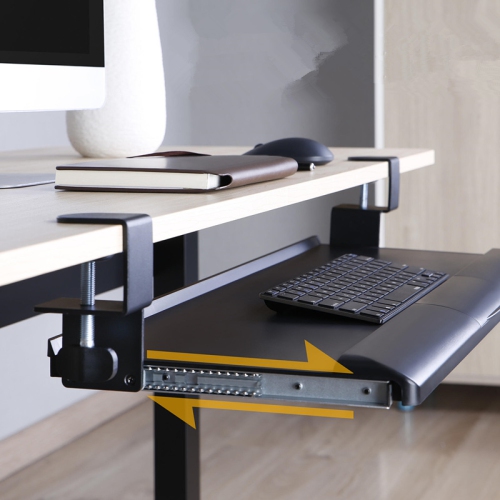
The fit between the clamp and the desktop is just as important as the connection to the equipment. Many desk mounts use a C-shaped clamp with a threaded screw or knob that draws a lower pressure pad towards an upper support plate. The stated clamping range describes the desktop thicknesses that the mechanism can accommodate, but thickness alone does not confirm compatibility. A bevelled edge, decorative lip, shallow overhang or frame directly beneath the work surface can prevent the pads from sitting flat. Cable trays, drawers and rear panels can also occupy the space needed by the clamp screw. Enough clearance behind the desk matters, too, particularly when an arm folds backwards towards a wall. A desk pushed tightly against a wall may leave room for the clamp itself but not for the arm’s full travel. Solid, structurally sound surfaces are generally better suited to concentrated clamping forces than fragile or unsupported edges, though suitability must be confirmed against both the desk and mount manufacturers’ requirements. Glass, stone, hollow-core and lightweight composite desktops need particular caution; a reinforcement plate is not a universal solution and does not make an otherwise unsuitable surface safe. Where approved, a plate can spread pressure across a wider area. Some mounts offer an alternative bolt-through or grommet fitting, but that is a different attachment method and requires a compatible opening and suitable support beneath it. Load ratings also need close attention. For monitor arms, the supported weight normally refers to the attached display without its original stand, subject to the manufacturer’s specifications. Spring-assisted arms may have both minimum and maximum supported weights; a screen that is too light can be difficult to keep in position. Multiple-screen mounts may specify limits for each arm as well as the overall assembly. Curved displays, deep monitor housings and added accessories can change leverage, making the approved equipment dimensions and mounting requirements important alongside the weight rating.
Materials, joint construction and adjustment controls shape how clamp desk mounts feel over time. Steel and aluminium are common structural materials, while plastic covers may conceal fasteners or help route cables. A heavier construction is not automatically the better choice; the important factors are a suitable load rating, secure connections and movement that matches the task. Someone who positions a monitor once and rarely moves it may prefer a straightforward fixed-height arrangement, whereas a shared workstation may benefit from accessible height and angle adjustments. A creator alternating between face-level recording and an overhead work surface needs enough reach and the correct joints to achieve both positions without stretching cables or extending beyond the mount’s limits. For microphone use, desk vibration is another consideration: typing, tapping or an uneven work surface can transmit movement through the clamp and arm, and a compatible shock mount may help reduce vibration reaching the microphone. Cable management adds practical value when it leaves enough slack for the full range of motion. Leads should not become taut when a monitor turns, a microphone swings away or a height-adjustable desk rises. Routing them clear of hinges and pinch points also helps prevent snagging. Protective clamp pads can reduce direct contact between metal hardware and the desktop finish, but they do not replace a suitable mounting surface or careful tightening. Firm attachment should follow the manufacturer’s instructions rather than relying on excessive force, which can damage the desk or hardware. Routine care is usually simple: a soft, dry cloth removes dust, while periodic checks can reveal loose fasteners, worn pads or changes in how the arm holds its position. Cleaning products, lubrication and tension adjustments should follow the mount’s care instructions. In a compact home office, a well-matched clamp mount can leave a clear patch of desktop for writing; at a recording desk, it can keep a light or microphone close without crowding the equipment below. Its everyday value comes from that combination of dependable support, useful positioning and a layout that remains comfortable to work around.
Top selling and popular products
-
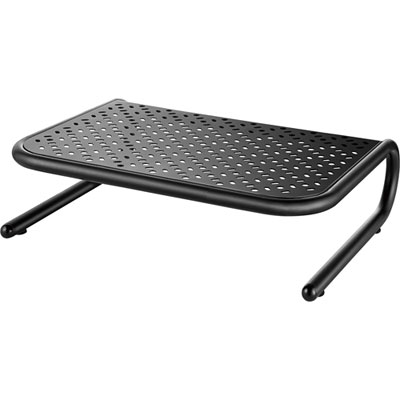 Your price for this item is $34.95
-
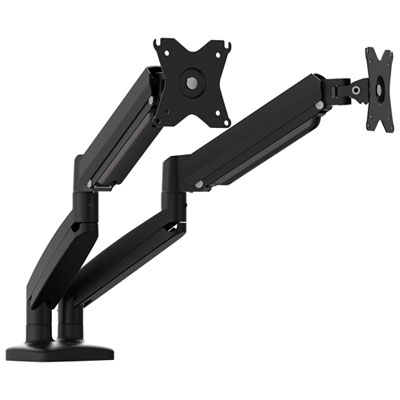 Your price for this item is $149.99
-
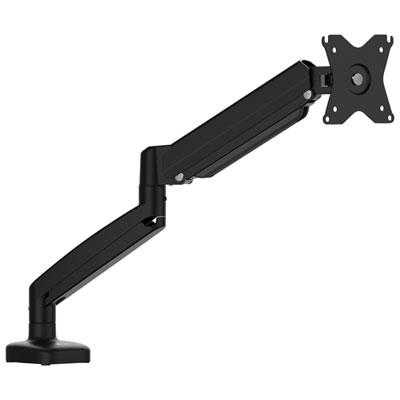 Your price for this item is $79.99
-
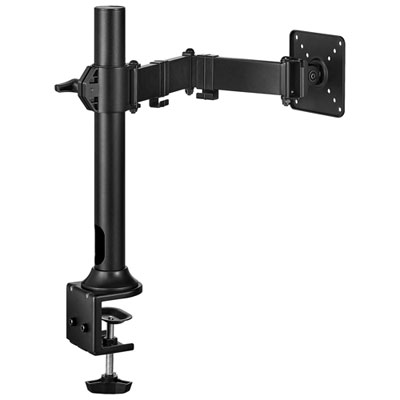 Your price for this item is $69.99
-
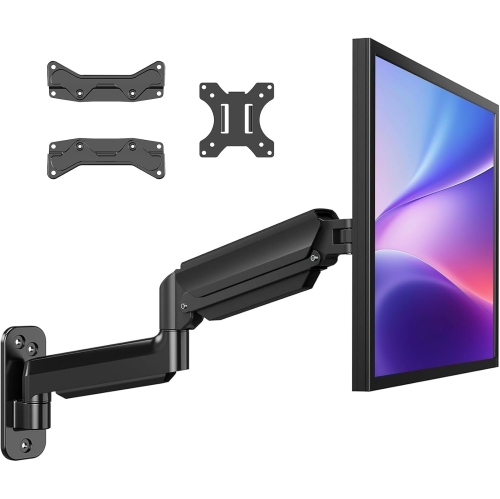 Your price for this item is $71.99
-
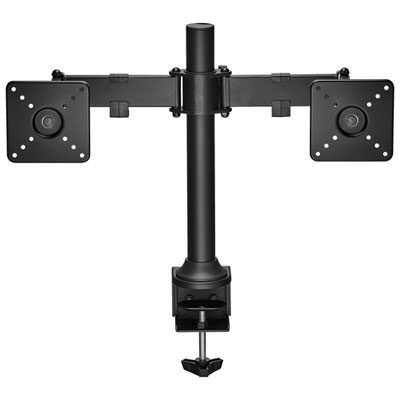 Your price for this item is $79.99
-
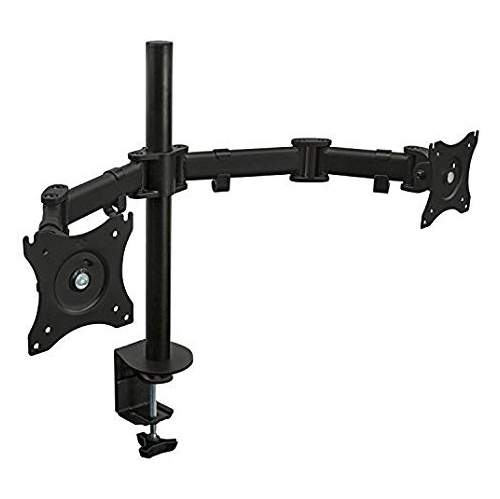 Your price for this item is $99.99
-
 Your price for this item is $238.99
Discover more categories related to Clamp Desk Mounts
Top Collections:
Best Black Friday Deals This Year, Best Black Friday Deals On Electronics, Kindle Devices, Pokemon Centers, Best Black Friday Deals On Apple Products, Best Cameras for Sports Photography, Dyson Airwrap, Pokémon 30th Celebration Cards, Apple iPhone 17 Pro, Canon G7X Cameras
Some products may be subject to Environmental Handling Fees
(EHF) depending on your province.
Learn more about EHFs.