Compact Inkjet Printers for Small Spaces
If you have a small home office or a home business, you know that space is at a premium. And if you're looking to save even more space, consider a compact inkjet printer. These models are designed to fit on a desk or shelf and can be tucked away when not in use. They're also portable enough to move around your home as needed.
Sort
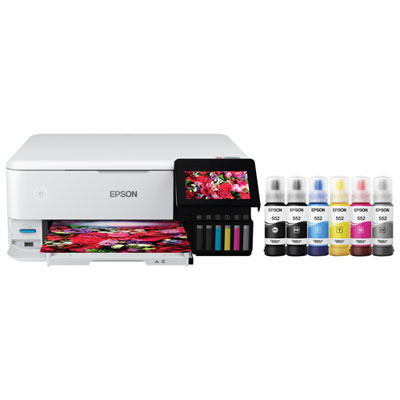
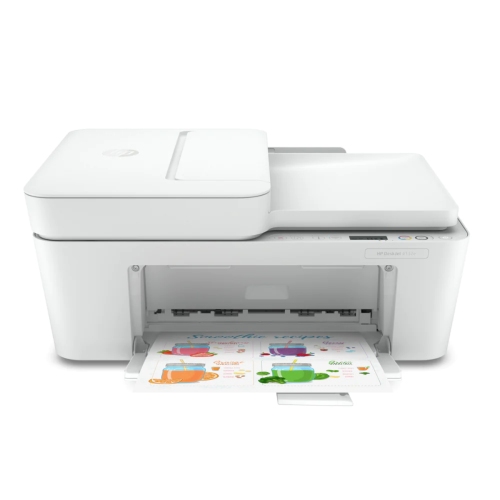
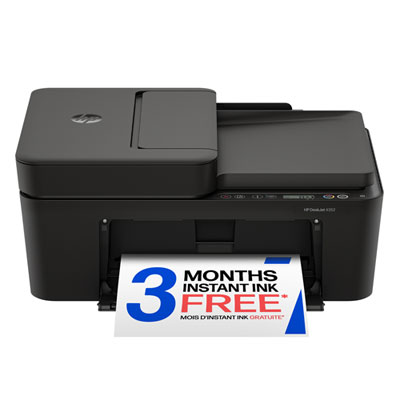
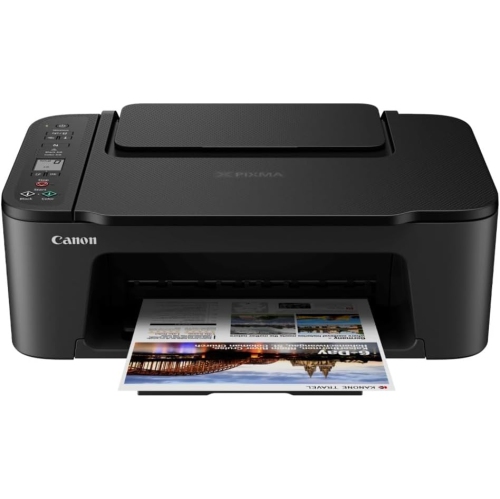

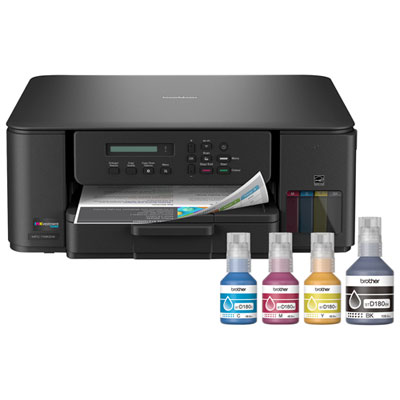
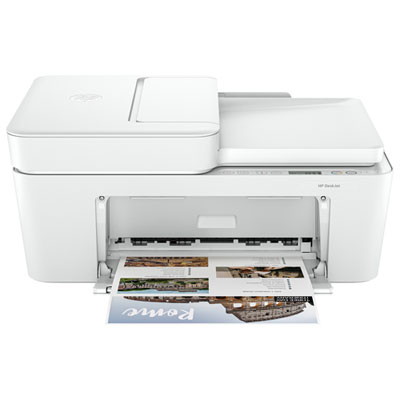

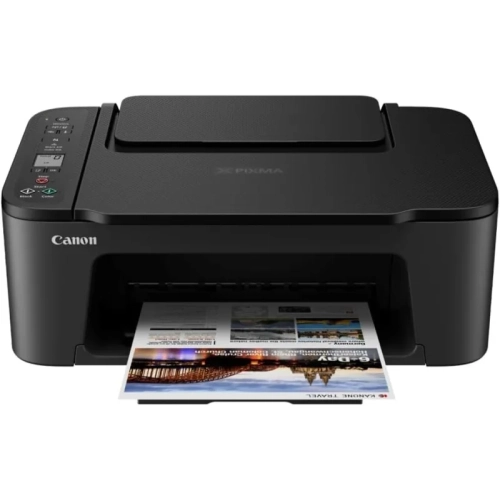
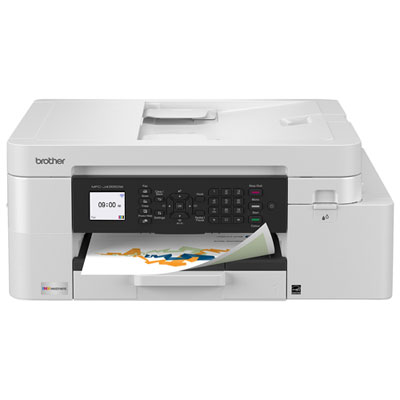
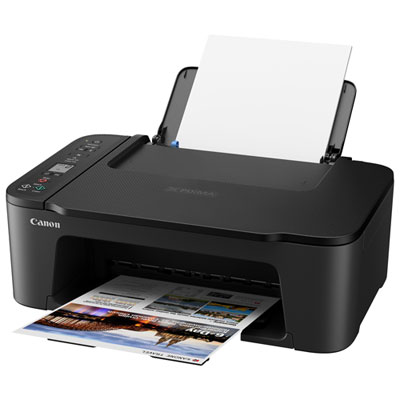
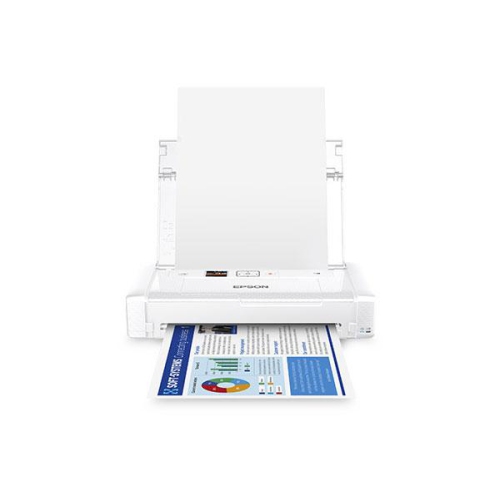
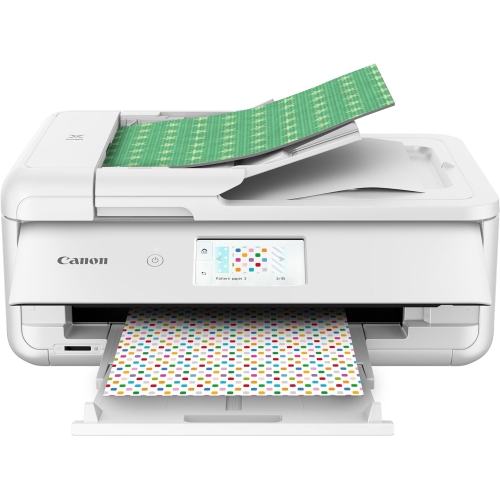
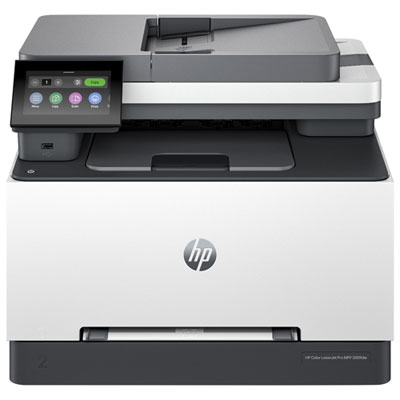
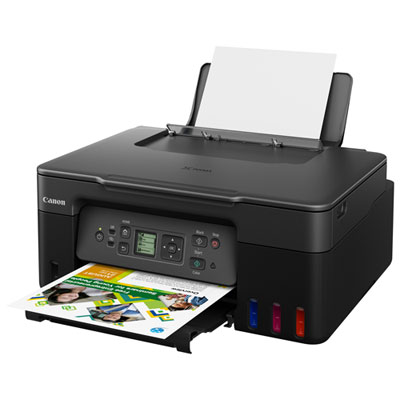
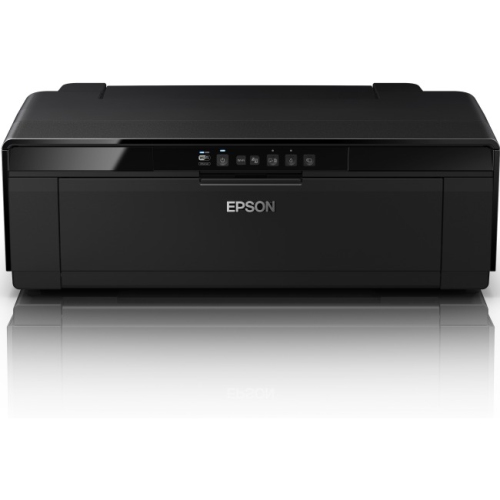
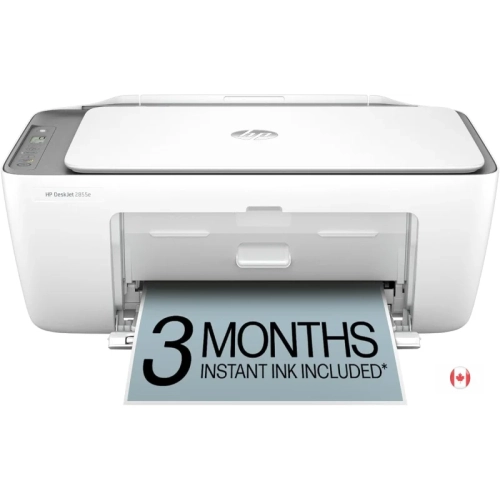
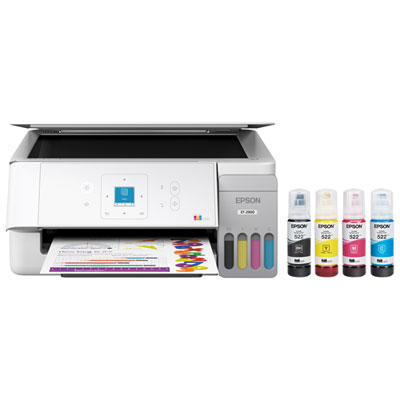
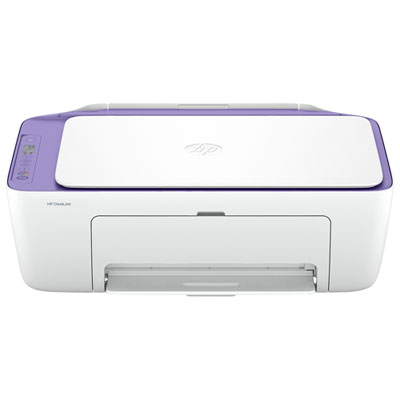
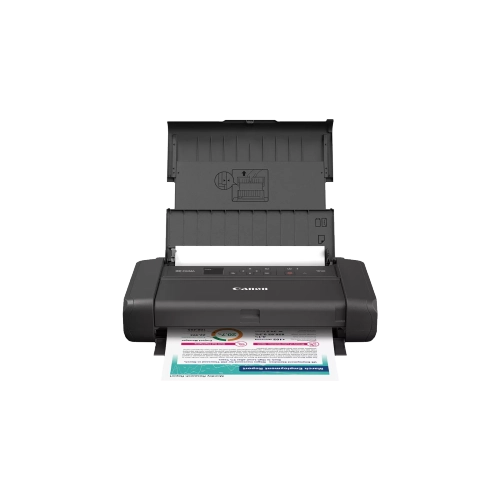
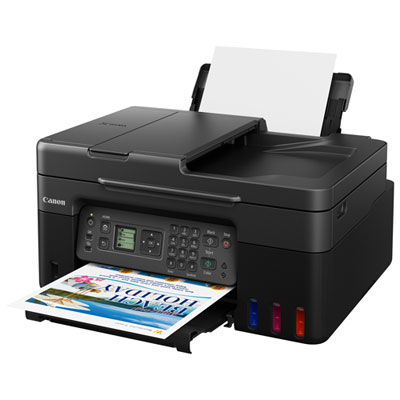
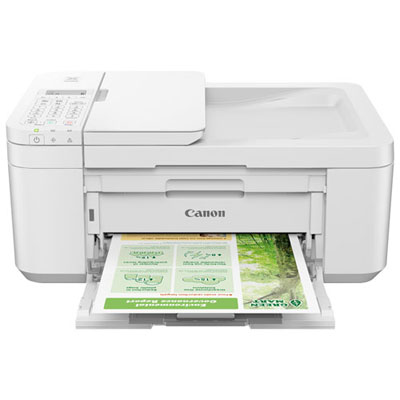
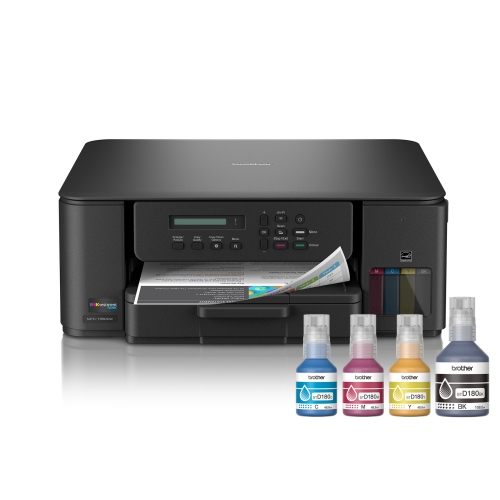
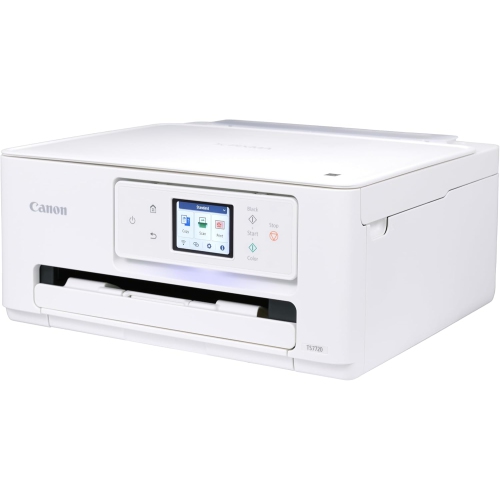
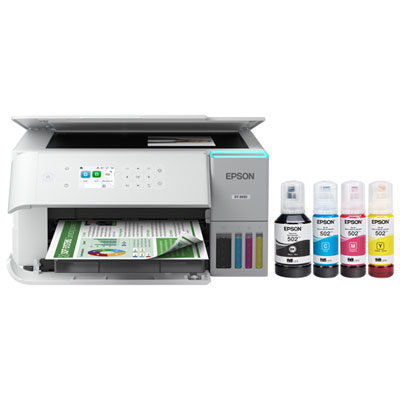
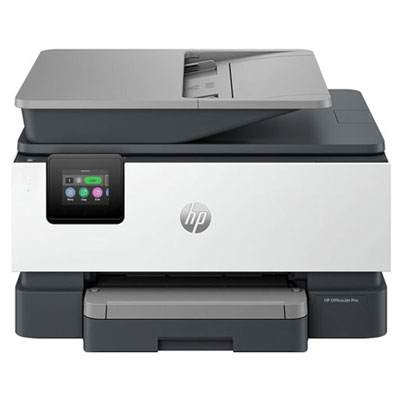
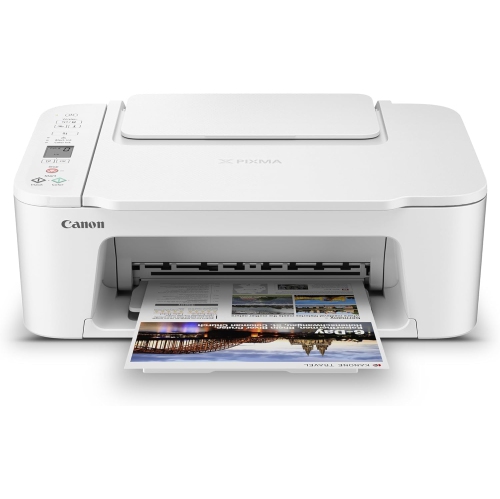
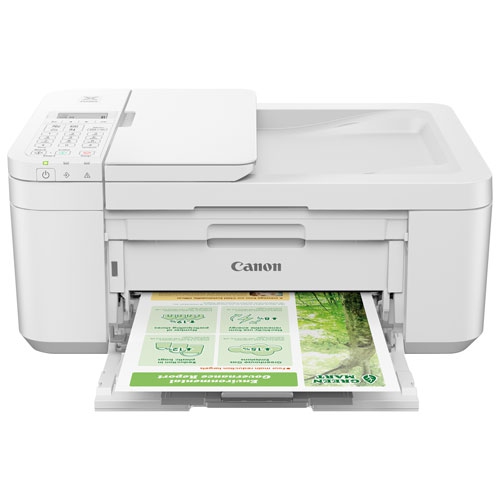
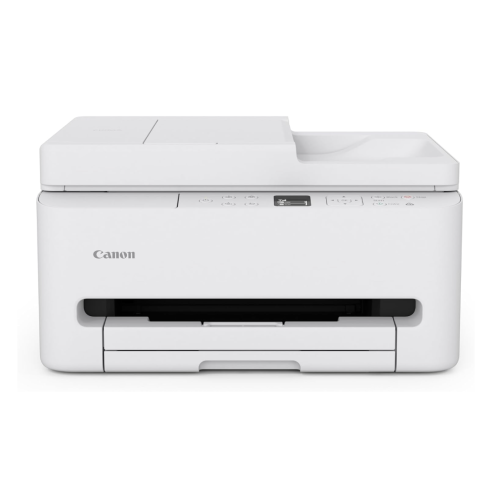
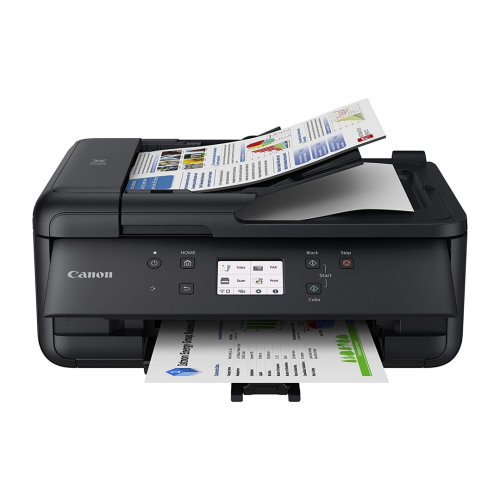
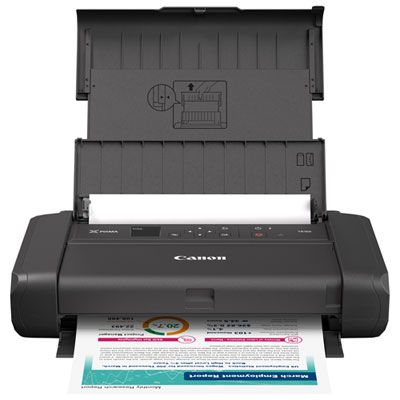
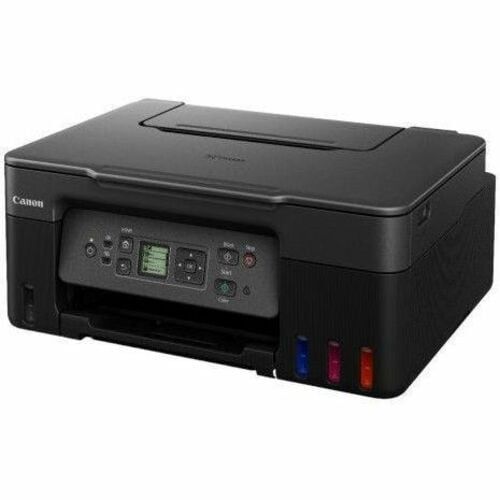
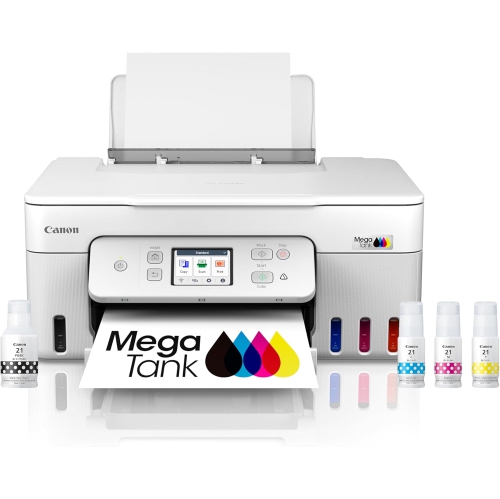
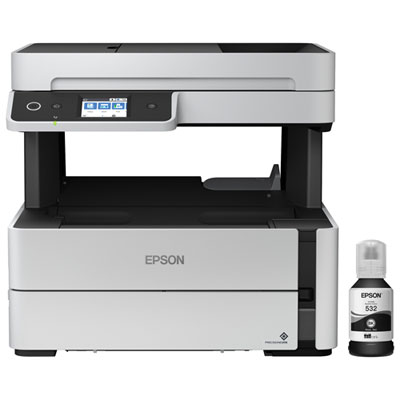
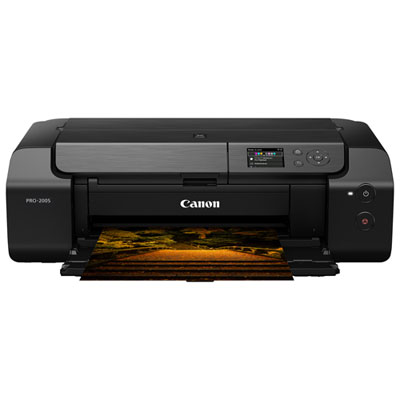
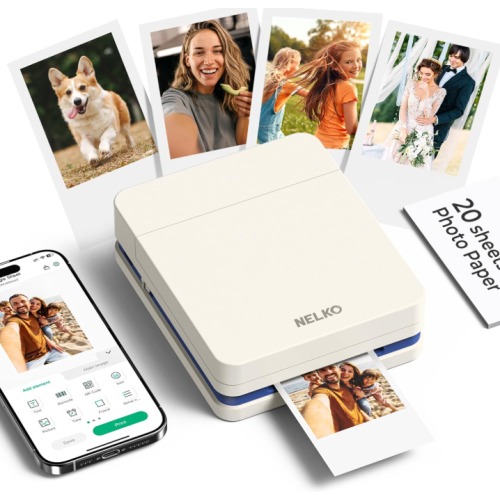
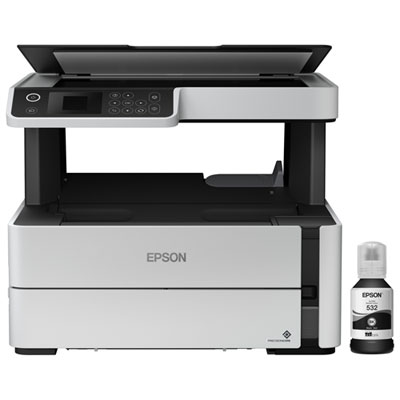
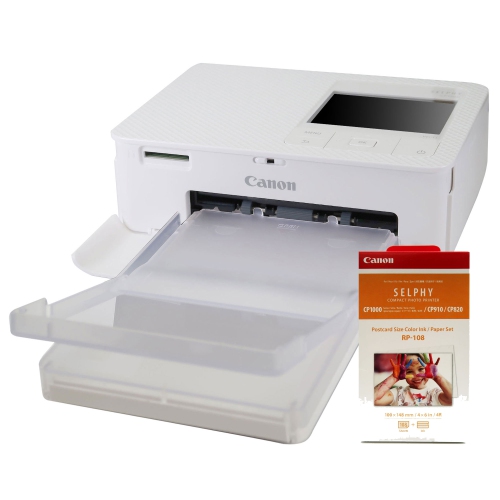
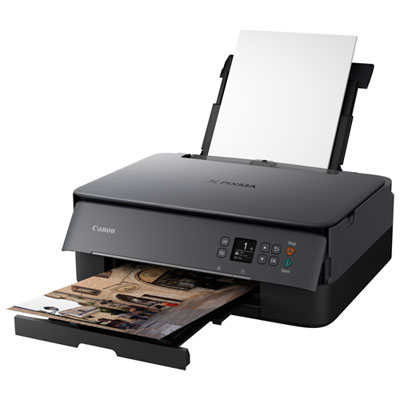
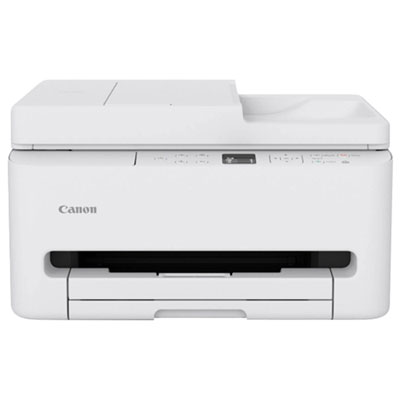
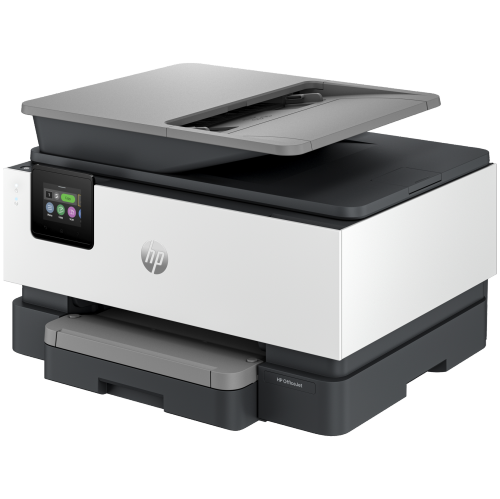
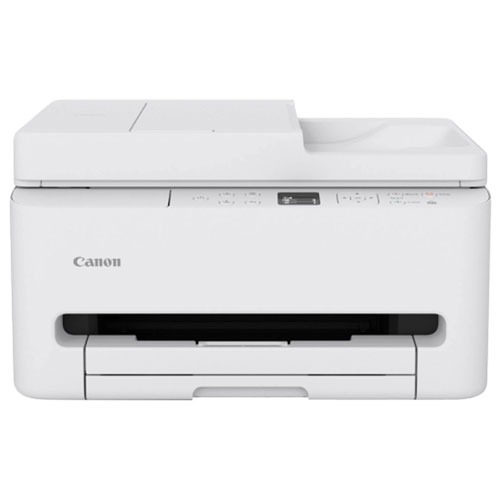
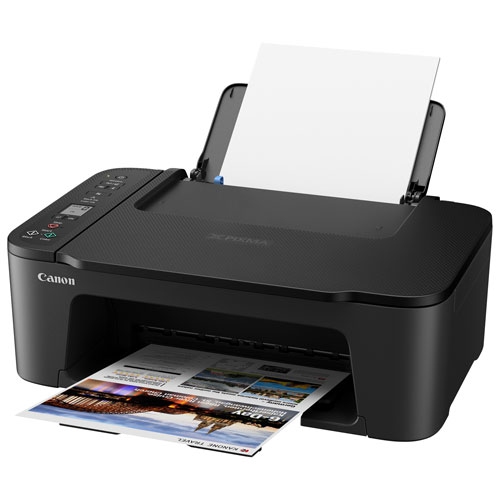
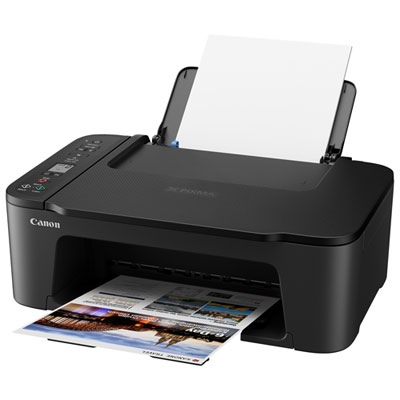
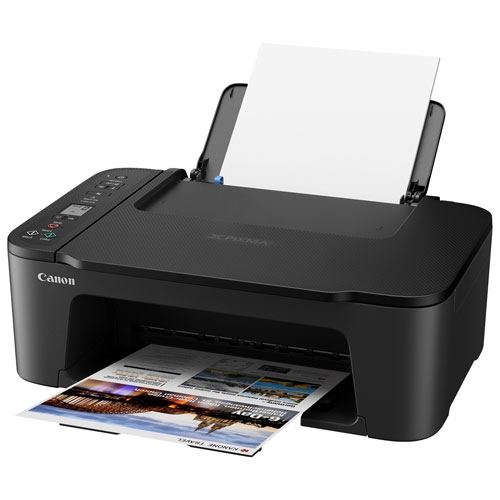
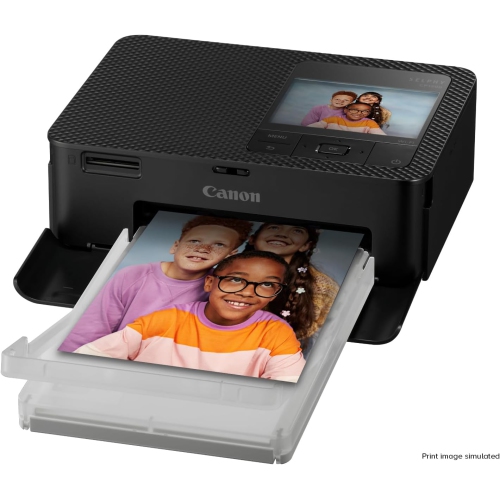

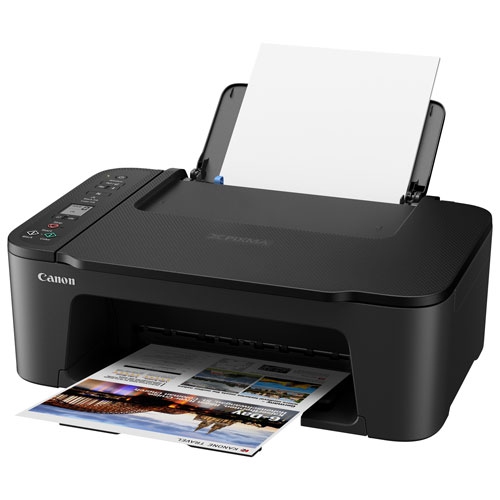
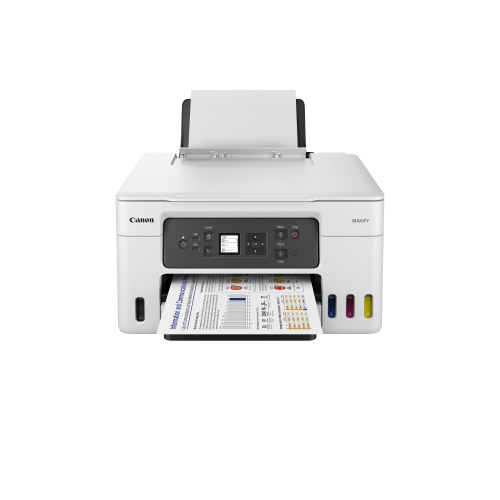
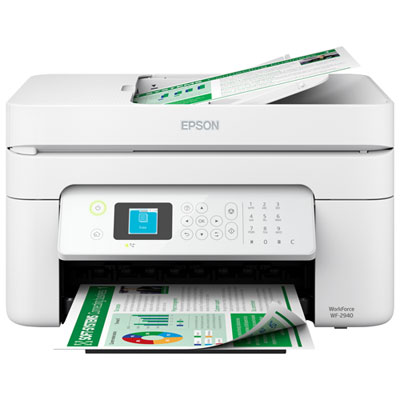
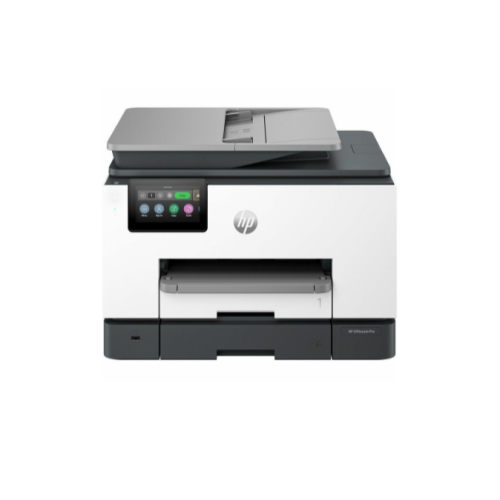
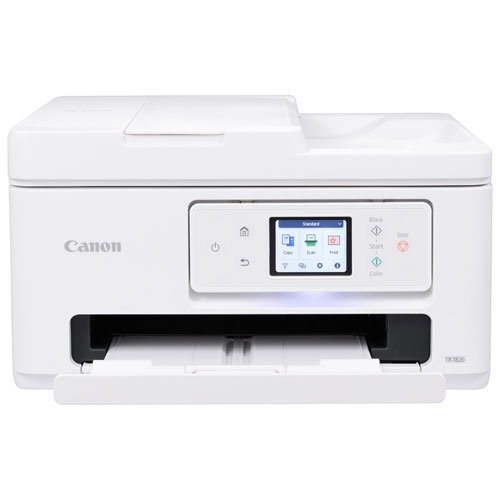
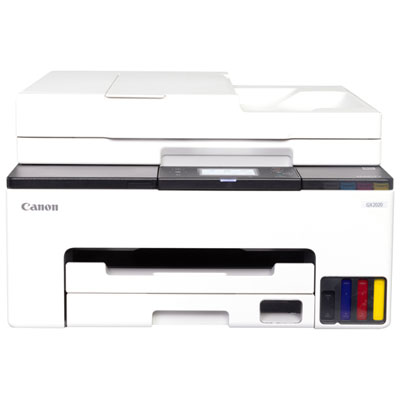
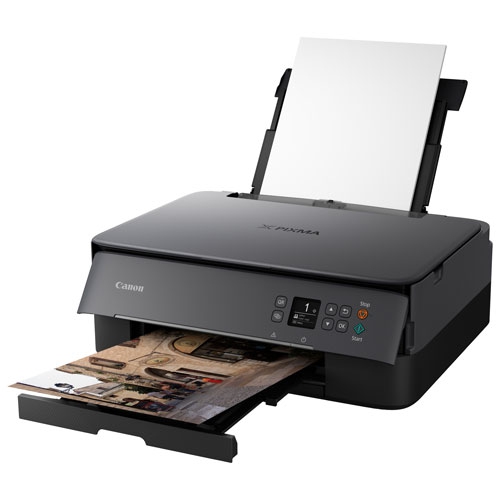
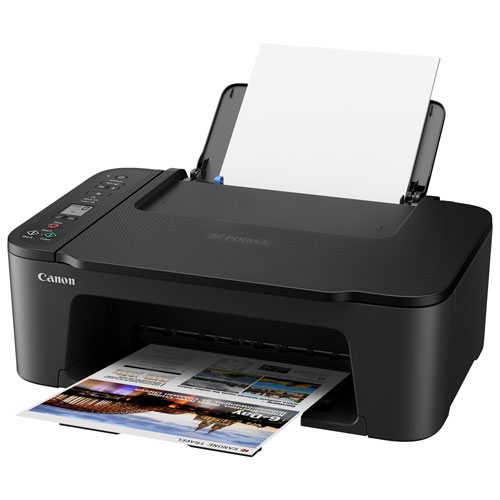

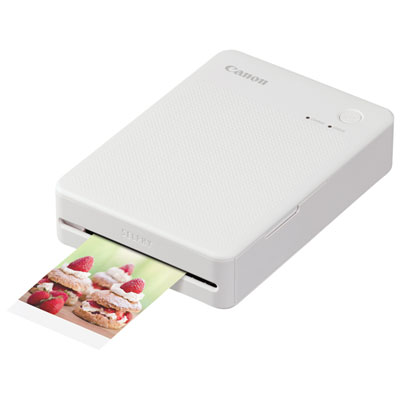
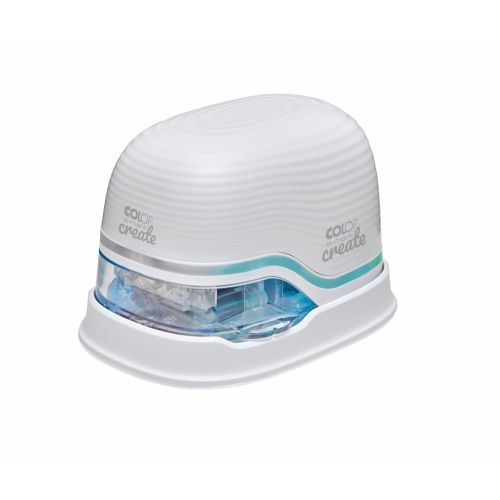
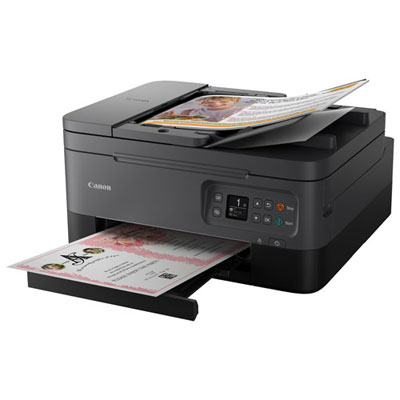
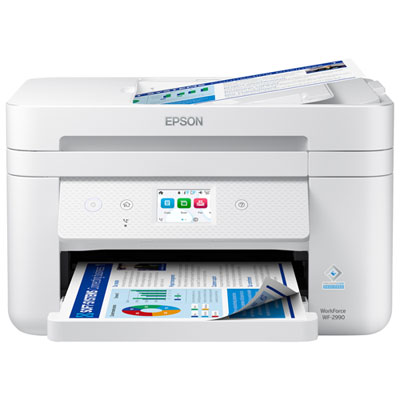
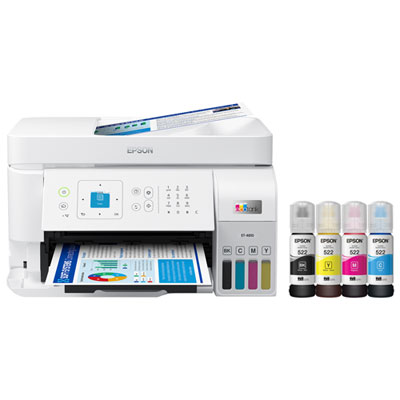
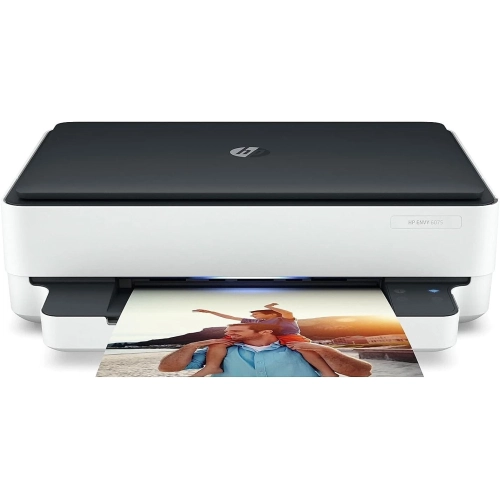
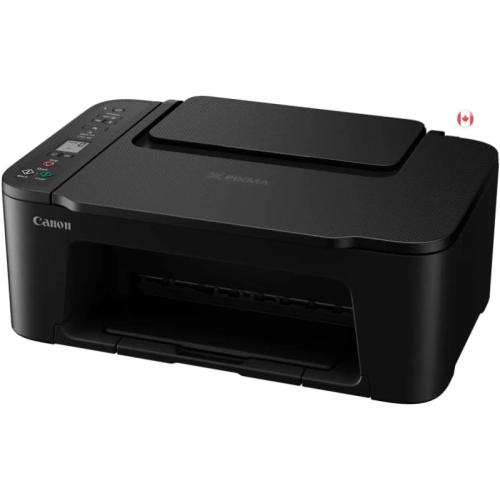
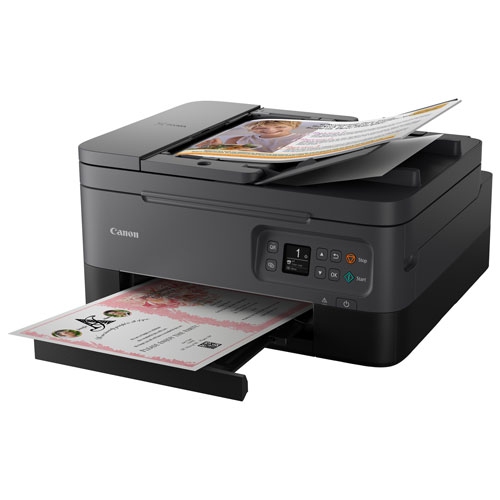
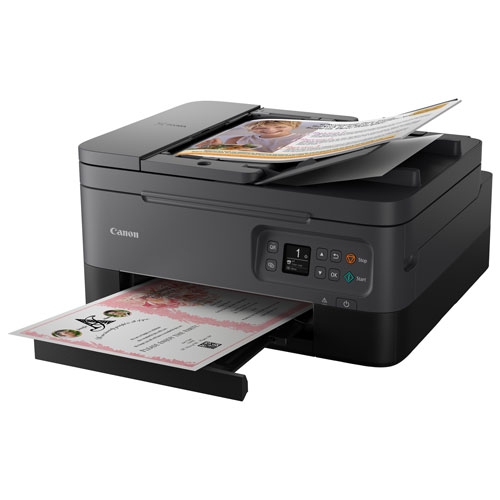
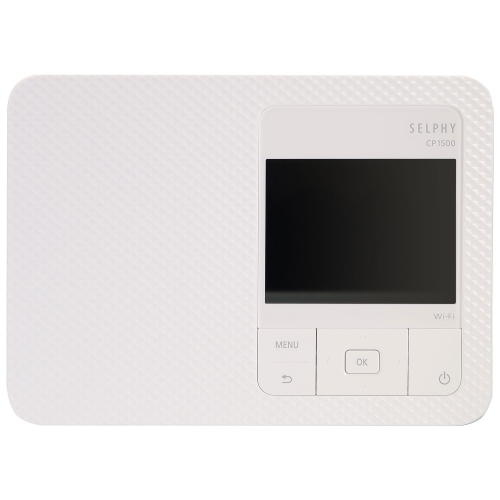
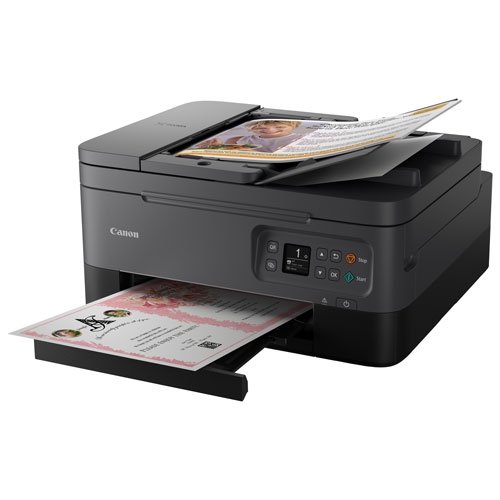
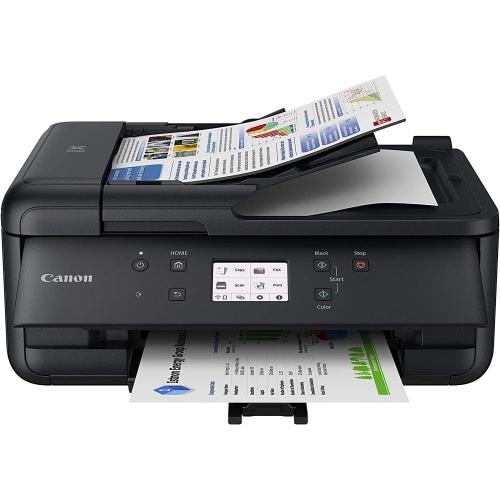
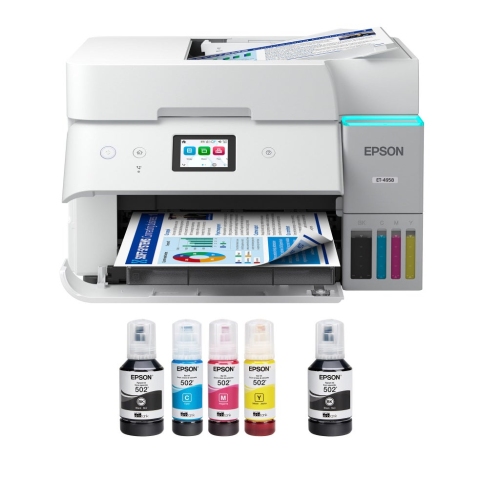

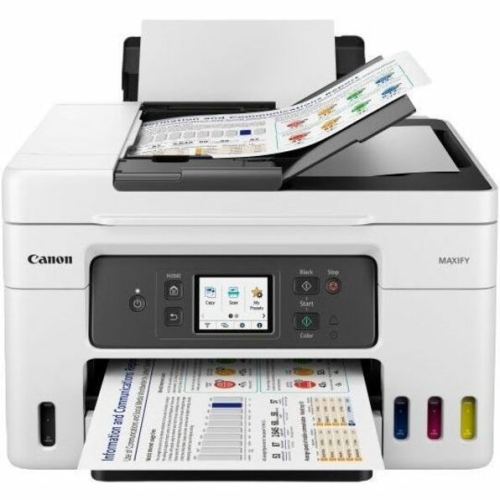
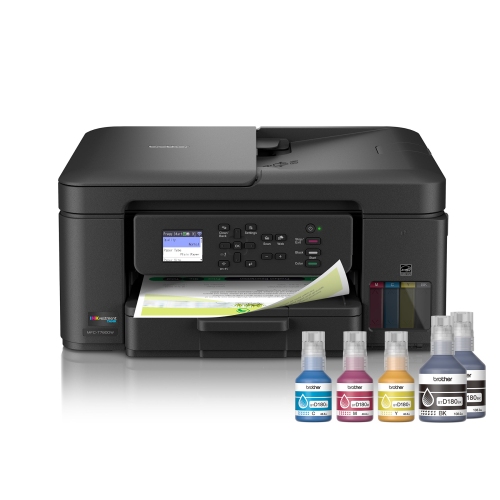
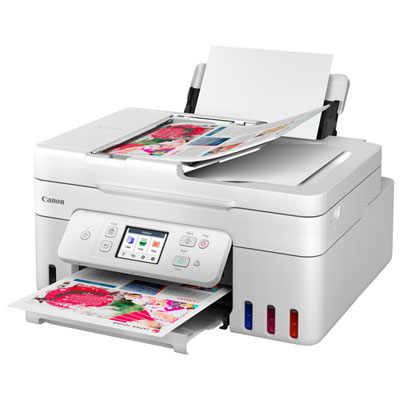
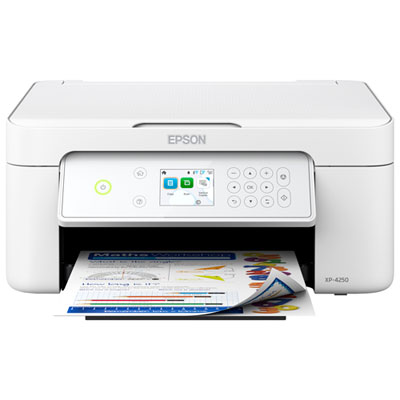
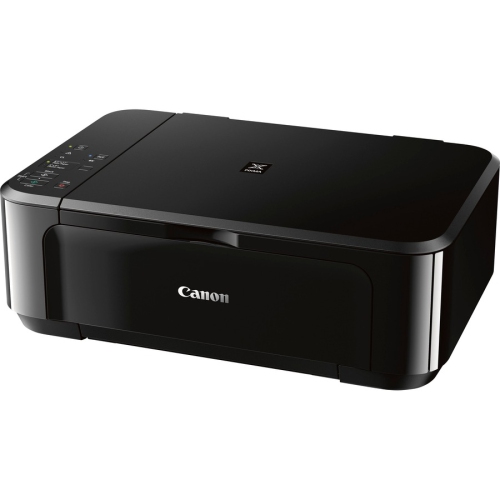
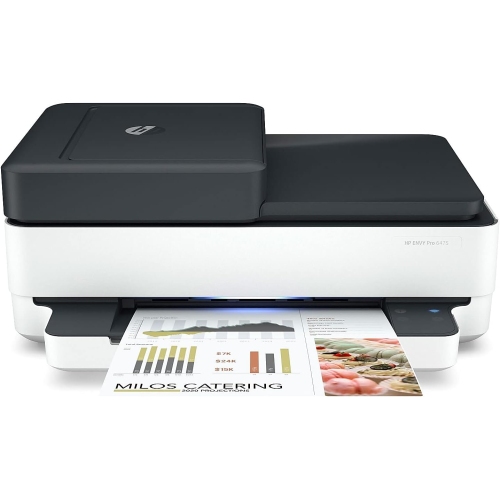

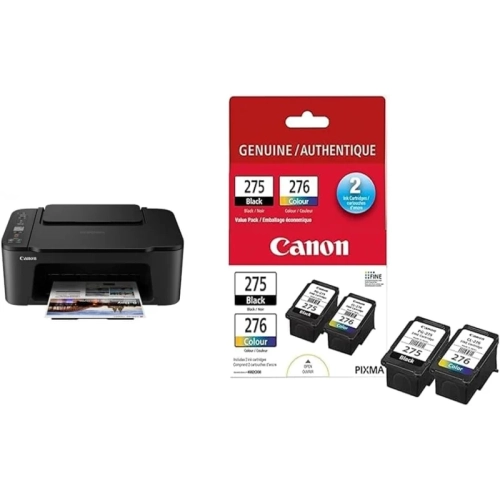
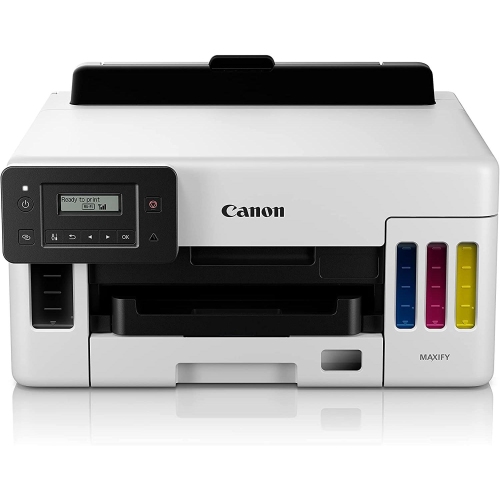
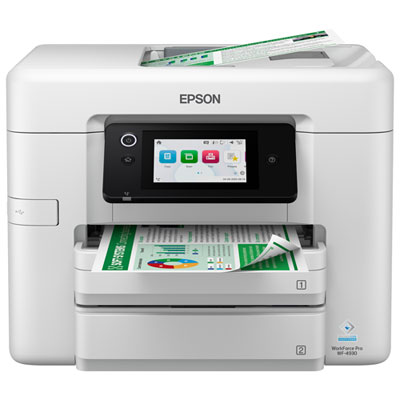
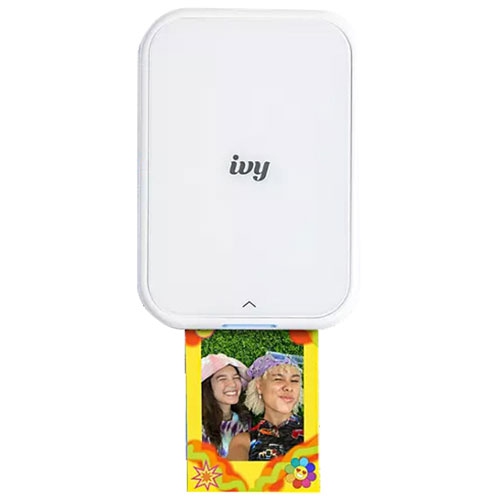
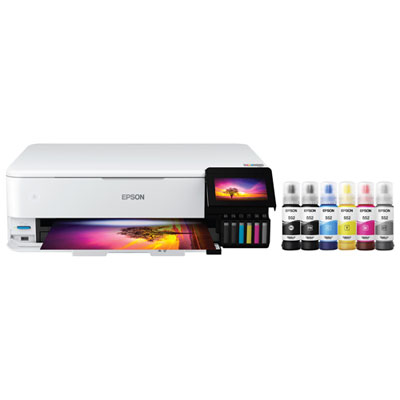
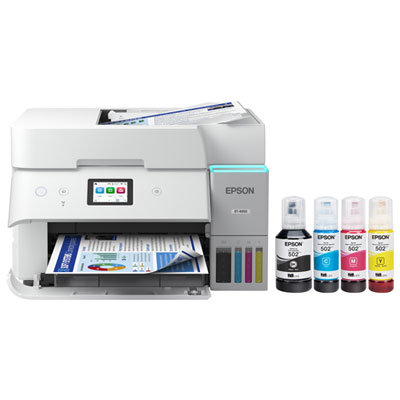
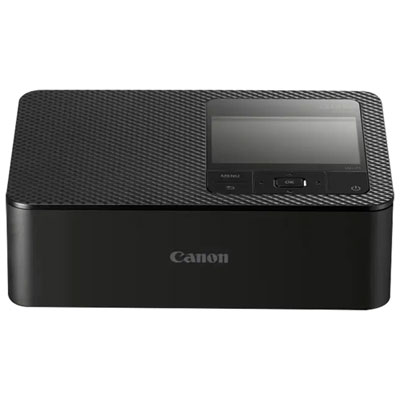
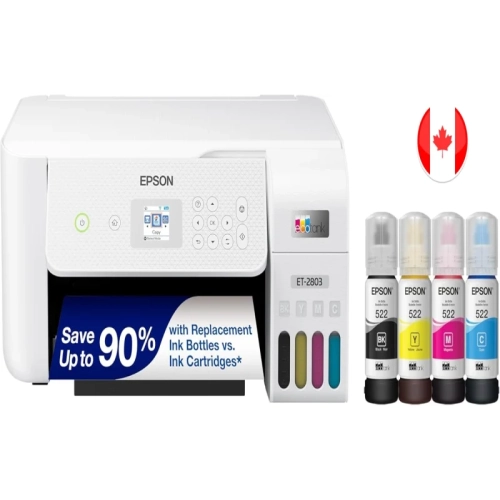
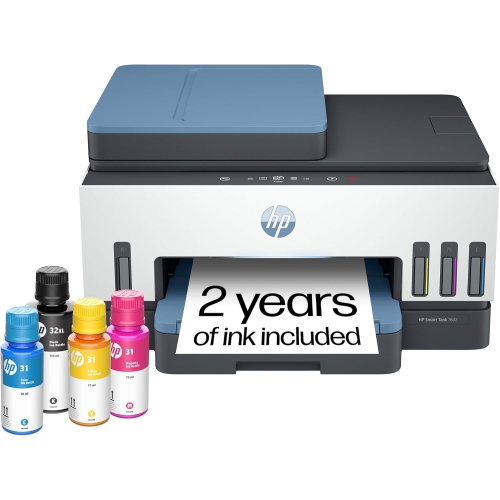
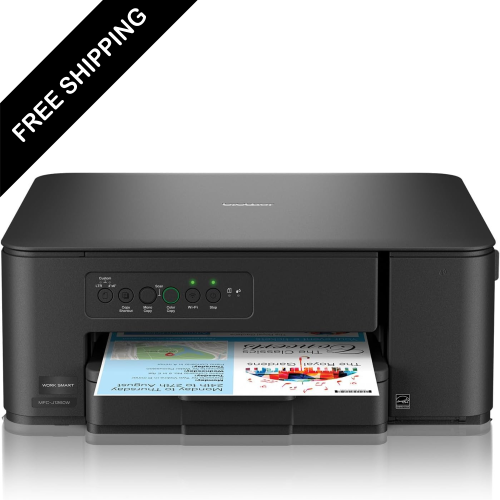
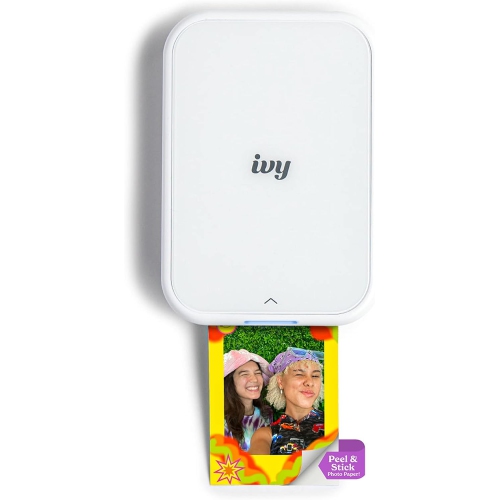
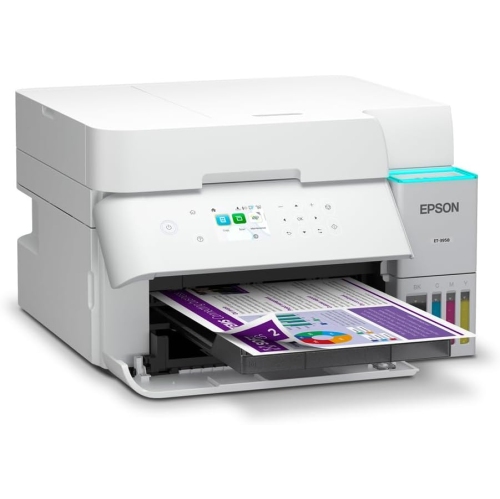
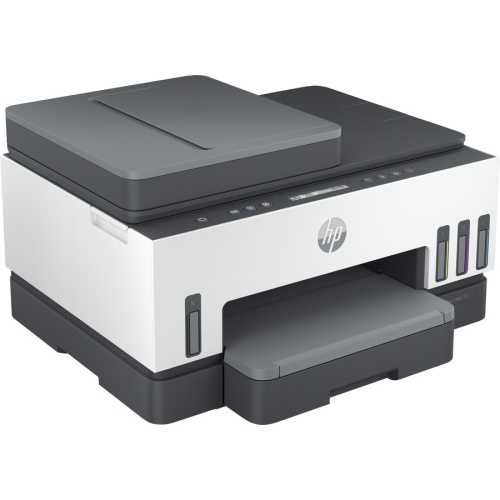
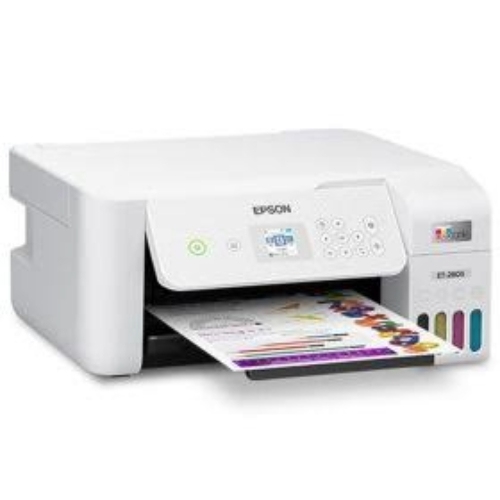
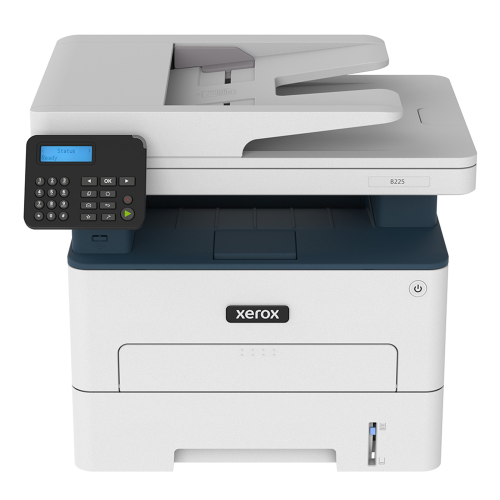

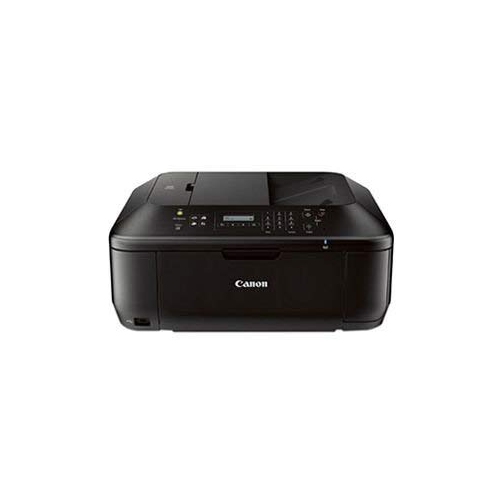
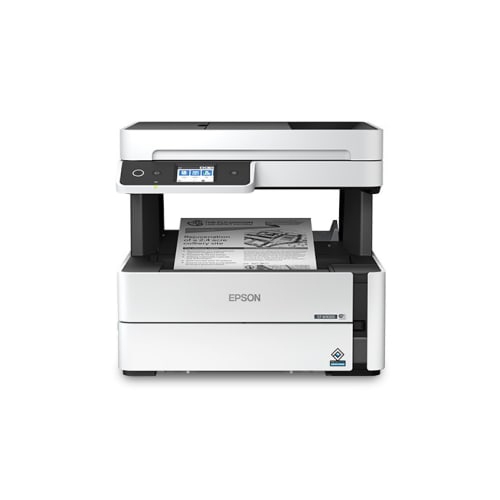
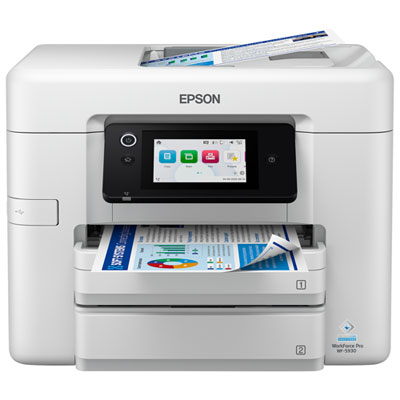

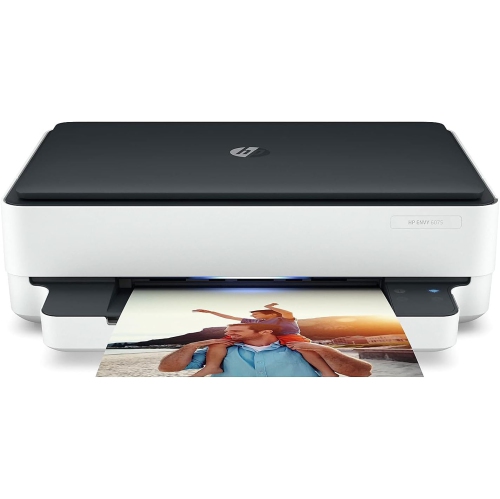
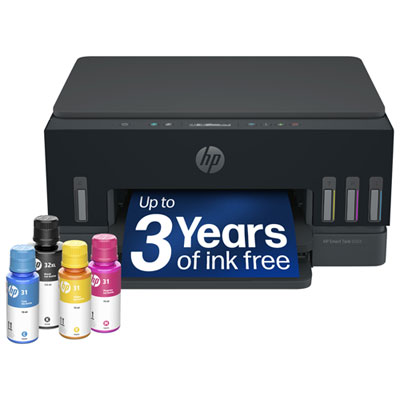

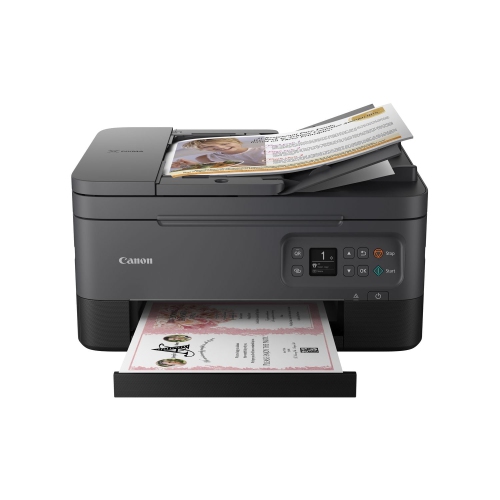
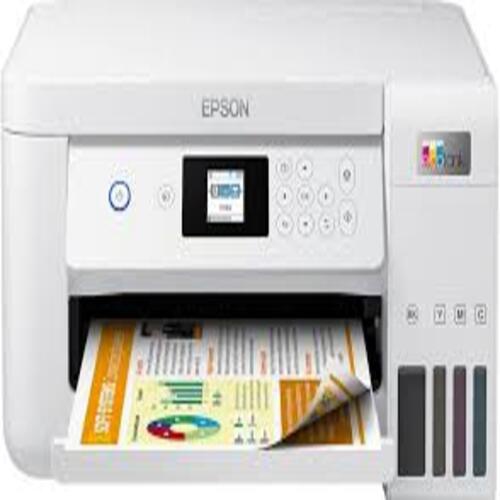
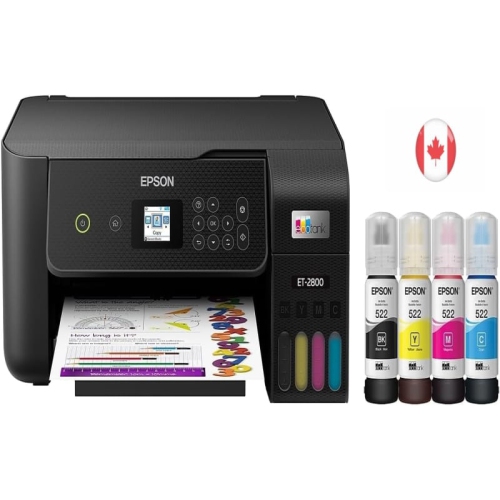
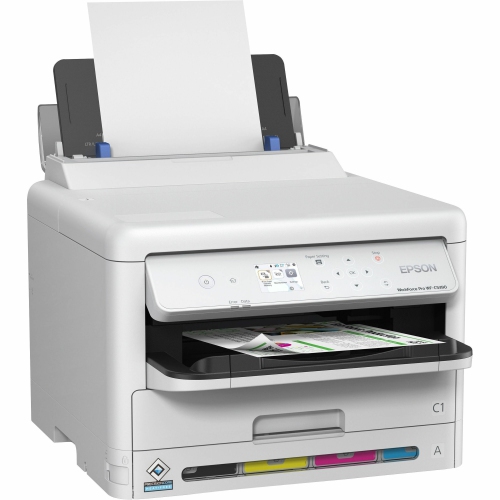

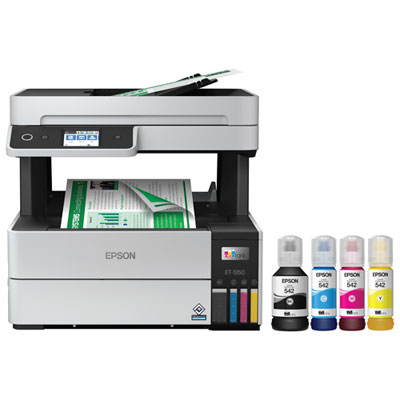
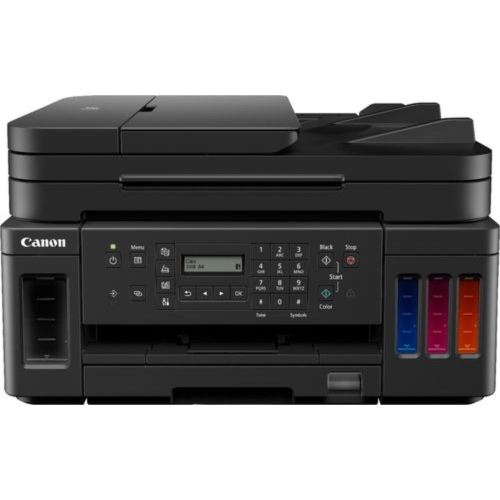
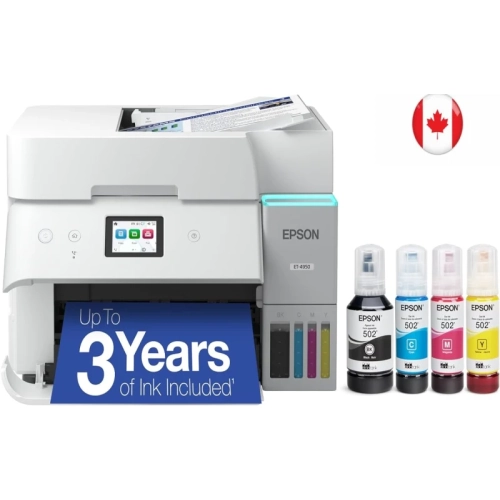
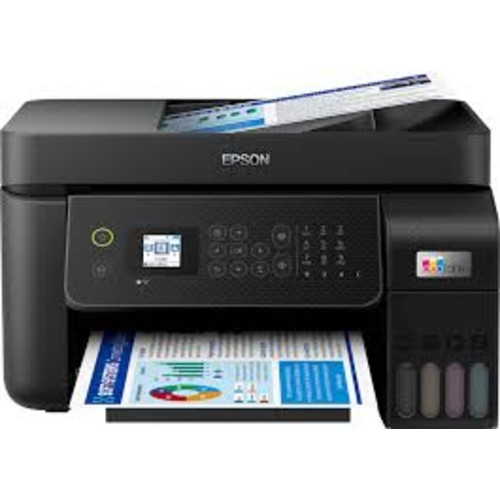
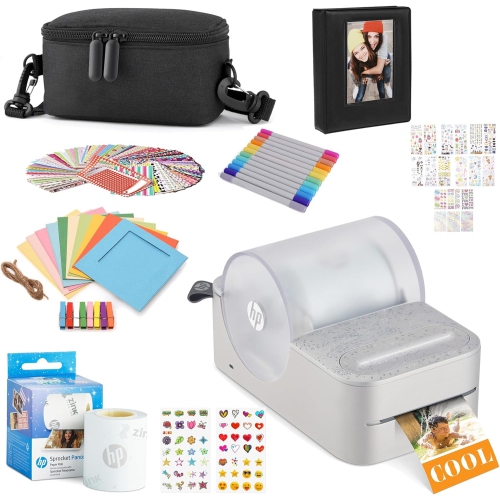
A small footprint still needs room to work
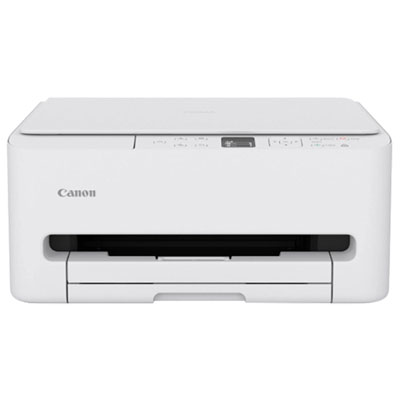
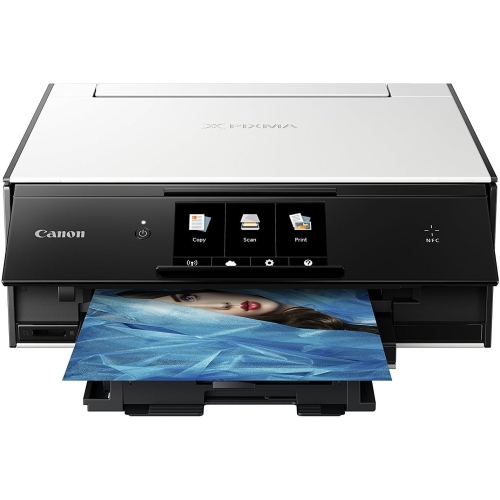
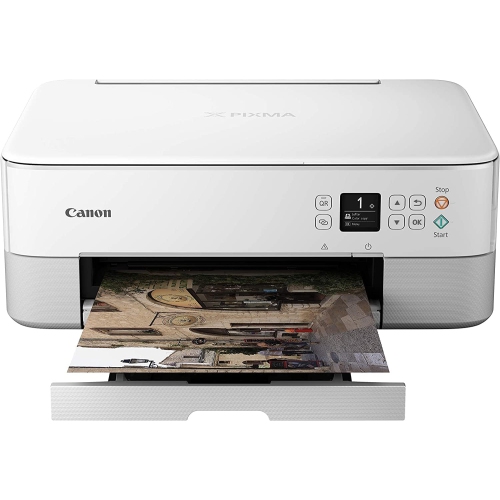
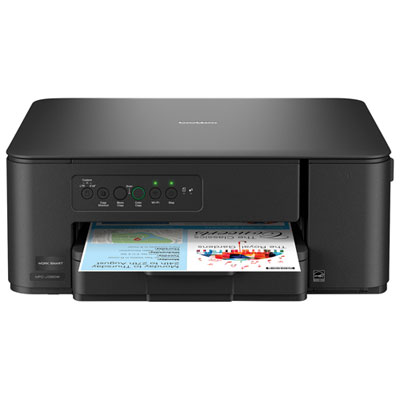
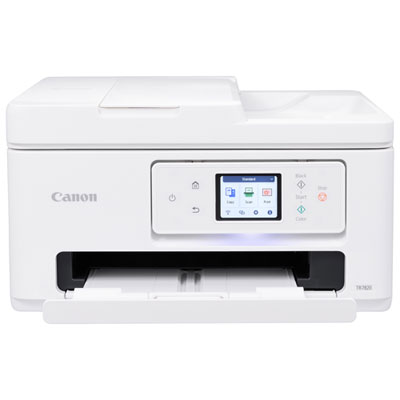
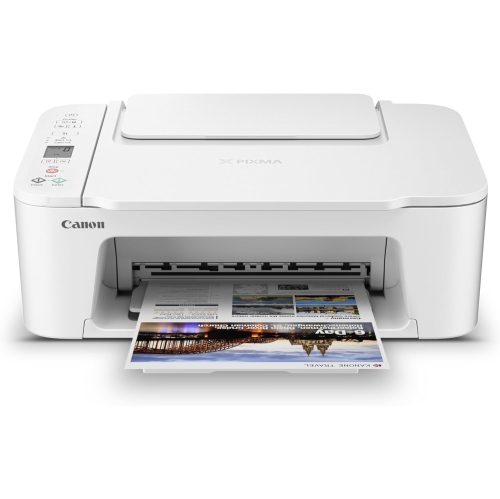
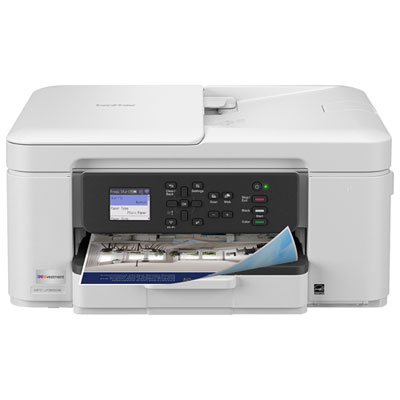
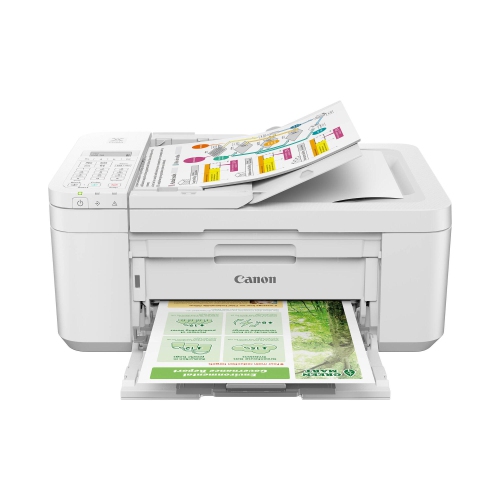
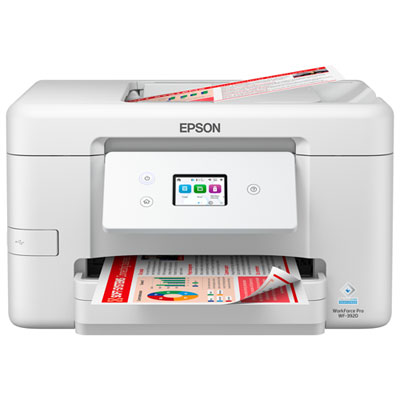
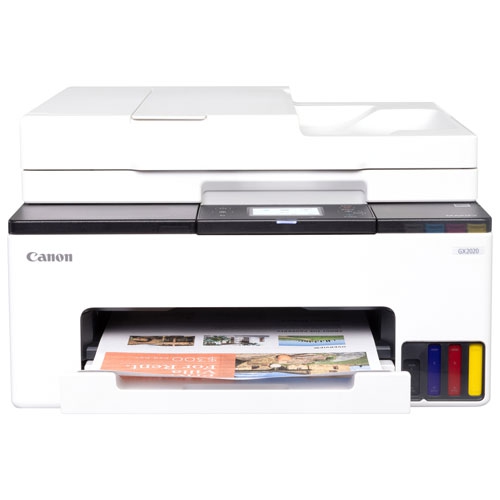
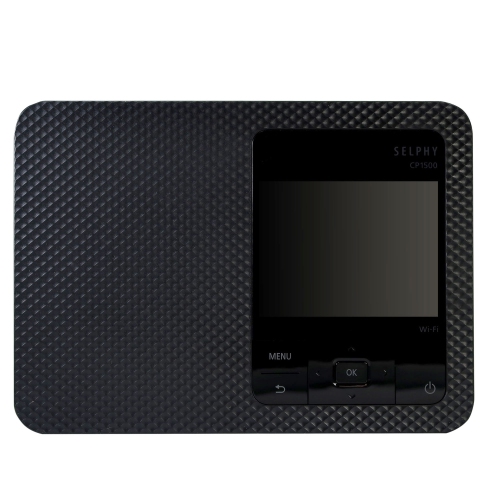
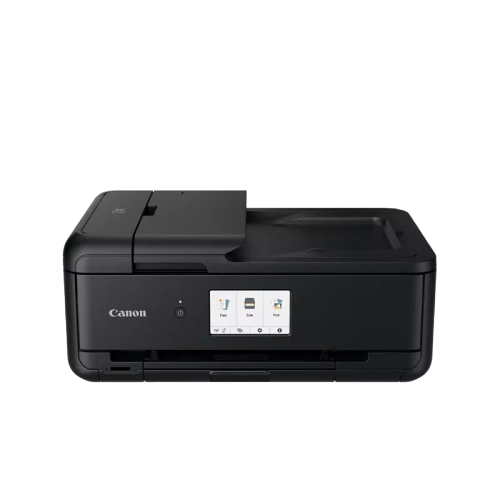
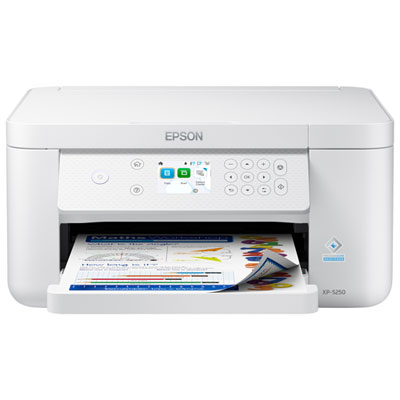
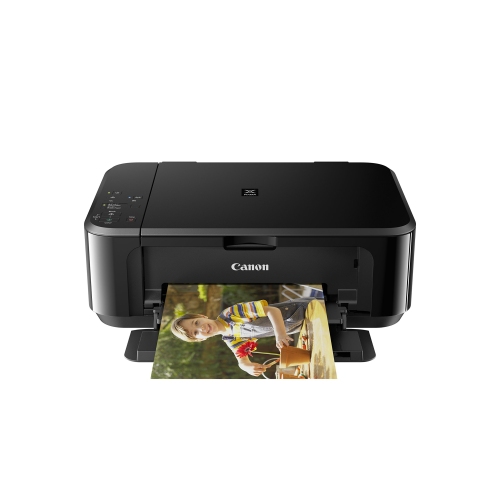
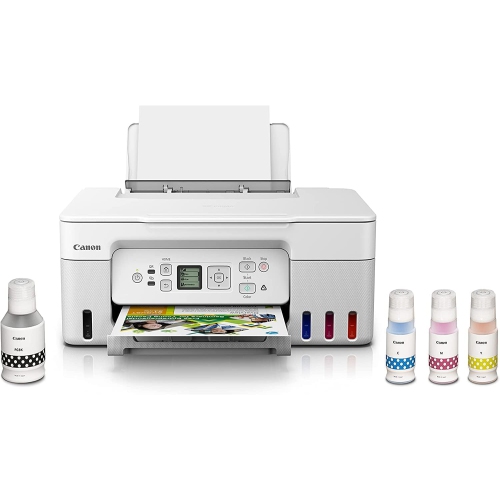
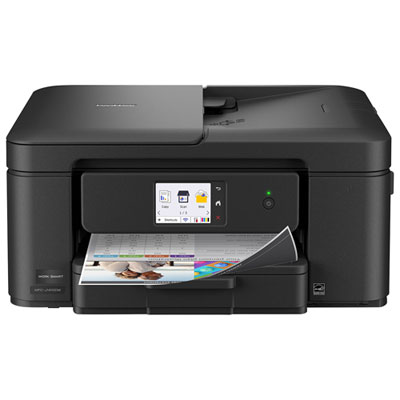
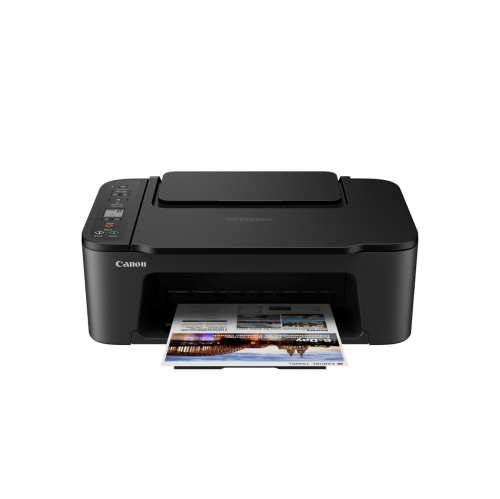
Compact inkjet printers for small spaces bring everyday document and colour printing to desks, shelves, and home offices where room is limited. Their smaller footprint suits apartments, student residences, shared work areas, and multipurpose rooms without requiring a dedicated printer stand. Some compact models focus on printing alone, while all-in-one designs add scanning and copying in the same housing. That distinction matters when the printer needs to handle more than an occasional form: a flatbed scanner can be useful for copying a signed document, digitizing a child’s artwork, or capturing a page from a workbook. A compact printer’s closed dimensions tell only part of the story, however. Paper supports, output trays, scanner lids, and rear feeders can extend beyond the body during use. A shallow shelf may accommodate the casing but leave too little room for a sheet to travel through the printer or for hands to reach the ink compartment. The most practical fit leaves clearance for loading paper, retrieving finished pages, connecting cables, and opening access panels. Front-loading paper drawers can keep a desk looking tidy, while rear-feed designs may need additional space behind and above the printer. Paper capacity also affects the experience: a smaller tray can suit occasional personal use, whereas a larger drawer reduces interruptions when several people share the device. Control placement makes a difference in tight arrangements, too. Front-facing buttons or a tilting display may be easier to reach beneath a shelf than controls mounted on top. Rounded housings and smooth plastic panels can blend into a bedroom workspace or living room cabinet, but appearance should not come at the expense of a stable, accessible position. An enclosed cabinet needs enough room for operation, with doors open where required. Compact does not necessarily mean portable; moving a printer between rooms calls for attention to its weight, lifting points, and ink-handling instructions. A well-matched design keeps essential functions within reach without taking over the surface needed for a laptop, notebook, and daily work.
The appeal of an inkjet printer in a small workspace extends beyond its size. Inkjet technology can handle a varied mix of text, colour graphics, school projects, and photographs, although results depend on the printer, ink, settings, and paper. Clear text is important for forms and reading material, while colour accuracy and fine detail become more noticeable in photo prints or presentation graphics. Plain paper suits many everyday documents; compatible photo paper can produce a different finish and richer-looking images. Supported paper sizes and weights deserve attention when printing envelopes, labels, cards, or thicker sheets, since a compact paper path may have limits. Borderless printing, automatic two-sided printing, and an automatic document feeder are useful distinctions rather than standard features across the category. Two-sided printing can keep a long reading packet manageable, while a document feeder can simplify copying or scanning several loose pages. A flatbed remains useful for materials that cannot pass through a feeder, provided they fit within the supported scanning area. For households that print from several devices, Wi-Fi connectivity can make placement more flexible by removing the need for a direct cable to every computer. Mobile printing support varies, so compatibility with a phone, tablet, operating system, and preferred app matters as much as the wireless label. Wi-Fi Direct, when supported, provides another connection option, while USB can suit a desk with one primary computer. Network requirements also vary by model, including supported Wi-Fi bands and setup methods. A printer tucked into a convenient corner still needs a reliable connection and access to power. Print speed is another practical consideration: a few homework pages place different demands on a machine than a lengthy document needed before a meeting. Published speeds may not reflect photo printing, high-quality settings, or the time required to prepare the first page. For occasional use, dependable setup, readable controls, and straightforward paper handling can matter more than the highest speed figure.
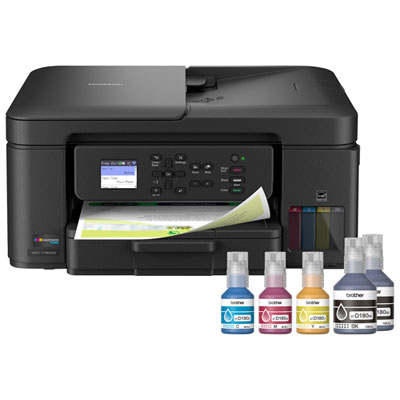
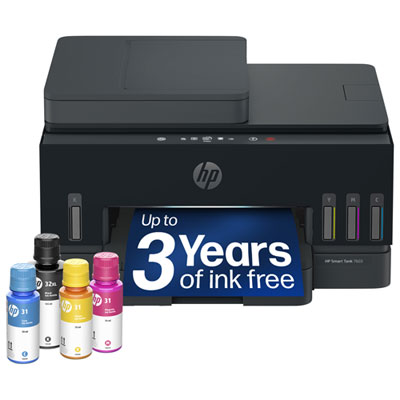
Everyday care helps a compact inkjet printer remain a convenient part of a small room rather than a source of clutter or interruptions. A firm, level surface supports consistent paper feeding, and keeping loose objects away from the input and output areas helps prevent obstructions. Paper stored flat and protected from spills is less likely to curl or feed unevenly. The housing can generally be wiped with a soft cloth according to the manufacturer’s directions, while scanner glass requires suitable cleaning methods to avoid streaks and scratches. Hinges, tray extensions, and paper guides benefit from gentle handling, especially when they are folded away after each use. Internal cleaning routines and printhead maintenance vary by design, so the printer’s own prompts and care instructions are the appropriate reference. Infrequent use can allow ink to dry in the printhead; regular printing and recommended maintenance routines can help keep output consistent. Some models perform automatic servicing when connected to power, making the manufacturer’s shutdown guidance worth following. Ink arrangements differ as well. Separate colour cartridges allow individual colours to be replaced, combined colour cartridges group several colours together, and refillable-tank designs use a different filling process. The right arrangement depends on printing habits, including how often colour is used and whether most jobs are short documents or image-heavy pages. Families may value straightforward copying and shared mobile access, students may prioritize a small footprint beside study materials, and home-based workers may need dependable document handling within arm’s reach. A compact inkjet can also be a practical gift for someone setting up a first apartment or study area, provided its connections and functions match their devices and needs. The broader Printers for Small Spaces category offers context for comparing compact formats, while inkjet designs remain a versatile choice for mixed document and colour tasks. The strongest fit balances operating space, print quality, paper handling, and manageable upkeep, leaving the room comfortable to use between print jobs.
Top selling and popular products
-
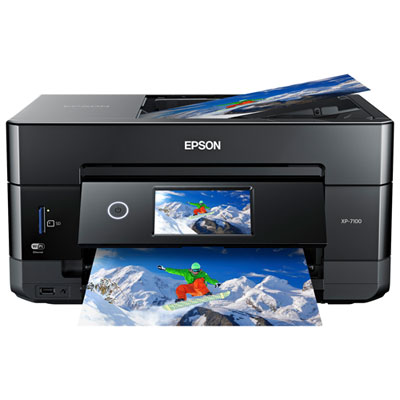 Your price for this item is $249.99
-
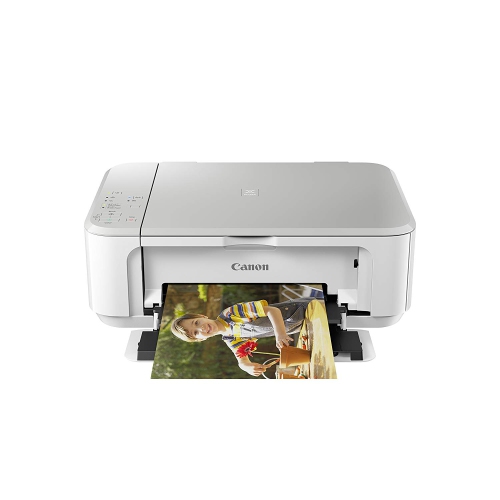 Your price for this item is $69.95
-
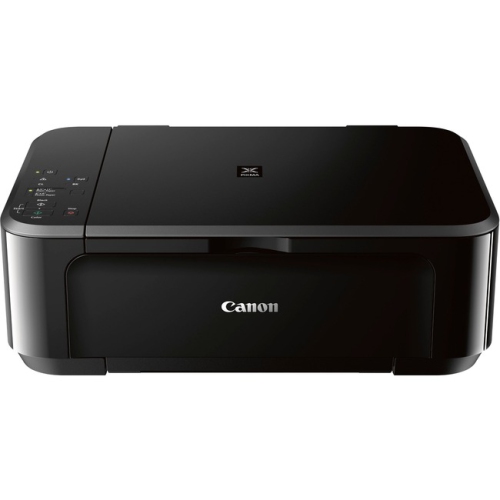 Your price for this item is $67.5
-
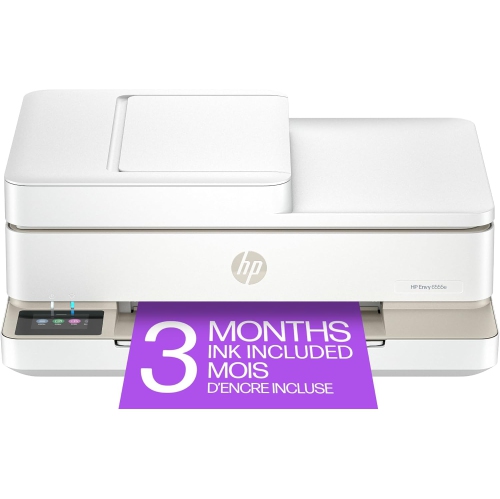 Your price for this item is $214.79
-
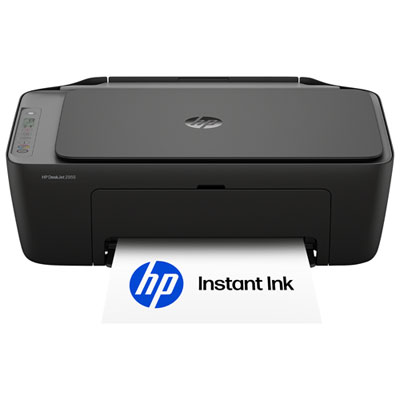 Your price for this item is $99.99
-
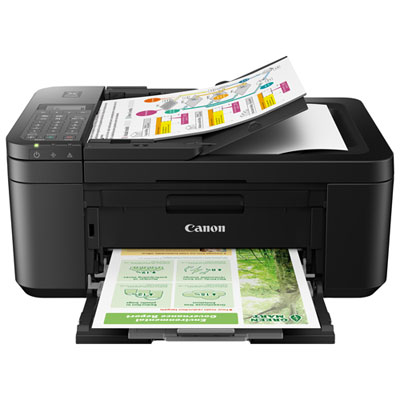 Your price for this item is $149.99
-
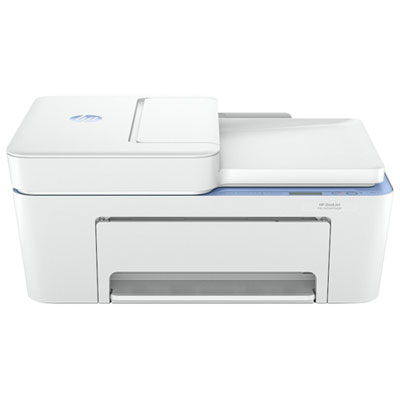 Your price for this item is $49.99
-
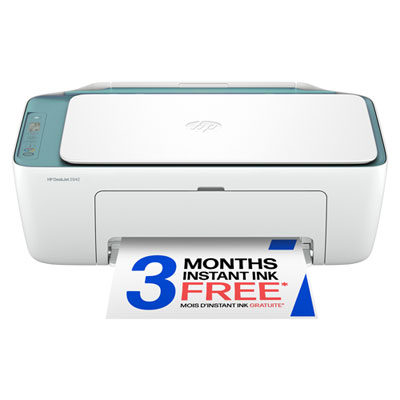 Your price for this item is $49.99
Discover more categories related to Compact Inkjet Printers for Small Spaces
Top Collections:
Best Black Friday Deals This Year, Best Black Friday Deals On Electronics, Kindle Devices, Pokemon Centers, Best Black Friday Deals On Apple Products, Best Cameras for Sports Photography, Dyson Airwrap, Pokémon 30th Celebration Cards, Apple iPhone 17 Pro, Canon G7X Cameras
Some products may be subject to Environmental Handling Fees
(EHF) depending on your province.
Learn more about EHFs.