Cheap Monitor Arms
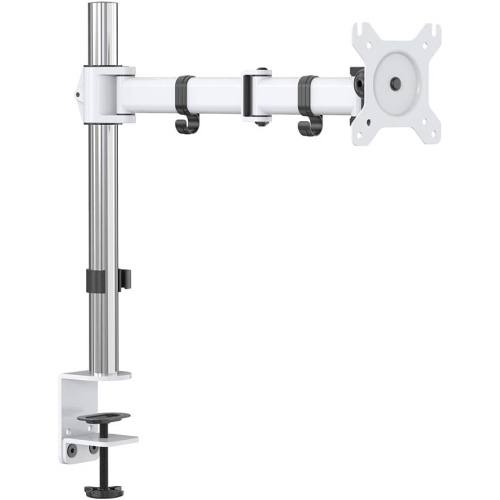
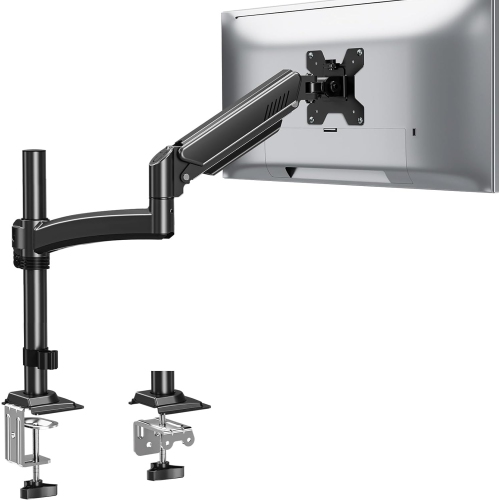
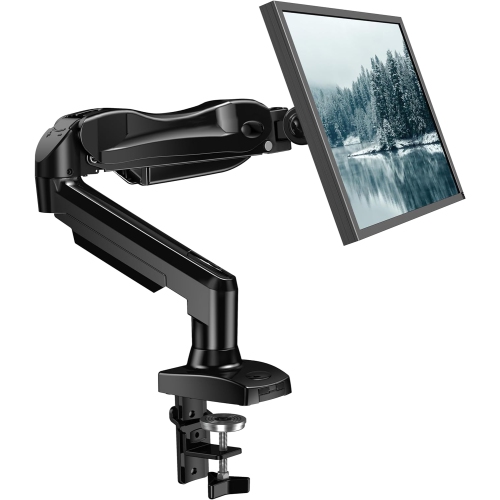
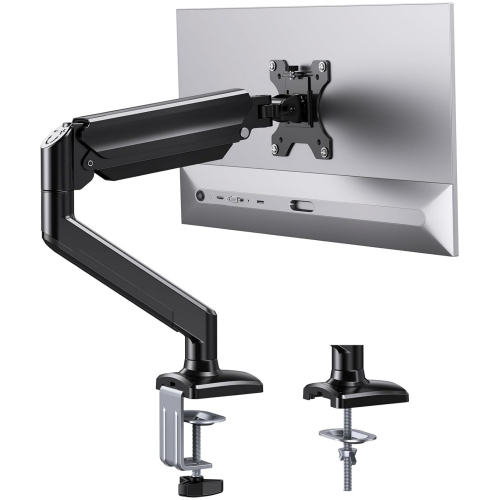
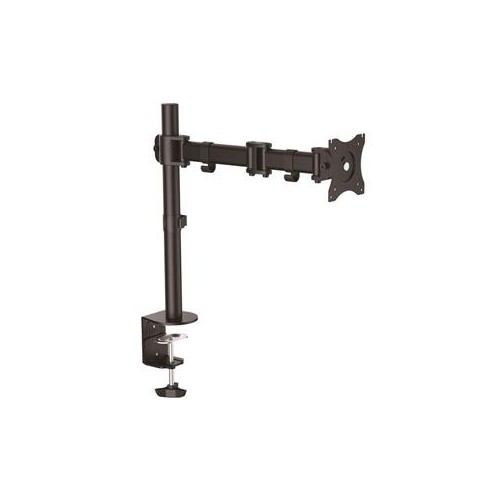
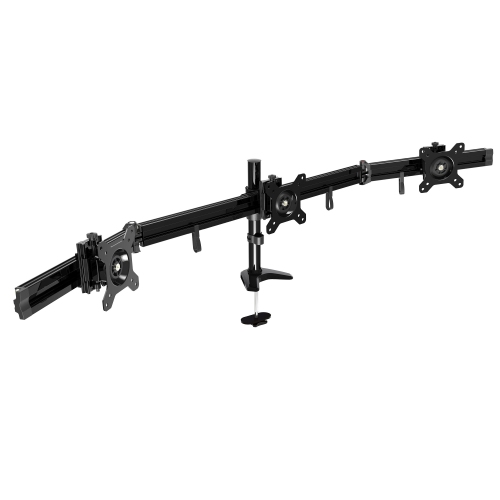
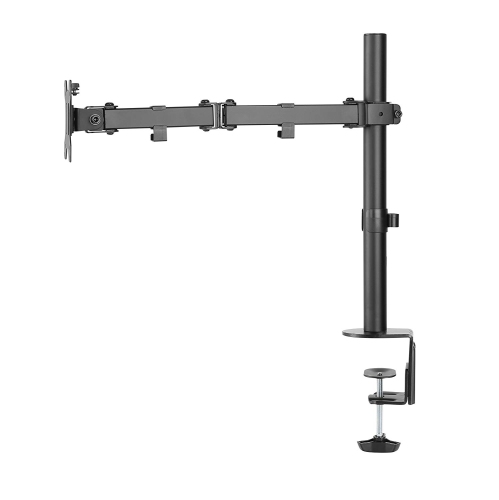
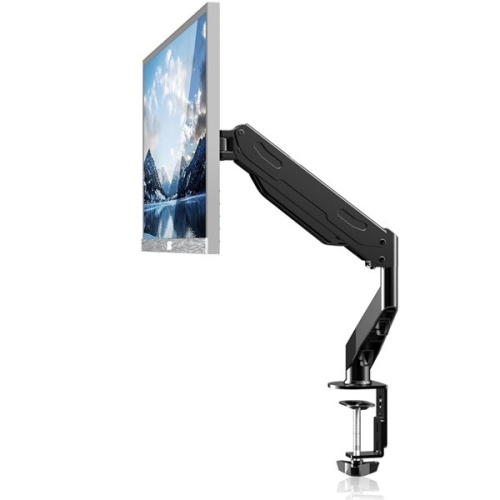
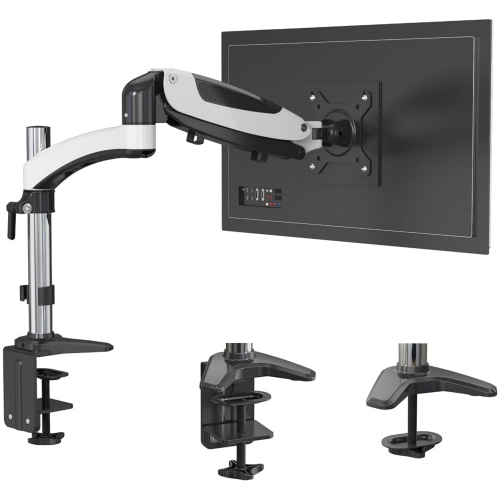
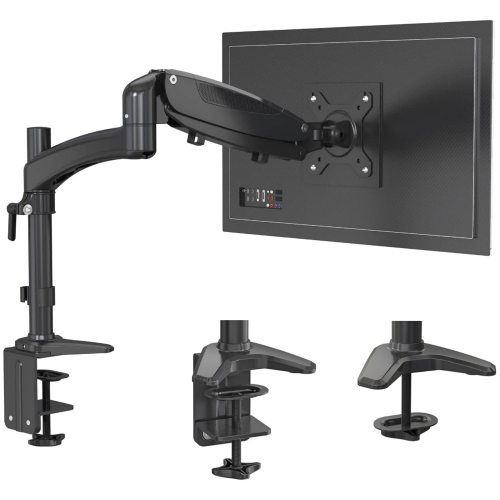
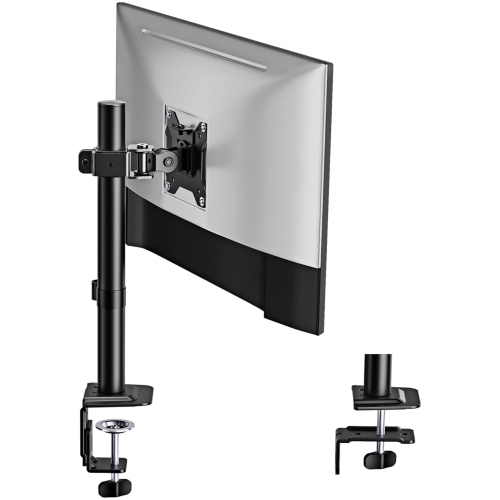
Cheap monitor arms offer a budget-friendly way to position your screen and free up desk space. Compare monitor mounts by supported screen size and weight, VESA mounting compatibility, desk mounting requirements and adjustment options to find one that suits your monitor and workspace.





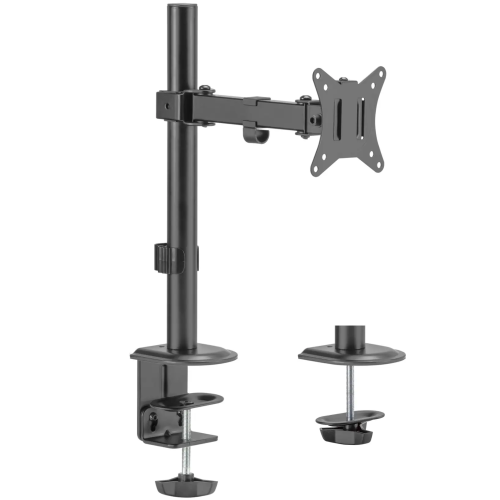
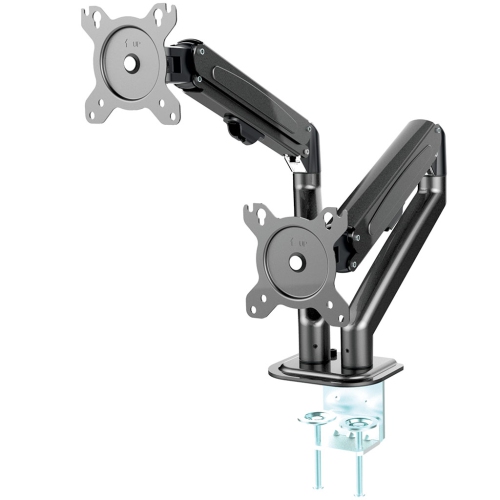
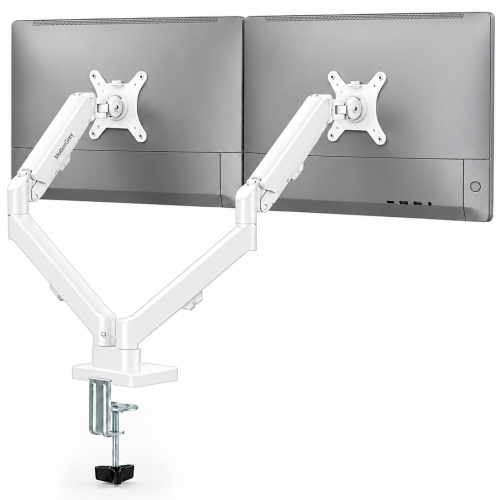
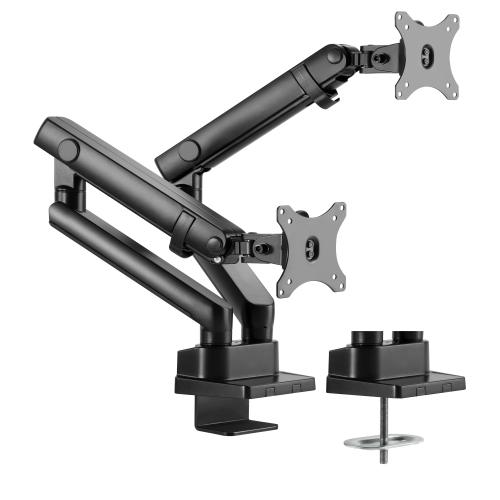
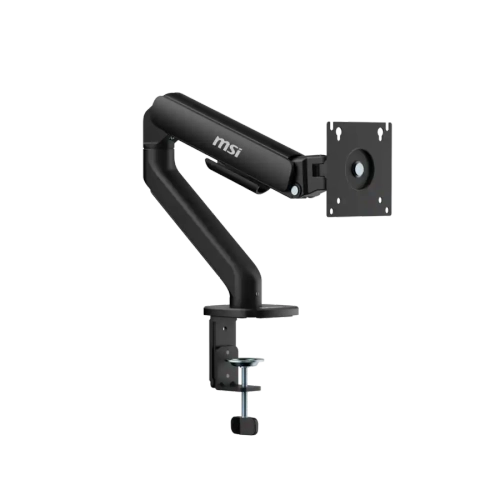
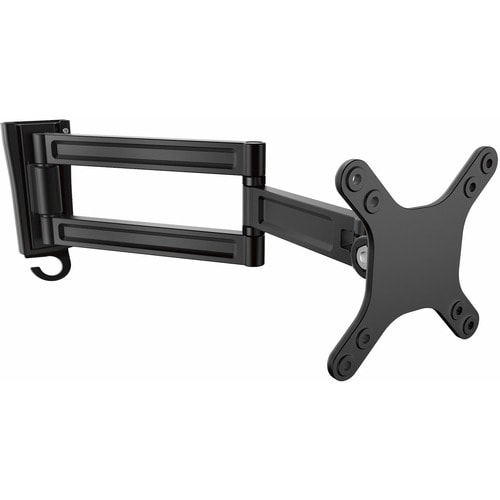
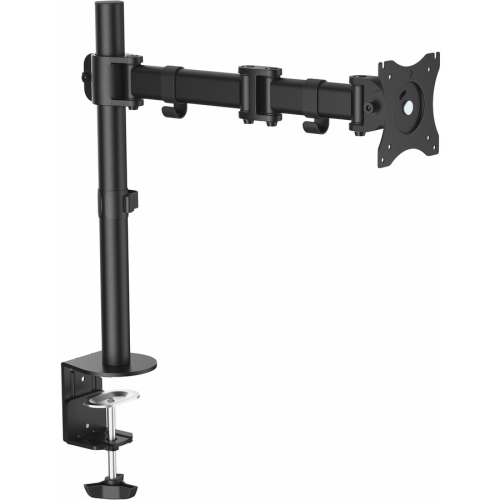
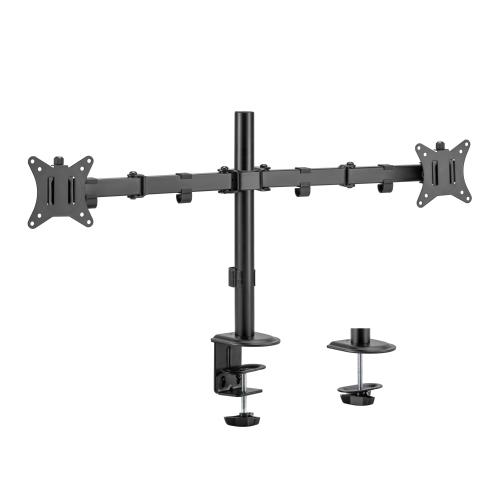
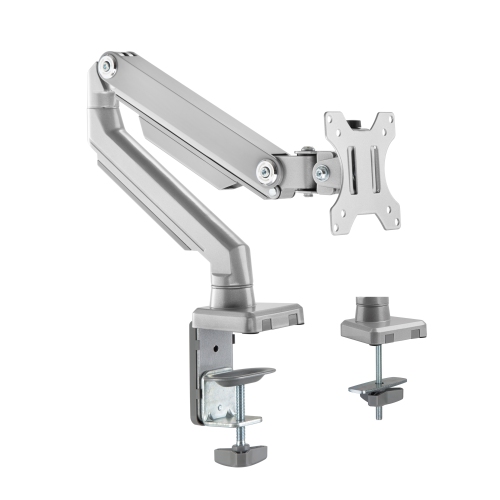
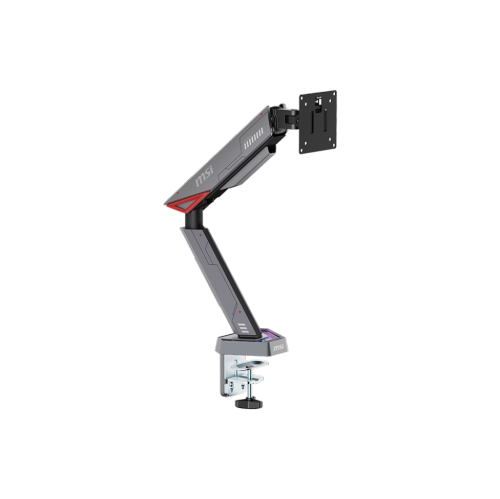
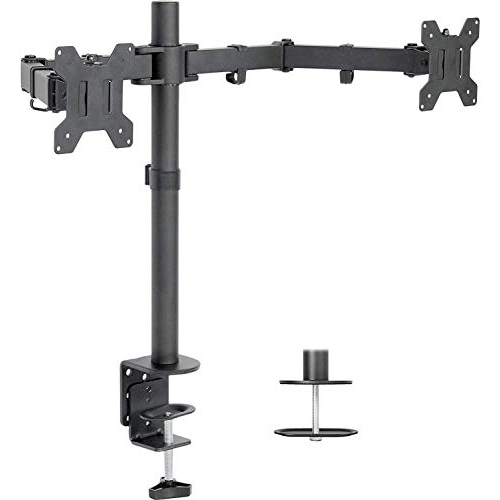
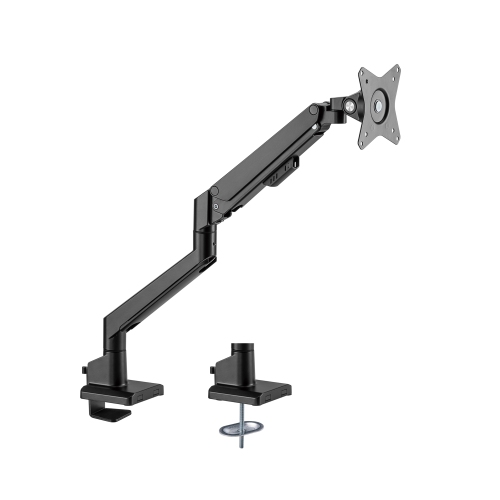
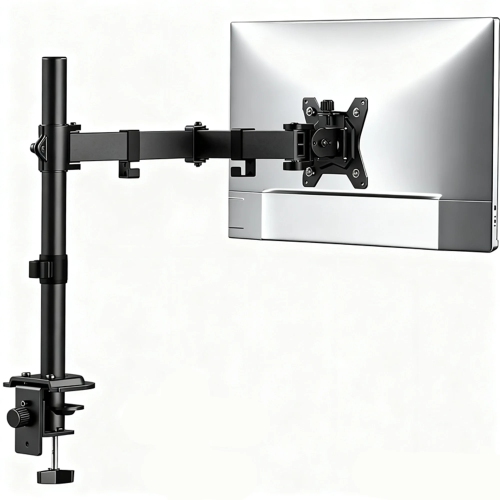
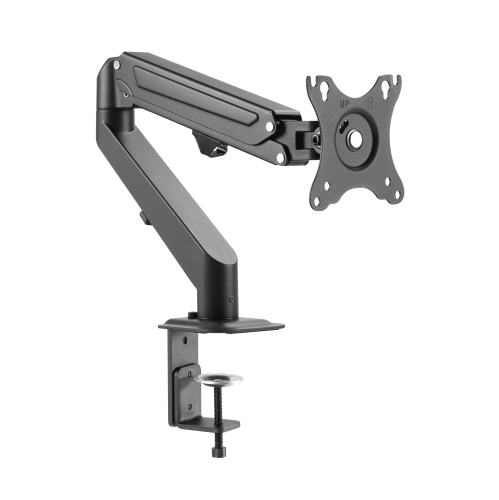
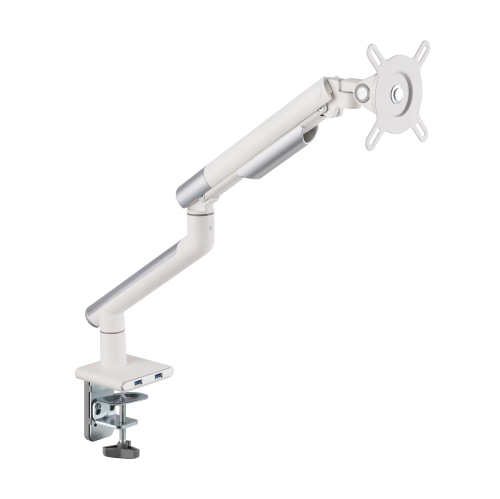
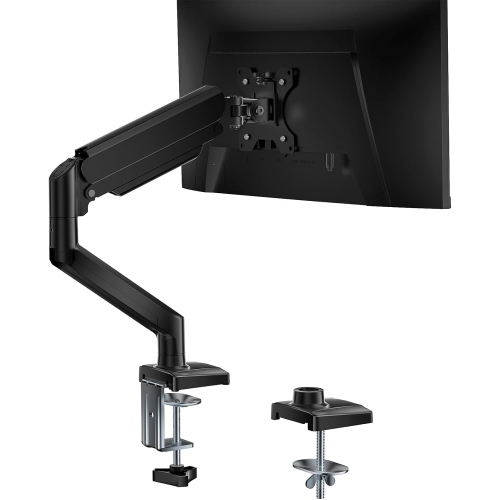
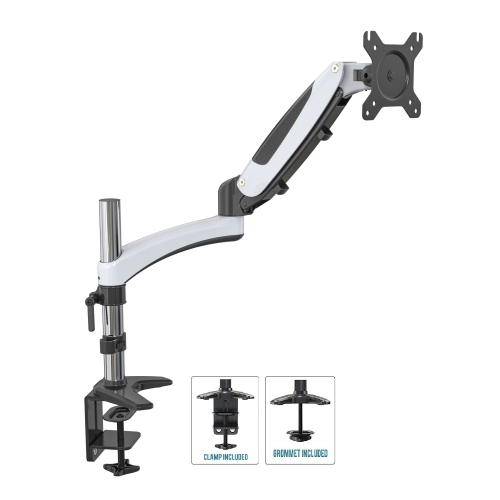
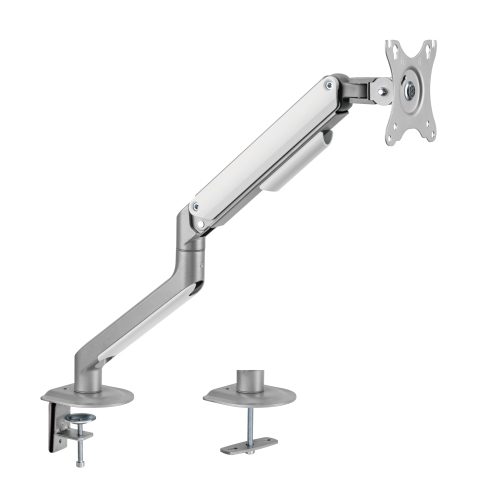
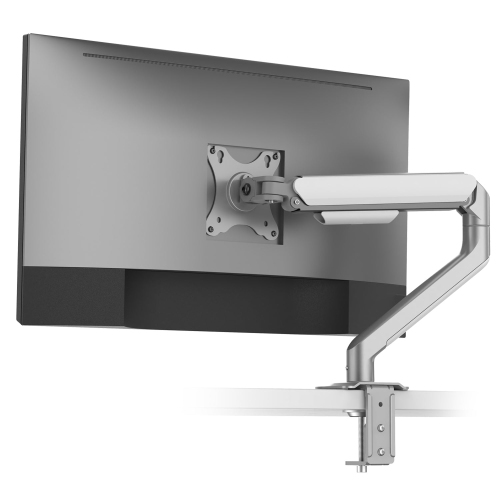
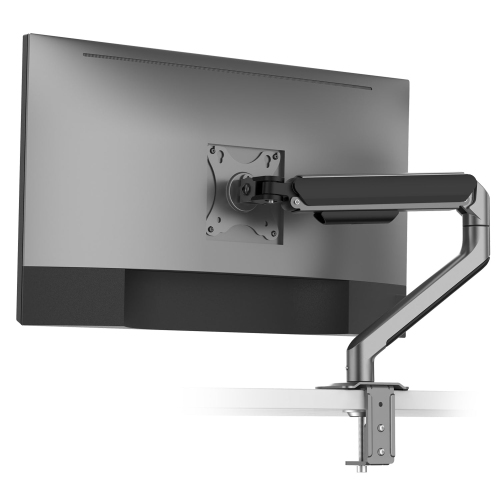
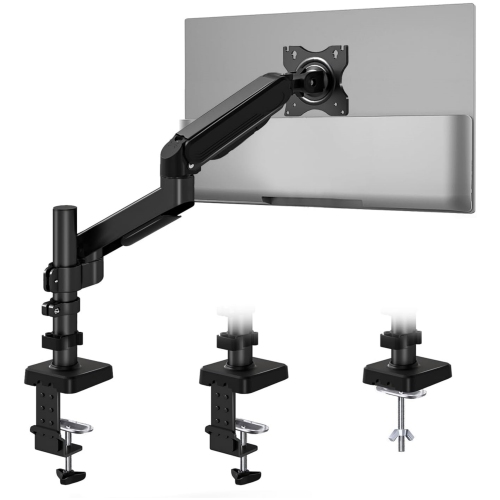
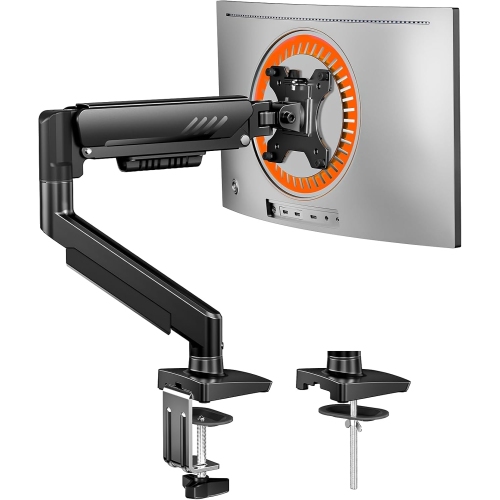
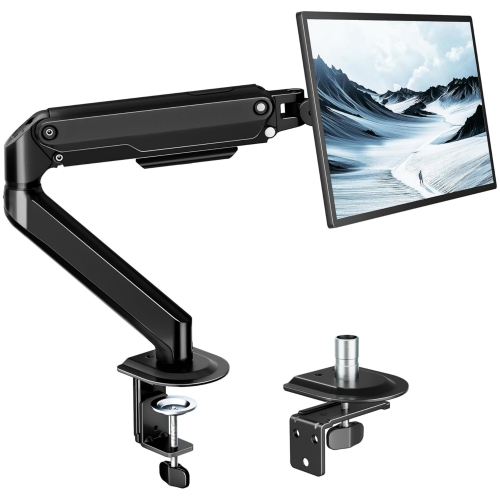
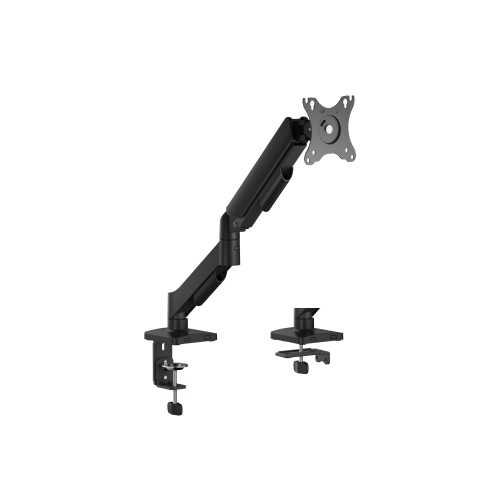
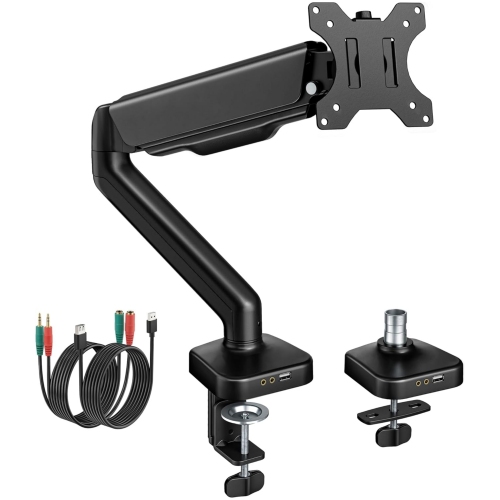
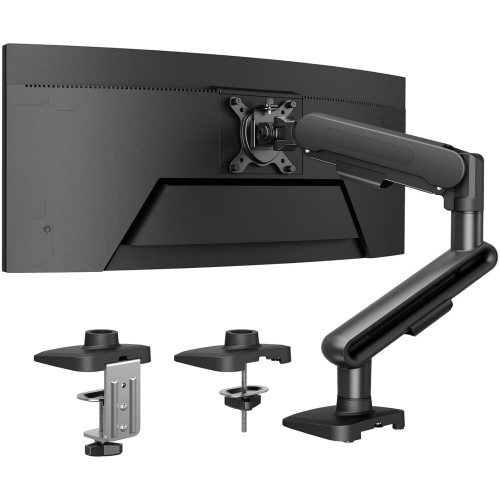
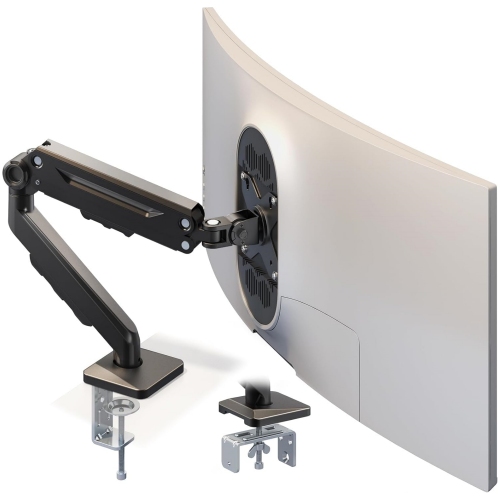
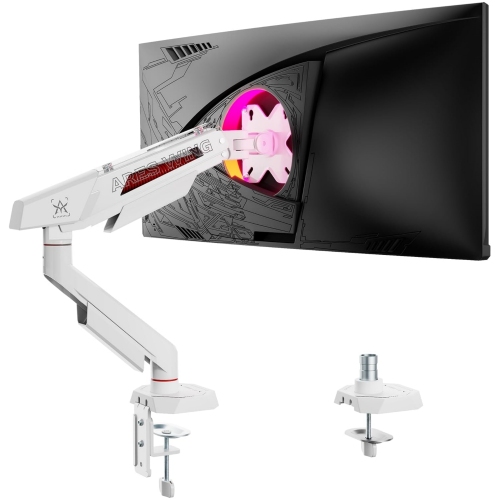
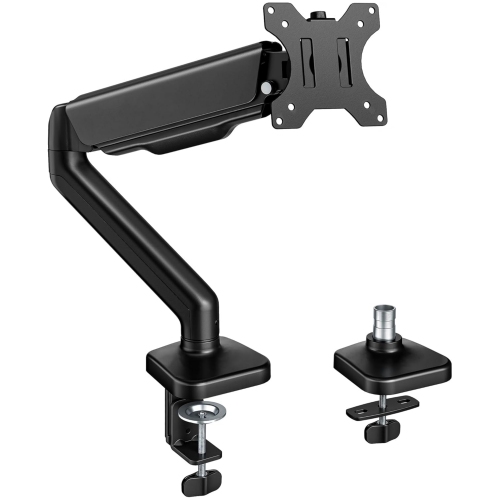
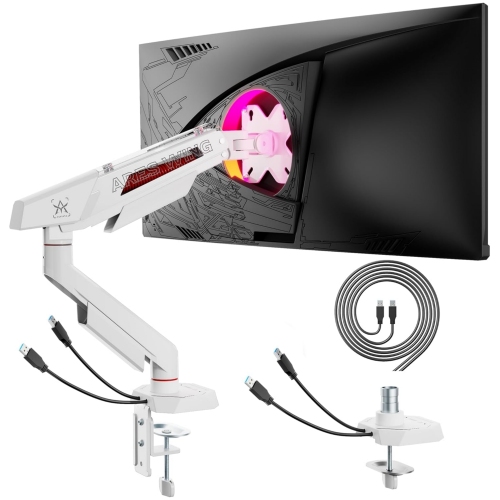
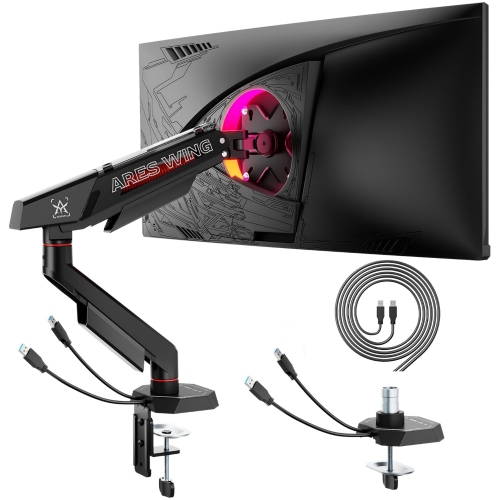
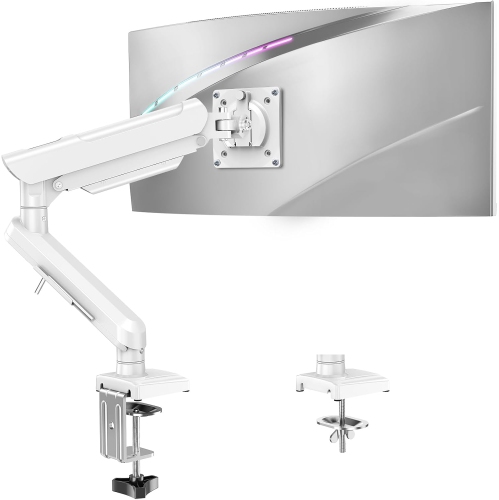
![AMER MOUNTS Single Articulating Spring Monitor Arm [Arctic Edition] for 17"-34" Monitors 9Kg Max Screen Weight - Clamp And Grommet Base Mount Works with ultra wide monitor](https://multimedia.bbycastatic.ca/multimedia/products/500x500/160/16025/16025825.jpeg)
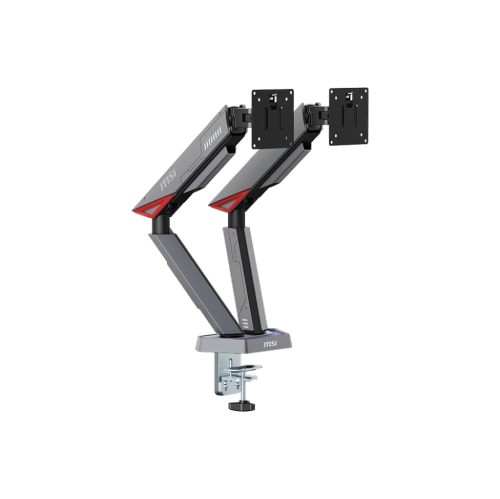


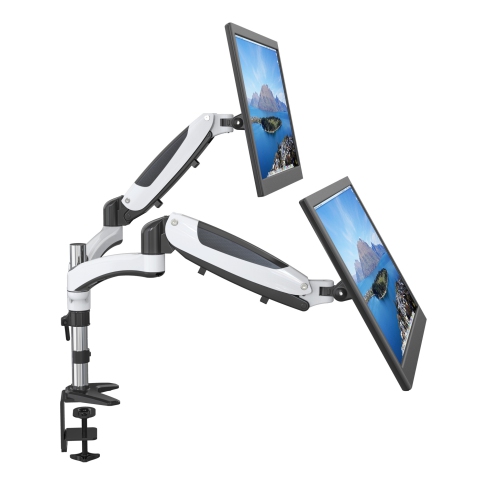
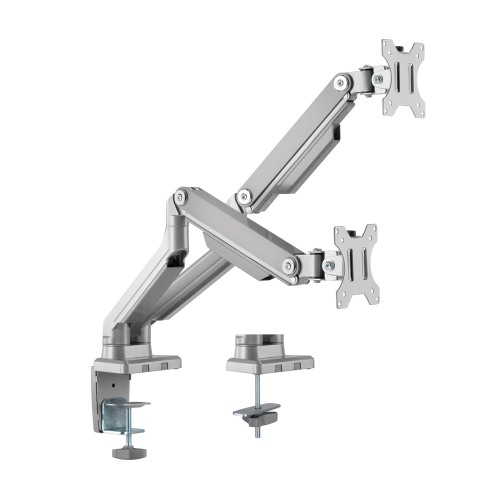
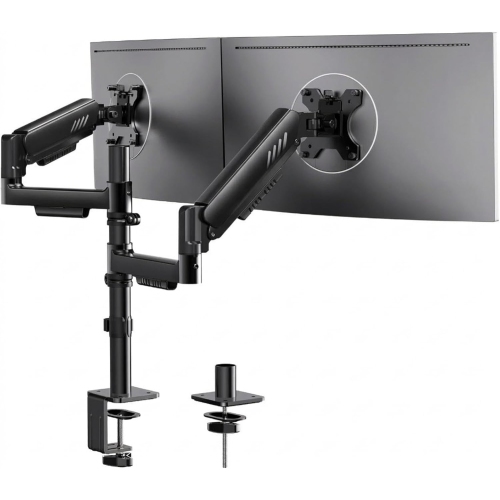
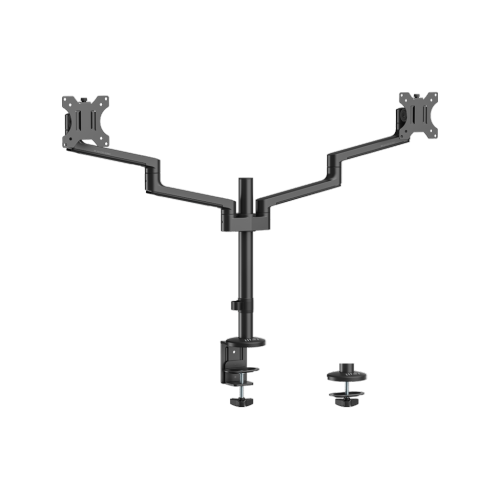
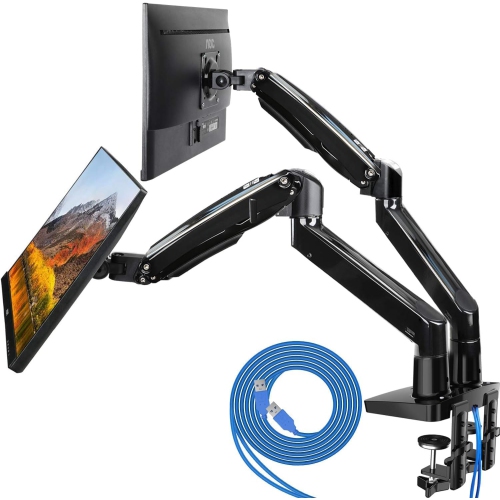
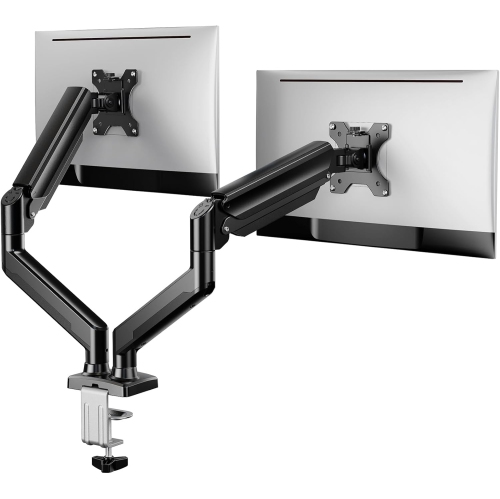
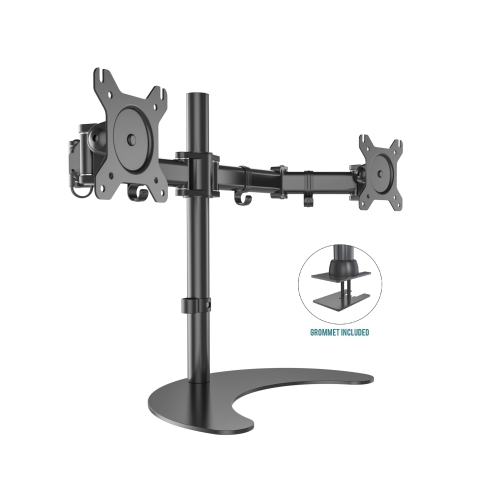
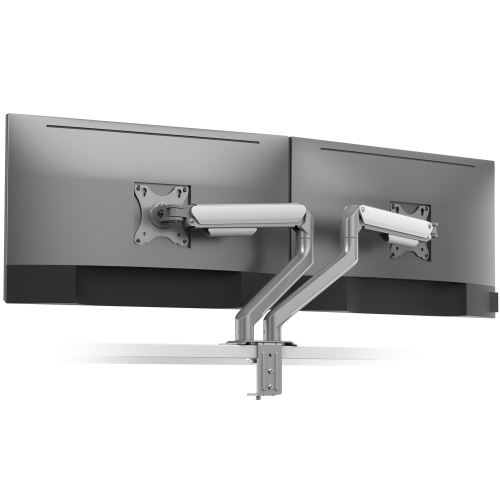
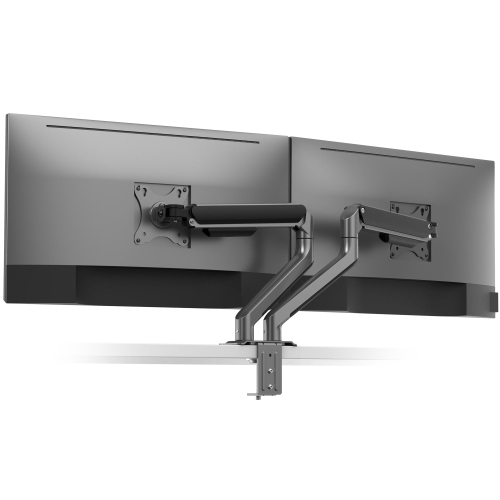
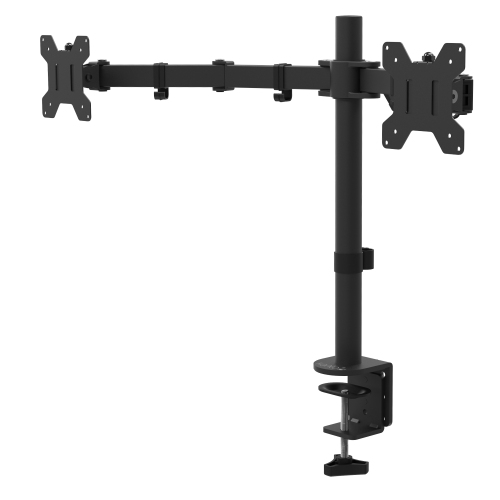
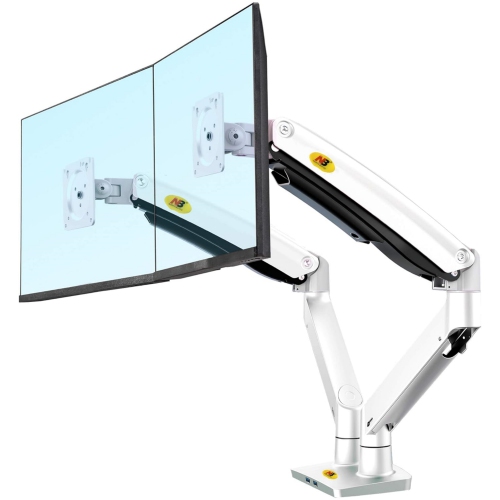
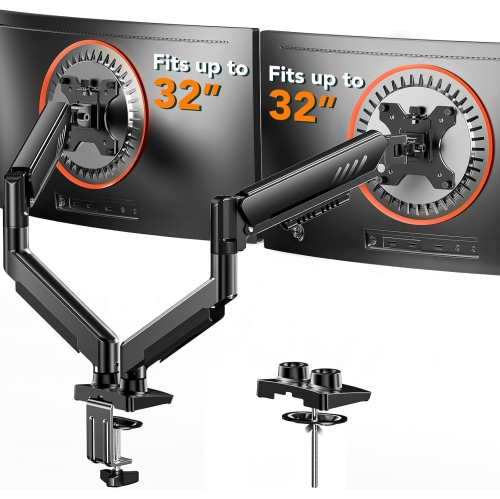
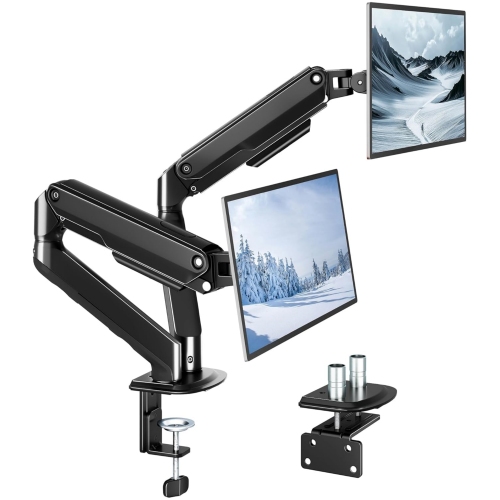
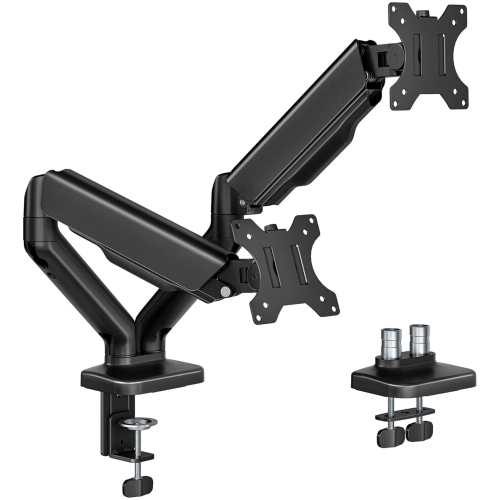
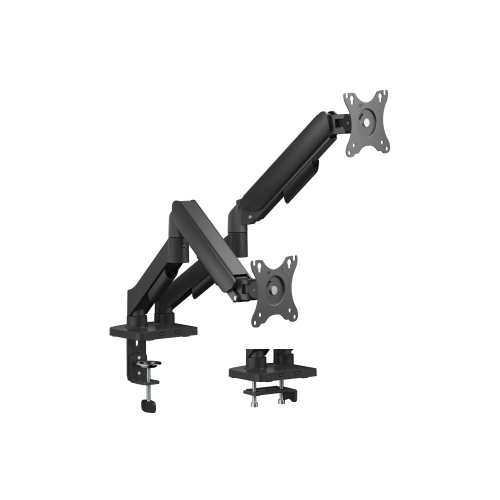
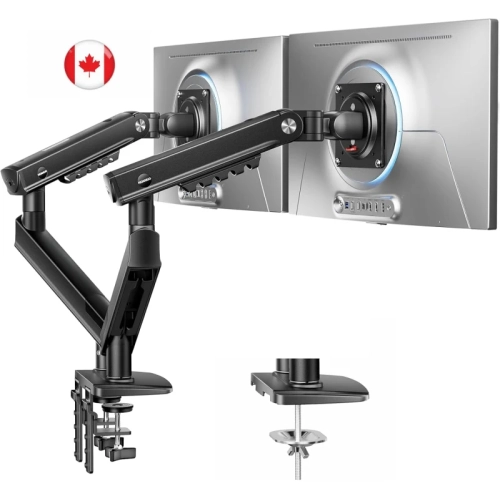
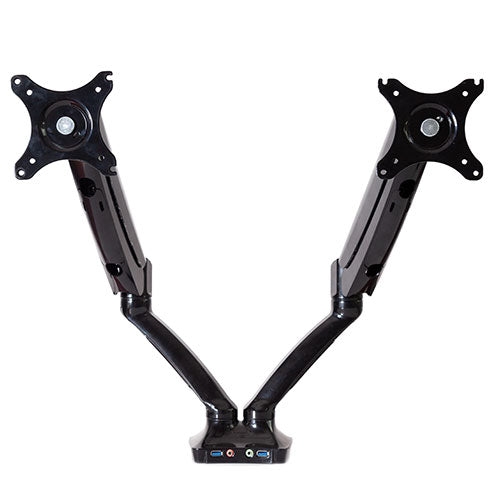
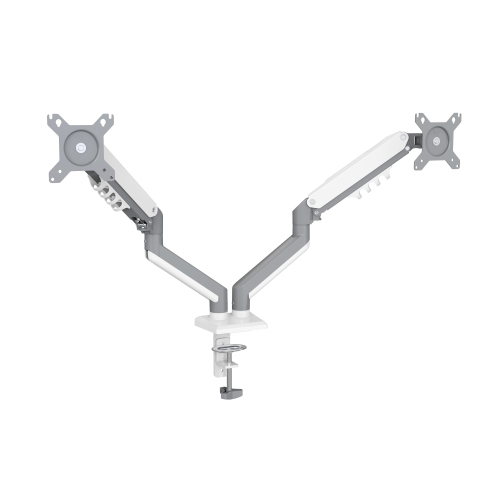
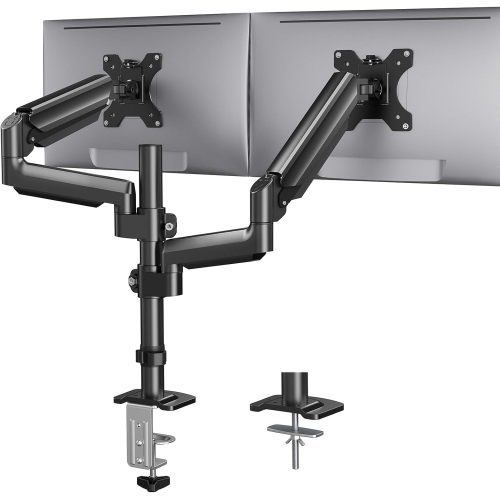
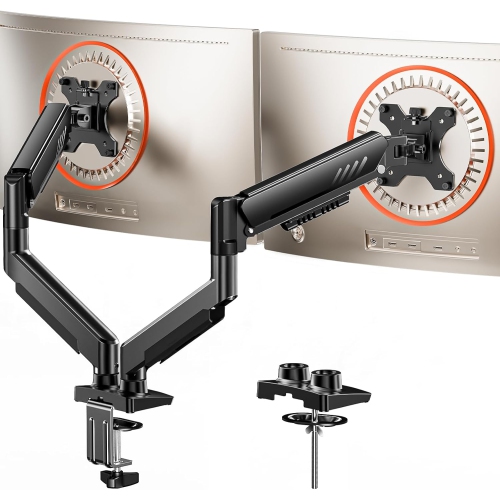
![AMER MOUNTS Dual Articulating Spring Monitor Arm [Arctic Edition] for 17"-32" Monitors 9Kg Max Weight Per Screen - Clamp And Grommet Base Mount Two monitors on my desk and later on the dining table](https://multimedia.bbycastatic.ca/multimedia/products/500x500/160/16039/16039938.jpeg)


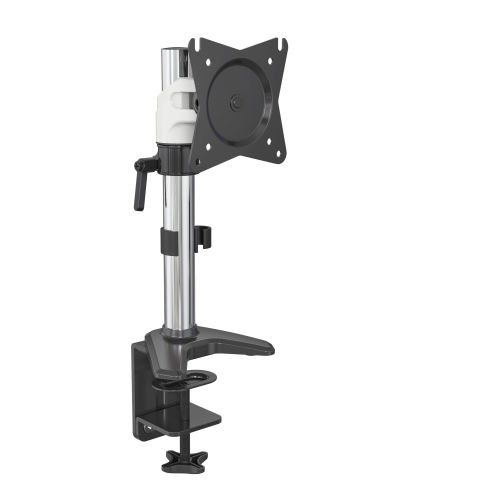
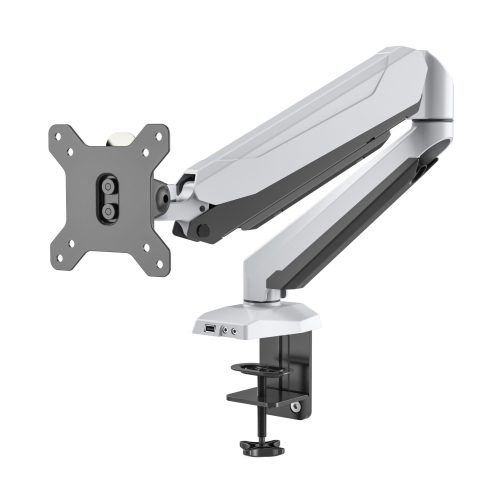
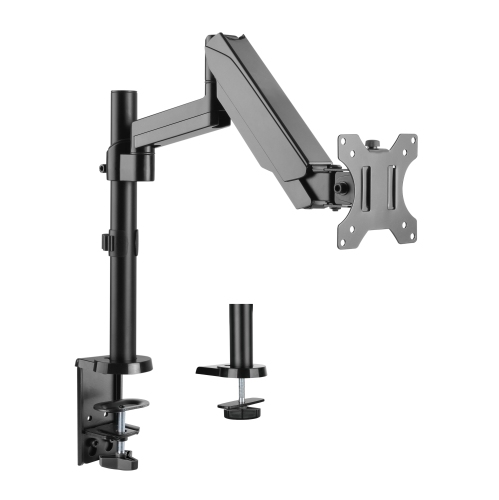
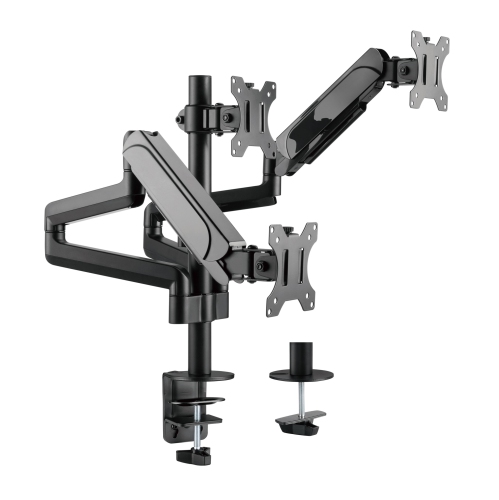


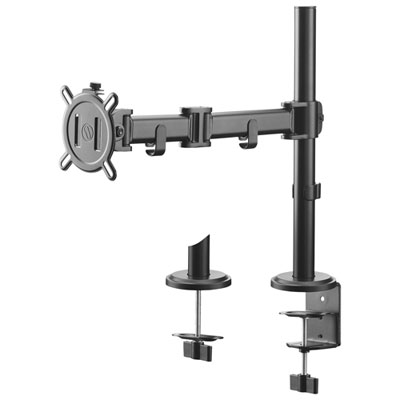
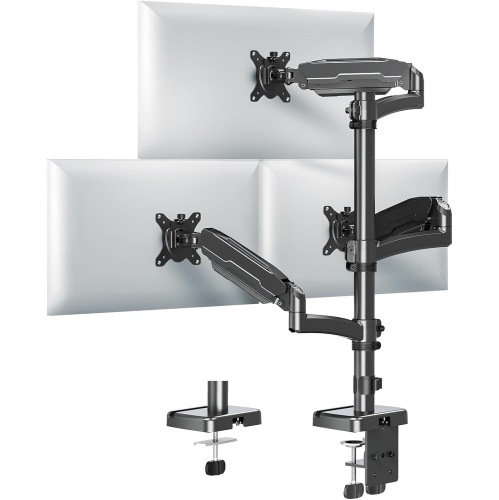

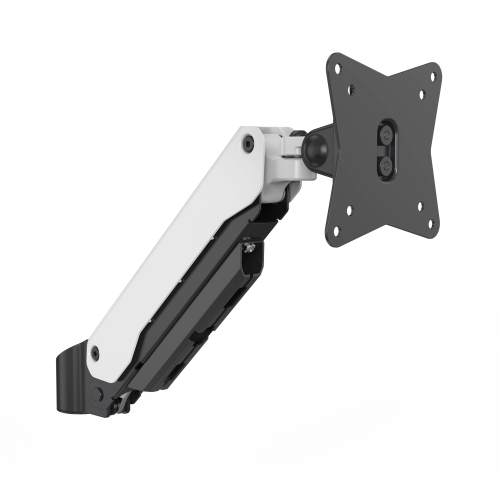
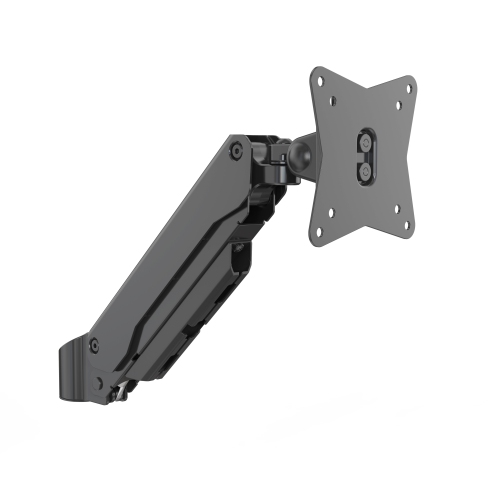
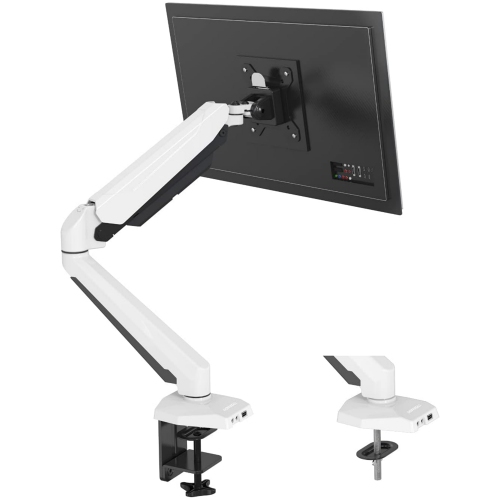
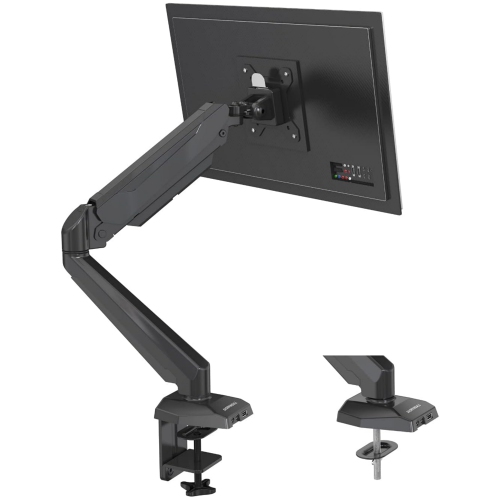
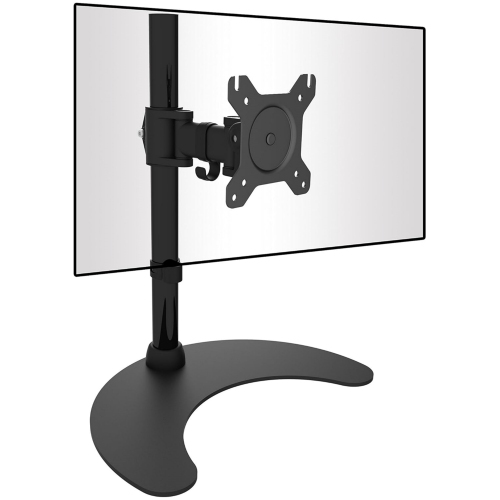
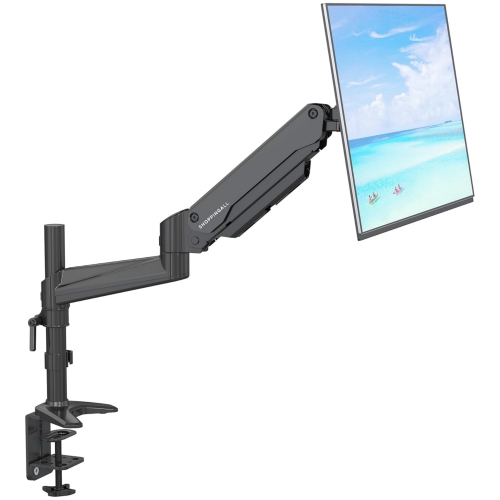


FAQ
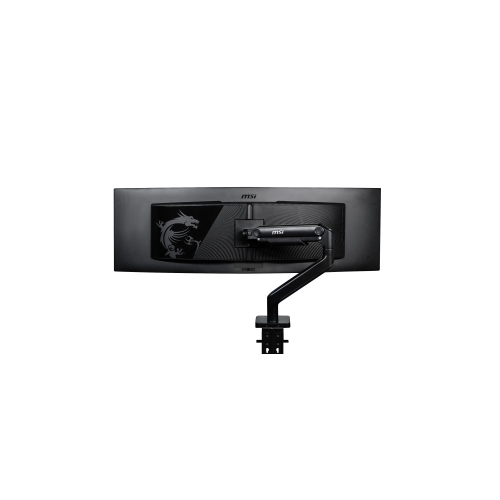
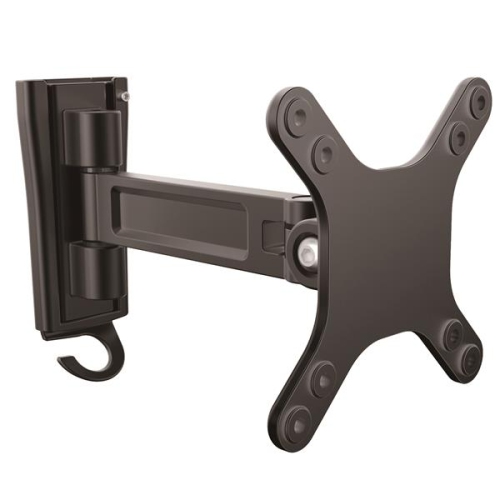
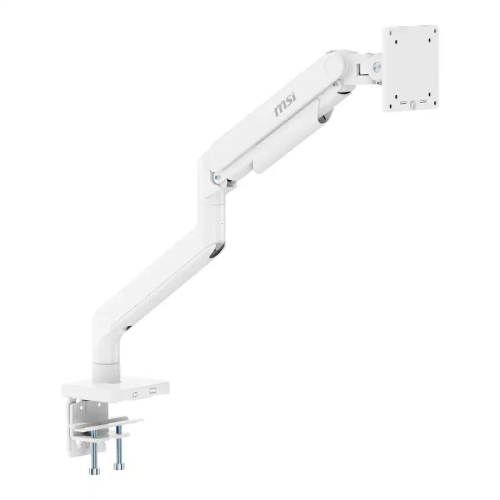
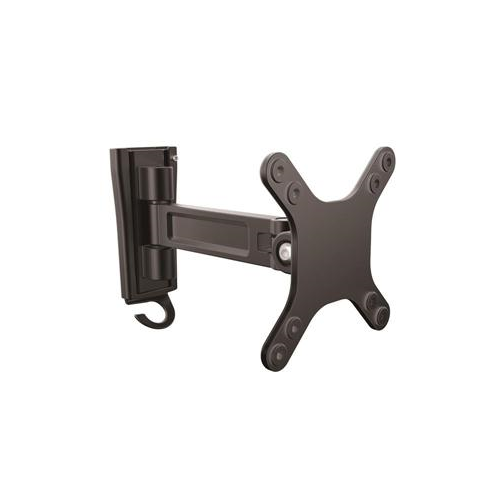
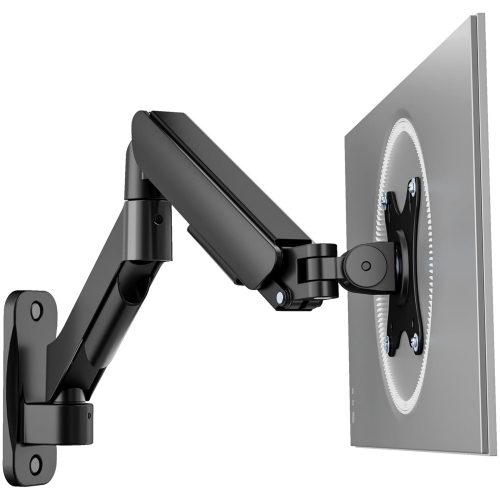
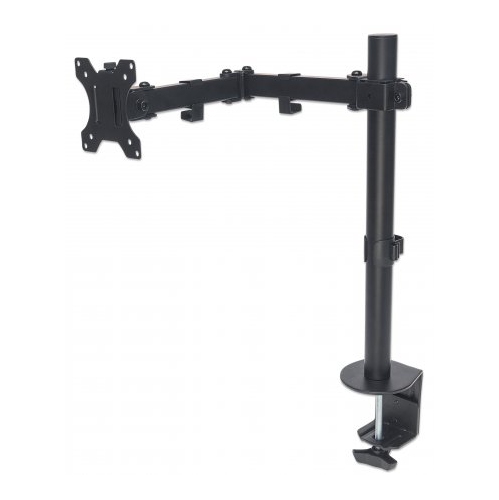
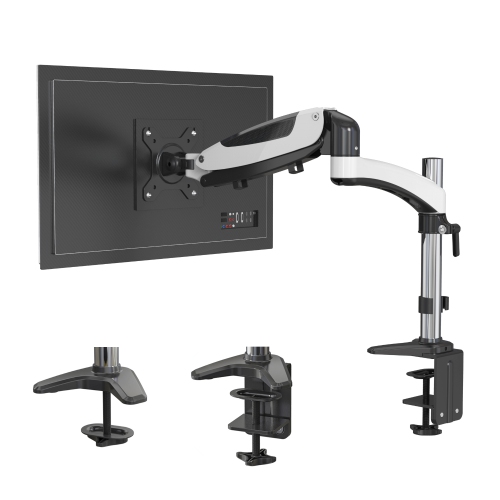
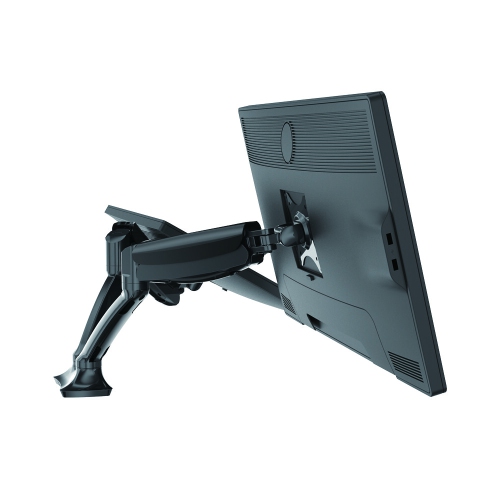
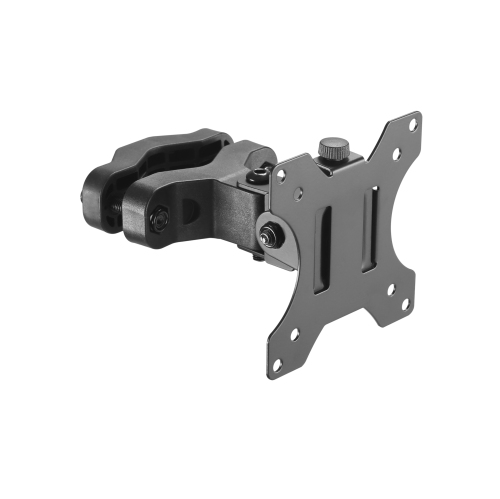
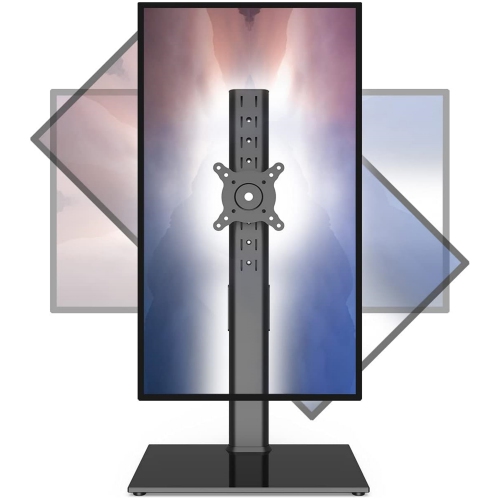
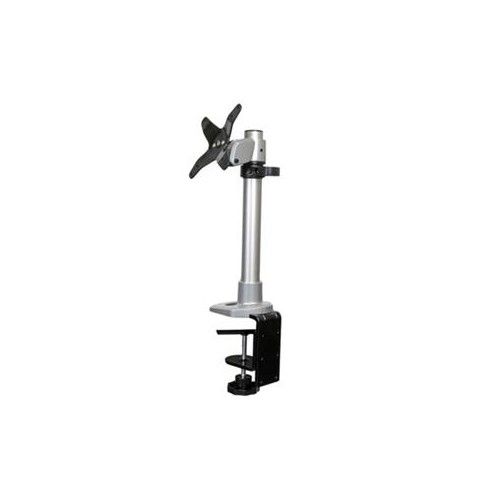
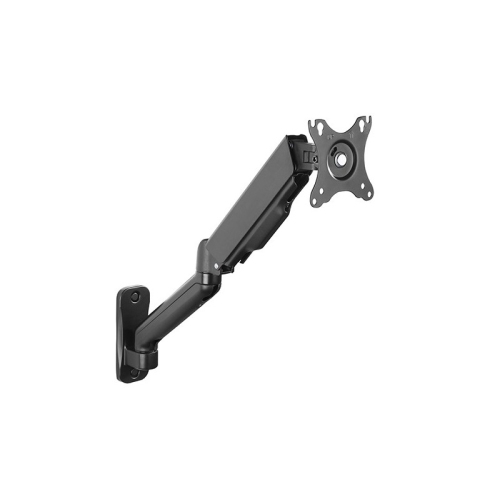
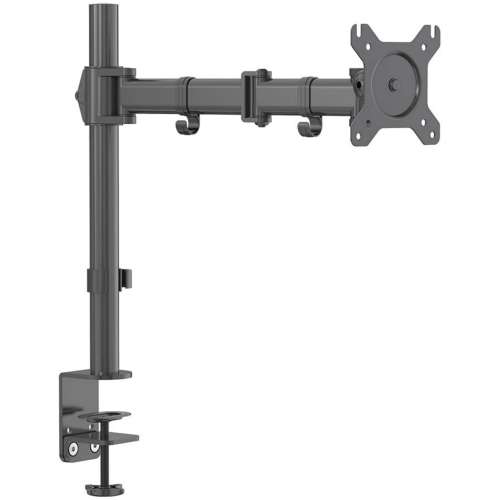
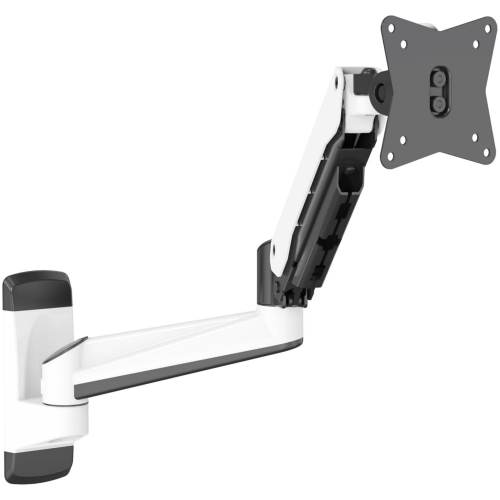
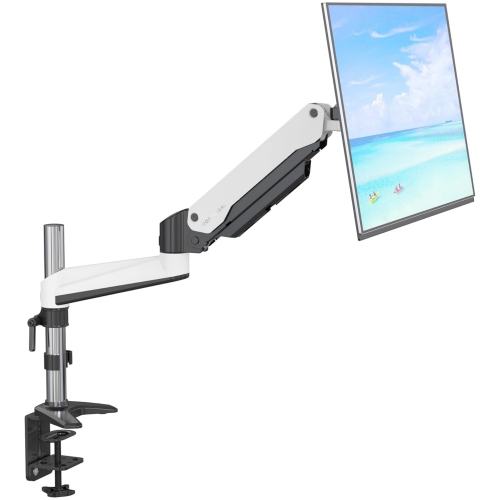
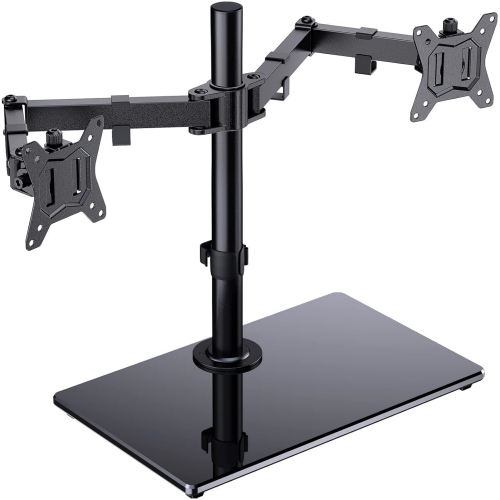
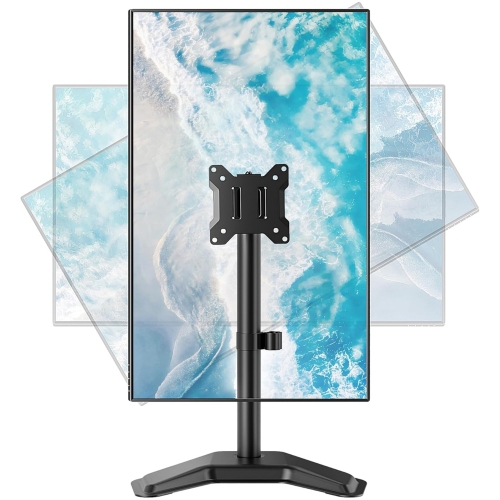
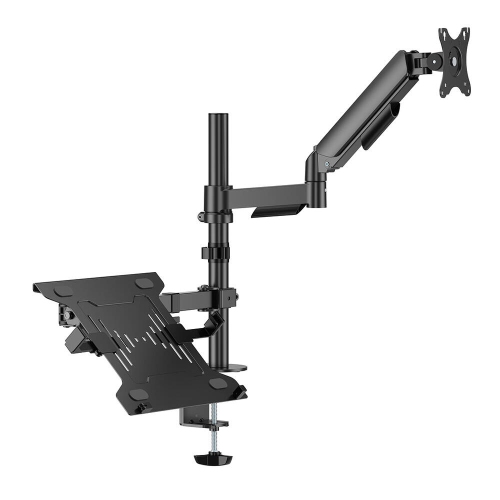
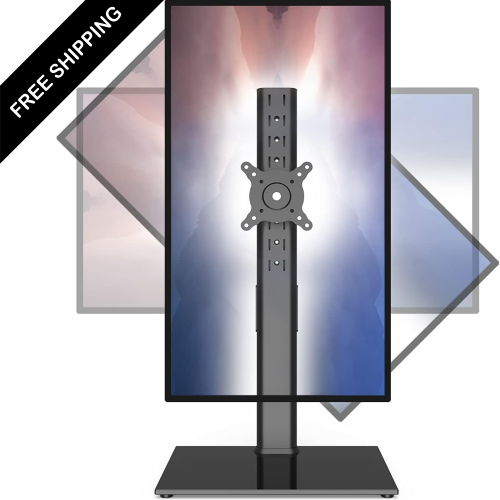
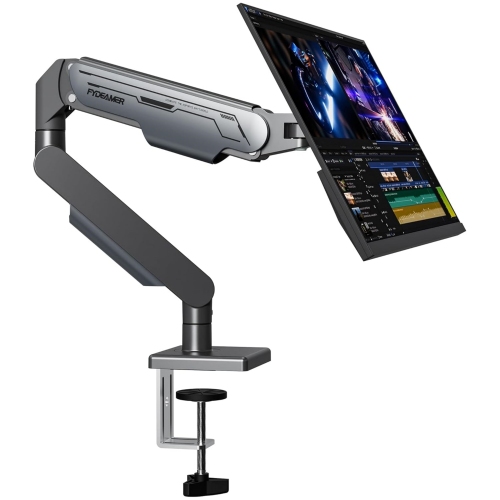
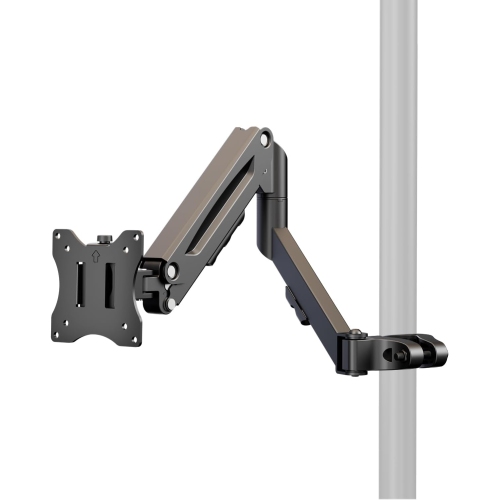
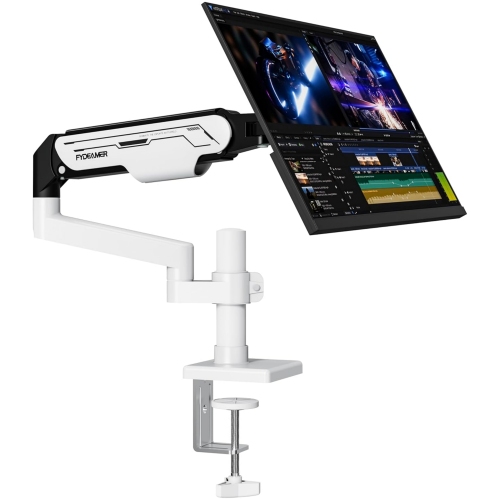
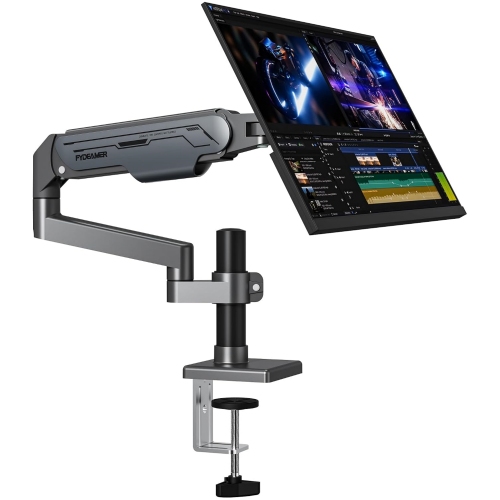
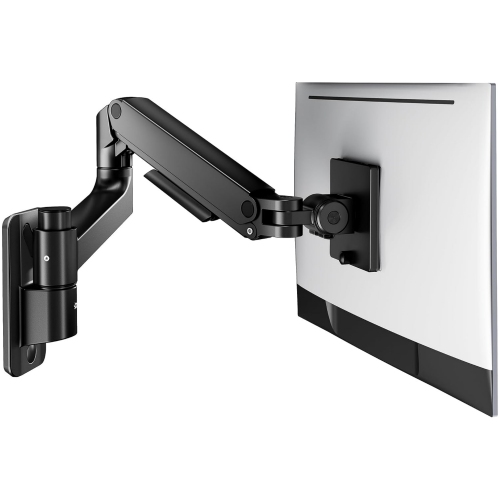
Monitor arms hold a screen on an extended support that typically attaches to a desk or wall. Monitor stands usually rest on the desktop. Depending on the design, an arm may include joints for adjusting the screen’s position.
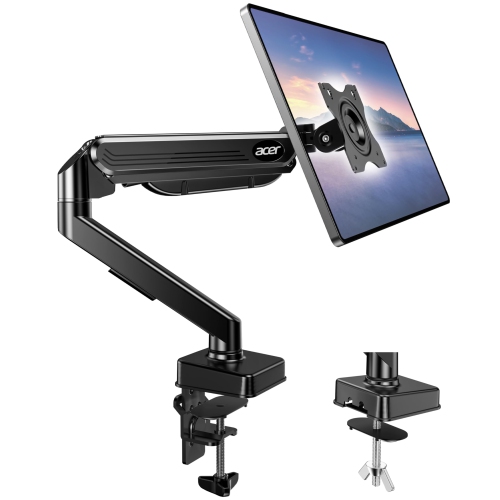
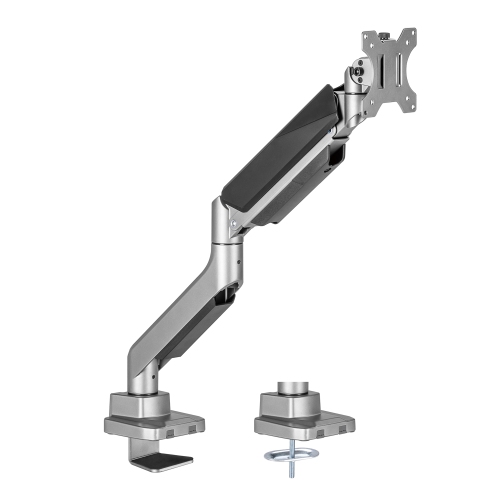
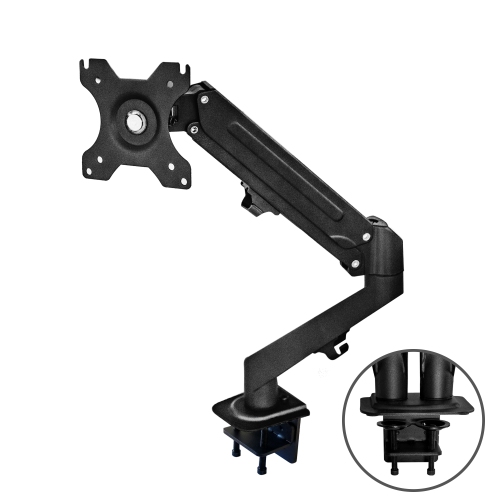
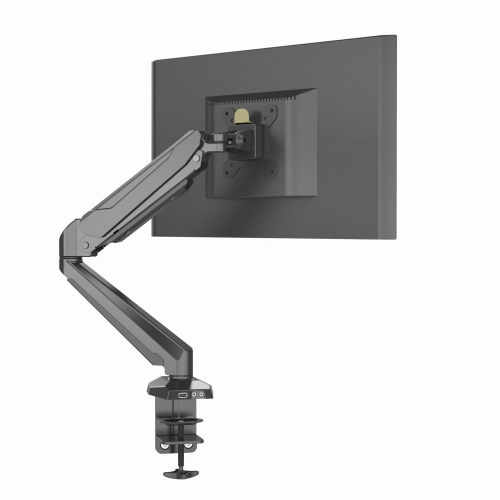
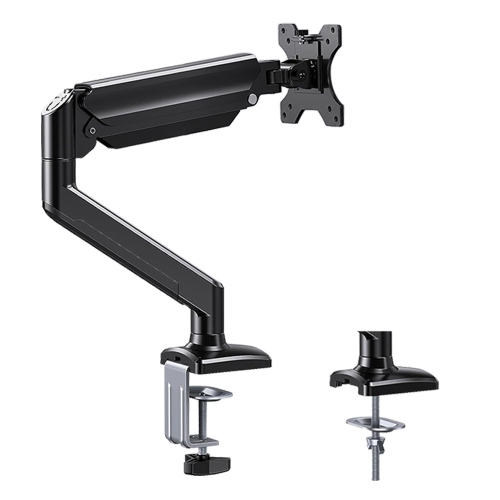
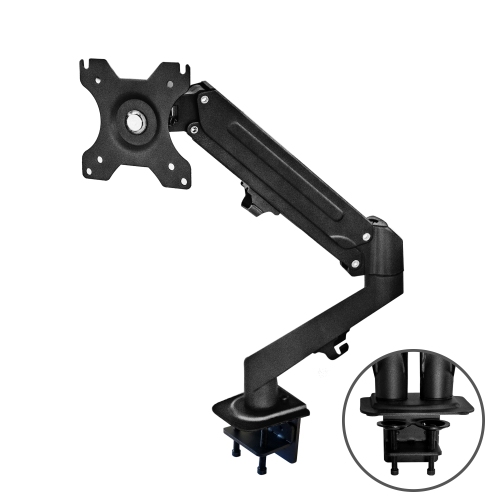
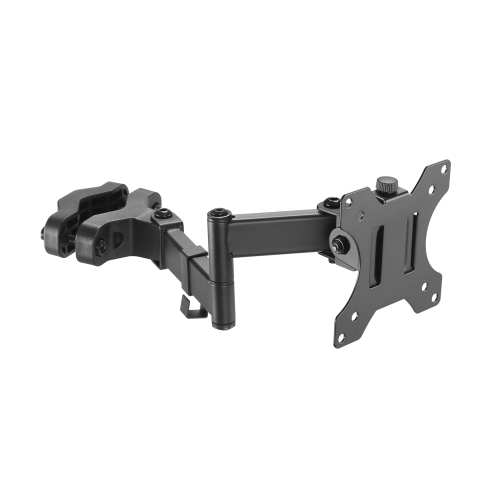
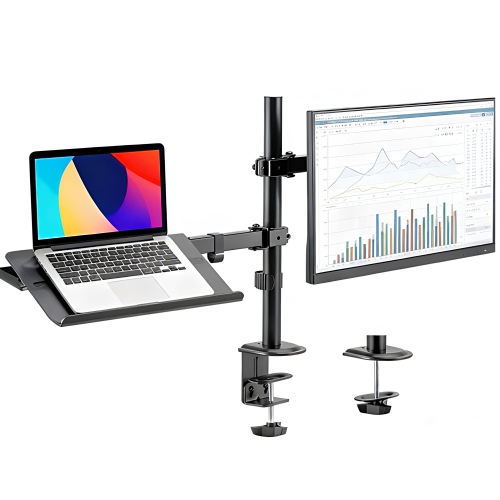
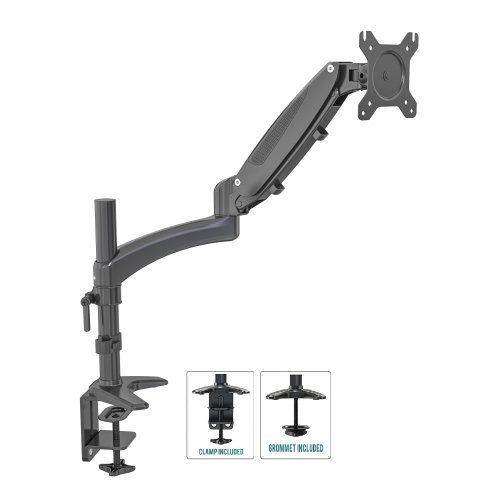
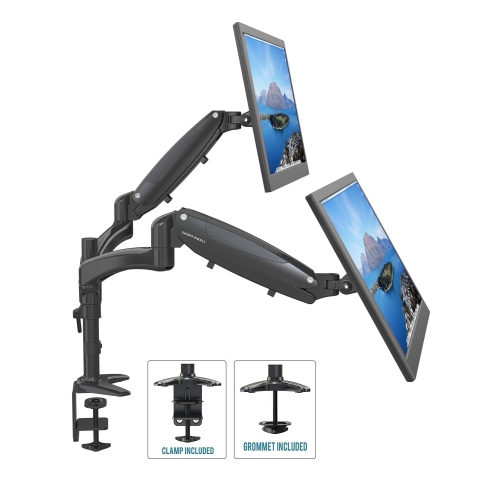
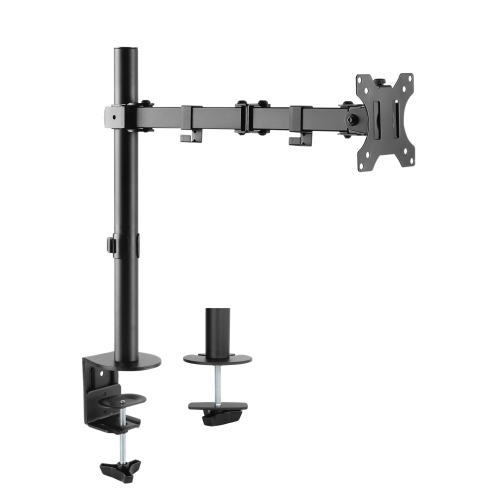
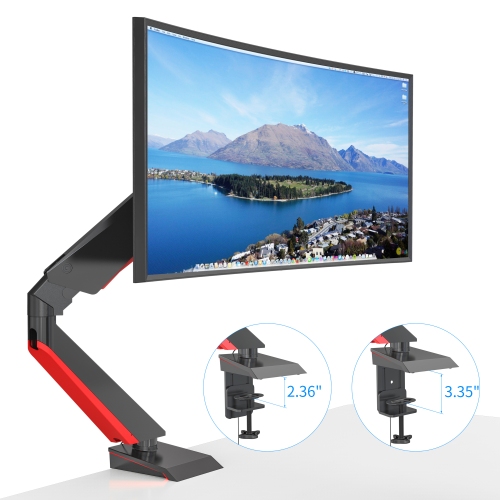
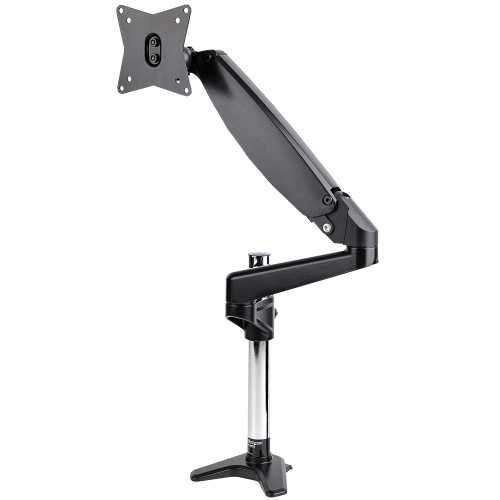
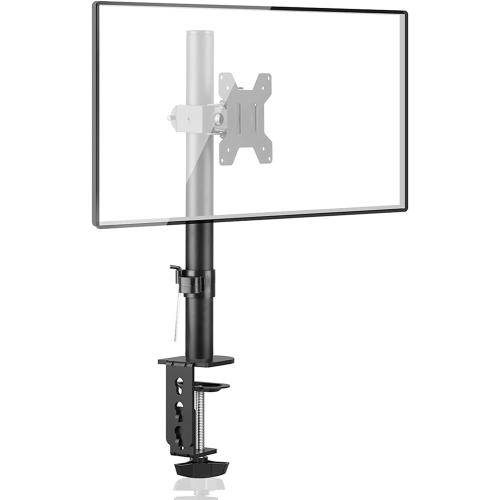
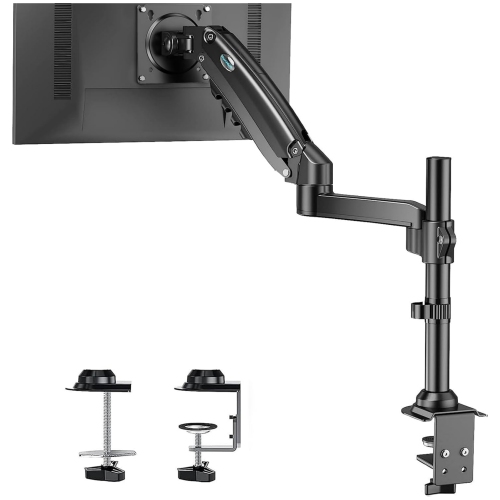
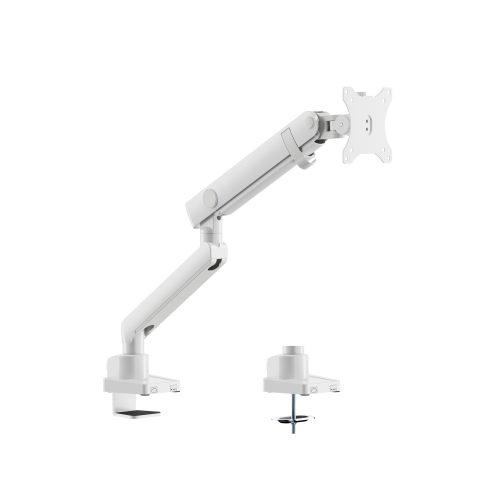
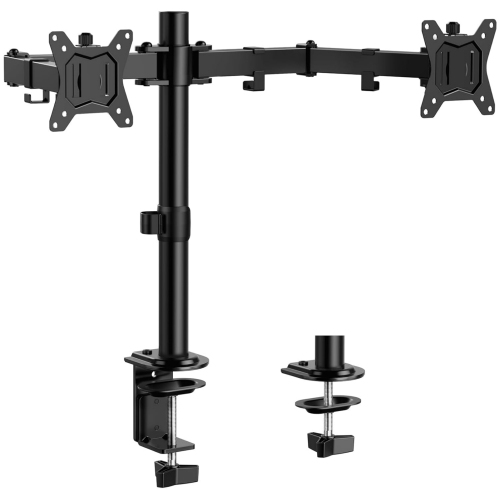
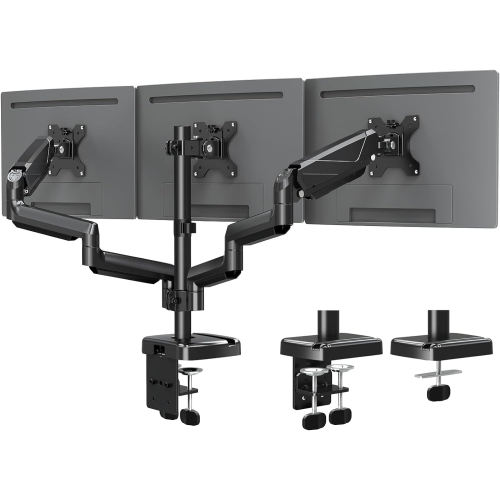
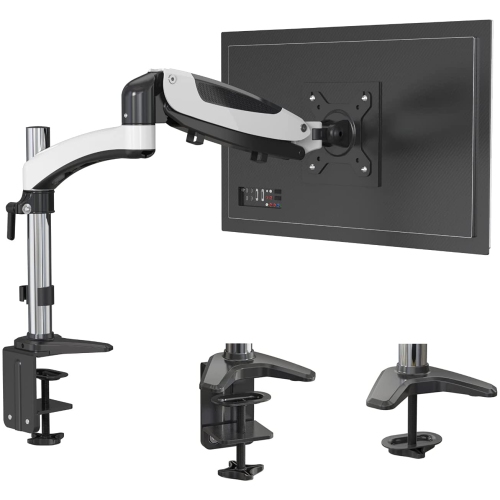
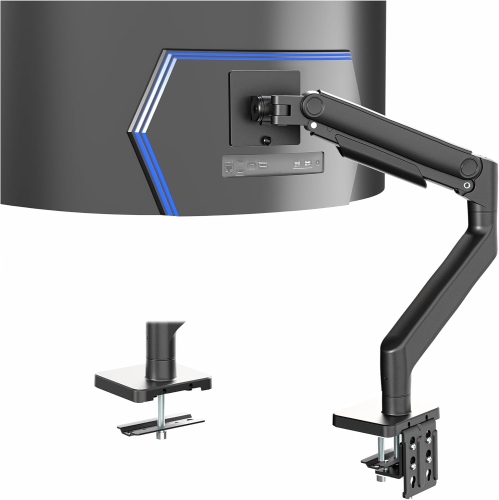
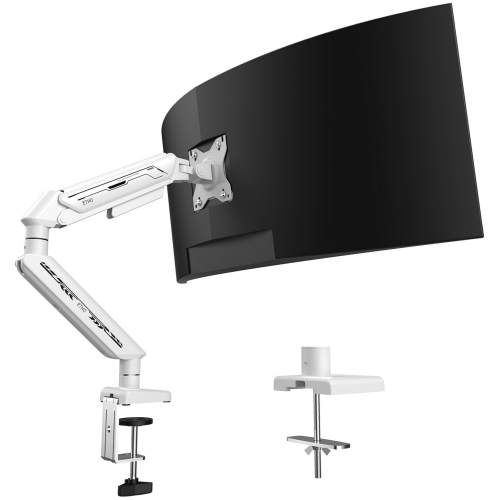
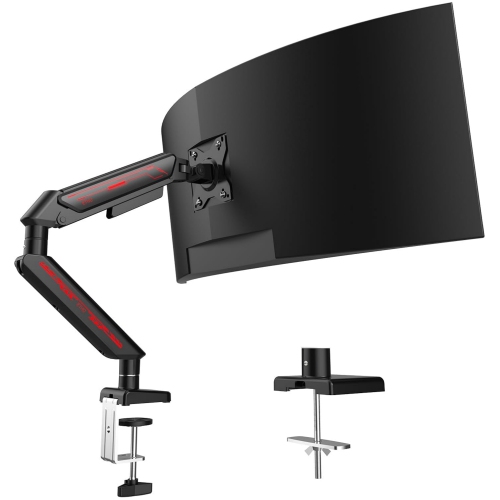
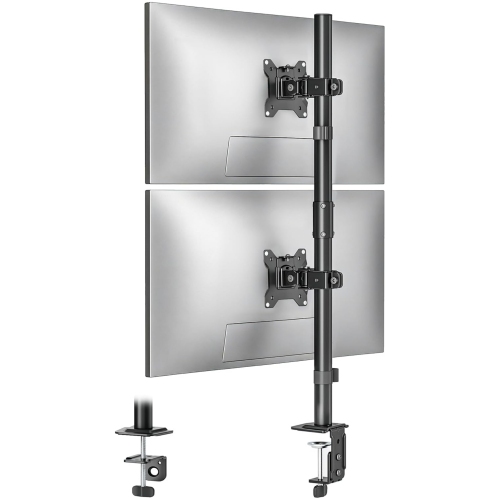
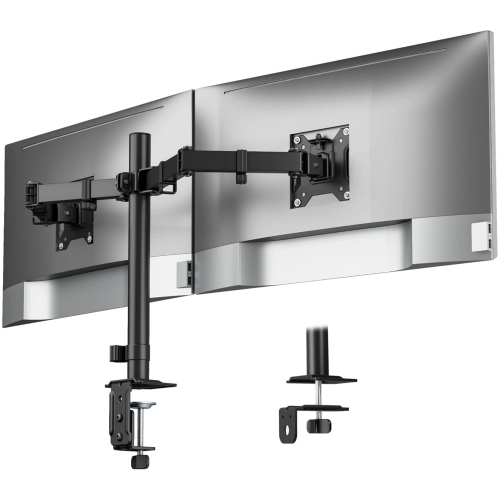
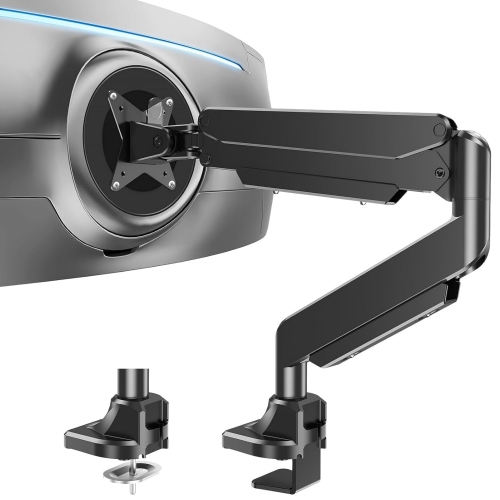
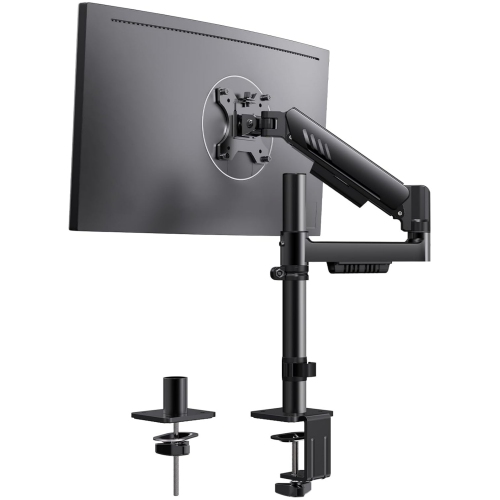
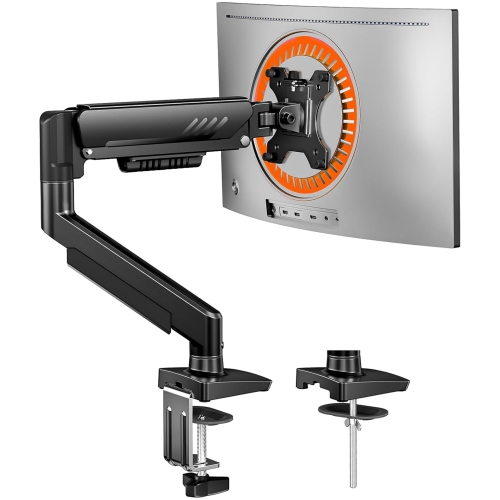
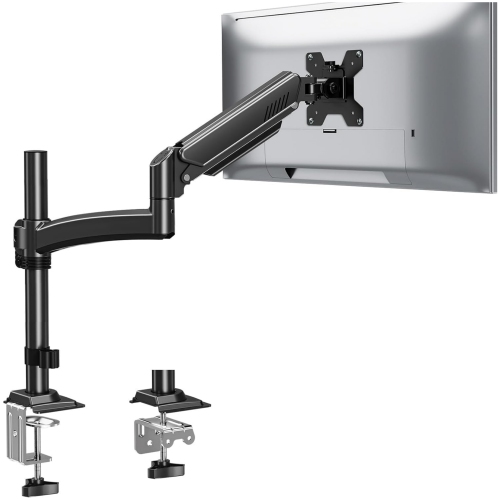
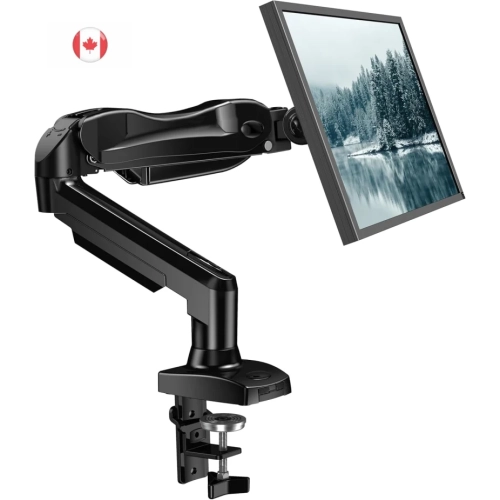
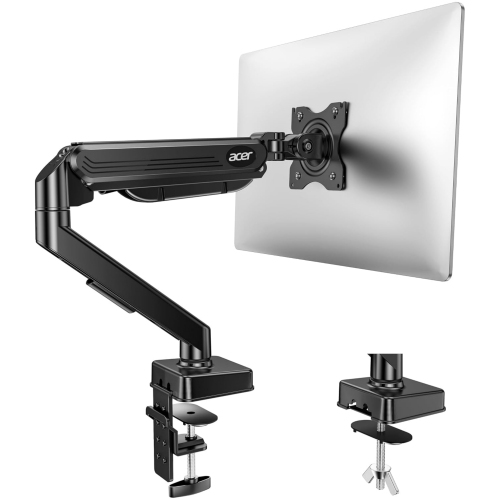
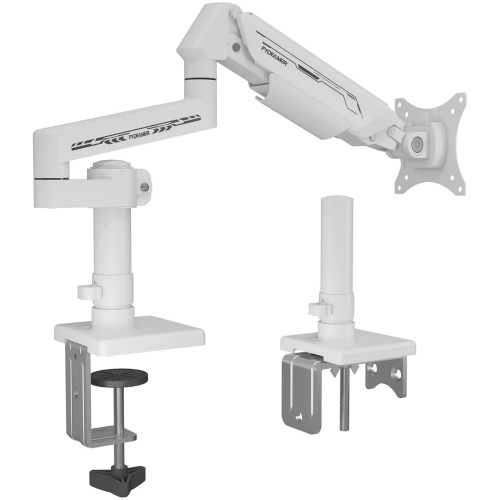
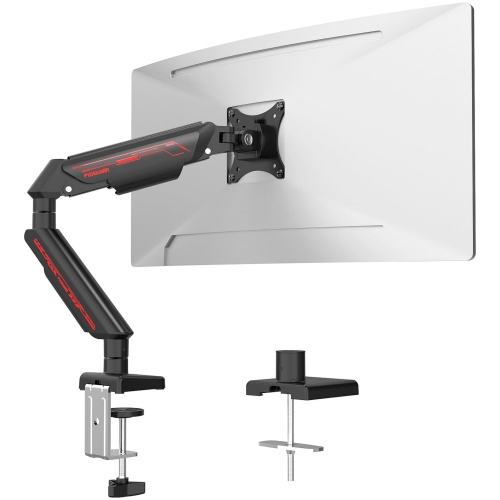
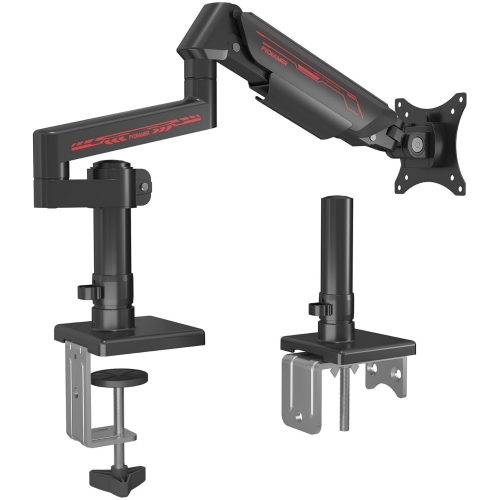
Common desk mounting styles include clamp mounts and grommet mounts. A clamp attaches to the edge of a desk, while a grommet mount attaches through a hole in the desktop. Mounting requirements vary by arm.
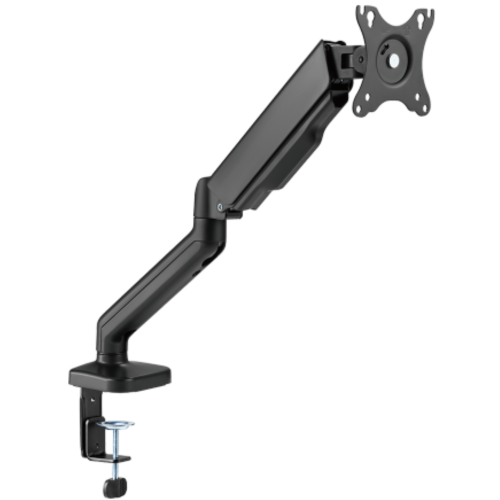
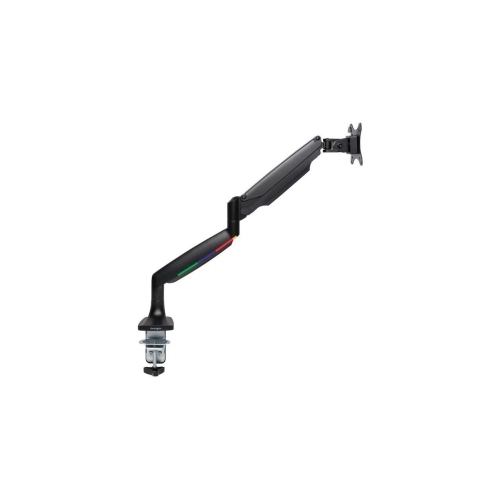
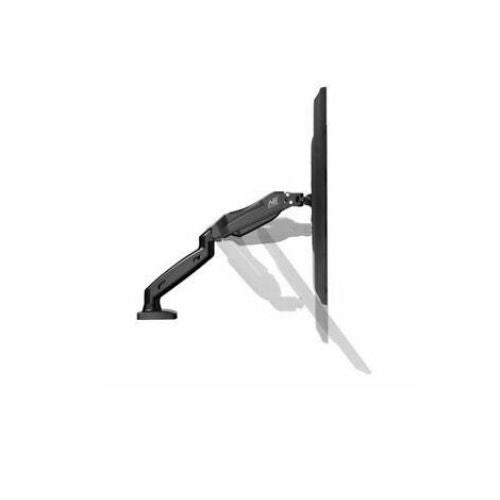
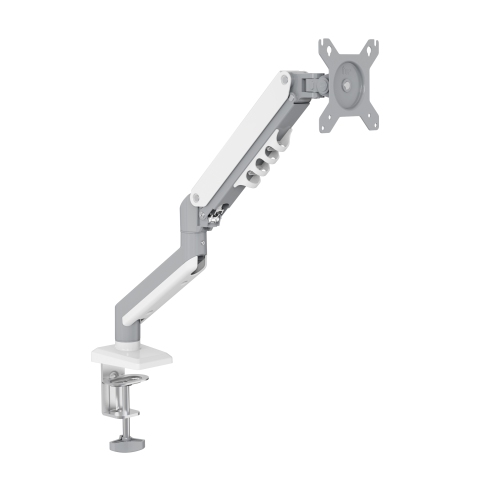
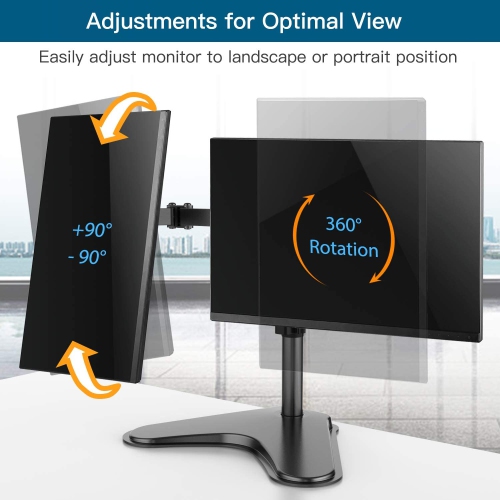
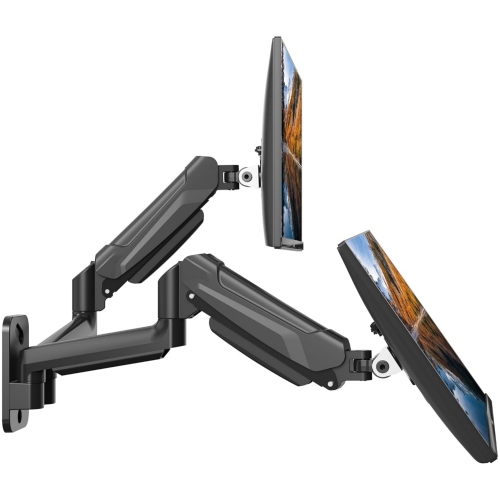
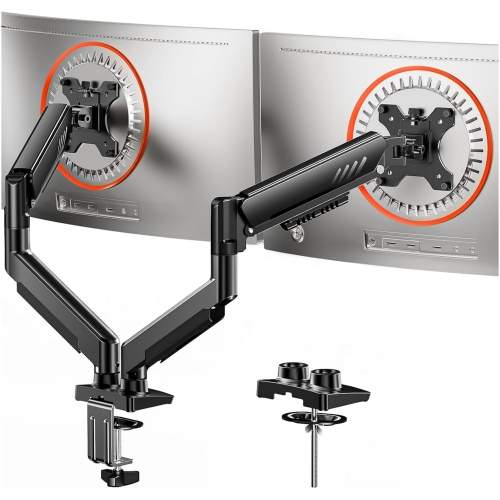
Monitor arms may offer tilt, swivel, rotation, and height adjustment. Some use joints that are adjusted manually, while others use a spring-assisted mechanism. The available adjustments depend on the arm’s design.
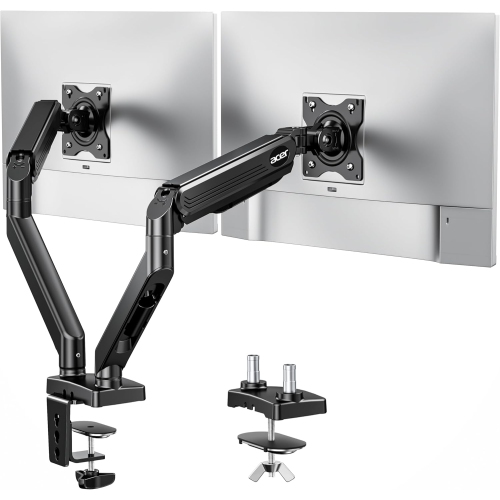
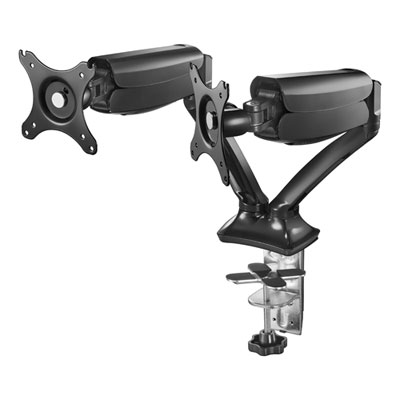
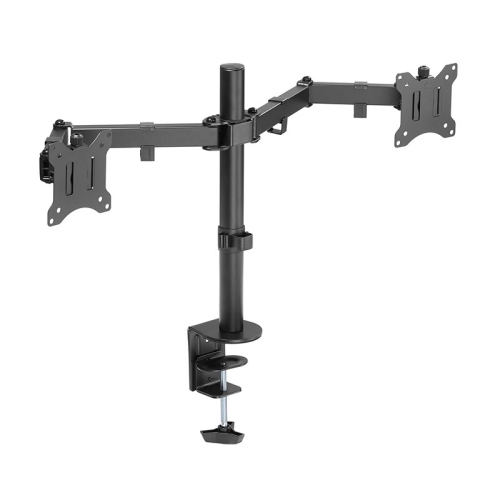
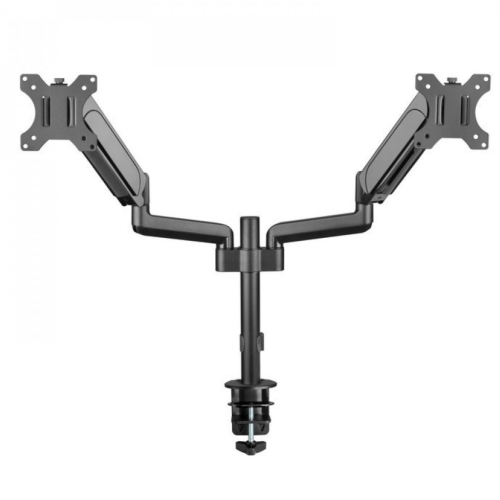
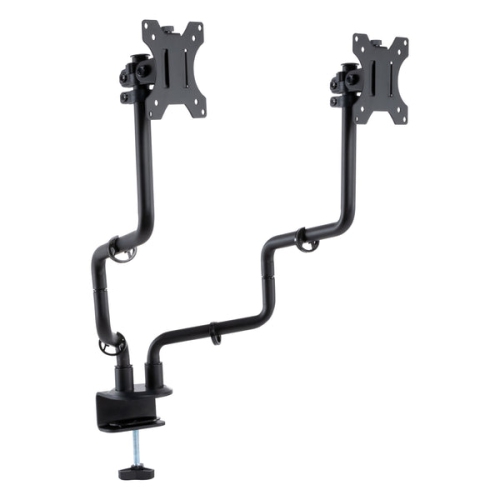
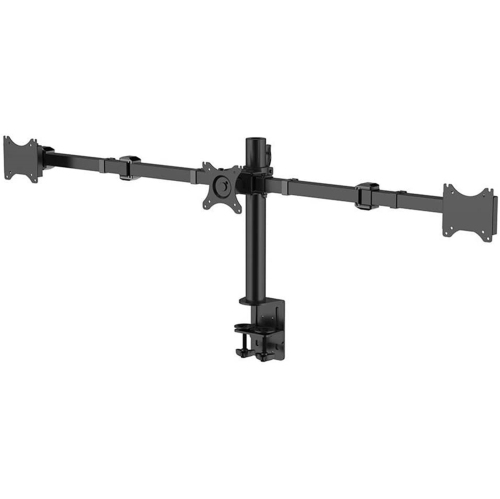
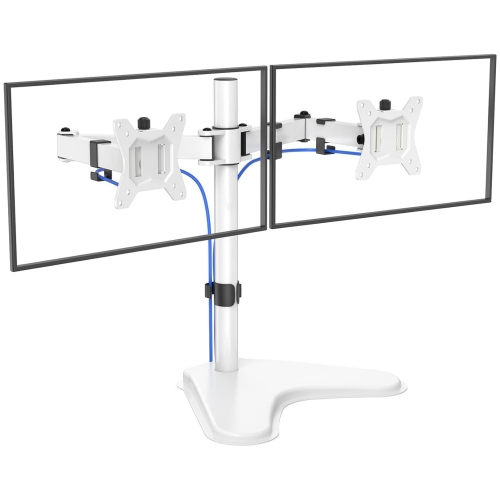
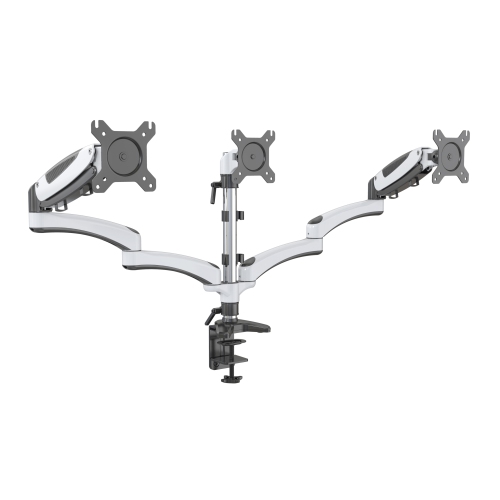
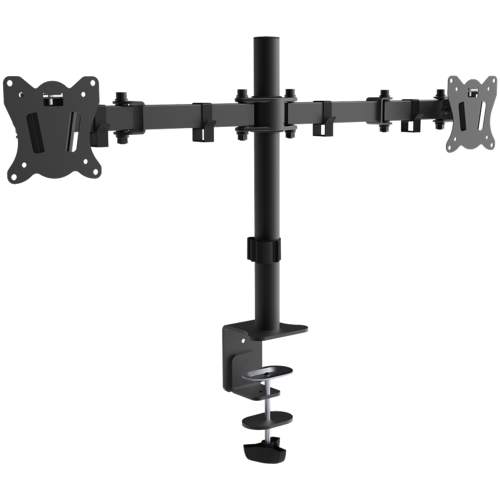
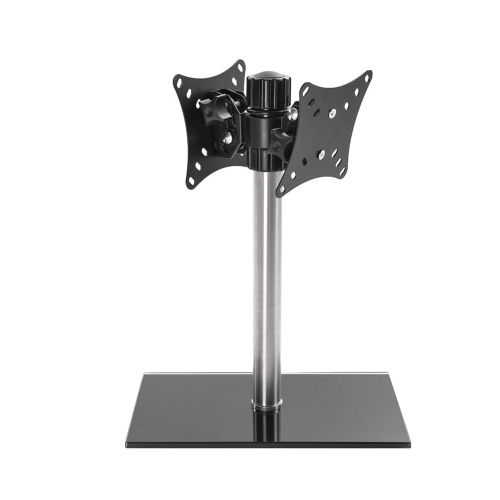
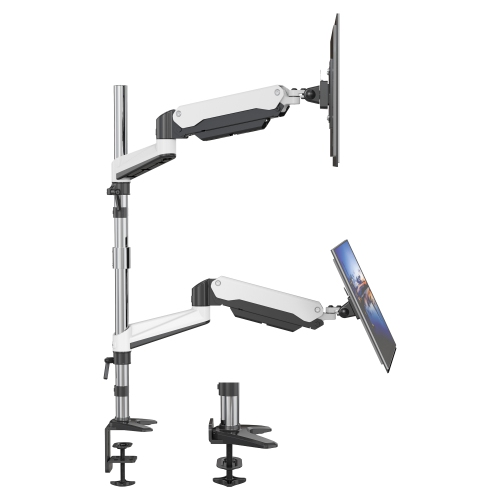
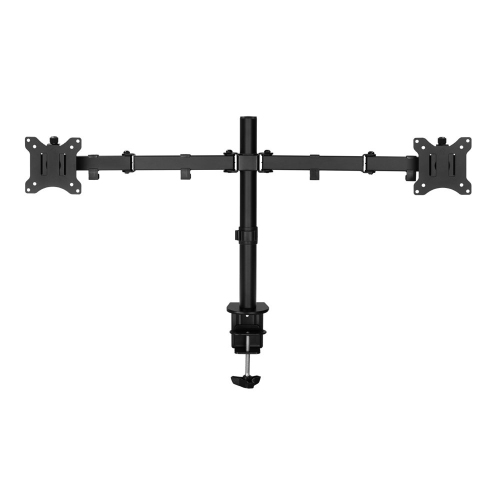
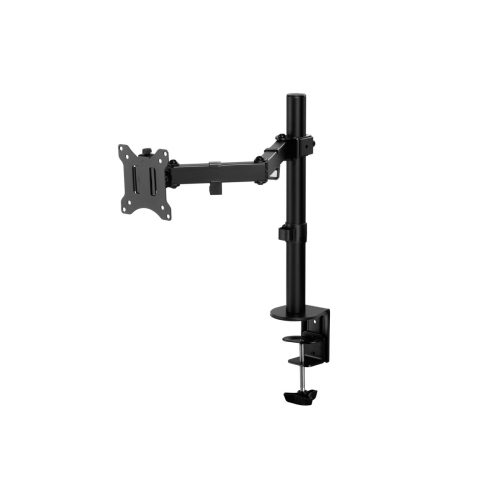
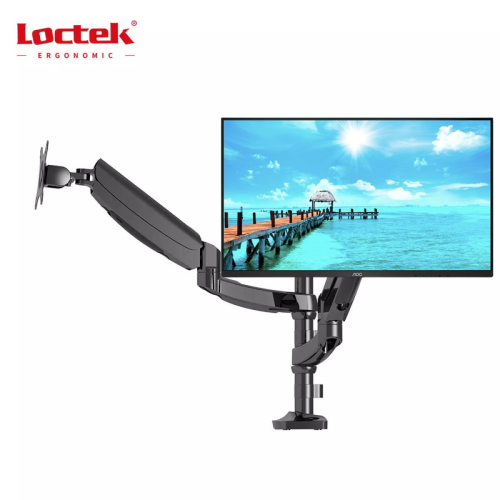
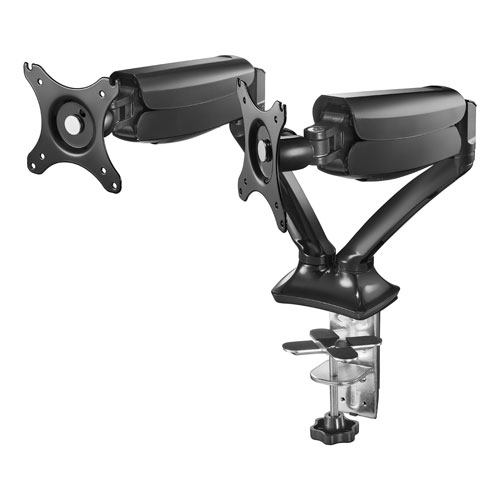
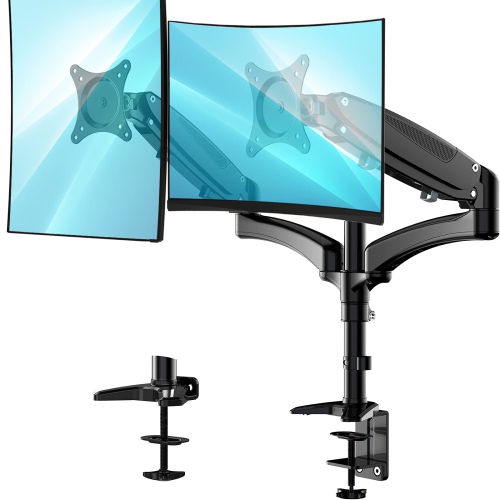
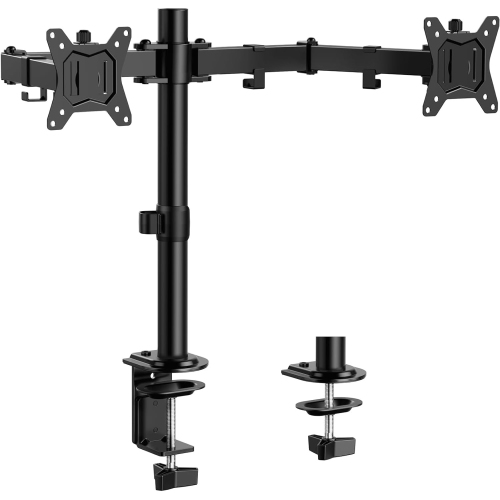
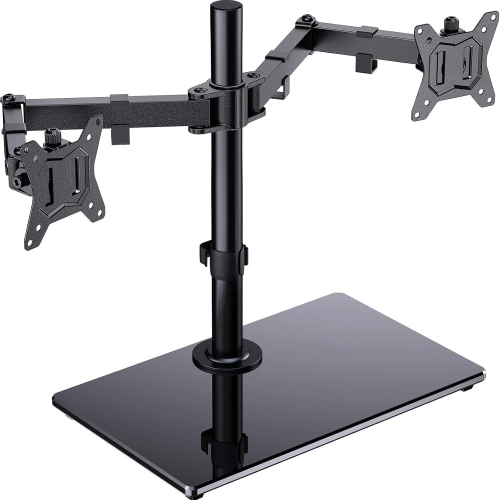
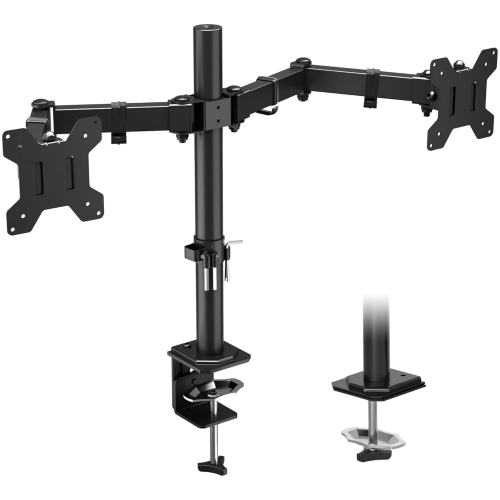
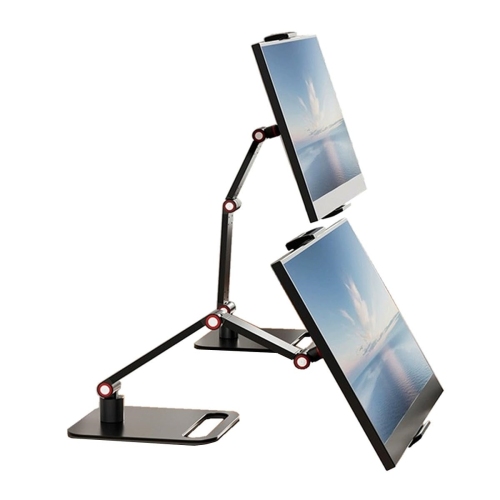
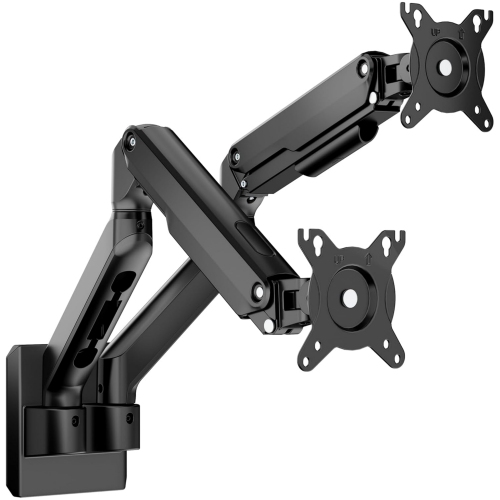
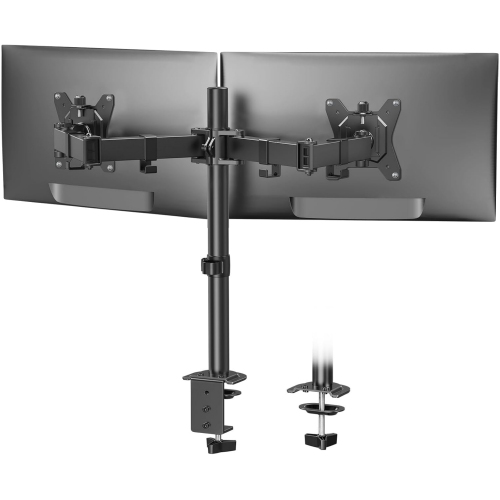
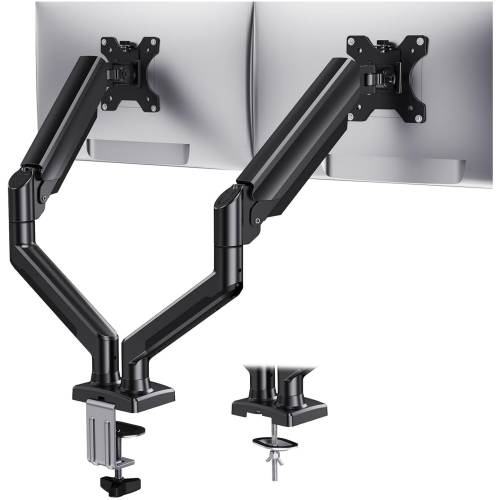
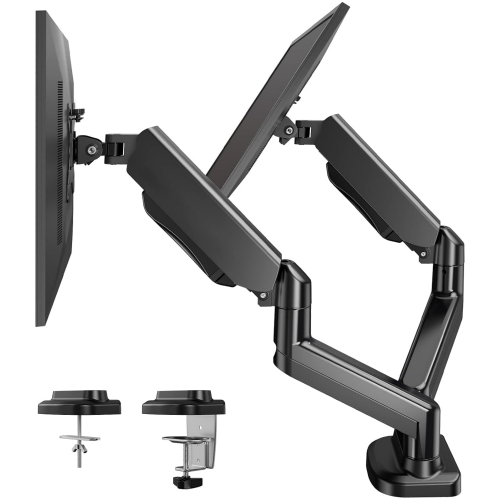
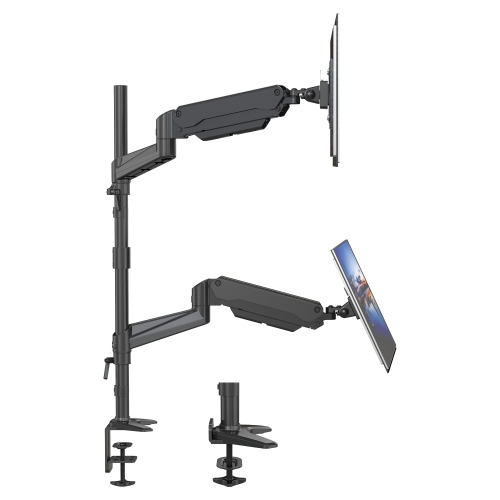
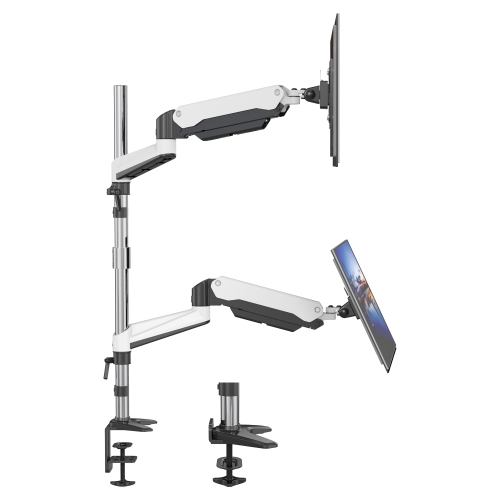
A single-monitor arm has one screen attachment point. A dual-monitor arm has two, often connected to a shared base. Some dual-monitor designs have separate arms for positioning each screen independently.
Monitor arms may include cable clips, routing channels, or removable covers that hold cables along the arm. These features provide a path for power and display cables between the monitor and the desk.
Top selling and popular products
Discover more categories related to Cheap Monitor Arms

Some products may be subject to Environmental Handling Fees (EHF) depending on your province. Learn more about EHFs.