Top 10 Gaming Monitors
Elevate your gaming experience with the top 10 gaming monitors that deliver stunning visuals and smooth performance. Whether you're a casual gamer or a professional eSports competitor, finding the right monitor can make all the difference in your gameplay. These top-tier options offer a range of sizes, resolutions, and refresh rates to suit every need and preference. Dive into immersive worlds and enjoy crisp, clear images that bring your favorite games to life with these top 10 gaming monitors.
Sort
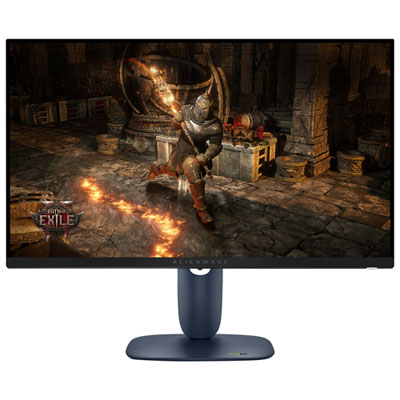
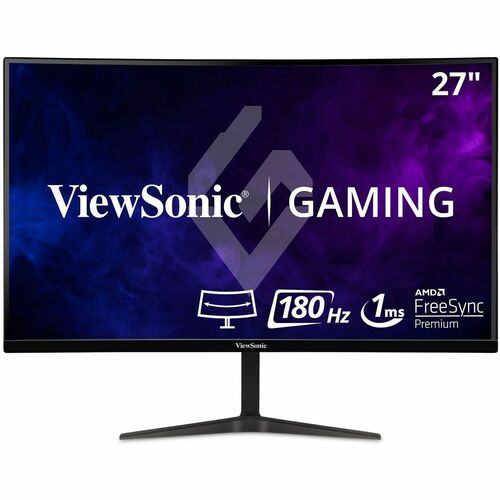
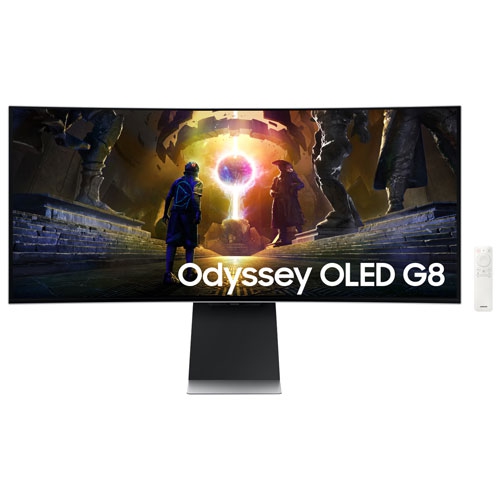


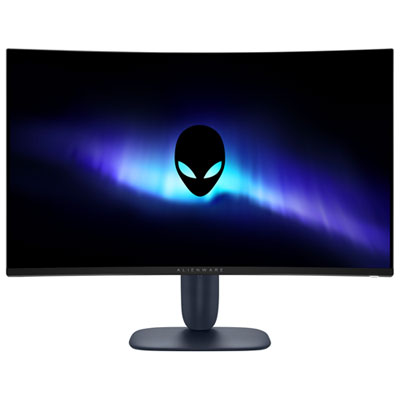

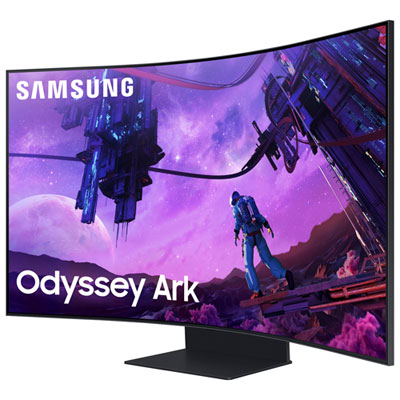
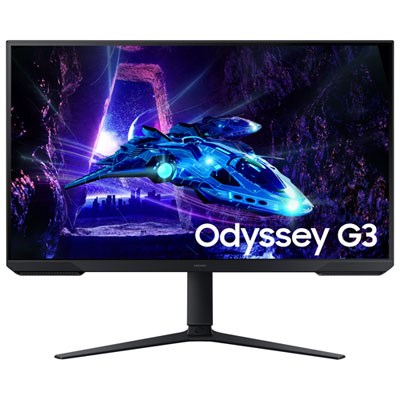
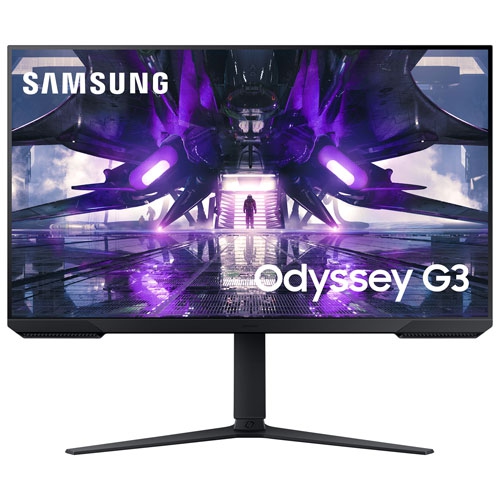
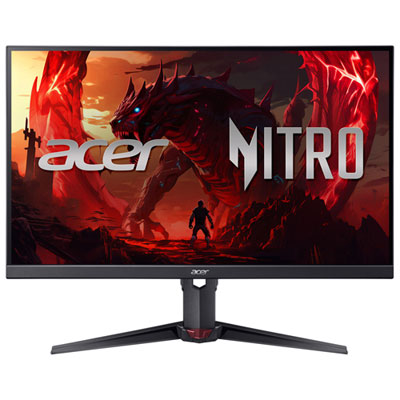
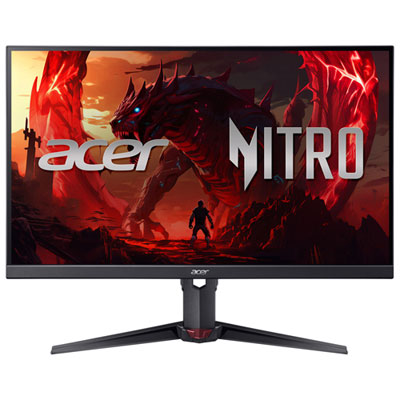
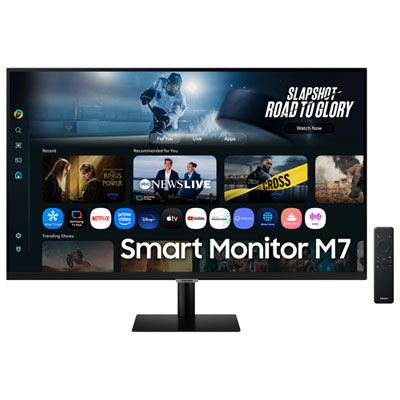
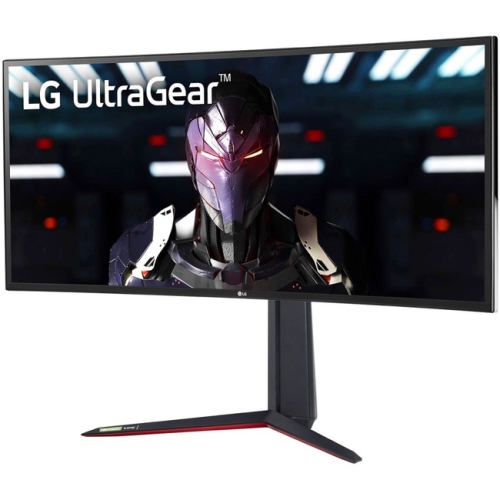
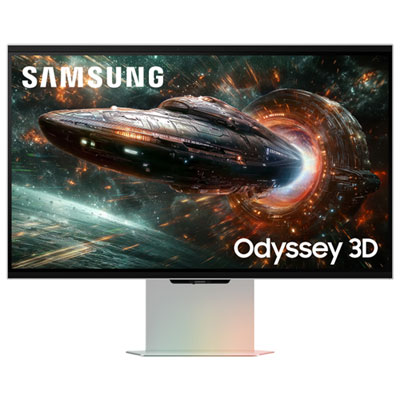
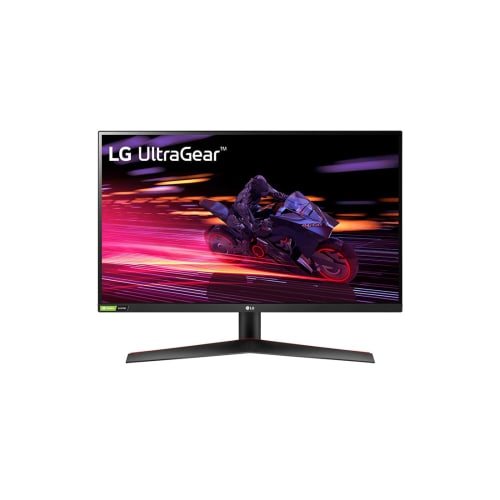
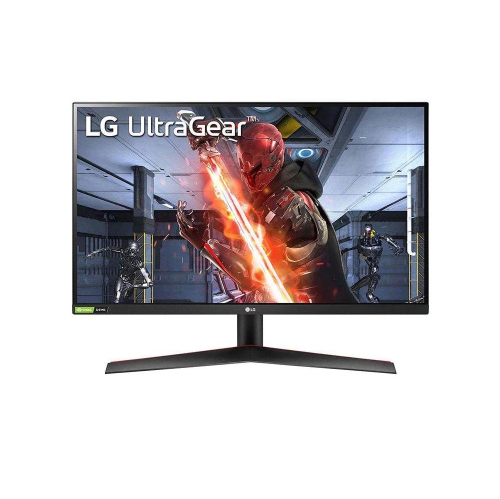
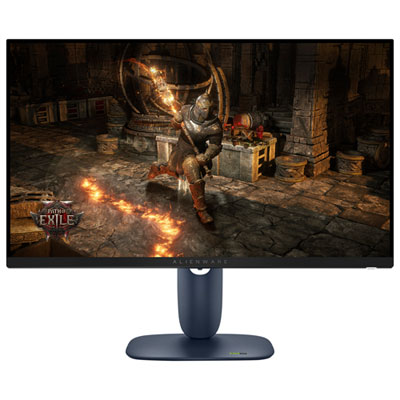
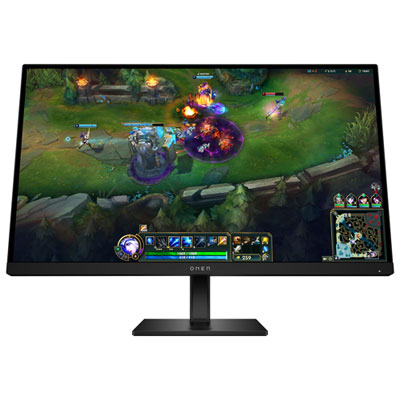
How display specs shape smoother, more responsive gameplay
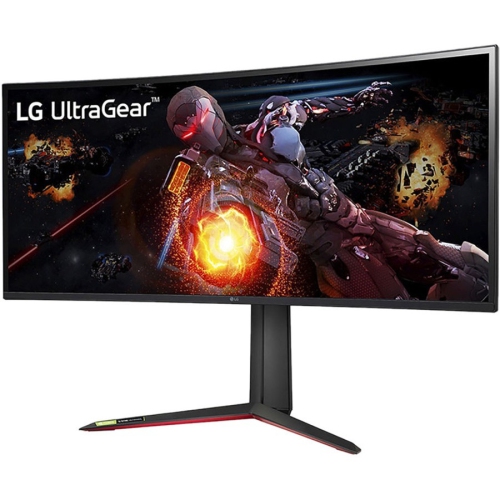
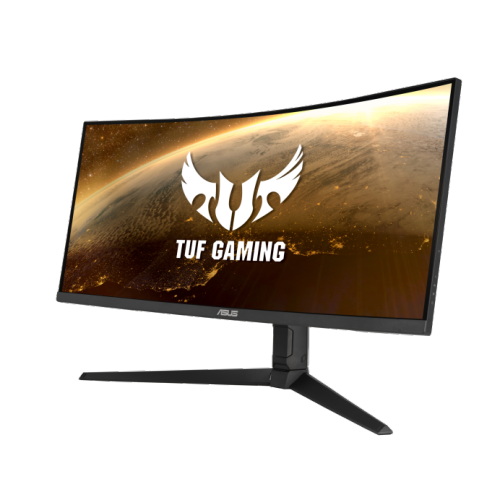
The Top 10 Gaming Monitors featured on this page bring together a range of display technologies, screen sizes, resolutions and refresh rates for different types of players and gaming setups. A gaming monitor can make fast movement look clearer, reduce distracting blur and help your games feel more responsive, but the best choice depends on how you play and what your computer or console can support. A 1080p monitor can be a smart fit for competitive gaming, especially on a smaller screen where a high refresh rate and lower demand on the graphics card can help deliver consistently smooth performance. A 1440p monitor offers a useful middle ground, with sharper detail than 1080p while remaining easier to drive than 4K. For single-player adventures, open-world games, racing titles and visually rich role-playing games, a 4K monitor can reveal finer textures, distant details and more lifelike scenery. The products on this list include options designed for each of these experiences, from compact high-speed displays for esports to larger, more immersive screens for expansive game worlds. When comparing them, consider the type of games you play most often, the graphics card in your gaming PC, the capabilities of your console and the space available on your desk. A monitor with an ambitious resolution or extremely high refresh rate may not show its full potential if the rest of the setup cannot produce enough frames per second, while a well-matched display can make the entire system feel more balanced.
Refresh rate, response time and adaptive synchronization are especially important for gaming. Measured in hertz, refresh rate describes how many times the monitor can update its image each second. Higher refresh rates can make camera movement, aiming and fast action feel smoother, with 144Hz, 165Hz, 240Hz and even higher options appearing in this category. Competitive players who enjoy first-person shooters, battle royale games or racing simulations may favour a very high refresh rate because every movement feels immediate and fluid when paired with a system capable of delivering high frame rates. Response time refers to how quickly pixels change from one colour to another. A low response time can help limit ghosting, where a moving object leaves a faint trail behind it. Adaptive synchronization technologies help the display coordinate its refresh rate with the frame rate from the graphics card, reducing visible tearing and helping motion appear more consistent when performance fluctuates. OLED gaming monitors are known for deep blacks, strong contrast and near-instantaneous pixel response, making dark scenes and rapid movement particularly striking. QD-OLED models can add vivid colour and high contrast to that experience, while IPS displays are often valued for their broad viewing angles, accurate colour and dependable motion performance. Mini-LED backlighting can provide bright highlights and more precise contrast than conventional backlit displays. Curved monitors, including ultrawide formats, can wrap more of the image into your field of view and create an enveloping feel for racing, flight simulation and cinematic games. A flat panel may be the more practical fit for a shared workspace, multi-monitor arrangement or desk positioned close to a wall. These differences explain why the Top 10 Gaming Monitors list includes varied screen formats rather than a single type of display.
Size and connectivity also deserve attention before choosing a monitor. A 24-inch or 25-inch display can fit comfortably on a smaller desk and lets competitive players keep the entire image within easy view. A 27-inch monitor is a popular all-purpose size for 1440p gaming, while a 32-inch display can make 4K detail, story-driven games and creative work feel more spacious. Ultrawide monitors offer additional horizontal room for a broader field of view, side-by-side windows and immersive simulation games, although they require a desk with enough width and a graphics card that can handle the extra pixels. Some especially large displays use a dual-4K format for an expansive desktop and detailed gaming image, making them a strong choice for dedicated setups rather than compact workstations. Check the available HDMI and DisplayPort connections against the devices you intend to use, and look for features such as HDMI 2.1 when connecting a newer console or gaming PC that supports advanced resolution and refresh combinations. Built-in speakers can be convenient for everyday use, but a headset or separate speakers may provide more detailed sound for games, films and music. An adjustable stand with height, tilt, swivel and pivot controls can help position the screen comfortably, while VESA compatibility provides flexibility for a monitor arm or wall mount. Features such as a USB hub, headphone output, on-screen aiming tools and blue-light or flicker-reduction settings may also be useful depending on how the monitor fits into your routine. These displays can be a memorable gift for a student, a PC builder, a console player or anyone creating a gaming room during the cooler months, particularly when the recipient’s desk size, preferred games and computer specifications are known. Pairing a new display with accessories such as Top 10 Gaming Keyboards can help create a more complete setup, but the monitor should always be selected first around the player’s resolution, performance and comfort needs.
Refresh rate, response time and adaptive synchronization are especially important for gaming. Measured in hertz, refresh rate describes how many times the monitor can update its image each second. Higher refresh rates can make camera movement, aiming and fast action feel smoother, with 144Hz, 165Hz, 240Hz and even higher options appearing in this category. Competitive players who enjoy first-person shooters, battle royale games or racing simulations may favour a very high refresh rate because every movement feels immediate and fluid when paired with a system capable of delivering high frame rates. Response time refers to how quickly pixels change from one colour to another. A low response time can help limit ghosting, where a moving object leaves a faint trail behind it. Adaptive synchronization technologies help the display coordinate its refresh rate with the frame rate from the graphics card, reducing visible tearing and helping motion appear more consistent when performance fluctuates. OLED gaming monitors are known for deep blacks, strong contrast and near-instantaneous pixel response, making dark scenes and rapid movement particularly striking. QD-OLED models can add vivid colour and high contrast to that experience, while IPS displays are often valued for their broad viewing angles, accurate colour and dependable motion performance. Mini-LED backlighting can provide bright highlights and more precise contrast than conventional backlit displays. Curved monitors, including ultrawide formats, can wrap more of the image into your field of view and create an enveloping feel for racing, flight simulation and cinematic games. A flat panel may be the more practical fit for a shared workspace, multi-monitor arrangement or desk positioned close to a wall. These differences explain why the Top 10 Gaming Monitors list includes varied screen formats rather than a single type of display.
Size and connectivity also deserve attention before choosing a monitor. A 24-inch or 25-inch display can fit comfortably on a smaller desk and lets competitive players keep the entire image within easy view. A 27-inch monitor is a popular all-purpose size for 1440p gaming, while a 32-inch display can make 4K detail, story-driven games and creative work feel more spacious. Ultrawide monitors offer additional horizontal room for a broader field of view, side-by-side windows and immersive simulation games, although they require a desk with enough width and a graphics card that can handle the extra pixels. Some especially large displays use a dual-4K format for an expansive desktop and detailed gaming image, making them a strong choice for dedicated setups rather than compact workstations. Check the available HDMI and DisplayPort connections against the devices you intend to use, and look for features such as HDMI 2.1 when connecting a newer console or gaming PC that supports advanced resolution and refresh combinations. Built-in speakers can be convenient for everyday use, but a headset or separate speakers may provide more detailed sound for games, films and music. An adjustable stand with height, tilt, swivel and pivot controls can help position the screen comfortably, while VESA compatibility provides flexibility for a monitor arm or wall mount. Features such as a USB hub, headphone output, on-screen aiming tools and blue-light or flicker-reduction settings may also be useful depending on how the monitor fits into your routine. These displays can be a memorable gift for a student, a PC builder, a console player or anyone creating a gaming room during the cooler months, particularly when the recipient’s desk size, preferred games and computer specifications are known. Pairing a new display with accessories such as Top 10 Gaming Keyboards can help create a more complete setup, but the monitor should always be selected first around the player’s resolution, performance and comfort needs.
Top selling and popular products
-
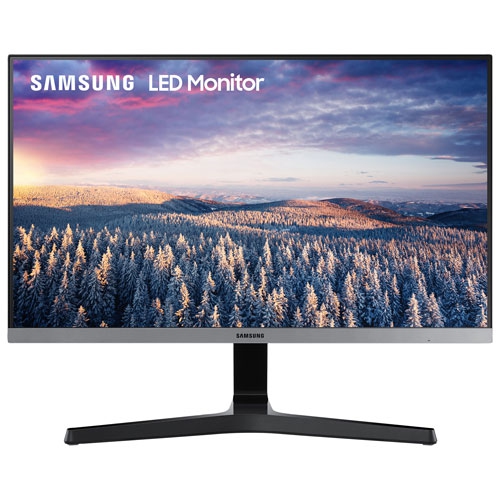 Your price for this item is $279.97
 -
 Your price for this item is $275
 -
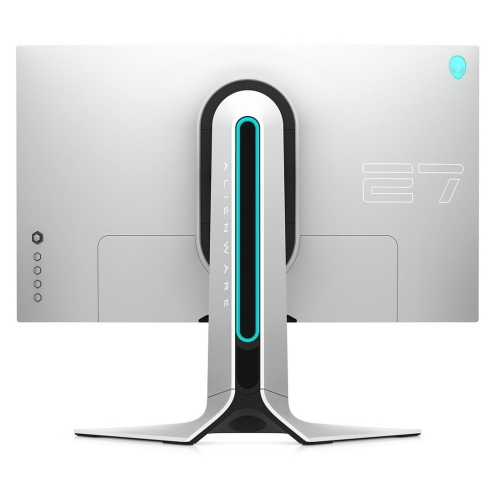 Your price for this item is $299
 -
 Your price for this item is $559.68
 -
 Your price for this item is $209.99
 -
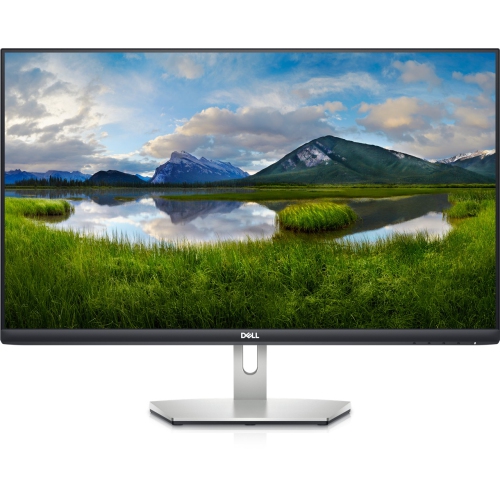 Your price for this item is $239.99
 -
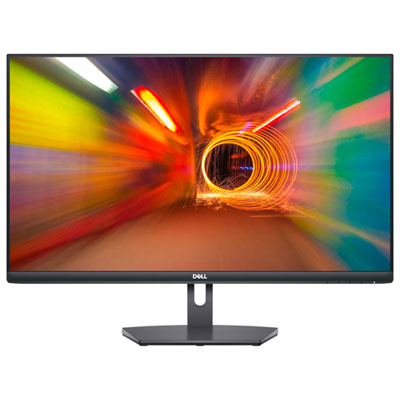 Your price for this item is $179.95
 -
 Your price for this item is $3299.99
Discover more categories related to Top 10 Gaming Monitors

Top Collections:
Pokemon Centers, Kindle Devices, Best Budget Office Chairs, Apple iPhones 16, Best Laptops for Writers, iPhone 15 Apple, Canon G7X Cameras, Refurbished Apple Laptops, Alarm Clock, Motorola Razr Phones
Some products may be subject to Environmental Handling Fees
(EHF) depending on your province.
Learn more about EHFs.