DDR4 Ram for Gaming
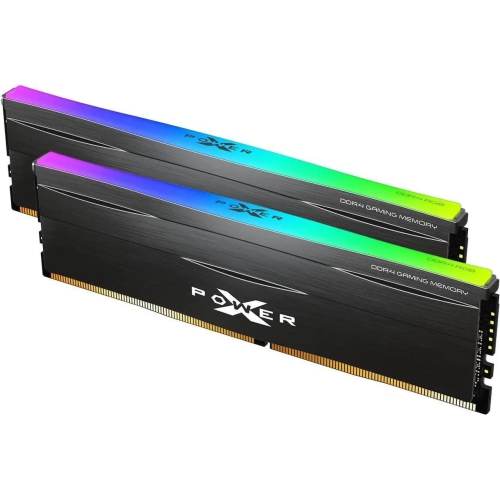
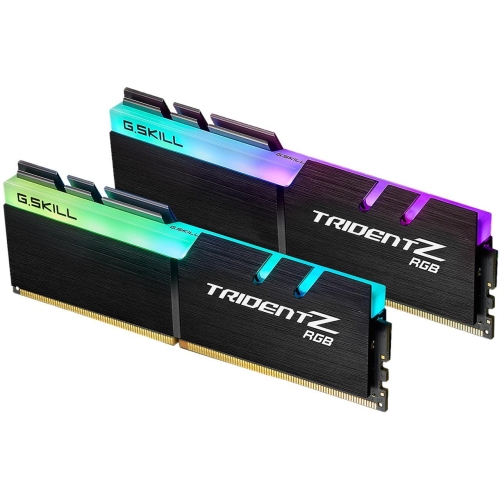
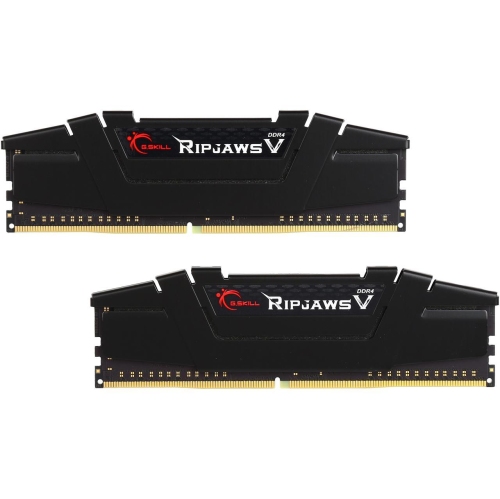
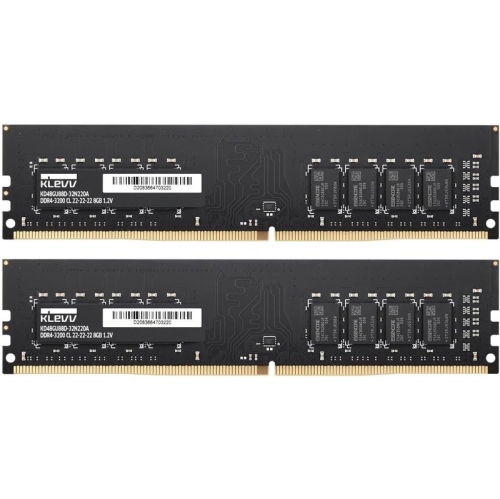
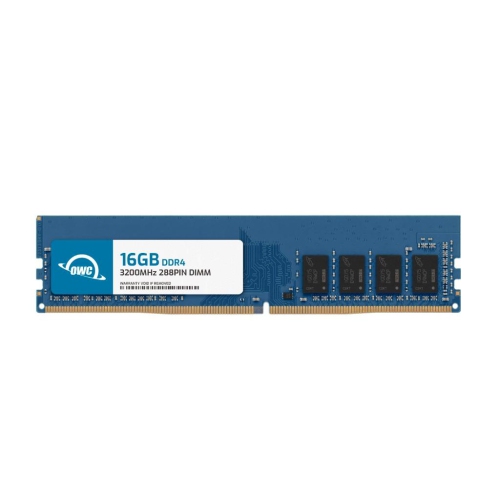
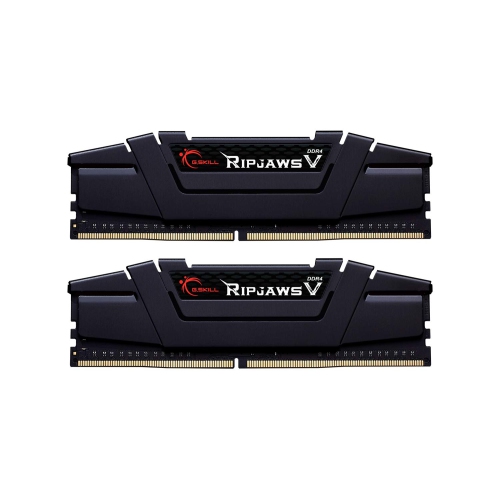
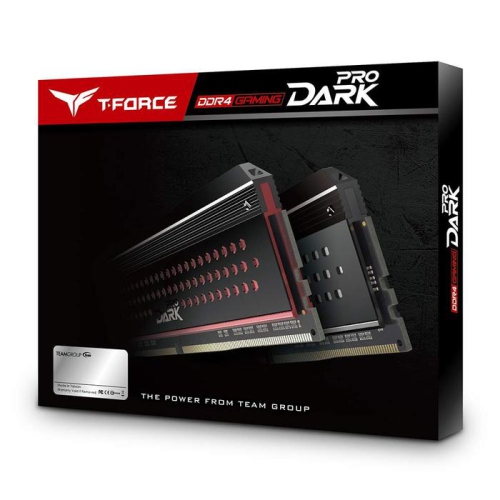
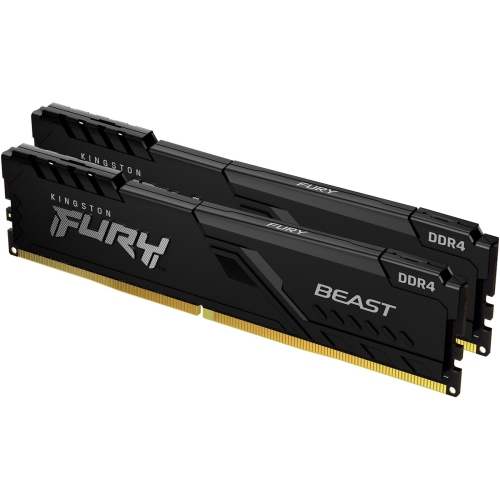
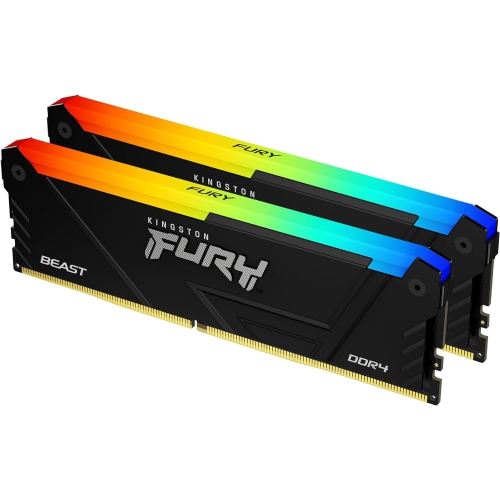
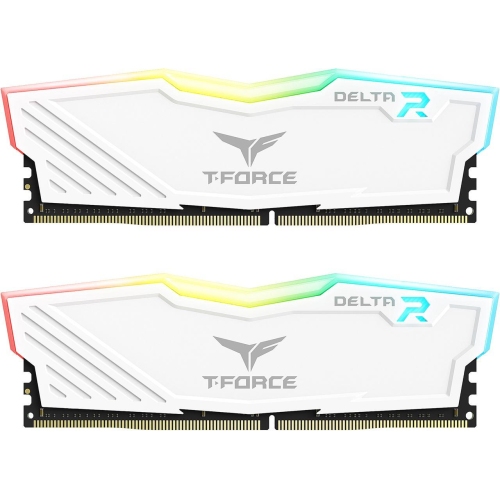
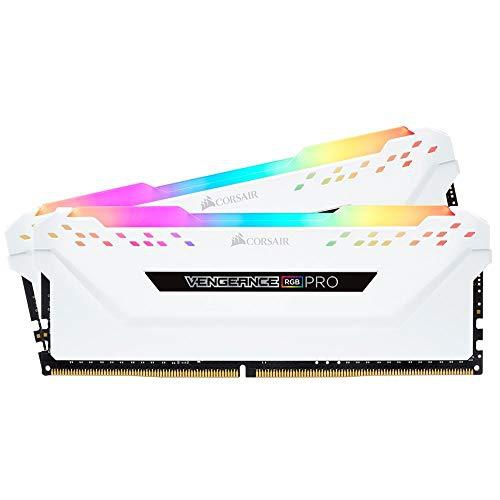
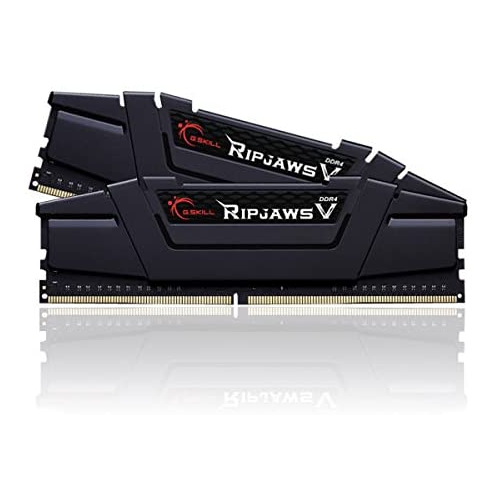
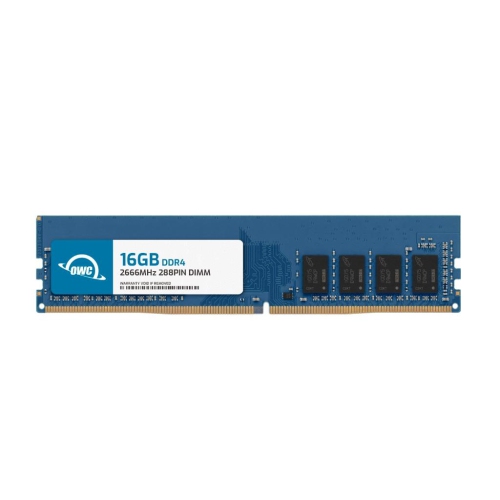
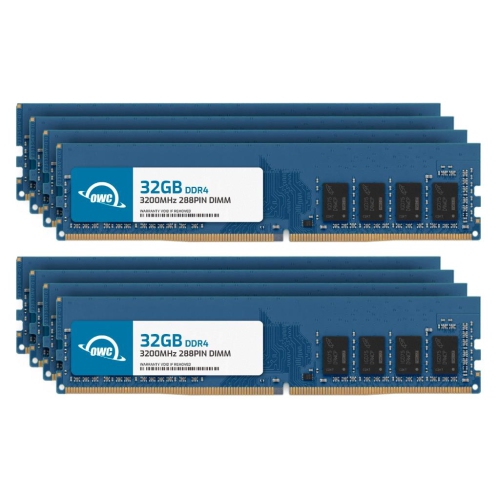
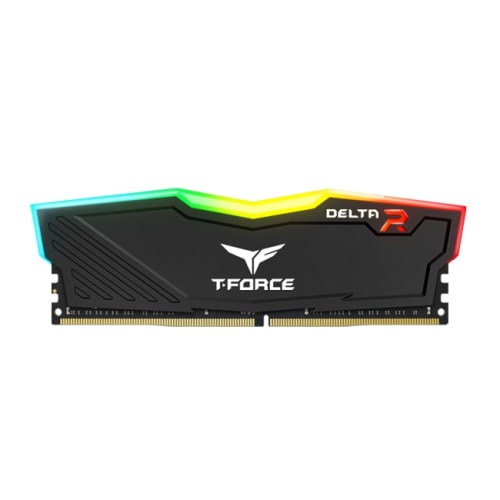
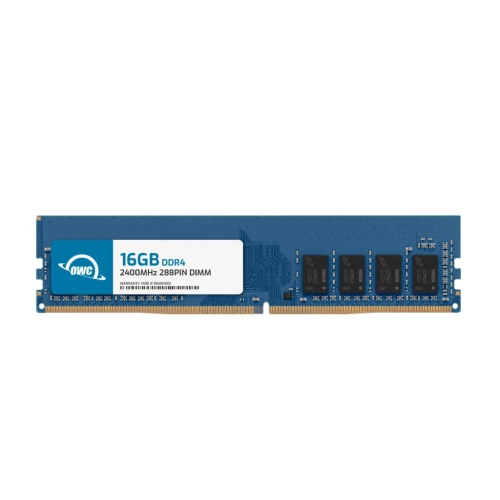
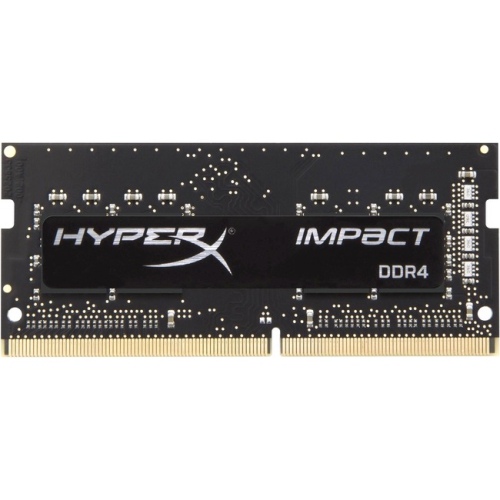
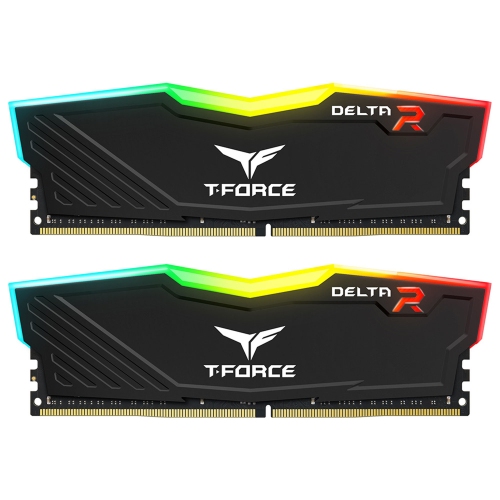
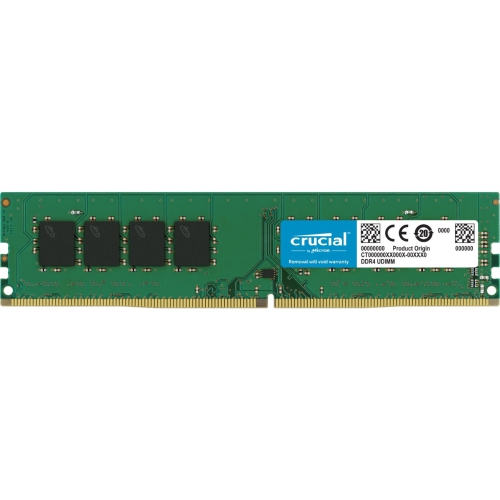
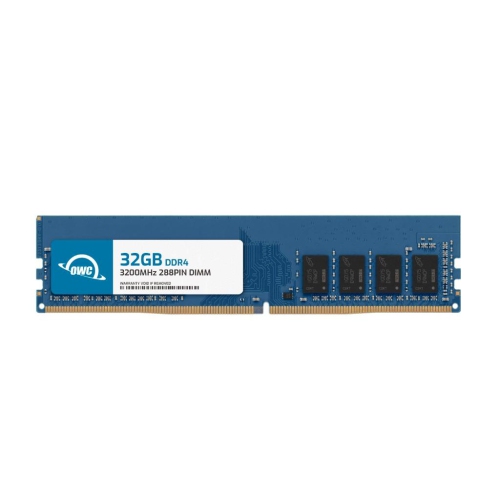
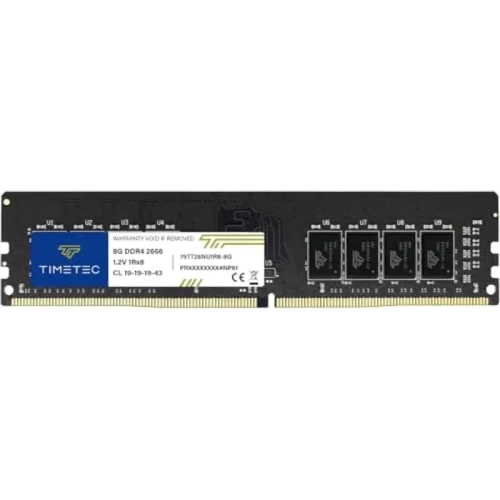
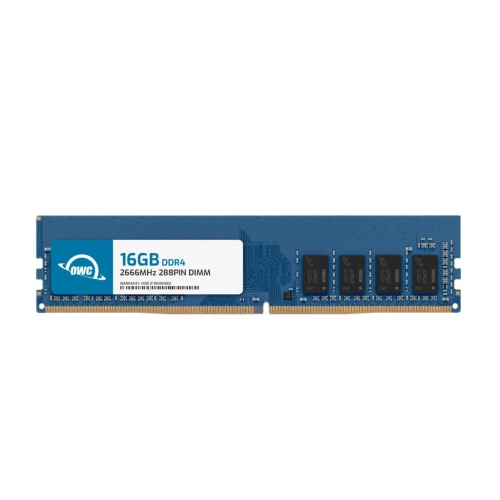
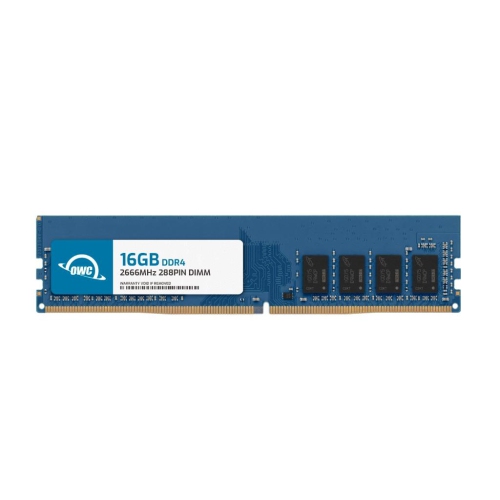
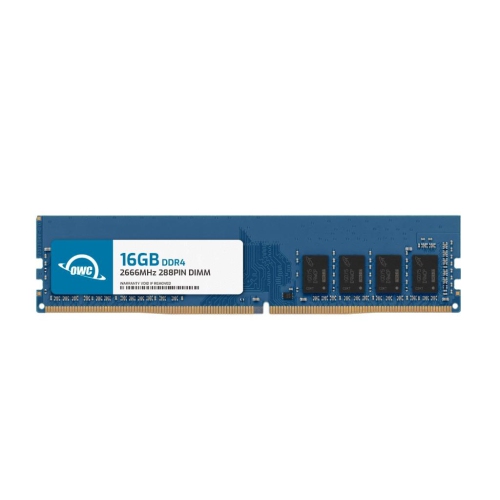
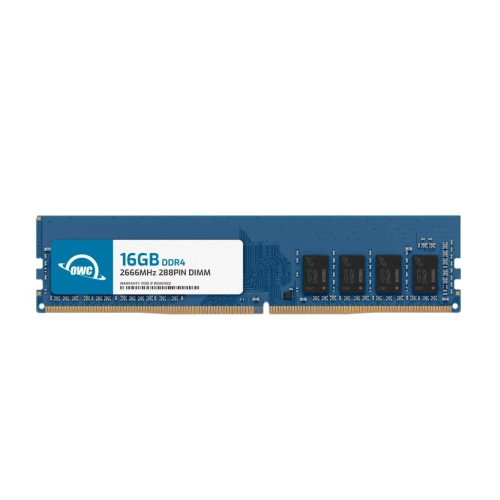
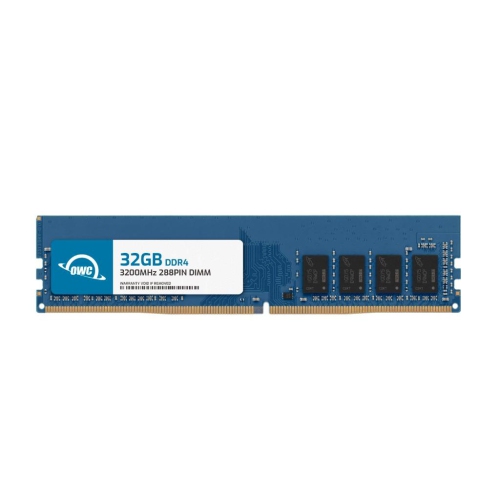
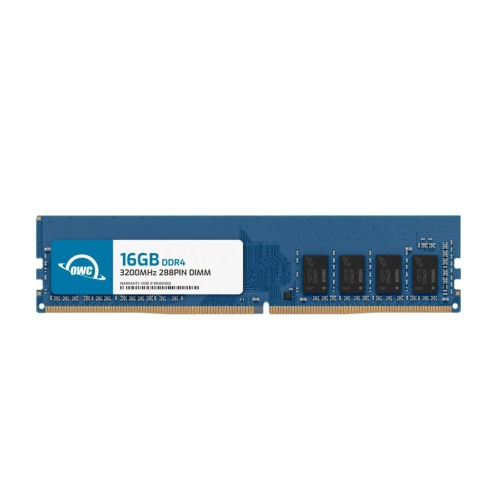
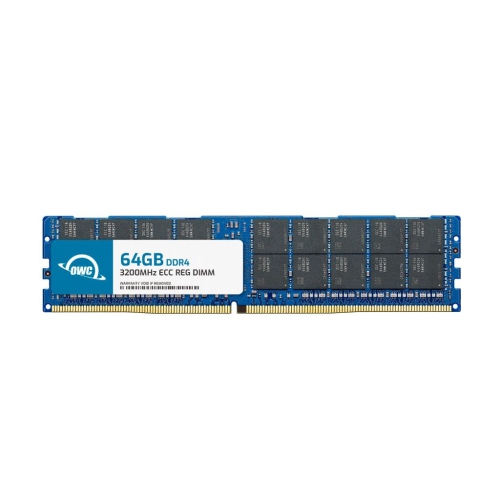
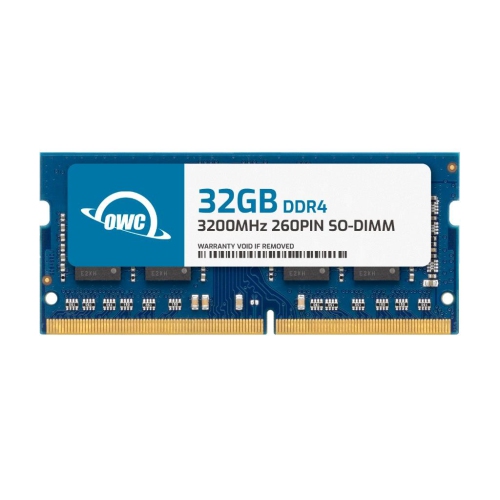
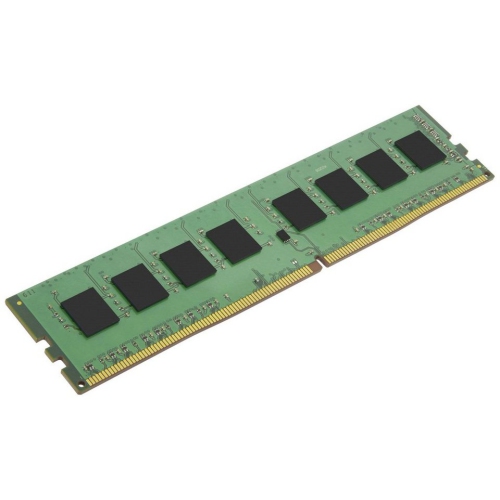
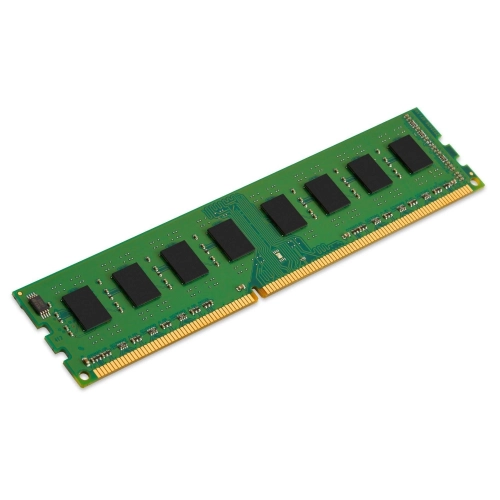
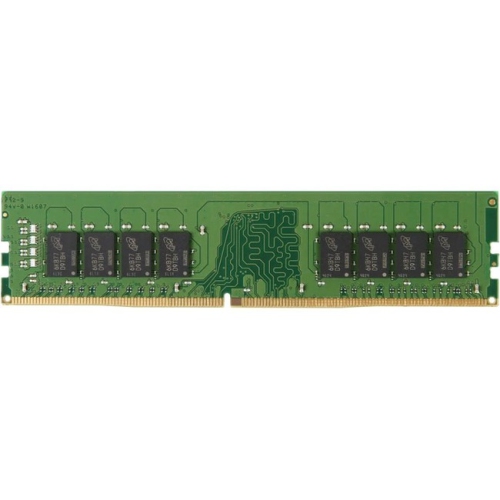
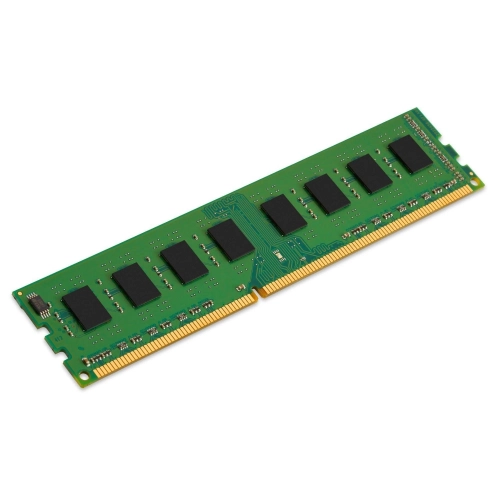
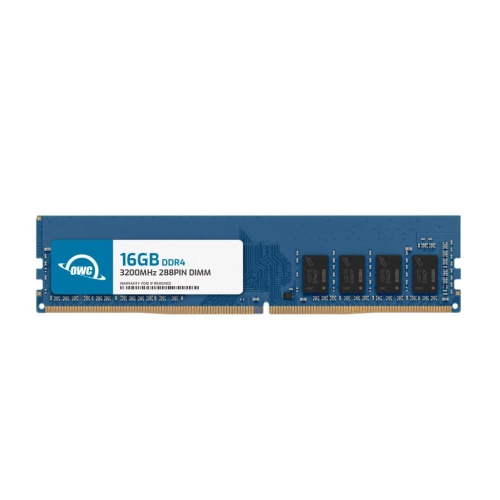
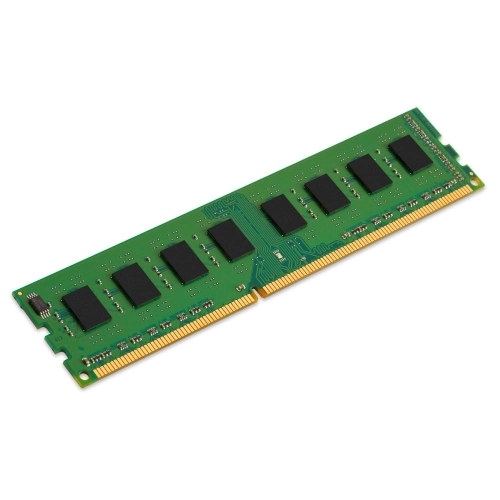
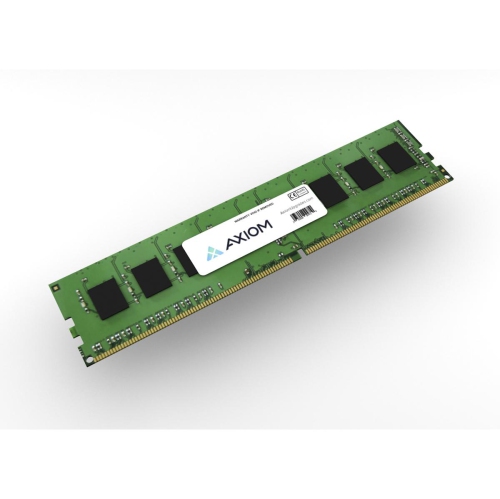
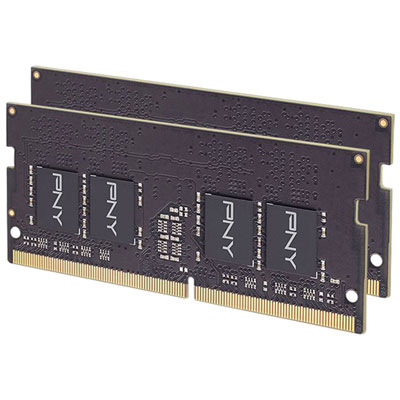
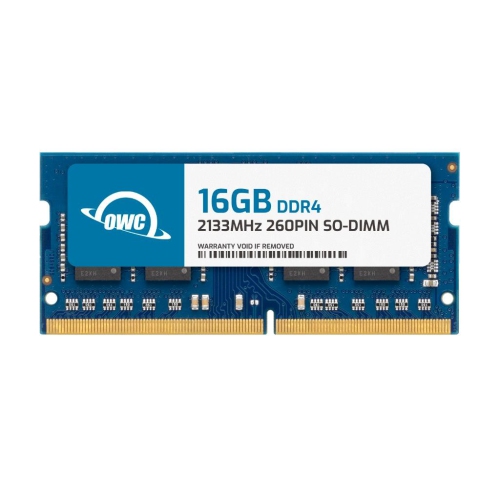
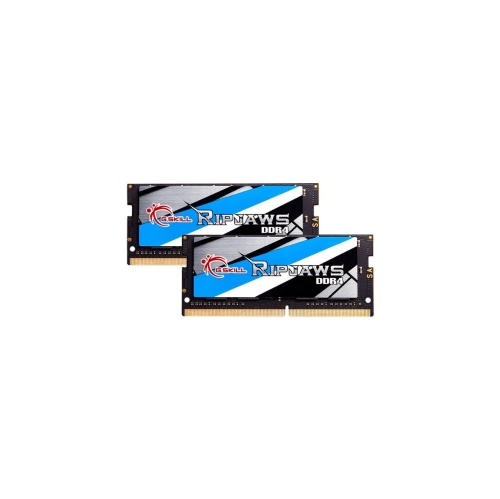
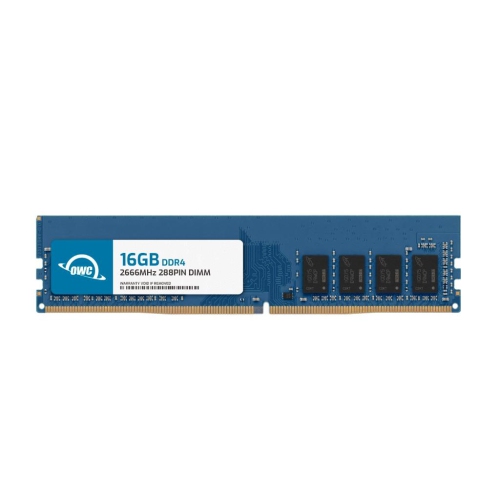
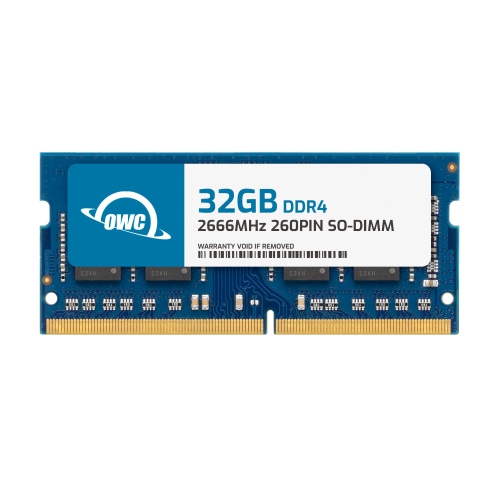
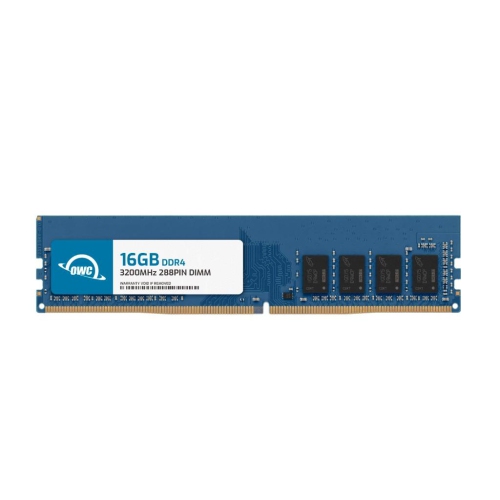
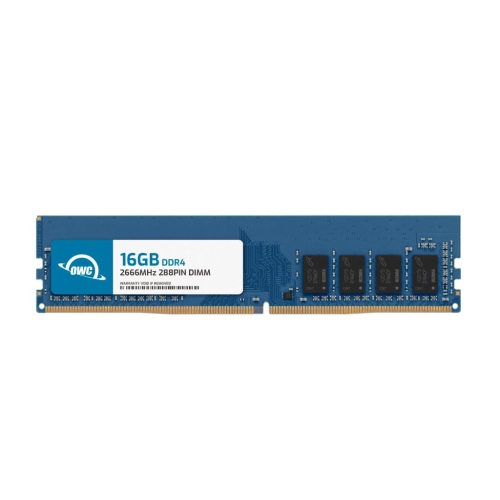
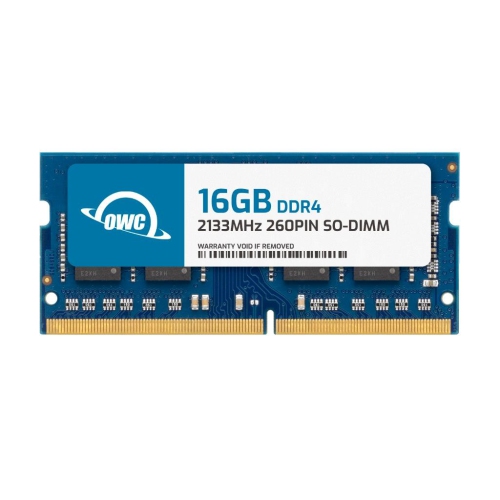
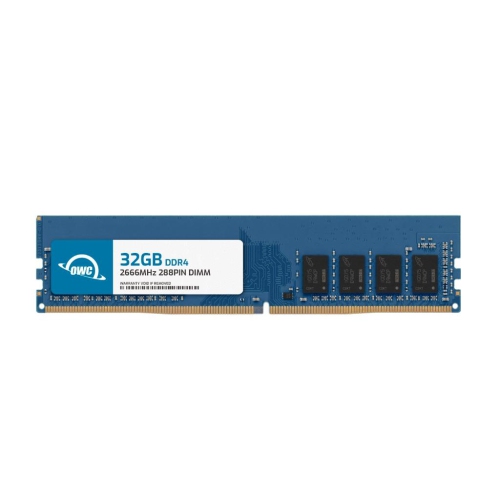
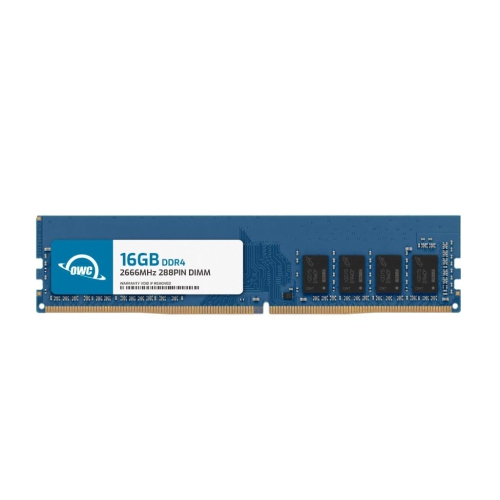
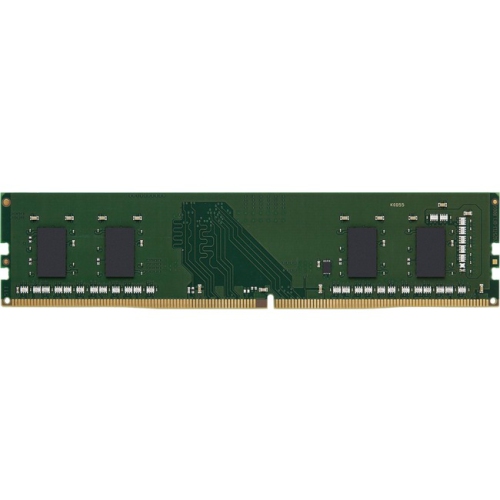
DDR4 RAM can offer faster data transfer rates, higher bandwidths, and lower power consumption compared to its predecessors, which can result in smoother and more responsive gaming experiences. Additionally, with larger capacities and faster clock speeds, DDR4 RAM can support multitasking, video editing, and other memory-intensive applications, making it a great choice for power users and gamers alike. Here are the DDR4 RAM for gaming we offer.
Sort
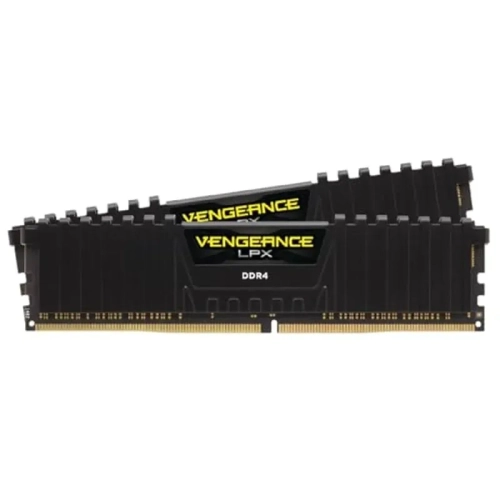
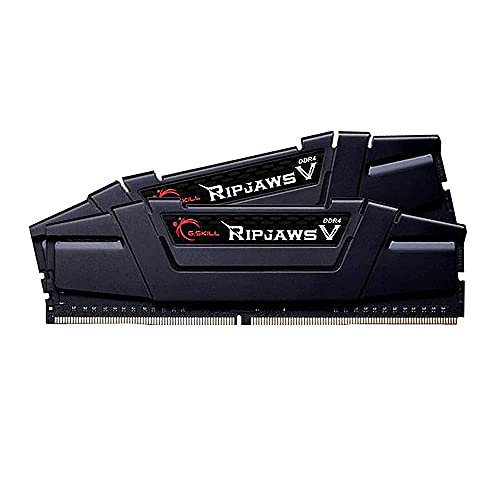
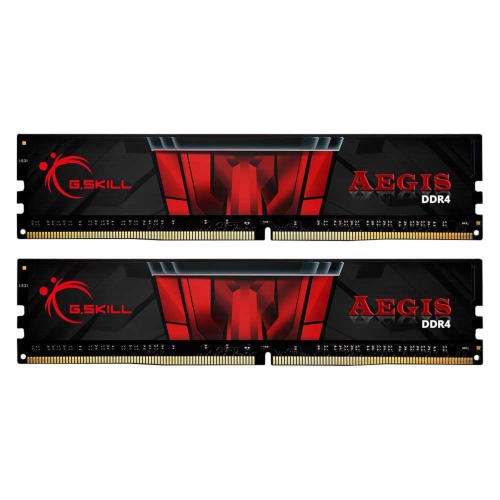
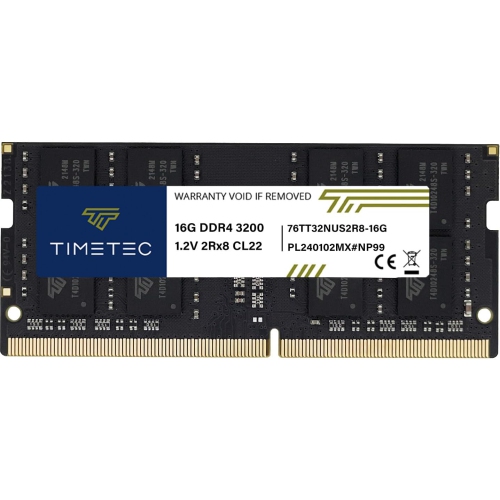
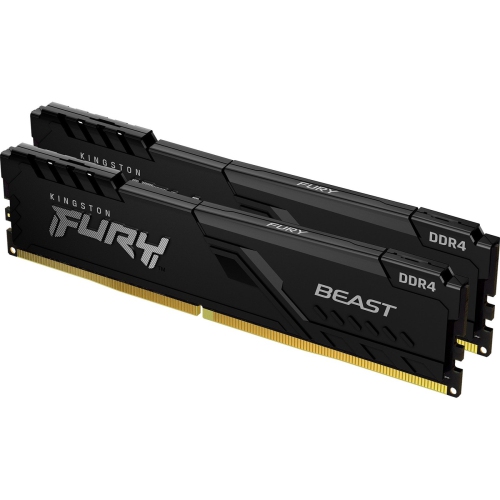
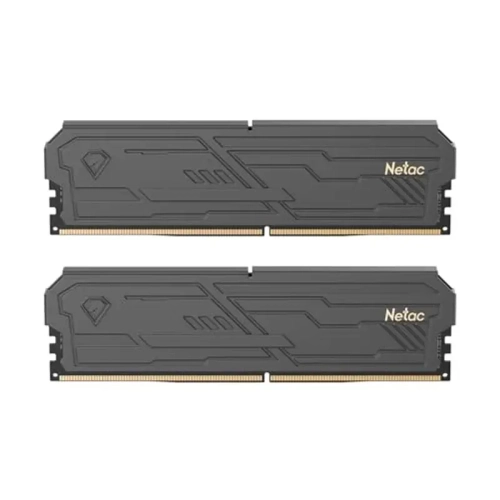
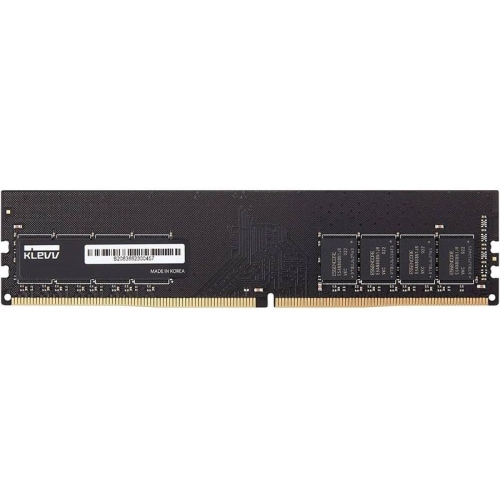
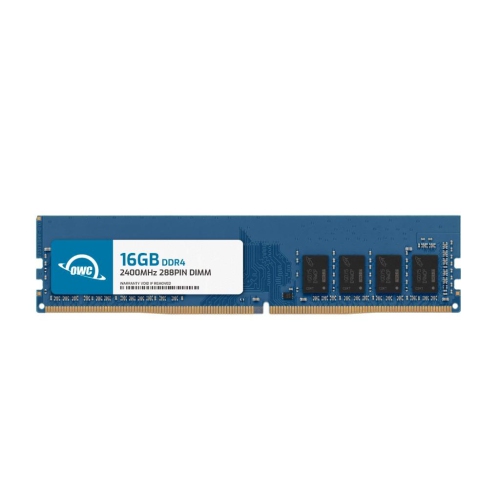
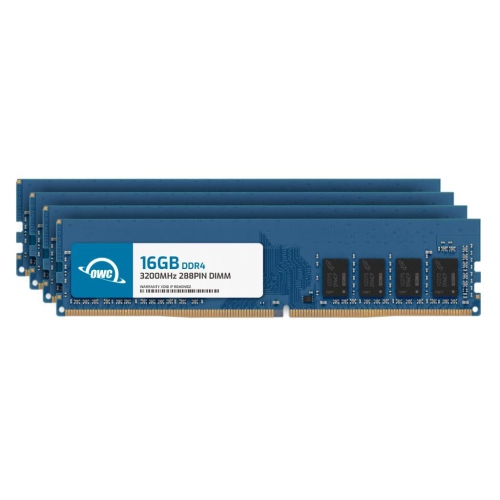
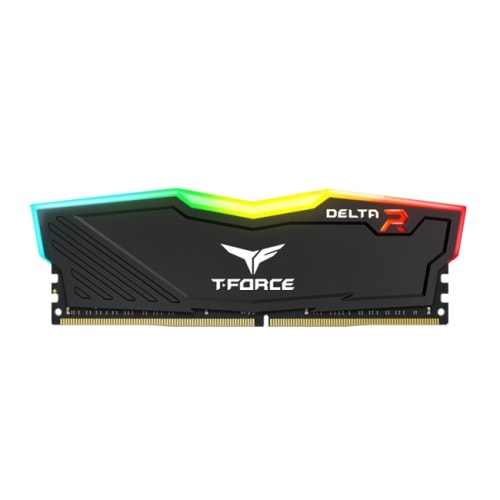
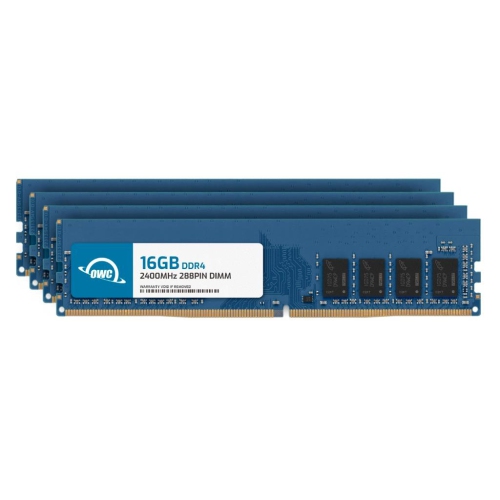
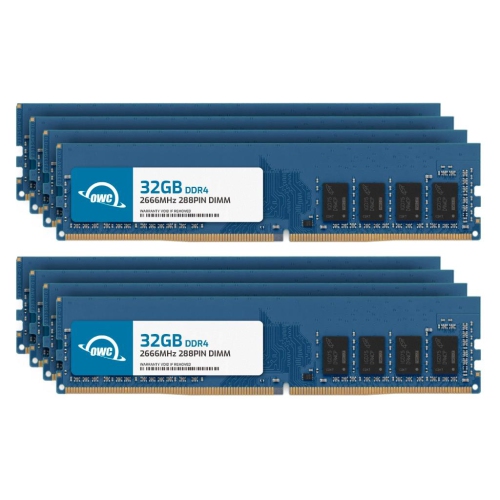
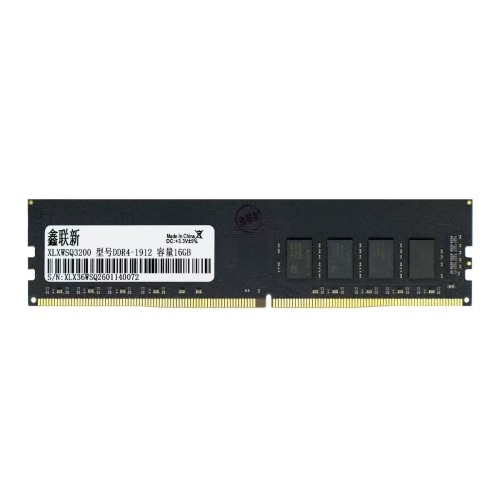
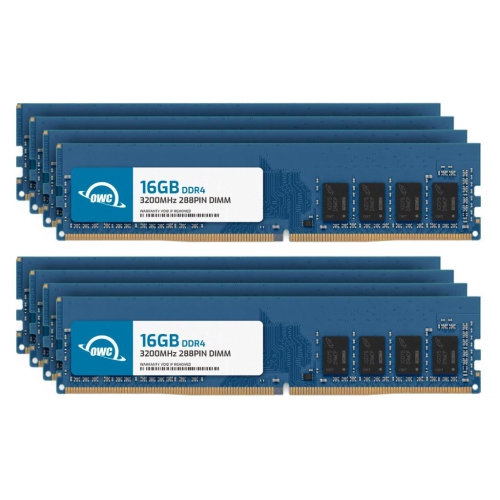
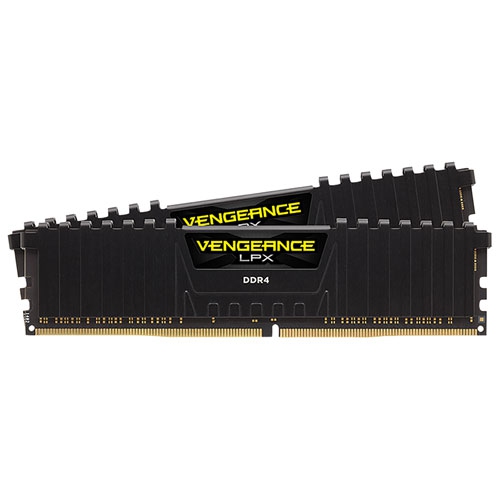
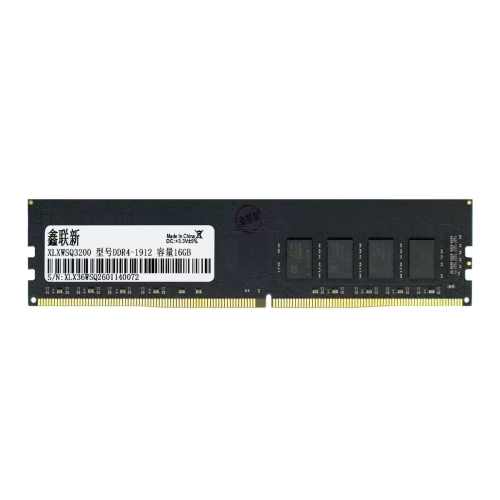
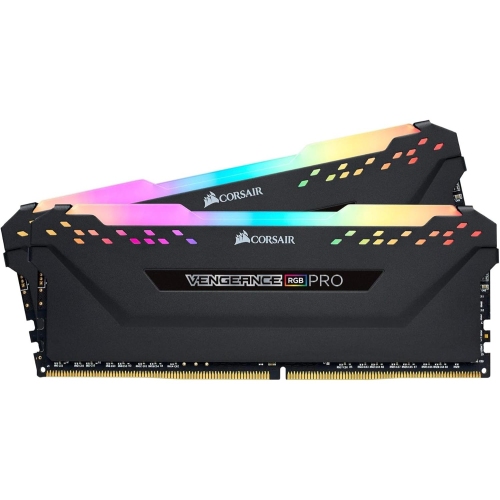
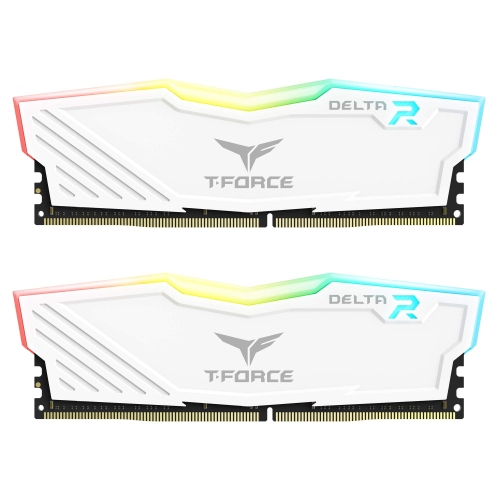

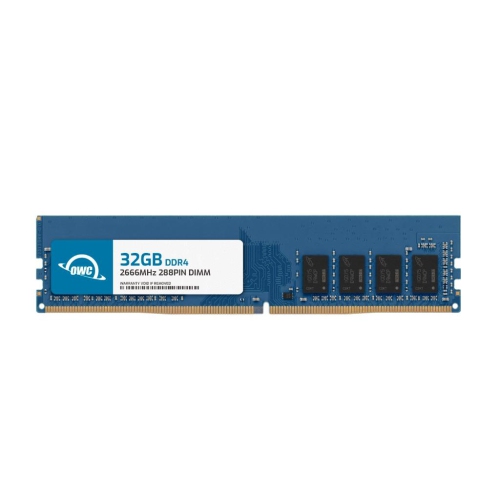
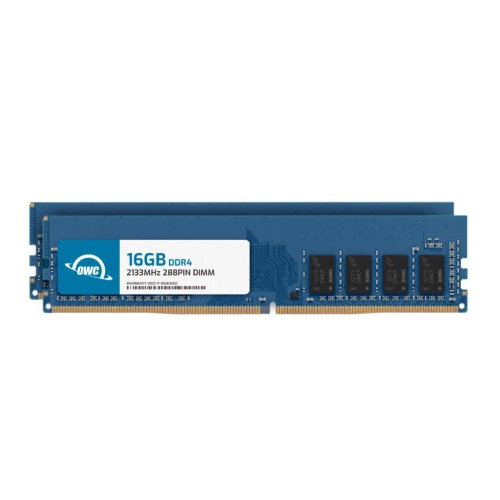
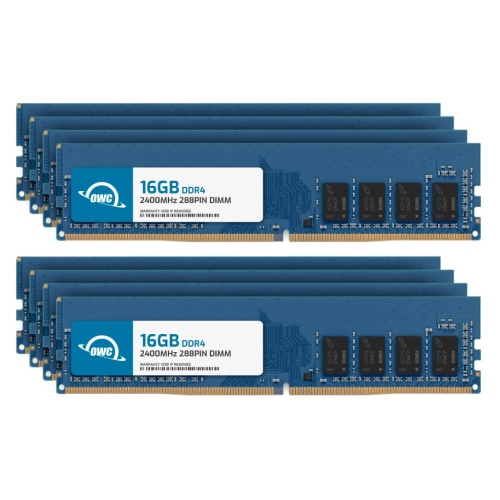
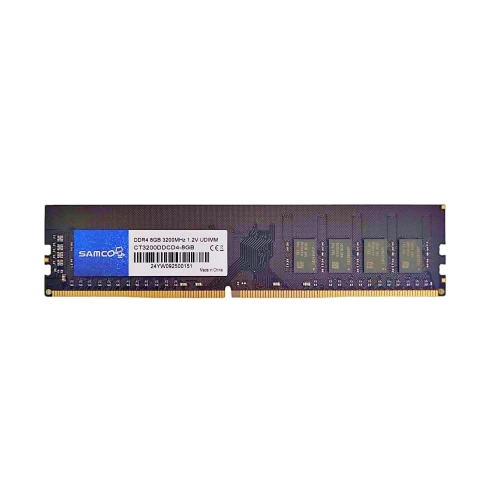

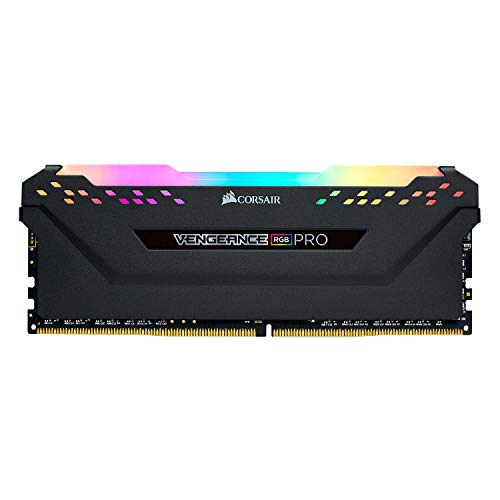
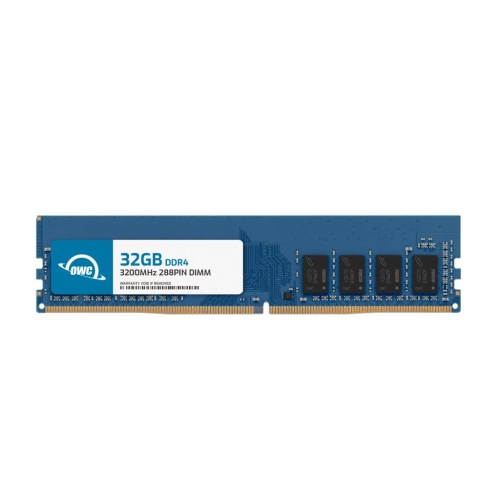



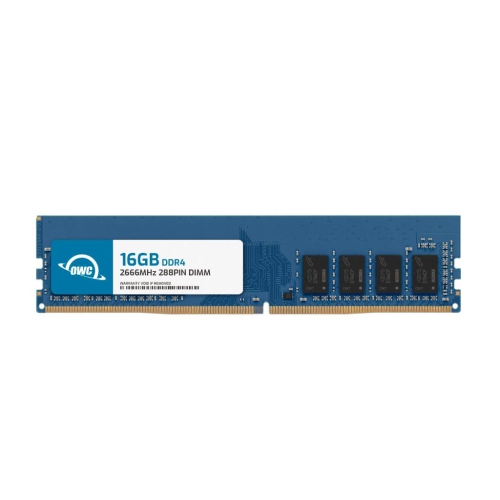
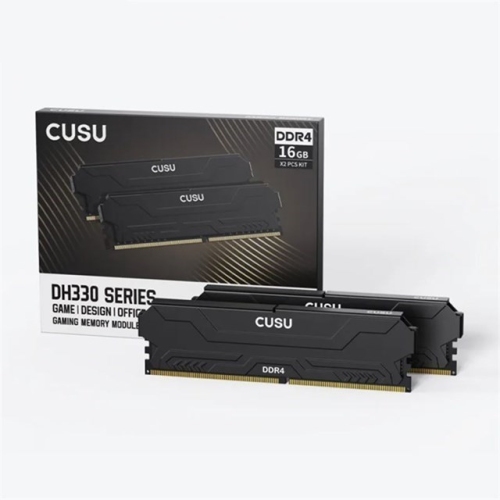
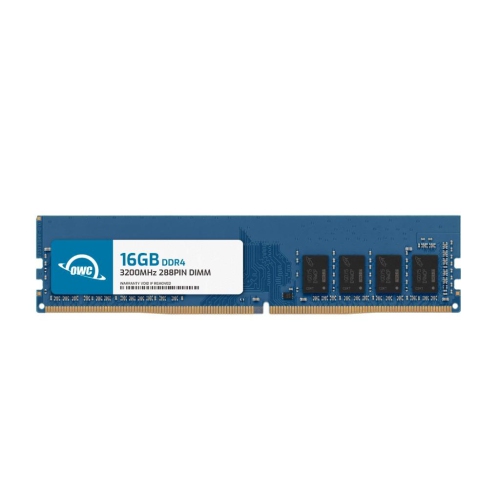

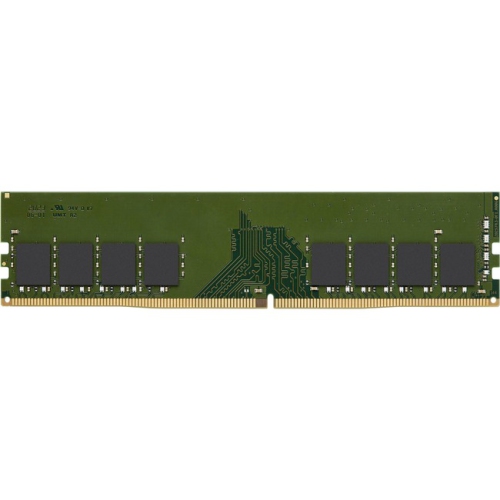
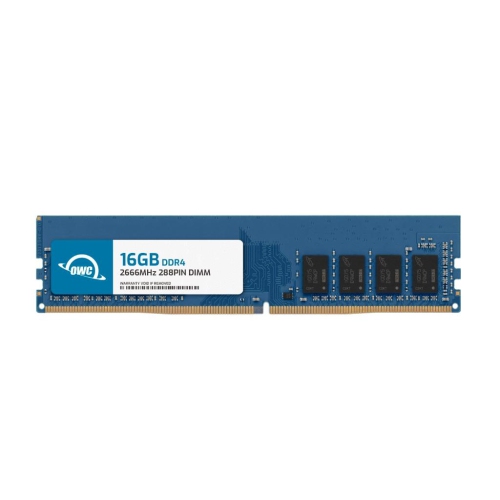

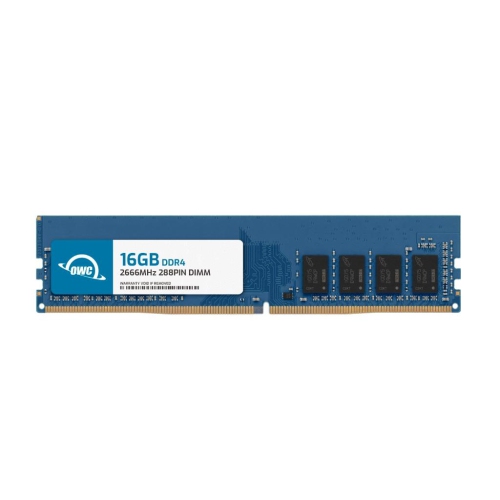
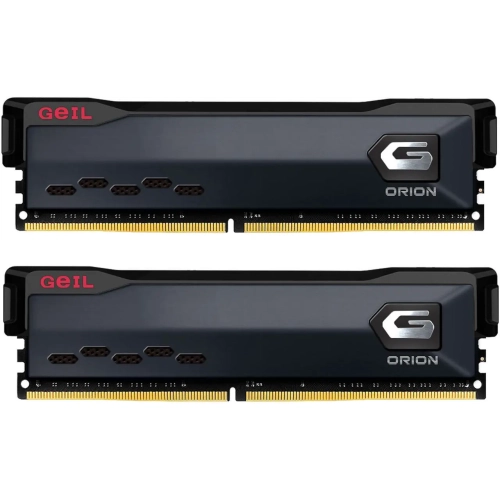
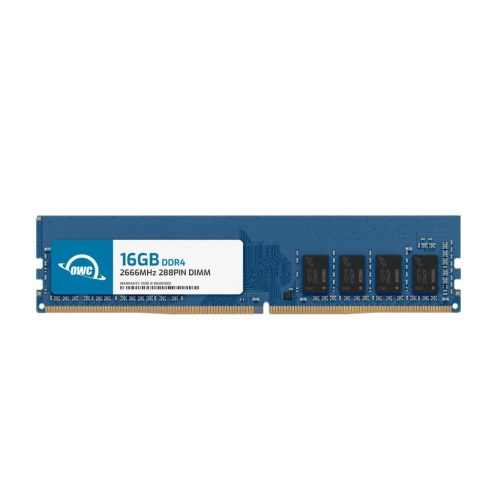
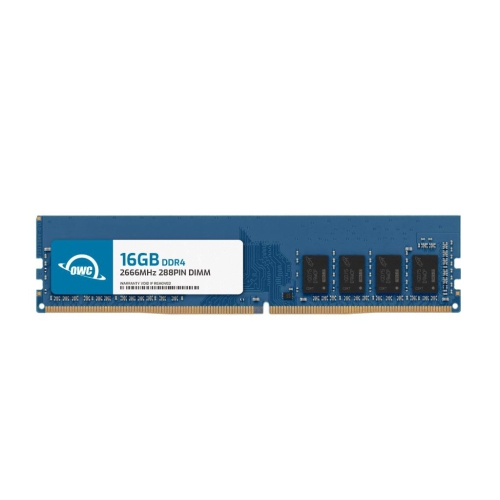


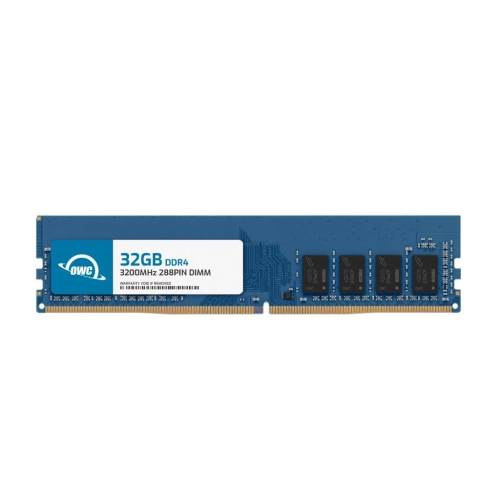
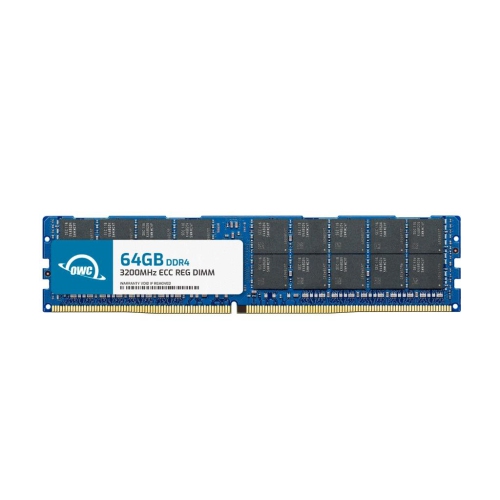
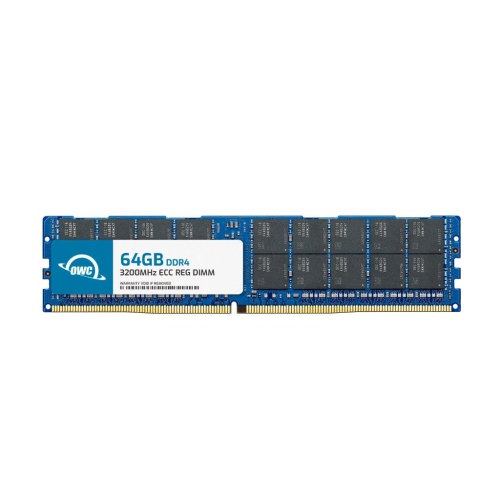
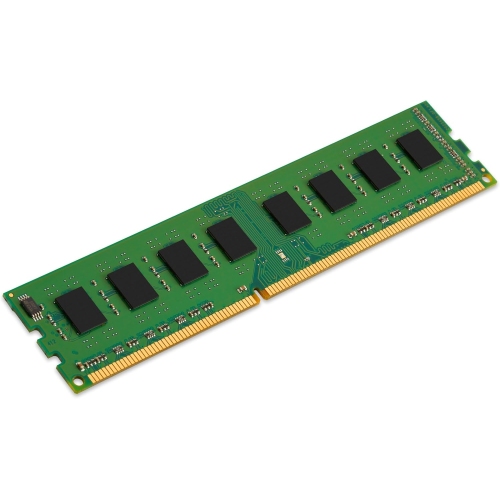
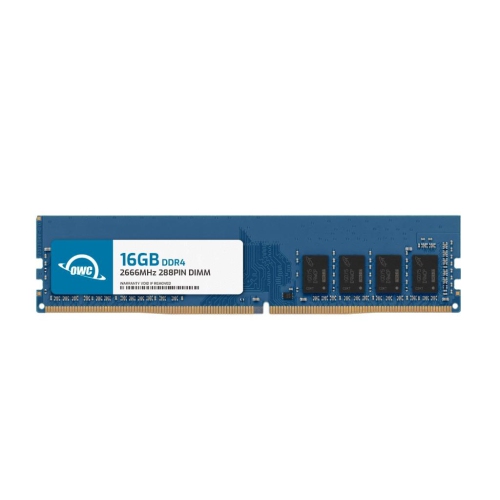
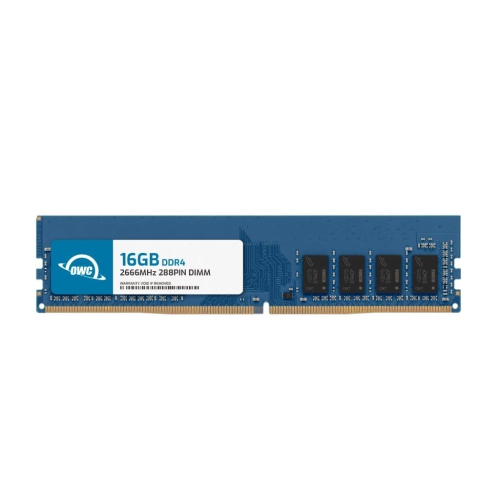
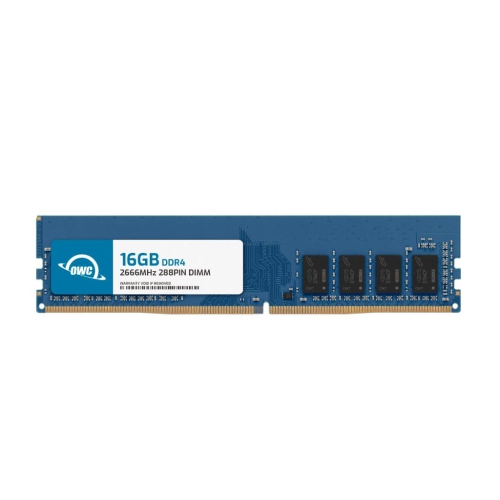
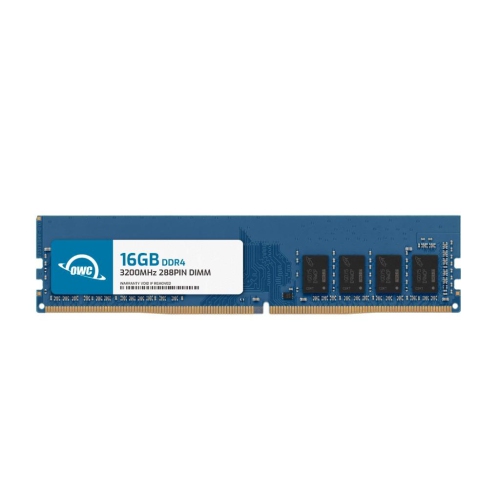
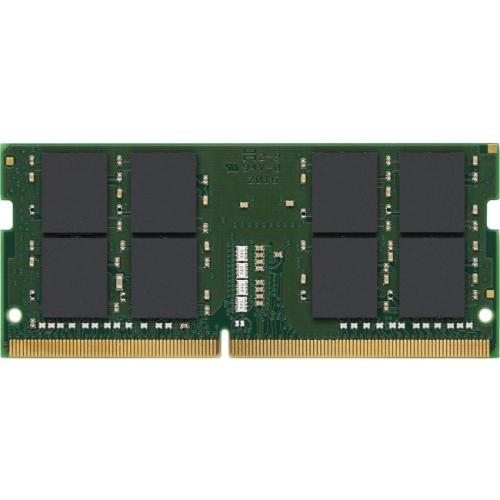

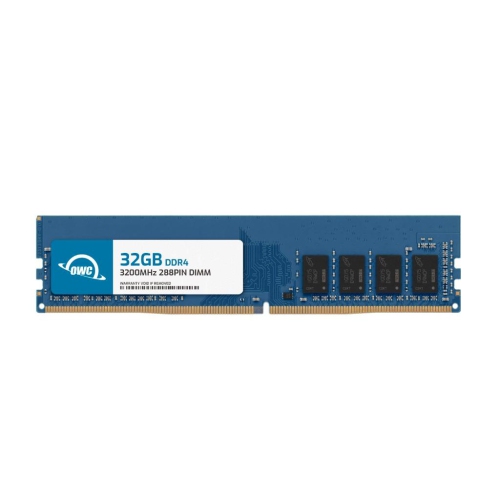
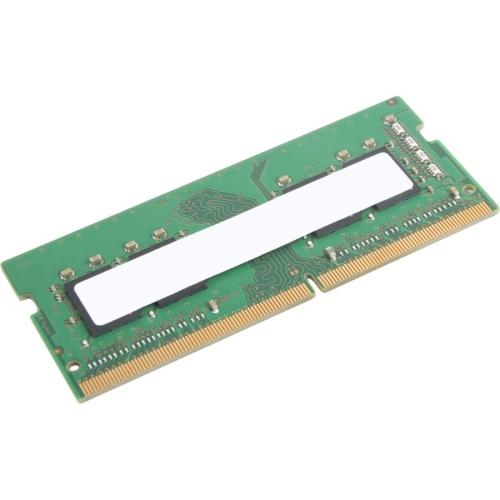
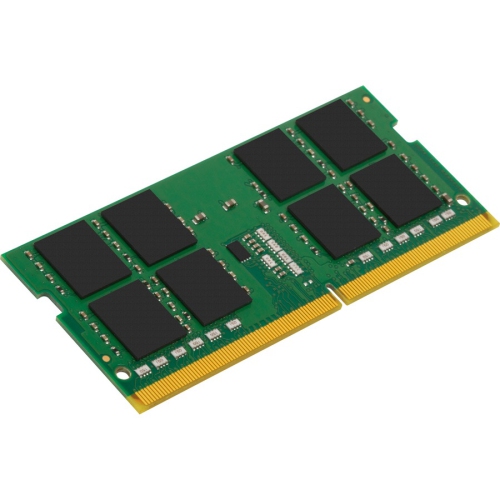
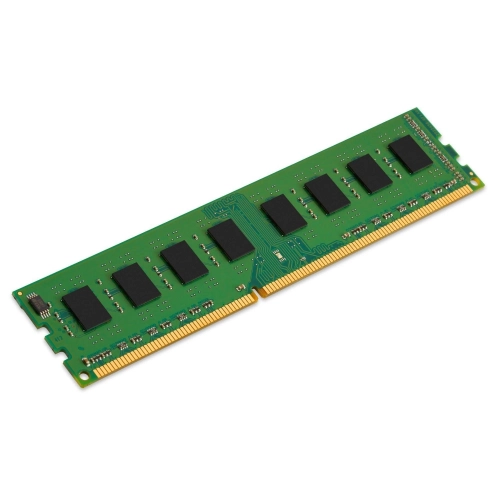
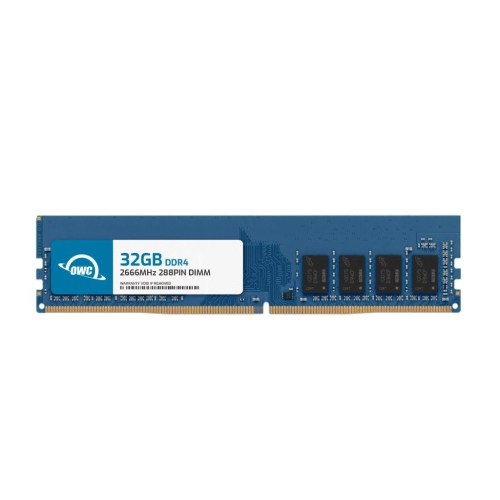
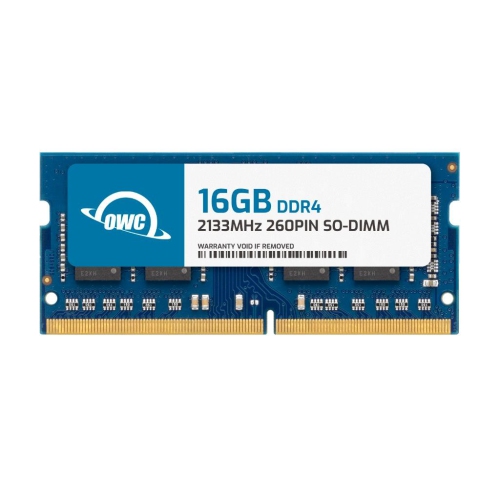
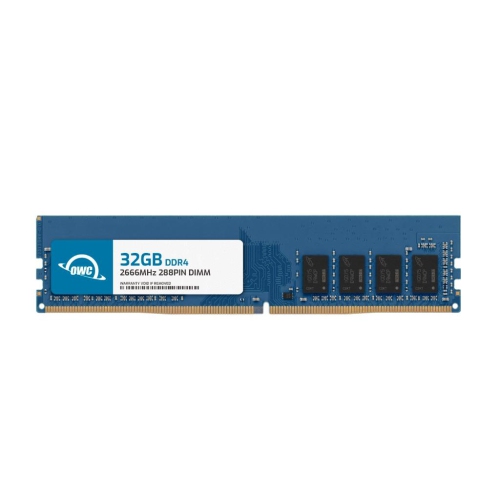
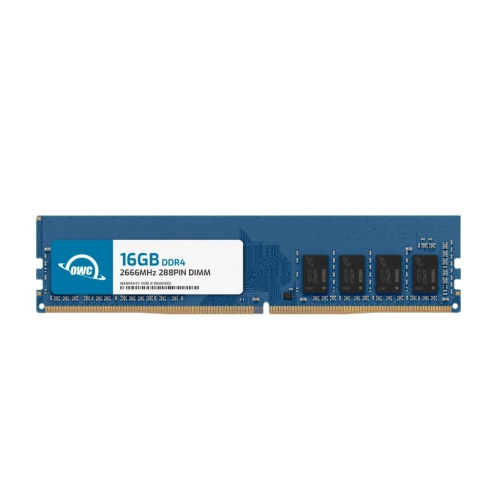
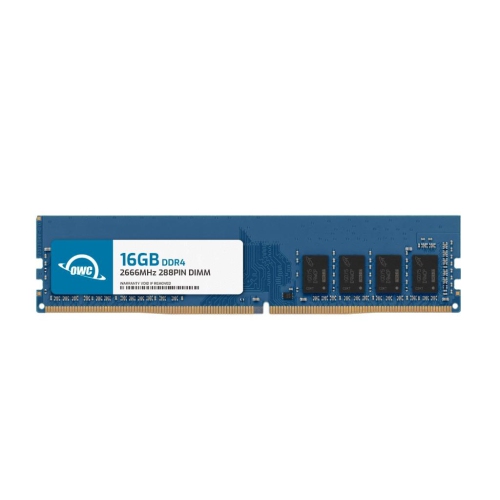

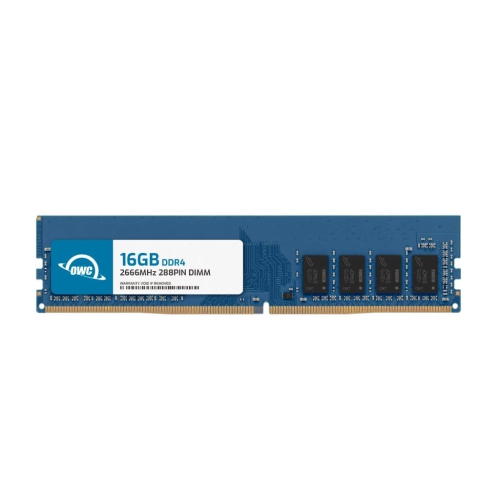
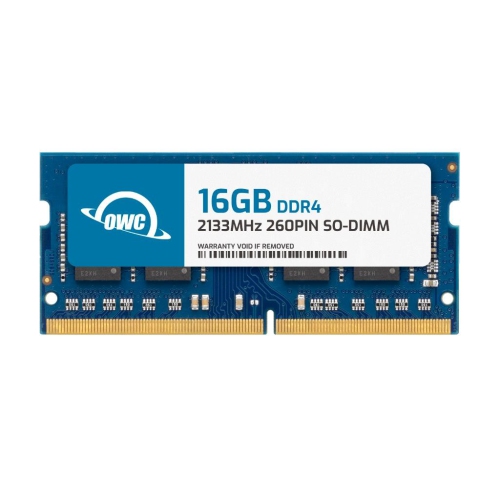

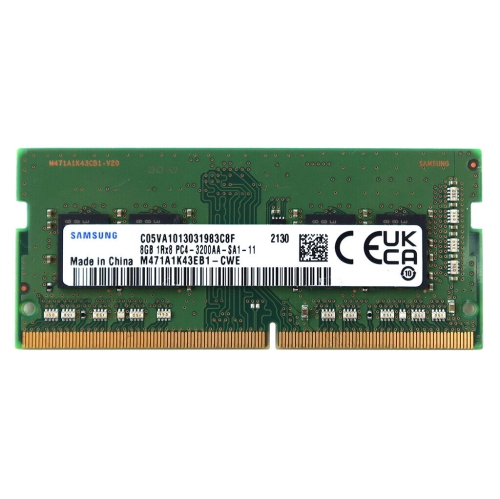
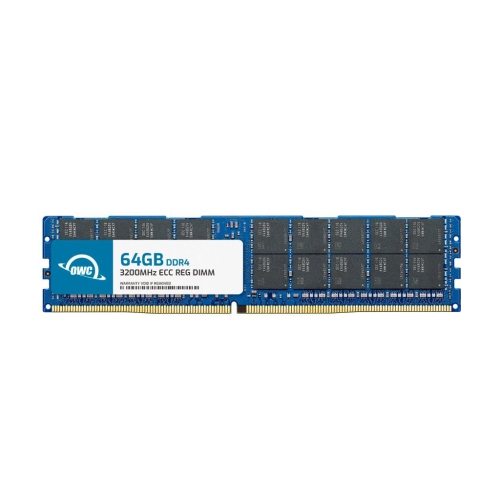
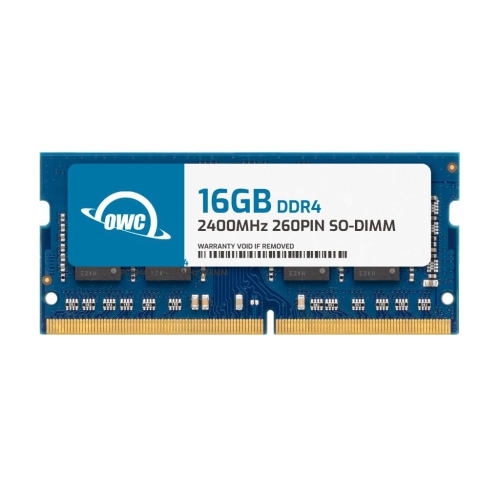
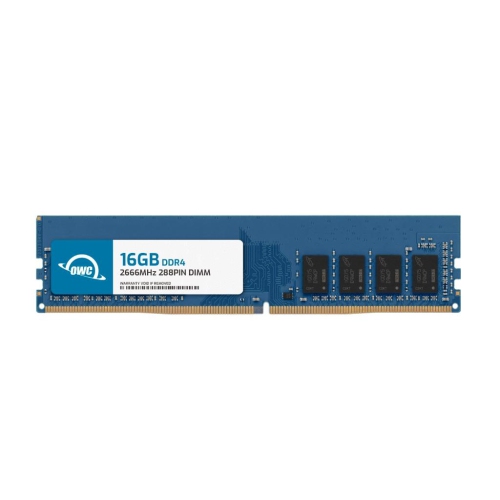
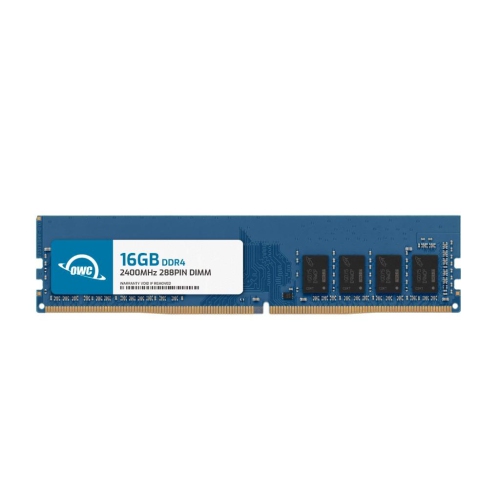
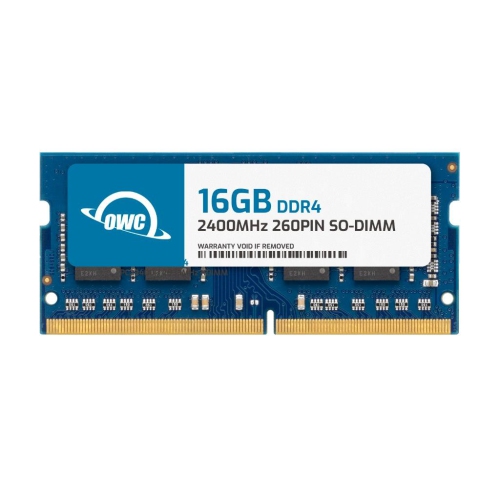
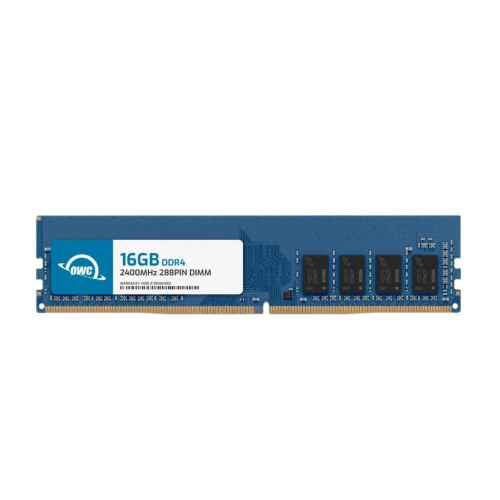
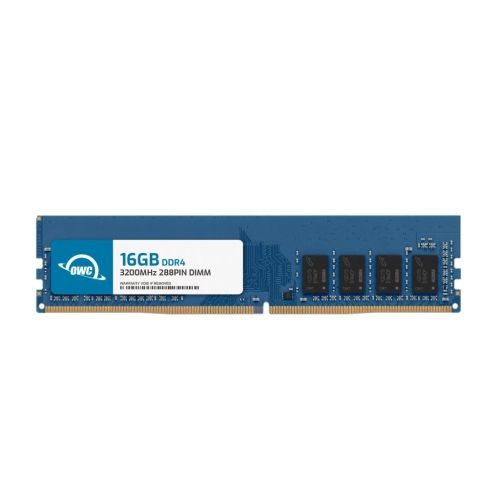

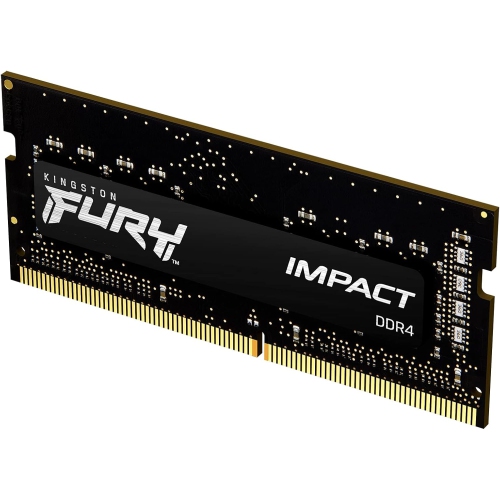
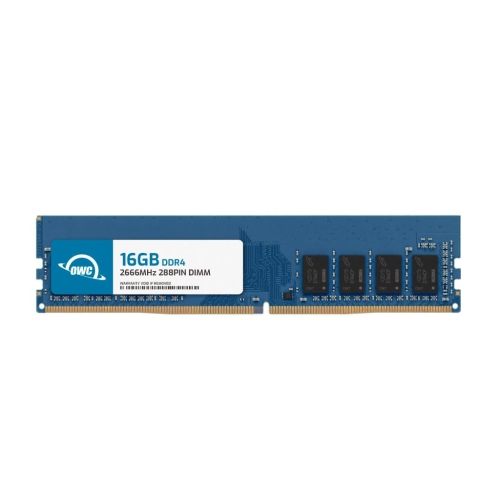
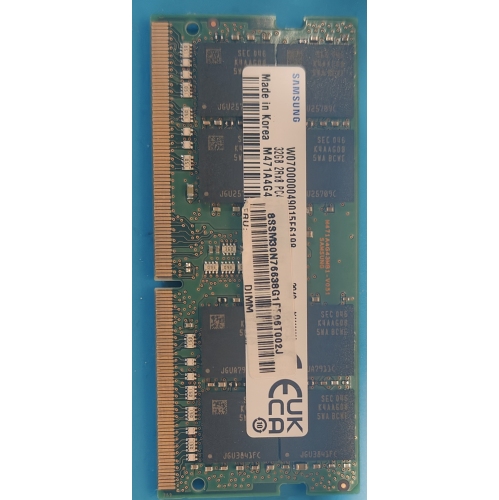
More RAM doesn’t always mean higher frame rates
DDR4 RAM for gaming provides the working memory a compatible PC uses to keep game data, active applications and background tasks close at hand. For many gaming systems, 32GB in a matched 2 x 16GB kit is a practical capacity for playing demanding games while leaving room for voice chat, browser tabs and recording software. A 16GB configuration can still suit lighter games and systems used mainly for playing without much running alongside them, although individual game requirements matter more than a single capacity rule. Larger capacities, such as 64GB, are more relevant when gaming shares the computer with substantial video editing, large creative projects or other memory-intensive work; extra capacity alone does not automatically increase frame rates. RAM is also different from storage: it holds data temporarily while the computer is running rather than keeping an installed game library between sessions. When memory capacity is insufficient, the system may rely more heavily on its storage drive for temporary data, which can contribute to pauses, uneven frame delivery and sluggish switching between applications. Enough RAM helps avoid that particular bottleneck, but performance still depends on the processor, graphics hardware, storage and the game itself. System memory also does not replace the dedicated video memory on a graphics card. A player exploring a heavily modified open-world game, for example, may have different memory needs from someone playing a lightweight competitive title with only voice chat open. Published game requirements offer a useful starting point, while actual memory use during a typical session gives a clearer picture of how much room remains for other tasks. Someone who regularly leaves a browser, music player and streaming tools running has a different workload from someone who closes everything before launching a game. DDR4 remains relevant for compatible desktop and laptop platforms, particularly when an existing system needs more working space rather than a change to its core hardware. The right capacity is the one that supports those everyday habits without assuming every gaming PC needs the largest possible configuration.
Memory speed, latency and channel configuration help distinguish DDR4 gaming RAM beyond its capacity. DDR4-3200 and DDR4-3600 are common performance targets for compatible gaming desktops, representing data transfer rates of 3200MT/s and 3600MT/s respectively. Neither is a universal requirement: the processor, motherboard and firmware determine which settings a system can support reliably. CAS latency, often shown as CL16 or CL18, describes a timing measured in clock cycles, so it needs to be considered alongside transfer rate rather than compared in isolation. DDR4-3200 CL16 and DDR4-3600 CL18 have similar theoretical CAS access times, even though the latter offers a higher transfer rate. Real gaming results vary with the workload, and a faster specification on a label does not guarantee a noticeable improvement in every game. A matched pair of modules is commonly used to enable dual-channel operation on mainstream desktop platforms, increasing the memory bandwidth available compared with a single module. Two modules must occupy the appropriate motherboard slots for that configuration, and the correct arrangement is listed in the motherboard manual. A 2 x 16GB kit can also leave more expansion room than four 8GB modules on a board with four memory slots, although future additions still require compatibility checks. Modules sold together are tested as a kit; combining separate kits, even with similar advertised specifications, does not guarantee the same stability at rated settings. Some performance kits use an XMP profile to apply their advertised speed and timings through the motherboard firmware. Without a supported profile being enabled, they may run at a lower default setting. Those profiles can involve memory overclocking, and their rated settings are not assured on every system. Many laptops and some prebuilt desktops offer limited memory controls, making their supported standard settings especially important. For builds with different platform requirements, Best RAM for Gaming provides a broader starting point for comparing memory types while keeping compatibility central to the choice.
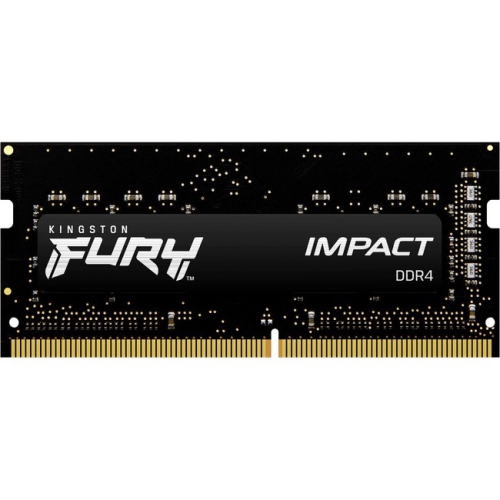
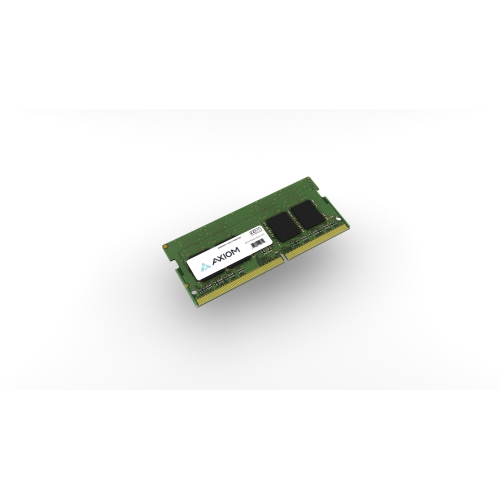
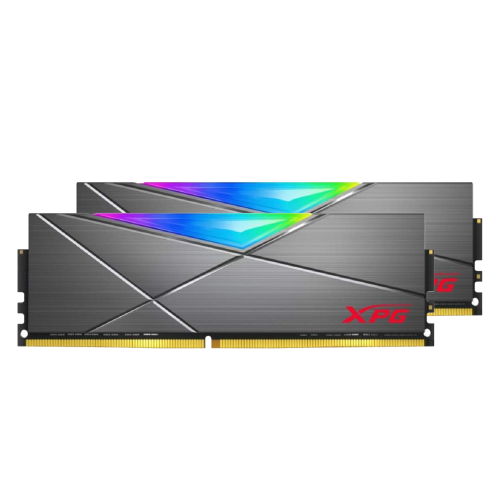
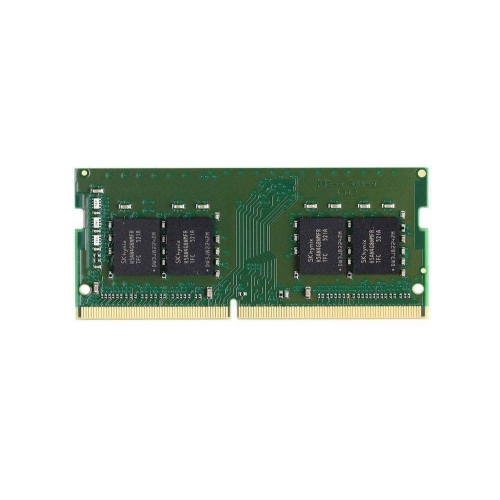
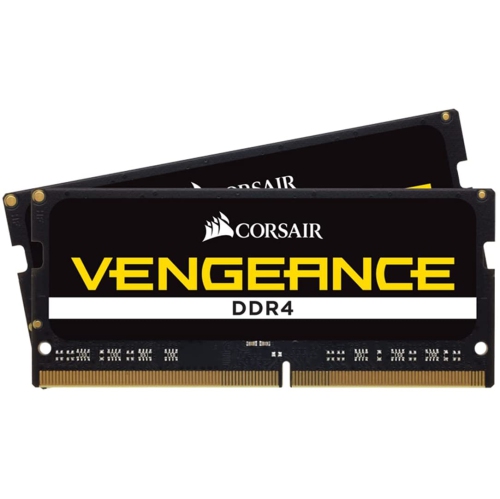
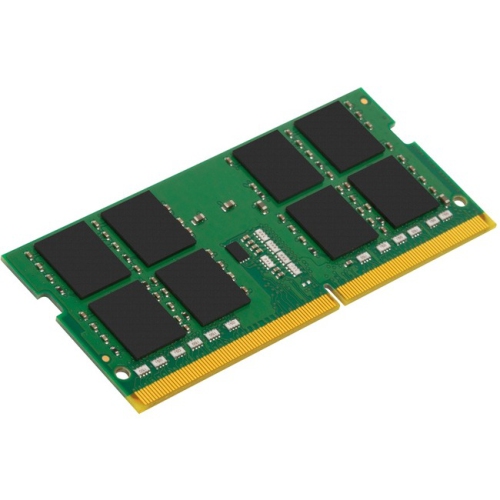
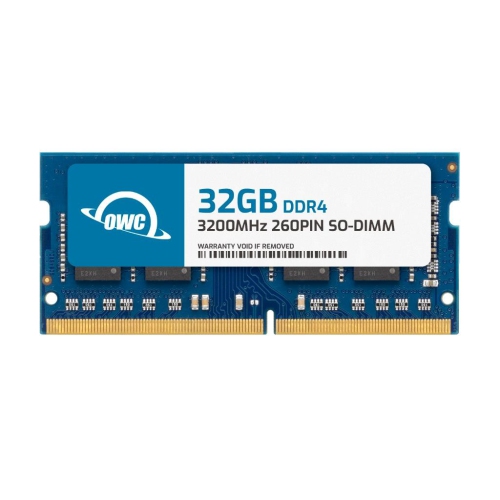
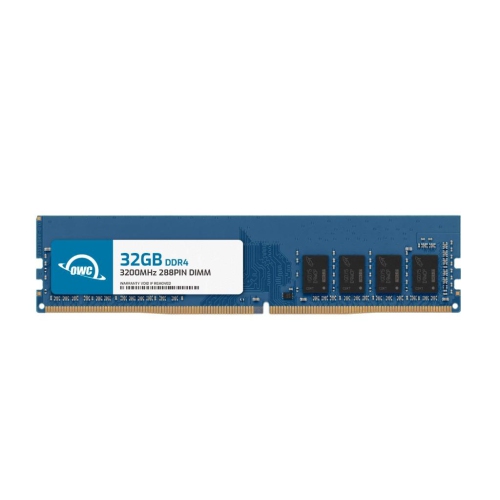
Physical fit matters just as much as the numbers on a specification sheet. Desktop DDR4 memory generally uses full-size DIMMs, while upgradeable laptops commonly use shorter SO-DIMMs; these formats are not interchangeable. DDR4 and DDR5 also have different electrical requirements and slot keying, so one cannot replace the other simply because their capacities match. The exact computer or motherboard specifications establish the required memory generation, module format, maximum capacity and supported capacity per slot. Some compact computers and laptops have soldered memory or restricted upgrade options, which makes checking the precise system configuration essential. Inside a desktop, module height can affect clearance beneath a large processor air cooler. Low-profile heat spreaders can simplify a tight fit, while taller designs with RGB lighting need sufficient space around the memory slots. Lighting can complement a visible build, but it does not indicate better gaming performance. Memory modules consist of chips mounted on a circuit board, sometimes covered by metal heat spreaders that help distribute heat. Their finish and lighting are largely matters of appearance; reliable operation depends more on compatibility, sound electrical connections and stable settings than on decorative bulk. RAM has no moving parts and generally needs little routine care once fitted correctly. Careful handling still matters: exposed contacts should be kept clean, modules should be held by their edges, and protection against static discharge is important whenever internal components are handled. Installation or removal belongs in a powered-off, unplugged system, with the module aligned to the slot notch rather than forced into place. Clear airflow around the components and a dust-managed case support the computer as a whole. After a memory change, a memory test and a few representative gaming sessions can help reveal errors or instability that a successful startup alone might miss. For someone giving RAM as a gift to a PC gamer, the exact system details are more useful than a preferred colour or lighting effect. A compatible matched kit, sufficient capacity and a sensible physical fit are what make the upgrade useful long after its first installation.
Top selling and popular products
-
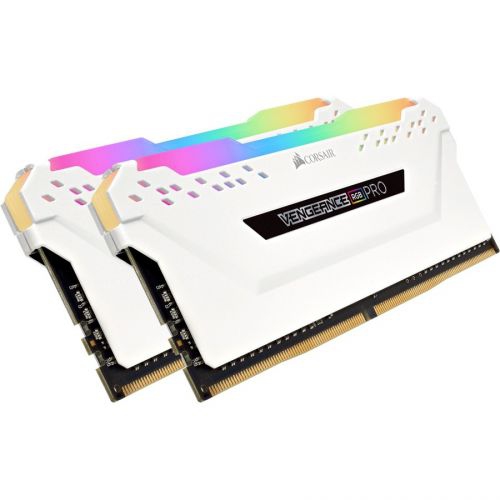 Your price for this item is $307.68
-
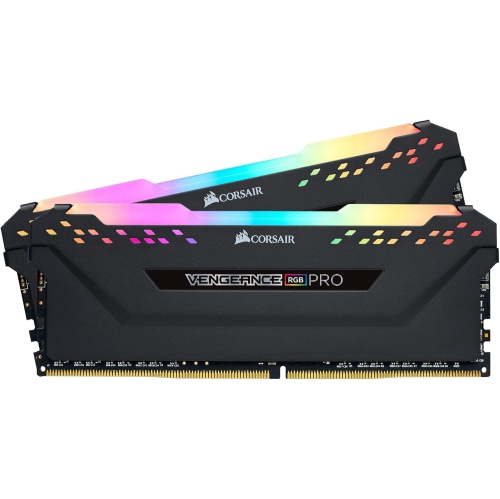 Your price for this item is $389.99
-
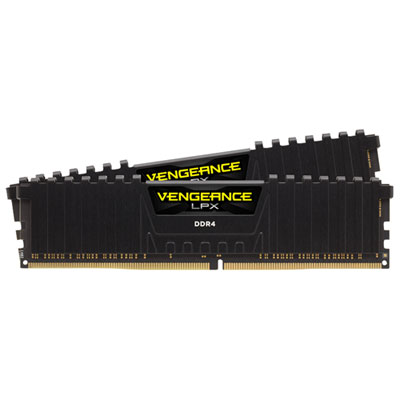 Your price for this item is $431.98
-
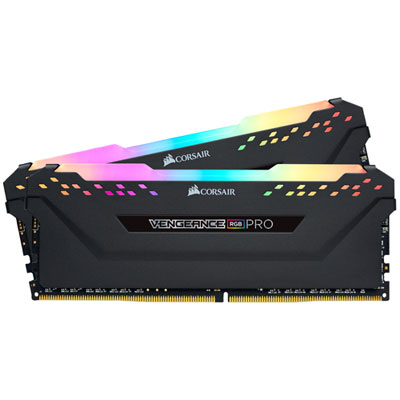 Your price for this item is $450.98
-
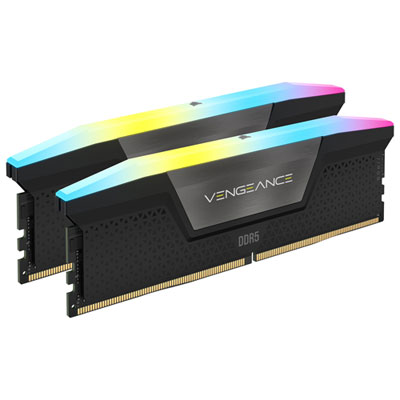 Your price for this item is $844.99
-
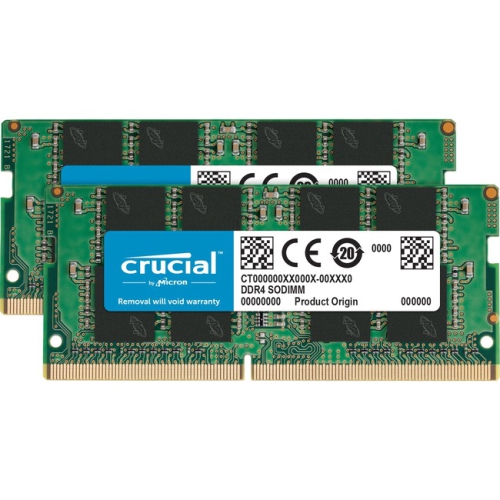 Your price for this item is $388.88
-
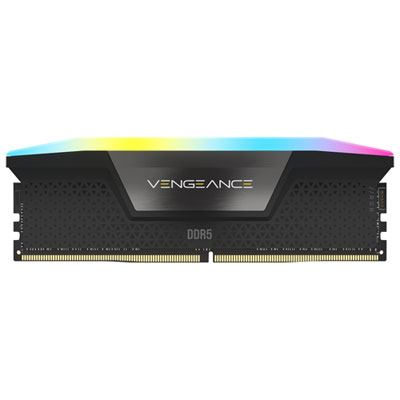 Your price for this item is $1853.99
-
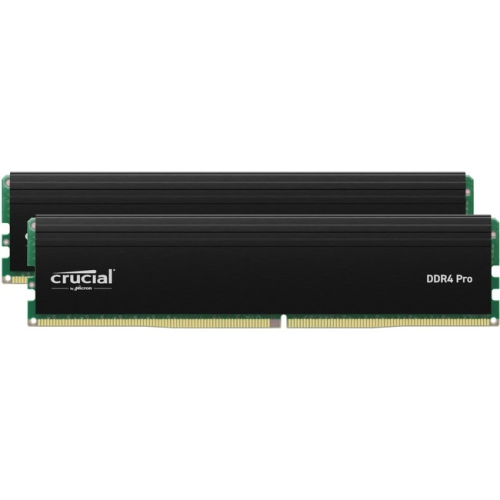 Your price for this item is $975.68
Discover more categories related to DDR4 Ram for Gaming
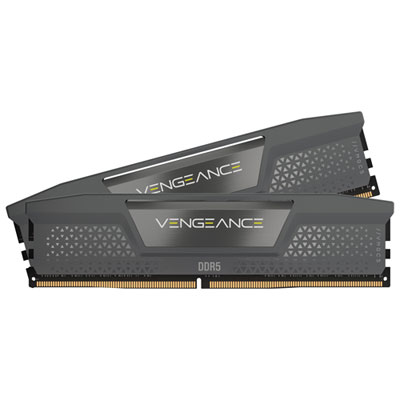
Top Collections:
Best Black Friday Deals This Year, Best Black Friday Deals On Electronics, Kindle Devices, Pokemon Centers, Best Black Friday Deals On Apple Products, Best Cameras for Sports Photography, Dyson Airwrap, Pokémon 30th Celebration Cards, Apple iPhone 17 Pro, Canon G7X Cameras
Some products may be subject to Environmental Handling Fees
(EHF) depending on your province.
Learn more about EHFs.