14 Inch Laptop Cooling Pads
Find the perfect solution to keep your device running smoothly with a 14 Inch Laptop Cooling Pad. Designed to enhance airflow and help maintain optimal performance, these cooling pads are ideal for students, professionals, and anyone who uses their laptop for extended periods. Whether you're working, gaming, or streaming, a 14 Inch Laptop Cooling Pad offers convenient support for your laptop while helping you stay productive and comfortable throughout the day. Explore options that fit seamlessly into your workspace or travel bag and discover how easy it is to upgrade your setup.
Sort

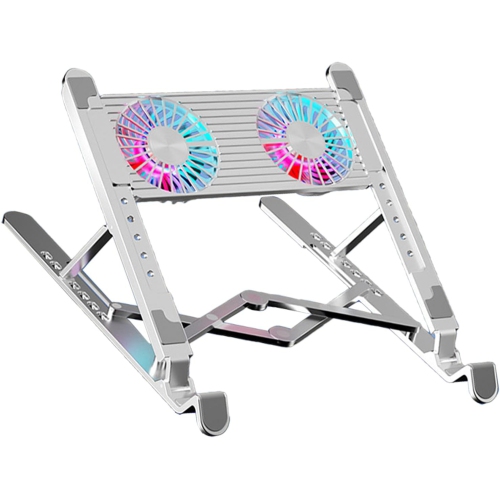
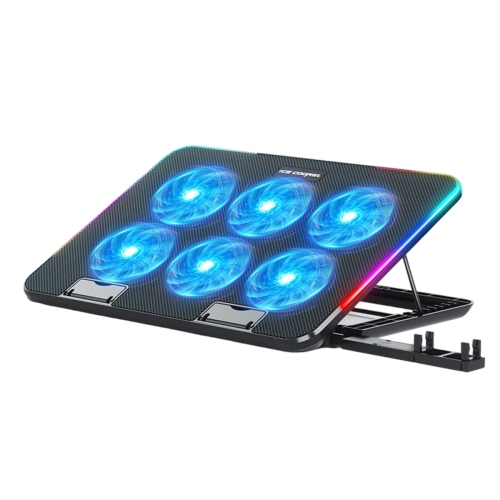
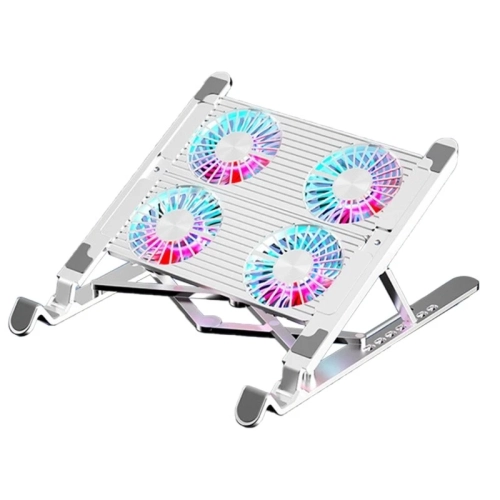

Why cooling pad fit goes beyond screen size
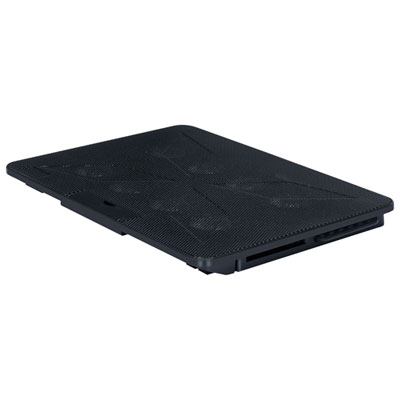
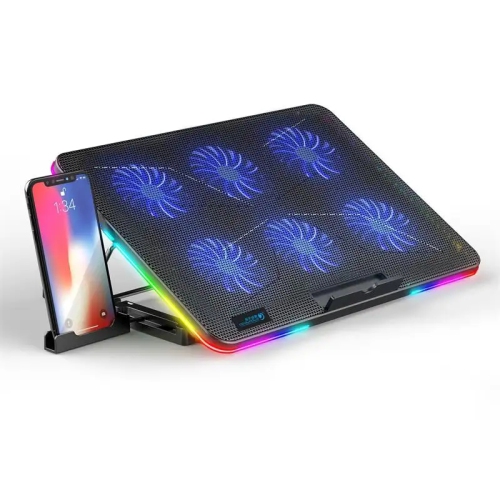
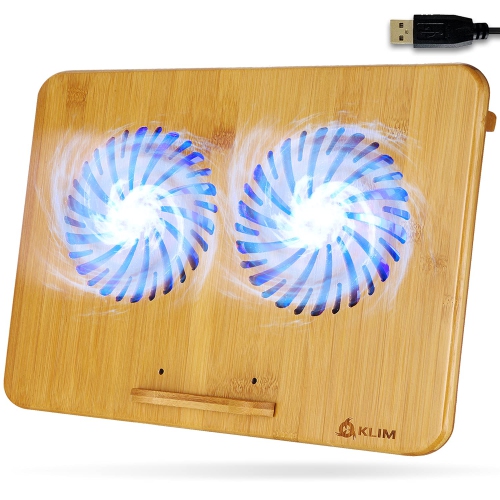
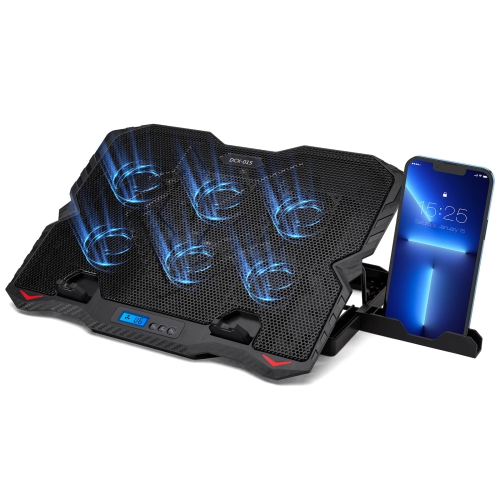
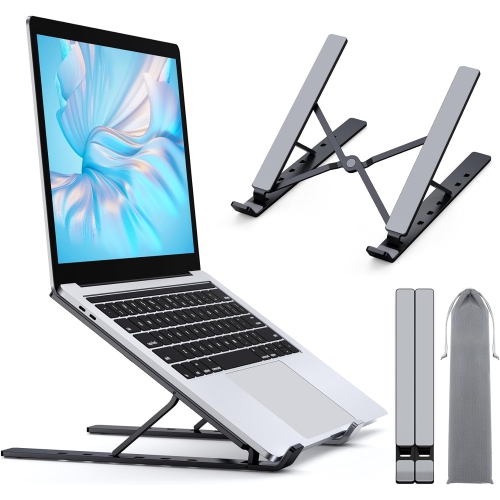
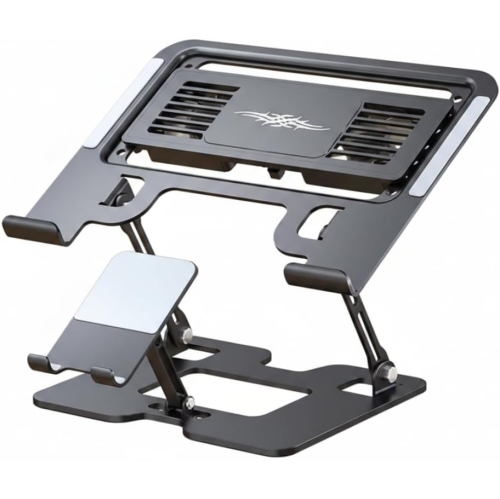
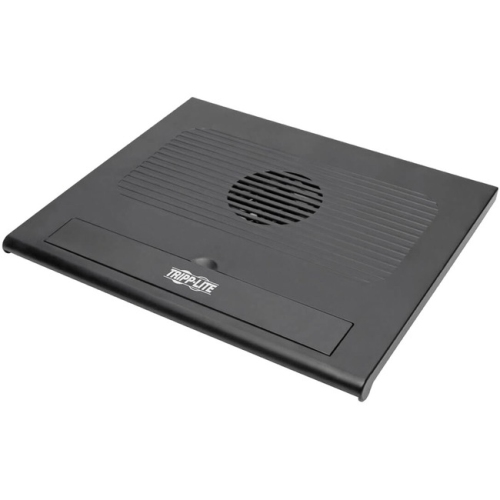
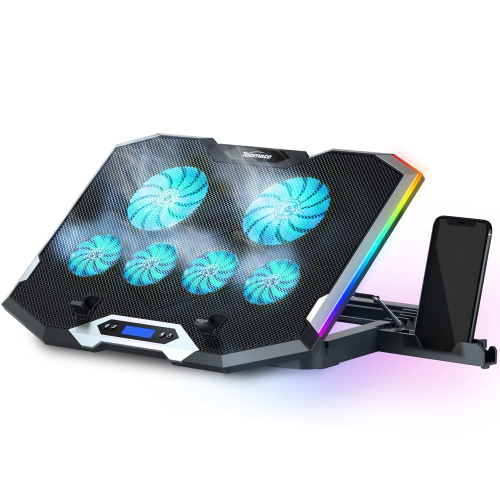
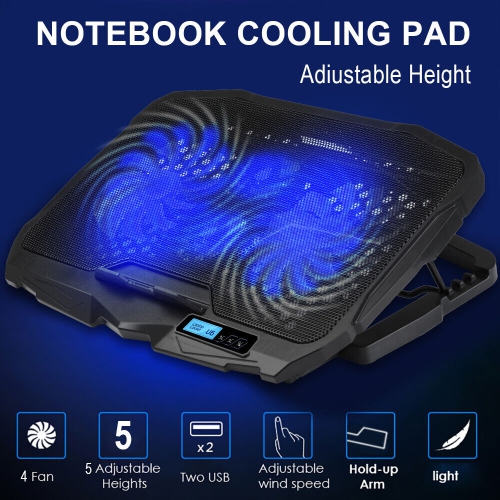
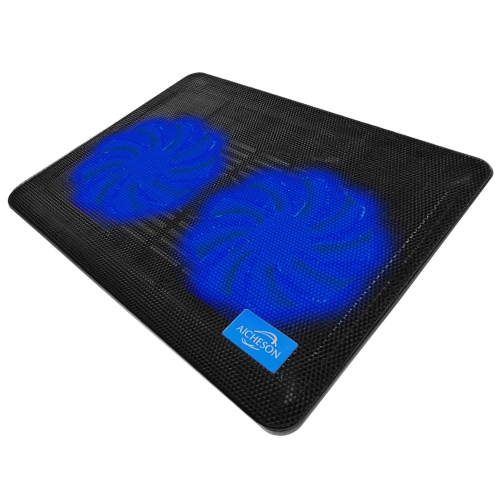
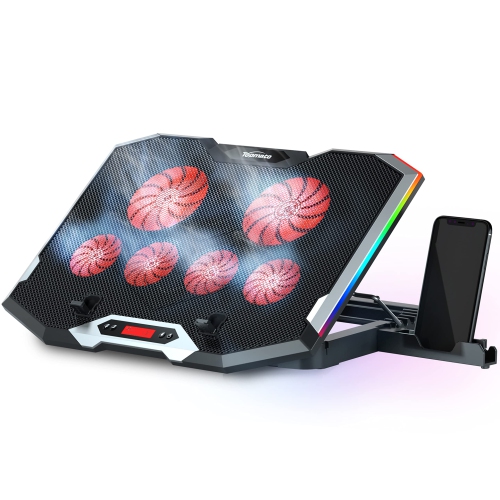
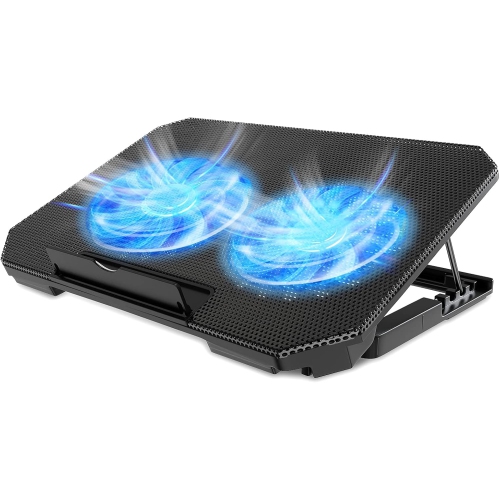
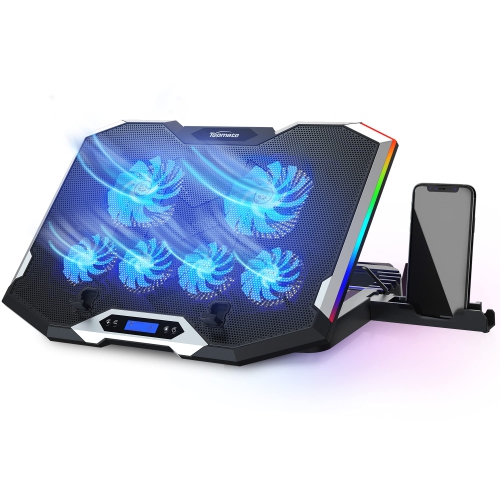
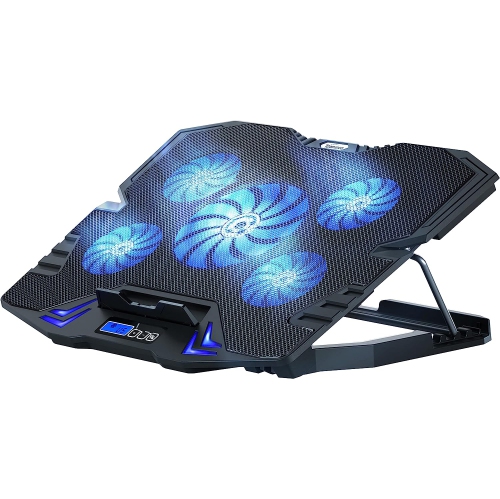
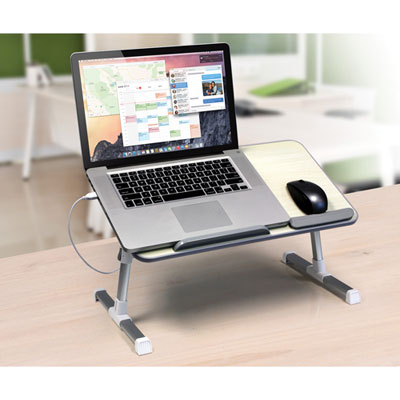
14-inch laptop cooling pads provide a raised platform and, on powered designs, additional airflow around the underside of a compatible notebook. They are useful for compact laptops that spend long stretches on a desktop or work surface, whether the day involves video calls, coursework, photo editing, or gaming. A laptop’s 14-inch measurement refers to its screen diagonal, not the width and depth of its base, so fit depends on more than the size printed in a description. Two laptops with the same screen size can have different footprints, rubber foot positions, and ventilation layouts. A well-matched pad supports the chassis securely without covering intake or exhaust openings, while front stops help prevent the computer from sliding when the platform is tilted. Those stops should sit low enough to avoid pressing into the wrists during typing. The position of the laptop’s own vents also matters: a broad mesh surface can leave room for different intake patterns, while the placement of individual fans may suit some underside layouts better than others. Additional airflow can help a compatible laptop shed heat, but the result depends on its internal cooling system, workload, vent placement, and the pad’s design. It does not guarantee faster performance or replace routine maintenance. For someone working through a long spreadsheet, joining back-to-back online classes, or playing a demanding game, the practical benefit may be a steadier setup with more space beneath the computer. Adjustable height adds another consideration, allowing the screen to sit higher and the keyboard to rest at an angle. A modest incline can suit occasional typing, while a steeper position generally works better with a separate keyboard and mouse. The wider selection of Laptop Cooler Pads can provide context for comparing platform sizes and features, with the laptop’s actual dimensions and ventilation needs remaining the most useful starting points.
Materials and construction influence how a cooling pad feels in everyday use as much as its fan arrangement does. Metal mesh creates an open surface for airflow, and aluminium panels can offer a firm platform without excessive bulk, depending on their thickness and supporting frame. Plastic frames vary in rigidity and can keep a portable design light enough to carry between a home office and a study space. Rounded edges, smooth mesh, secure screws, and a platform that does not flex noticeably under the laptop contribute to comfortable handling. Rubber contact points help limit movement between the pad and computer, while non-slip feet support stability on a smooth work surface. Adjustable legs and hinges should hold their position under the laptop’s weight, particularly when typing or connecting a charging cable. Fan size, speed, and placement affect both airflow and sound, but fan count alone is not a reliable measure of cooling performance. Several small fans are not automatically more effective or quieter than one larger fan. Speed controls can be useful when the same computer moves from quiet reading to a heavier workload, allowing airflow and sound to be balanced for the task. In a shared study area or during a call, even a soft fan hum may matter more than it does while wearing headphones. Published noise ratings can offer a comparison, though the sound at a desk also depends on the surface beneath the pad and how close the user sits. Many powered pads connect through USB, so the required connector and power source should match the laptop or a compatible adapter. A pass-through USB port, where included, may help preserve a connection for an accessory, but its capabilities should be checked rather than assumed to match the laptop’s original port. Cable length and routing matter too: a lead that reaches comfortably without crossing the typing area is easier to live with, and lighting controls are useful when illumination would be distracting beside a screen.
Intended use helps distinguish a cooling pad that stays on a desk from one that travels with a compact laptop. For a permanent workspace, a broad, stable base and a dependable angle adjustment may matter more than folded thickness. For a student carrying a computer between study sessions, or someone moving between offices, a slimmer frame, protected fan openings, and a cable that stores neatly can make transport simpler. The pad still adds weight and takes up space in a bag, so its folded dimensions deserve attention alongside its screen-size compatibility. A cooling pad is not automatically a lap desk: open fans, narrow feet, or an exposed mesh underside may be unsuitable against clothing or skin unless the design specifically supports that use. A bed, cushion, or thick blanket can also obstruct airflow and make the setup unstable, even with a pad beneath the laptop. A firm, level work surface gives the feet a consistent base and leaves ventilation paths clearer. Routine care is straightforward but important, since dust and lint can collect around grilles, fan openings, and contact pads. Disconnect the power lead before cleaning, follow the manufacturer’s care directions, and use an appropriate soft brush or dry cloth where permitted. Avoid spraying liquid into vents or allowing moisture near electrical parts. Keeping the cable loosely coiled rather than sharply bent at the connector can reduce strain, while checking hinges and rubber feet helps catch looseness before the laptop begins to wobble. Persistent overheating, unexpected shutdowns, or unusual sounds from the laptop itself call for attention to the computer rather than reliance on an accessory alone. As a practical gift, a cooling pad can suit a student, home-office user, or gamer whose laptop regularly occupies a work surface. Knowing the recipient’s laptop dimensions, available connections, and preferred setup makes that choice more personal, especially when the pad needs to share limited desk space with a monitor, notebook, and other daily essentials.
Top selling and popular products
-
 Your price for this item is $149.99
-
 Your price for this item is $69.99
-
 Your price for this item is $87.99
-
 Your price for this item is $59.99
-
 Your price for this item is $96.16
-
 Your price for this item is $179.99
-
 Your price for this item is $214.99
-
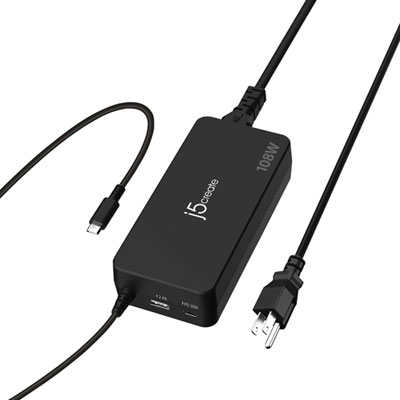 Your price for this item is $89.99
Discover more categories related to 14 Inch Laptop Cooling Pads
Top Collections:
Best Black Friday Deals This Year, Best Black Friday Deals On Electronics, Kindle Devices, Pokemon Centers, Best Black Friday Deals On Apple Products, Best Cameras for Sports Photography, Dyson Airwrap, Pokémon 30th Celebration Cards, Apple iPhone 17 Pro, Canon G7X Cameras
Some products may be subject to Environmental Handling Fees
(EHF) depending on your province.
Learn more about EHFs.