Large Laptop Cooling Pads
Large Laptop Cooling Pad options are designed to help keep your device running smoothly during long work sessions, gaming marathons, or streaming your favorite shows. These cooling solutions offer a convenient way to support optimal laptop performance by promoting airflow and reducing heat buildup. Whether you're using your laptop at your desk or on the go, finding the right Large Laptop Cooling Pad can make a noticeable difference in comfort and efficiency. Explore a variety of styles and features to find the perfect fit for your setup.
Sort





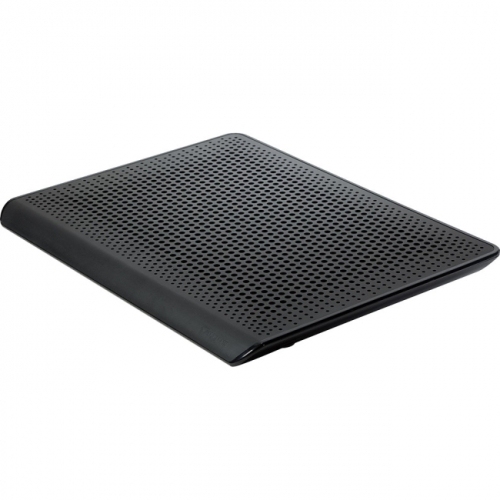
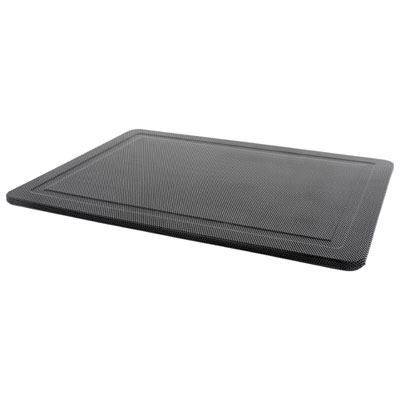
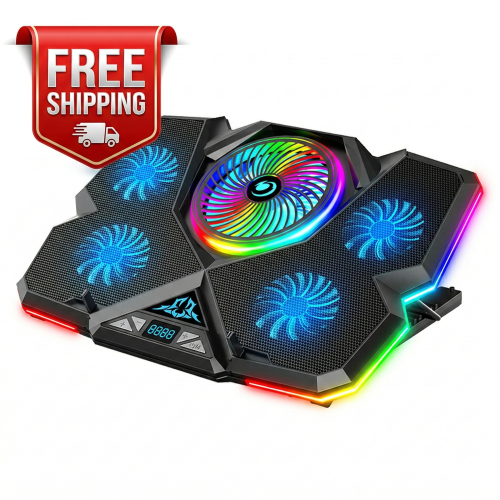
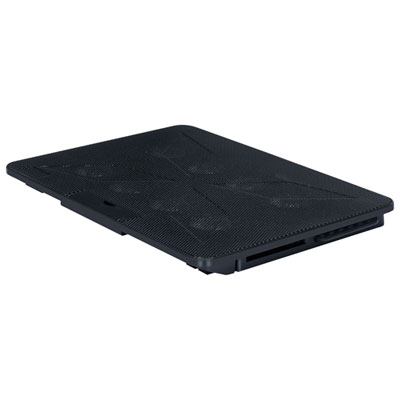
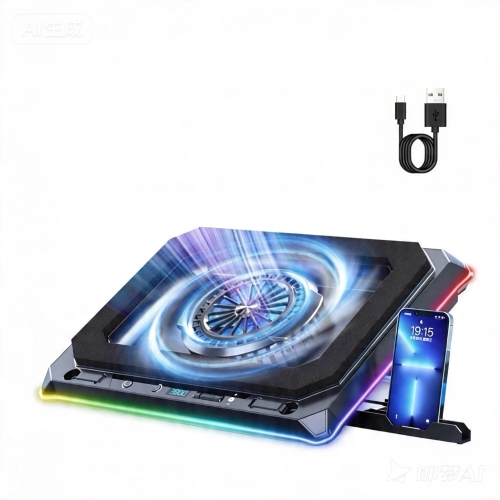
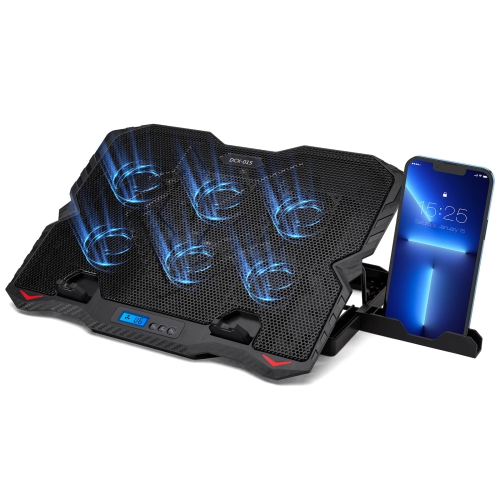
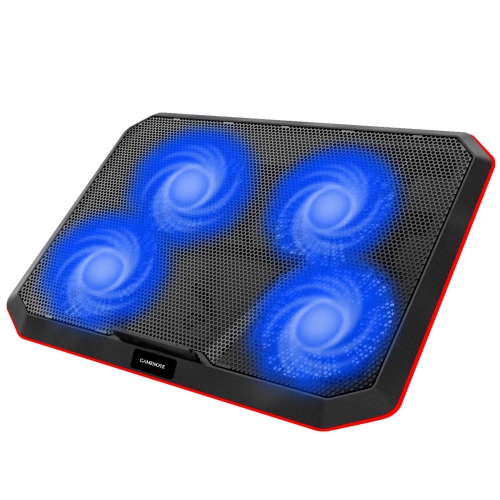
Why laptop fit matters as much as airflow
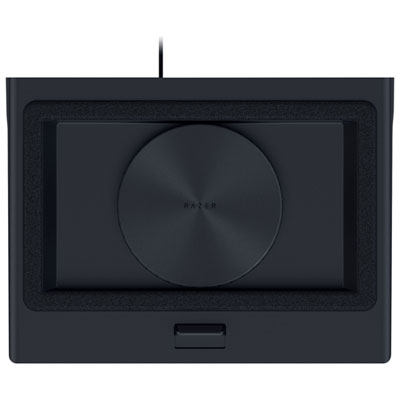
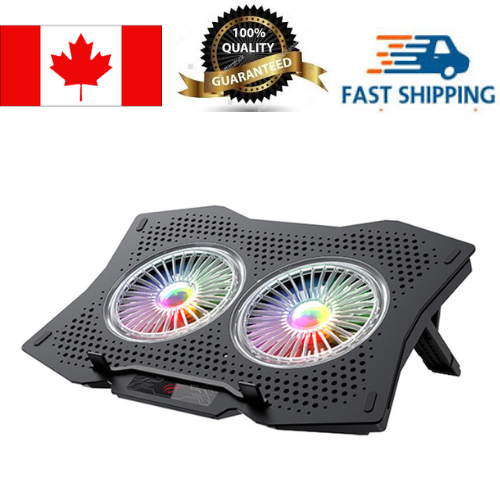
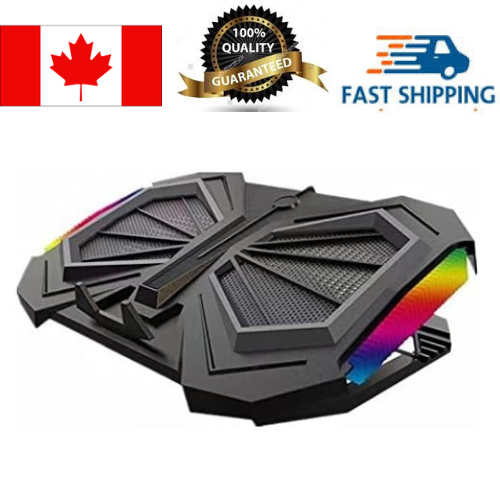
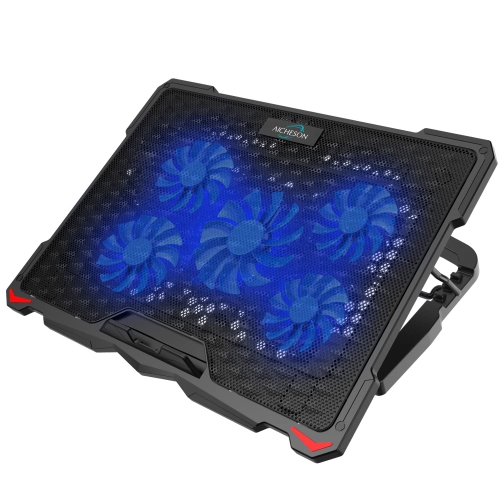
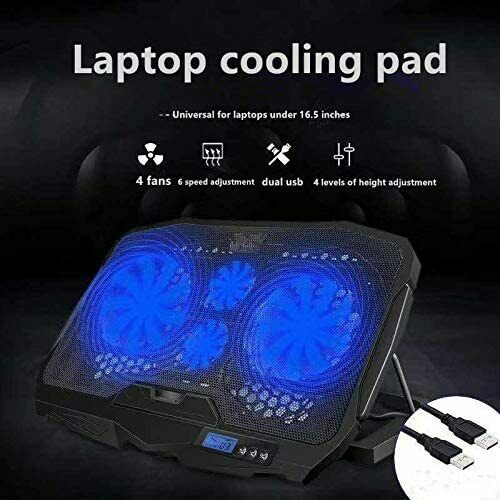
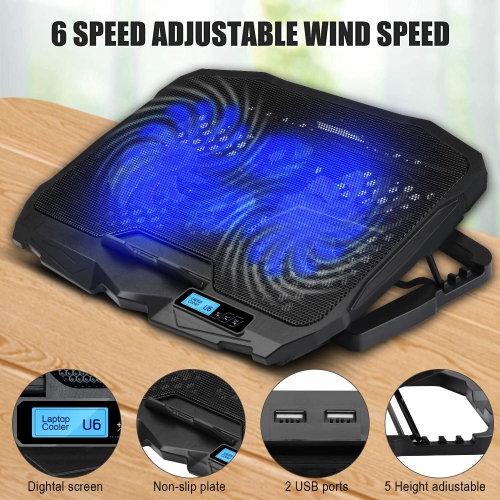
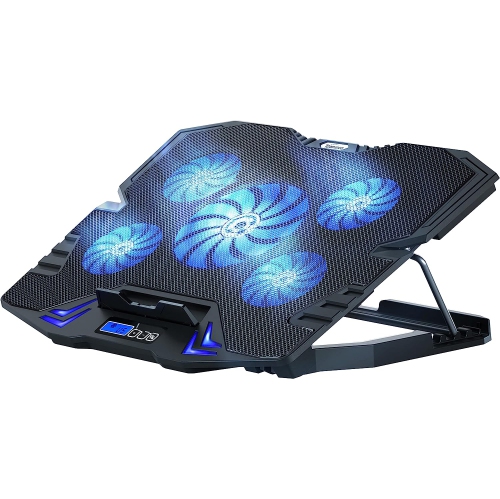
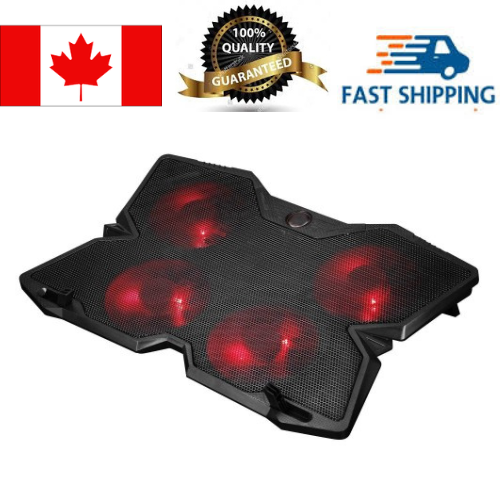
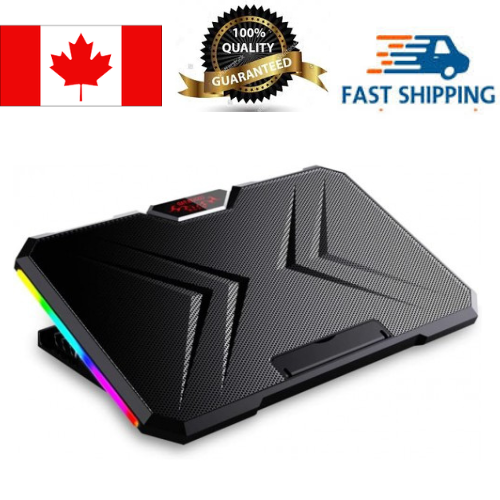
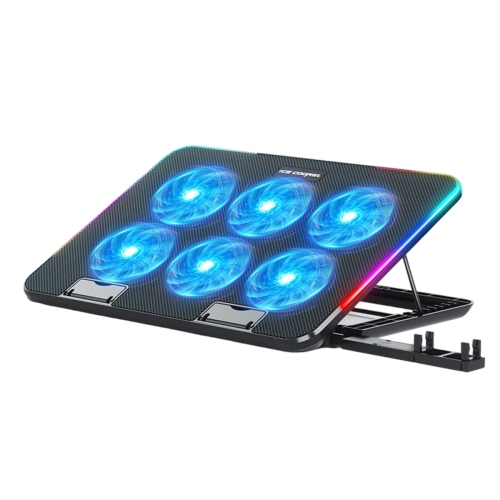
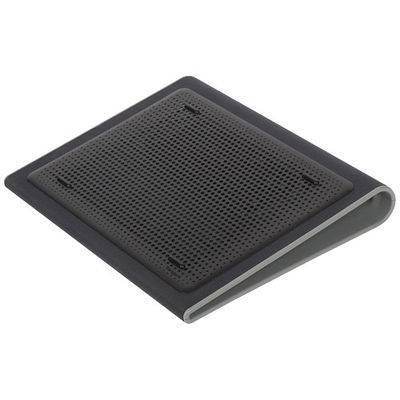
Large laptop cooling pads give wide laptops a stable surface and leave room for air to move beneath the chassis. They’re often used with 15.6-inch, 16-inch, 17.3-inch and 18-inch laptops, from gaming notebooks to mobile workstations used for editing video or working with 3D models. The screen size printed on the box is a useful starting point, but it’s a diagonal measurement, not the width or depth of the laptop. Two notebooks with the same screen size can have different footprints, especially if one has a thick rear section with vents or ports behind the hinge. Compare the laptop’s width, depth and weight with the pad’s usable platform dimensions and weight limit. Check where the laptop’s feet will land, too: all four feet should sit securely on the platform rather than on a rounded edge or beyond the deck. A wide base and rubber grips help keep the pad from sliding on a smooth desktop, while a front lip can keep a heavier laptop in place on a tilted platform. A low lip is less likely to get in the way when typing on the built-in keyboard. For a laptop with cables plugged into the back, leave enough clearance to open the lid and route the cables without pinching them against a wall or monitor stand. Materials also affect how a pad feels in use. A metal mesh deck lets air through across much of the platform and can offer firm support, while a plastic frame can make a wide pad easier to carry between rooms. A rigid platform and hinges that hold their position under the laptop’s weight matter more than a metal finish alone. On a shared work surface, it’s worth checking the depth of the pad as well as its width so there’s still room for a mouse, notebook or external keyboard.
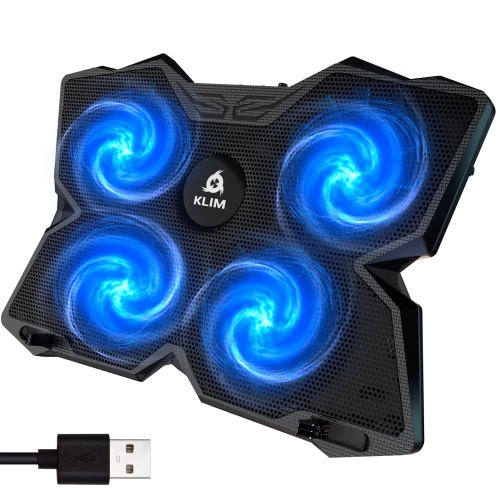
The difference between a wide mesh cooling pad and a sealed fan design is where the air goes. An open mesh pad typically uses one large fan or several smaller ones to move air across the underside of the laptop. A sealed design uses a foam gasket around the base and a higher-pressure fan to direct more air toward the bottom intakes. That design can be useful for a gaming laptop with substantial intake grilles underneath, provided the gasket fits the chassis without covering a vent. If the laptop pulls air in through another part of the chassis, a seal under the base may offer less benefit. Check which openings draw in air and which release it before lining the laptop up with the pad, and leave the side and rear exhausts clear. Fan count and maximum speed don’t tell the whole story: a fan aimed at a solid panel may do less for a particular laptop than a slower fan positioned beneath an intake. The effect on component temperatures and laptop fan noise varies with the laptop’s own cooling system and the task it’s running. Adjustable fan speed can make the same setup more comfortable for different tasks. A lower setting may suit writing or video calls at a shared desk, while a higher setting may be useful during a long gaming session or a video export, when extra fan noise is easier to tolerate. For setups built around extended play and high-performance notebooks, Laptop Cooling Pads for Gamers brings together designs for that type of use. For a laptop that mainly handles documents and browsing, a gentle tilt and steady airflow may matter more than the highest fan setting. With an external keyboard and mouse, a taller angle can bring the screen closer to a comfortable viewing height without forcing the wrists to follow the slope of the laptop keyboard.
Power, upkeep and day-to-day handling are worth considering, especially if a large cooling pad will move between a home office and another workspace. Many pads draw power from a laptop’s USB port, so check the connector type and cable length against the position of the ports. A short cable that reaches a port on the left may have to cross behind the laptop if the only free port is on the right. Some designs include extra USB connections; check whether they support data for a mouse or keyboard receiver or are intended only for power. If the pad will travel in a bag, a folding stand and detachable cable can make it easier to pack, though the platform still needs to fit the bag’s interior. For a pad that stays on a desk, accessible speed controls can be more useful than a folding frame. Dust and lint can collect on the mesh and around fan openings over time. Unplug the pad before cleaning, wipe the frame with a soft cloth and lift loose dust from the grille with a soft brush. If there’s a removable filter, follow the care directions for that filter and let it dry fully before reinstalling it if washing is permitted. Keep foam seals free of crumbs and avoid storing a pad with weight pressing down on the gasket, which needs to sit evenly against the laptop base. A large cooling pad can make a practical gift for a student with a desktop-replacement laptop, a gamer setting up a dedicated desk or someone who spends hours editing photos on a mobile workstation. Knowing the recipient’s laptop dimensions and vent layout makes it easier to choose a pad that fits. The better match for everyday use is one that supports the laptop securely, leaves its vents and ports clear, and runs at a sound level that suits the room.
Top selling and popular products
-
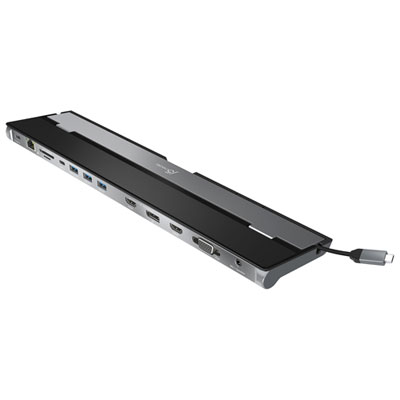 Your price for this item is $149.99
-
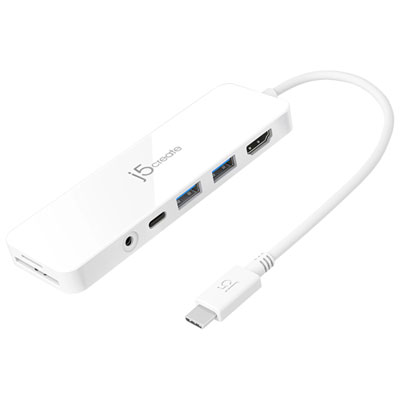 Your price for this item is $69.99
-
 Your price for this item is $87.99
-
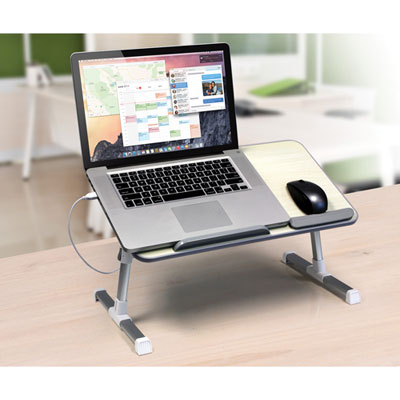 Your price for this item is $59.99
-
 Your price for this item is $96.16
-
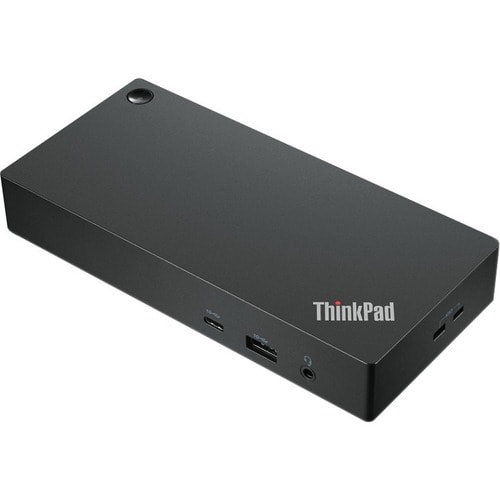 Your price for this item is $179.99
-
 Your price for this item is $214.99
-
 Your price for this item is $89.99
Discover more categories related to Large Laptop Cooling Pads
Top Collections:
Best Black Friday Deals This Year, Best Black Friday Deals On Electronics, Kindle Devices, Pokemon Centers, Best Black Friday Deals On Apple Products, Best Cameras for Sports Photography, Dyson Airwrap, Pokémon 30th Celebration Cards, Apple iPhone 17 Pro, Canon G7X Cameras
Some products may be subject to Environmental Handling Fees
(EHF) depending on your province.
Learn more about EHFs.