15 Inch Monitors
Upgrade your workspace with our selection of 15-inch monitors, designed to enhance your viewing experience and boost productivity. Whether you're a professional in need of a high-resolution display for detailed work tasks or a casual user looking to enjoy crisp visuals while streaming your favorite content, our range of 15-inch monitors offers something for everyone. With sleek designs, advanced features, and crystal-clear image quality, these monitors are sure to take your computing setup to the next level.
Sort

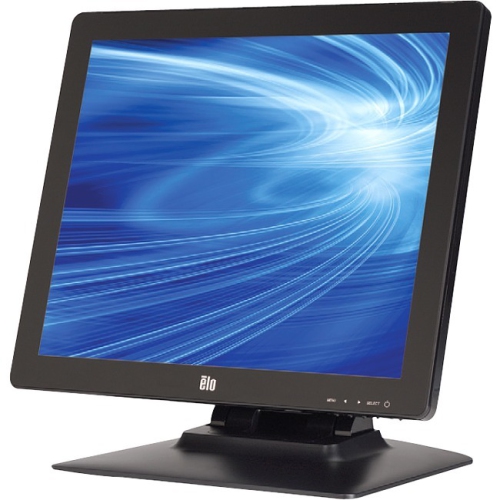
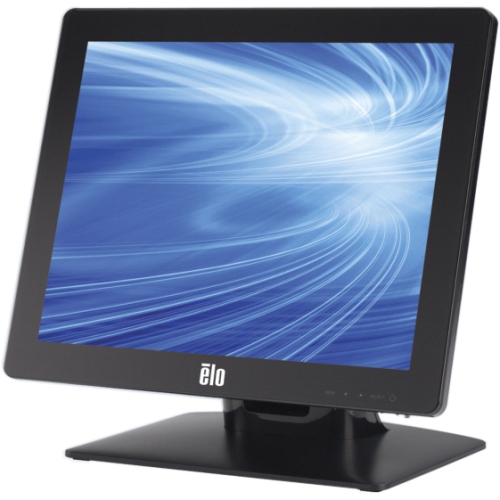
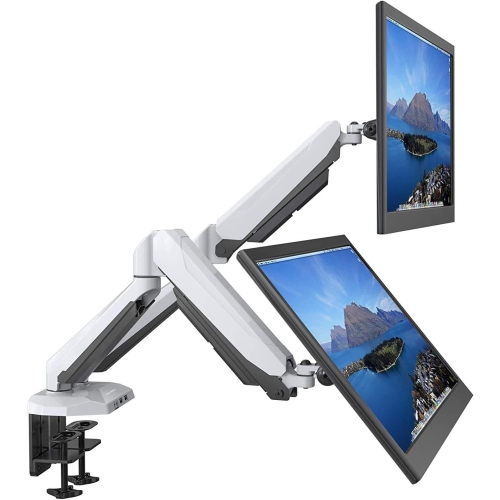
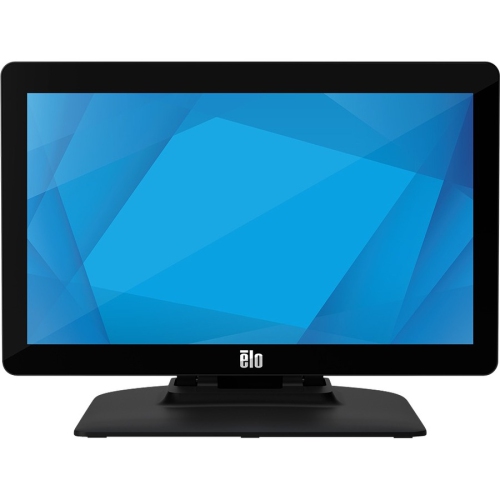

How portable screens support work, study, and travel
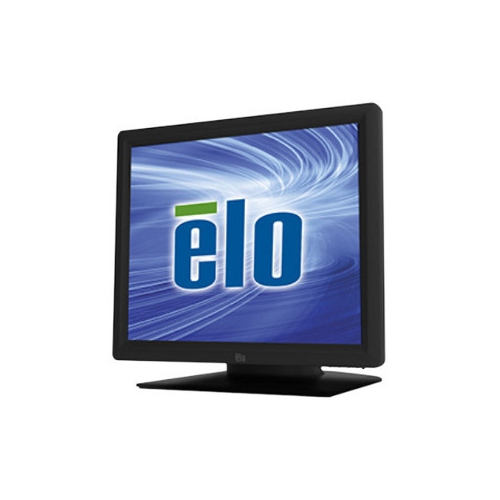
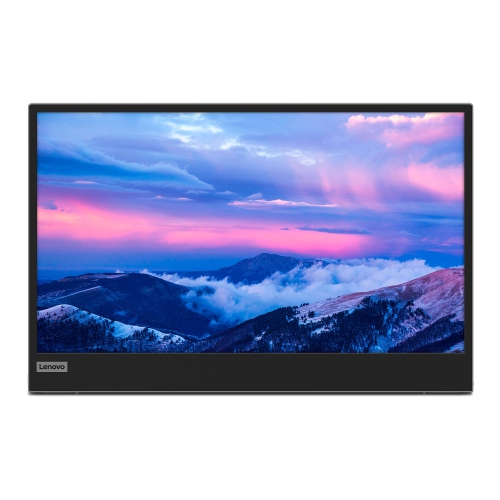
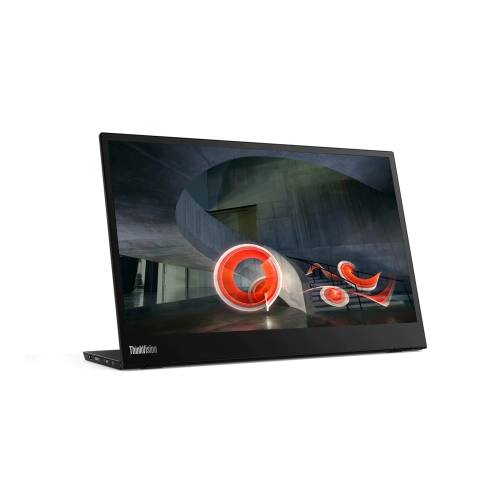
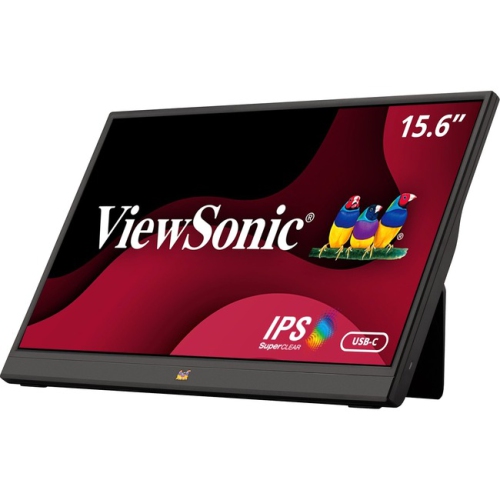
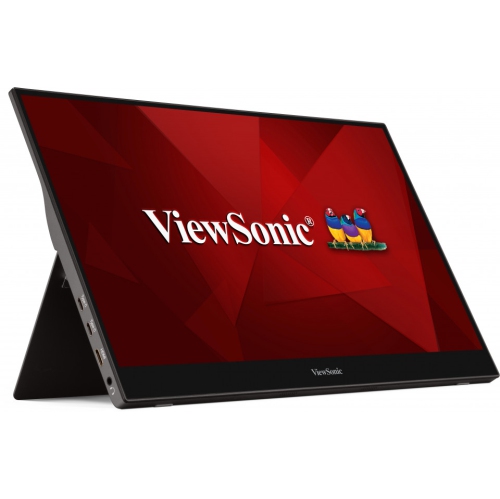
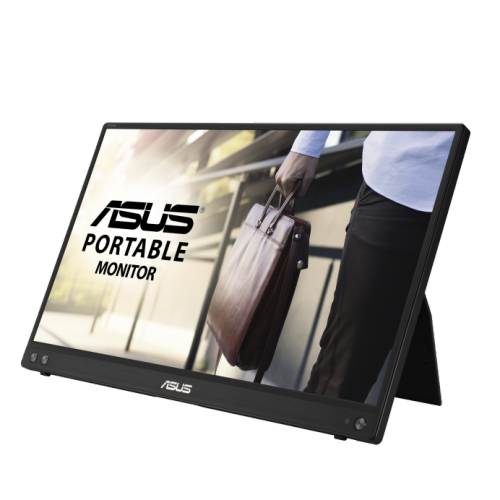
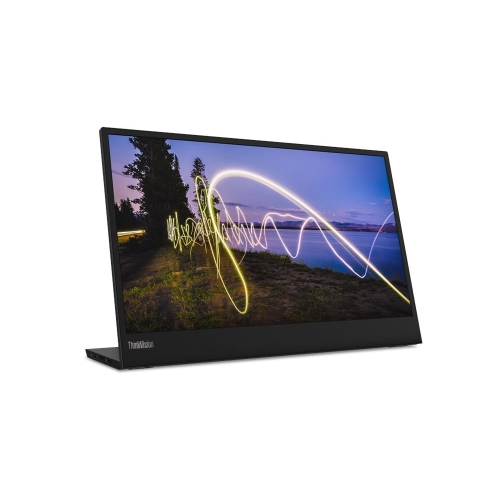
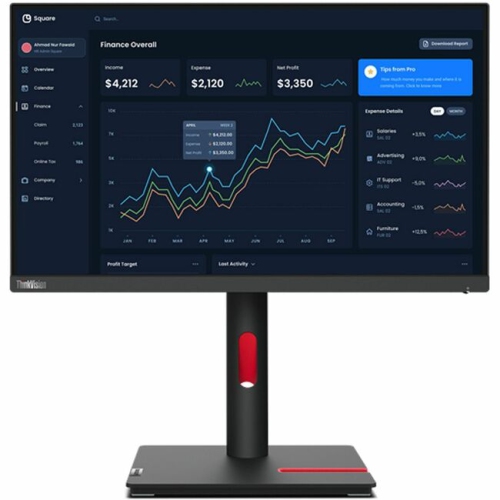
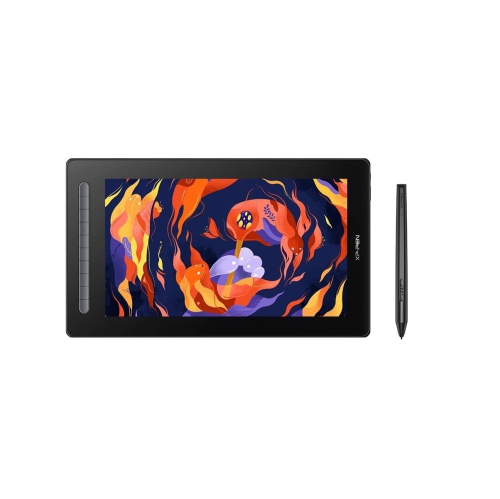
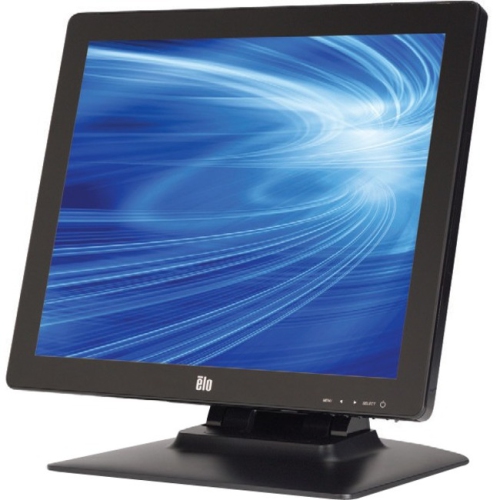
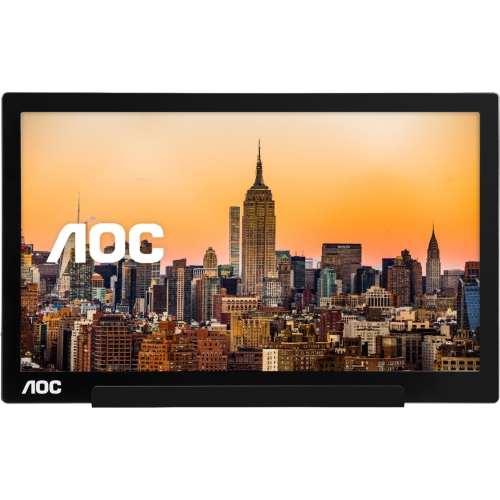
15 inch monitors, often listed as 15.6 inch displays, are compact screens designed to add useful workspace without the weight and footprint of a full-size desktop monitor. Their slim profile makes them especially practical for people who work, study, create, or present in more than one location. A portable monitor can sit beside a laptop to keep email, notes, reference material, or a video call visible while the main screen handles the primary task. It can also help a student view research on one display while writing on another, give a photographer or video editor additional room for tools and timelines, or make a small home office feel considerably more spacious. Many models are light enough to carry in a laptop bag, briefcase, or backpack, so they can move from a kitchen table to a shared office, classroom, client site, or quiet corner during the cooler months. They are also useful for travellers who want a larger viewing area than a laptop alone provides, remote workers who need a second screen in temporary accommodations, and anyone who prefers a flexible workstation that can be packed away when the day is done. A 15 inch monitor may also be a thoughtful gift for a post-secondary student, a family member working from home, or a frequent traveller, particularly when desk space is limited and portability matters as much as screen size. For a more compact alternative, shoppers comparing portable display sizes can also browse 14 Inch Monitors.
When comparing 15 inch monitors, start with the connection options available on the computer, tablet, game console, or other device you plan to use. USB-C can provide a clean, convenient connection for video, and in some cases power, but the device must support video output through USB-C, commonly called DisplayPort Alternate Mode. Not every USB-C port carries a display signal, so checking the computer’s specifications before buying can prevent compatibility surprises. If the source device does not support video over USB-C, a monitor with Mini-HDMI or another compatible video input may be more suitable, although this setup can require a separate video cable and power connection. Some portable screens include two USB-C ports, allowing one to receive power while the other connects to the source, while others may work with a single suitable cable. Resolution is another important consideration. Full HD, commonly shown as 1920 by 1080, is a practical match for a screen in this size range, offering clear text, detailed photos, and a comfortable amount of workspace without placing excessive demands on a laptop or mobile device. An IPS panel is often a strong choice for everyday use because it generally provides broad viewing angles and consistent colour when the screen is viewed from the side. Brightness deserves attention as well: a display used near a bright window, in a classroom, or outdoors may benefit from a brighter panel, with roughly 300 to 400 nits often being a useful target for environments with abundant ambient light. A touchscreen can add direct control for compatible devices and creative workflows, while a standard non-touch display may be simpler for documents, browsing, spreadsheets, and video. Built-in speakers can be convenient for presentations or casual viewing, though anyone focused on music, films, or gaming may prefer dedicated headphones or speakers for a fuller experience.
The physical design of a portable monitor can have as much impact on daily comfort as its image quality. Look for an integrated kickstand or a protective cover that folds into a stable stand, with enough adjustment to place the screen at a comfortable height and angle beside a laptop. A sturdy stand is particularly valuable when the display is moved often, since a monitor that shifts while typing can quickly become frustrating. Consider the screen’s orientation options if you plan to read long documents, code, review social content, or work with portrait-oriented pages; some displays can be turned vertically, while others are intended for landscape use only. Weight, thickness, cable storage, and the position of the ports also influence how easily the monitor fits into an everyday bag. A matte or anti-glare finish may make text easier to view under overhead lighting, while a glossy panel can produce a vivid appearance but may show reflections in bright rooms. For gaming, check supported refresh rates, response time, and compatibility with the device’s graphics output, keeping expectations appropriate for a portable display. For office work, prioritise legible text, comfortable brightness controls, dependable connectivity, and a stand that supports an ergonomic setup. During warmer weather and into the busier cooler-season routine, a 15 inch monitor can help create a capable workstation wherever a laptop is used, from a temporary desk at home to a shared study space. Before completing a purchase, confirm the included cables, power requirements, operating-system compatibility, touchscreen support if needed, and whether the monitor can draw sufficient power from the connected device. These details make it easier to choose a portable screen that fits naturally into your routine rather than one that simply looks convenient in a product listing.
When comparing 15 inch monitors, start with the connection options available on the computer, tablet, game console, or other device you plan to use. USB-C can provide a clean, convenient connection for video, and in some cases power, but the device must support video output through USB-C, commonly called DisplayPort Alternate Mode. Not every USB-C port carries a display signal, so checking the computer’s specifications before buying can prevent compatibility surprises. If the source device does not support video over USB-C, a monitor with Mini-HDMI or another compatible video input may be more suitable, although this setup can require a separate video cable and power connection. Some portable screens include two USB-C ports, allowing one to receive power while the other connects to the source, while others may work with a single suitable cable. Resolution is another important consideration. Full HD, commonly shown as 1920 by 1080, is a practical match for a screen in this size range, offering clear text, detailed photos, and a comfortable amount of workspace without placing excessive demands on a laptop or mobile device. An IPS panel is often a strong choice for everyday use because it generally provides broad viewing angles and consistent colour when the screen is viewed from the side. Brightness deserves attention as well: a display used near a bright window, in a classroom, or outdoors may benefit from a brighter panel, with roughly 300 to 400 nits often being a useful target for environments with abundant ambient light. A touchscreen can add direct control for compatible devices and creative workflows, while a standard non-touch display may be simpler for documents, browsing, spreadsheets, and video. Built-in speakers can be convenient for presentations or casual viewing, though anyone focused on music, films, or gaming may prefer dedicated headphones or speakers for a fuller experience.
The physical design of a portable monitor can have as much impact on daily comfort as its image quality. Look for an integrated kickstand or a protective cover that folds into a stable stand, with enough adjustment to place the screen at a comfortable height and angle beside a laptop. A sturdy stand is particularly valuable when the display is moved often, since a monitor that shifts while typing can quickly become frustrating. Consider the screen’s orientation options if you plan to read long documents, code, review social content, or work with portrait-oriented pages; some displays can be turned vertically, while others are intended for landscape use only. Weight, thickness, cable storage, and the position of the ports also influence how easily the monitor fits into an everyday bag. A matte or anti-glare finish may make text easier to view under overhead lighting, while a glossy panel can produce a vivid appearance but may show reflections in bright rooms. For gaming, check supported refresh rates, response time, and compatibility with the device’s graphics output, keeping expectations appropriate for a portable display. For office work, prioritise legible text, comfortable brightness controls, dependable connectivity, and a stand that supports an ergonomic setup. During warmer weather and into the busier cooler-season routine, a 15 inch monitor can help create a capable workstation wherever a laptop is used, from a temporary desk at home to a shared study space. Before completing a purchase, confirm the included cables, power requirements, operating-system compatibility, touchscreen support if needed, and whether the monitor can draw sufficient power from the connected device. These details make it easier to choose a portable screen that fits naturally into your routine rather than one that simply looks convenient in a product listing.
Top selling and popular products
-
 Your price for this item is $34.95
 -
 Your price for this item is $129.99
 -
 Your price for this item is $69.99
 -
 Your price for this item is $69.99
 -
 Your price for this item is $99.99
 -
 Your price for this item is $124
 -
 Your price for this item is $256.68
 -
 Your price for this item is $300
Discover more categories related to 15 Inch Monitors

Top Collections:
Pokemon Centers, Kindle Devices, Best Budget Office Chairs, Apple iPhones 16, Best Laptops for Writers, iPhone 15 Apple, Canon G7X Cameras, Refurbished Apple Laptops, Alarm Clock, Motorola Razr Phones
Some products may be subject to Environmental Handling Fees
(EHF) depending on your province.
Learn more about EHFs.