17 Inch Monitors
Enhance your workspace or home setup with a 17 Inch Monitor, designed to deliver reliable performance for everyday tasks. A 17 Inch Monitor offers a balanced screen size that fits comfortably on desks of any size, making it a practical choice for offices, classrooms, and compact workstations. Whether you’re browsing the web, working on documents, or enjoying entertainment, discover options that suit your needs and help you stay productive. Explore the selection of 17 Inch Monitors to find the perfect addition to your technology lineup.
Sort
Why screen shape matters as much as size
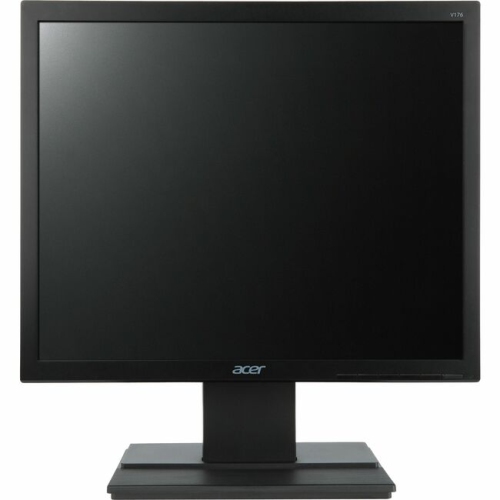
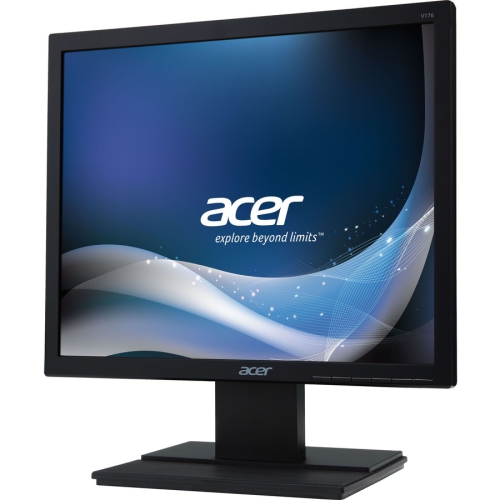
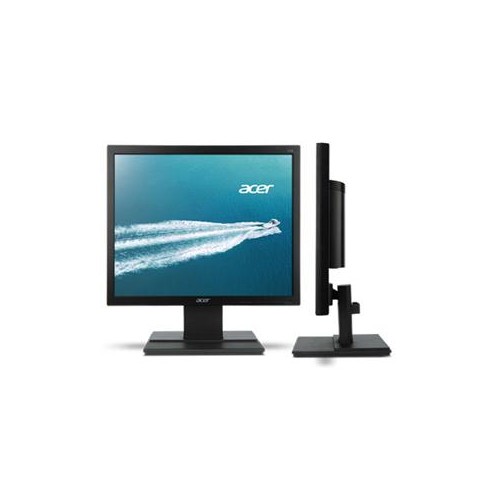
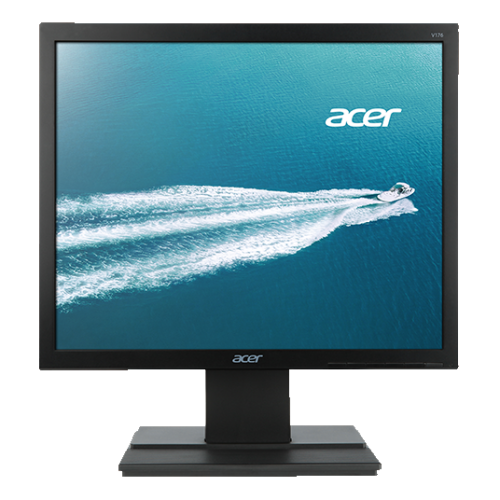
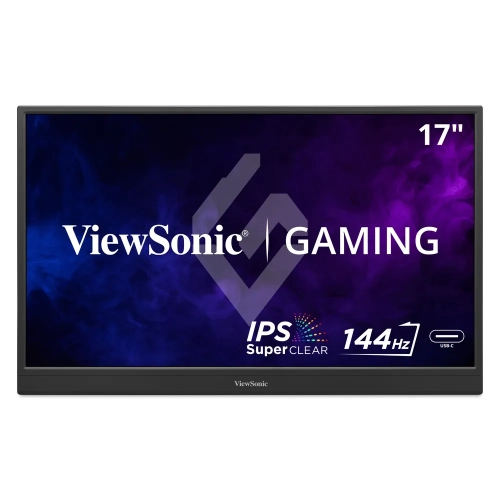
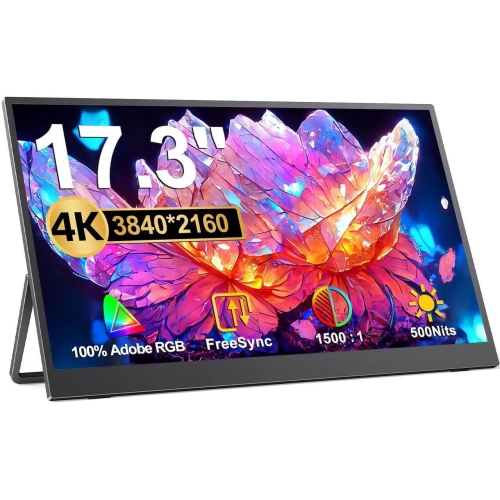
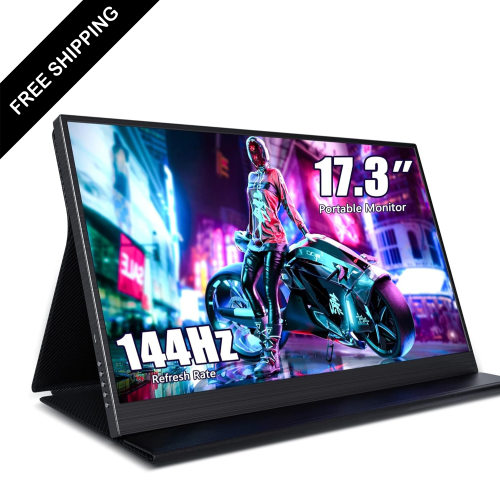
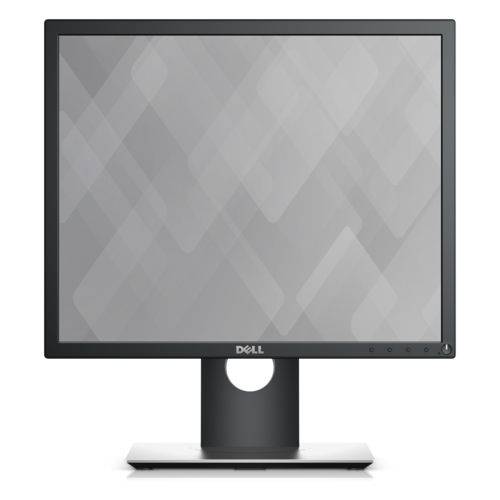
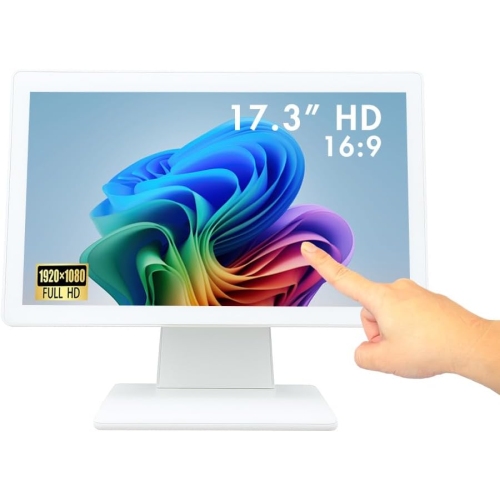
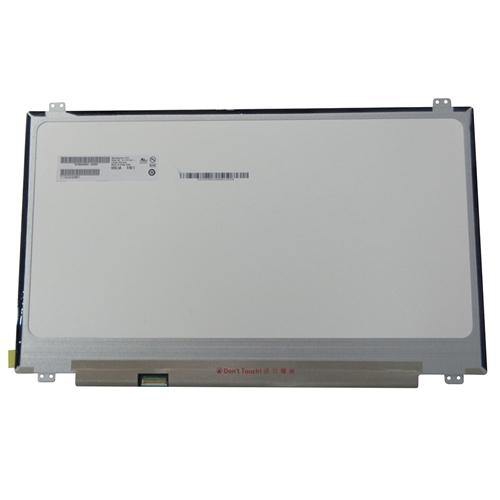
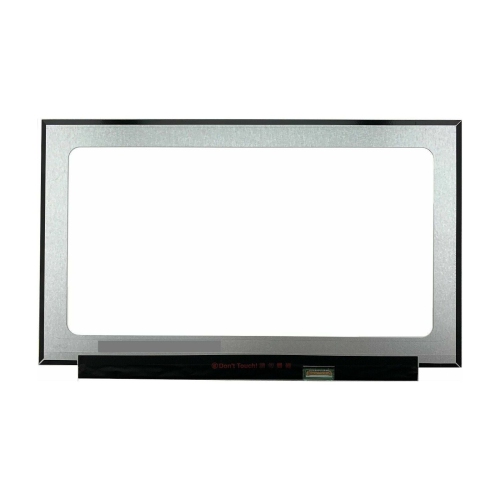
17-inch monitors are compact computer displays suited to smaller desks, dedicated workstations, and setups where a large screen would take up more room than the task requires. Screen size is measured diagonally across the visible display, not across the cabinet, so the overall width and height depend on the aspect ratio and bezel design. Traditional 17-inch desktop monitors commonly use a nearly square 5:4 aspect ratio with an SXGA resolution of 1280 x 1024 pixels. This format provides useful vertical space for forms, account records, terminal windows, and older business applications designed around that resolution. A reception desk displaying appointment details or a workstation running a single inventory application may benefit more from a compact, familiar layout than from a broad widescreen display. The size category also overlaps with 17.3-inch portable monitors, which generally have a widescreen shape and can serve as a second screen for a laptop. Depending on the display, resolutions may include Full HD at 1920 x 1080 pixels or 4K UHD at 3840 x 2160 pixels. These wider screens suit side-by-side documents, video playback, and a laptop workspace that needs room for an extra application. The distinction between a traditional 17-inch desktop display and a 17.3-inch portable display matters: similar diagonal measurements do not mean identical proportions, desk requirements, or connections. Higher resolution can make text and images look more detailed, but it can also make interface elements appear smaller unless display scaling is adjusted. For someone reading invoices throughout the day, comfortable text size may matter more than fitting the maximum number of windows onto the screen. Students referencing an article while writing an assignment, office staff working with established software, and people adding a compact secondary display can all find practical uses for this screen size. The most suitable format depends on the work being displayed and the space available around the keyboard, rather than the diagonal measurement alone.
Connections determine how a 17-inch monitor fits into an existing computer setup. Desktop displays in this size range may use VGA, DVI, HDMI, or DisplayPort, while portable widescreen displays often use HDMI or USB-C. These connections are not interchangeable without the appropriate equipment. VGA carries an analogue video signal, while HDMI and DisplayPort carry digital video; the monitor and computer need a compatible connection or an adapter designed for the required signal direction. A computer with HDMI output, for example, may need an active converter to connect to a VGA-only display. USB-C deserves particular attention because the connector shape alone does not confirm support for video. A USB-C monitor connection requires a compatible video-capable port and cable, often using DisplayPort Alt Mode, and the available power must also meet the display’s requirements. Some portable monitors can receive video and power through one cable, while others need a separate power connection, especially when using HDMI. For a laptop that moves between a home desk and a shared office, cable length, connector placement, and the number of occupied laptop ports can affect how convenient the setup feels each day. Physical fit matters just as much. A desktop monitor’s stand can occupy a substantial portion of a shallow desk even when the screen itself is small, and rear-facing connectors may need extra clearance against a wall. Portable displays can use a folding cover or kickstand, but the support still needs enough depth and a stable surface. When comparing this size with 16-inch monitors, overall dimensions, aspect ratio, and stand design provide a more useful picture of desk fit than the size label alone. Weight and protective storage also matter for a screen carried between locations. A slim display can slip into a laptop bag, but pressure from a charger, keys, or tightly packed books can damage the panel. A dedicated sleeve or padded compartment helps keep the screen surface and connectors protected.
Display characteristics and everyday handling influence how comfortable and dependable a compact monitor will be over time. Panel technology affects viewing angles, colour consistency, and motion performance. IPS panels generally maintain a more consistent image when viewed from the side, which can be helpful when a colleague looks at a document beside the main user. TN panels can be suitable for straightforward office tasks, though colour and contrast may change more noticeably when viewed off-centre. Resolution alone does not establish colour accuracy; photo editing and design work also depend on colour coverage, calibration, and the consistency of the panel. Refresh rate and response time matter for moving content, but a monitor used mainly for forms and email has different demands from one used for fast-paced games. For everyday comfort, readable text, an appropriate brightness setting, and sensible positioning often make the biggest difference. An anti-glare surface can reduce distracting reflections from overhead lights, while a glossy surface may show reflections more clearly. Tilt adjustment helps aim the screen towards the seated viewer, and height adjustment can make a compact display easier to align with another monitor. Where supported, a compatible VESA mount can free desk space and provide more positioning flexibility; the mounting pattern and weight limit need to match the display. Durability also comes down to construction and handling. A stable base, secure hinges or kickstand, and strain-free cable routing help prevent accidental movement and unnecessary pressure on ports. Routine care is simple: switch the monitor off, use a clean microfibre cloth, and follow the manufacturer’s cleaning directions rather than spraying liquid directly onto the screen. Abrasive cleaners, rough cloths, and firm pressure can damage coatings or the panel. Keeping ventilation openings clear and holding the display by its frame rather than pressing on the screen supports reliable use. For a fixed workstation or a portable laptop setup, a well-matched 17-inch monitor offers useful extra screen space without demanding a large dedicated area.
Top selling and popular products
-
 Your price for this item is $2237.68
-
 Your price for this item is $320.68
-
 Your price for this item is $469
-
 Your price for this item is $149.99
-
 Your price for this item is $265.99
-
 Your price for this item is $229.99
-
 Your price for this item is $1138.68
-
 Your price for this item is $355.68
Discover more categories related to 17 Inch Monitors
Top Collections:
Best Black Friday Deals This Year, Best Black Friday Deals On Electronics, Kindle Devices, Pokemon Centers, Best Black Friday Deals On Apple Products, Best Cameras for Sports Photography, Dyson Airwrap, Pokémon 30th Celebration Cards, Apple iPhone 17 Pro, Canon G7X Cameras
Some products may be subject to Environmental Handling Fees
(EHF) depending on your province.
Learn more about EHFs.