16 Inch Monitors
Discover a versatile selection of 16 Inch Monitors designed to enhance your computing experience at home, work, or on the go. Whether you're setting up a compact workstation, expanding your laptop display, or seeking a portable solution for presentations, 16 Inch Monitors offer the perfect balance of size and functionality. Explore options that fit seamlessly into any space while providing the clarity and convenience you need for productivity and entertainment. Find the ideal 16 Inch Monitor to suit your lifestyle and elevate your viewing experience.
Sort

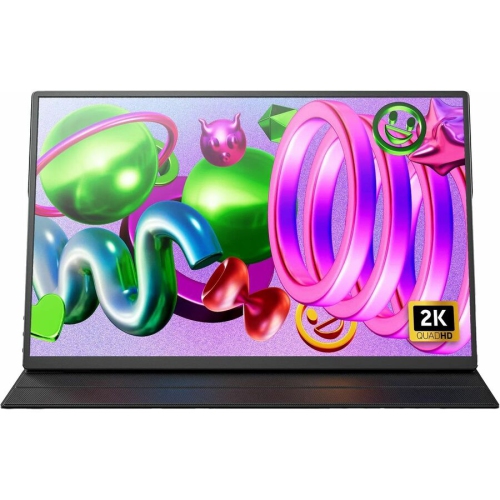
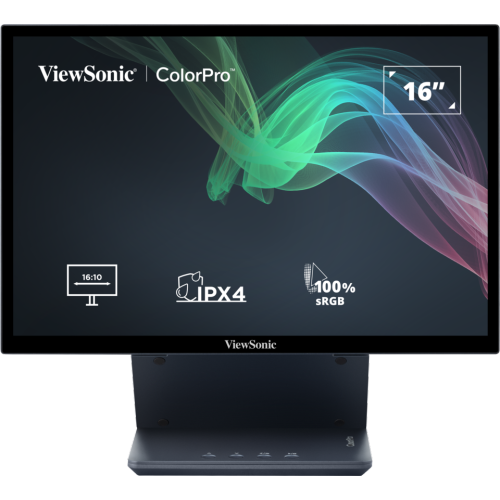
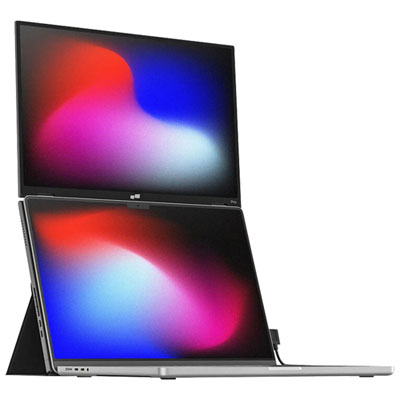

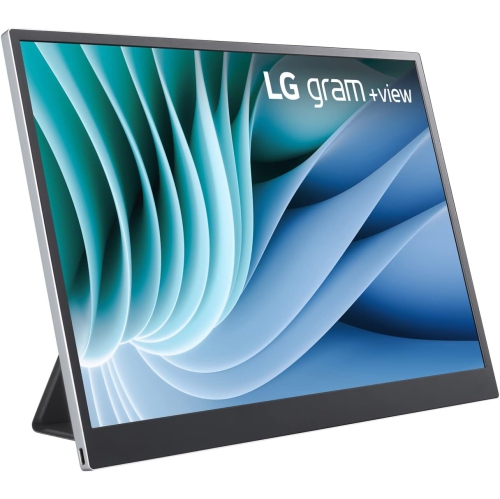
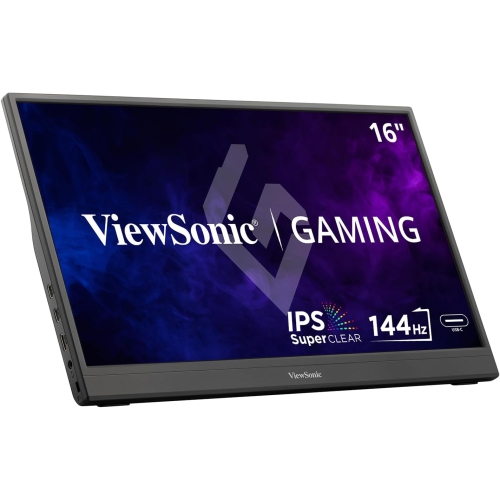
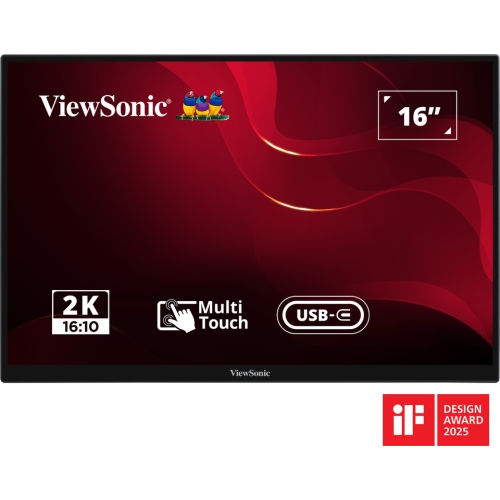
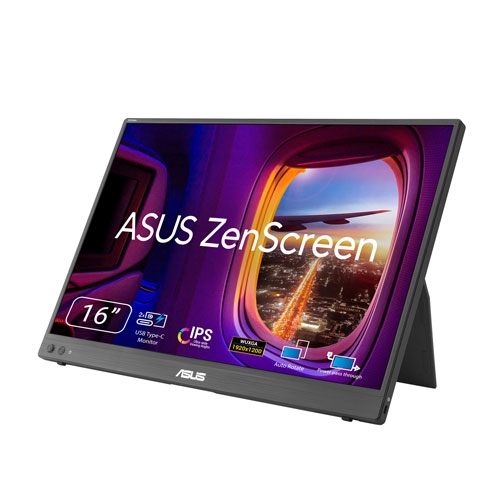

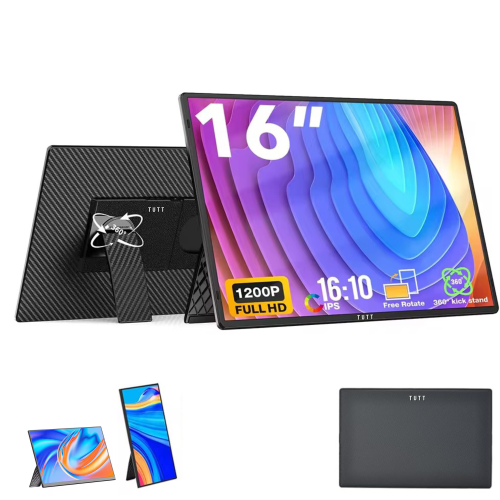
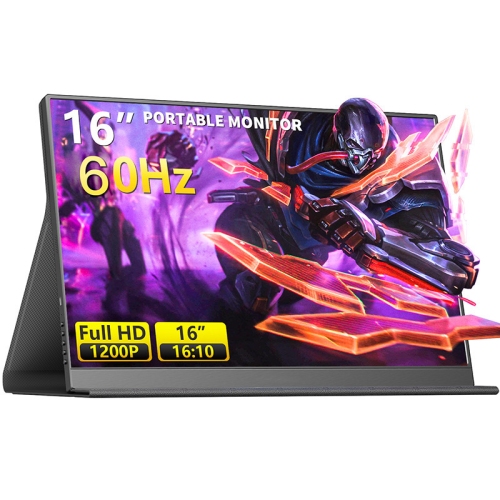
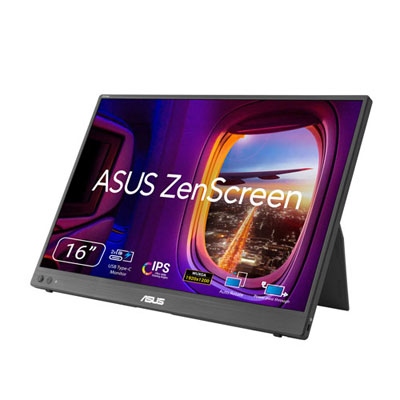
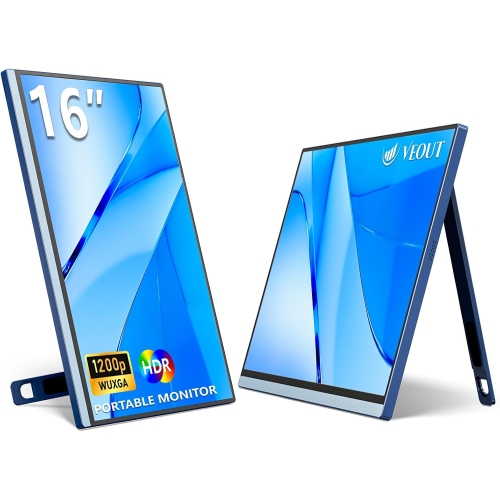
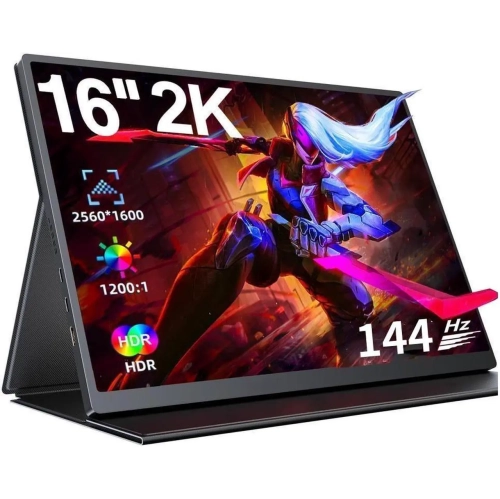
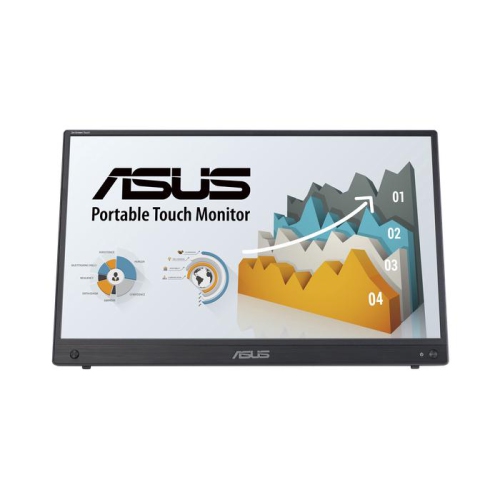
More screen space without crowding your desk
16-inch monitors add useful screen space without taking over a desk, making them a practical fit for compact workstations, shared study areas, and laptop setups that move between locations. Many displays in this size range are designed to be portable, while others are better suited to staying on a desk with a dedicated stand. The screen measurement runs diagonally from corner to corner; the overall width, height, thickness, and weight depend on the bezel and housing. Those details matter when fitting a display beside a laptop, into a carrying sleeve, or onto a shallow work surface. For everyday work, a separate screen can keep reference material visible while the main display holds a document, spreadsheet, or presentation. A student might place lecture notes on one screen and an assignment on the other, while someone working from home might keep a video meeting separate from the files being discussed. The benefit is less time spent switching between windows and more room to keep related information together. Screen shape also affects how that space feels. A 16:10 display offers a taller layout than a 16:9 display of the same diagonal size, which can be helpful for reading longer pages, reviewing code, or working through rows of data. A widescreen format can suit video and other content with a similar shape. Neither format makes the physical dimensions interchangeable, so checking measurements is useful when desk space or bag capacity is limited. For a smaller footprint, 14 Inch Monitors provide another size to consider alongside the extra viewing area of a 16-inch screen. The right fit depends on the balance between readable content, comfortable placement, and how often the display needs to travel. A larger diagonal can feel particularly useful when a laptop screen seems crowded, but the monitor still needs enough clear space for its stand, connecting cables, and comfortable use of a keyboard or mouse.
Image quality depends on more than screen size, and 16-inch monitors can serve quite different purposes depending on their resolution, panel technology, surface finish, and refresh rate. Higher resolution can make text and fine details appear sharper, although display scaling may need adjusting to keep menus and icons comfortably readable. A screen with generous viewing angles helps maintain a consistent picture when the monitor sits slightly to one side or when two people are reviewing the same document. Matte finishes reduce distracting reflections from nearby lamps and windows, while glossy surfaces can give images a crisp appearance but show reflections more readily. Brightness adjustment is valuable for balancing the monitor with a laptop screen and the lighting around the desk. For photography, illustration, and design work, colour gamut coverage and colour accuracy deserve attention; a vivid-looking display does not necessarily reproduce colours faithfully. Matching brightness and colour settings across two screens can make moving a project between them less distracting, though precise colour work may call for calibration. Gaming places different demands on a display. Refresh rate, response time, and supported adaptive sync features can influence how smoothly motion appears, provided the connected device supports those capabilities. Built-in speakers can be convenient for casual viewing, but their presence and performance vary. Connectivity is equally important because a matching socket does not guarantee a working setup. Some portable monitors can receive video and power through one USB-C cable, but the source port must support video output and provide sufficient power. Other connections require a separate power supply, and an HDMI connection generally carries the picture and sound rather than powering the screen. Cable capabilities matter as well: a charging cable may not support video. Touch input, where offered, may need an additional data connection and compatible software. Compatibility with laptops, desktop computers, game consoles, and supported mobile devices depends on the monitor and source device, not simply the screen size. Checking those requirements helps avoid a setup that needs more adapters, cables, or outlets than expected, especially when the monitor will move between a home desk and another workspace.
Construction and support make a noticeable difference to how a 16-inch monitor feels in daily use. A metal housing may offer a firm, substantial feel, while a well-designed plastic housing can keep weight manageable; material alone does not establish durability. Reinforced connection points, a stable support system, and protection for the panel are especially relevant for a display that travels frequently. Integrated kickstands, folding covers, and separate desktop stands each use space differently. Some offer several viewing angles, while others provide only limited adjustment, and portrait positioning is not supported by every design. A folding cover may protect the screen from light contact in a bag without providing the cushioning of a padded case. Keeping a portable display in its own compartment, away from loose plugs, keys, and heavy objects, helps protect the panel and ports. Cables should have enough slack to avoid pulling sideways on connectors, particularly when a laptop moves around the desk. For regular use, screen position matters as much as portability. A low-mounted display can encourage bending forward, so a compatible riser or adjustable stand may make longer sessions more comfortable. Mounting holes and stand attachments are not universal, making compatibility worth checking before adding an arm or bracket. Care is straightforward when it follows the manufacturer’s directions: switch the monitor off, disconnect power, and use a clean, soft microfibre cloth without pressing hard on the panel. Any permitted cleaning solution should go onto the cloth rather than directly onto the screen, with moisture kept away from openings. For students, frequent travellers, remote workers, and people building a flexible home workstation, this size can provide a useful balance of viewing area and portability. It can also make a thoughtful gift when the recipient’s device connections, carrying needs, and desk layout are known. The most useful setup is one that is easy to connect, comfortable to view, and simple to put away when the work surface needs to serve another purpose.
Top selling and popular products
-
 Your price for this item is $2237.68
-
 Your price for this item is $320.68
-
 Your price for this item is $469
-
 Your price for this item is $149.99
-
 Your price for this item is $265.99
-
 Your price for this item is $229.99
-
 Your price for this item is $1138.68
-
 Your price for this item is $355.68
Discover more categories related to 16 Inch Monitors
Top Collections:
Best Black Friday Deals This Year, Best Black Friday Deals On Electronics, Kindle Devices, Pokemon Centers, Best Black Friday Deals On Apple Products, Best Cameras for Sports Photography, Dyson Airwrap, Pokémon 30th Celebration Cards, Apple iPhone 17 Pro, Canon G7X Cameras
Some products may be subject to Environmental Handling Fees
(EHF) depending on your province.
Learn more about EHFs.