16 9 Monitors
Upgrade your viewing experience with our selection of 16:9 monitors. Whether you're a gamer, a creative professional, or simply looking to enhance your productivity, these sleek and versatile displays are designed to bring your content to life. With their widescreen aspect ratio and high-resolution capabilities, our 16:9 monitors deliver stunning visuals and immersive viewing experiences. Shop for monitors that meet your needs and take your entertainment, work, and gaming to the next level.
Sort
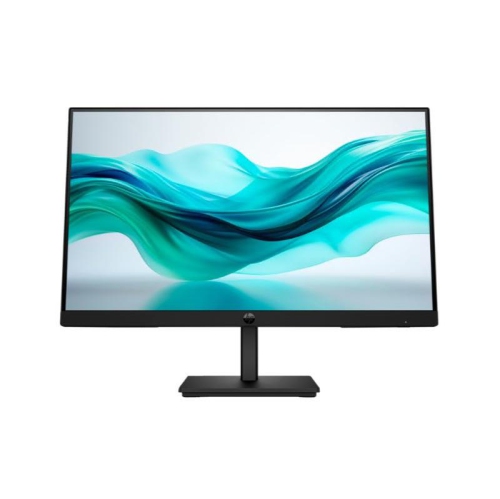
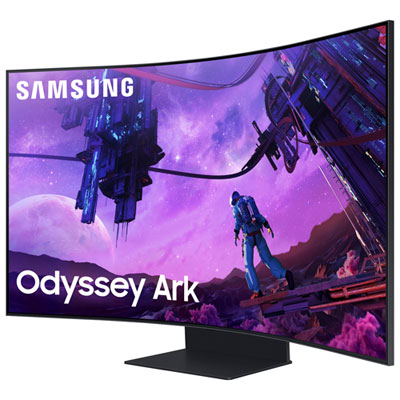
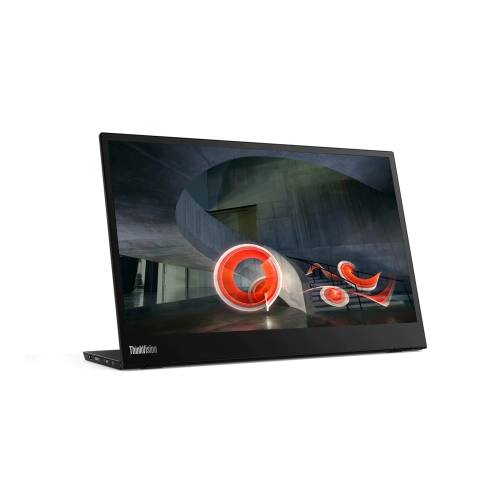
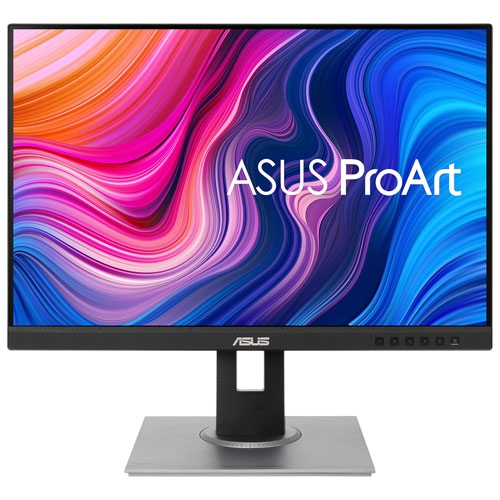

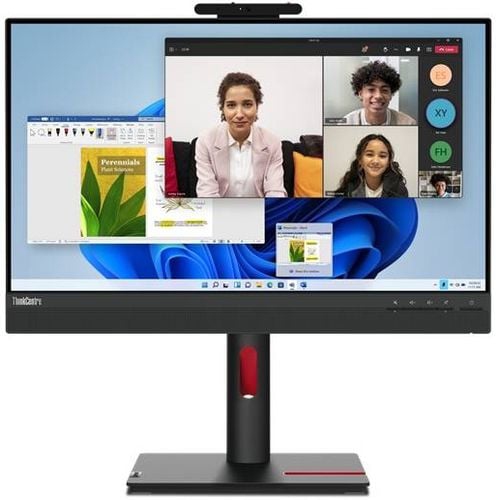
What makes a comfortable monitor for work and play
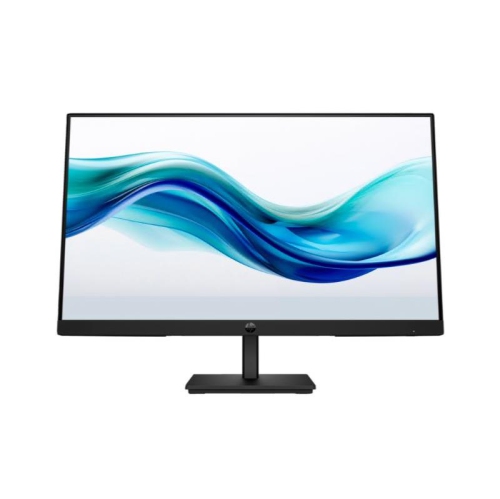
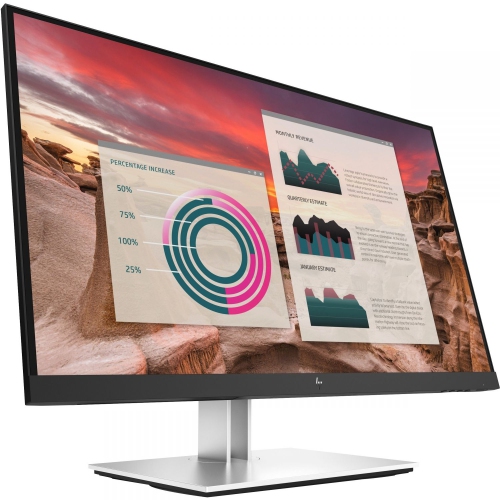
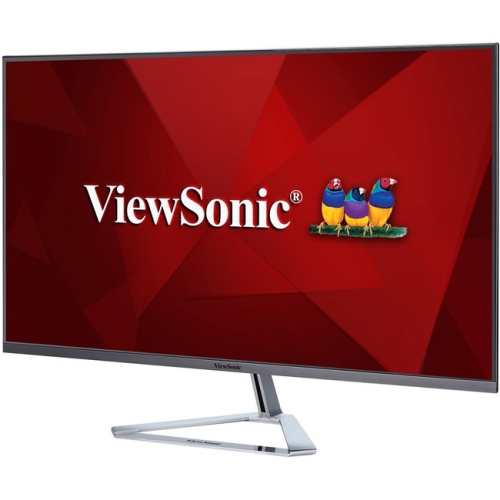
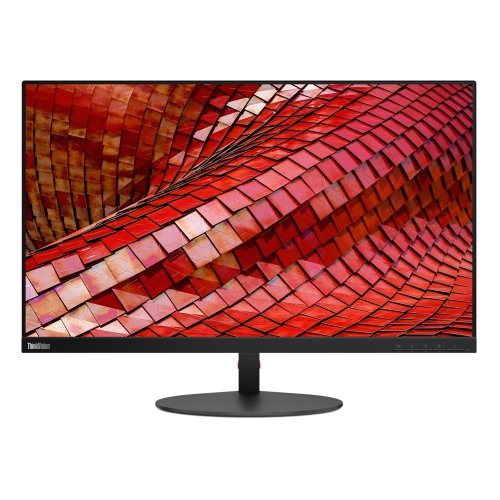
16:9 monitors are widescreen displays with a width-to-height ratio of 16 units by 9, making them a familiar fit for modern computers, streaming services, games, schoolwork, and office applications. This format has become a practical standard because many videos, games, websites, and software interfaces are designed with a 16:9 canvas in mind. When content matches the display’s native aspect ratio, it can fill the screen without the black letterbox bars that may appear with films or other media in wider or narrower formats. A 16:9 monitor can be a straightforward upgrade for a home office, a dependable second screen for a laptop, or the centrepiece of a desktop gaming setup. Screen size is one of the first details to consider. A 24-inch monitor can suit a compact desk, shared workspace, student room, or dual-monitor arrangement, while a 27-inch display offers a more spacious view for spreadsheets, video calls, photo work, and games without taking up the footprint of a much larger television. Larger screens can make detailed creative projects and split-screen workflows more comfortable, particularly when sitting farther back. Resolution also affects how sharp text, images, and game environments appear. Full HD, commonly known as 1920 x 1080, is a popular choice for everyday computing and gaming, especially on smaller screens. Quad HD, or 2560 x 1440, provides additional workspace and finer detail, while 4K, or 3840 x 2160, is suited to users who want very crisp visuals for editing, design, high-resolution media, or working with several windows at once. Choosing a resolution that matches the screen size and the capabilities of the computer can help create a balanced experience rather than placing unnecessary demands on the graphics hardware.
The right 16:9 monitor depends on how the display will be used throughout the day. For office work, online learning, and general browsing, look for a clear panel, comfortable viewing angles, adjustable brightness, and features that make long sessions easier on the eyes. An IPS panel is often valued for its consistent colour and wide viewing angles, while other panel types may appeal to users who prioritize contrast or fast response times. A higher refresh rate, such as 100Hz or 120Hz, can make scrolling, cursor movement, and supported games appear smoother than a traditional 60Hz display. Gamers should also review response time, adaptive sync support, resolution, and the graphics performance required to reach the desired frame rate. Competitive players may favour a fast refresh rate and low response time, while someone who plays story-driven games may place greater emphasis on resolution, contrast, and immersive colour. For creative work, colour coverage, factory calibration, resolution, and connection options deserve close attention. HDMI and DisplayPort are common choices for desktops and gaming systems, while USB-C can be particularly convenient for compatible laptops by carrying video, data, and sometimes power through one cable. Built-in speakers, a headphone jack, USB ports, and an integrated webcam can reduce desk clutter, although the usefulness of these features depends on the rest of the setup. A height-adjustable stand, tilt and swivel movement, and VESA mounting compatibility can help position the screen so the top edge sits near eye level, reducing the need to hunch forward. A practical setup often includes the monitor centred directly in front of the user, with additional displays angled slightly inward for a natural view.
A 16:9 monitor can be a thoughtful gift for a student preparing a study area, a remote worker refining a home office, a family member building a first desktop, or a gamer looking for a more capable screen. It can also be a useful choice for a household where one display needs to handle a variety of tasks, from homework and video meetings to streaming and casual gaming. Before choosing, measure the available desk width and depth, check the computer’s available video outputs, and consider whether the display will be used with a desktop, laptop, game console, or more than one device. Think about the lighting in the room as well: a matte finish may help reduce distracting reflections near a bright window, while a brighter panel can be helpful in a well-lit workspace. During the cooler months, when more time may be spent indoors studying, working, gaming, or watching films, a comfortable and well-positioned screen can make a desk feel more inviting. Users with limited space may prefer one well-sized display, while those who compare documents, monitor communication tools, or edit content may benefit from a second 16:9 monitor. For shoppers considering a less common display shape for a specialized setup, 5 4 Aspect Ratio Monitors offer a different screen proportion. Reviewing screen size, resolution, refresh rate, panel characteristics, connectivity, stand adjustability, and compatibility together makes it easier to select a 16:9 monitor that feels natural at the desk and remains useful across work, entertainment, and everyday computing.
The right 16:9 monitor depends on how the display will be used throughout the day. For office work, online learning, and general browsing, look for a clear panel, comfortable viewing angles, adjustable brightness, and features that make long sessions easier on the eyes. An IPS panel is often valued for its consistent colour and wide viewing angles, while other panel types may appeal to users who prioritize contrast or fast response times. A higher refresh rate, such as 100Hz or 120Hz, can make scrolling, cursor movement, and supported games appear smoother than a traditional 60Hz display. Gamers should also review response time, adaptive sync support, resolution, and the graphics performance required to reach the desired frame rate. Competitive players may favour a fast refresh rate and low response time, while someone who plays story-driven games may place greater emphasis on resolution, contrast, and immersive colour. For creative work, colour coverage, factory calibration, resolution, and connection options deserve close attention. HDMI and DisplayPort are common choices for desktops and gaming systems, while USB-C can be particularly convenient for compatible laptops by carrying video, data, and sometimes power through one cable. Built-in speakers, a headphone jack, USB ports, and an integrated webcam can reduce desk clutter, although the usefulness of these features depends on the rest of the setup. A height-adjustable stand, tilt and swivel movement, and VESA mounting compatibility can help position the screen so the top edge sits near eye level, reducing the need to hunch forward. A practical setup often includes the monitor centred directly in front of the user, with additional displays angled slightly inward for a natural view.
A 16:9 monitor can be a thoughtful gift for a student preparing a study area, a remote worker refining a home office, a family member building a first desktop, or a gamer looking for a more capable screen. It can also be a useful choice for a household where one display needs to handle a variety of tasks, from homework and video meetings to streaming and casual gaming. Before choosing, measure the available desk width and depth, check the computer’s available video outputs, and consider whether the display will be used with a desktop, laptop, game console, or more than one device. Think about the lighting in the room as well: a matte finish may help reduce distracting reflections near a bright window, while a brighter panel can be helpful in a well-lit workspace. During the cooler months, when more time may be spent indoors studying, working, gaming, or watching films, a comfortable and well-positioned screen can make a desk feel more inviting. Users with limited space may prefer one well-sized display, while those who compare documents, monitor communication tools, or edit content may benefit from a second 16:9 monitor. For shoppers considering a less common display shape for a specialized setup, 5 4 Aspect Ratio Monitors offer a different screen proportion. Reviewing screen size, resolution, refresh rate, panel characteristics, connectivity, stand adjustability, and compatibility together makes it easier to select a 16:9 monitor that feels natural at the desk and remains useful across work, entertainment, and everyday computing.
Top selling and popular products
-
 Your price for this item is $299
 -
 Your price for this item is $599
 -
 Your price for this item is $94.99
 -
 Your price for this item is $329.99
 -
 Your price for this item is $499
 -
 Your price for this item is $265.99
 -
 Your price for this item is $1299.97
 -
 Your price for this item is $249.99
Discover more categories related to 16 9 Monitors
Top Collections:
Pokemon Centers, Kindle Devices, Best Budget Office Chairs, Apple iPhones 16, Best Laptops for Writers, iPhone 15 Apple, Canon G7X Cameras, Refurbished Apple Laptops, Alarm Clock, Motorola Razr Phones
Some products may be subject to Environmental Handling Fees
(EHF) depending on your province.
Learn more about EHFs.