165hz Monitors for PS5
The PS5 is a powerful machine, capable of delivering amazing graphics and fast-moving action. If you're looking for the best way to experience this power, it's worth considering a monitor with a 165Hz refresh rate. The extra frames will make games look smoother and more immersive.
Sort
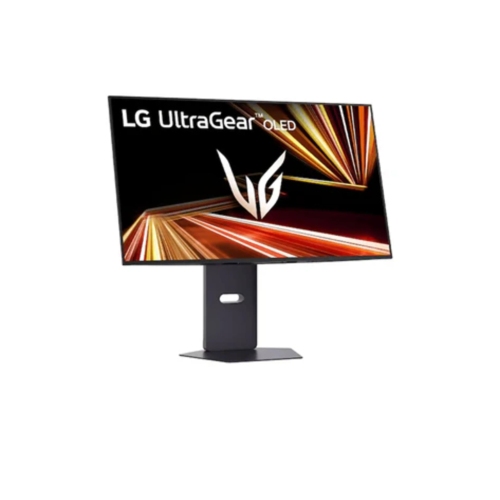
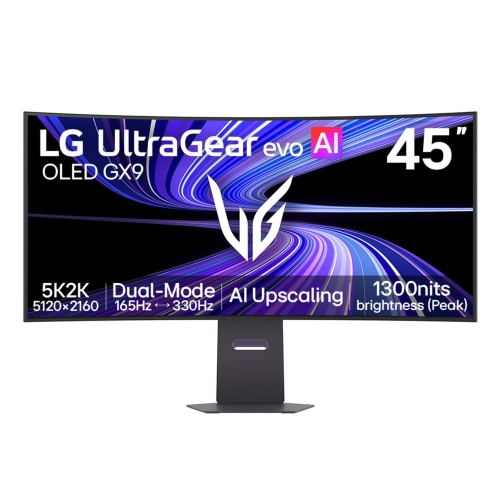
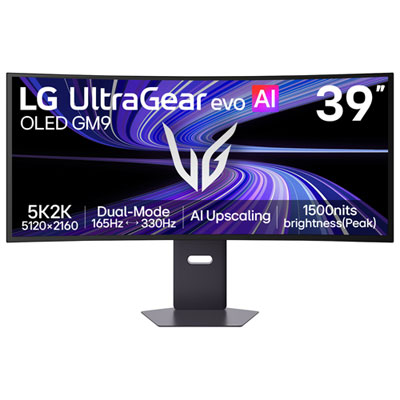
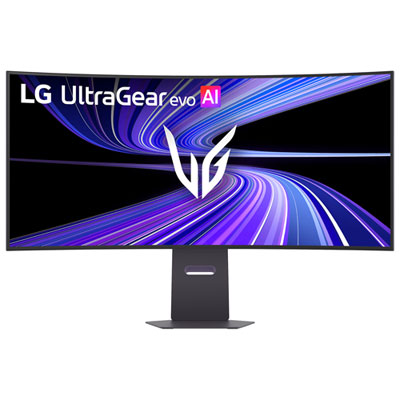
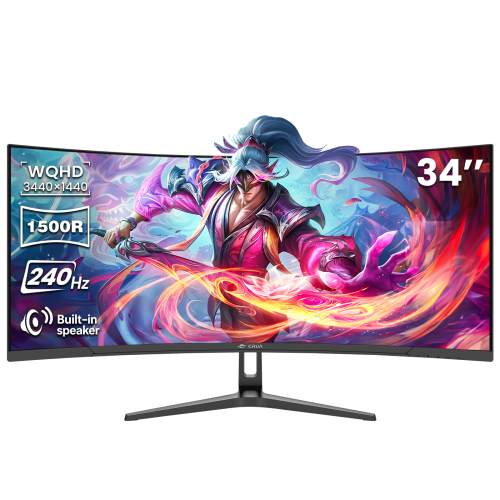
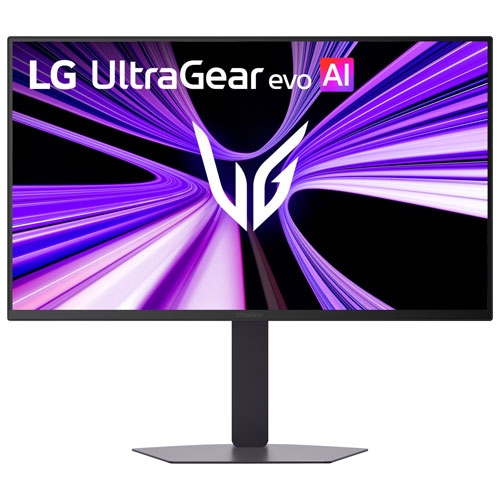
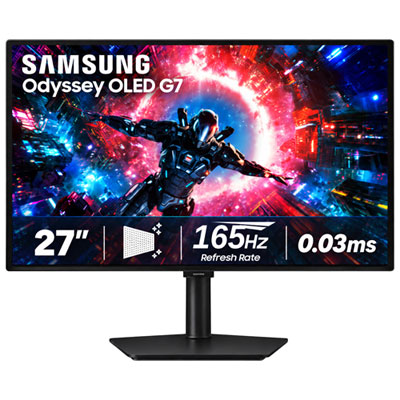
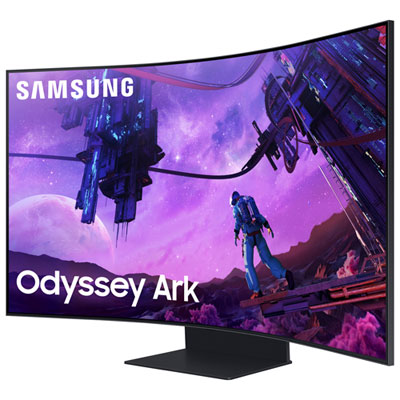
Why 120Hz support matters more than a 165Hz label
165Hz monitors for PS5 pair a high-refresh display with a console that outputs at up to 120Hz, not 165Hz. In practice, a compatible 165Hz monitor displays the console’s signal at 60Hz or 120Hz, depending on the game, its settings and the resolutions supported through the monitor’s HDMI input. The extra refresh capacity does not make the console produce additional frames, but it can be useful when the same screen also serves a gaming computer. For console play, the important distinction is between the monitor’s advertised maximum refresh rate and the signals it can actually accept over HDMI. Some displays reach their highest refresh rates only through DisplayPort, so a 165Hz specification alone does not confirm support for a PS5’s 120Hz output. A monitor that accepts 120Hz at the intended resolution is the relevant match. Games also need a supported 120fps mode to take full advantage of that connection; a title running at 60fps will not become a 120fps experience simply because the screen refreshes faster. In fast-paced games, the higher frame rate can make movement easier to follow, whether tracking an opponent across a doorway or steering through a tight corner. Performance modes may trade some image detail or resolution for that smoother movement, while visually demanding adventures may favour a lower frame rate with richer effects. Low input lag and responsive pixels matter alongside refresh rate, helping on-screen actions feel connected to controller inputs without distracting trails behind moving objects. Advertised response-time figures are not directly comparable across every display, and an aggressive response setting can sometimes introduce bright outlines rather than cleaner motion. These monitors suit players who want a desk-based console setup, particularly when screen space is shared with a computer and the display needs to handle different uses.
Resolution and screen size shape the experience just as much as refresh rate. Full HD, or 1920 × 1080, can work well on a smaller screen viewed at a desk, while QHD, or 2560 × 1440, offers more detail for game worlds, menus and everyday computer tasks. A 27-inch QHD display is a common fit for a mixed-use desktop because it balances usable screen space with a size that remains manageable at close range. Larger displays can make distant scenery and small interface elements easier to see, although they also need enough viewing distance to keep the whole image comfortable to follow. For players prioritizing finer detail, 4K Monitors for PS5 offer another resolution category to consider. Displaying 4K at 120Hz requires a monitor with an HDMI connection that supports the necessary bandwidth, typically through HDMI 2.1, as well as a suitable cable and a compatible game mode. HDMI version labels alone do not describe every supported feature, so the monitor’s listed resolution and refresh-rate combinations remain important. Variable refresh rate is another separate consideration: PS5-compatible HDMI VRR can help reduce tearing and uneven presentation when frame rates fluctuate within the supported range, but generic adaptive-sync support does not guarantee compatibility. Panel technology also affects the picture. IPS panels generally maintain consistent colour across wider viewing angles, VA panels often provide stronger contrast in dark scenes, and OLED panels deliver deep blacks and very fast pixel transitions, with additional care considerations for persistent static images. HDR quality depends on brightness, contrast and how the display controls light, rather than an HDR label alone. A dimly lit corridor, a bright sky and a glowing dashboard place different demands on a panel; strong contrast and effective brightness control help preserve their distinct details. Screen finish matters too, with matte surfaces softening reflections and glossier finishes making room lighting more noticeable.
A monitor’s physical design helps determine how naturally it fits into daily play. On a shallow desk, a deep stand can leave little room for a keyboard or force the screen closer than intended. A compact base or a compatible monitor arm can free up work surface space, provided the mounting pattern, weight limit and desk attachment are suitable. Height adjustment and tilt make it easier to position the screen near eye level without stacking books beneath the stand, while swivel can help when sharing the view with someone sitting nearby. Flat screens are straightforward for mixed console and computer use; curved screens create a more wrapped-in view from a centred position, with the effect depending on screen size, curvature and seating distance. Typical construction combines a plastic housing with metal support components, but stability depends on the stand’s design and assembly rather than materials alone. A firm base, secure adjustment mechanism and accessible controls are useful details on a screen that will be moved between work and play. Multiple inputs allow a console and computer to stay connected, although automatic input switching and audio routing vary by monitor. Built-in speakers can handle casual listening, while a headphone connection or separate audio setup may be more practical for hearing quiet footsteps or dialogue clearly. Care is usually simple: a clean, soft microfibre cloth removes dust and fingerprints, with any cleaning method kept within the manufacturer’s instructions. Spraying liquid directly onto the screen, pressing hard on the panel or using harsh household cleaners can damage delicate surfaces. OLED displays also benefit from their built-in panel-care features and sensible handling of static content. Ventilation space and tidy cable routing help protect connections from unnecessary strain. As a gift, a monitor is most useful when its size, HDMI capabilities and mounting needs match the recipient’s existing setup. For students, shared-office users and dedicated players alike, a well-matched 165Hz display can bring console gaming, computer use and streaming onto one screen without treating the headline refresh rate as the whole story.
Top selling and popular products
-
 Your price for this item is $275
-
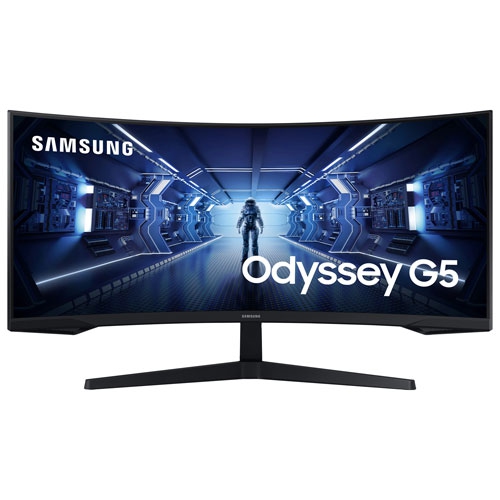 Your price for this item is $559.68
-
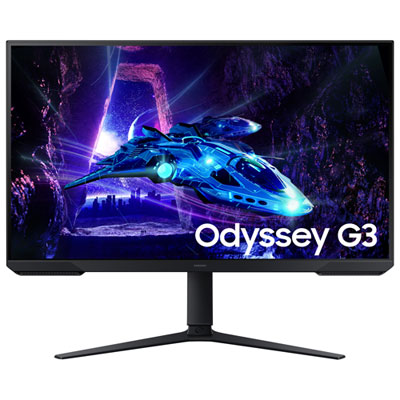 Your price for this item is $209.95
-
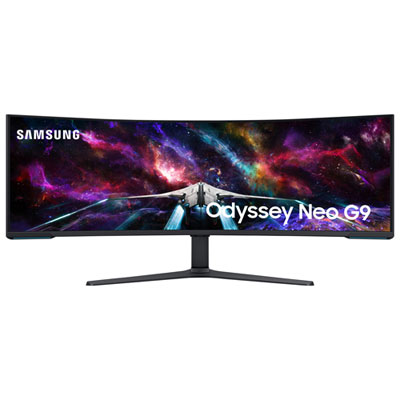 Your price for this item is $3299.99
-
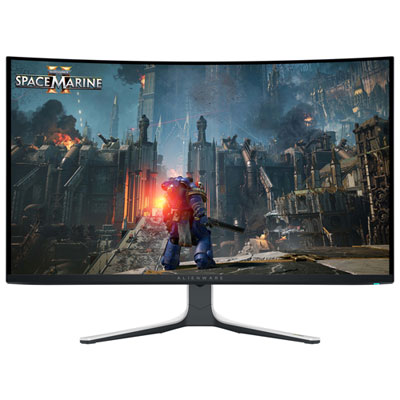 Your price for this item is $1349.99
-
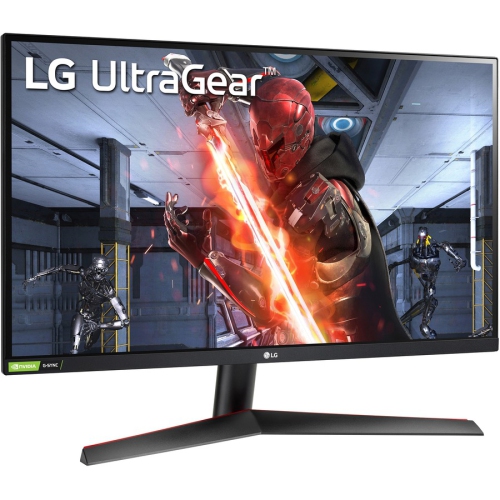 Your price for this item is $554.68
-
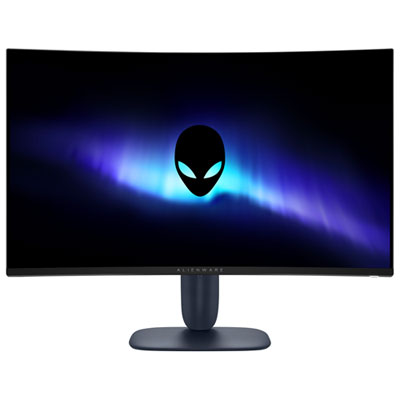 Your price for this item is $339.95
-
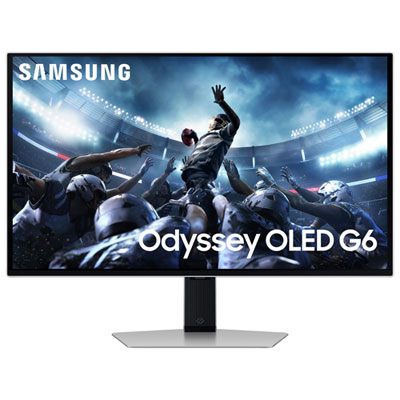 Your price for this item is $1199.99
Discover more categories related to 165hz Monitors for PS5
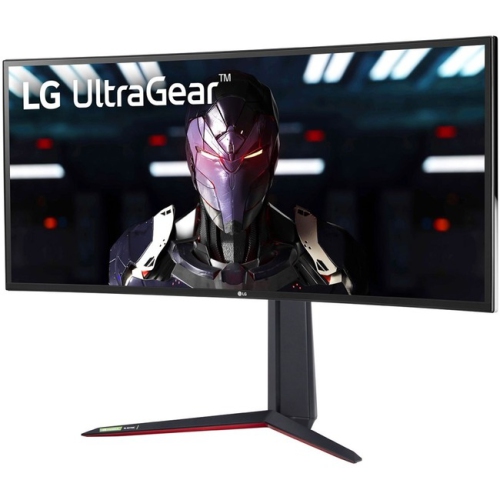

Top Collections:
Best Black Friday Deals This Year, Best Black Friday Deals On Electronics, Kindle Devices, Pokemon Centers, Best Black Friday Deals On Apple Products, Best Cameras for Sports Photography, Dyson Airwrap, Pokémon 30th Celebration Cards, Apple iPhone 17 Pro, Canon G7X Cameras
Some products may be subject to Environmental Handling Fees
(EHF) depending on your province.
Learn more about EHFs.