Gaming Monitors for PS5
The PlayStation 5 is a console that's still a few years away from release, but Sony already has a lot of ideas for how it'll differ from its predecessor. If you're looking to upgrade your setup for the PS5, you'll need a gaming monitor. These monitors are designed to handle the demands of today's most popular games and will give you the best possible experience when you play.
Sort
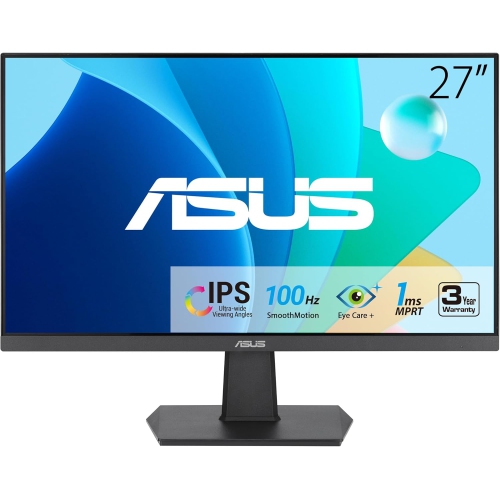
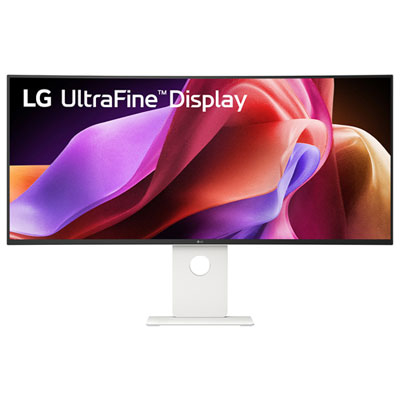
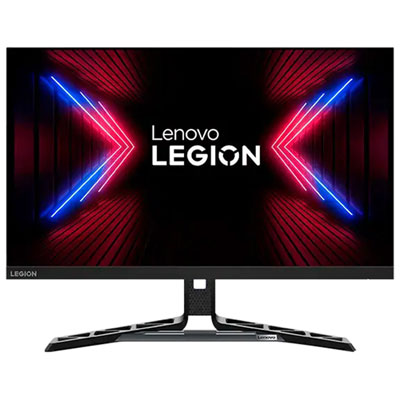
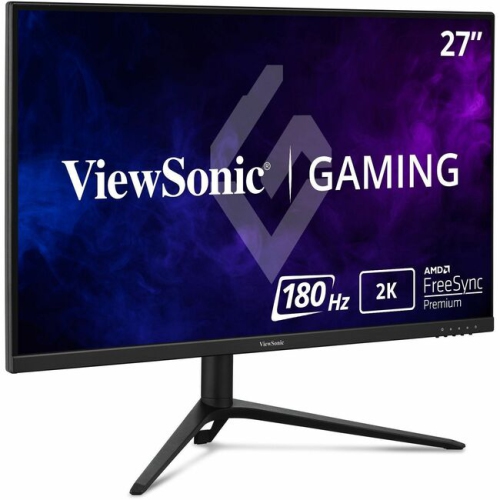
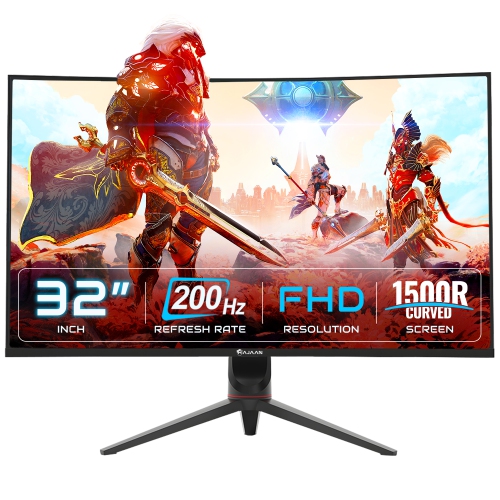


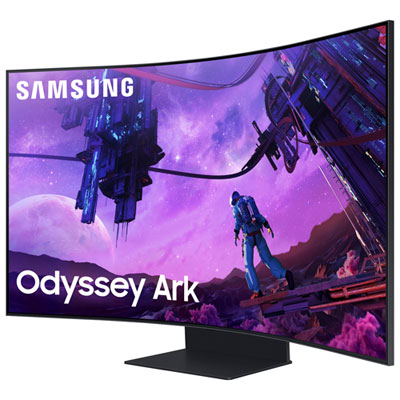
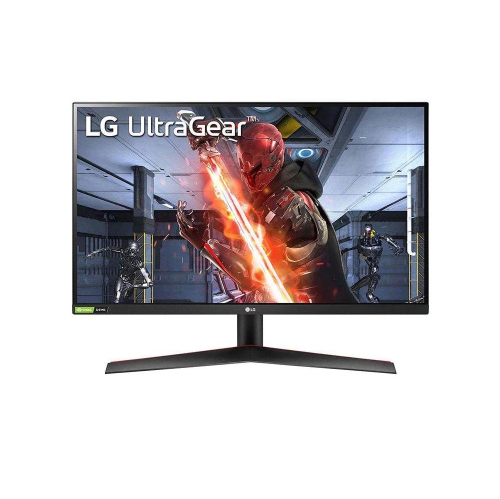
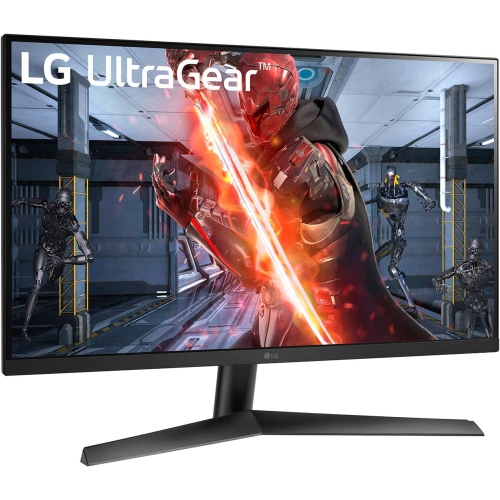
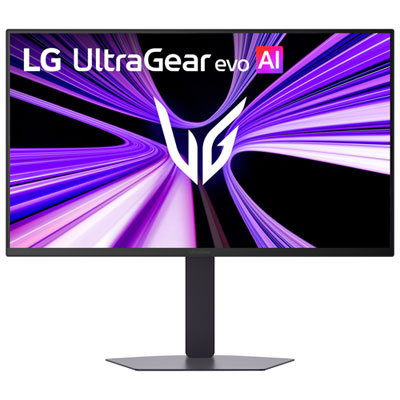
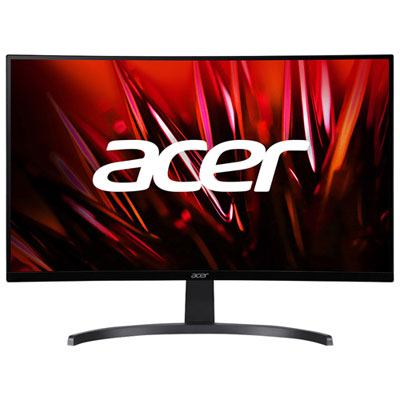
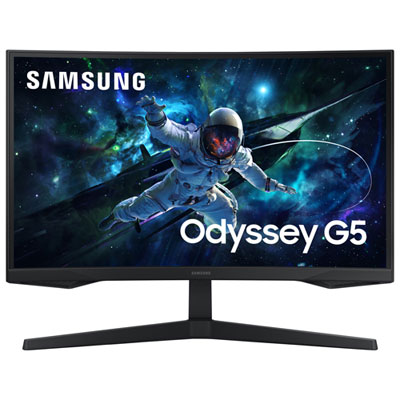
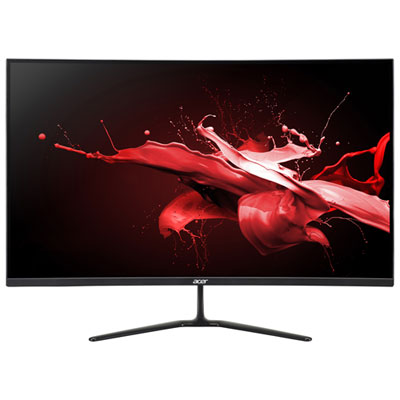
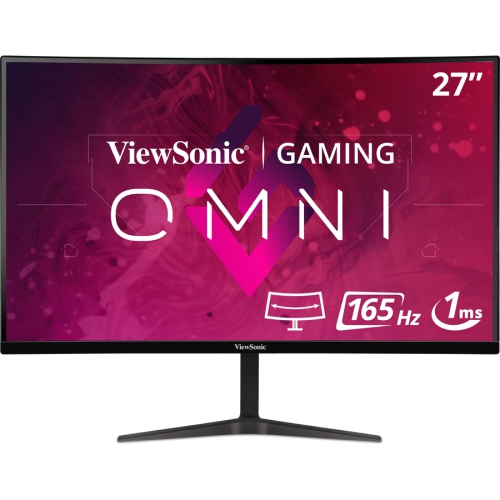

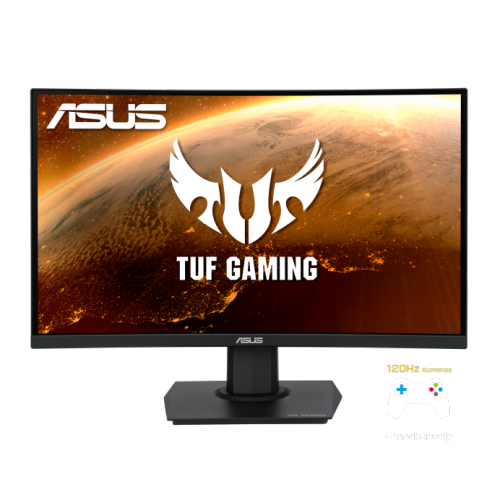
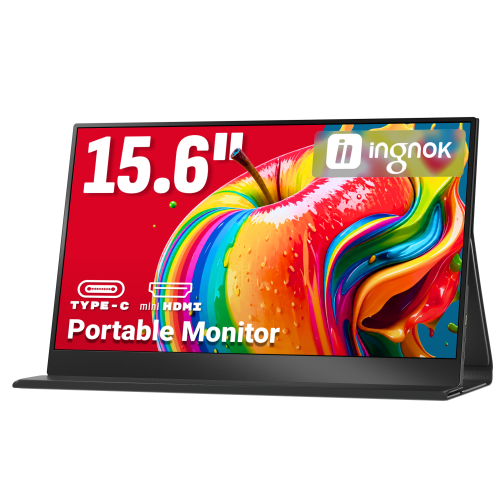
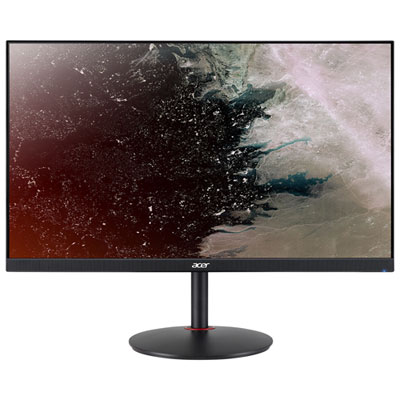
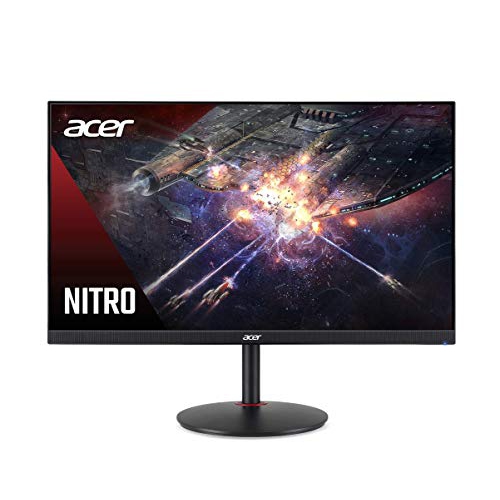
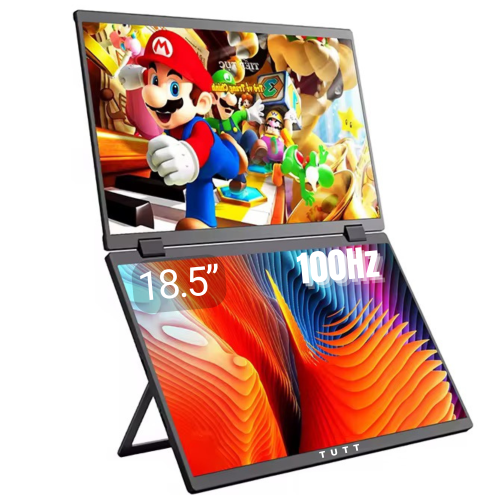
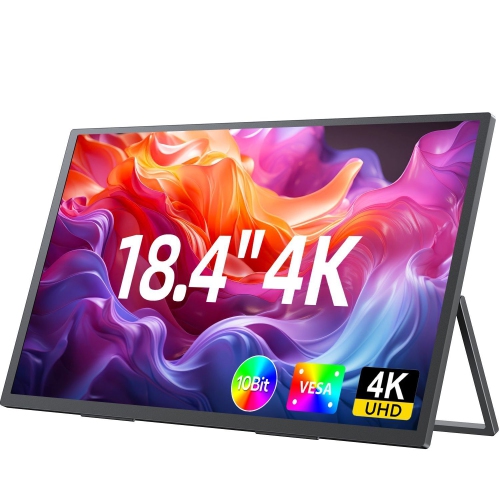
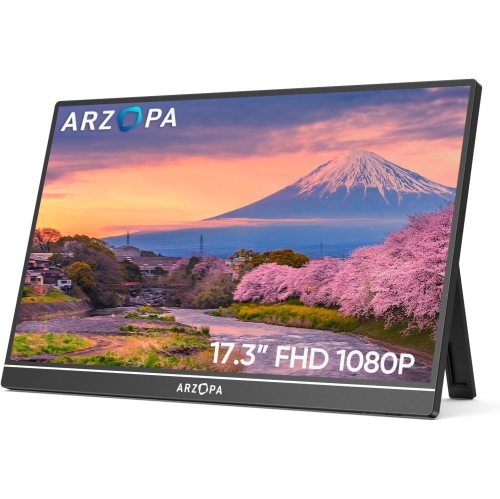
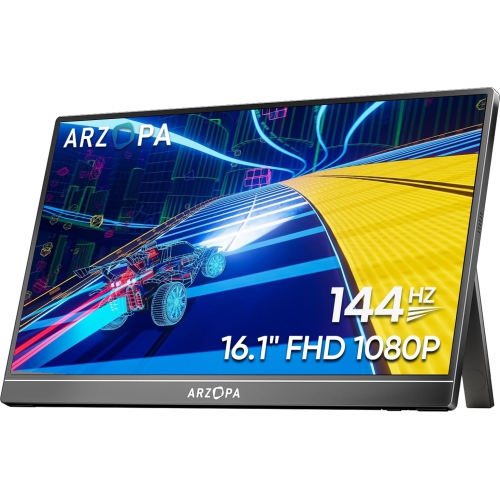
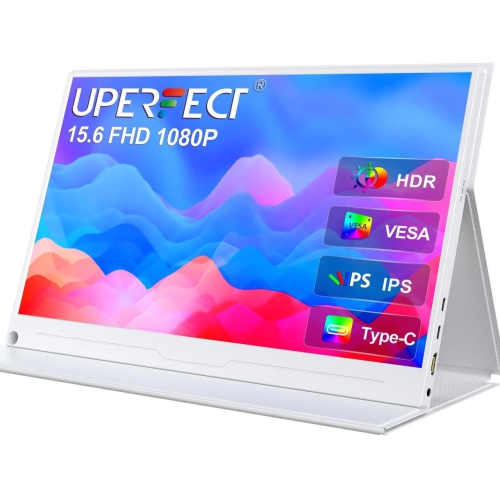
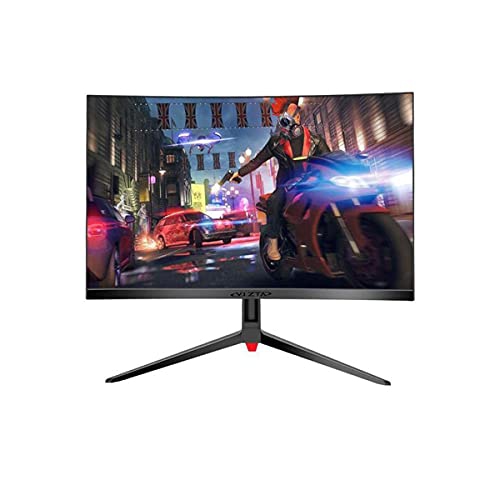
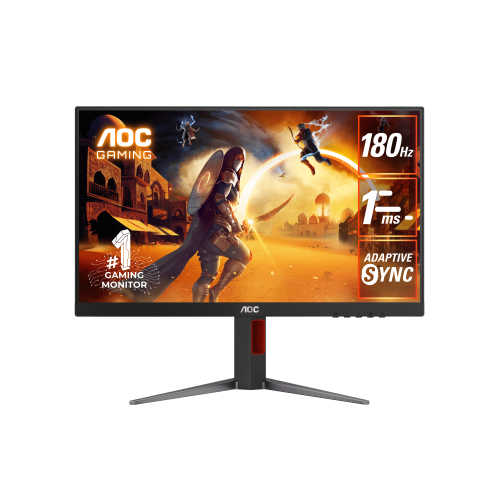
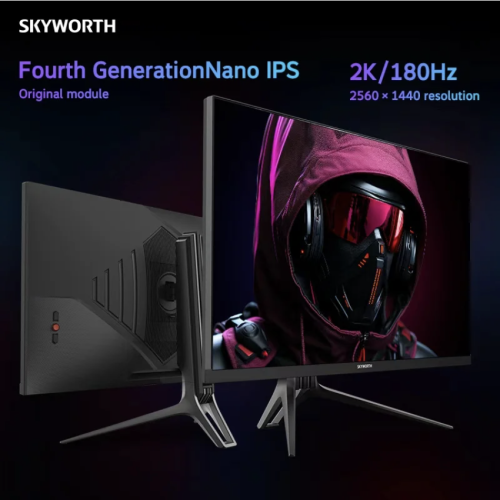
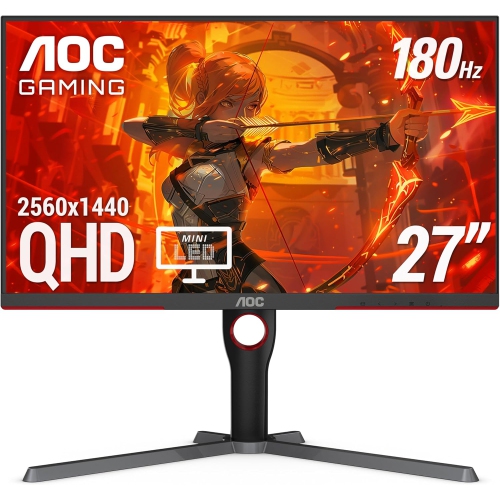
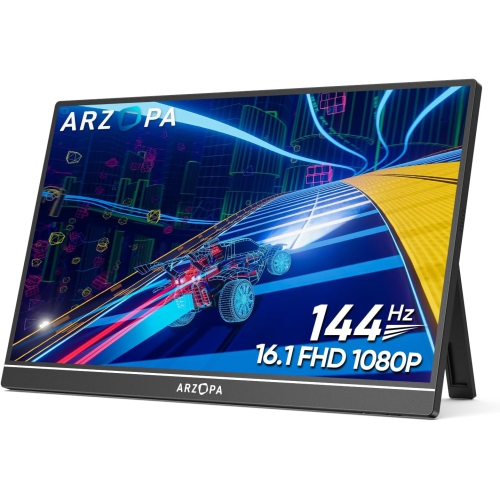
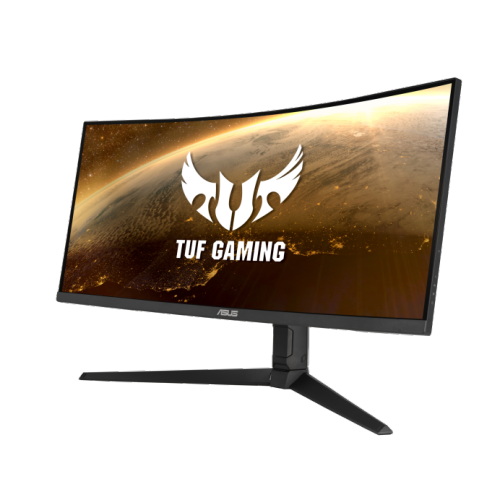
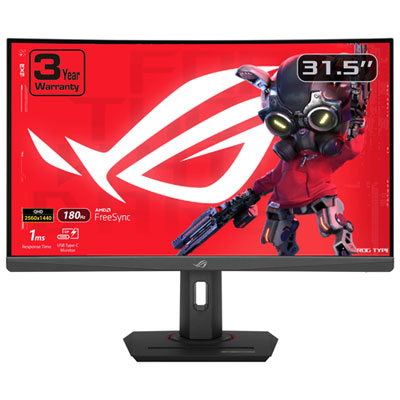
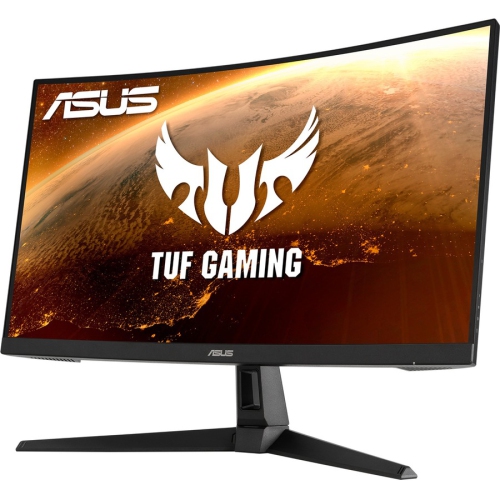
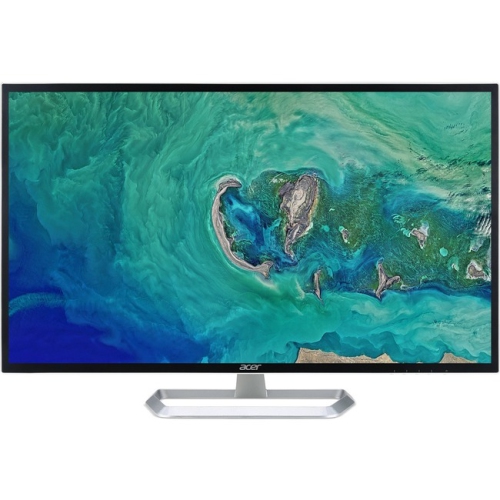
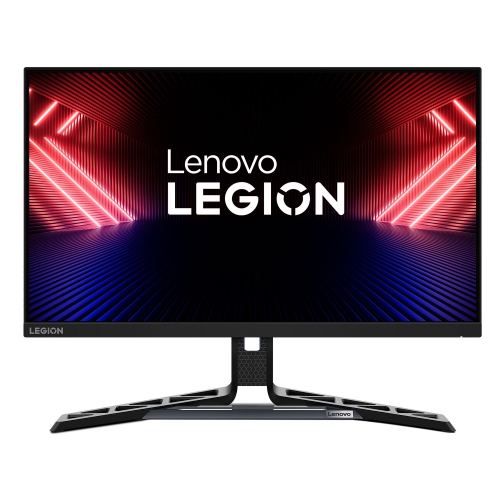
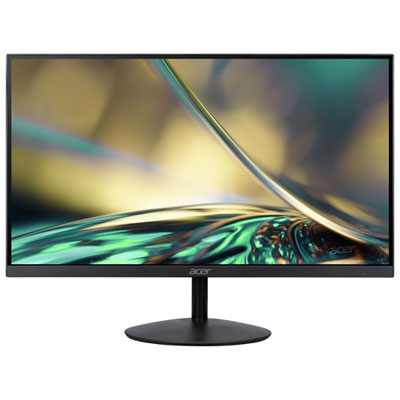
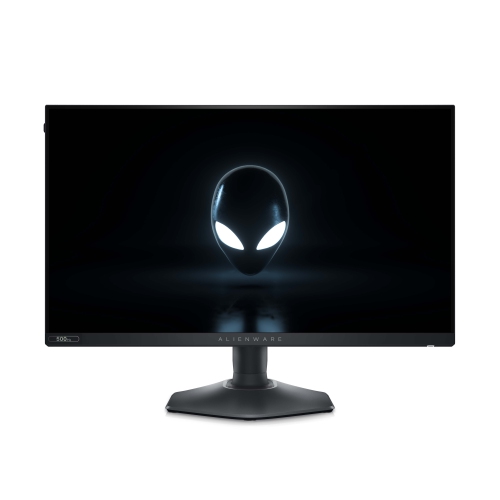
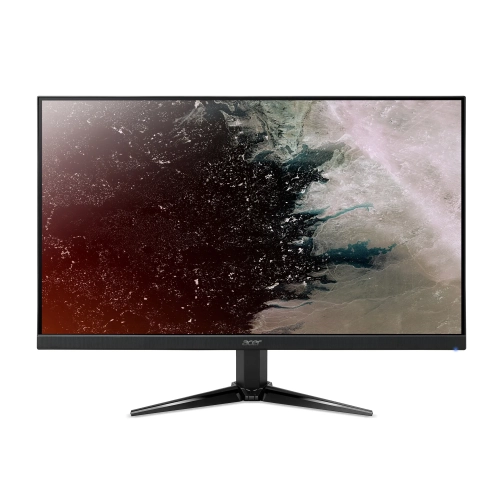
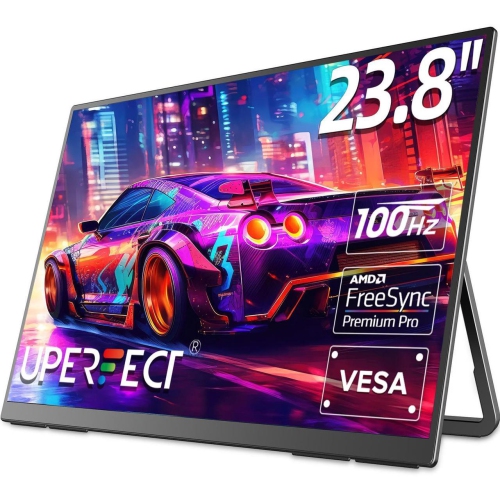
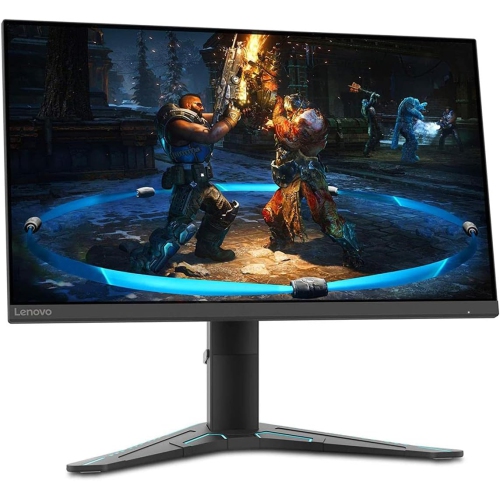
The PS5 monitor features behind smoother, sharper gameplay
Gaming monitors for PS5 can bring console gaming closer to a desk-based, high-performance experience, whether you are settling into a focused solo campaign, competing in a fast online match, or enjoying a story-driven adventure with a headset on. Unlike a television designed for shared viewing, a monitor is often placed closer to the player, making screen size, viewing distance, and desk space especially important. A 27-inch display can be a comfortable fit for a compact gaming setup, while a 32-inch screen provides a larger view without taking up the space of a full-size television. The PlayStation 5 supports both 1440p (QHD) and 4K output, so choosing between these resolutions is one of the first decisions to make. A 1440p monitor can deliver a sharp image with a strong balance between detail and performance, while a 4K monitor displays finer image detail and can make expansive game worlds, textured environments, and small on-screen elements look especially clear. If you are comparing higher-resolution options, explore 4K Monitors for PS5 for displays designed around that type of console output. It is also worth checking the monitor’s console compatibility before purchasing. The HDMI connection is the link between the PS5 and the display, and an HDMI 2.1 port can support the full combination of 4K resolution and up to a 120Hz refresh rate when the game and display support those features. Not every title runs at 4K and 120Hz simultaneously, but a monitor with the appropriate specifications gives the console more room to deliver supported performance modes. A 120Hz refresh rate allows the screen to update more frequently than a standard 60Hz display, which can make camera movement, racing, sports, and competitive action feel smoother. Look for clear information about HDMI 2.1, 4K at 120Hz support, and the available HDMI inputs rather than assuming that a high resolution alone guarantees the desired result.
Variable Refresh Rate, commonly called VRR, is another useful feature for a PS5 gaming monitor. The console and monitor can coordinate the display’s refresh rate with the game’s changing frame rate, helping reduce visible tearing and making motion appear more consistent during demanding scenes. VRR is particularly helpful when action moves quickly across the screen, such as during a busy battle, a rapid turn in a racing game, or a camera sweep across a detailed open-world landscape. Check that VRR is supported by both the monitor and the PS5 connection, and review the monitor’s stated operating range where available. Response time is also relevant, especially for players who spend time in competitive shooters, fighting games, sports titles, or multiplayer matches where quick visual feedback matters. A fast response time can help reduce distracting ghosting behind moving objects, although the overall experience also depends on the panel type, refresh rate, game settings, and connection. Panel technology affects the way a monitor looks and feels: some displays emphasize rich contrast and deep blacks, while others are known for bright images, wide viewing angles, or balanced colour reproduction. Contrast can be particularly noticeable in dark corridors, nighttime scenes, and games with dramatic lighting, while strong colour coverage can make landscapes, character costumes, and visual effects appear more vibrant. A monitor with a height-adjustable stand, tilt adjustment, or a compatible mounting pattern can make long sessions more comfortable by helping you position the top of the screen closer to eye level. Built-in speakers may be convenient for casual play, but many players prefer a headset or separate audio setup for clearer dialogue and more precise sound cues. Also consider the location of the ports, cable management, and whether there is enough space for the PS5, controller, headset, and any other accessories around the display.
A gaming monitor for PS5 can be a practical choice for a bedroom, apartment, home office, dorm room, or shared living space where a large television is not convenient. It can also make a thoughtful gift for a player who is building a first dedicated gaming station, upgrading from an older display, or moving from a television to a closer desktop setup. During the cooler months, when evenings often invite more time indoors, a well-matched monitor can become the centre of a comfortable gaming corner for campaign play, online competition, streaming, and connecting with friends. Before choosing one as a gift, consider the recipient’s existing desk, preferred game genres, available room, and whether they value maximum image detail or very smooth motion. Someone who enjoys cinematic single-player games may prioritize 4K resolution, strong contrast, and a larger 32-inch screen, while a player focused on competitive matches may prefer a 27-inch display with 120Hz support, VRR, and a quick response time. It is helpful to confirm that the monitor includes the connections needed for the intended setup and that the correct high-bandwidth cable is available when required for advanced PS5 features. Brightness, anti-glare treatment, and viewing angle can matter in a room with windows or overhead lighting, while a monitor with a straightforward on-screen menu can make it easier to switch between picture modes and input sources. Consider the distance from the display as well: a screen that feels immersive at one desk depth may feel overwhelming or less comfortable if placed very close. The right choice brings together the PS5’s supported output, the monitor’s connection and refresh capabilities, the player’s available space, and the types of games they enjoy most. By comparing resolution, HDMI 2.1, 120Hz support, VRR compatibility, response time, panel characteristics, size, ergonomics, and audio options, shoppers can find a display that suits both the technical requirements of the console and the everyday feel of the gaming space.
Variable Refresh Rate, commonly called VRR, is another useful feature for a PS5 gaming monitor. The console and monitor can coordinate the display’s refresh rate with the game’s changing frame rate, helping reduce visible tearing and making motion appear more consistent during demanding scenes. VRR is particularly helpful when action moves quickly across the screen, such as during a busy battle, a rapid turn in a racing game, or a camera sweep across a detailed open-world landscape. Check that VRR is supported by both the monitor and the PS5 connection, and review the monitor’s stated operating range where available. Response time is also relevant, especially for players who spend time in competitive shooters, fighting games, sports titles, or multiplayer matches where quick visual feedback matters. A fast response time can help reduce distracting ghosting behind moving objects, although the overall experience also depends on the panel type, refresh rate, game settings, and connection. Panel technology affects the way a monitor looks and feels: some displays emphasize rich contrast and deep blacks, while others are known for bright images, wide viewing angles, or balanced colour reproduction. Contrast can be particularly noticeable in dark corridors, nighttime scenes, and games with dramatic lighting, while strong colour coverage can make landscapes, character costumes, and visual effects appear more vibrant. A monitor with a height-adjustable stand, tilt adjustment, or a compatible mounting pattern can make long sessions more comfortable by helping you position the top of the screen closer to eye level. Built-in speakers may be convenient for casual play, but many players prefer a headset or separate audio setup for clearer dialogue and more precise sound cues. Also consider the location of the ports, cable management, and whether there is enough space for the PS5, controller, headset, and any other accessories around the display.
A gaming monitor for PS5 can be a practical choice for a bedroom, apartment, home office, dorm room, or shared living space where a large television is not convenient. It can also make a thoughtful gift for a player who is building a first dedicated gaming station, upgrading from an older display, or moving from a television to a closer desktop setup. During the cooler months, when evenings often invite more time indoors, a well-matched monitor can become the centre of a comfortable gaming corner for campaign play, online competition, streaming, and connecting with friends. Before choosing one as a gift, consider the recipient’s existing desk, preferred game genres, available room, and whether they value maximum image detail or very smooth motion. Someone who enjoys cinematic single-player games may prioritize 4K resolution, strong contrast, and a larger 32-inch screen, while a player focused on competitive matches may prefer a 27-inch display with 120Hz support, VRR, and a quick response time. It is helpful to confirm that the monitor includes the connections needed for the intended setup and that the correct high-bandwidth cable is available when required for advanced PS5 features. Brightness, anti-glare treatment, and viewing angle can matter in a room with windows or overhead lighting, while a monitor with a straightforward on-screen menu can make it easier to switch between picture modes and input sources. Consider the distance from the display as well: a screen that feels immersive at one desk depth may feel overwhelming or less comfortable if placed very close. The right choice brings together the PS5’s supported output, the monitor’s connection and refresh capabilities, the player’s available space, and the types of games they enjoy most. By comparing resolution, HDMI 2.1, 120Hz support, VRR compatibility, response time, panel characteristics, size, ergonomics, and audio options, shoppers can find a display that suits both the technical requirements of the console and the everyday feel of the gaming space.
Top selling and popular products
-
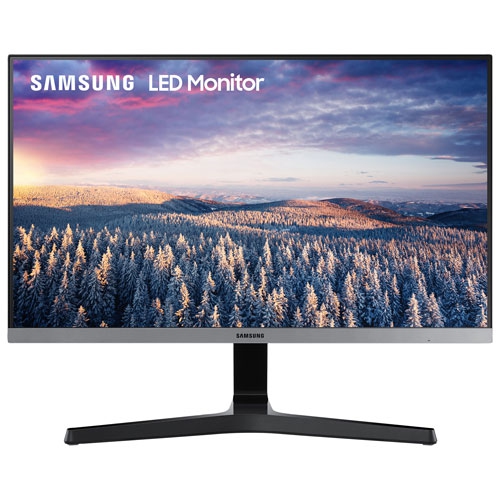 Your price for this item is $279.97
 -
 Your price for this item is $275
 -
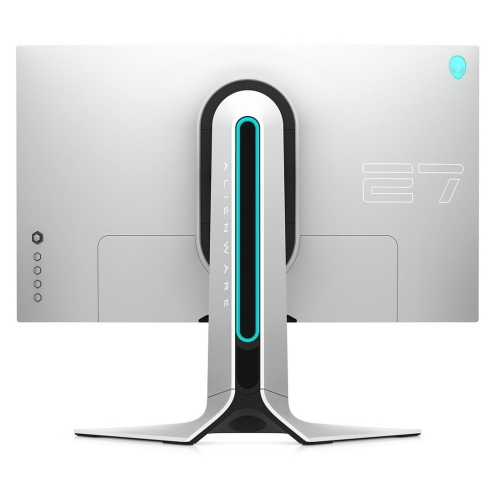 Your price for this item is $299
 -
 Your price for this item is $559.68
 -
 Your price for this item is $209.99
 -
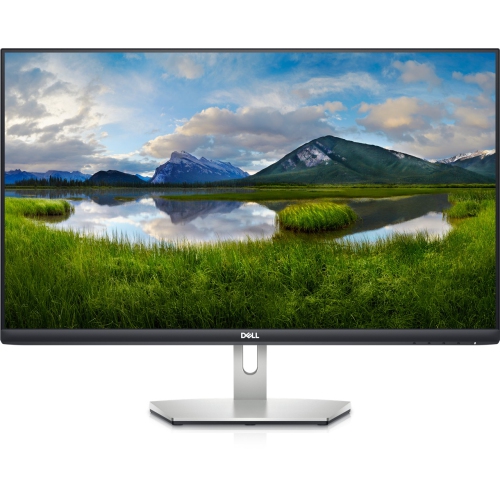 Your price for this item is $239.99
 -
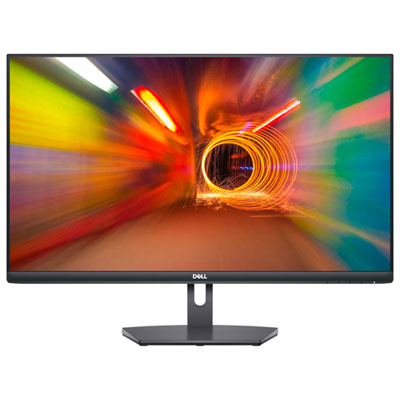 Your price for this item is $179.95
 -
 Your price for this item is $3299.99
Discover more categories related to Gaming Monitors for PS5
Top Collections:
Pokemon Centers, Kindle Devices, Best Budget Office Chairs, Apple iPhones 16, Best Laptops for Writers, iPhone 15 Apple, Canon G7X Cameras, Refurbished Apple Laptops, Alarm Clock, Motorola Razr Phones
Some products may be subject to Environmental Handling Fees
(EHF) depending on your province.
Learn more about EHFs.