4K Monitors for PS5
Elevate your gaming experience with 4k monitors for PS5, designed to deliver stunning visuals and ultra-smooth performance. Whether you're diving into the latest blockbuster titles or exploring expansive open worlds, these monitors ensure every detail is rendered with breathtaking clarity. Perfectly compatible with the power of your PlayStation 5, they offer an immersive and responsive gameplay experience that truly brings your games to life. Discover a range of options tailored to meet the demands of avid gamers and tech enthusiasts alike, ensuring you find the perfect match for your setup.
Sort
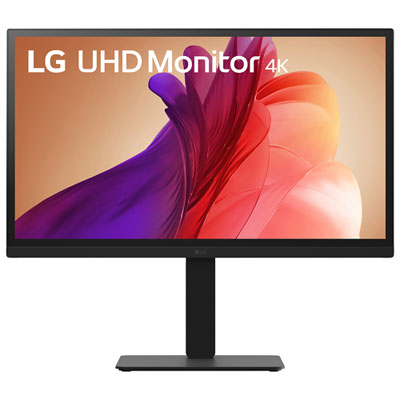
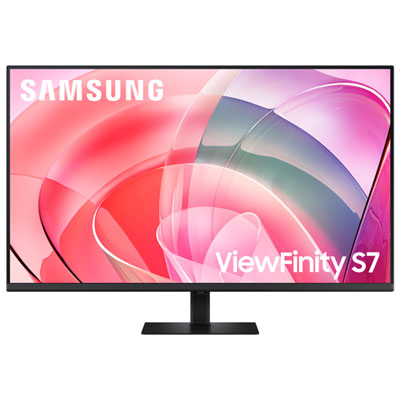
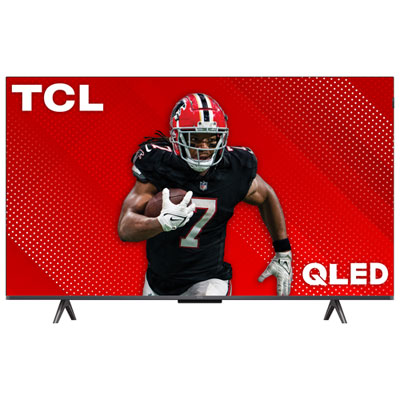
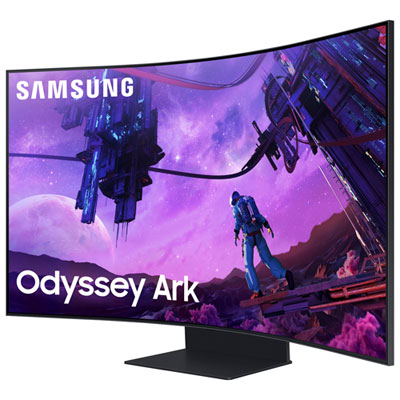

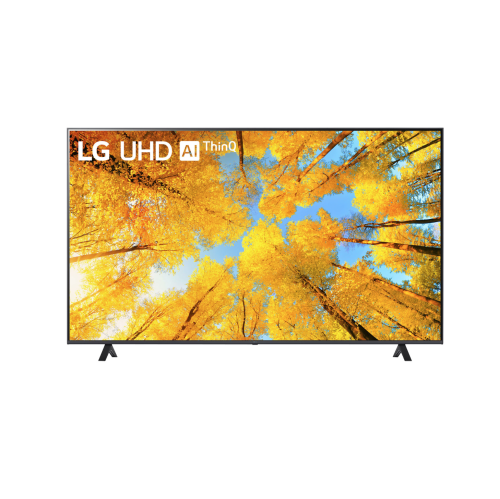
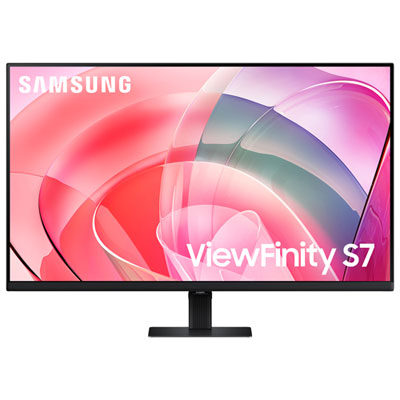
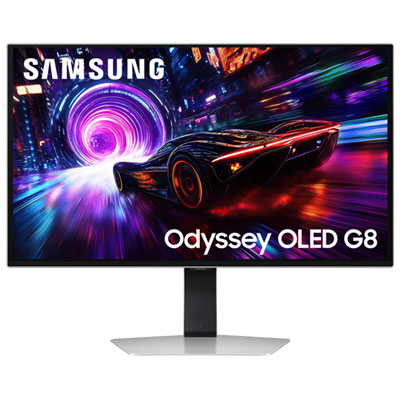
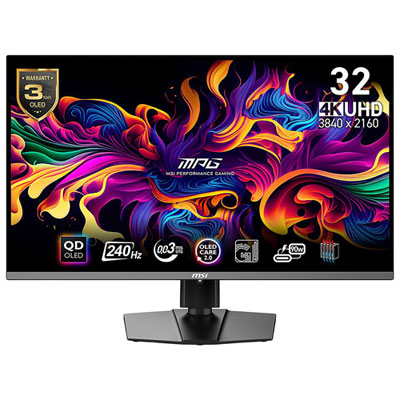
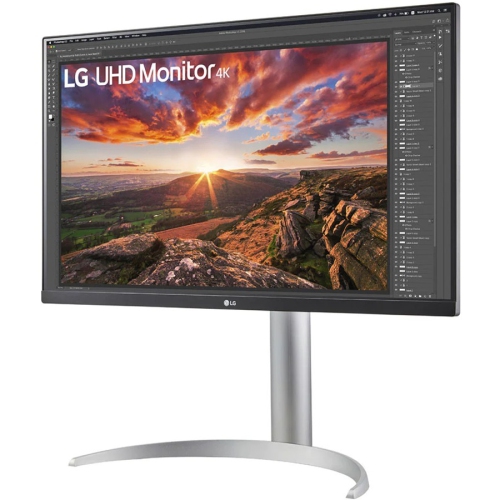
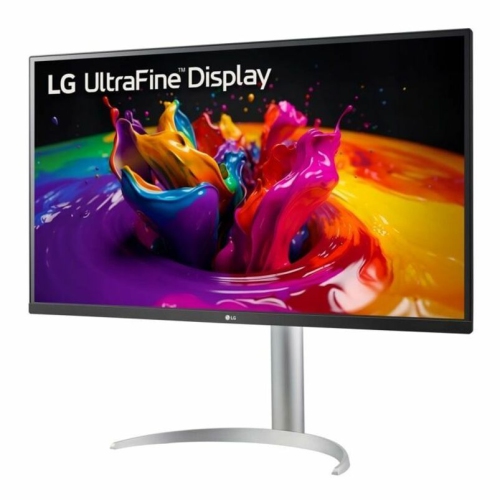
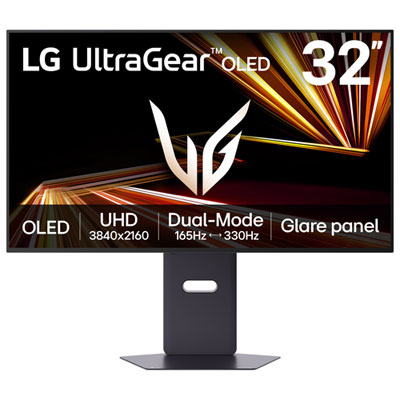
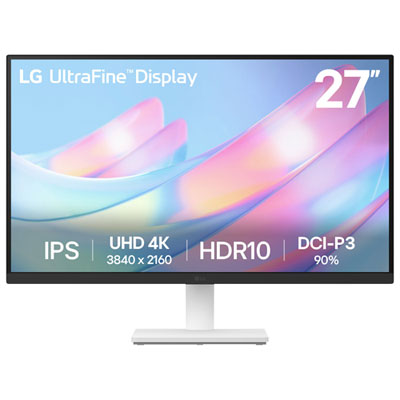

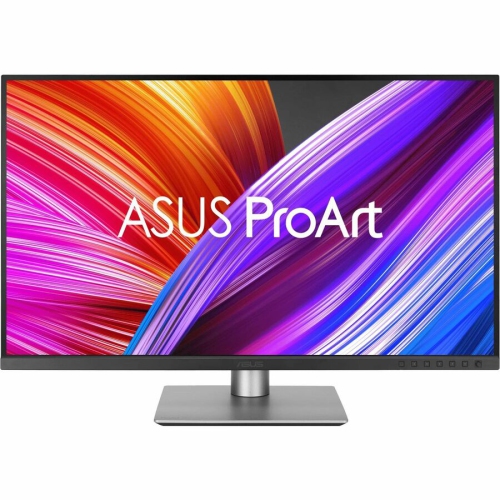
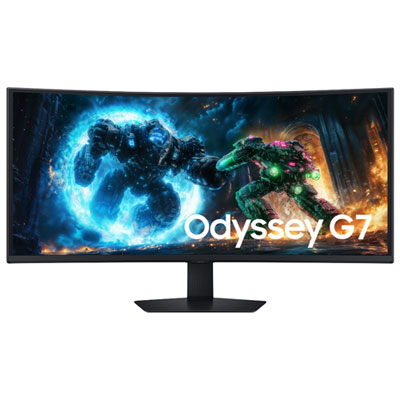
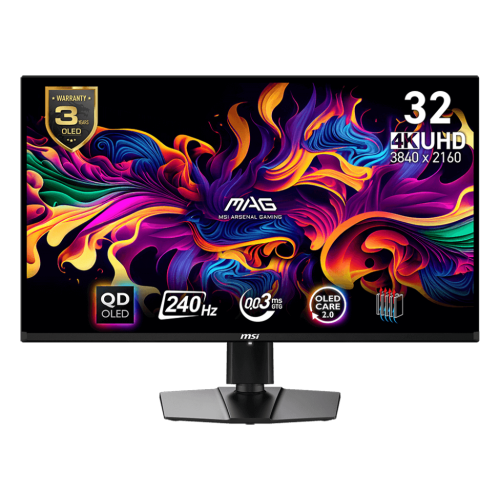
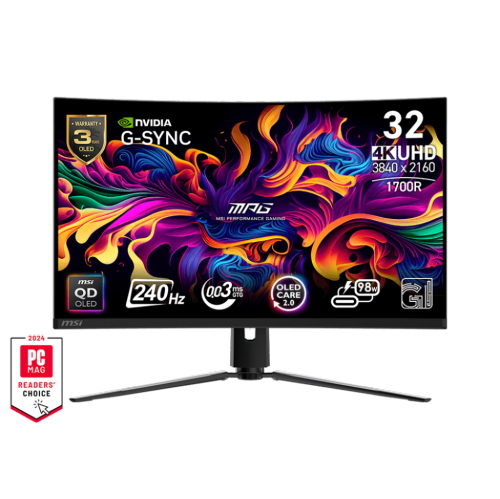
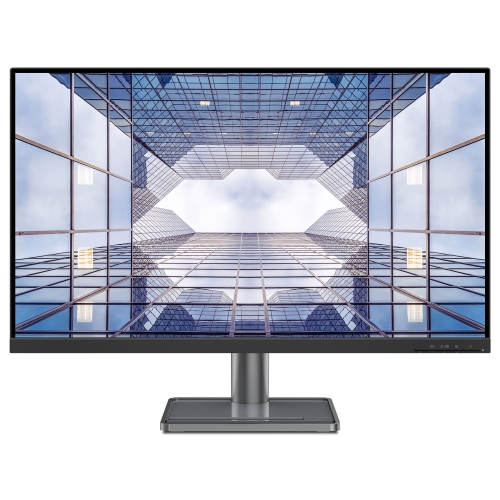
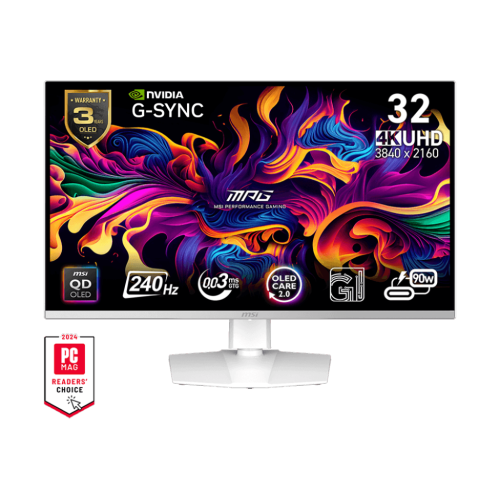
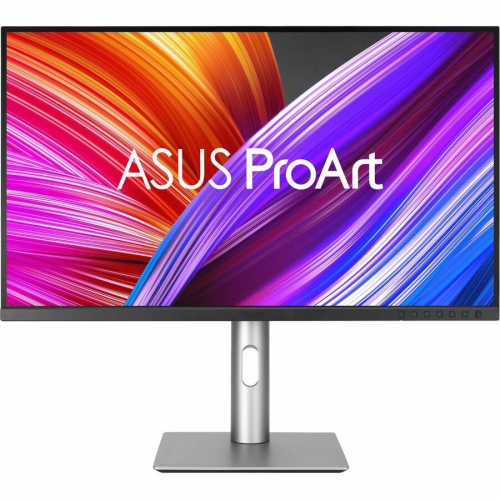
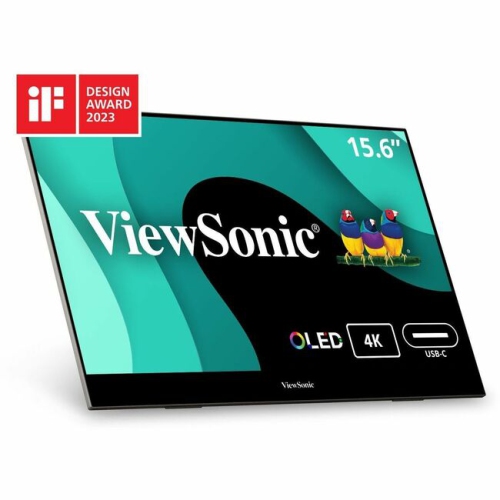

Sharp detail meets responsive performance in compact gaming spaces
4K monitors for PS5 are designed for players who want the detail and responsiveness of a console gaming setup in a more focused desktop format. A true 4K display has a resolution of 3840 x 2160 pixels, allowing games to show finer textures, sharper edges, and more defined scenery than lower-resolution screens. On a PS5, that extra detail can make distant objects easier to see, add depth to expansive environments, and bring out subtle lighting effects in darker scenes. A monitor can also be a practical choice for a bedroom, home office, gaming room, or compact entertainment area where a large television would feel oversized. The most important specification for many PS5 players is the combination of a 4K resolution, a 120Hz refresh rate, and HDMI 2.1 connectivity. The console can output gameplay at up to 120 frames per second when a compatible game, display, cable, and setting are all in place. A monitor with HDMI 2.1 is generally needed to support 4K at 120Hz from a PS5, while older HDMI connections may limit the available resolution or refresh rate. Higher refresh rates, such as 144Hz, 160Hz, or 240Hz, can be useful when the monitor is also connected to a gaming computer, but the PS5 itself will typically use a maximum of 120Hz. Checking the exact ports and supported modes helps prevent surprises after installation. It is also worth confirming that the monitor includes a suitable HDMI cable, or planning to use an Ultra High Speed HDMI cable rated for the desired signal. Features such as variable refresh rate, often called VRR, can help reduce visible tearing and stuttering by allowing the display to adjust more closely to the console’s frame output. This can be particularly helpful in visually demanding games where performance may vary between busy scenes and quieter areas.
Screen size and panel type have a noticeable effect on how a 4K monitor feels during play. A 27-inch screen is popular for a desk because its pixels are packed closely together, creating a crisp image at a comfortable viewing distance. It can suit competitive players who like to keep the entire display within their field of view, as well as anyone sharing a smaller room or workstation. A 32-inch monitor provides a larger, more cinematic image while still fitting many desks, making it appealing for story-driven games, open-world adventures, racing titles, and local multiplayer. Before choosing a size, measure the available desk width and depth, then consider where the PS5 will sit, how far back the chair will be, and whether speakers or other accessories need room. IPS panels are known for broad viewing angles and balanced colour performance, which can be useful when friends gather around to watch or play. OLED panels can produce exceptionally deep blacks and strong contrast, helping bright highlights stand out against dark backgrounds in games with night scenes, underground areas, or dramatic lighting. Some displays also offer HDR support, but the real-world impact depends on brightness, contrast, local dimming, and the game itself, so the HDR label alone does not tell the entire story. A matte finish can help control reflections in a bright room, while a glossy finish may provide a more vivid-looking image when lighting is carefully controlled. Response time is another consideration, particularly for fast movement and competitive play. A low response time can make motion appear cleaner, although published figures are measured in different ways and should be considered alongside refresh rate and input lag. Adjustable stands with tilt, height, swivel, and pivot functions make it easier to position the screen comfortably, while a VESA mount can help create a cleaner arrangement with an arm or wall bracket. Comfort matters over a long session: the centre of the display should sit near eye level, the viewing distance should feel natural, and room lighting should be arranged to avoid glare.
A 4K monitor for PS5 can be a strong choice for a dedicated console player, a student building a compact gaming station, or someone who wants one screen for both entertainment and everyday computer use. It can also make a thoughtful gift for a gamer preparing a new room setup, especially when the recipient values sharp image quality and a responsive experience but does not need a full-size television. For a shared household, look for features that make switching between devices simple, such as multiple HDMI inputs, DisplayPort for a computer, and an accessible input menu. Built-in speakers can be convenient for casual play, but a headset or separate speakers will often deliver fuller sound and clearer communication. A 3.5 mm audio output, USB hub, or headset hanger can reduce cable clutter around the desk. Monitor menus may include console-focused settings for enabling 4K output, HDR, VRR, or a 120Hz mode; after connecting the PS5, review its Screen and Video settings and confirm the output information rather than assuming every feature is active automatically. Game Mode or a similar low-latency setting can help reduce processing delay, while image presets allow players to adjust brightness, contrast, colour temperature, and shadow detail for different types of games. If you are comparing displays beyond this collection, Best PS5 Monitors can provide additional context for matching specifications to a console setup. During the cooler months, a well-planned gaming corner can become a comfortable place to unwind after school, work, or time outdoors, but a good setup should remain practical year-round. Keep ventilation around the PS5 and monitor clear, use a sturdy surface, and arrange power and signal cables so they are not pulled or pinched. Whether the priority is competitive responsiveness, immersive single-player detail, or a flexible screen that supports both console and computer gaming, the best match balances 4K clarity with the connection standards, screen size, panel performance, and ergonomic features that fit the player’s space.
Screen size and panel type have a noticeable effect on how a 4K monitor feels during play. A 27-inch screen is popular for a desk because its pixels are packed closely together, creating a crisp image at a comfortable viewing distance. It can suit competitive players who like to keep the entire display within their field of view, as well as anyone sharing a smaller room or workstation. A 32-inch monitor provides a larger, more cinematic image while still fitting many desks, making it appealing for story-driven games, open-world adventures, racing titles, and local multiplayer. Before choosing a size, measure the available desk width and depth, then consider where the PS5 will sit, how far back the chair will be, and whether speakers or other accessories need room. IPS panels are known for broad viewing angles and balanced colour performance, which can be useful when friends gather around to watch or play. OLED panels can produce exceptionally deep blacks and strong contrast, helping bright highlights stand out against dark backgrounds in games with night scenes, underground areas, or dramatic lighting. Some displays also offer HDR support, but the real-world impact depends on brightness, contrast, local dimming, and the game itself, so the HDR label alone does not tell the entire story. A matte finish can help control reflections in a bright room, while a glossy finish may provide a more vivid-looking image when lighting is carefully controlled. Response time is another consideration, particularly for fast movement and competitive play. A low response time can make motion appear cleaner, although published figures are measured in different ways and should be considered alongside refresh rate and input lag. Adjustable stands with tilt, height, swivel, and pivot functions make it easier to position the screen comfortably, while a VESA mount can help create a cleaner arrangement with an arm or wall bracket. Comfort matters over a long session: the centre of the display should sit near eye level, the viewing distance should feel natural, and room lighting should be arranged to avoid glare.
A 4K monitor for PS5 can be a strong choice for a dedicated console player, a student building a compact gaming station, or someone who wants one screen for both entertainment and everyday computer use. It can also make a thoughtful gift for a gamer preparing a new room setup, especially when the recipient values sharp image quality and a responsive experience but does not need a full-size television. For a shared household, look for features that make switching between devices simple, such as multiple HDMI inputs, DisplayPort for a computer, and an accessible input menu. Built-in speakers can be convenient for casual play, but a headset or separate speakers will often deliver fuller sound and clearer communication. A 3.5 mm audio output, USB hub, or headset hanger can reduce cable clutter around the desk. Monitor menus may include console-focused settings for enabling 4K output, HDR, VRR, or a 120Hz mode; after connecting the PS5, review its Screen and Video settings and confirm the output information rather than assuming every feature is active automatically. Game Mode or a similar low-latency setting can help reduce processing delay, while image presets allow players to adjust brightness, contrast, colour temperature, and shadow detail for different types of games. If you are comparing displays beyond this collection, Best PS5 Monitors can provide additional context for matching specifications to a console setup. During the cooler months, a well-planned gaming corner can become a comfortable place to unwind after school, work, or time outdoors, but a good setup should remain practical year-round. Keep ventilation around the PS5 and monitor clear, use a sturdy surface, and arrange power and signal cables so they are not pulled or pinched. Whether the priority is competitive responsiveness, immersive single-player detail, or a flexible screen that supports both console and computer gaming, the best match balances 4K clarity with the connection standards, screen size, panel performance, and ergonomic features that fit the player’s space.
Top selling and popular products
-
 Your price for this item is $299
 -
 Your price for this item is $599
 -
 Your price for this item is $94.99
 -
 Your price for this item is $329.99
 -
 Your price for this item is $499
 -
 Your price for this item is $265.99
 -
 Your price for this item is $1299.97
 -
 Your price for this item is $249.99
Discover more categories related to 4K Monitors for PS5
Top Collections:
Pokemon Centers, Kindle Devices, Best Budget Office Chairs, Apple iPhones 16, Best Laptops for Writers, iPhone 15 Apple, Canon G7X Cameras, Refurbished Apple Laptops, Alarm Clock, Motorola Razr Phones
Some products may be subject to Environmental Handling Fees
(EHF) depending on your province.
Learn more about EHFs.