DDR4 32GB
Upgrade your computer's performance with our selection of DDR4 32GB RAM modules. Designed to provide faster data transfer speeds and improved multitasking capabilities, these memory modules are perfect for gamers, content creators, and professionals seeking seamless computing experiences. Whether you're looking to boost your system's speed for gaming, video editing, or everyday tasks, our DDR4 32GB RAM options are sure to meet your needs. Explore our range of high-quality memory modules and take your computing experience to the next level.
Sort
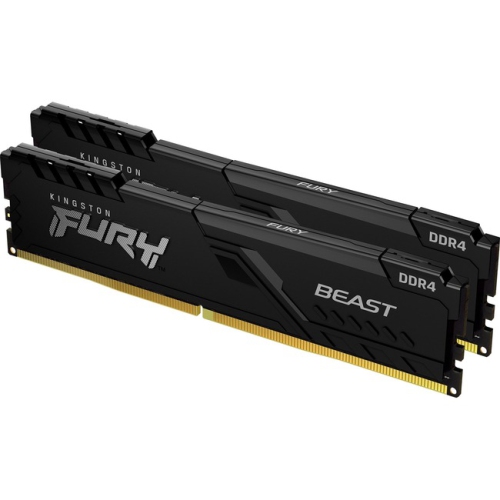
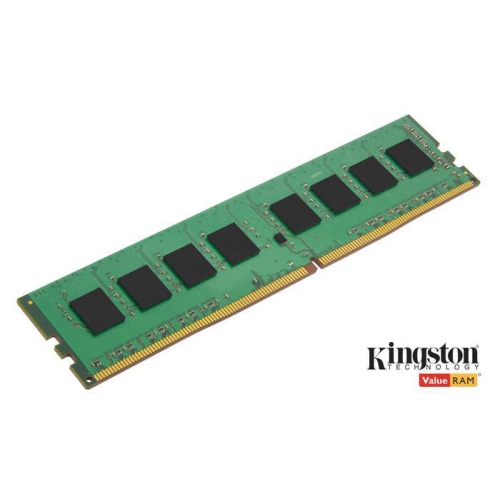
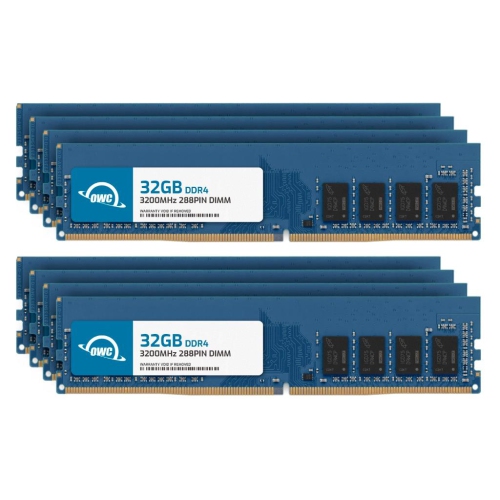
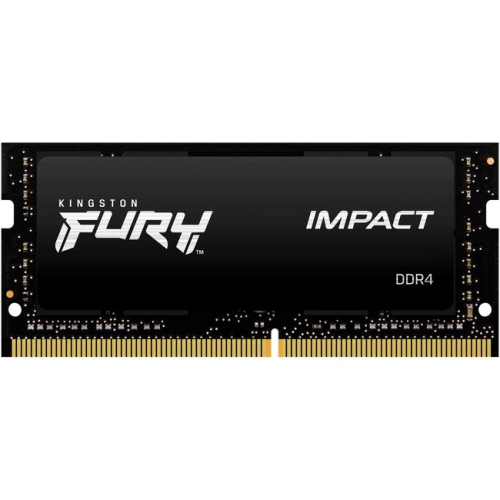
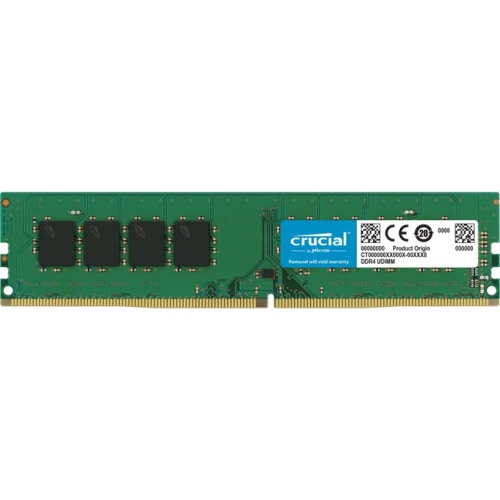
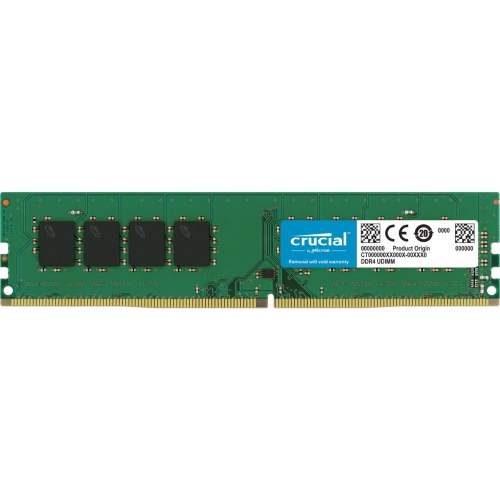
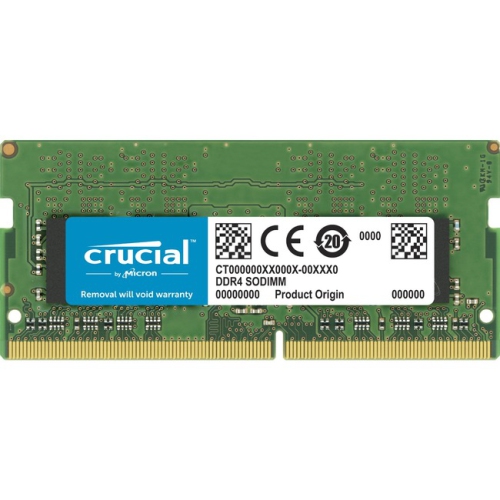
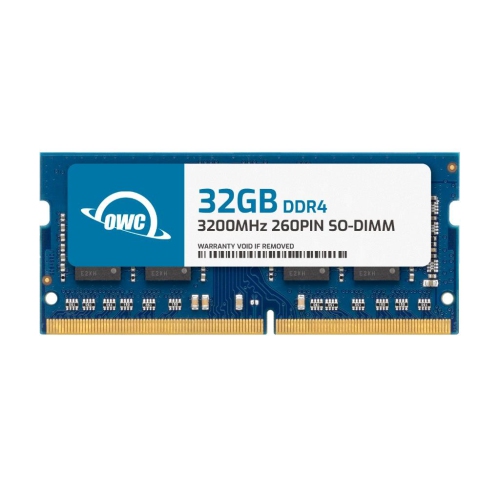
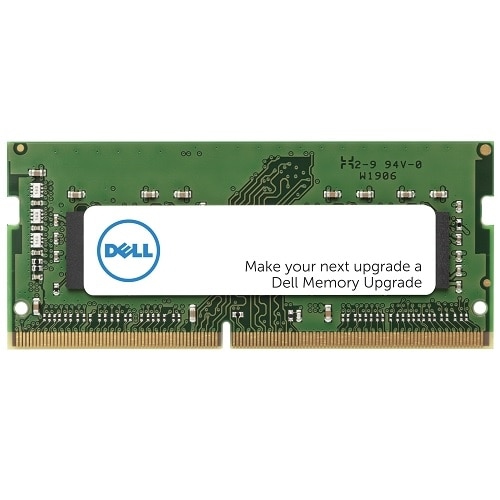
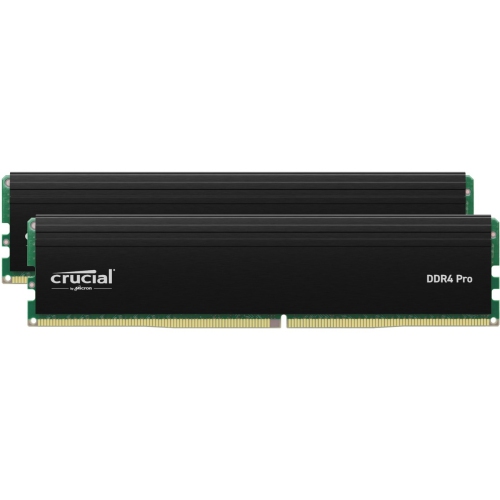
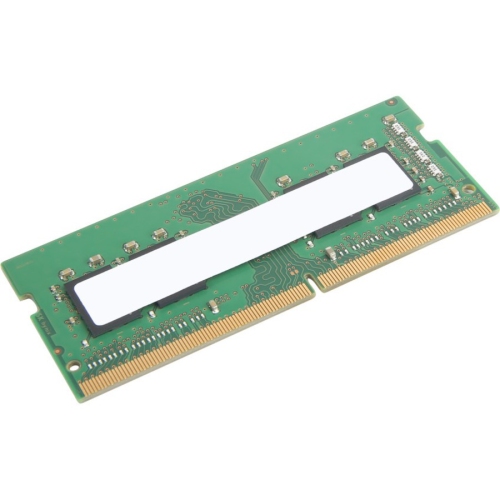
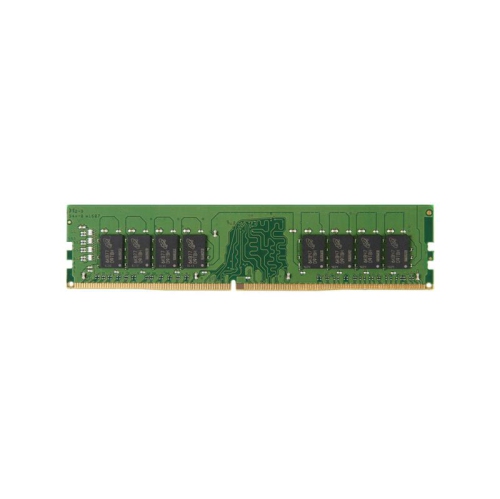
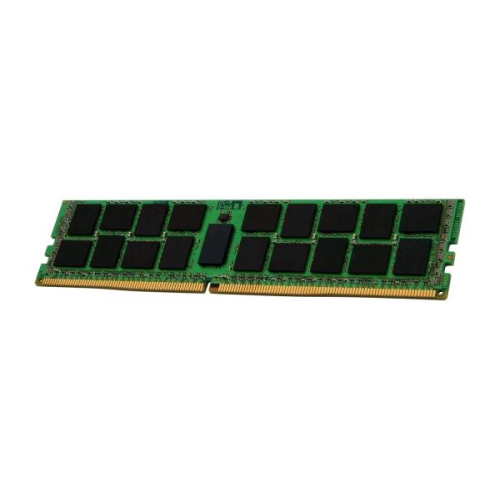
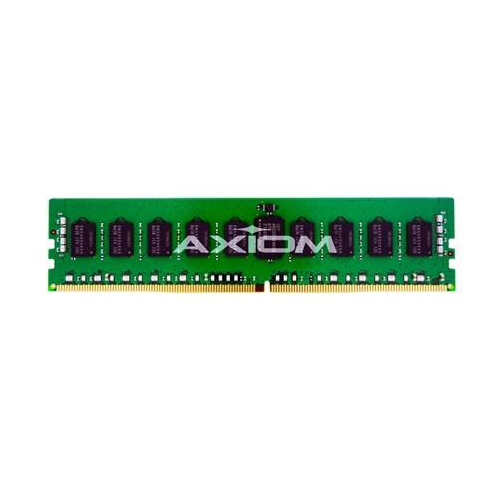
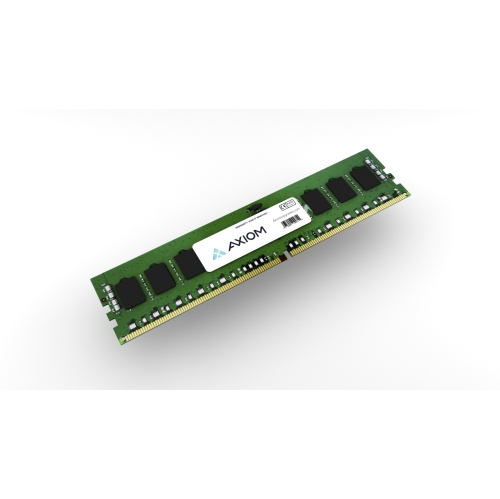



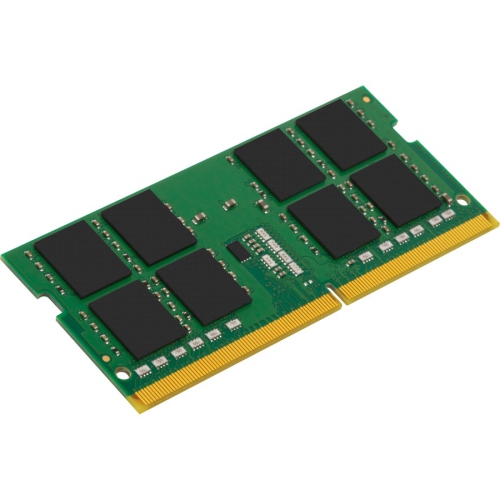
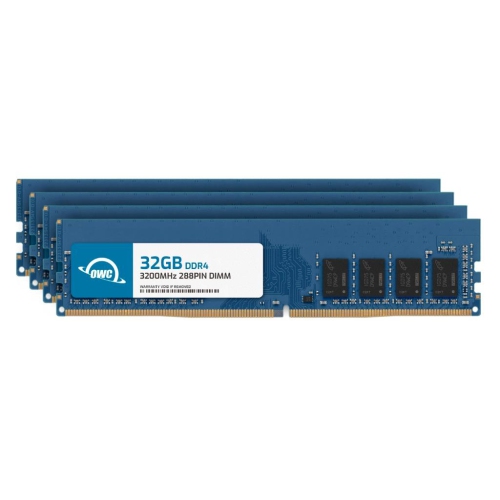
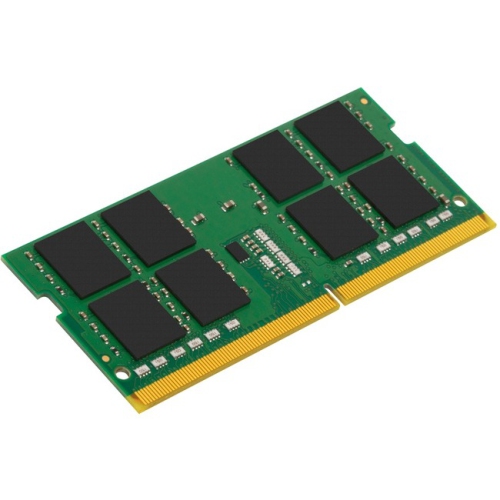
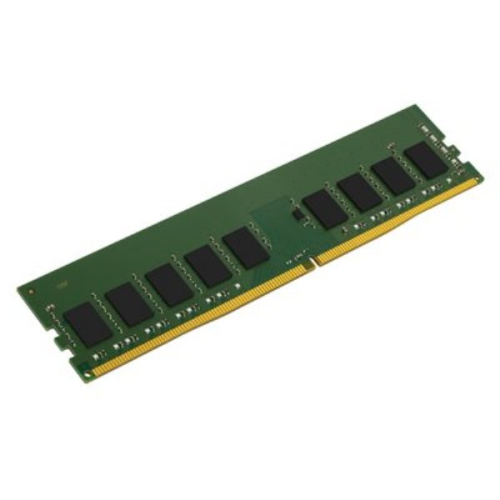
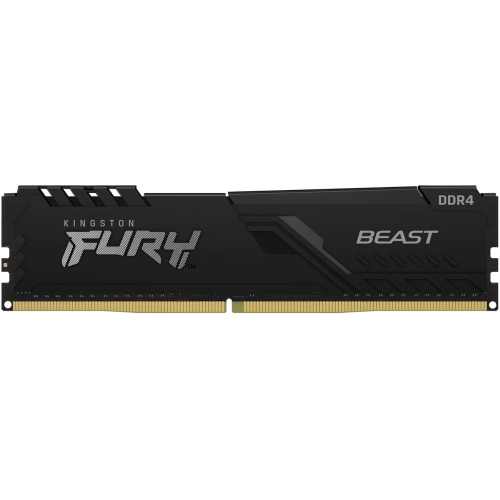
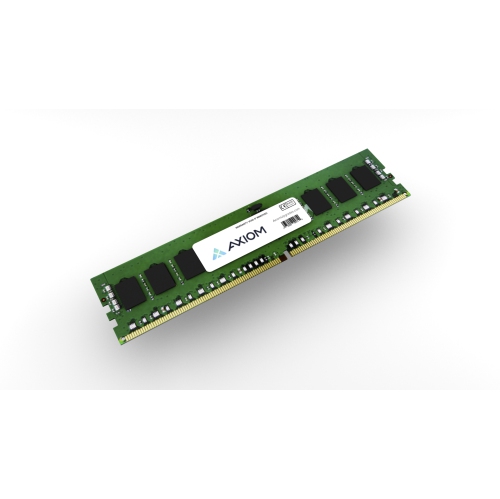
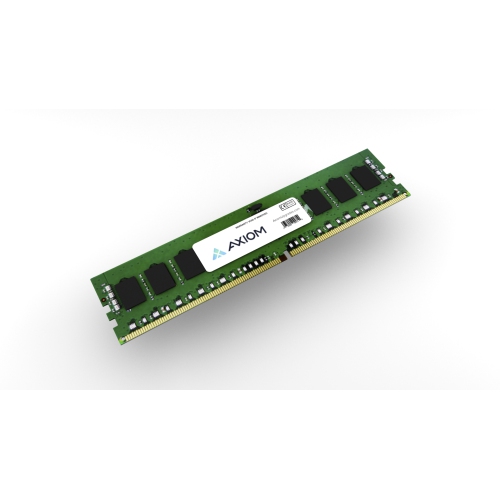
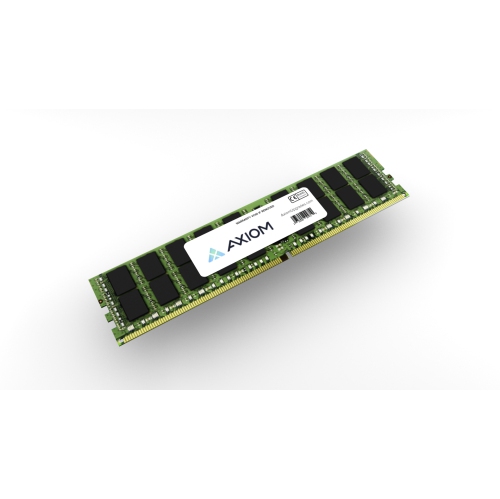
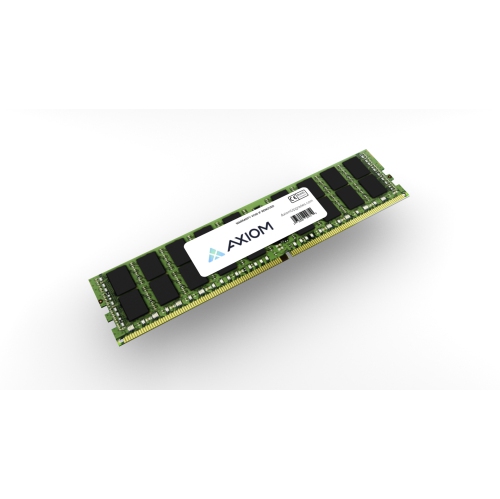
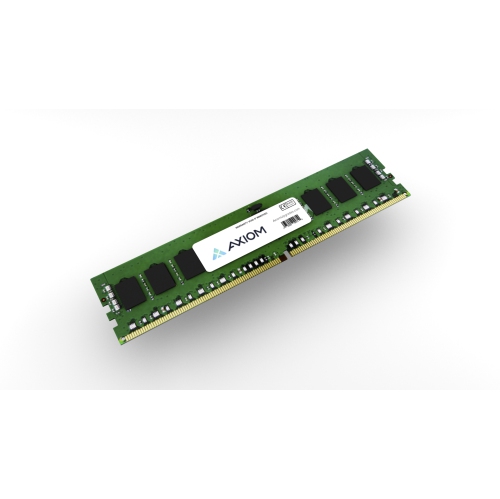
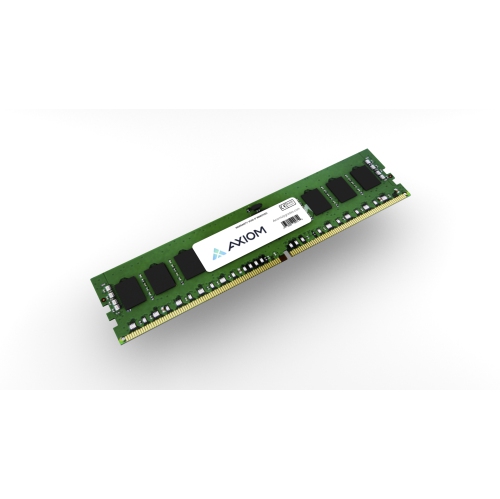
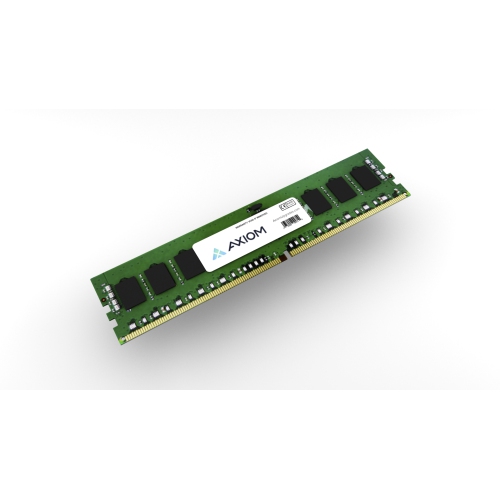



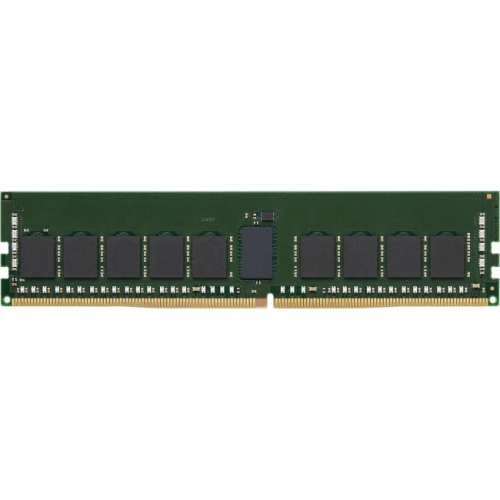
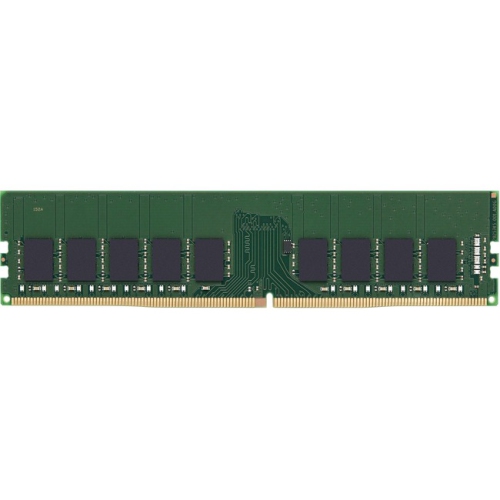

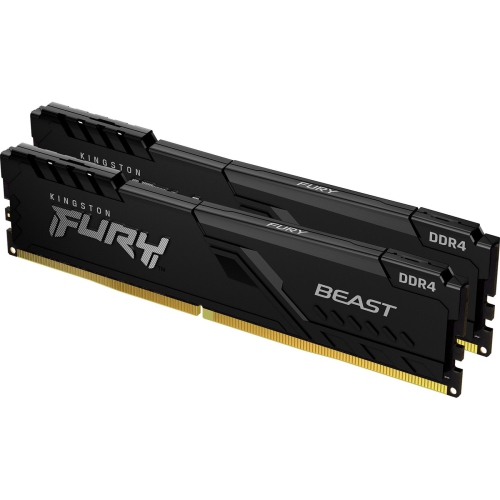
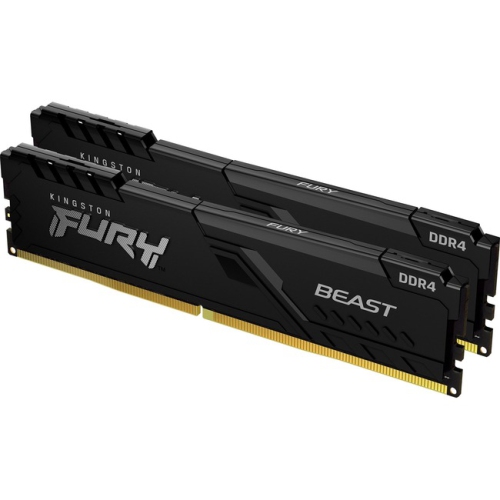
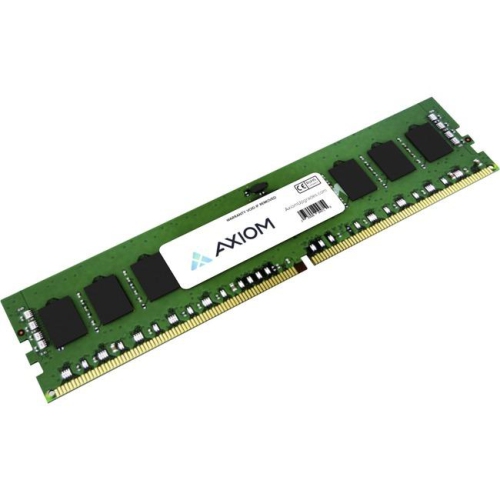

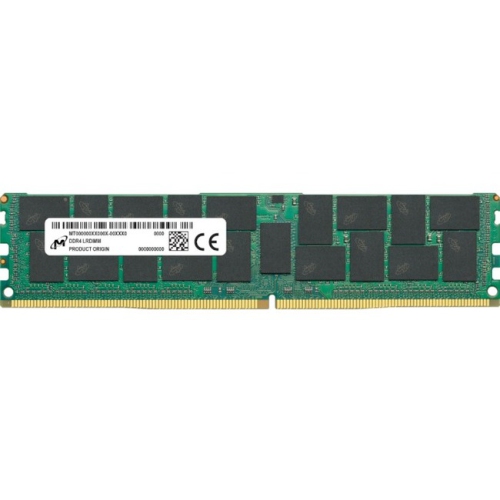
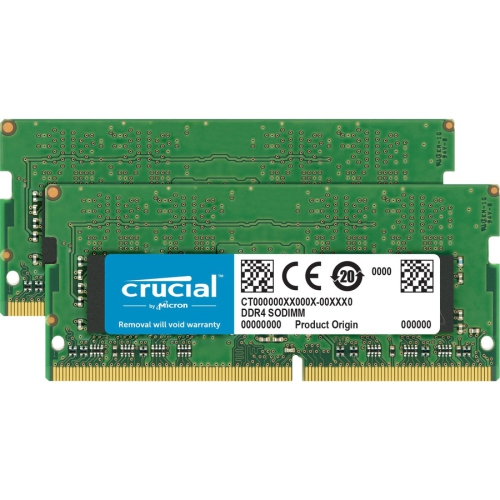
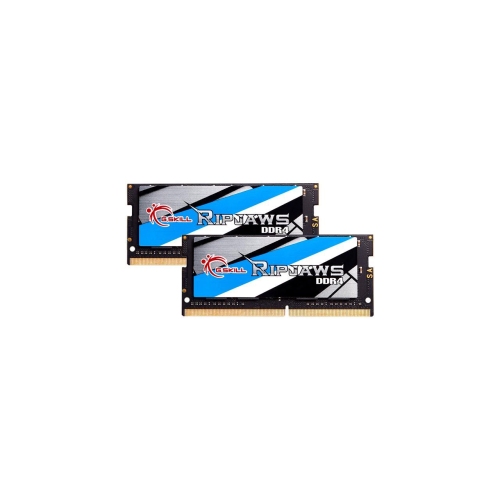
Support demanding work, creativity, and multitasking with ease
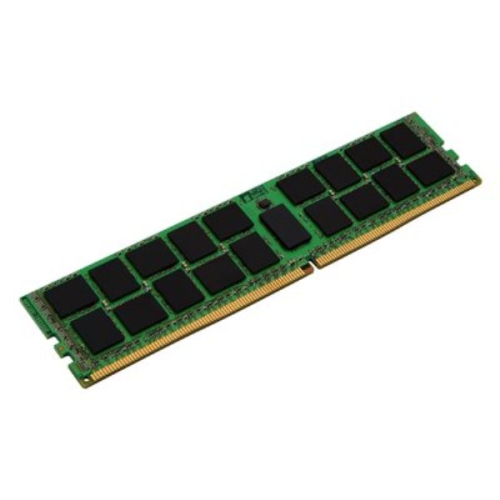
DDR4 32GB memory kits are a practical way to give a compatible desktop computer or laptop more room to handle demanding everyday tasks. With 32GB of RAM, a system can keep more applications, browser tabs, documents, creative projects, and communication tools available at the same time, helping reduce the slowdowns that can occur when a computer runs short on memory. This capacity is well suited to people who work with large spreadsheets, edit photos or video, create music, develop software, run virtual machines, or enjoy modern PC games alongside other applications. It can also be a comfortable choice for multitaskers who move between work, study, streaming, and personal projects throughout the day. When a computer feels sluggish despite having a capable processor and sufficient storage, adding memory may help it respond more smoothly, particularly when several programs are open together. A 32GB kit can also be a thoughtful gift for a student, home-office user, content creator, or PC enthusiast who has mentioned that their computer is struggling with demanding workloads. Memory is a compact upgrade that can make a familiar computer feel more capable without changing the way the user stores files or accesses their favourite applications.
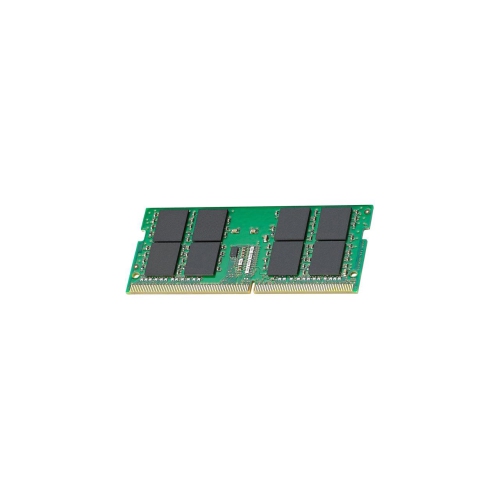
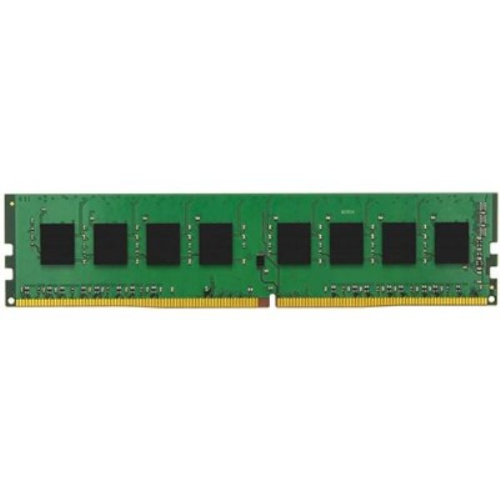
Compatibility should be the first consideration when choosing DDR4 32GB memory. DDR4 is a specific memory generation, and it is not interchangeable with DDR3 or DDR5 slots, even though the modules may look similar at a glance. Check the computer or motherboard documentation to confirm that DDR4 is supported, and identify whether the system requires full-size DIMMs for a desktop or smaller SO-DIMMs for a laptop and select compact computers. It is also useful to check the maximum supported memory, the number of available slots, and whether the system can use a 32GB configuration in the form that you plan to install. Some computers have memory soldered to the motherboard, while others have one occupied slot and one available slot; these details can affect whether a new kit can be added or whether existing memory should be replaced. Matching the installed specifications may help avoid compatibility issues, and using a matched kit can make it easier to achieve the intended capacity and memory configuration. Pay attention to the rated speed and the specifications supported by the motherboard or computer, since memory may operate at a lower speed when the system limits it. For laptops, physical access and installation requirements vary, so reviewing the manufacturer’s instructions before opening the chassis is a sensible step. Anyone unfamiliar with internal computer upgrades may prefer to have a qualified technician install the memory and verify that the full capacity is recognized after the computer starts.
A DDR4 32GB setup can be useful across a wide range of routines. A remote worker might keep a video meeting, project documents, email, research tabs, and collaboration software open without constantly closing one task to make room for another. A student may use the extra capacity while switching between digital textbooks, reference material, writing software, and specialized coursework applications. For creative work, additional memory can help when handling large image libraries, layered designs, longer video timelines, or audio sessions with numerous tracks and effects. Gamers may appreciate having room for a game, voice chat, recording tools, and background services at the same time, although overall performance also depends on the processor, graphics hardware, storage, and the game itself. Home users can benefit when a computer serves several roles, such as managing household records, streaming entertainment, organizing photos, and browsing with many tabs open. During the cooler months, when more time may be spent indoors working on hobbies, learning new software, or organizing personal projects, a memory upgrade can make a computer feel less restrictive. For shoppers comparing newer memory generations, DDR5 32GB options may be relevant for systems specifically designed to support DDR5, but they are not a substitute for DDR4 in a DDR4-compatible computer. Before making a purchase, confirm the memory type, form factor, capacity, speed, and system requirements, then consider the applications the computer needs to run today as well as the workloads it may take on over time.
Compatibility should be the first consideration when choosing DDR4 32GB memory. DDR4 is a specific memory generation, and it is not interchangeable with DDR3 or DDR5 slots, even though the modules may look similar at a glance. Check the computer or motherboard documentation to confirm that DDR4 is supported, and identify whether the system requires full-size DIMMs for a desktop or smaller SO-DIMMs for a laptop and select compact computers. It is also useful to check the maximum supported memory, the number of available slots, and whether the system can use a 32GB configuration in the form that you plan to install. Some computers have memory soldered to the motherboard, while others have one occupied slot and one available slot; these details can affect whether a new kit can be added or whether existing memory should be replaced. Matching the installed specifications may help avoid compatibility issues, and using a matched kit can make it easier to achieve the intended capacity and memory configuration. Pay attention to the rated speed and the specifications supported by the motherboard or computer, since memory may operate at a lower speed when the system limits it. For laptops, physical access and installation requirements vary, so reviewing the manufacturer’s instructions before opening the chassis is a sensible step. Anyone unfamiliar with internal computer upgrades may prefer to have a qualified technician install the memory and verify that the full capacity is recognized after the computer starts.
A DDR4 32GB setup can be useful across a wide range of routines. A remote worker might keep a video meeting, project documents, email, research tabs, and collaboration software open without constantly closing one task to make room for another. A student may use the extra capacity while switching between digital textbooks, reference material, writing software, and specialized coursework applications. For creative work, additional memory can help when handling large image libraries, layered designs, longer video timelines, or audio sessions with numerous tracks and effects. Gamers may appreciate having room for a game, voice chat, recording tools, and background services at the same time, although overall performance also depends on the processor, graphics hardware, storage, and the game itself. Home users can benefit when a computer serves several roles, such as managing household records, streaming entertainment, organizing photos, and browsing with many tabs open. During the cooler months, when more time may be spent indoors working on hobbies, learning new software, or organizing personal projects, a memory upgrade can make a computer feel less restrictive. For shoppers comparing newer memory generations, DDR5 32GB options may be relevant for systems specifically designed to support DDR5, but they are not a substitute for DDR4 in a DDR4-compatible computer. Before making a purchase, confirm the memory type, form factor, capacity, speed, and system requirements, then consider the applications the computer needs to run today as well as the workloads it may take on over time.
Top selling and popular products
-
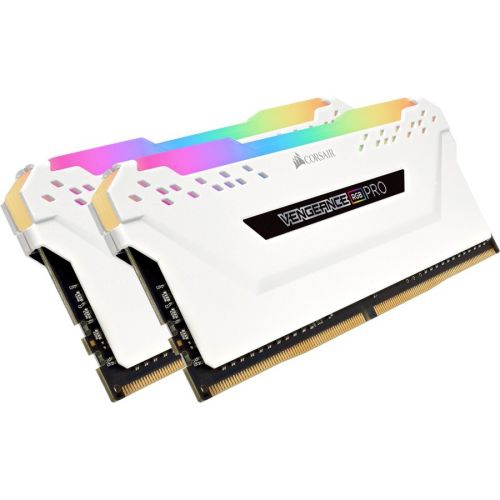 Your price for this item is $307.68
 -
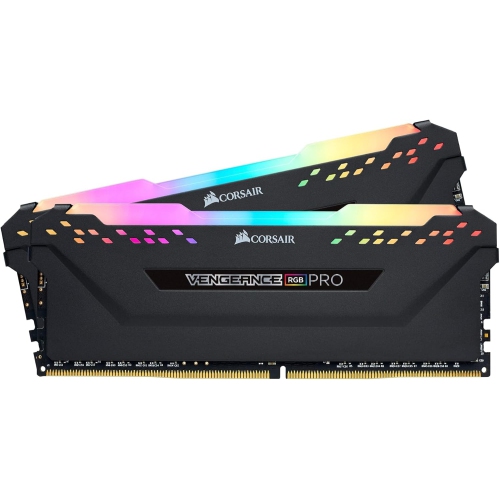 Your price for this item is $329.99
 -
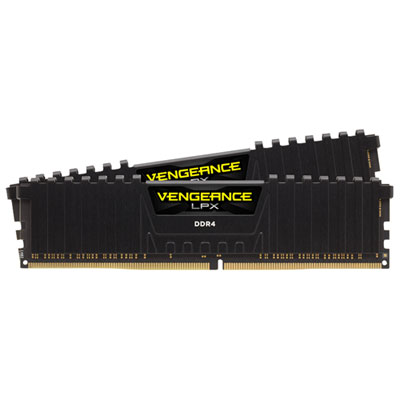 Your price for this item is $406.98
 -
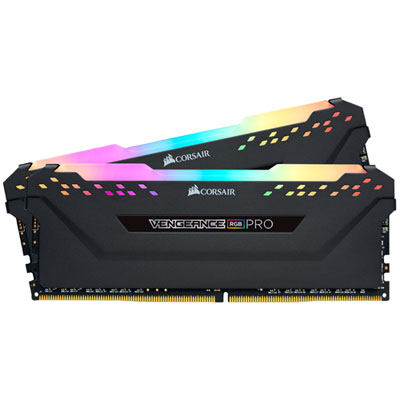 Your price for this item is $450.99
 -
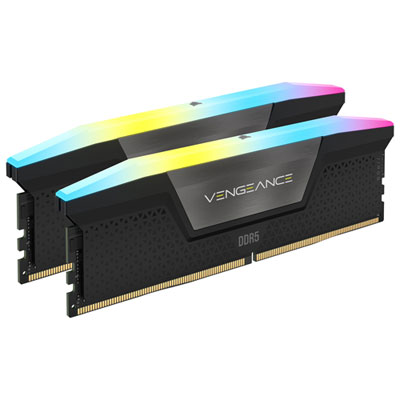 Your price for this item is $799.99
 -
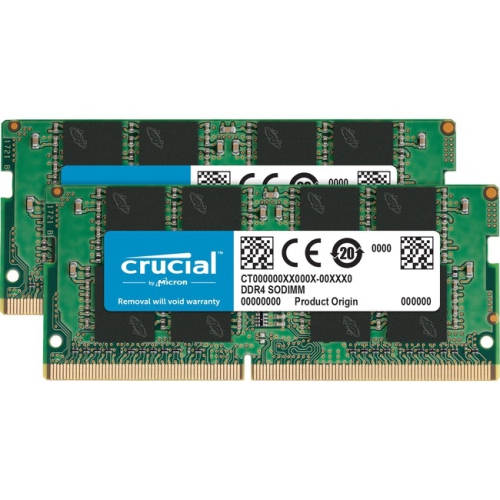 Your price for this item is $379.99
 -
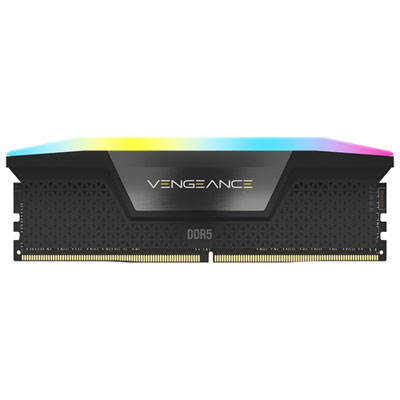 Your price for this item is $1793.99
 -
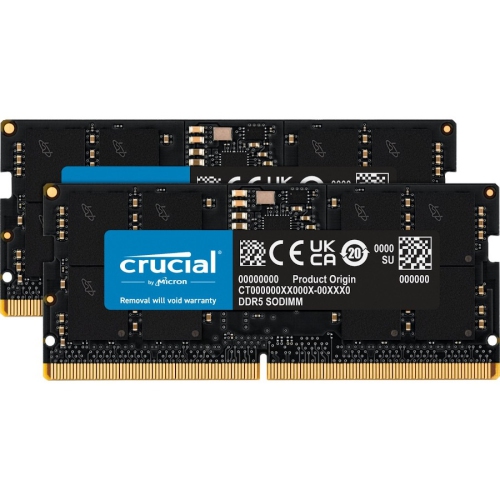 Your price for this item is $1039.68
Discover more categories related to DDR4 32GB
Top Collections:
Pokemon Centers, Kindle Devices, Best Budget Office Chairs, Apple iPhones 16, Best Laptops for Writers, iPhone 15 Apple, Canon G7X Cameras, Refurbished Apple Laptops, Alarm Clock, Motorola Razr Phones
Some products may be subject to Environmental Handling Fees
(EHF) depending on your province.
Learn more about EHFs.