17 Monitors
Discover the perfect balance of screen space and compact design with a 17 Monitor, ideal for home, office, or study setups. Explore a versatile selection that caters to a variety of needs, whether you’re working on projects, streaming your favorite content, or enhancing your productivity. Find the right 17 Monitor to fit your workspace and enjoy an upgraded viewing experience every day.
Sort
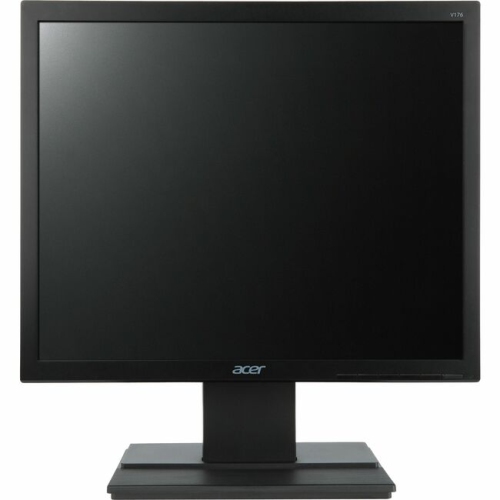
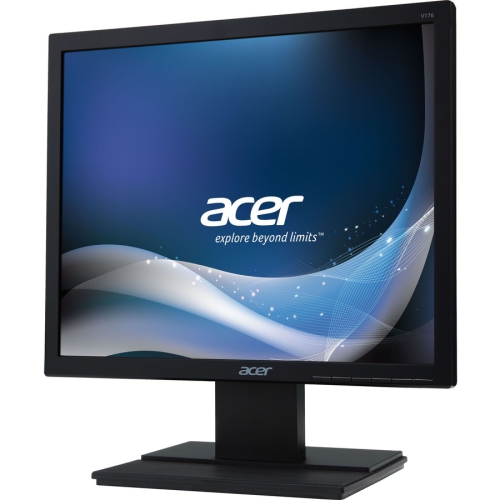
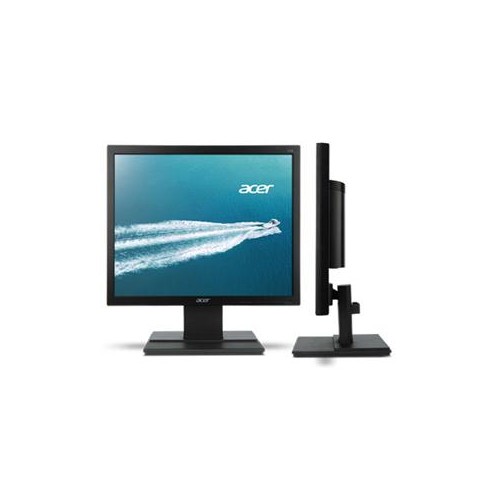

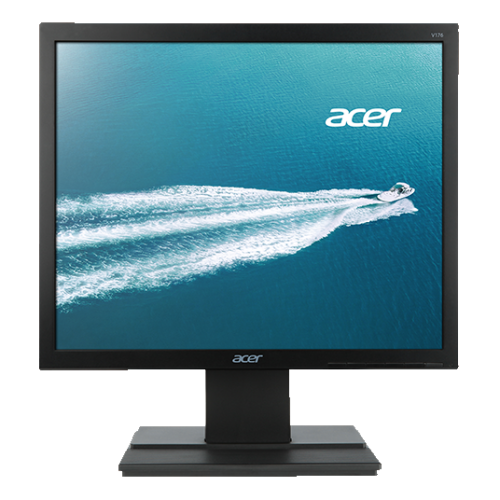
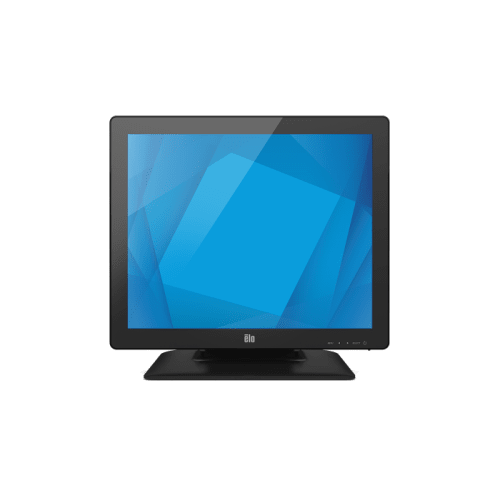
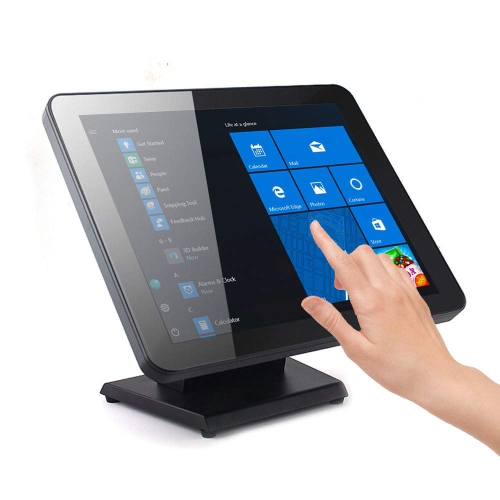

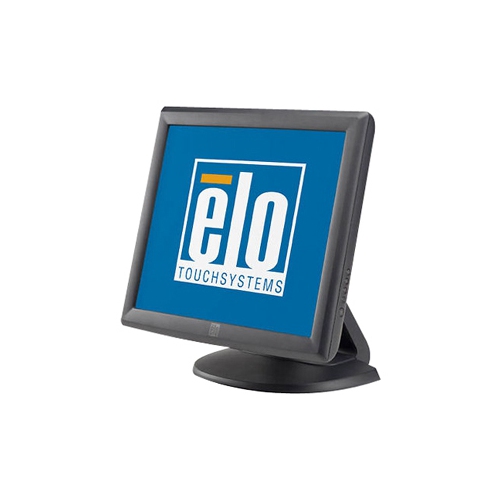
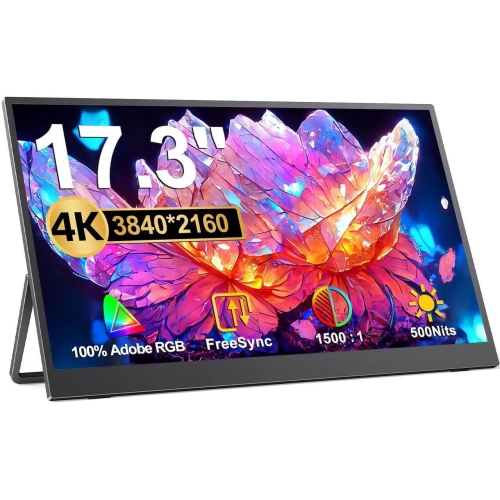
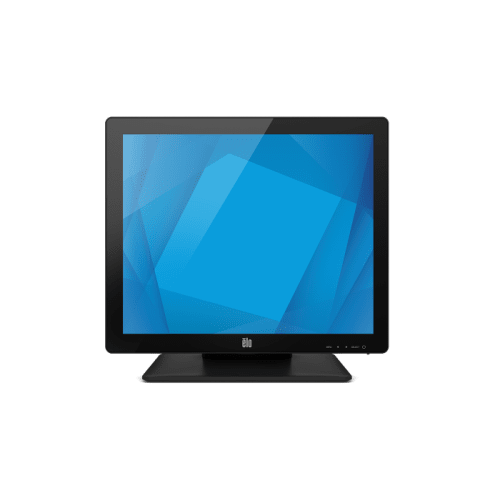
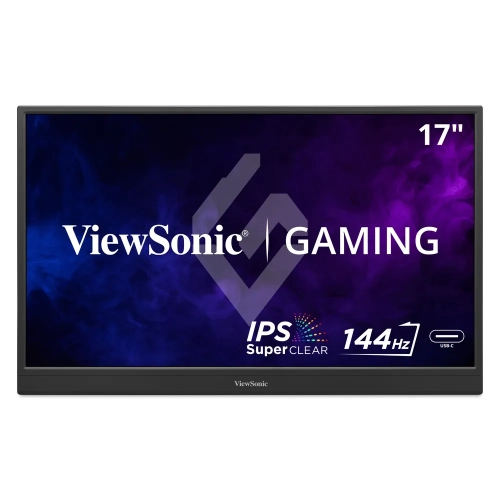
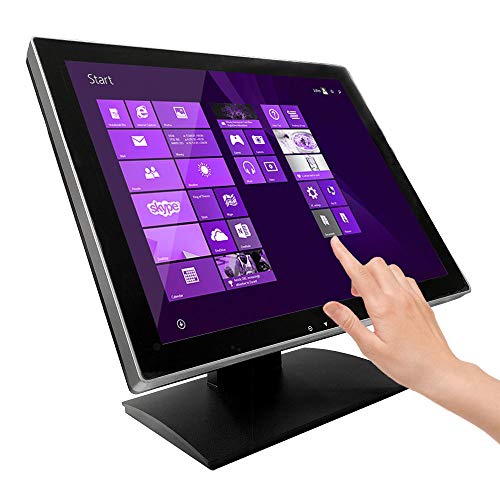
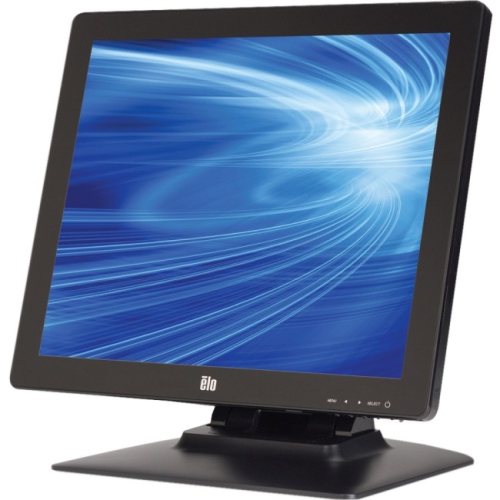
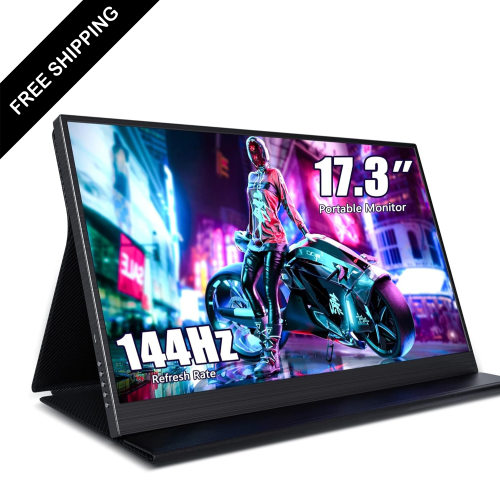
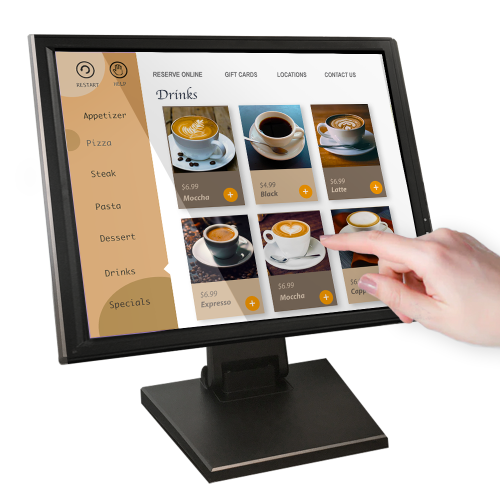
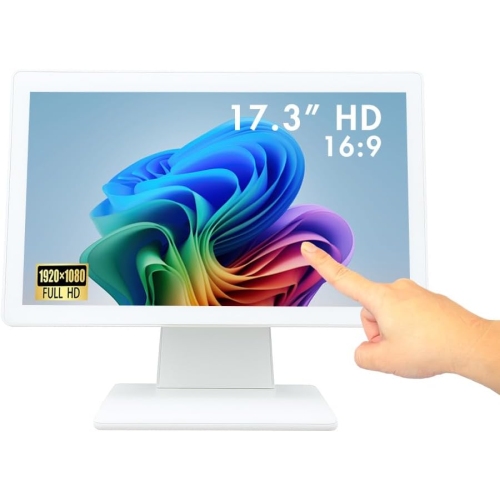
Practical screen space without taking over your desk
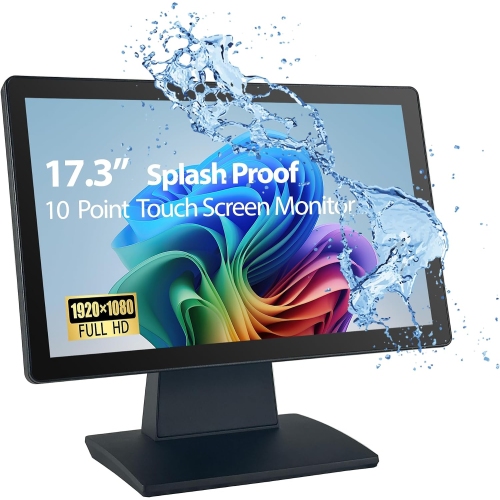
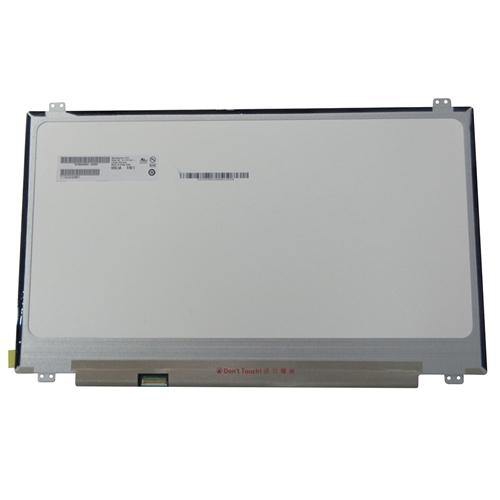
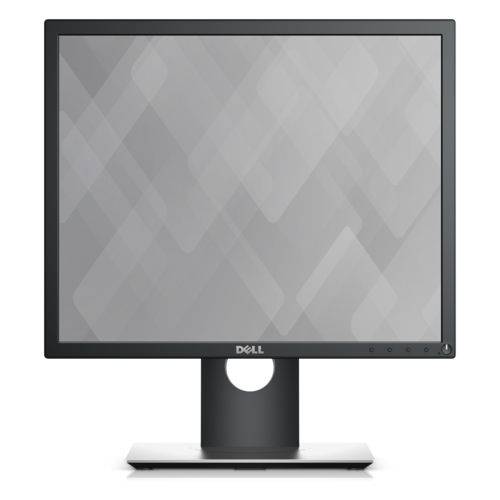
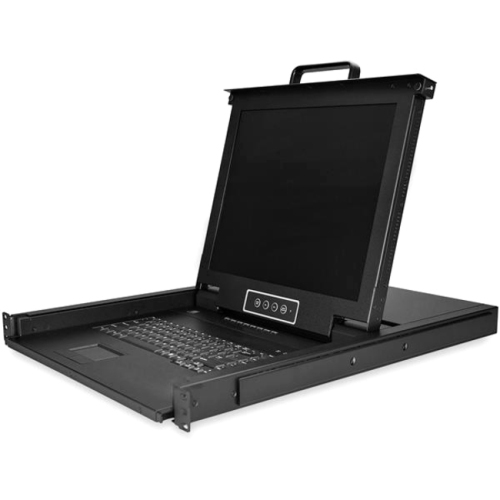
17-inch monitors are compact computer displays suited to desks, service counters, reception areas, and other workspaces where screen space needs to be balanced with a small footprint. This size category includes traditional desktop monitors with nearly square 5:4 or 4:3 aspect ratios, along with widescreen, portable, and specialized formats. The inch measurement describes the screen’s diagonal, not its width, so two displays with similar diagonal measurements can have noticeably different shapes. A 5:4 screen offers a relatively tall workspace for forms, transaction windows, and documents, while a widescreen layout gives video and side-by-side applications a more familiar horizontal shape. Some portable displays in this general size range measure 17.3 inches, making the listed screen dimensions worth distinguishing from the size category. For everyday office work, a 17-inch monitor can provide a dedicated place for email, scheduling, account information, or a single application without dominating the desk. It can also serve as a secondary screen for someone who wants a reference document visible beside a larger main display. Native resolution affects how much information fits on screen and how clearly text appears. A resolution of 1280 × 1024 is common among traditional 5:4 models, although resolution varies across the category. Running a monitor at its native resolution generally produces sharper text than sending it a lower-resolution image that must be enlarged. Text scaling can make menus easier to read, but larger lettering leaves less room for application content. Panel technology, contrast, and viewing angles also influence the experience: a screen viewed straight on at a personal desk has different demands from one shared across a counter. A matte screen finish can help soften reflections from overhead lighting, while brightness adjustment helps keep white documents comfortable to look at throughout a work session. For spreadsheets, booking systems, and written work, clear lettering and a practical screen shape often matter more than an expansive display.
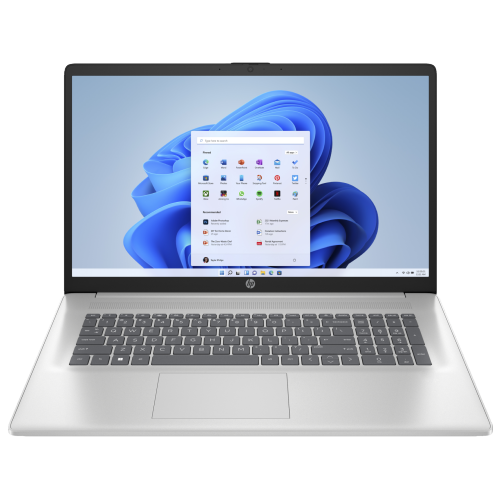
Connections and physical fit play an important role in how a 17-inch monitor works with an existing computer. Traditional desktop displays may use VGA, DVI, HDMI, or DisplayPort connections, while portable formats may offer HDMI or USB-C. These connections are not automatically interchangeable, and an adapter may need to support a particular signal direction or resolution. USB-C requires particular attention because a matching socket does not guarantee video support. A compatible video-capable computer port, suitable cable, and the monitor’s supported connection method all need to work together. Some portable monitors can receive video and power through one USB-C cable, while others require a separate power connection, depending on the host device and display requirements. For a workspace built around 17 Laptops, a compact external monitor can hold messages, notes, or reference material while the laptop screen remains dedicated to the main task. A similar diagonal measurement does not mean the two screens will have matching heights, resolutions, or text sizes, especially when their aspect ratios differ. On a fixed desk, the stand’s depth can be as important as the panel’s width: a broad base may compete with a keyboard, paperwork, or a payment terminal. Tilt adjustment helps direct the screen towards a seated user, while height adjustment and swivel provide more flexibility where several people share a workstation. A compatible VESA mounting pattern can allow attachment to a monitor arm or wall mount, provided the mount also supports the display’s weight and clearance requirements. Portable designs have different practical considerations, including the stability of a folding cover or kickstand, cable placement, and whether the screen can sit securely beside a laptop. At a reception desk or checkout station, rear-facing connectors and accessible controls can help keep the working surface orderly. In a home office, room for a notebook, mouse, and comfortable keyboard position may be more useful than filling every available centimetre with screen.
Build, handling, and day-to-day care help determine how well a compact monitor suits its intended use. Many housings use moulded plastic, while some portable designs incorporate metal for rigidity; neither material alone establishes how durable the finished display will be. Stand stability, hinge construction, connector fit, and protection around the screen edges all contribute to how a monitor holds up during regular use. A display that stays on a desk faces different demands from one carried between rooms or packed alongside a laptop. For travel, a protective sleeve or fitted cover helps separate the panel from keys, chargers, and other objects that could press against or scratch it. Cables should have enough slack to avoid pulling on the ports when the screen is repositioned. Routine cleaning is straightforward: turn the monitor off, unplug it as directed by the manufacturer, and use a soft, clean microfibre cloth without pressing firmly on the panel. If moisture is needed, follow the manufacturer’s cleaning directions and apply it to the cloth rather than spraying the screen. Abrasive materials and harsh household cleaners can damage surface coatings. Practical comfort also depends on positioning. Keeping the display at a readable distance, with the main viewing area positioned to avoid repeated neck bending, supports a more comfortable desk arrangement. Larger text settings can be helpful for users who find small interface elements difficult to read, although a compact screen may not provide enough workspace for every accessibility need. Touch capability, built-in speakers, portrait orientation, and headphone connections vary by model rather than being standard features of the size category. Likewise, refresh rate and response time deserve attention for motion-heavy use, since a monitor intended for transaction screens or basic office tasks may not suit fast-paced gaming. For students, home administrators, office staff, and people maintaining an established workstation, 17-inch monitors offer a focused display format whose usefulness comes from matching screen shape, connections, and physical design to the task.
Top selling and popular products
-
 Your price for this item is $2237.68
-
 Your price for this item is $320.68
-
 Your price for this item is $469
-
 Your price for this item is $149.99
-
 Your price for this item is $265.99
-
 Your price for this item is $229.99
-
 Your price for this item is $1138.68
-
 Your price for this item is $355.68
Discover more categories related to 17 Monitors
Top Collections:
Best Black Friday Deals This Year, Best Black Friday Deals On Electronics, Kindle Devices, Pokemon Centers, Best Black Friday Deals On Apple Products, Best Cameras for Sports Photography, Dyson Airwrap, Pokémon 30th Celebration Cards, Apple iPhone 17 Pro, Canon G7X Cameras
Some products may be subject to Environmental Handling Fees
(EHF) depending on your province.
Learn more about EHFs.