1TB External SSDs for Mac
If you're looking for a way to speed up your Mac, an external solid-state drive (SSD) is one of the best ways to do it. The best external hard drives are fast, reliable, and affordable. They're also easy to use and have a lot of storage space. If you're looking for an external hard drive that can store your photos, videos, and music, then you should consider buying an external hard drive that is 1TB in size.
Sort
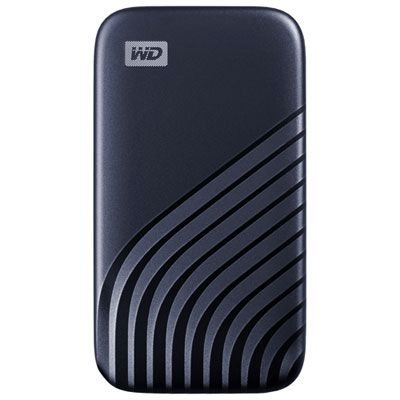
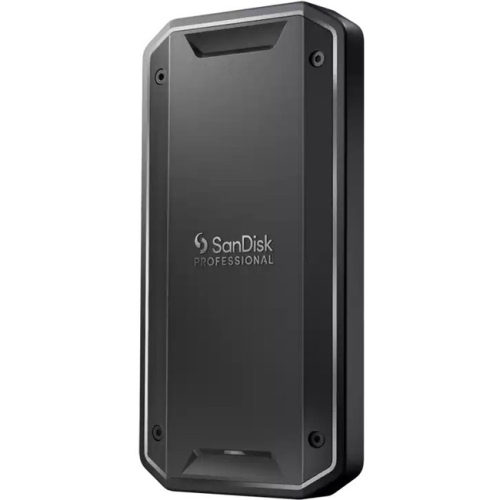
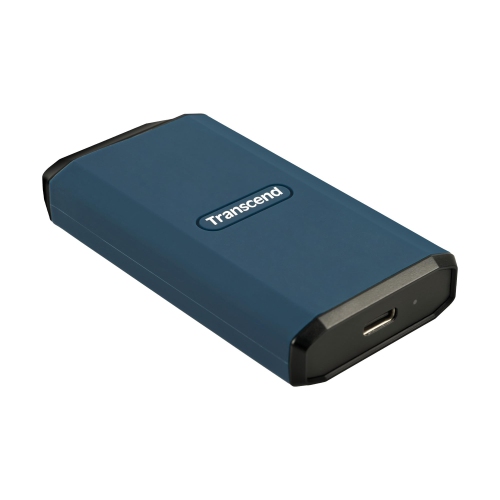

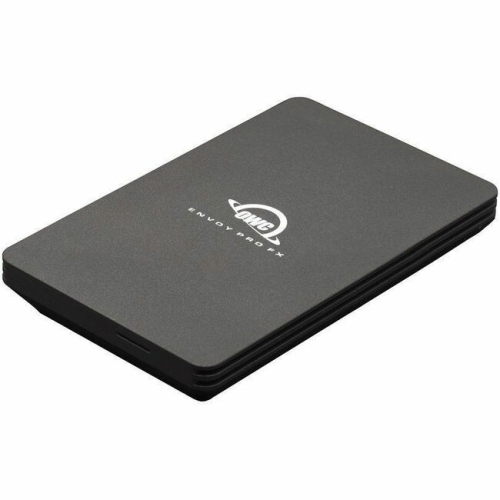

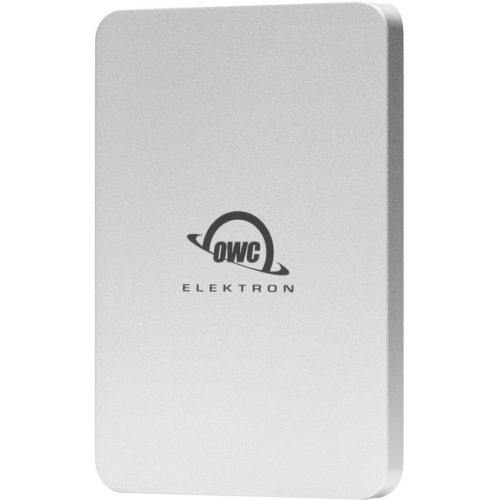
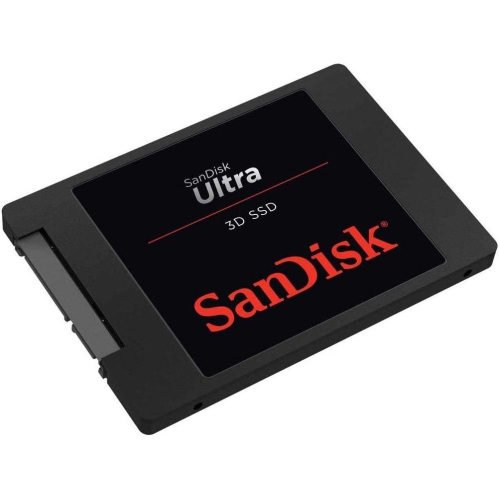

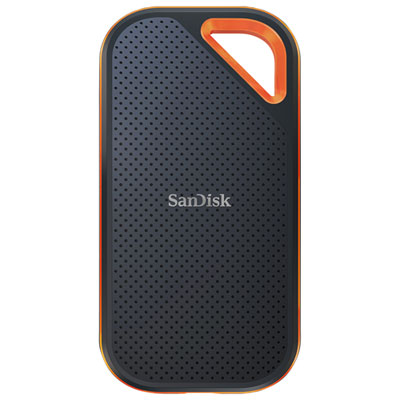
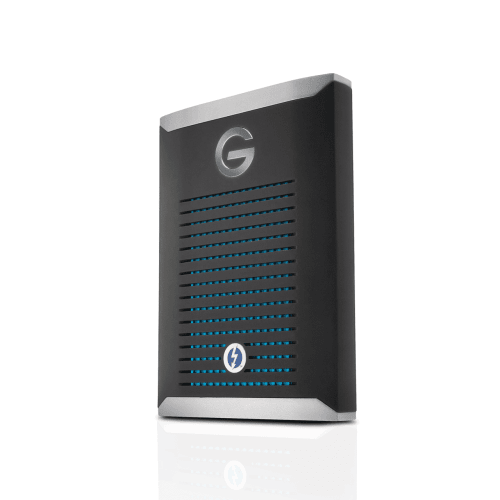
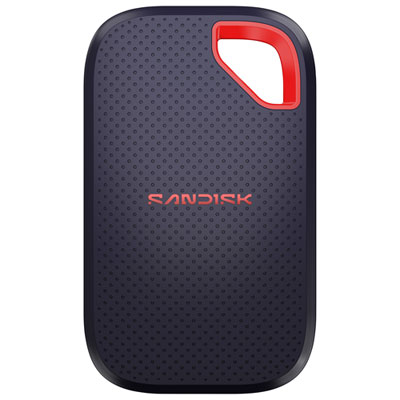
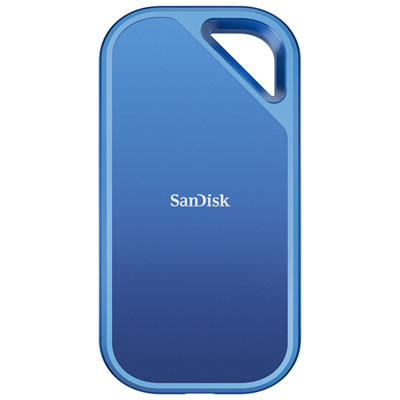
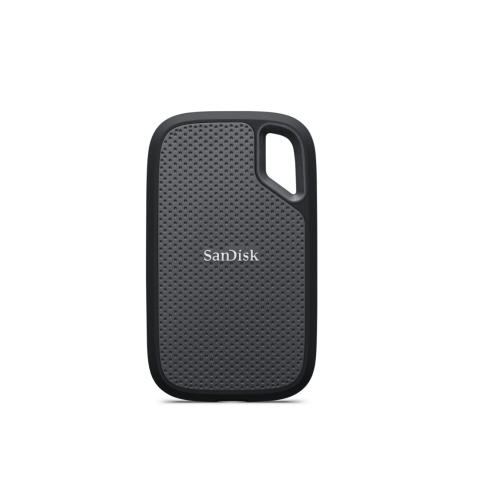


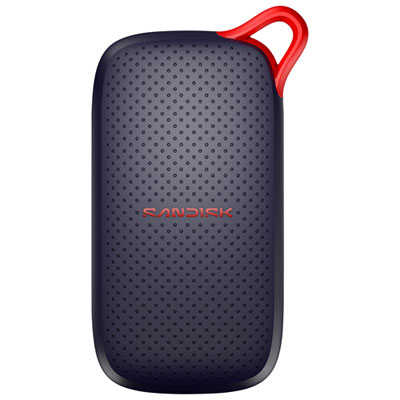

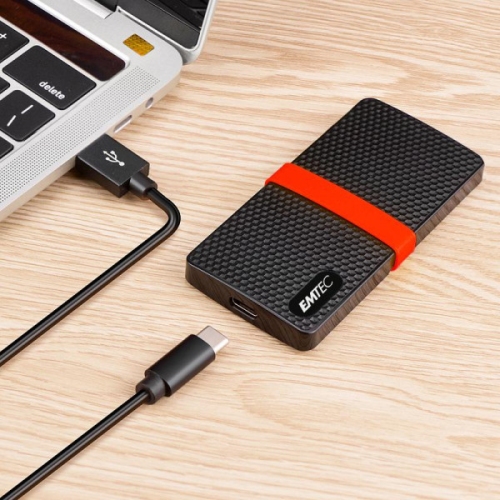
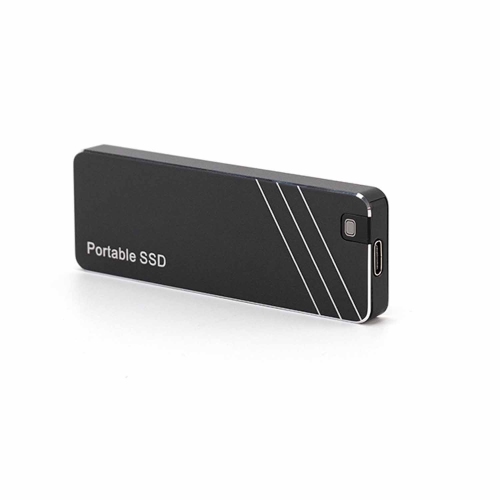

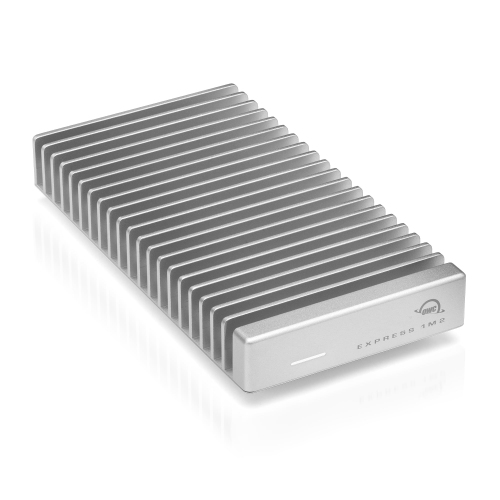

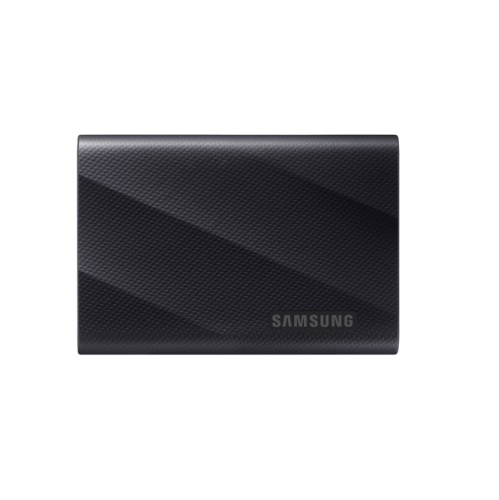
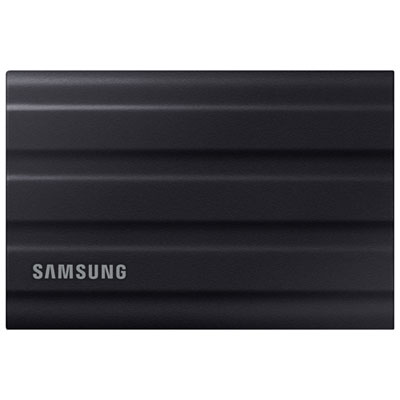
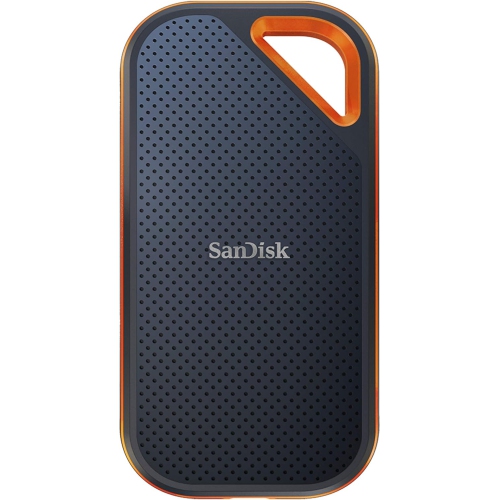


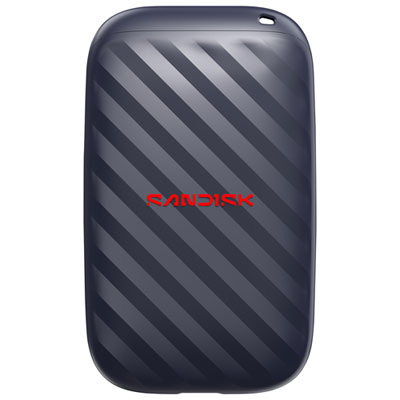
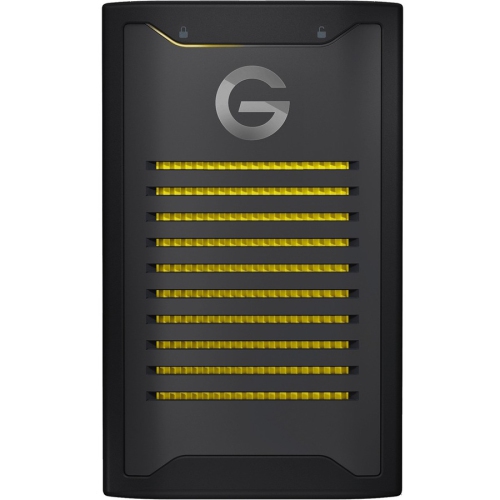
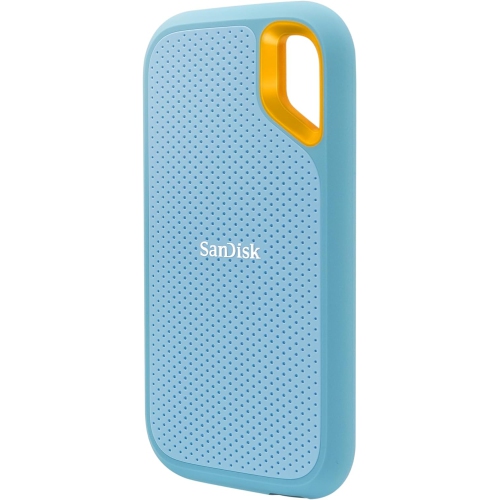
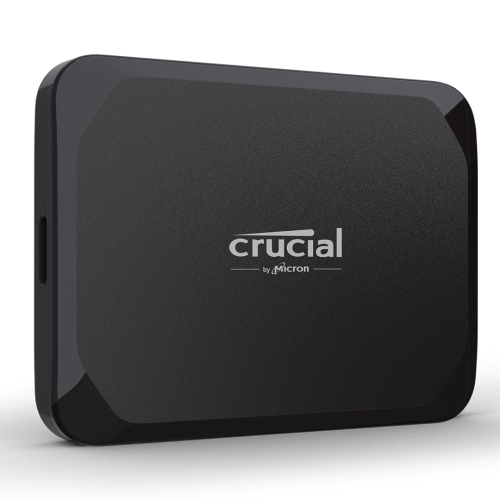

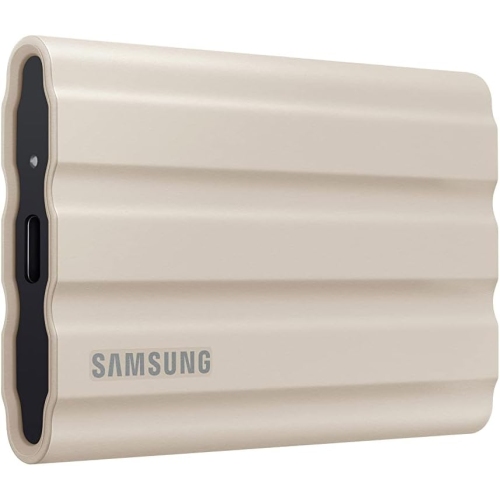
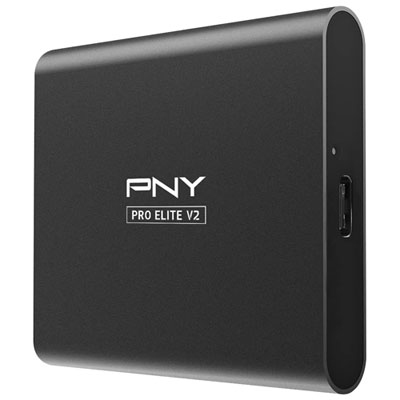
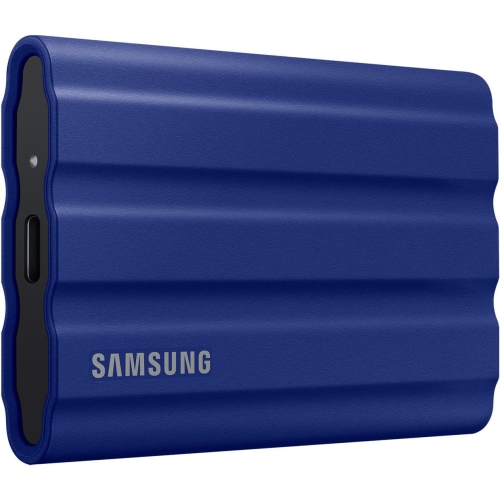

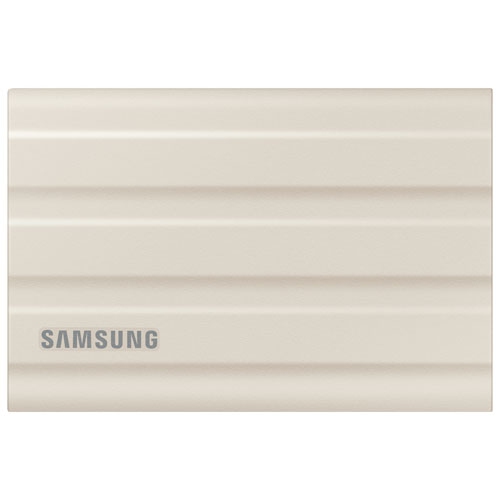
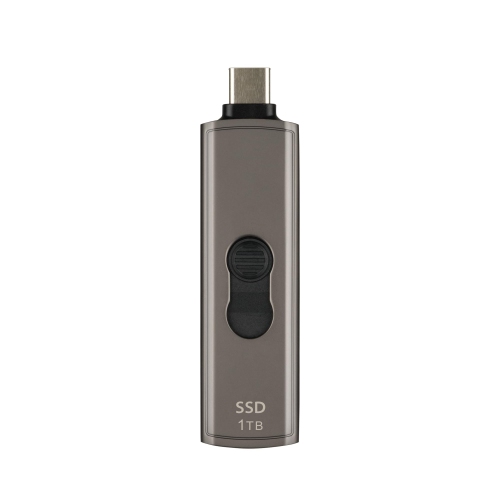

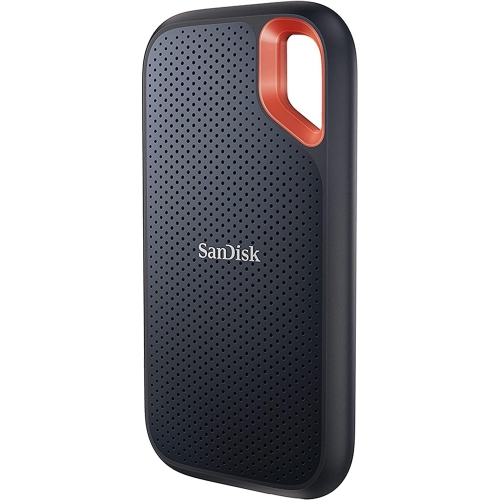
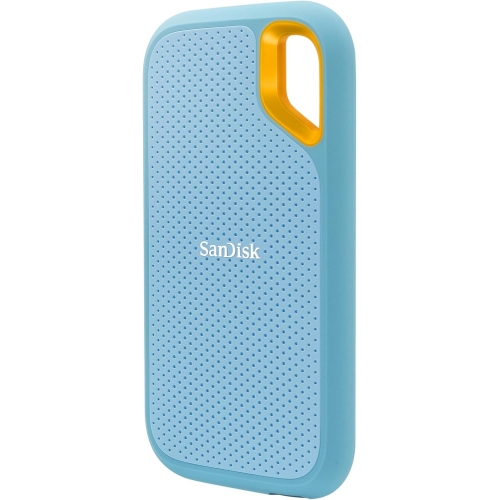


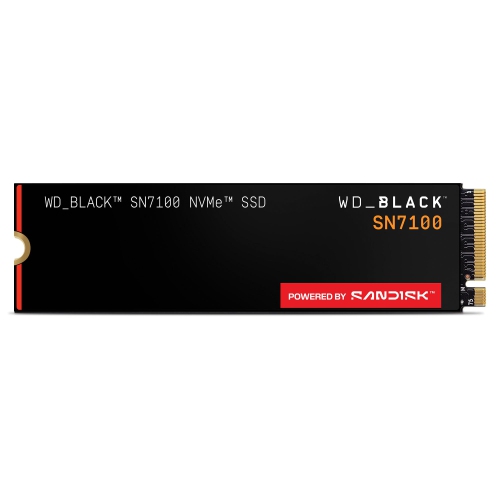
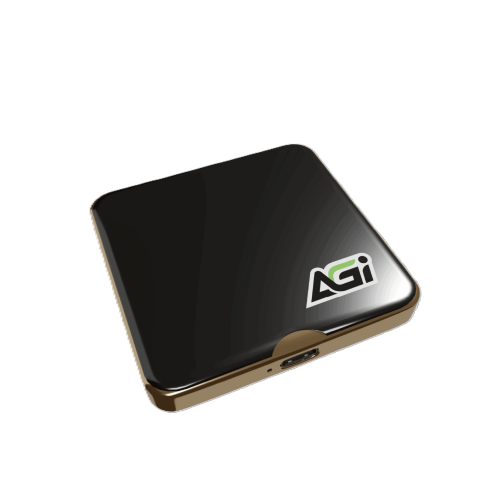
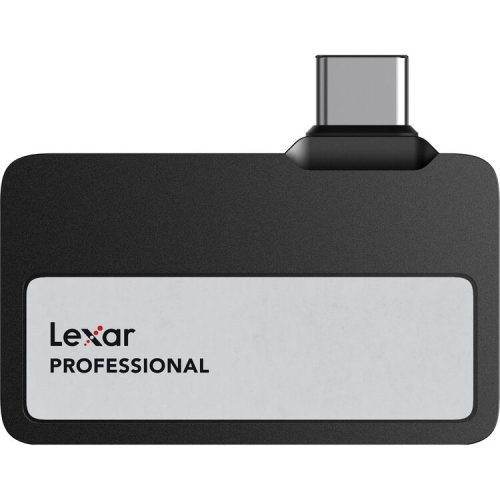
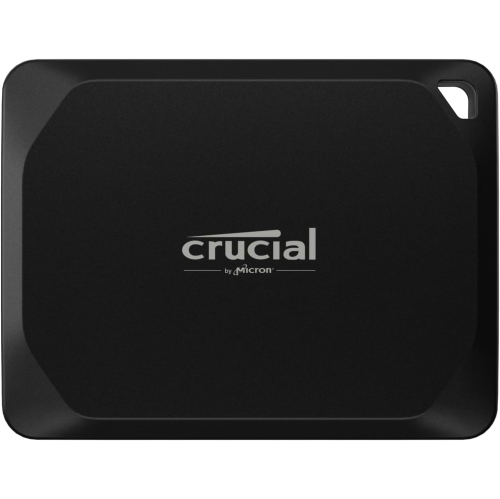

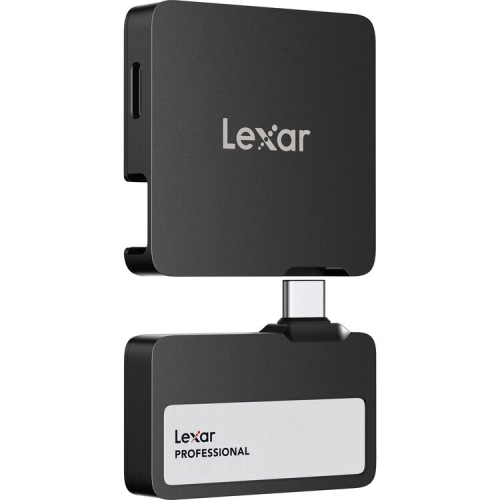




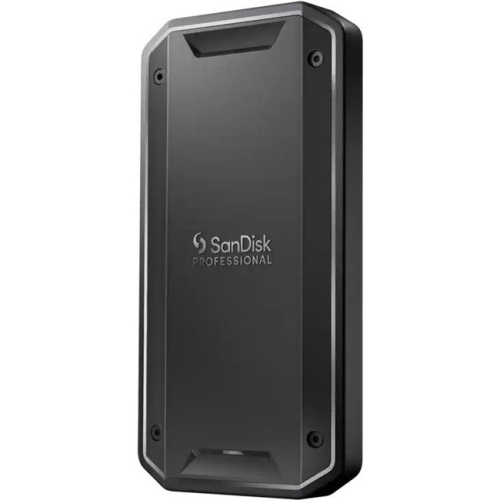
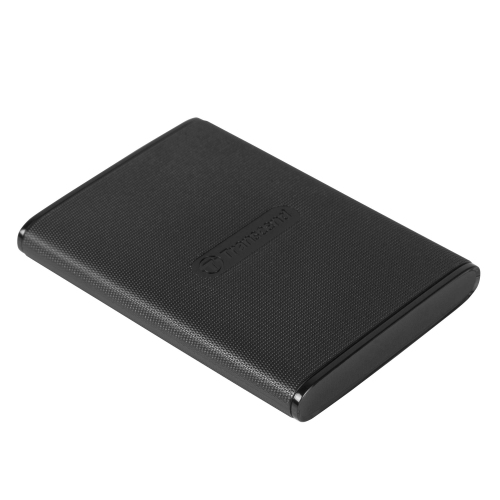

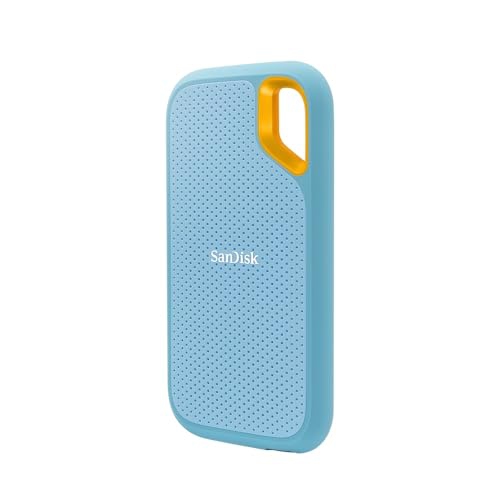
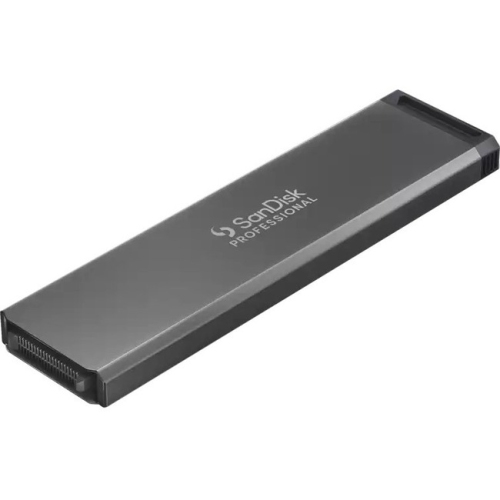
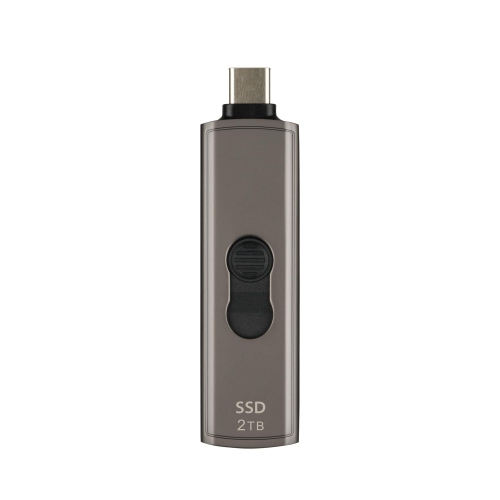
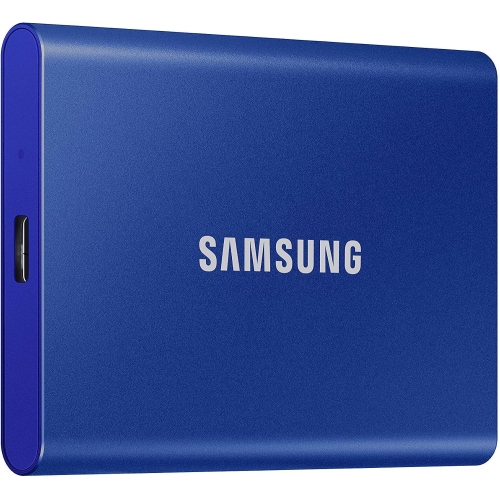
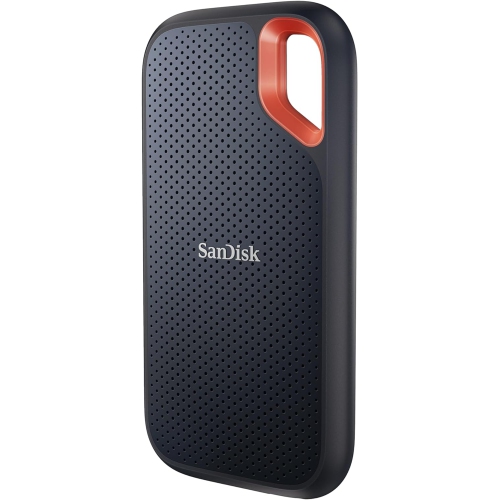

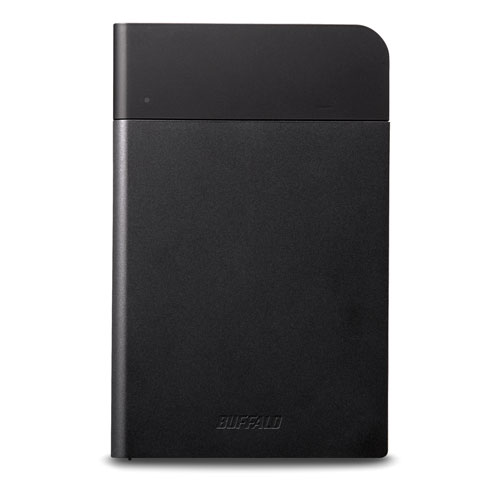
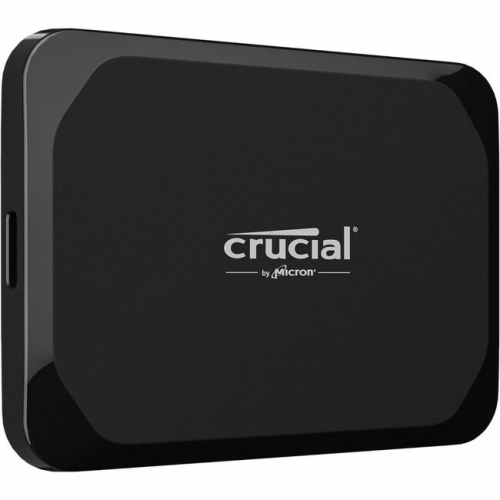
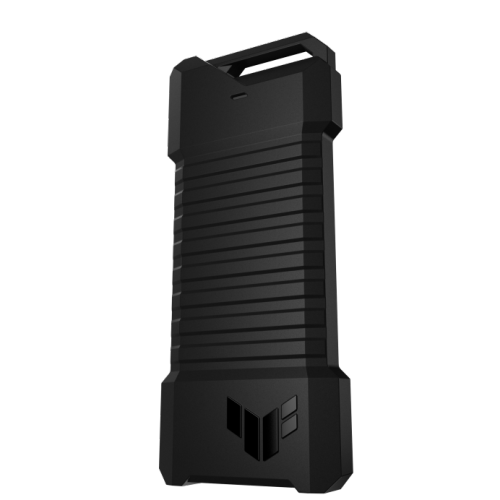
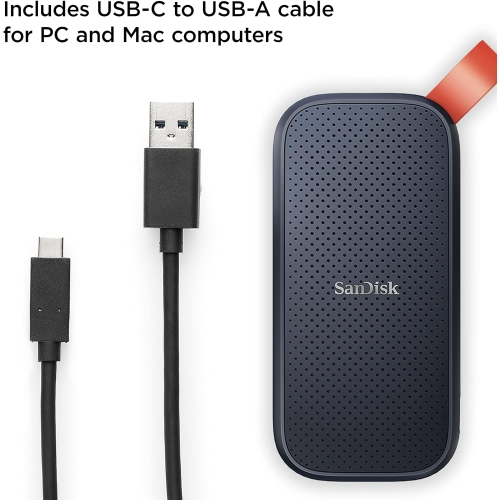
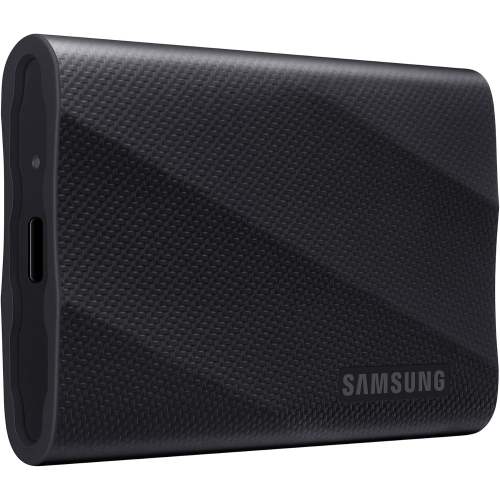
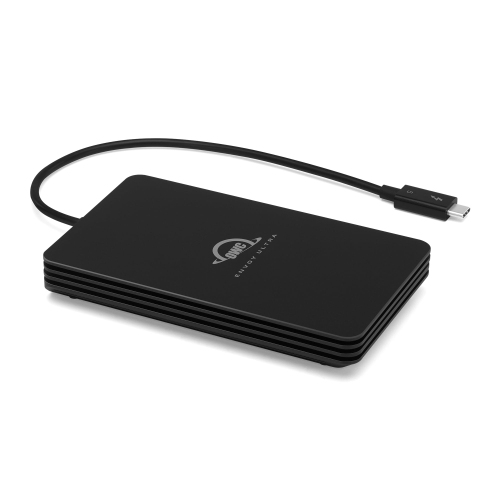
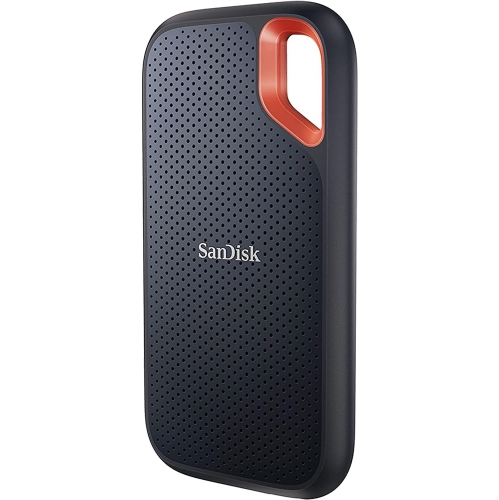
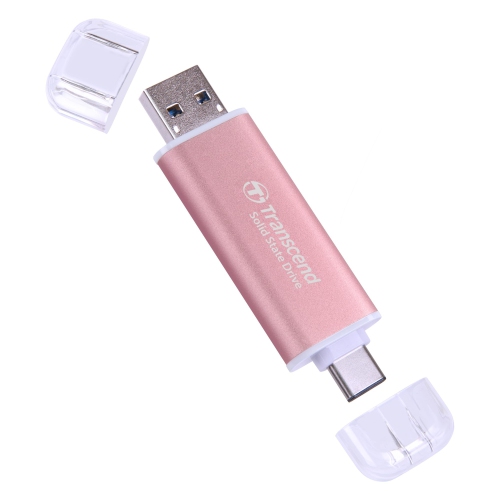
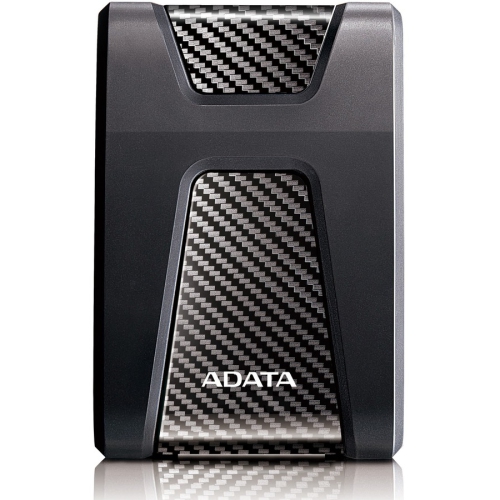
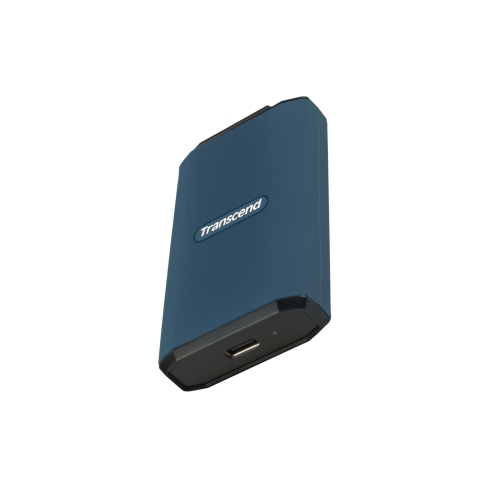

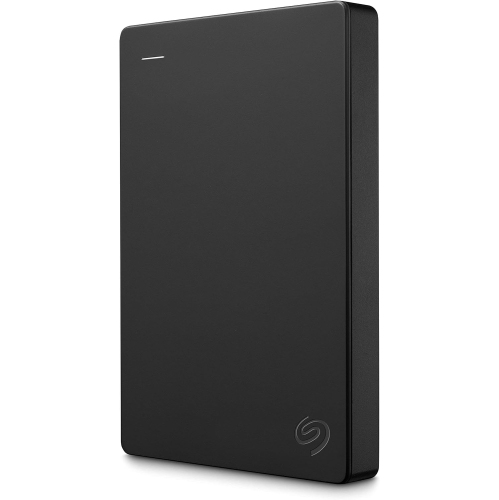
There’s more to portable storage than a matching port
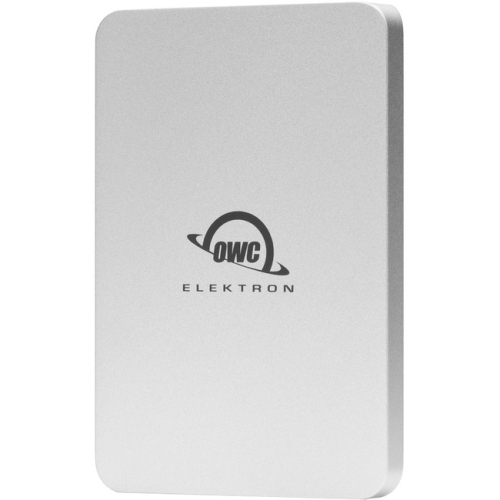
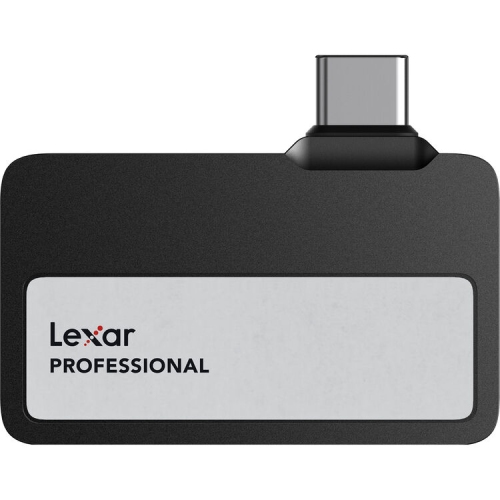
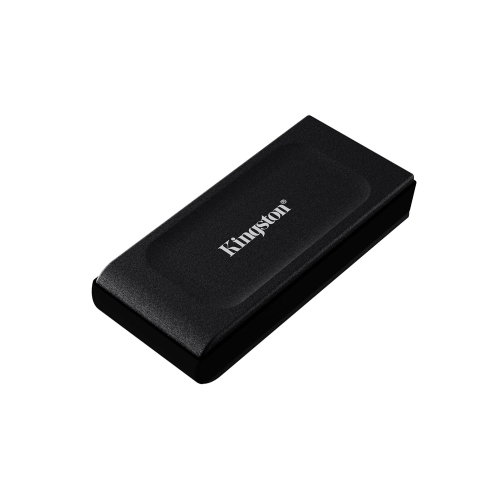
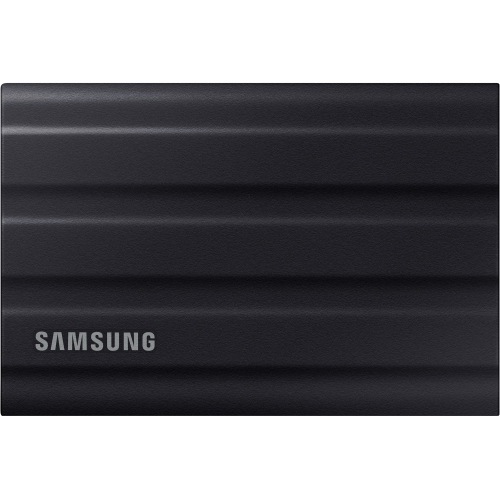
A 1TB external SSD for Mac adds portable storage for photo libraries, work files, video projects, and backups without taking up much room beside a laptop or desktop. Solid-state storage uses flash memory rather than spinning disks, so the drive operates quietly and has no moving read/write heads. That design suits everyday tasks such as opening folders of high-resolution images, moving large presentations, or carrying project files between a home office and a studio. A 1TB capacity offers useful space for a mix of documents and media, although the number of files it holds depends on their size: compressed photos occupy far less space than camera originals, and edited video exports can be much smaller than the footage used to create them. The stated capacity is measured before formatting, and file-system overhead reduces the space available for personal files. Connection compatibility matters just as much as capacity. USB-C describes the shape of a connector, not the transfer speed it supports, so two drives with similar-looking ports can perform quite differently. Actual transfer rates depend on the SSD, its cable, the Mac’s port, and any hub or dock between them. A USB drive rated for a faster standard can generally operate through a compatible slower connection, but it will be limited by that connection. In particular, many Macs do not support the USB 3.2 Gen 2x2 mode used to achieve certain advertised speeds, making the drive’s supported fallback modes worth checking. Thunderbolt and USB4 storage can offer higher throughput when the drive, cable, and Mac all support the required connection. For routine backups and document storage, dependable compatibility may matter more than peak speed; for large media transfers, the connection can make a noticeable difference to the working day. A cable that fits the port is only part of the match: it also needs to support data transfer at the intended rate, rather than charging alone.
How a 1TB external SSD fits into a Mac setup depends on whether it will hold working files, archived material, or a backup. For a photographer, it might keep a collection of original images separate from the internal drive while leaving space on the Mac for applications and active edits. For a student, it can carry research, design assignments, and recorded lectures between study spaces. Someone working with audio might use it for sample libraries or completed sessions, provided the software supports storing those files externally. Video editing places greater demands on sustained transfer speeds, particularly with high-resolution footage or several streams playing together. Advertised maximum speeds do not necessarily describe performance throughout a long transfer: file size, available space, the drive’s internal design, and heat generated during use can all affect the result. File format is another important consideration. APFS is designed for modern Mac use and is well suited to SSD storage, while exFAT is commonly used when files need to move between macOS and Windows. The right choice depends on the computers and applications involved; a format that works for sharing documents may not meet the requirements of a particular backup tool. Time Machine has its own disk-format requirements, and recent macOS versions generally use APFS for newly configured backup disks. Reformatting erases existing contents, so any files already on a drive need another safe location before that change is made. An external SSD used only to hold the original copy of a photo library or project is additional storage, not a backup of that material. Important files are better protected when a separate copy exists on another device or through an appropriate backup service. A 1TB drive’s suitability for Time Machine also depends on how much data is being backed up and how much version history is needed, rather than the Mac’s total internal capacity alone.
Physical construction makes a difference when an external SSD moves from a desk to a backpack or travels between workplaces. Aluminium housings can help spread heat, while plastic shells can keep weight down; some portable designs add a silicone covering for grip or cushioning. Material alone does not establish how well a drive will withstand a fall or exposure to water. Any drop-test claim or water- and dust-resistance rating applies under specified conditions, and a protective exterior does not make the stored files immune to damage. For daily carrying, a compact case with room for the cable helps keep connectors from rubbing against keys or other loose objects. A short cable can reduce clutter beside a laptop, while a longer one may be more practical when the Mac sits on a stand or the connection runs through a desktop dock. The drive should rest securely rather than hang from its cable, with enough open space around it to release heat during extended transfers. Routine care is straightforward: keep ports clear of debris, avoid pulling on the cable itself, and eject the drive in macOS before disconnecting it, especially after copying or editing files. For sensitive documents, supported encryption can add protection if the drive is misplaced, but passwords and recovery information need to be stored safely because losing them can prevent access to the contents. A portable SSD can also be a practical gift for a student, photographer, musician, or frequent traveller when its connection and intended use match the recipient’s Mac. Laptop-focused shoppers can find further context on the Best External SSDs for Macbook Pro page. Across desk-based and mobile setups, the most useful combination is sufficient capacity, a compatible connection, dependable construction, and a clear plan for keeping important files in more than one place. Those details help a 1TB external SSD serve as a convenient extension of a Mac’s storage without making file management more complicated.
How a 1TB external SSD fits into a Mac setup depends on whether it will hold working files, archived material, or a backup. For a photographer, it might keep a collection of original images separate from the internal drive while leaving space on the Mac for applications and active edits. For a student, it can carry research, design assignments, and recorded lectures between study spaces. Someone working with audio might use it for sample libraries or completed sessions, provided the software supports storing those files externally. Video editing places greater demands on sustained transfer speeds, particularly with high-resolution footage or several streams playing together. Advertised maximum speeds do not necessarily describe performance throughout a long transfer: file size, available space, the drive’s internal design, and heat generated during use can all affect the result. File format is another important consideration. APFS is designed for modern Mac use and is well suited to SSD storage, while exFAT is commonly used when files need to move between macOS and Windows. The right choice depends on the computers and applications involved; a format that works for sharing documents may not meet the requirements of a particular backup tool. Time Machine has its own disk-format requirements, and recent macOS versions generally use APFS for newly configured backup disks. Reformatting erases existing contents, so any files already on a drive need another safe location before that change is made. An external SSD used only to hold the original copy of a photo library or project is additional storage, not a backup of that material. Important files are better protected when a separate copy exists on another device or through an appropriate backup service. A 1TB drive’s suitability for Time Machine also depends on how much data is being backed up and how much version history is needed, rather than the Mac’s total internal capacity alone.
Physical construction makes a difference when an external SSD moves from a desk to a backpack or travels between workplaces. Aluminium housings can help spread heat, while plastic shells can keep weight down; some portable designs add a silicone covering for grip or cushioning. Material alone does not establish how well a drive will withstand a fall or exposure to water. Any drop-test claim or water- and dust-resistance rating applies under specified conditions, and a protective exterior does not make the stored files immune to damage. For daily carrying, a compact case with room for the cable helps keep connectors from rubbing against keys or other loose objects. A short cable can reduce clutter beside a laptop, while a longer one may be more practical when the Mac sits on a stand or the connection runs through a desktop dock. The drive should rest securely rather than hang from its cable, with enough open space around it to release heat during extended transfers. Routine care is straightforward: keep ports clear of debris, avoid pulling on the cable itself, and eject the drive in macOS before disconnecting it, especially after copying or editing files. For sensitive documents, supported encryption can add protection if the drive is misplaced, but passwords and recovery information need to be stored safely because losing them can prevent access to the contents. A portable SSD can also be a practical gift for a student, photographer, musician, or frequent traveller when its connection and intended use match the recipient’s Mac. Laptop-focused shoppers can find further context on the Best External SSDs for Macbook Pro page. Across desk-based and mobile setups, the most useful combination is sufficient capacity, a compatible connection, dependable construction, and a clear plan for keeping important files in more than one place. Those details help a 1TB external SSD serve as a convenient extension of a Mac’s storage without making file management more complicated.
Top selling and popular products
-
 Your price for this item is $374.99
-
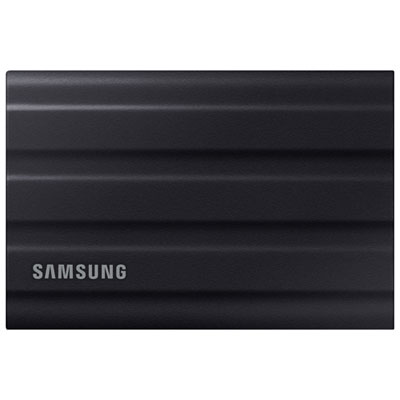 Your price for this item is $669.99
-
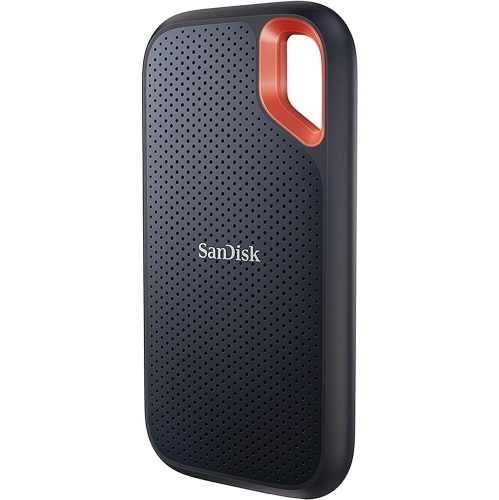 Your price for this item is $346.91
-
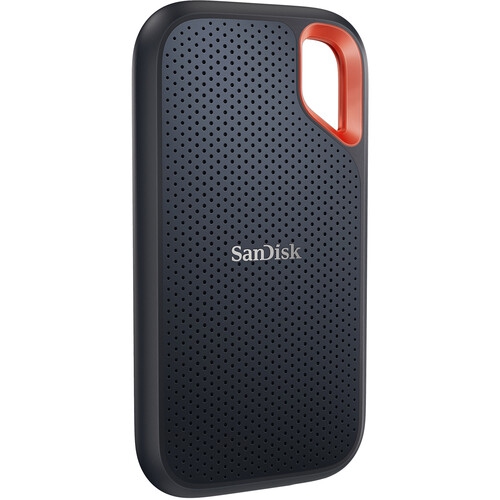 Your price for this item is $507.91
-
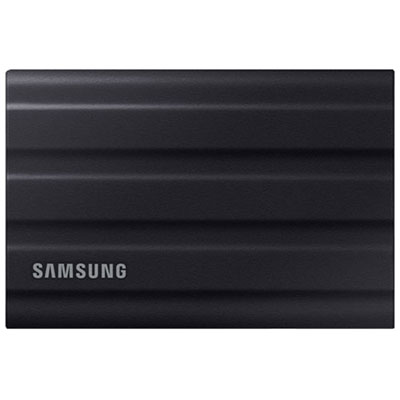 Your price for this item is $1559.95
-
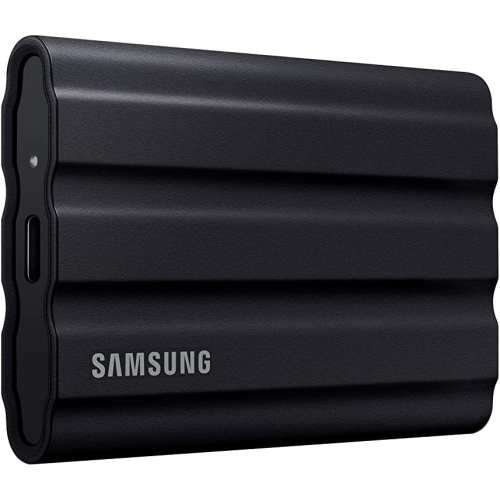 Your price for this item is $1499
-
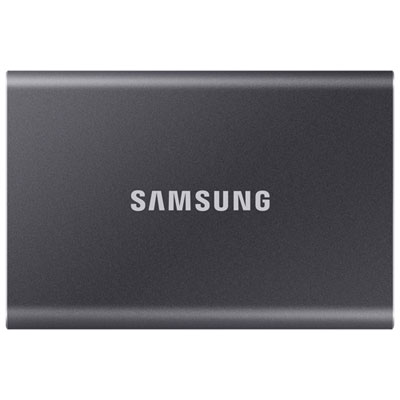 Your price for this item is $1489.97
-
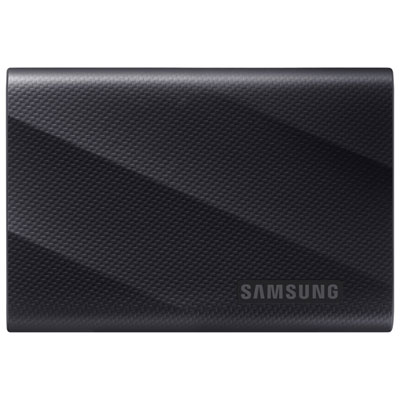 Your price for this item is $389.99
Discover more categories related to 1TB External SSDs for Mac
Top Collections:
Pokemon Centers, Best Black Friday Deals This Year, Best Black Friday Deals On Electronics, Kindle Devices, Best Budget Office Chairs, Best Black Friday Deals On Apple Products, Best Cameras for Sports Photography, Pokémon 30th Celebration Cards, Dyson Airwrap, Canon G7X Cameras
Some products may be subject to Environmental Handling Fees
(EHF) depending on your province.
Learn more about EHFs.