2-in-1 Laptops for Graphic Artists
2-in-1 Laptop for Graphic Artists offers the perfect combination of flexibility and performance to bring creative visions to life. Whether you're sketching, illustrating, or editing images, these versatile devices adapt seamlessly to your workflow. With a 2-in-1 Laptop for Graphic Artists, you can switch between laptop and tablet modes with ease, making it simple to design on the go or in the studio. Explore a range of options designed to support your artistic process and help you achieve professional results every time.
Sort
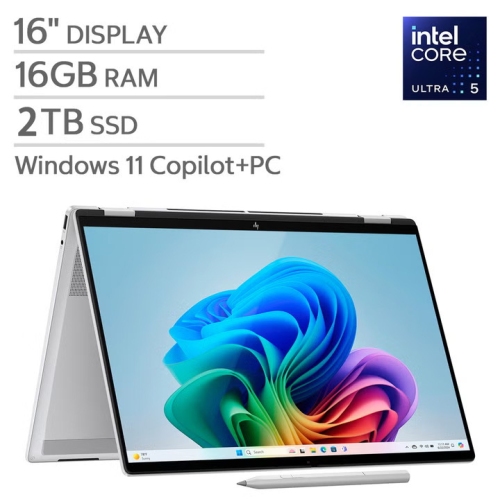
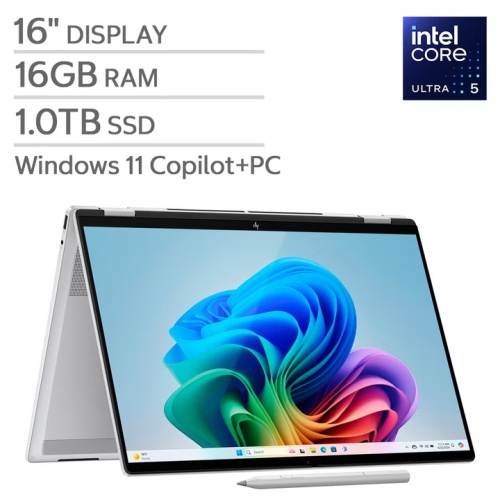
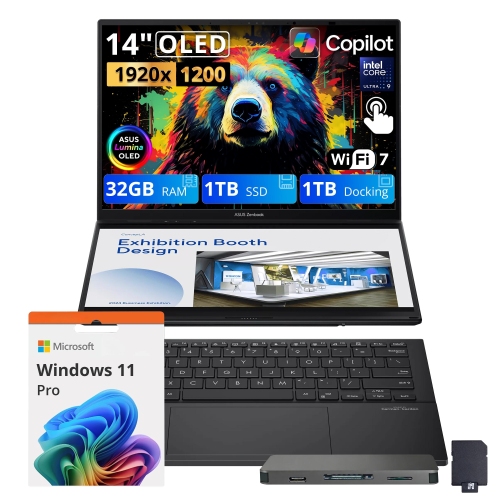
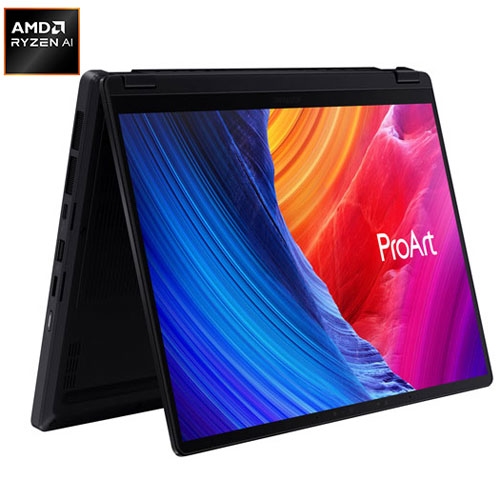
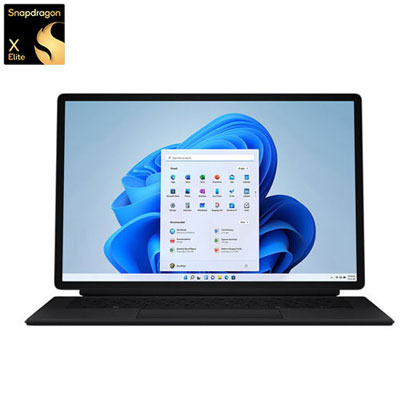
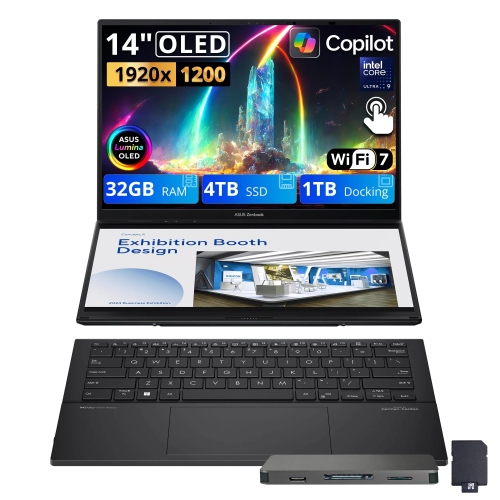
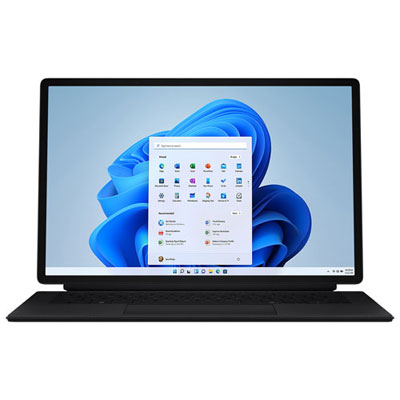
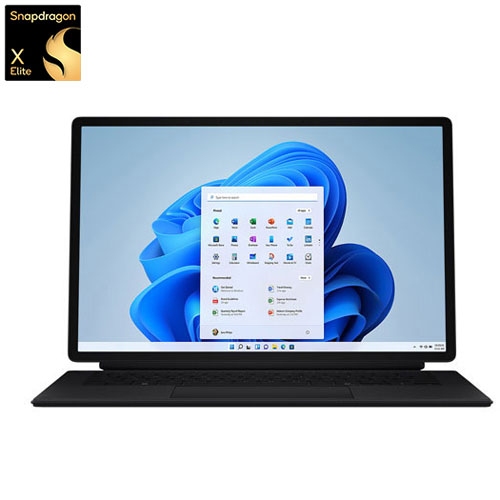
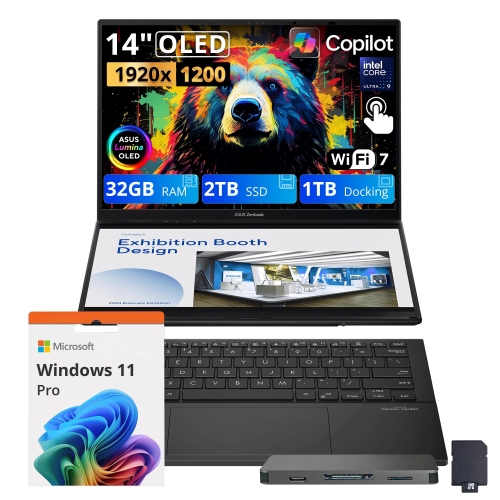
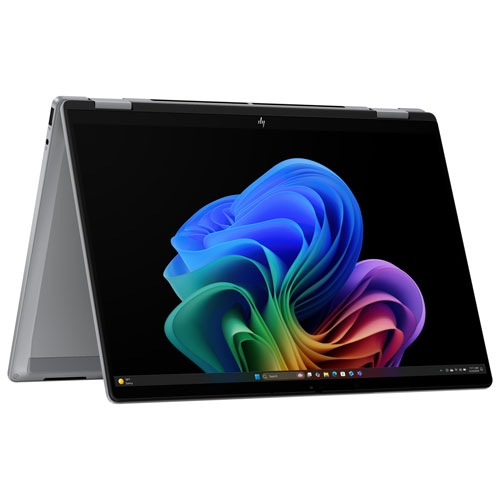
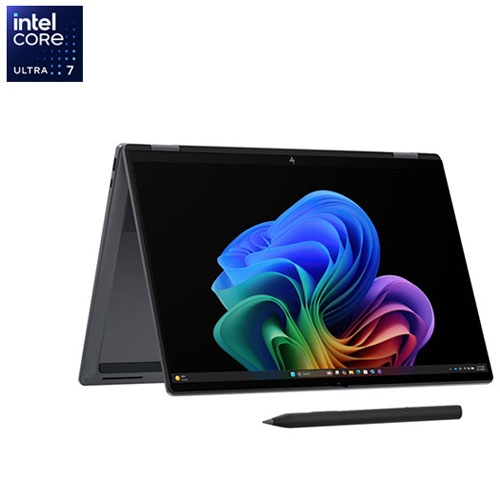
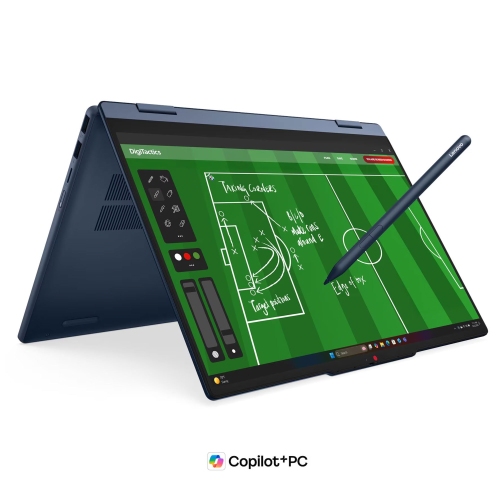
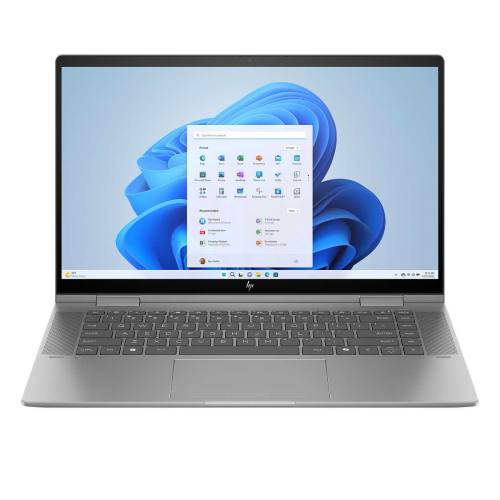
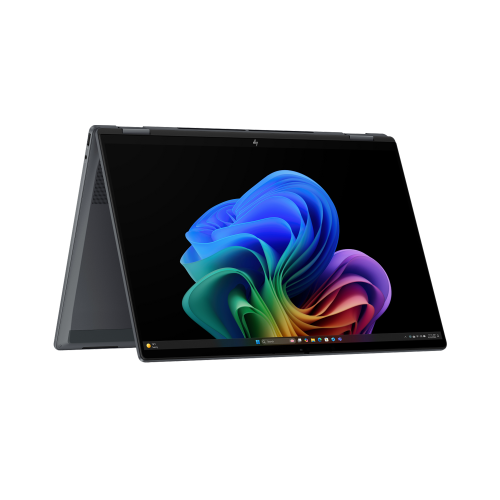
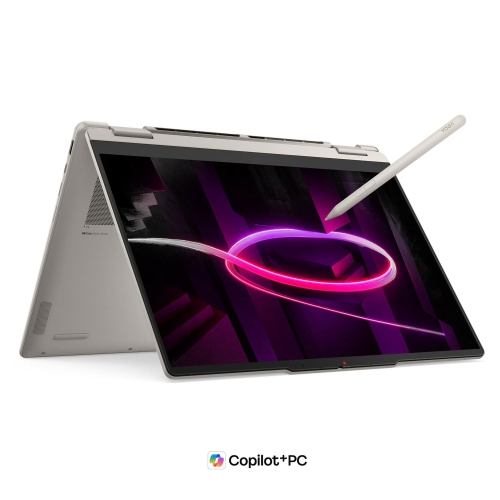
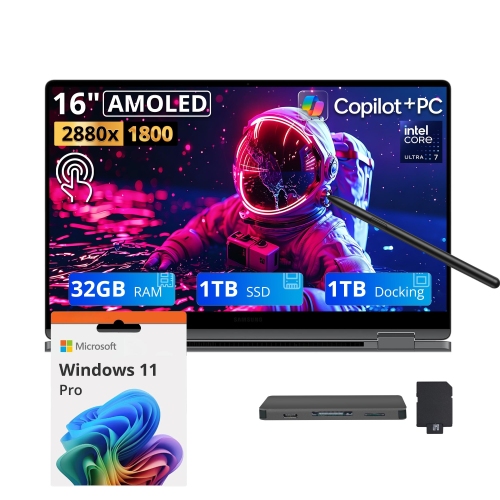
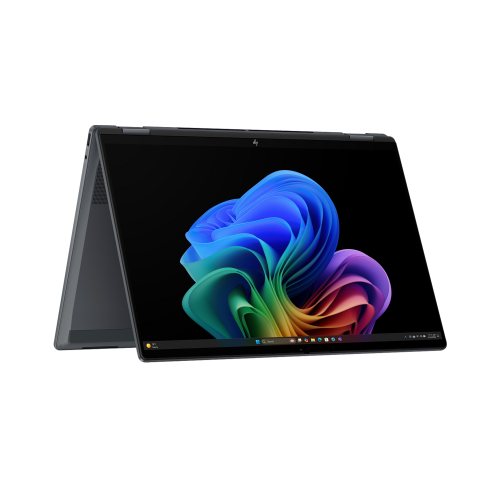
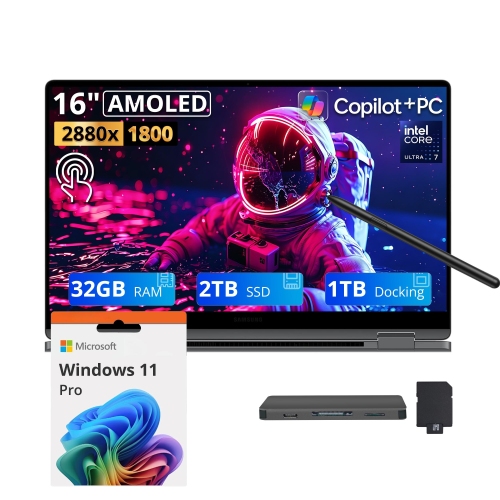
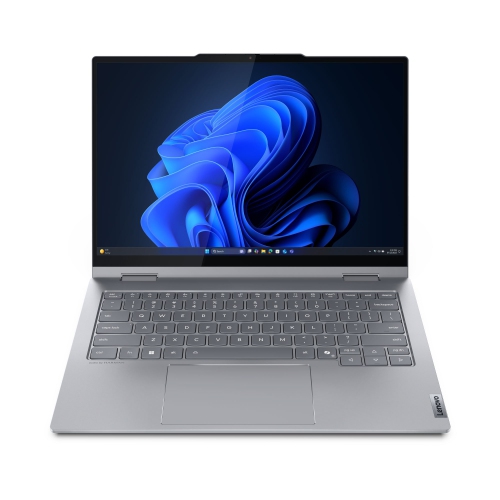
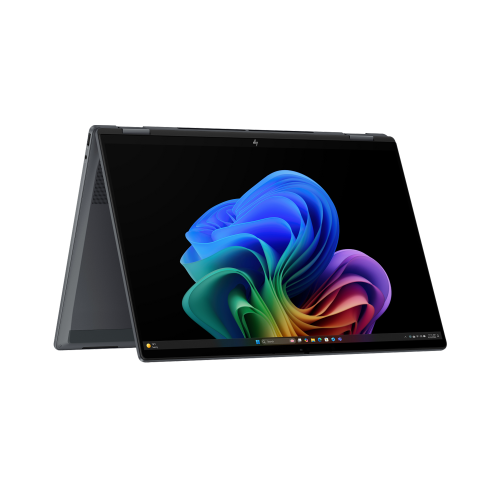
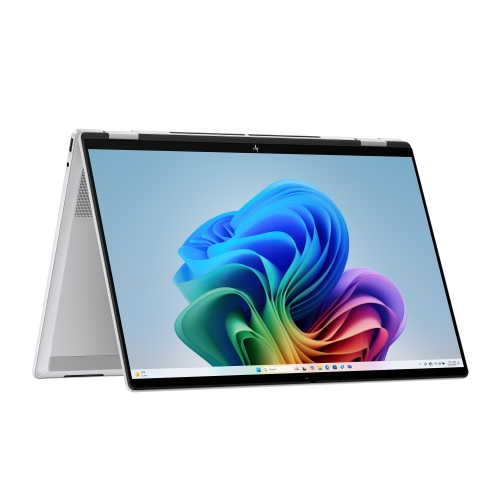
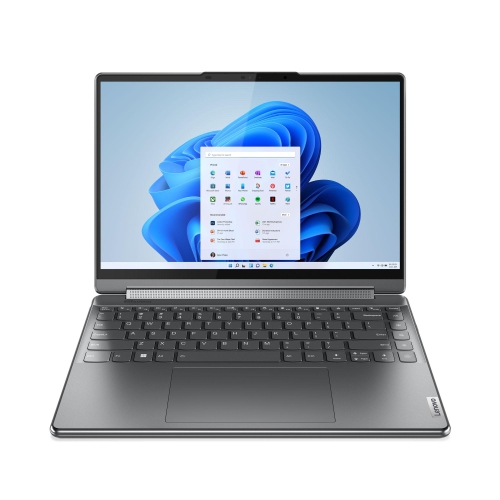
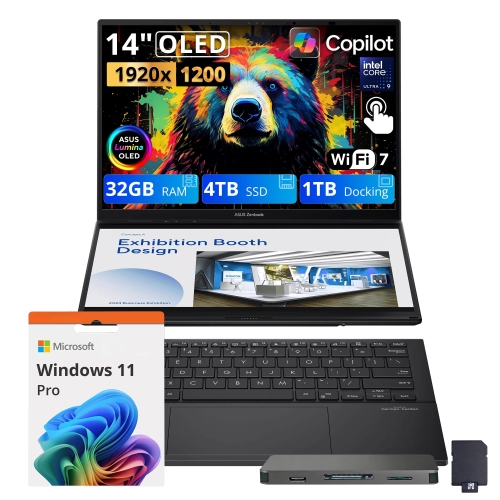
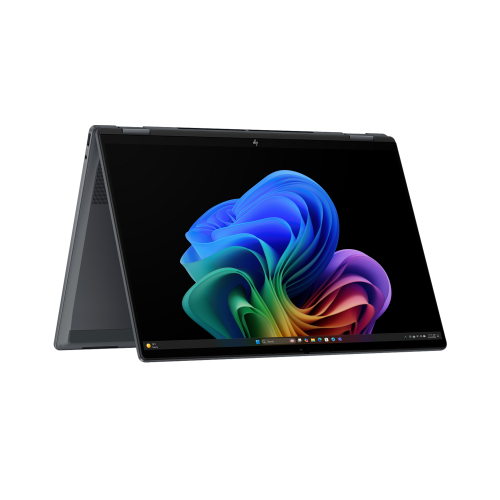
From keyboard shortcuts to pen strokes on one device
2-in-1 laptops for graphic artists combine the familiarity of a keyboard and trackpad with the hands-on feel of working directly on a screen. A convertible design can move from typing a project proposal to sketching a character pose, marking up a layout or refining a digital painting without changing devices. On models with a folding hinge, the keyboard can rotate behind the display for tablet-style use, while detachable designs separate the screen from the keyboard. These formats suit illustrators, graphic design students, freelance creatives and artists who move between a dedicated workspace and shared studios or classrooms. The benefit is particularly clear when a project involves several kinds of input: drawing initial shapes with a pen, using keyboard shortcuts to adjust a composition, then presenting the finished concept with the keyboard out of the way. Display quality shapes that experience as much as flexibility does. Resolution affects how clearly fine lines and small interface elements appear, while screen size influences both the drawing area and the space left for toolbars, reference images and layers. A larger panel gives a detailed composition more room, though a smaller device may be easier to hold and carry. Colour gamut coverage, colour accuracy and calibration support matter when illustrations need to remain consistent across a laptop, an external monitor and printed output. Brightness and surface finish also affect visibility under studio lighting, especially where reflections fall across darker artwork. Pen compatibility deserves equal attention because a touchscreen does not automatically support an active pen. Pressure sensitivity can help vary line weight, tilt support can add expressive shading in compatible programs, and palm rejection helps the screen distinguish a resting hand from intentional input. The pen, display and creative program all contribute to the drawing experience, so supported features may differ between combinations. Pen balance, grip and button placement can also influence comfort during a long inking session.
Creative performance depends on the kind of work a laptop needs to handle, not simply on whether it folds into a tablet. Vector illustrations, page layouts, high-resolution paintings, animation and 3D projects place different demands on the processor, memory and graphics hardware. A responsive processor supports everyday editing and many effects, while sufficient memory helps keep layered documents, reference files and several open programs working smoothly together. Large canvases with textured brushes can be more demanding than their finished appearance suggests, especially when a project contains numerous layers or a long editing history. Integrated graphics can be suitable for many drawing and design tasks, while dedicated graphics may benefit supported effects, 3D rendering and other accelerated workloads. The requirements of the intended creative programs remain an important point of comparison, including compatibility with the operating system and any plug-ins, fonts or drawing accessories already in use. Solid-state storage helps with opening programs and loading project files, but capacity matters too: source images, exported versions, video clips and archived work can accumulate quickly. External storage and a separate backup provide room for completed projects without making the laptop the only place important artwork exists. Performance also needs to be considered alongside portability. A thin, lightweight design is convenient between classes or client meetings, but sustained rendering and other intensive tasks generate heat and can increase fan noise. Battery life varies with screen brightness, pen use and workload, so a light sketching session may draw considerably less power than exporting animation. Access to a suitable charger remains useful for longer working sessions. The broader category of Laptops for Digital Art covers a range of creative workflows, while the particular appeal of a 2-in-1 is the ability to move between keyboard-based work and drawing directly on the display.
Physical design becomes especially noticeable when a laptop serves as both a computer and a drawing surface. A firm hinge can help limit screen movement during pen input, and a stable base matters when detailed strokes require a steady hand. Metal chassis materials can contribute to rigidity, while other constructions may offer a different balance of weight and comfort; overall build quality matters more than the material name alone. Rounded edges and a manageable weight can make tablet-style use more comfortable, though even a lightweight laptop may feel substantial when held in one hand for an extended period. For longer sessions, a supportive stand or adjustable work surface can position the display at a comfortable drawing angle without blocking ventilation. Detachable designs may need a firm desktop for their kickstand and keyboard, whereas a traditional hinged base can feel steadier on a lap. Connections also shape how easily the laptop fits into an established setup. An external display can provide space for references and editing panels, while a keyboard, mouse or card reader may remain part of the workflow even when pen input takes centre stage. USB-C ports differ in their support for charging, video output and data transfer, making the supported functions relevant to docks and accessories. Everyday care helps protect both the drawing surface and the moving parts. A clean microfibre cloth can remove fingerprints according to the manufacturer’s cleaning directions, and keeping grit away from the screen helps reduce the chance of scratches. A padded sleeve, careful handling around the hinge and secure storage for the pen are practical additions for regular travel. Replacement nib compatibility is worth noting for artists who draw frequently. As a gift for an aspiring illustrator or an established designer, a 2-in-1 laptop is most useful when its pen support, screen size and program compatibility fit the recipient’s actual work, whether that means lettering a poster, developing a portfolio or polishing a client presentation.
Top selling and popular products
-
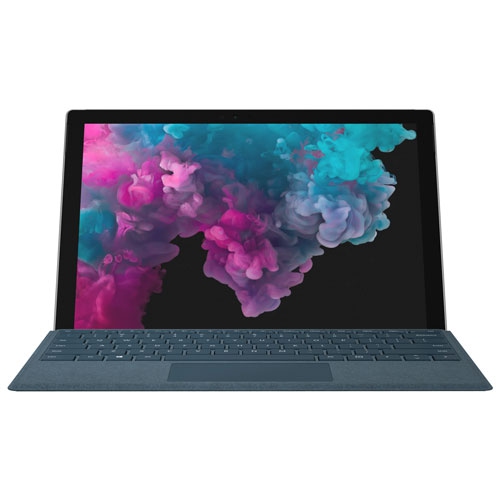 Your price for this item is $380
-
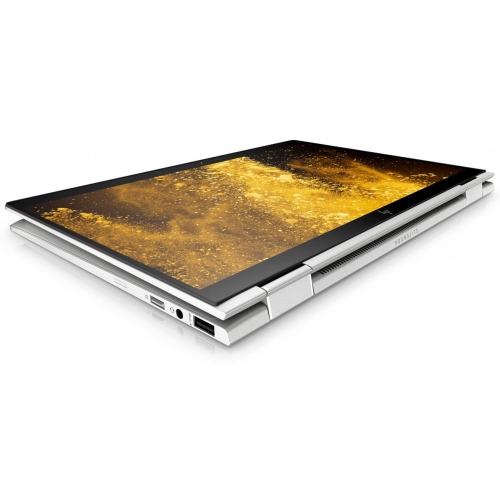 Your price for this item is $699.96
-
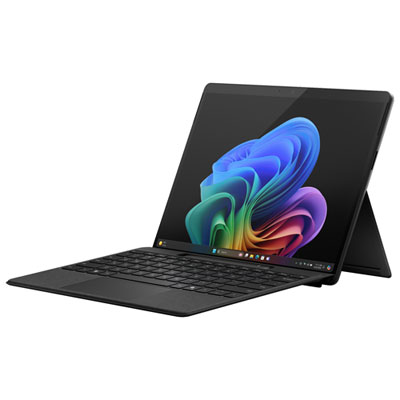 Your price for this item is $1849.99
-
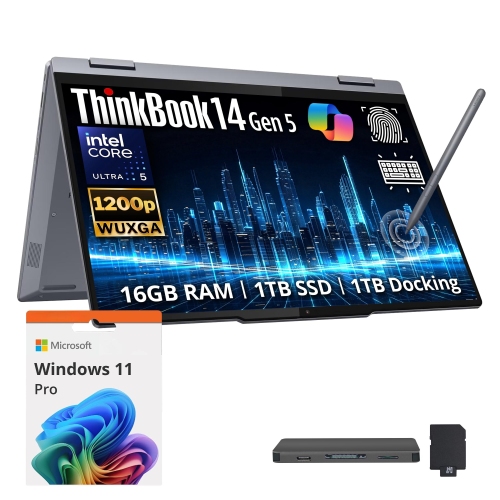 Your price for this item is $1899
-
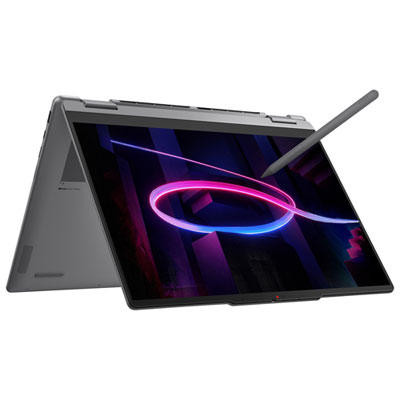 Your price for this item is $1299.99
-
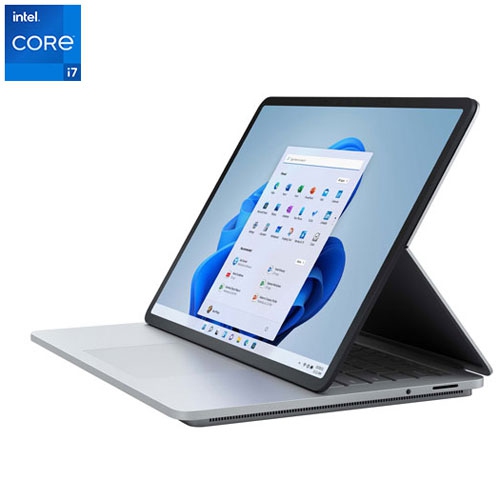 Your price for this item is $1499
-
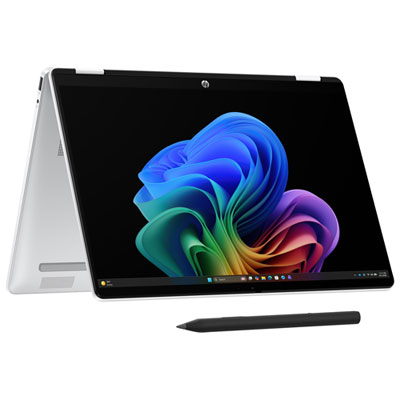 Your price for this item is $1799.99
-
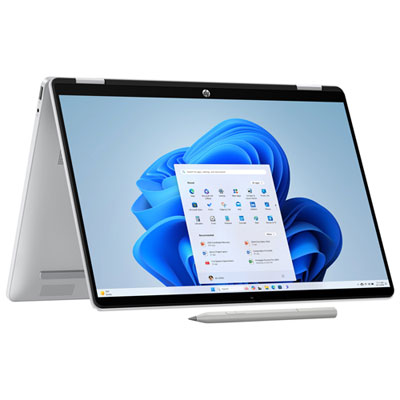 Your price for this item is $999.99
Discover more categories related to 2-in-1 Laptops for Graphic Artists
Top Collections:
Best Black Friday Deals This Year, Best Black Friday Deals On Electronics, Kindle Devices, Dyson Airwrap, Best Cameras for Sports Photography, Best Budget Office Chairs, Canon G7X Cameras, PS5 Pro Consoles, Best Black Friday Deals On Apple Products, XBOX One S Consoles
Some products may be subject to Environmental Handling Fees
(EHF) depending on your province.
Learn more about EHFs.