Laptops for Digital Art
If you're an artist, designer, or illustrator, you've probably got a computer in your studio. But if your computer is more than a few years old, it may not have the power to run the latest software and hardware upgrades. If you want to keep up with the latest trends and techniques, you need a laptop that can handle the job. Here are the best laptops that can handle your work.
Sort
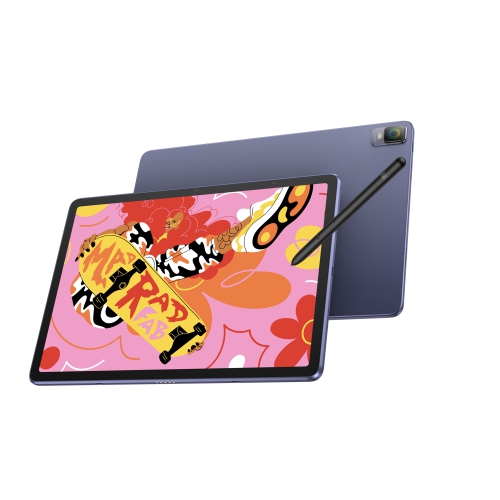
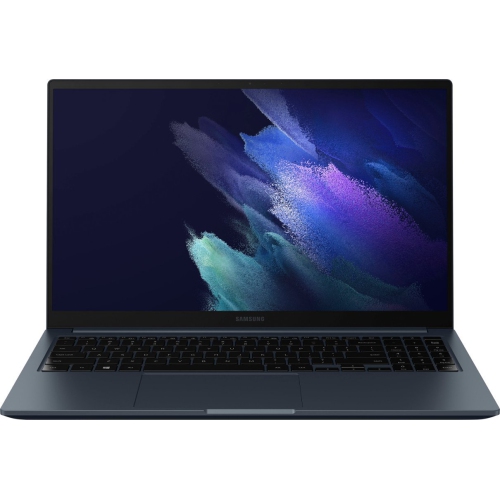
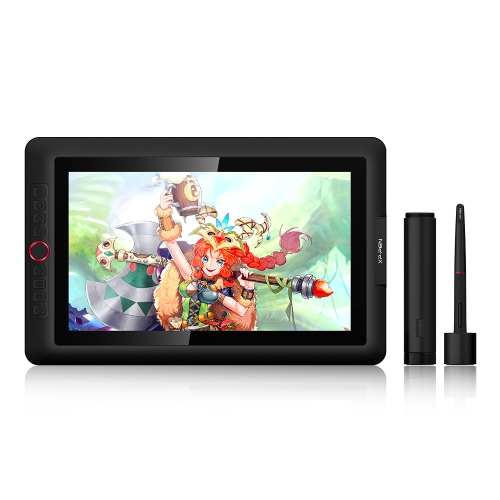
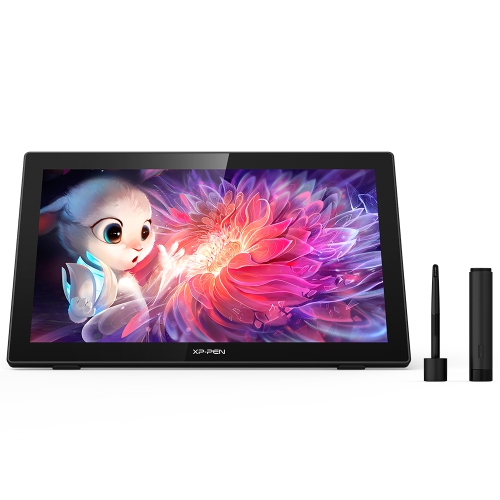

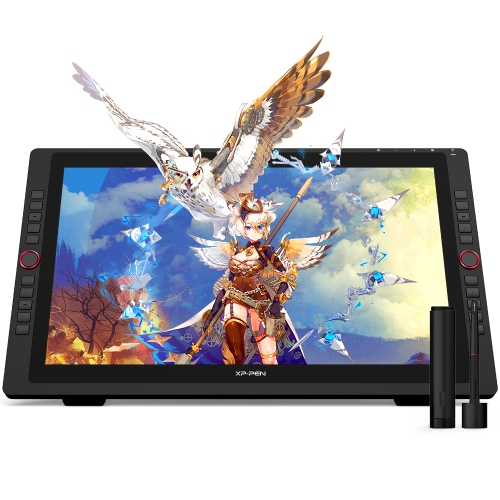
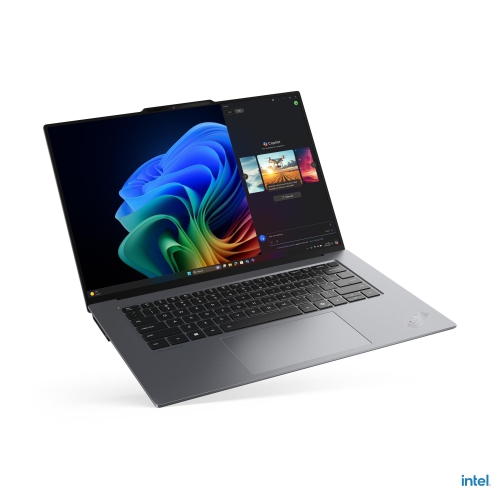
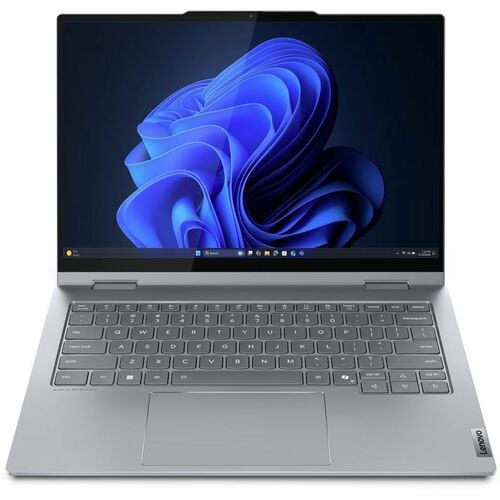

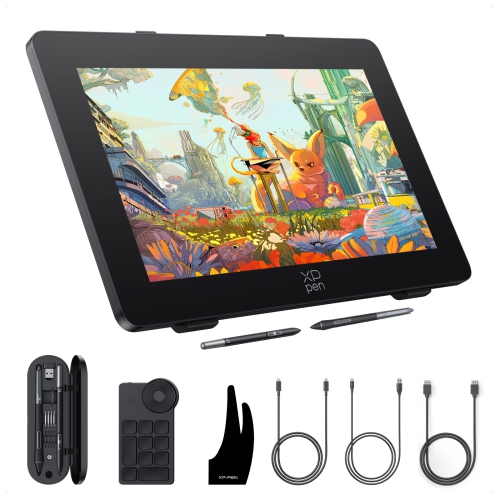
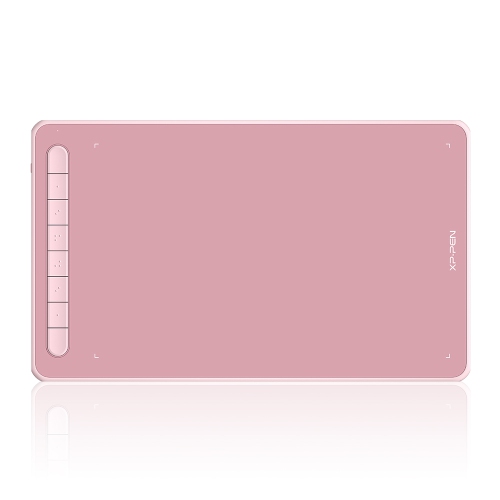
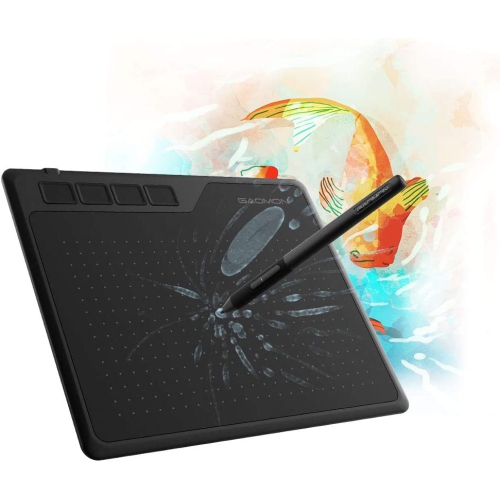
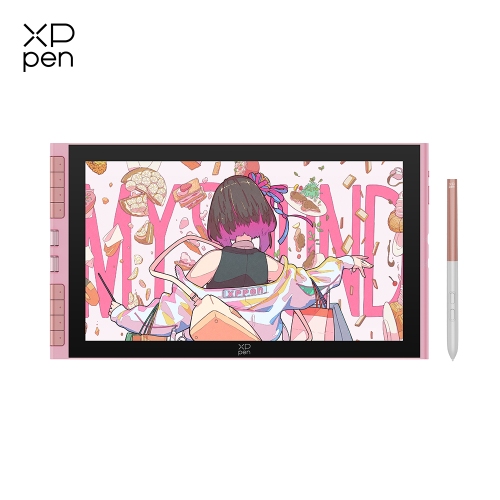
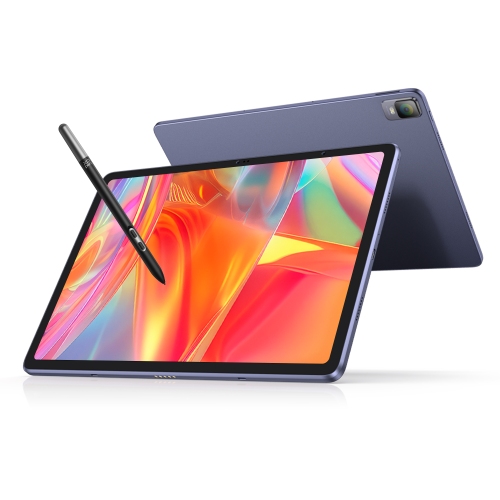

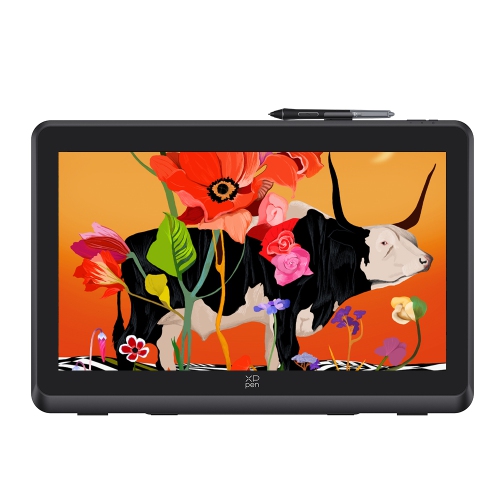
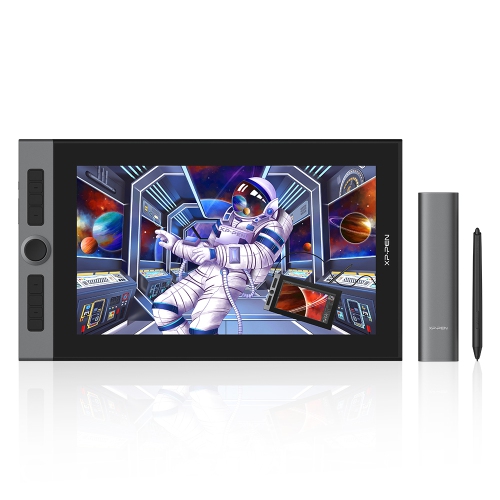
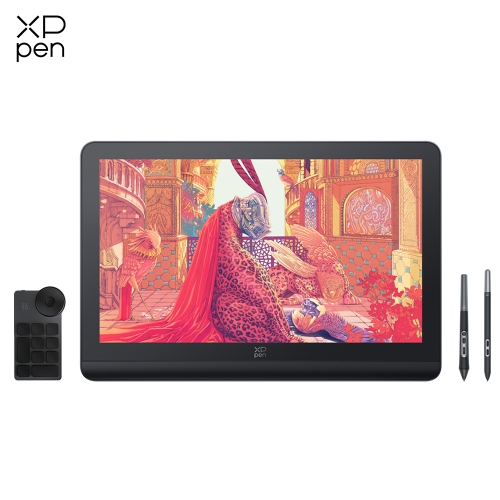
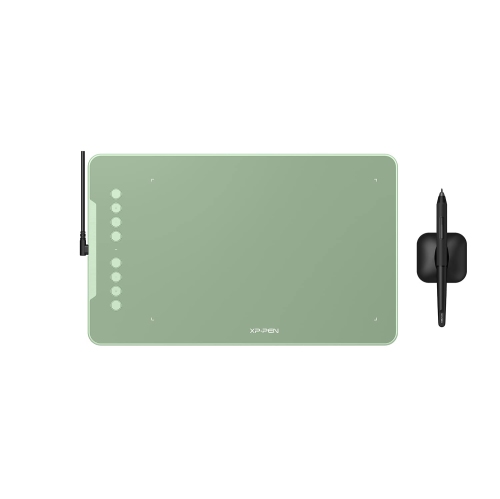
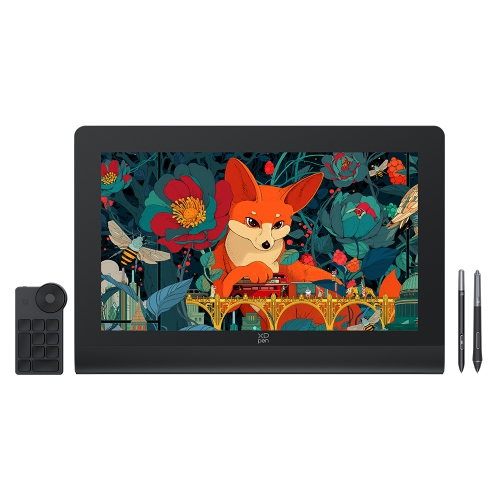
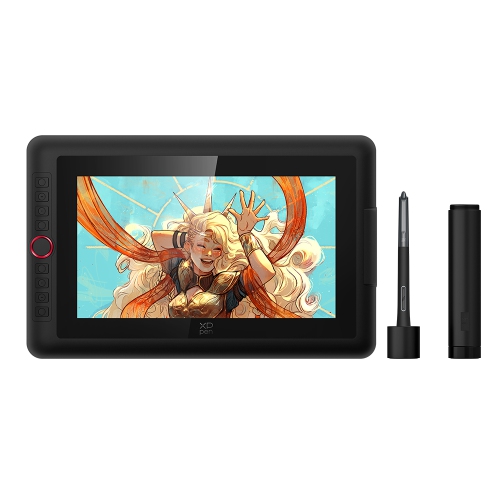
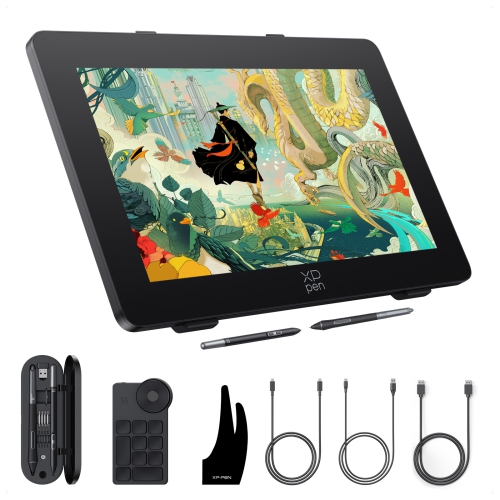
What supports a smoother workflow from sketch to finish
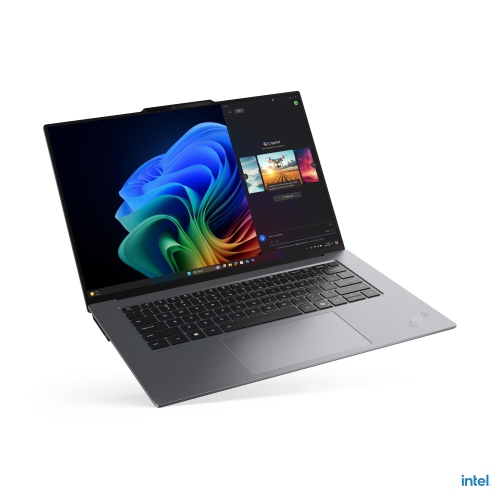
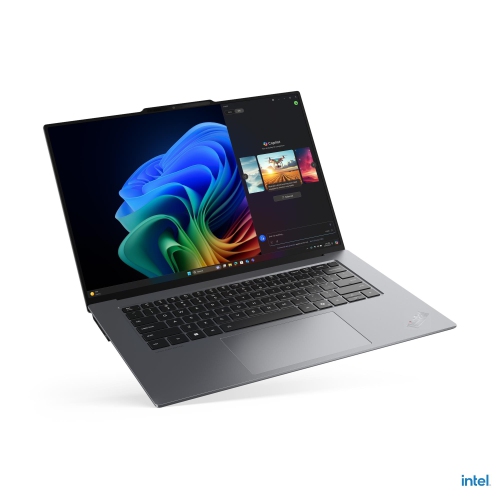
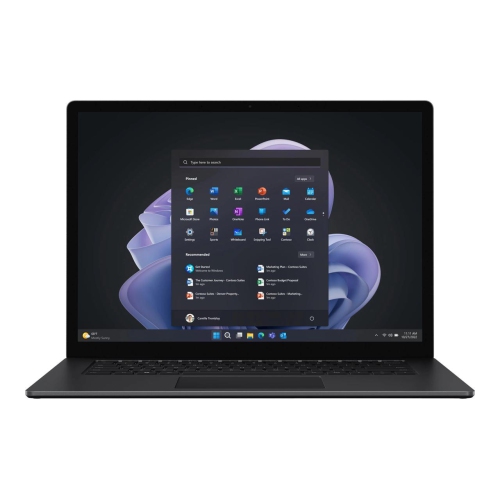
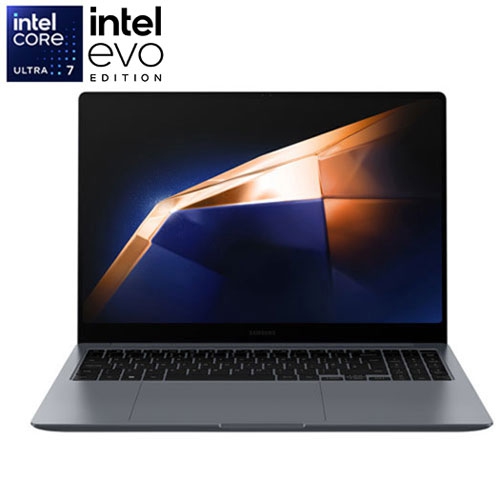
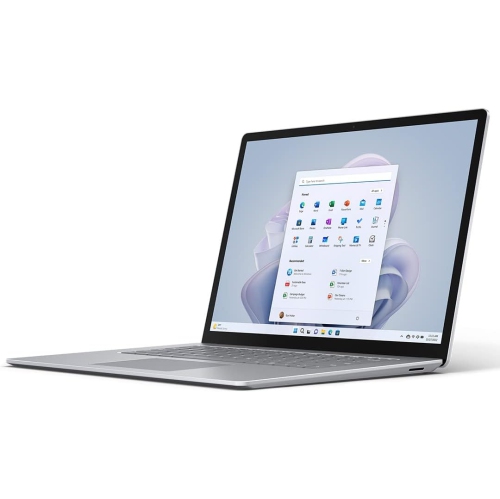
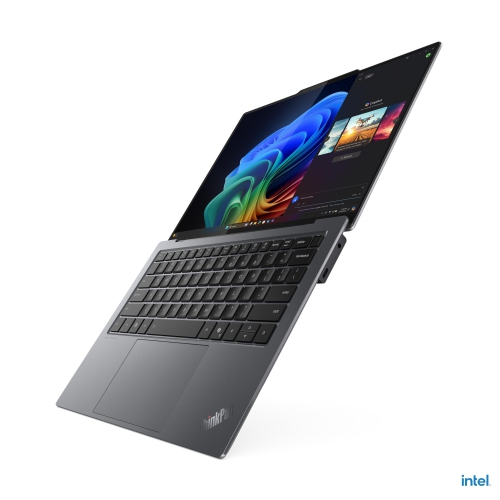
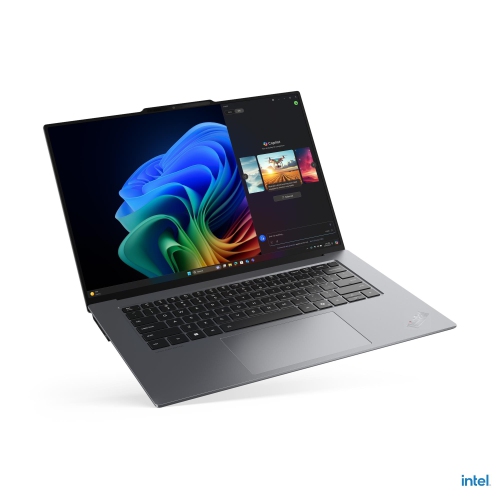
Laptops for digital art give illustrators, designers, students, animators, and hobbyists a flexible workspace for turning ideas into finished work. Unlike a standard computer used mainly for documents and browsing, a laptop for digital art needs to handle large canvases, layered files, detailed brushes, colour-rich imagery, and creative software without interrupting the process. A high-quality display is one of the most important features to consider. Look for a screen with accurate colour reproduction, strong contrast, comfortable brightness, and enough resolution to show fine lines and subtle shading clearly. A larger display, such as a 15-inch or 16-inch model, provides more room for a canvas and tool panels, while a smaller laptop may be easier to carry between a home studio, classroom, café, or shared workspace. OLED displays can offer deep blacks and vivid colour, while other panel types may provide excellent clarity and viewing angles at a more accessible price. Touch capability is also useful for artists who like to zoom, rotate, pan, or make quick adjustments directly on the screen. Keep in mind that display quality is only one part of the creative experience: a matte or low-glare finish may be more comfortable during long sessions, and a sturdy hinge can help keep the screen steady while drawing.
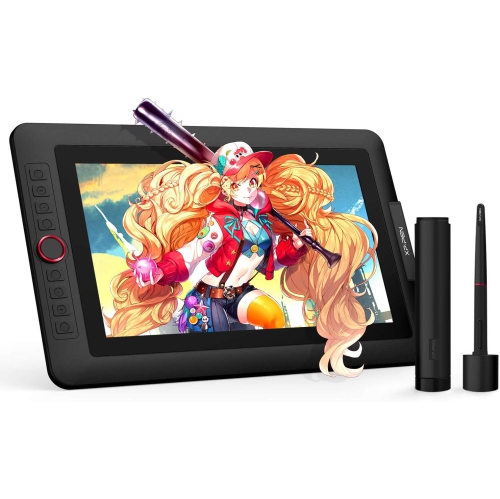
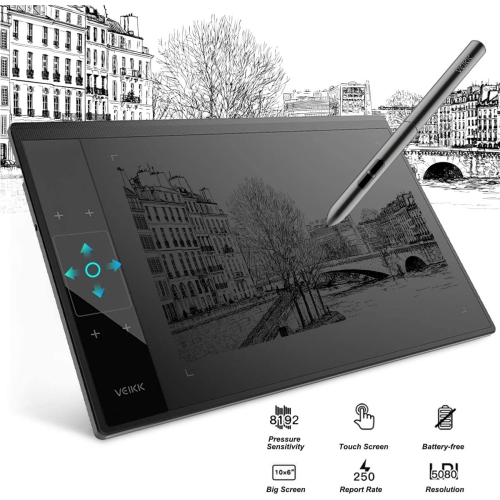
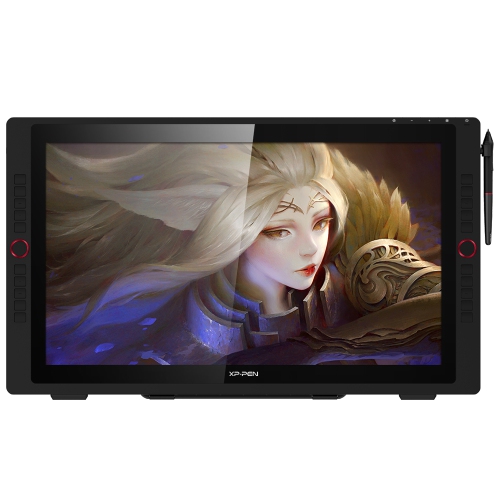
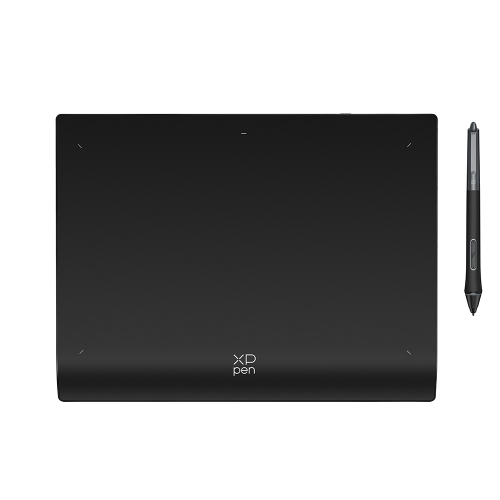
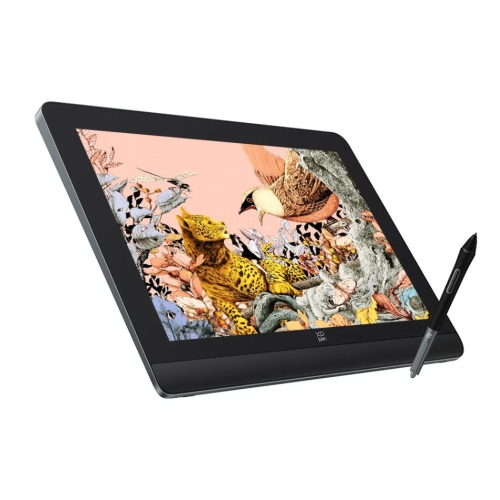
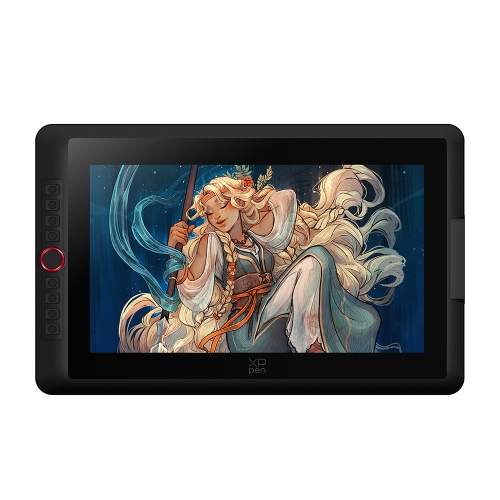
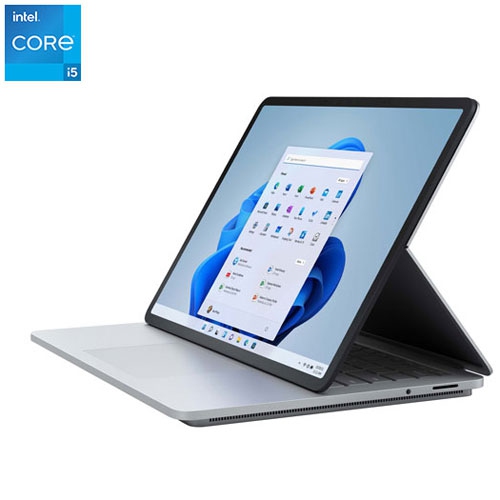
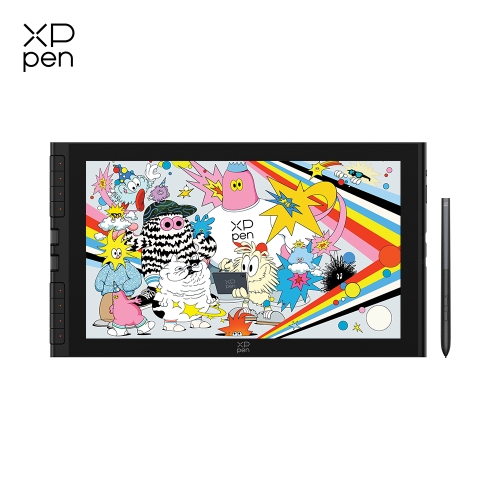
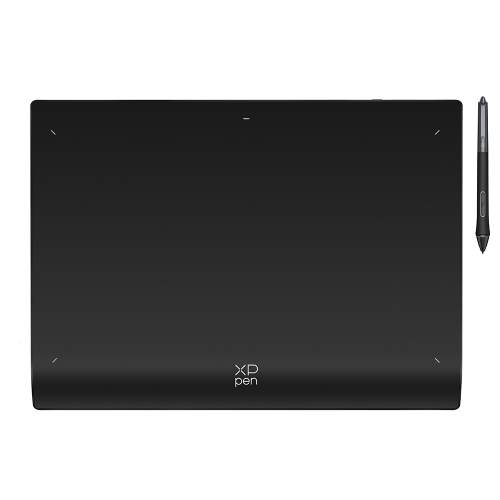
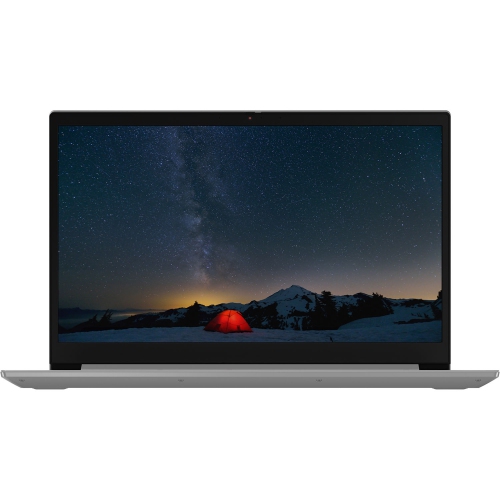
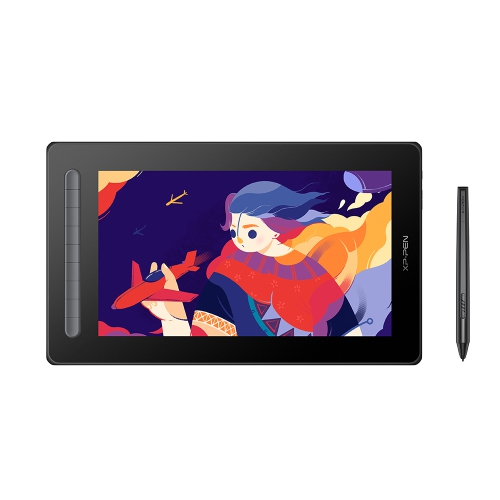
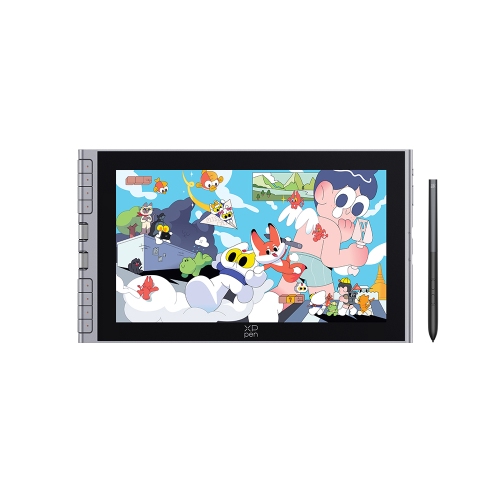
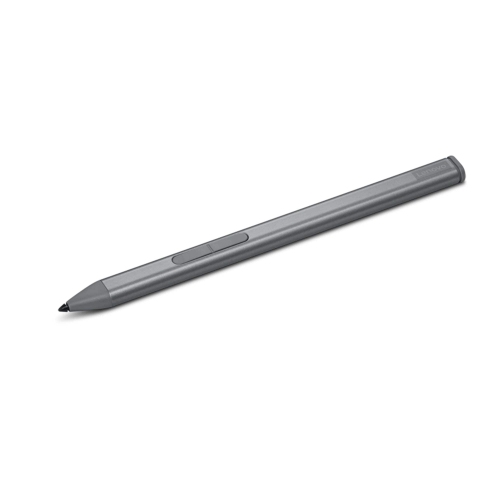
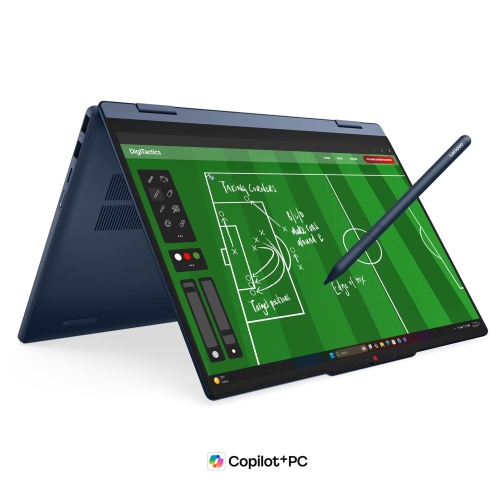
The right form factor depends on how you prefer to create. A 2-in-1 convertible laptop can fold into a tablet-like position, making it possible to sketch directly on the display with a compatible active pen. This setup can feel natural for drawing, especially when working on character concepts, handwritten notes, storyboards, diagrams, or quick studies. A responsive pen experience depends on more than touch support alone, so check for pressure sensitivity, tilt recognition, palm rejection, pen compatibility, and a comfortable drawing angle. Some convertible laptops include a compatible stylus, while others require one to be purchased separately. A traditional clamshell laptop can be an equally effective choice when paired with an external drawing tablet, and it may offer a familiar keyboard, larger trackpad, and a wider range of screen sizes. This arrangement suits artists who prefer drawing on a dedicated tablet while viewing the artwork on the laptop display. It can also be practical for people who already have a favourite pen tablet or want to upgrade their computer without replacing their existing accessories. For creative software such as Photoshop, Clip Studio Paint, Illustrator, Affinity applications, animation tools, or 3D modelling programs, look for a modern multi-core processor, ample memory, and fast solid-state storage. More memory helps when several applications, reference images, browser tabs, and large project files are open at the same time. A solid-state drive can make software load quickly and help projects open and save with less waiting. Artists working with animation, video, complex 3D scenes, or high-resolution compositions may also benefit from dedicated graphics capabilities, while those focused on sketching, photo editing, and 2D illustration may place greater emphasis on colour accuracy, pen support, portability, and battery life. More information about choosing a computer for demanding creative applications is available in Laptops for Creative and Design Work.
When comparing laptops for digital art, consider the way the computer will fit into your routine rather than focusing on one specification in isolation. An artist who works at a desk may appreciate a larger screen, a comfortable keyboard, several connection options, and the ability to attach an external monitor, storage drive, drawing tablet, or other studio accessories. Someone who moves between classes, client meetings, and home may prefer a lighter design, a durable build, a long-lasting battery, and a convertible hinge that supports sketching wherever inspiration appears. Ports can be important when connecting an external display, card reader, camera, tablet, or other creative equipment, so review the available USB, display, and wireless connectivity options before choosing. A comfortable keyboard remains valuable for naming layers, entering shortcuts, writing briefs, and editing timelines, while a precise trackpad can make navigation easier when a pen is not in use. Storage needs can grow quickly as artwork accumulates, particularly when files include many layers, high-resolution images, animation frames, or video assets. Cloud storage and external drives can help manage an archive, but generous built-in storage keeps active projects close at hand. These laptops can also make thoughtful gifts for an aspiring illustrator, design student, photographer, craft enthusiast, or family member who enjoys exploring creative software. For a younger artist, a pen-enabled convertible can encourage experimentation with drawing and digital lettering; for an experienced creator, a more powerful laptop can provide room to develop professional projects. During the cooler months, a portable setup can turn a bright corner of the home into a comfortable creative space, with enough flexibility to move from a desk to the kitchen table or a quiet room when needed. By balancing display quality, pen support, processing performance, memory, storage, graphics capability, portability, and comfort, you can find a laptop that supports both spontaneous sketches and carefully developed finished work.
The right form factor depends on how you prefer to create. A 2-in-1 convertible laptop can fold into a tablet-like position, making it possible to sketch directly on the display with a compatible active pen. This setup can feel natural for drawing, especially when working on character concepts, handwritten notes, storyboards, diagrams, or quick studies. A responsive pen experience depends on more than touch support alone, so check for pressure sensitivity, tilt recognition, palm rejection, pen compatibility, and a comfortable drawing angle. Some convertible laptops include a compatible stylus, while others require one to be purchased separately. A traditional clamshell laptop can be an equally effective choice when paired with an external drawing tablet, and it may offer a familiar keyboard, larger trackpad, and a wider range of screen sizes. This arrangement suits artists who prefer drawing on a dedicated tablet while viewing the artwork on the laptop display. It can also be practical for people who already have a favourite pen tablet or want to upgrade their computer without replacing their existing accessories. For creative software such as Photoshop, Clip Studio Paint, Illustrator, Affinity applications, animation tools, or 3D modelling programs, look for a modern multi-core processor, ample memory, and fast solid-state storage. More memory helps when several applications, reference images, browser tabs, and large project files are open at the same time. A solid-state drive can make software load quickly and help projects open and save with less waiting. Artists working with animation, video, complex 3D scenes, or high-resolution compositions may also benefit from dedicated graphics capabilities, while those focused on sketching, photo editing, and 2D illustration may place greater emphasis on colour accuracy, pen support, portability, and battery life. More information about choosing a computer for demanding creative applications is available in Laptops for Creative and Design Work.
When comparing laptops for digital art, consider the way the computer will fit into your routine rather than focusing on one specification in isolation. An artist who works at a desk may appreciate a larger screen, a comfortable keyboard, several connection options, and the ability to attach an external monitor, storage drive, drawing tablet, or other studio accessories. Someone who moves between classes, client meetings, and home may prefer a lighter design, a durable build, a long-lasting battery, and a convertible hinge that supports sketching wherever inspiration appears. Ports can be important when connecting an external display, card reader, camera, tablet, or other creative equipment, so review the available USB, display, and wireless connectivity options before choosing. A comfortable keyboard remains valuable for naming layers, entering shortcuts, writing briefs, and editing timelines, while a precise trackpad can make navigation easier when a pen is not in use. Storage needs can grow quickly as artwork accumulates, particularly when files include many layers, high-resolution images, animation frames, or video assets. Cloud storage and external drives can help manage an archive, but generous built-in storage keeps active projects close at hand. These laptops can also make thoughtful gifts for an aspiring illustrator, design student, photographer, craft enthusiast, or family member who enjoys exploring creative software. For a younger artist, a pen-enabled convertible can encourage experimentation with drawing and digital lettering; for an experienced creator, a more powerful laptop can provide room to develop professional projects. During the cooler months, a portable setup can turn a bright corner of the home into a comfortable creative space, with enough flexibility to move from a desk to the kitchen table or a quiet room when needed. By balancing display quality, pen support, processing performance, memory, storage, graphics capability, portability, and comfort, you can find a laptop that supports both spontaneous sketches and carefully developed finished work.
Top selling and popular products
-
 Your price for this item is $49.99
 -
 Your price for this item is $139.99
 -
 Your price for this item is $409.99
 -
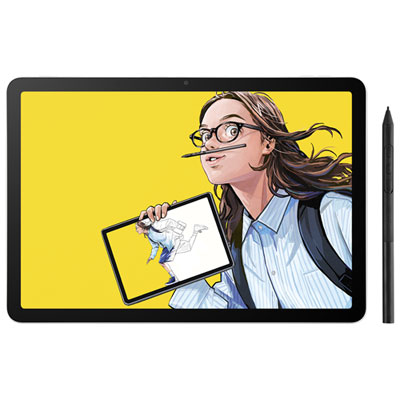 Your price for this item is $699.99
 -
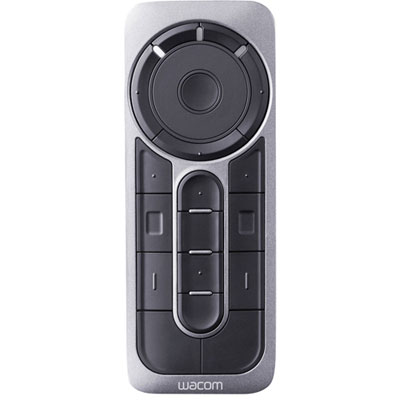 Your price for this item is $139.99
 -
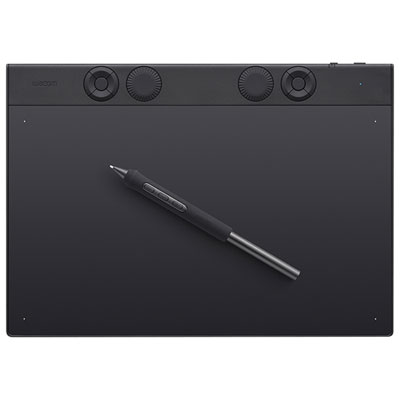 Your price for this item is $439.99
 -
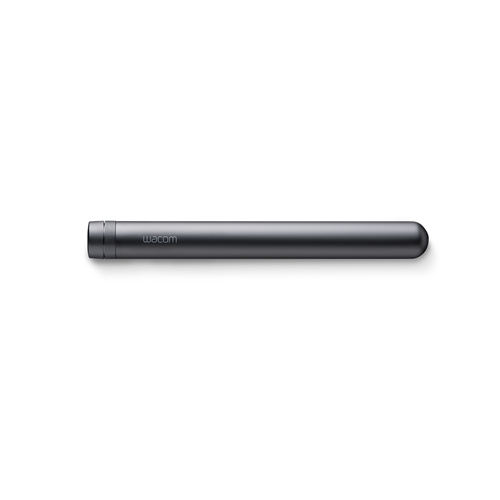 Your price for this item is $120
 -
 Your price for this item is $64.99
Discover more categories related to Laptops for Digital Art
Top Collections:
Pokemon Centers, Kindle Devices, Best Budget Office Chairs, Apple iPhones 16, Best Laptops for Writers, iPhone 15 Apple, Canon G7X Cameras, Refurbished Apple Laptops, Alarm Clock, Motorola Razr Phones
Some products may be subject to Environmental Handling Fees
(EHF) depending on your province.
Learn more about EHFs.