21.5 Inch Computer Monitors
Upgrade your computer setup with a sleek and versatile 21.5-inch computer monitor. Whether you're a gamer, designer, or simply need a larger display for work or entertainment, this high-quality monitor delivers stunning visuals and enhanced productivity. With its crisp resolution, immersive colors, and adjustable settings, you'll enjoy an immersive viewing experience that brings your content to life. Explore our wide selection of 21.5-inch computer monitors and find the perfect fit for your needs and budget.
Sort
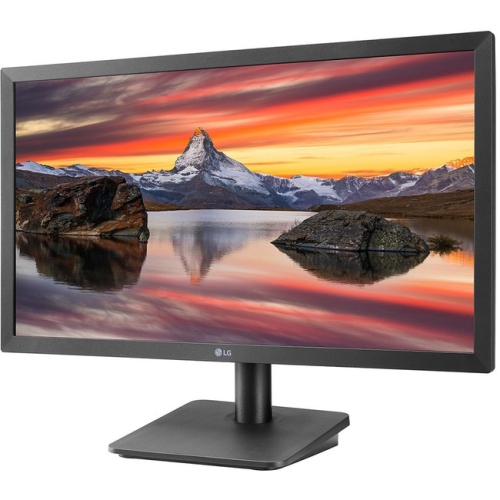
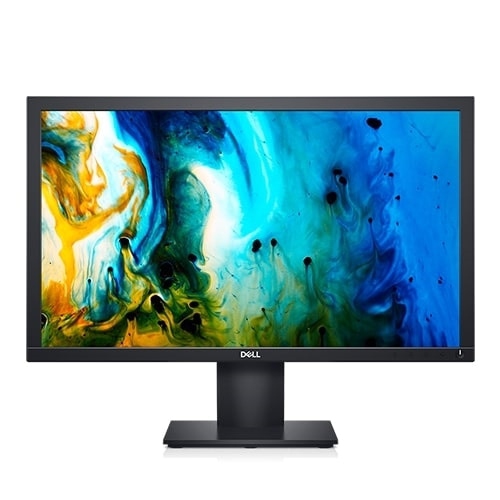


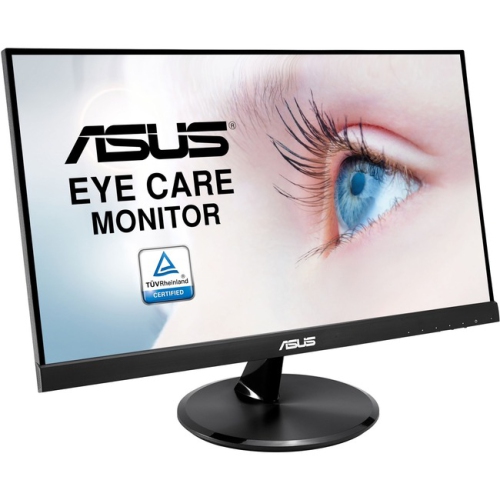
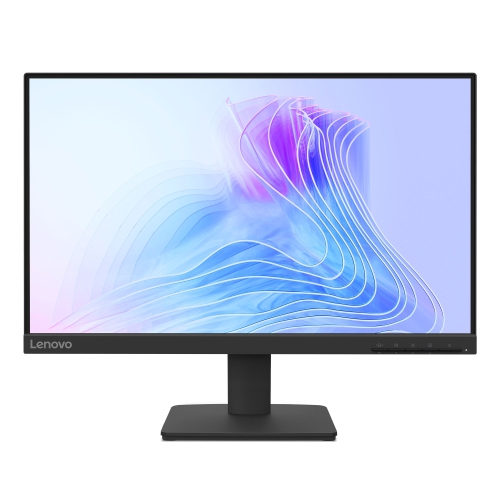
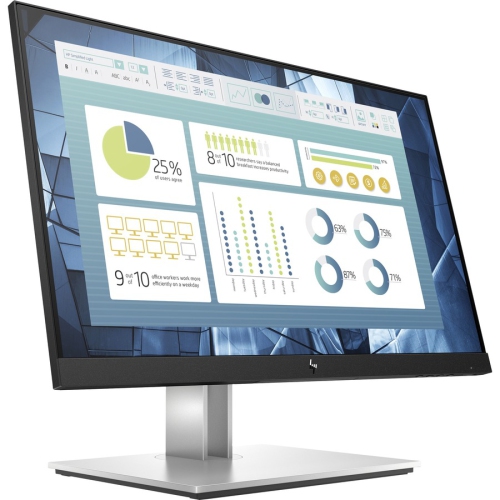
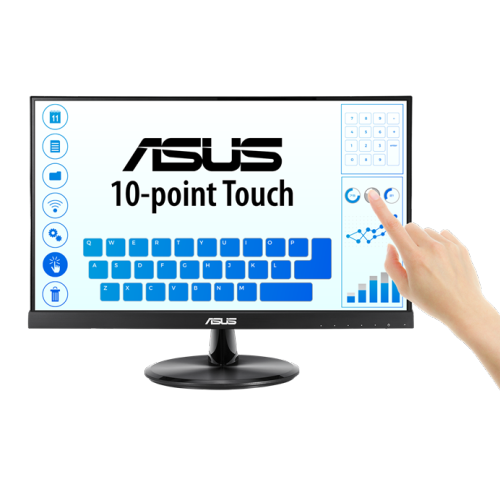
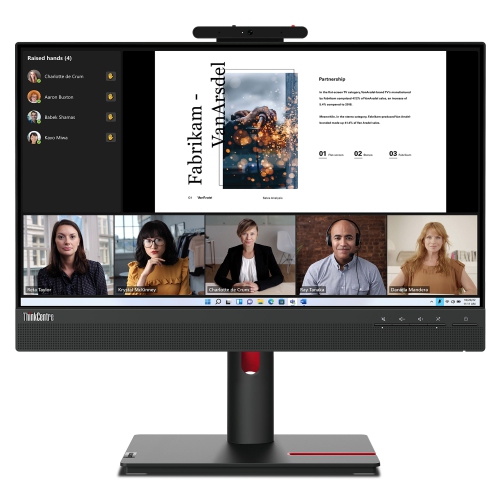
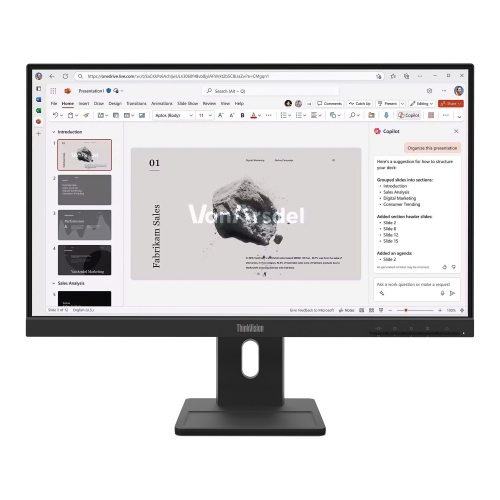
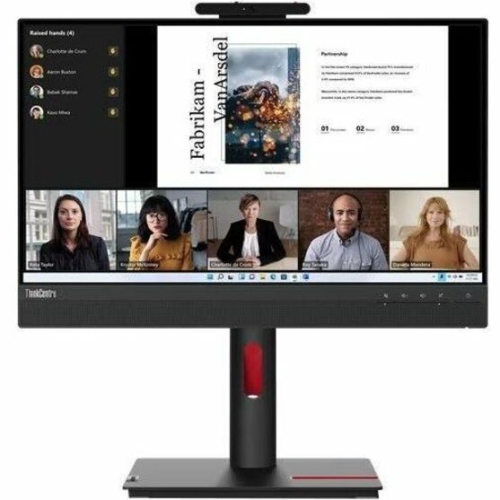
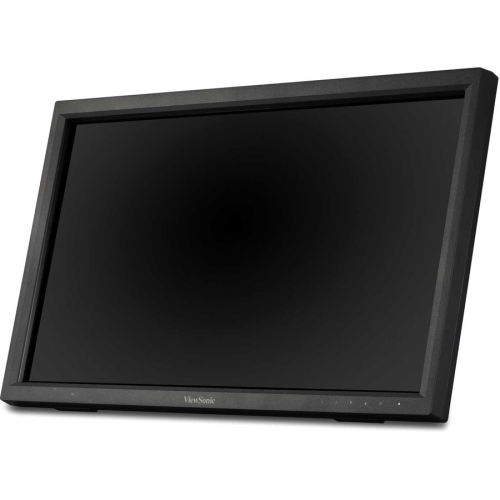
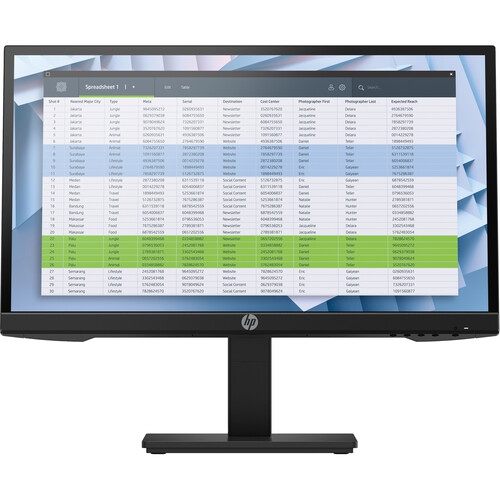
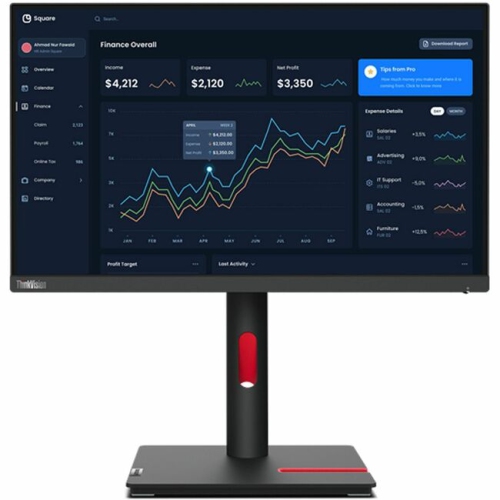
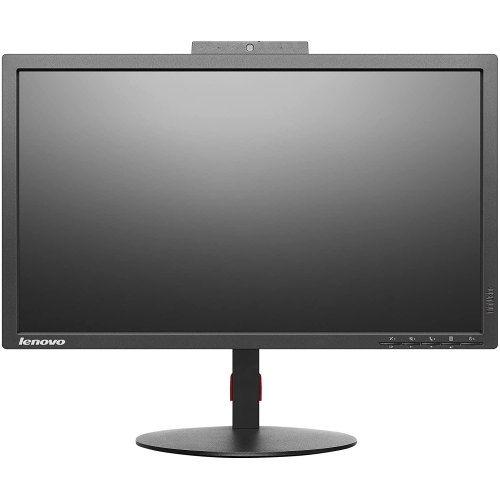
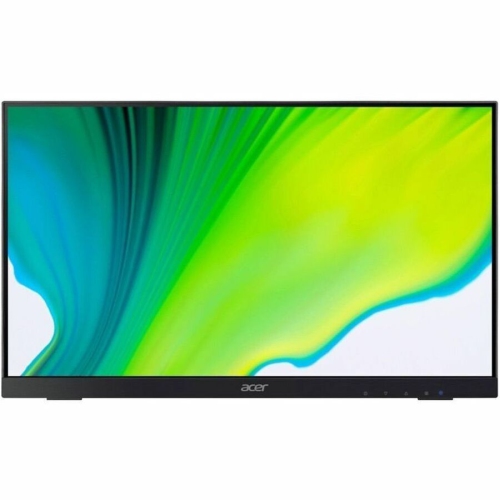
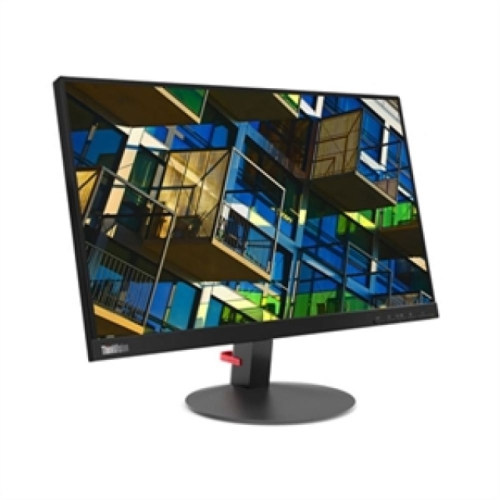
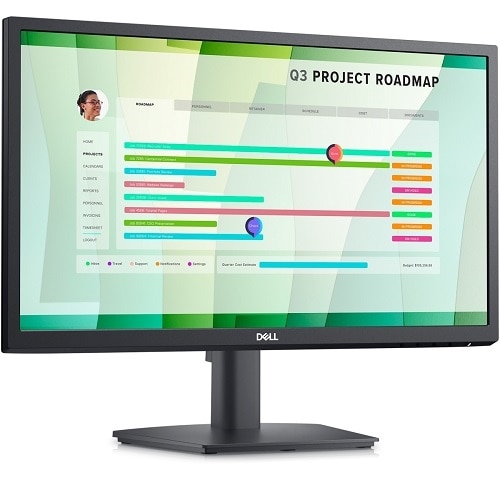
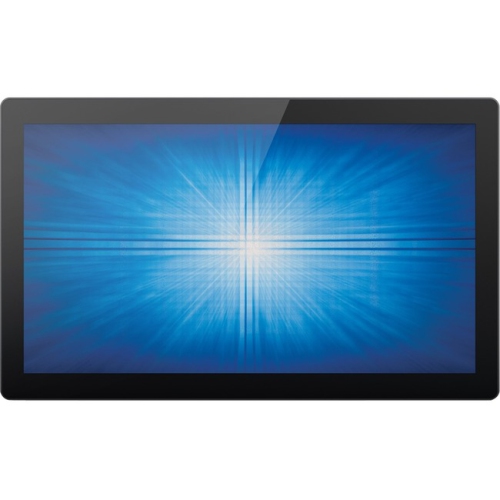
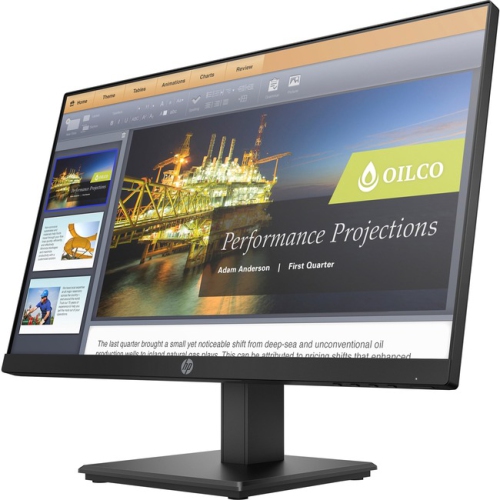
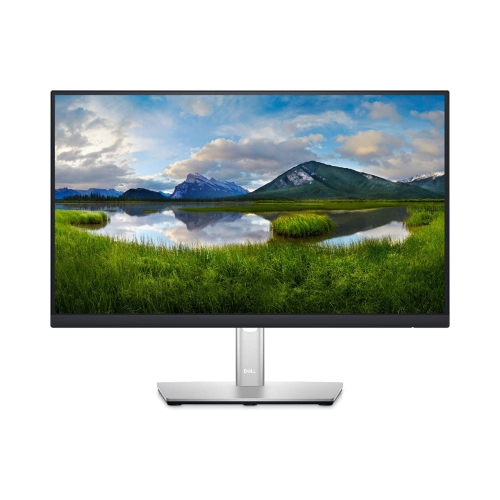
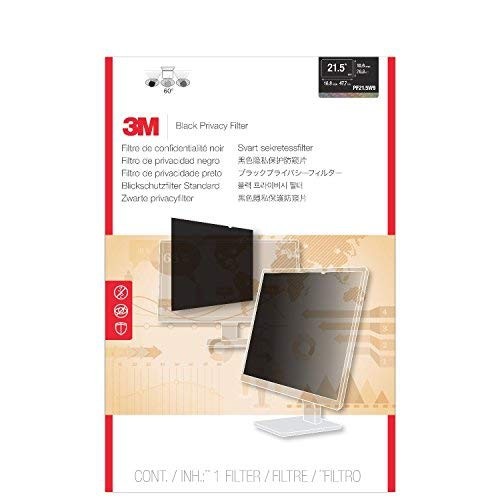
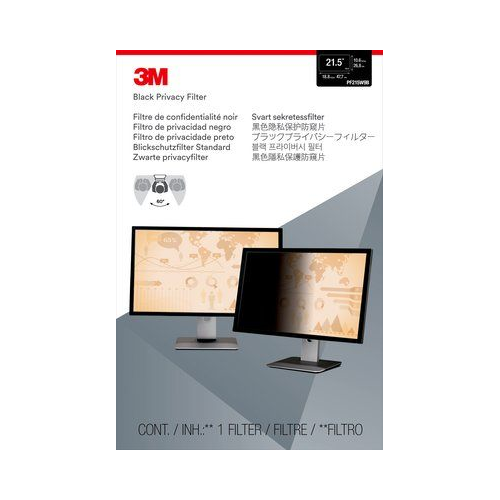
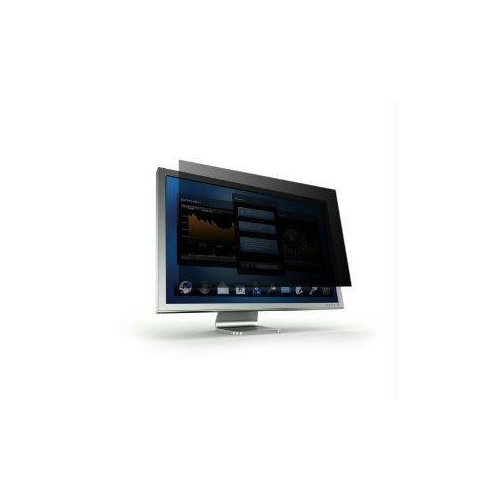
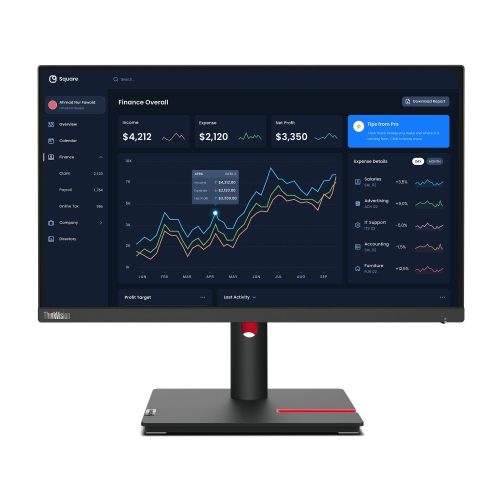
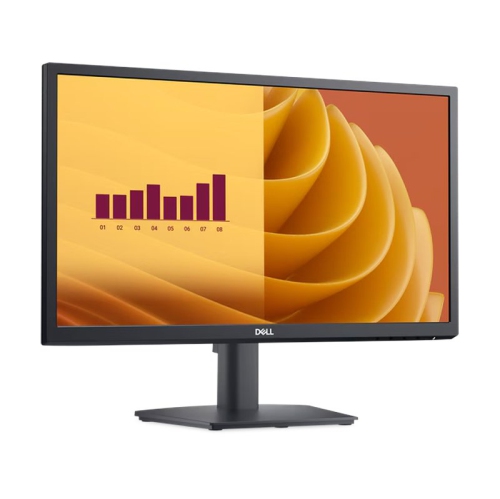
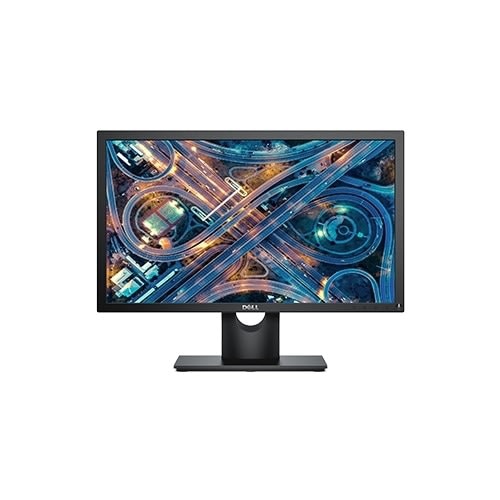
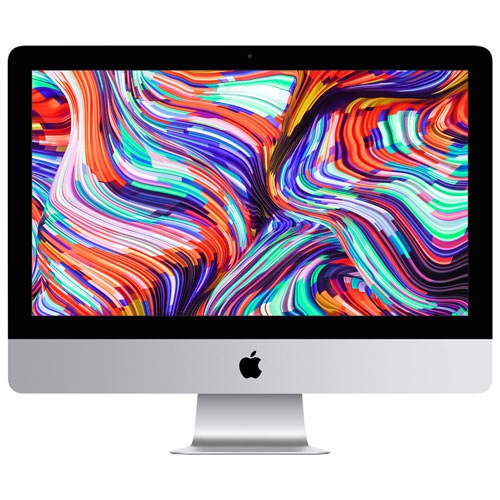
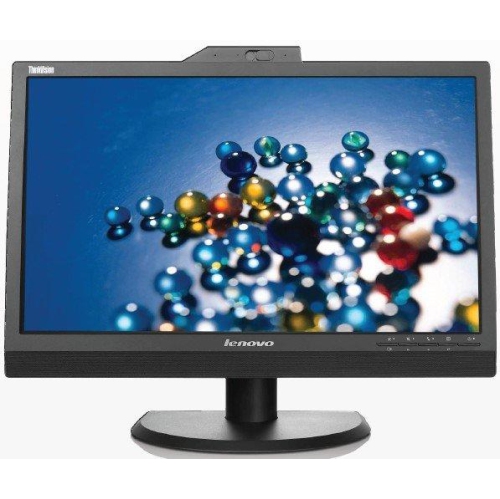
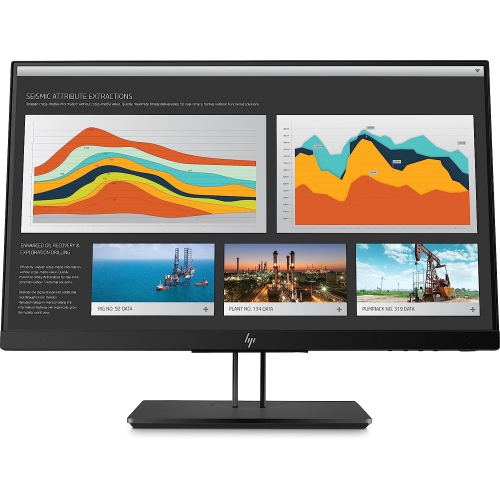
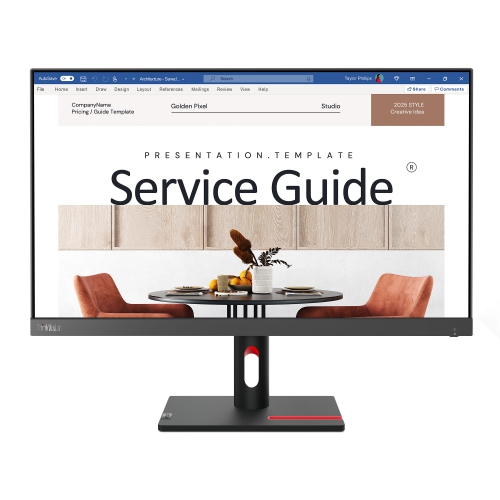
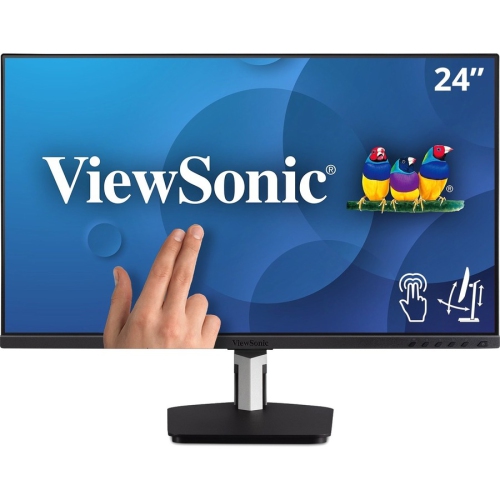
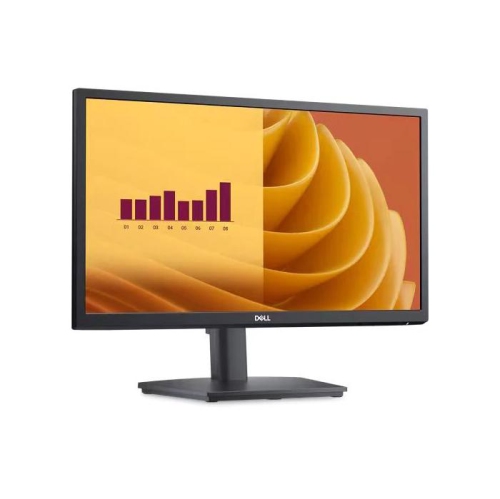
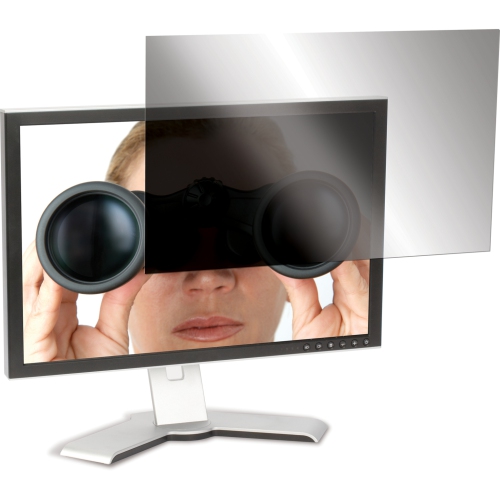
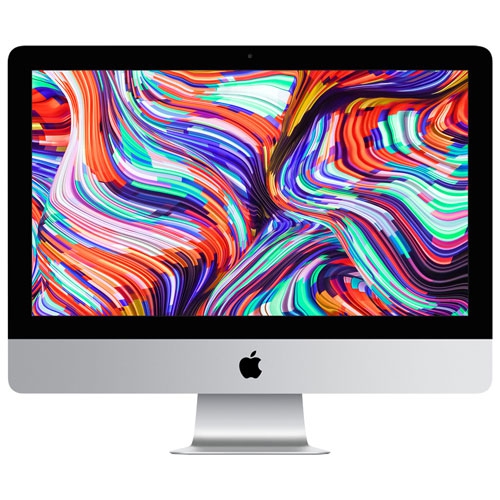
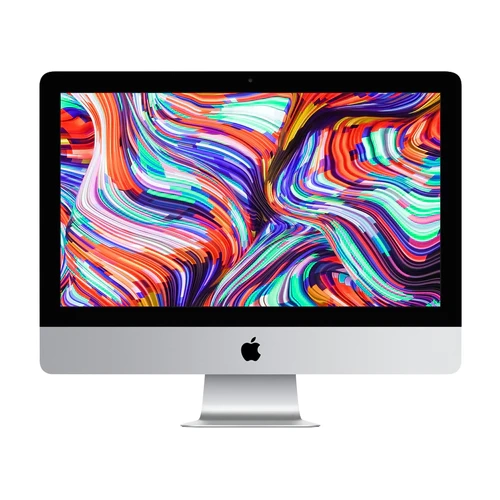
Compact Full HD screens for focused everyday computing
A 21.5-inch computer monitor is a practical choice when you want a capable desktop display without giving up much room on your desk. With a compact footprint and a familiar 16:9 shape, this screen size fits comfortably into home offices, student workspaces, reception counters, bedrooms, kitchens and smaller computer stations. Most 21.5-inch monitors use Full HD resolution, also called 1920 x 1080, which provides clear text, defined images and enough workspace for everyday computing. Documents, spreadsheets, online learning platforms, video calls and streaming content all look sharp at this size, while the display remains easy to position on a modest desk. The smaller panel can also be useful for a multi-monitor arrangement: two screens can sit side by side for viewing email beside a browser, keeping reference material open while writing, or monitoring several applications without constantly switching windows. Before choosing a monitor, measure the available surface from front to back and side to side, allowing extra space for the stand, cables and any devices connected nearby. A 21.5-inch display may be especially appealing for apartment workstations, shared family desks or temporary setups that need to be packed away when the room serves another purpose. It can also make a thoughtful gift for a student heading into a new term, a family member setting up a home office or anyone replacing an older screen that has started to feel cramped, dim or unreliable.
The display technology has a direct effect on how a 21.5-inch monitor looks and feels during use. IPS panels are popular for office work, schoolwork and general entertainment because they typically offer wide viewing angles and consistent colour when you are not sitting directly in front of the screen. That can be helpful when two people are reviewing a presentation together or when the monitor sits slightly off-centre on a narrow desk. VA panels can provide strong contrast, which may suit movie watching and darker game scenes, while TN panels are often selected for their straightforward performance and responsive feel. Full HD is the usual maximum resolution in this compact category, and it is well matched to the physical size: text remains readable without requiring excessive scaling, and most computers can drive the display without demanding a powerful graphics card. Refresh rate is another consideration. A 60Hz or 75Hz monitor is suitable for documents, browsing and video, while a 100Hz model can make scrolling through long pages, moving windows and navigating fast on-screen scenes feel smoother. Gamers should also review response time and look for features such as Adaptive-Sync or FreeSync support when available, as these technologies can help reduce visible tearing when the monitor and graphics card are rendering at different speeds. Brightness, contrast, colour coverage and a matte finish are worth checking as well, particularly if the screen will be positioned near a window or used for long stretches during the cooler months when indoor work becomes more common. Built-in speakers, headphone connections and cable management can reduce clutter, although many compact monitors are designed to work with separate speakers or headphones.
Comfort and compatibility are just as important as resolution. A tilt-adjustable stand helps you angle the screen to reduce reflections and place the top edge at a comfortable height, while a VESA-compatible design gives you the option of using a monitor arm, wall mount or multi-screen bracket later. Check the VESA pattern and the weight limit of the mounting equipment before purchasing, and confirm that the monitor has the inputs your computer provides. HDMI is common on current laptops, desktops, streaming devices and game consoles, while VGA may still be useful with older computers; some displays also include DisplayPort for compatible desktop systems. If you work with a laptop, a compact monitor can create a more comfortable second screen for a fixed workstation, leaving the laptop display available for messages, calendars or video calls. At home, it can support everything from managing household documents to following recipes, taking a remote class or watching a familiar programme while keeping the surrounding workspace tidy. For a small business, several matching 21.5-inch screens can create a consistent look across reception, administration or point-of-service areas without overwhelming the room. If you need a larger canvas for design work, detailed timelines, extensive spreadsheets or a more immersive viewing experience, you may prefer exploring 23.8 Inch Monitors. For many everyday tasks, however, a 21.5-inch computer monitor balances useful Full HD clarity, efficient desk use and accessible performance in a dependable format.
The display technology has a direct effect on how a 21.5-inch monitor looks and feels during use. IPS panels are popular for office work, schoolwork and general entertainment because they typically offer wide viewing angles and consistent colour when you are not sitting directly in front of the screen. That can be helpful when two people are reviewing a presentation together or when the monitor sits slightly off-centre on a narrow desk. VA panels can provide strong contrast, which may suit movie watching and darker game scenes, while TN panels are often selected for their straightforward performance and responsive feel. Full HD is the usual maximum resolution in this compact category, and it is well matched to the physical size: text remains readable without requiring excessive scaling, and most computers can drive the display without demanding a powerful graphics card. Refresh rate is another consideration. A 60Hz or 75Hz monitor is suitable for documents, browsing and video, while a 100Hz model can make scrolling through long pages, moving windows and navigating fast on-screen scenes feel smoother. Gamers should also review response time and look for features such as Adaptive-Sync or FreeSync support when available, as these technologies can help reduce visible tearing when the monitor and graphics card are rendering at different speeds. Brightness, contrast, colour coverage and a matte finish are worth checking as well, particularly if the screen will be positioned near a window or used for long stretches during the cooler months when indoor work becomes more common. Built-in speakers, headphone connections and cable management can reduce clutter, although many compact monitors are designed to work with separate speakers or headphones.
Comfort and compatibility are just as important as resolution. A tilt-adjustable stand helps you angle the screen to reduce reflections and place the top edge at a comfortable height, while a VESA-compatible design gives you the option of using a monitor arm, wall mount or multi-screen bracket later. Check the VESA pattern and the weight limit of the mounting equipment before purchasing, and confirm that the monitor has the inputs your computer provides. HDMI is common on current laptops, desktops, streaming devices and game consoles, while VGA may still be useful with older computers; some displays also include DisplayPort for compatible desktop systems. If you work with a laptop, a compact monitor can create a more comfortable second screen for a fixed workstation, leaving the laptop display available for messages, calendars or video calls. At home, it can support everything from managing household documents to following recipes, taking a remote class or watching a familiar programme while keeping the surrounding workspace tidy. For a small business, several matching 21.5-inch screens can create a consistent look across reception, administration or point-of-service areas without overwhelming the room. If you need a larger canvas for design work, detailed timelines, extensive spreadsheets or a more immersive viewing experience, you may prefer exploring 23.8 Inch Monitors. For many everyday tasks, however, a 21.5-inch computer monitor balances useful Full HD clarity, efficient desk use and accessible performance in a dependable format.
Top selling and popular products
-
 Your price for this item is $299
 -
 Your price for this item is $599
 -
 Your price for this item is $94.99
 -
 Your price for this item is $329.99
 -
 Your price for this item is $499
 -
 Your price for this item is $265.99
 -
 Your price for this item is $1299.97
 -
 Your price for this item is $249.99
Discover more categories related to 21.5 Inch Computer Monitors
Top Collections:
Pokemon Centers, Kindle Devices, Best Budget Office Chairs, Apple iPhones 16, Best Laptops for Writers, iPhone 15 Apple, Canon G7X Cameras, Refurbished Apple Laptops, Alarm Clock, Motorola Razr Phones
Some products may be subject to Environmental Handling Fees
(EHF) depending on your province.
Learn more about EHFs.