32 Inch OLED
Experience stunning visuals and exceptional clarity with a 32 Inch OLED display. Perfect for any room, these compact screens deliver impressive picture quality in a sleek, space-saving design. Whether upgrading your home entertainment setup or looking for a versatile monitor, explore a range of 32 Inch OLED options to find the ideal fit for your needs. Discover vibrant colors and sharp detail that bring your favorite content to life.
Sort
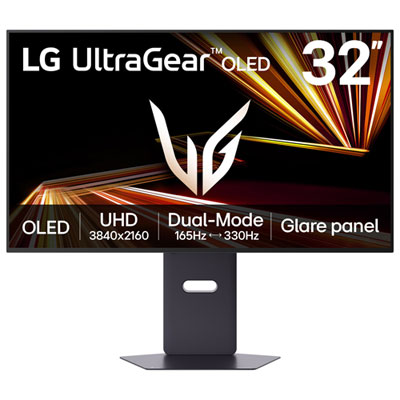
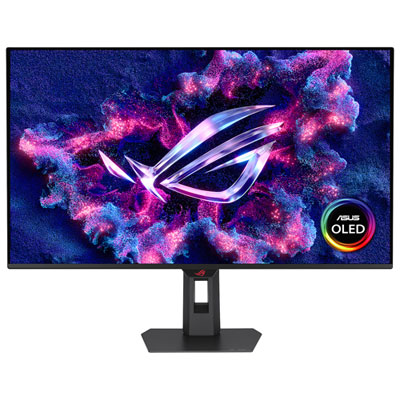
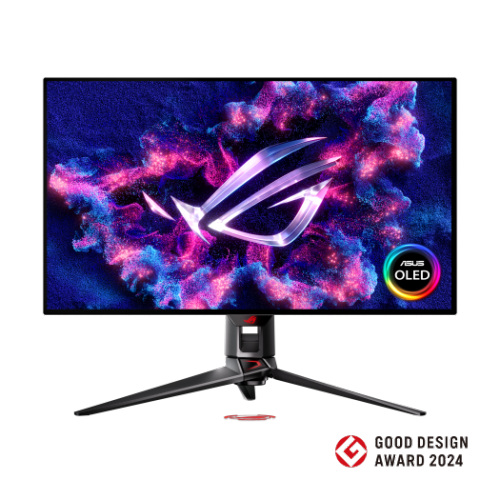
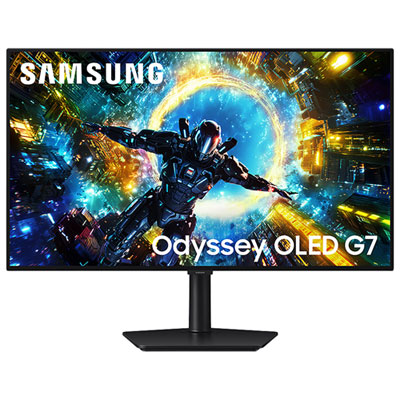
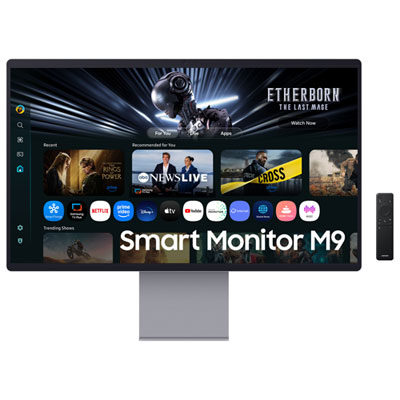
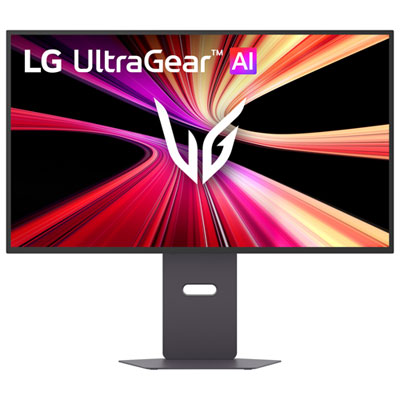
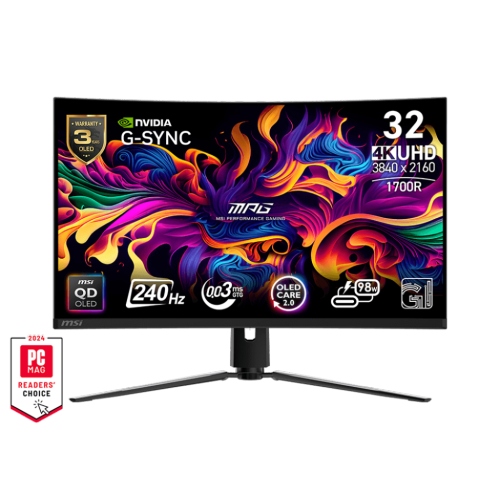
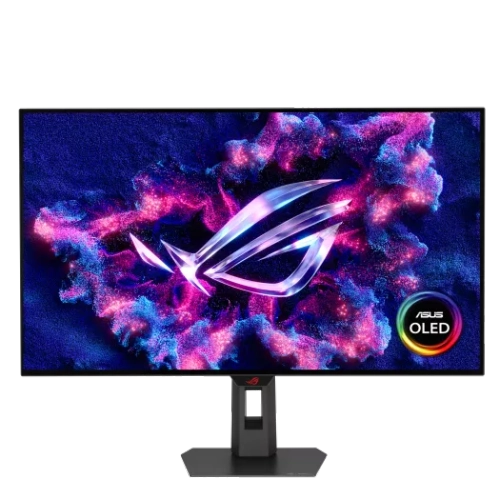
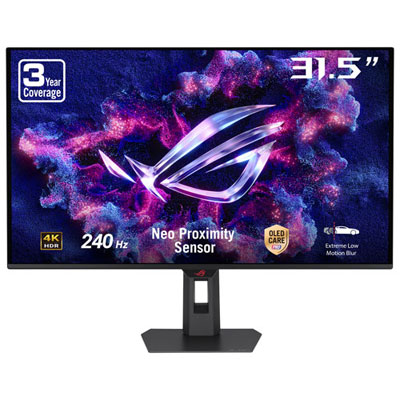
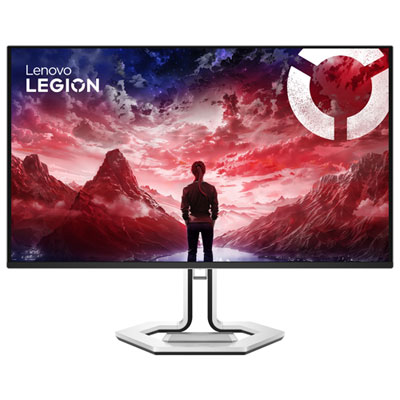
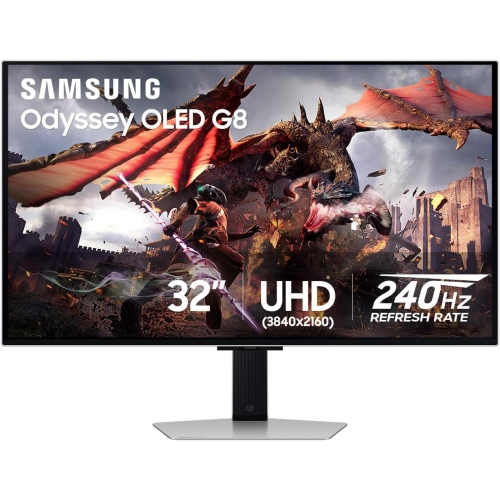
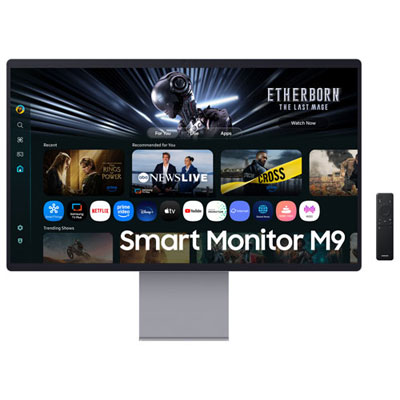
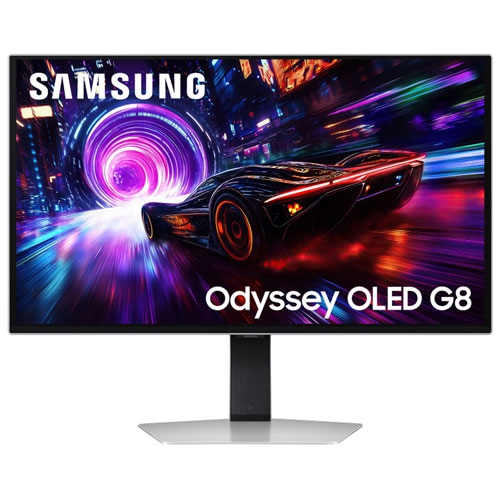
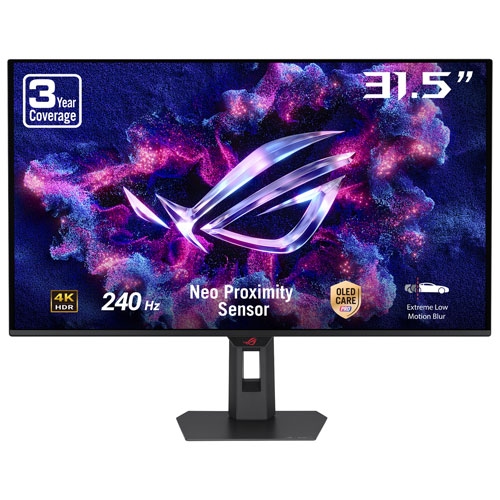
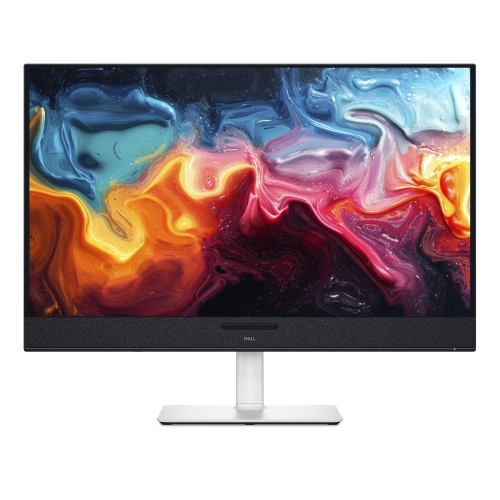
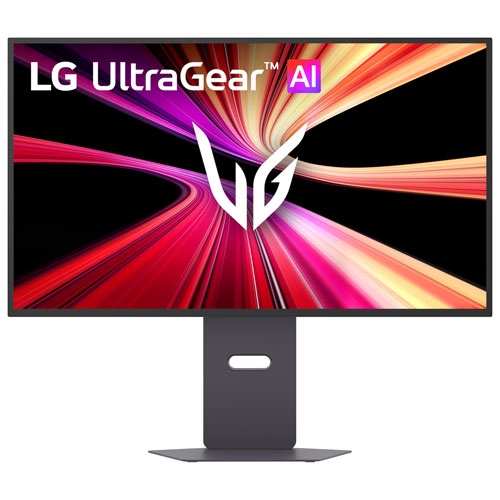
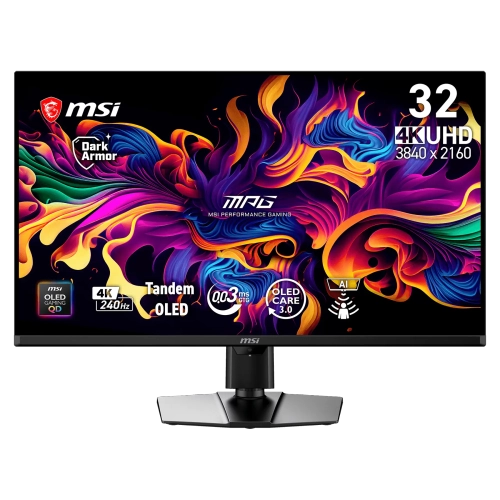
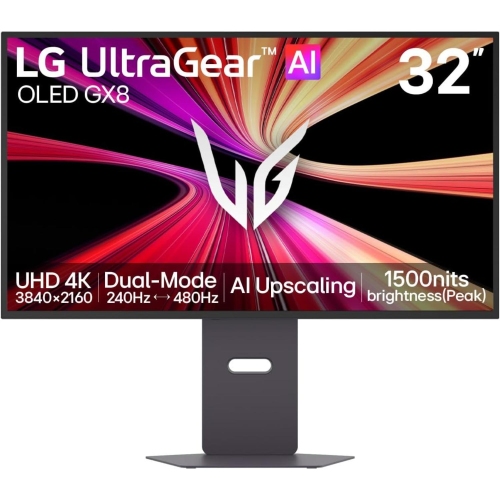
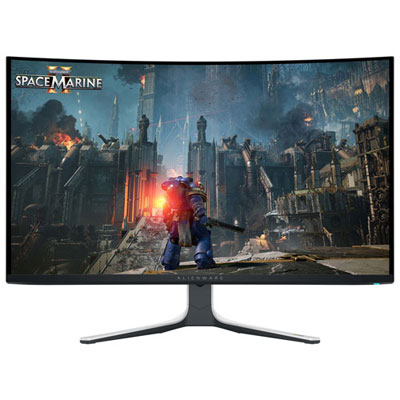
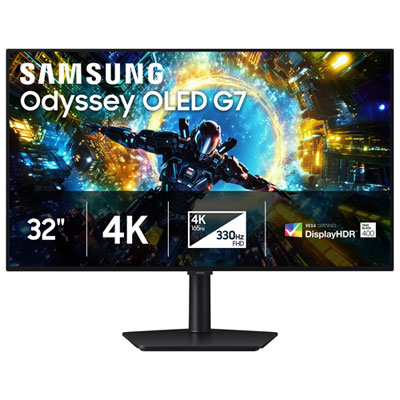
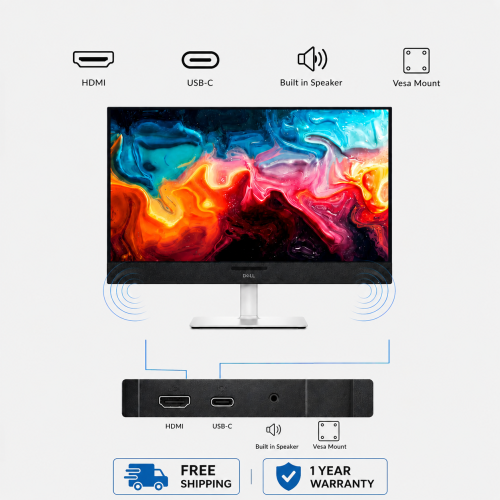
Deep blacks and crisp motion for your desktop
32-inch OLED monitors combine a spacious desktop picture with the deep blacks and fast pixel transitions that make OLED appealing for gaming, films, and visually detailed work. High-performance 32-inch 4K OLED gaming monitors can offer a 3840 x 2160 resolution, a 240Hz refresh rate, and a rated 0.03ms grey-to-grey response time, although these specifications vary by model. OLED stands for organic light-emitting diode: each pixel produces its own light and can switch off independently, rather than relying on a separate backlight. That pixel-level control helps a bright star stand out against a dark sky without the same backlight-related haloing that can appear on some LCD displays. In games, shadowy corridors, illuminated instrument panels, and small highlights can look distinct within the same scene. The 32-inch format also provides room for a detailed game interface, a video timeline, or two documents positioned side by side without moving into an especially large screen size. At 4K resolution, fine textures and small interface elements have substantial detail, though operating-system scaling may make text more comfortable to read. OLED picture quality is not defined by contrast alone. Screen finish, colour accuracy, brightness, and room lighting all influence the result. A glossy surface can give images a clear, direct appearance but may reflect a nearby window, while an anti-glare treatment can soften reflections without eliminating them. High dynamic range, or HDR, can add depth to supported games and video by displaying bright highlights alongside dark areas, but the effect depends on the monitor’s capabilities and the content itself. A small bright reflection and a mostly white document also place different demands on an OLED panel, so brightness may change with the amount of illuminated screen area. For photography and video work, suitable colour-space settings and calibration support matter alongside the panel technology, particularly when images need to look consistent across different displays.
For gaming, refresh rate, response time, and input lag describe different parts of the experience. A 240Hz refresh rate means the display can update its image up to 240 times per second; a rated 0.03ms response time describes a pixel transition under specified test conditions, not the total delay between pressing a button and seeing the result. Fast OLED pixel transitions can keep movement looking well defined, especially when tracking an opponent, following a racing line, or turning quickly through a detailed landscape. Variable refresh rate support can help reduce tearing and uneven presentation when the game’s frame rate changes, provided the monitor and connected system support compatible modes. Making full use of 4K at 240Hz also requires the right graphics hardware, connection, and settings. A demanding game rendered at native 4K can place a heavy load on a graphics card, so the highest refresh rate is not a promise that every game will run at an equally high frame rate. Console use brings different priorities: supported resolution, refresh rate, HDR, and connection compatibility matter more than a refresh-rate ceiling the console cannot reach. Ports deserve similar attention in a mixed-use setup. HDMI and DisplayPort capabilities vary, and the version number alone does not establish every supported display mode. A USB-C connection may support video, charging, and USB accessories, but those functions and the available charging power need to be confirmed individually. Someone moving between a work laptop and a gaming computer may appreciate a built-in USB hub or a keyboard, video, and mouse switch, commonly called a KVM switch. Audio arrangements matter too, since built-in speakers, headphone outputs, and external speaker connections are not universal. For streaming, editing, and everyday multitasking, the most useful setup is one that handles the actual combination of devices without awkward cable changes or unsupported display settings.
Physical fit and everyday care are important parts of choosing a 32-inch OLED monitor. The size describes the screen diagonal, not its width or the space occupied by the stand, and the listed viewable measurement may differ slightly from the rounded size category. A deep stand can take up room needed for a keyboard or drawing tablet, while a compatible monitor arm can free desk space if its mounting pattern and weight capacity match the display. Height adjustment, tilt, and swivel help position the screen comfortably, with the main viewing area in front of the user rather than requiring an upward gaze or a turned neck. Flat and curved designs offer different experiences: a flat panel keeps straight lines visually straightforward for layouts and shared viewing, while a curve changes how the screen edges sit relative to a centred viewer. Comparing the format with larger-screen options under Samsung 42 inch OLED can help establish how much screen area suits the space, though television and monitor features should not be treated as interchangeable. Housing materials, stand construction, and cable placement also affect daily handling, especially on a desk that is regularly rearranged. OLED panels require particular attention to prolonged static content because repeated, uneven pixel wear can lead to permanent image retention, often called burn-in. Built-in panel-care features can help manage that risk but do not remove it. Following the manufacturer’s care instructions, allowing recommended maintenance cycles to complete, and avoiding unnecessarily prolonged static images are sensible habits. Warranty terms should be checked for their specific treatment of panel wear and burn-in. For cleaning, follow the manufacturer’s directions and use an appropriate soft cloth without pressing hard on the panel or spraying liquid directly onto it. For someone receiving a monitor as a gift, checking desk dimensions, computer or console compatibility, and preferred uses helps make the display a practical addition rather than an awkward fit.
Top selling and popular products
-
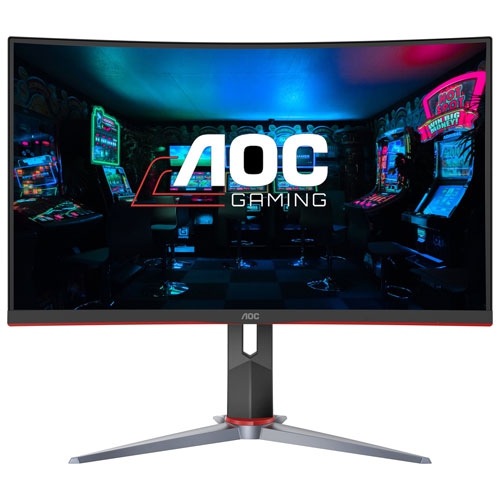 Your price for this item is $275
-
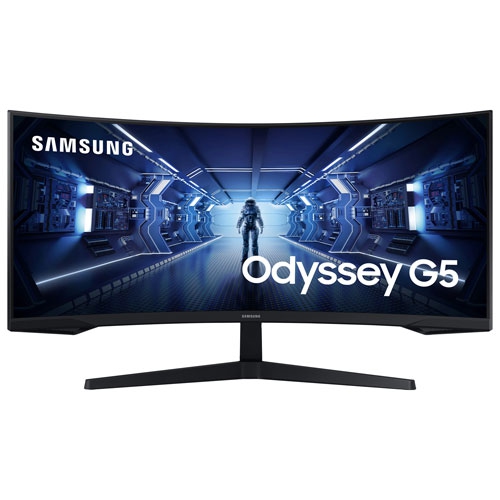 Your price for this item is $559.68
-
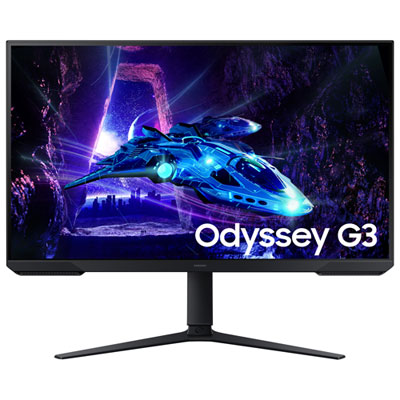 Your price for this item is $209.95
-
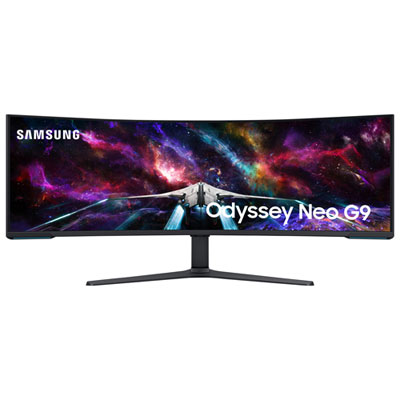 Your price for this item is $3299.99
-
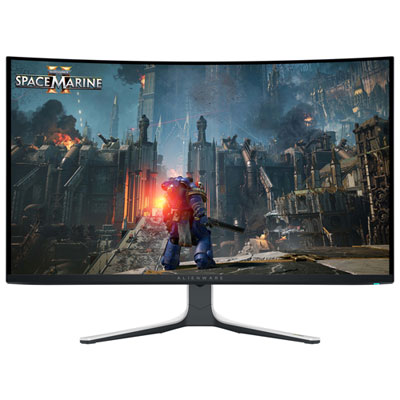 Your price for this item is $1349.99
-
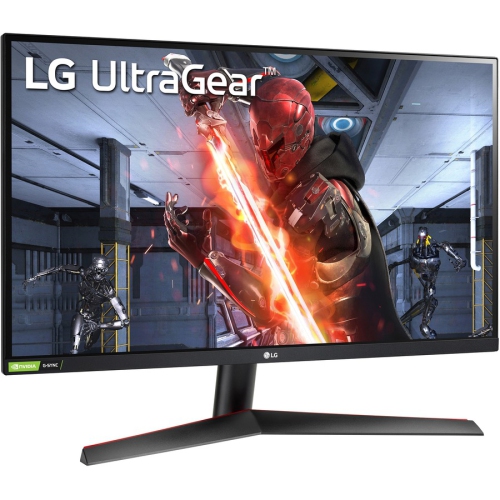 Your price for this item is $554.68
-
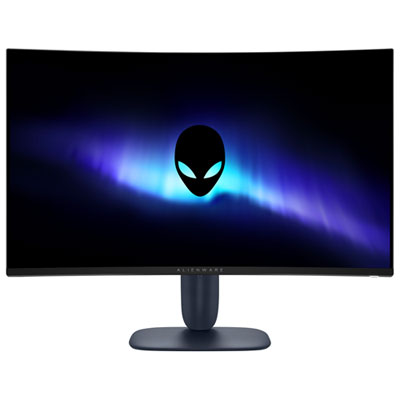 Your price for this item is $339.95
-
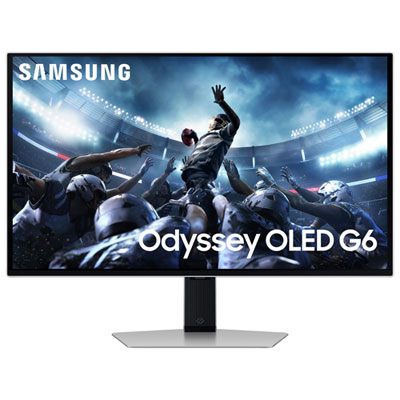 Your price for this item is $1199.99
Discover more categories related to 32 Inch OLED
Top Collections:
Best Black Friday Deals This Year, Best Black Friday Deals On Electronics, Kindle Devices, Pokemon Centers, Best Black Friday Deals On Apple Products, Best Cameras for Sports Photography, Dyson Airwrap, Pokémon 30th Celebration Cards, Apple iPhone 17 Pro, Canon G7X Cameras
Some products may be subject to Environmental Handling Fees
(EHF) depending on your province.
Learn more about EHFs.