Samsung 42 Inch OLED
Discover the stunning visual experience of Samsung 42 Inch OLED displays, designed to elevate your home entertainment setup. Perfect for living rooms, bedrooms, or office spaces, these sleek screens offer an immersive way to enjoy your favorite movies, shows, and games. Whether you're upgrading your current TV or searching for a versatile addition to your tech collection, explore a range of options that blend style and performance with the latest technology. Find the ideal Samsung 42 Inch OLED to suit your viewing needs and personal preferences.
Sort
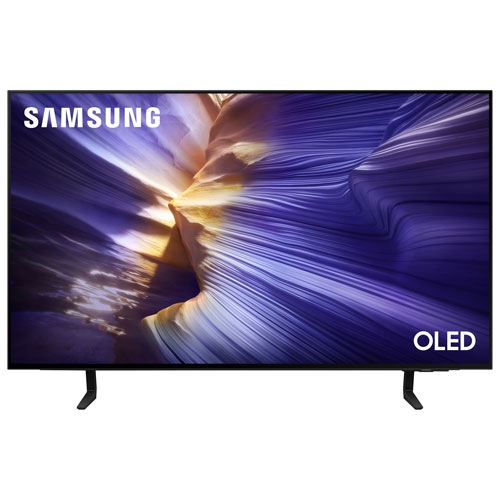
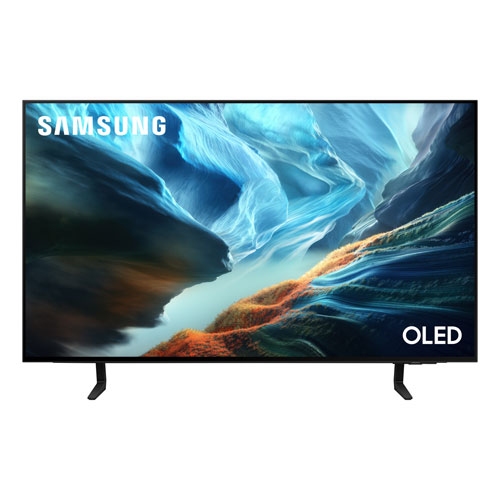
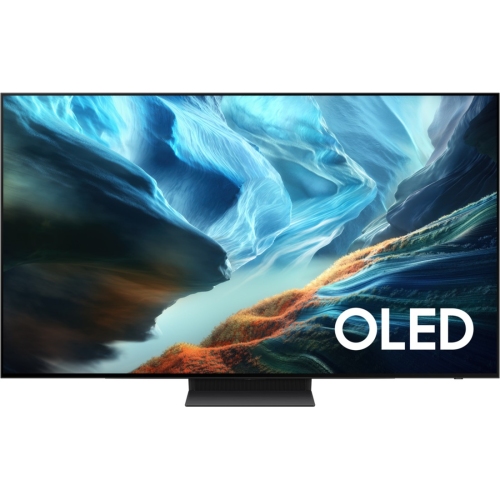
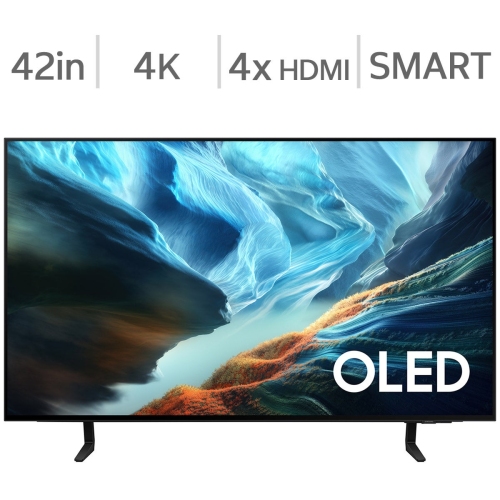
Deep blacks and immersive viewing for smaller spaces
A 42-inch OLED television brings self-emissive picture technology to a screen size that suits bedrooms, dens, smaller living rooms, and some desktop setups. OLED pixels produce their own light rather than relying on a separate backlight, allowing individual pixels to switch off for deep blacks. That control helps bright details stand out against dark backgrounds, whether the picture shows illuminated windows in a nighttime cityscape or stars scattered across a black sky. On a 4K model, a resolution of 3840 × 2160 pixels also provides fine detail for films, games, and compatible video sources. The combination is particularly appealing when a larger television would overwhelm the room but a smaller display would lose its impact from the sofa. A nominal 42-inch screen is measured diagonally, not across its width. At a standard 16:9 aspect ratio, the picture area is approximately 93 cm wide and 52 cm high; the frame, stand, and overall depth add to the space required. Those measurements matter on a narrow media console or a dresser shared with other belongings. Viewing distance is equally personal: a screen that feels comfortably cinematic from a bed may feel expansive when placed directly behind a keyboard. OLED’s wide viewing angles can help retain contrast and colour when someone watches from an armchair beside the sofa rather than directly in front. Room lighting still shapes the experience, however. A window or lamp reflected in a dark scene can be distracting, and screen finishes differ in how they handle reflections. Positioning the display away from direct reflections often does more for everyday viewing than changing picture settings alone. For film enthusiasts, casual viewers, or someone furnishing a compact apartment, this size offers a useful balance between an immersive picture and manageable placement. Dialogue clarity and sound coverage remain separate considerations, particularly when the television sits across the room or shares space with an open dining area.
A 42-inch OLED can also serve as a large gaming display, although its suitability depends on the connections and features of the particular model. OLED’s fast pixel response helps moving objects look clearly defined, but response time is different from refresh rate and input lag. A higher supported refresh rate allows more image updates each second, while low input lag reduces the delay between pressing a button and seeing the result. Variable refresh rate, where supported by both the display and the gaming source, can help reduce visible tearing as frame rates change. These features are relevant to racing games, quick camera movements, and competitive play, but they should not be assumed from the OLED label alone. The source device, HDMI connection, cable, and selected display settings all affect which resolution and refresh-rate combinations are possible. For computer use, 4K resolution provides room for documents, editing timelines, and multiple windows, though a 42-inch screen usually needs more desk depth than a conventional monitor. Text scaling helps keep menus and spreadsheets comfortable to read, while the panel’s pixel layout and text rendering can affect how crisp small lettering appears at close range. A television may also behave differently from a monitor when the computer sleeps or wakes, and its stand may offer fewer height or tilt adjustments. For a shallower desk or a more compact workstation, 32 inch OLED displays provide a smaller-format alternative. Entertainment use brings another set of practical details. Smart features can provide access to streaming services, but app support, account requirements, and service subscriptions vary. Wi-Fi is convenient where a network cable is impractical, while wired networking may suit a fixed setup when supported. Enough accessible HDMI ports make it easier to keep a console, streaming device, and other sources connected. If a soundbar or receiver is part of the room, compatible ARC or eARC connections can simplify audio routing, with supported audio formats depending on the equipment at both ends.
The slim profile of an OLED screen makes it visually unobtrusive, but the complete assembly still needs stable support and careful handling. Cabinet materials, rear housings, stand designs, and frame finishes vary, so the dimensions and weight of the finished television matter more than the apparent thinness of its panel. A tabletop stand needs a level surface with enough depth for its entire footprint, without feet or edges extending beyond the furniture. Wall placement depends on a compatible mounting pattern, a bracket rated for the display’s weight, and suitable fastening for the wall construction. Space behind and around the television also allows for ventilation, cable bends, and access to connections. A thin panel is not designed to be gripped or pressed across the screen during installation; handling it according to the manufacturer’s directions helps protect both the display and its finish. Routine care is straightforward but gentle. A clean, dry microfibre cloth is generally appropriate for light dust, while marks or fingerprints should be treated only as the manufacturer recommends. Spraying liquid directly onto the screen, applying pressure, or using abrasive cleaners can damage delicate surface treatments. Long-term use also deserves attention because OLED pixels can age unevenly. Repeatedly displaying the same bright logo, taskbar, or game interface for extended periods can increase the risk of permanent image retention, often called burn-in. Built-in protection features, where provided, help manage that risk but do not eliminate it. Varied content, sensible brightness settings, and following instructions for automatic panel-care routines support everyday ownership. This makes intended use important: mixed films, television, and games place different demands on a screen than an all-day dashboard or an unchanged desktop layout. As a gift for a film fan, gamer, or someone setting up a smaller home, a 42-inch OLED is most useful when its footprint, source connections, and viewing habits are already understood. The right fit comes from how naturally the display works with the room and the way it will be used.
Top selling and popular products
-
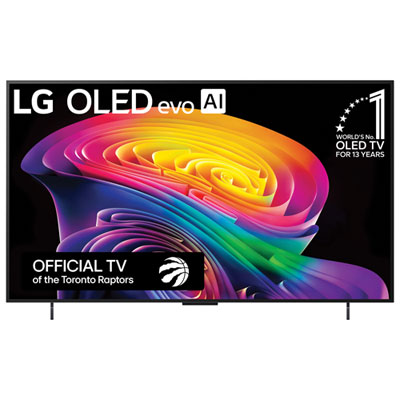 Your price for this item is $1199.99
-
 Your price for this item is $299.99
-
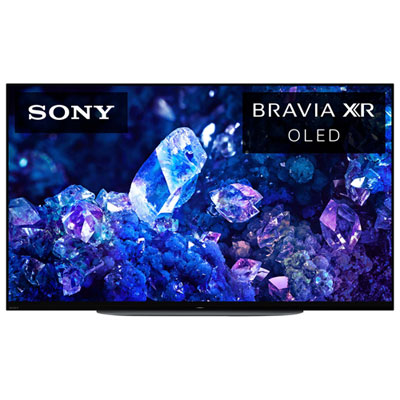 Your price for this item is $1619.95
-
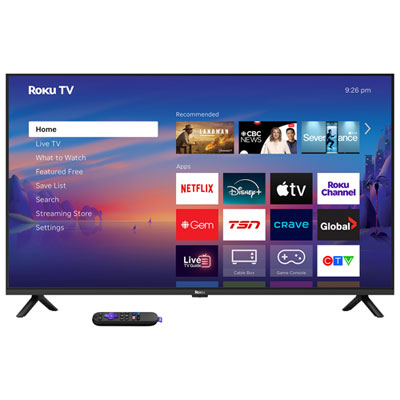 Your price for this item is $189.99
-
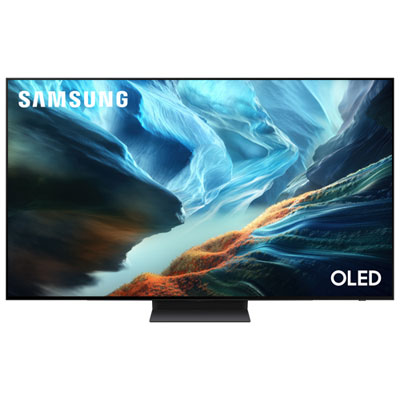 Your price for this item is $1199.99
-
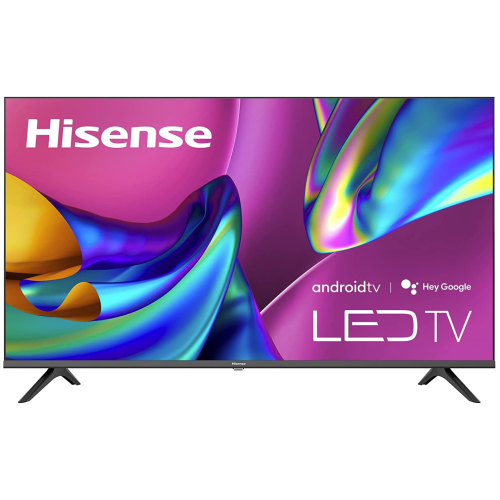 Your price for this item is $479.99
-
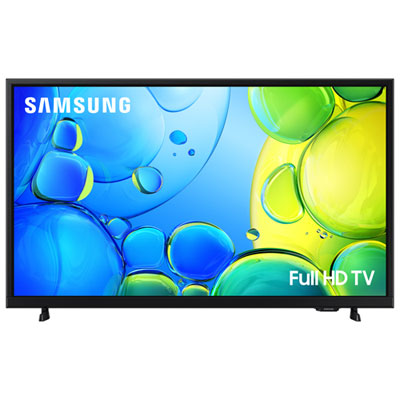 Your price for this item is $299.99
-
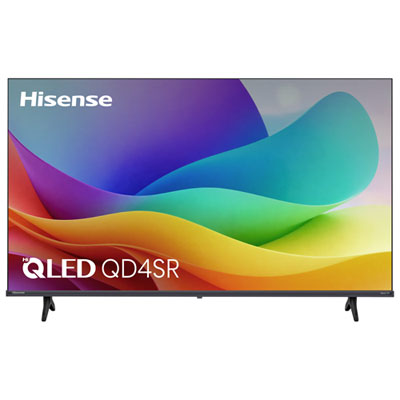 Your price for this item is $259.99
Discover more categories related to Samsung 42 Inch OLED
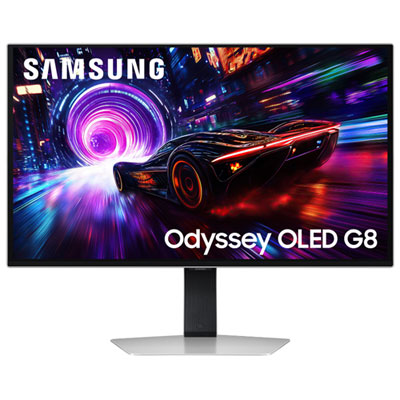

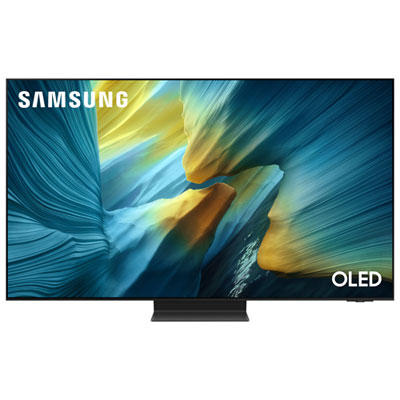
Top Collections:
Best Black Friday Deals This Year, Best Black Friday Deals On Electronics, Kindle Devices, Pokemon Centers, Best Black Friday Deals On Apple Products, Best Cameras for Sports Photography, Dyson Airwrap, Pokémon 30th Celebration Cards, Apple iPhone 17 Pro, Canon G7X Cameras
Some products may be subject to Environmental Handling Fees
(EHF) depending on your province.
Learn more about EHFs.