4k G Sync Monitors
Experience stunning visuals and seamless gameplay with our collection of 4K G Sync monitors. Designed to enhance your gaming experience, these monitors offer crisp, lifelike images and ultra-smooth graphics, making every detail come to life on the screen. With advanced G Sync technology, you can say goodbye to screen tearing and enjoy tear-free gaming sessions. Whether you're a casual gamer or a hardcore enthusiast, our range of 4K G Sync monitors will take your gaming to the next level. Explore our selection today and elevate your gaming setup like never before.
Sort


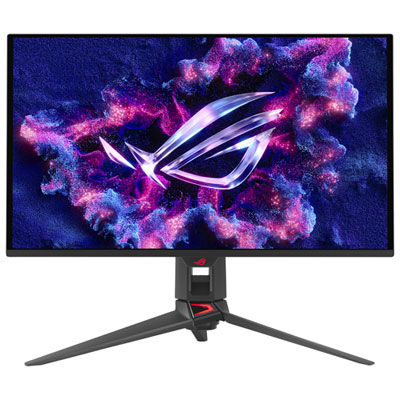
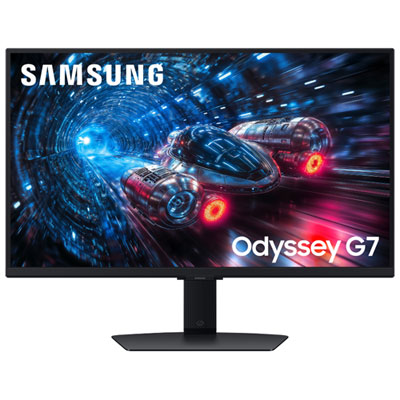
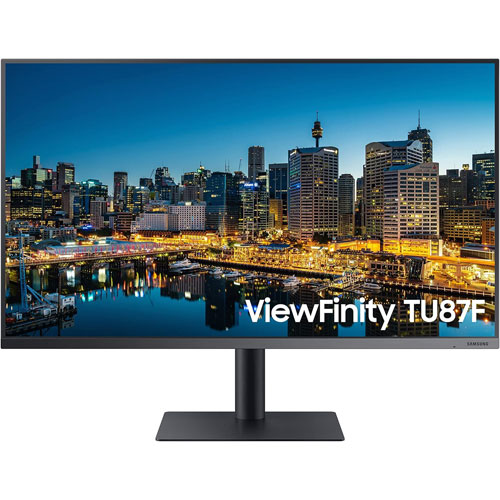
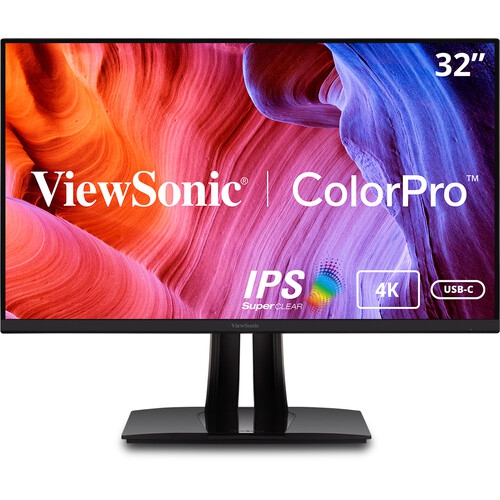
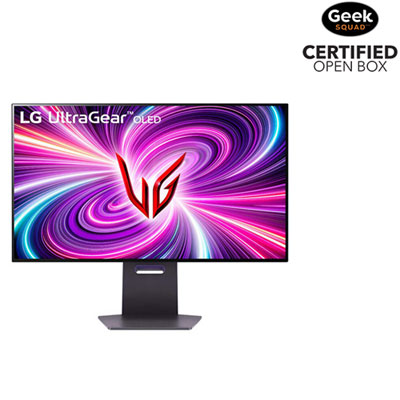
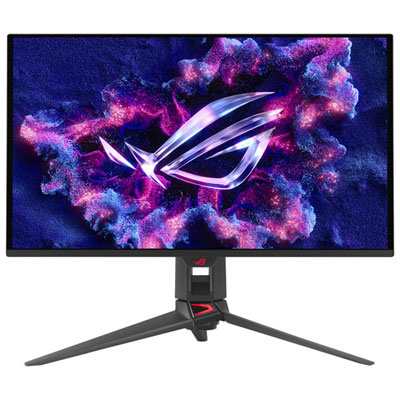

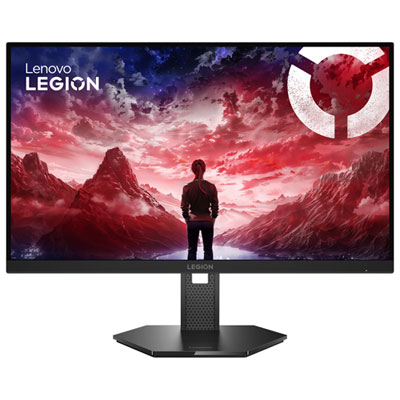
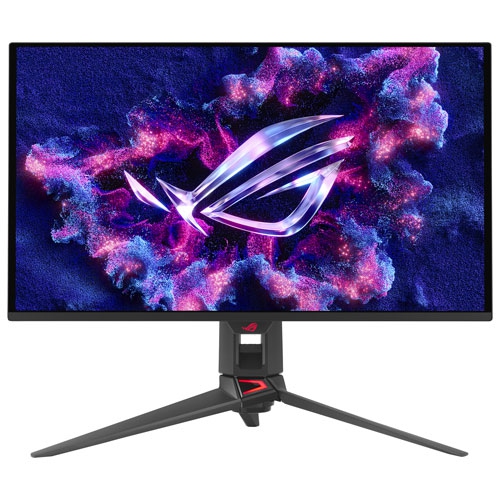

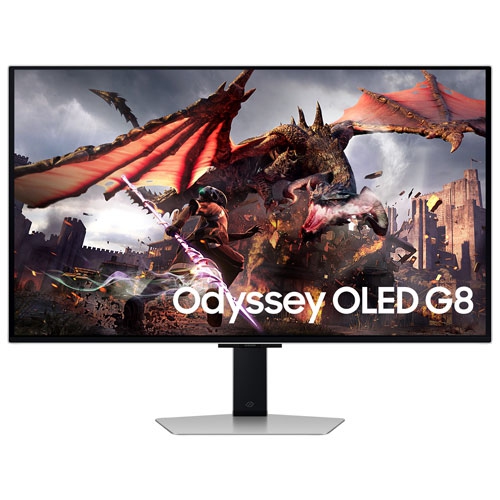
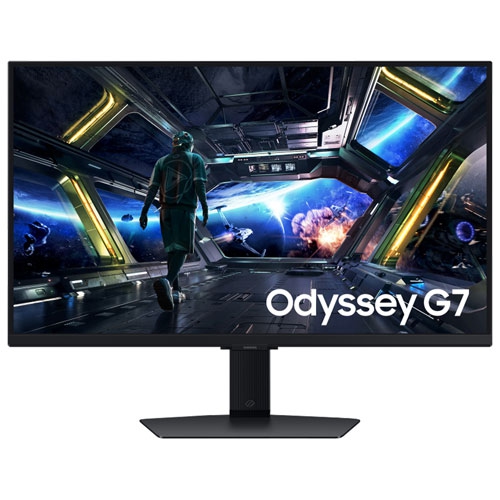

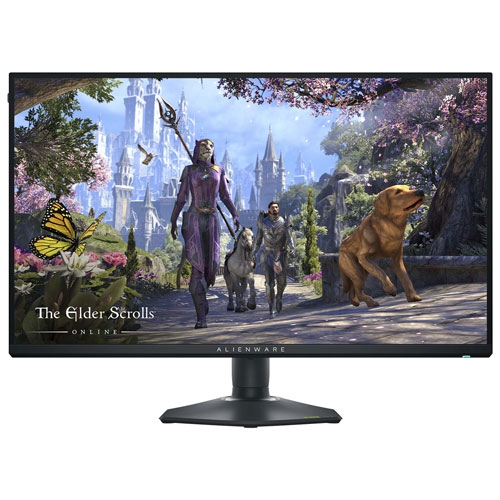
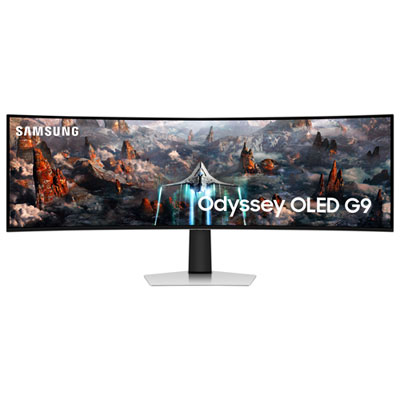
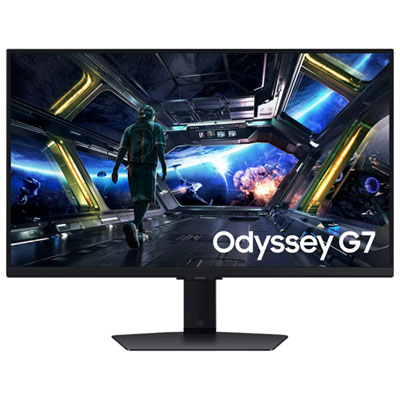
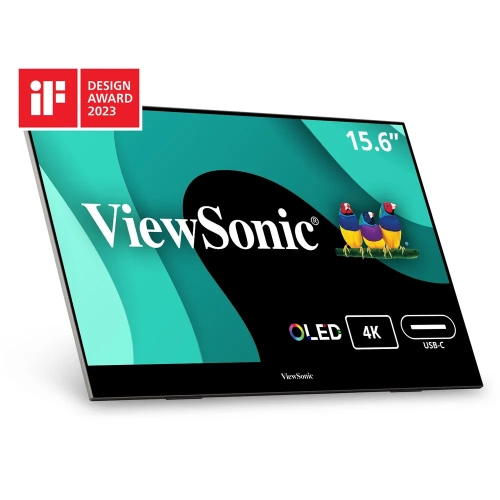
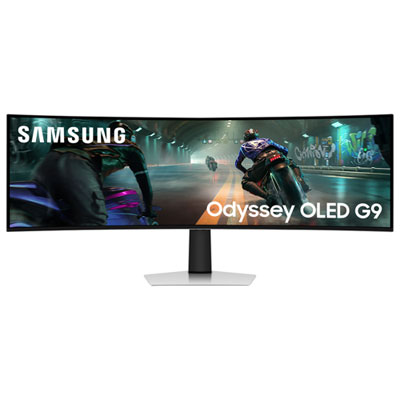

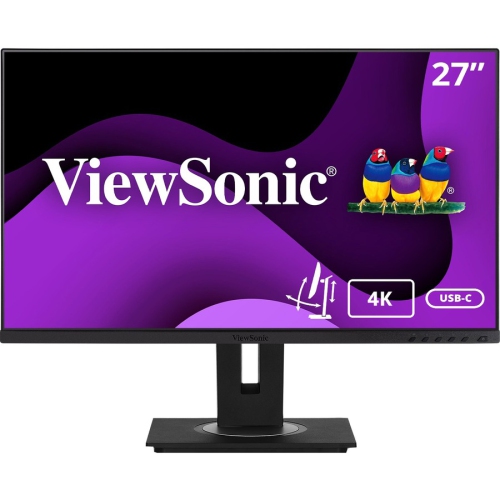
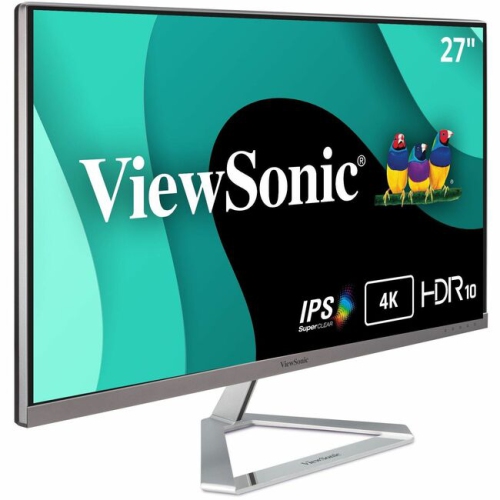
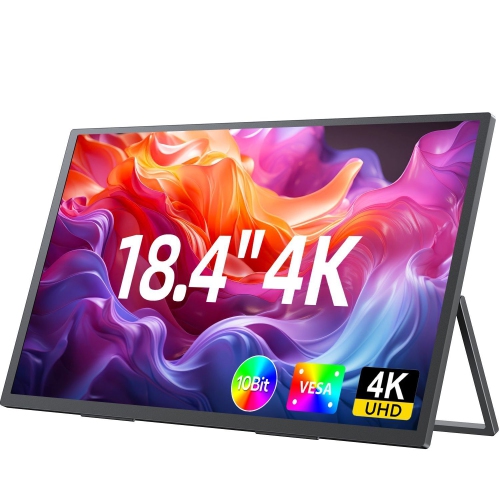
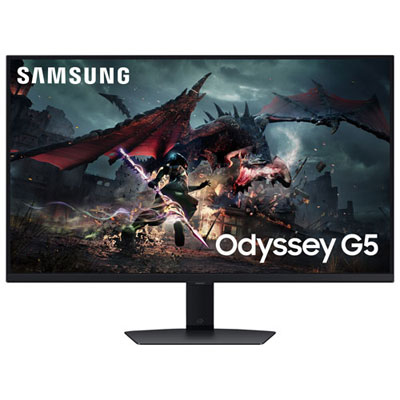
Key features that shape smoother, sharper PC gaming
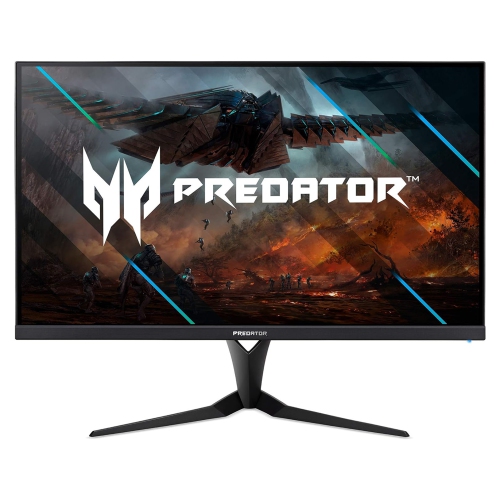
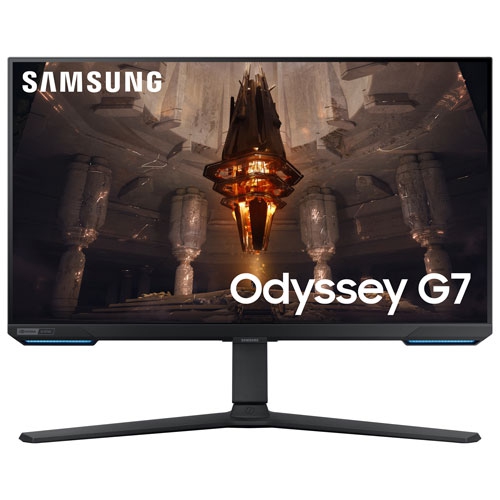
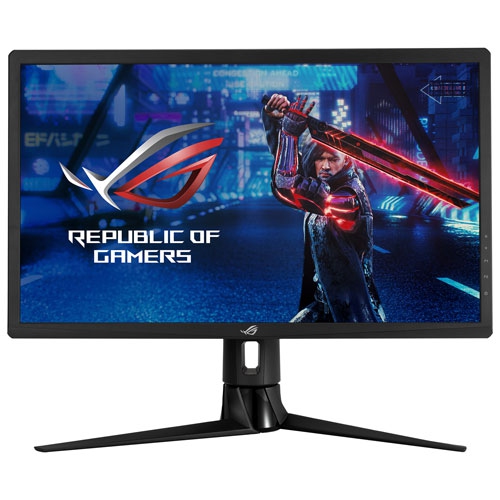
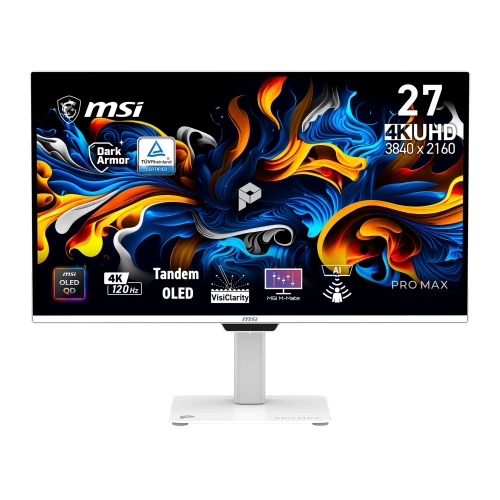
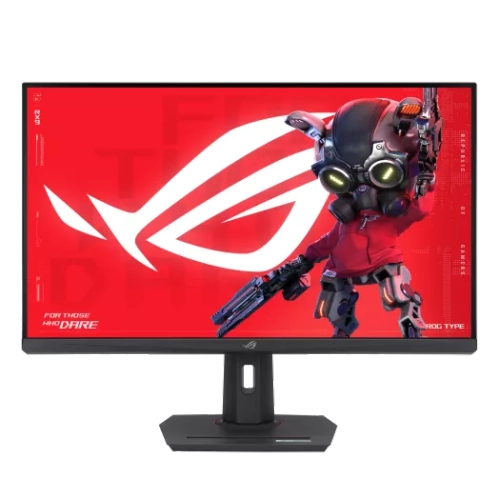
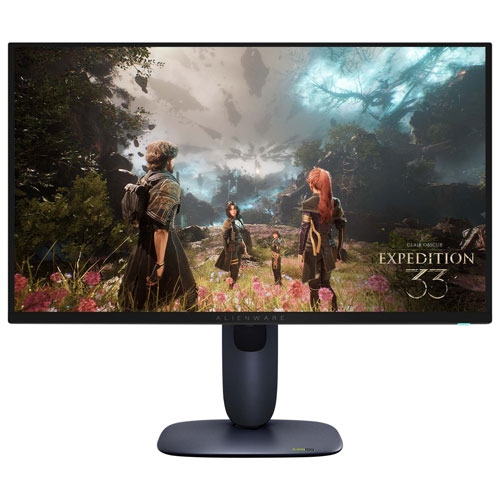
4K G-Sync monitors are designed for people who want detailed visuals and smooth motion from a modern gaming PC. A 4K resolution provides 3840 x 2160 pixels, creating a sharper image than 1440p and making fine details easier to see across expansive game worlds, busy strategy maps, racing tracks, and creative applications. G-Sync technology helps synchronize the monitor’s refresh rate with a compatible graphics card, reducing screen tearing and minimizing stutter when the frame rate changes during play. The result can feel especially noticeable in fast-moving scenes: camera pans look cleaner, aiming feels more consistent, and sudden changes in on-screen action are less distracting. When choosing a display, consider the graphics card powering the computer, since running games at 4K can require substantial performance. A monitor with a high refresh rate may be ideal for a powerful gaming desktop, while a more modest system may benefit from prioritizing image quality, adaptive-sync support, and a balanced price. It is also useful to check whether the monitor supports the specific form of G-Sync or G-Sync compatibility that matches the computer, as features can vary between displays and connection types. A DisplayPort connection is often important for accessing the highest combination of resolution and refresh rate, while HDMI can be convenient for gaming consoles, laptops, and other devices. Checking the included cables, available ports, stand adjustments, and graphics card outputs before purchasing can help avoid surprises when the new monitor is set up.
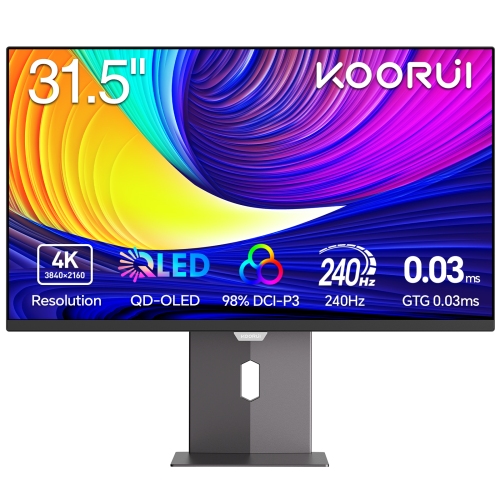
Panel type has a significant effect on how a 4K G-Sync monitor looks and feels. OLED displays are known for deep blacks, strong contrast, rich colour, and extremely quick pixel response, which can make dark game environments and high-speed action appear strikingly clear. IPS panels are a popular choice for their broad viewing angles, consistent colour, and versatile performance across gaming, streaming, schoolwork, and home-office tasks. Brightness, HDR support, colour coverage, and the finish of the screen also deserve attention. A glossy surface can make contrast and colour appear vivid in a controlled room, while an anti-glare finish may be more comfortable when windows or lamps are nearby. Refresh rates such as 144Hz or higher can make movement feel more fluid than a standard 60Hz display, provided the computer can deliver enough frames to take advantage of it. Response time specifications can be helpful, although real-world performance also depends on motion handling, overdrive tuning, and the selected picture mode. Screen size is another personal decision. A 27-inch display can fit comfortably on a smaller desk and keeps the image within an easy viewing distance, while a 32-inch monitor offers a larger canvas for immersive gaming, split-screen work, photo editing, and watching films. A height-adjustable stand, tilt and swivel controls, VESA mounting support, built-in speakers, USB ports, and a headphone output can make the everyday experience more convenient. For shoppers who want a similarly fluid gaming experience at a different resolution, browsing 1440p 144hz Monitors can provide another option to compare.
These monitors can suit dedicated PC gamers, streamers, students building a first gaming setup, and anyone who spends long stretches moving between entertainment and productivity. The extra detail of 4K can be useful beyond games, giving text, timelines, spreadsheets, maps, and creative projects a spacious, precise appearance. A large, fast display may also be a thoughtful gift for someone upgrading a bedroom, den, or home office, particularly when their existing monitor has visible motion blur, limited resolution, or no adaptive-sync support. Before giving one as a gift, it is worth checking the recipient’s desk width, preferred screen size, computer specifications, and available connections; a beautiful display still needs enough room and graphics power to perform well. Consider the viewing distance as well, since sitting too close to a very large screen can feel overwhelming, while a compact desk may call for a smaller panel. During the cooler months, a gaming monitor can become the centre of a comfortable indoor setup, paired with a desktop computer, speakers, a suitable chair, and lighting that reduces glare without reflecting directly across the screen. For shared spaces, features such as easy input switching and a clean cable arrangement help the monitor transition from a gaming station to a work or study area. It is also wise to review warranty coverage, return policies, burn-in information for OLED technology, and the monitor’s on-screen settings before completing a purchase. The best choice balances resolution, refresh rate, panel performance, size, connectivity, and the capabilities of the computer, creating a display that feels responsive during intense play and remains practical for everyday use.
Panel type has a significant effect on how a 4K G-Sync monitor looks and feels. OLED displays are known for deep blacks, strong contrast, rich colour, and extremely quick pixel response, which can make dark game environments and high-speed action appear strikingly clear. IPS panels are a popular choice for their broad viewing angles, consistent colour, and versatile performance across gaming, streaming, schoolwork, and home-office tasks. Brightness, HDR support, colour coverage, and the finish of the screen also deserve attention. A glossy surface can make contrast and colour appear vivid in a controlled room, while an anti-glare finish may be more comfortable when windows or lamps are nearby. Refresh rates such as 144Hz or higher can make movement feel more fluid than a standard 60Hz display, provided the computer can deliver enough frames to take advantage of it. Response time specifications can be helpful, although real-world performance also depends on motion handling, overdrive tuning, and the selected picture mode. Screen size is another personal decision. A 27-inch display can fit comfortably on a smaller desk and keeps the image within an easy viewing distance, while a 32-inch monitor offers a larger canvas for immersive gaming, split-screen work, photo editing, and watching films. A height-adjustable stand, tilt and swivel controls, VESA mounting support, built-in speakers, USB ports, and a headphone output can make the everyday experience more convenient. For shoppers who want a similarly fluid gaming experience at a different resolution, browsing 1440p 144hz Monitors can provide another option to compare.
These monitors can suit dedicated PC gamers, streamers, students building a first gaming setup, and anyone who spends long stretches moving between entertainment and productivity. The extra detail of 4K can be useful beyond games, giving text, timelines, spreadsheets, maps, and creative projects a spacious, precise appearance. A large, fast display may also be a thoughtful gift for someone upgrading a bedroom, den, or home office, particularly when their existing monitor has visible motion blur, limited resolution, or no adaptive-sync support. Before giving one as a gift, it is worth checking the recipient’s desk width, preferred screen size, computer specifications, and available connections; a beautiful display still needs enough room and graphics power to perform well. Consider the viewing distance as well, since sitting too close to a very large screen can feel overwhelming, while a compact desk may call for a smaller panel. During the cooler months, a gaming monitor can become the centre of a comfortable indoor setup, paired with a desktop computer, speakers, a suitable chair, and lighting that reduces glare without reflecting directly across the screen. For shared spaces, features such as easy input switching and a clean cable arrangement help the monitor transition from a gaming station to a work or study area. It is also wise to review warranty coverage, return policies, burn-in information for OLED technology, and the monitor’s on-screen settings before completing a purchase. The best choice balances resolution, refresh rate, panel performance, size, connectivity, and the capabilities of the computer, creating a display that feels responsive during intense play and remains practical for everyday use.
Top selling and popular products
-
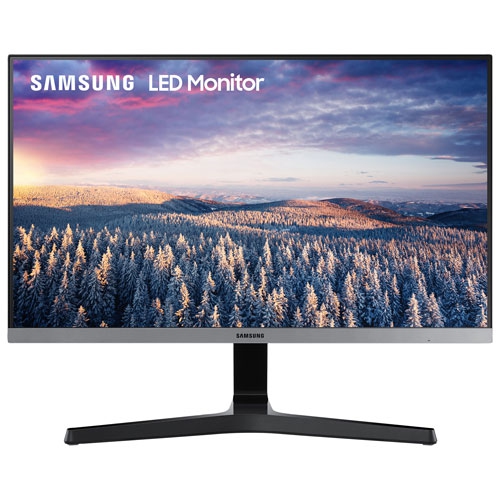 Your price for this item is $279.97
 -
 Your price for this item is $275
 -
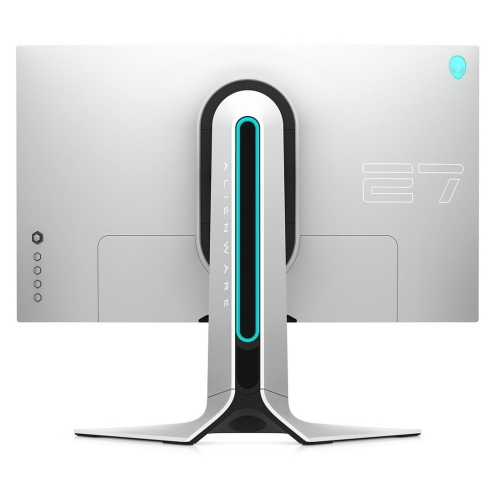 Your price for this item is $299
 -
 Your price for this item is $559.68
 -
 Your price for this item is $209.99
 -
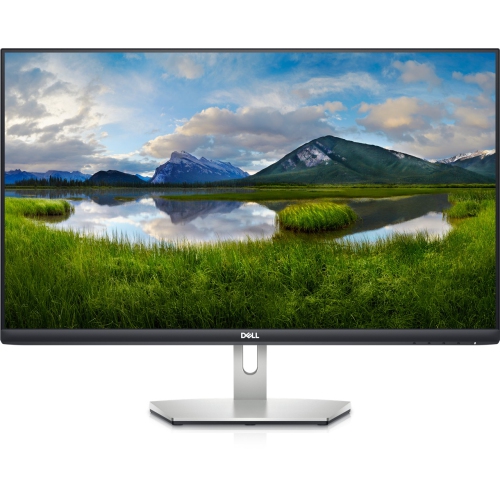 Your price for this item is $239.99
 -
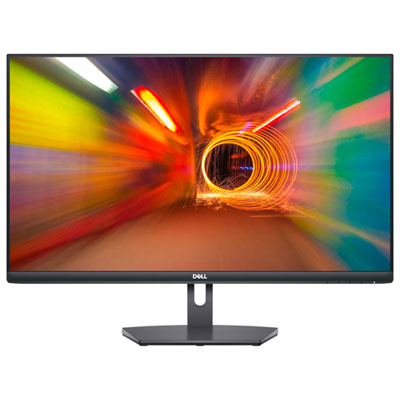 Your price for this item is $179.95
 -
 Your price for this item is $3299.99
Discover more categories related to 4k G Sync Monitors

Top Collections:
Pokemon Centers, Kindle Devices, Best Budget Office Chairs, Apple iPhones 16, Best Laptops for Writers, iPhone 15 Apple, Canon G7X Cameras, Refurbished Apple Laptops, Alarm Clock, Motorola Razr Phones
Some products may be subject to Environmental Handling Fees
(EHF) depending on your province.
Learn more about EHFs.