G Sync Curved Monitors
Upgrade your gaming experience with G-Sync curved monitors. Immerse yourself in stunning visuals and fluid gameplay as these cutting-edge technology synchronizes the monitor's refresh rate with your graphics card, eliminating screen tearing and minimizing input lag. With their sleek design and wide viewing angles, these monitors deliver a truly immersive gaming experience. Here are some great options available.
Sort
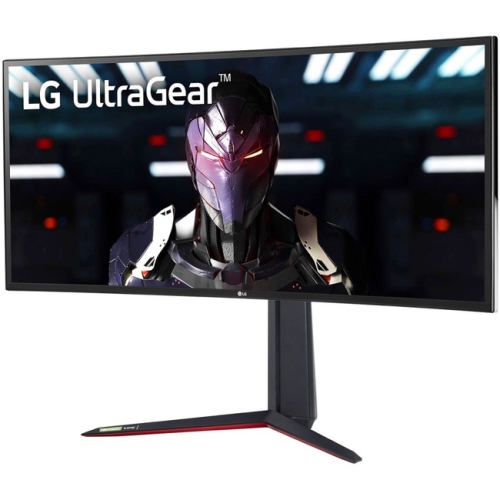

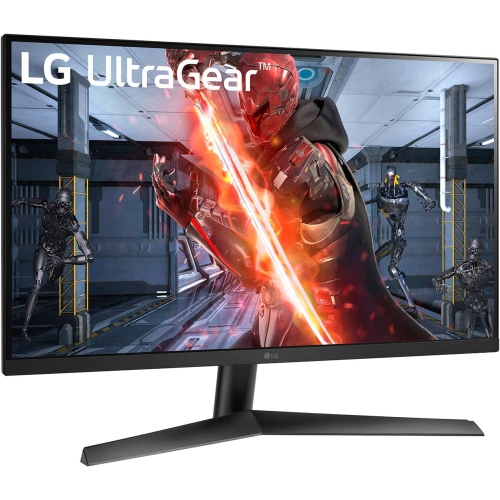
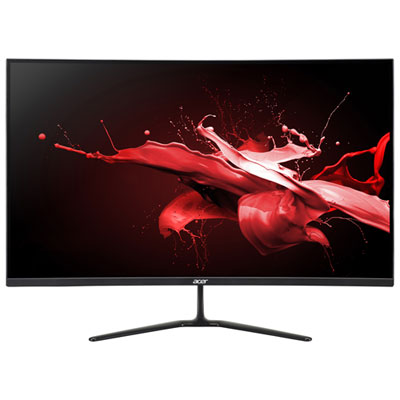
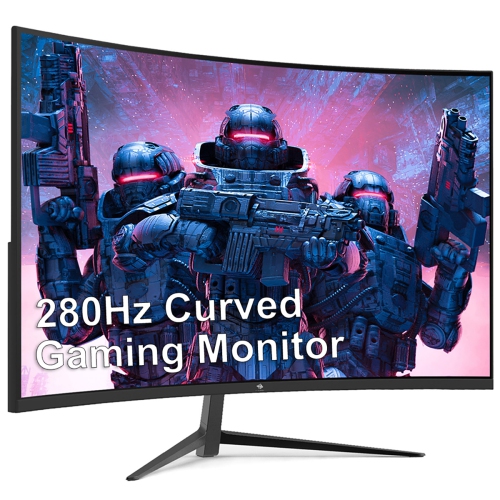

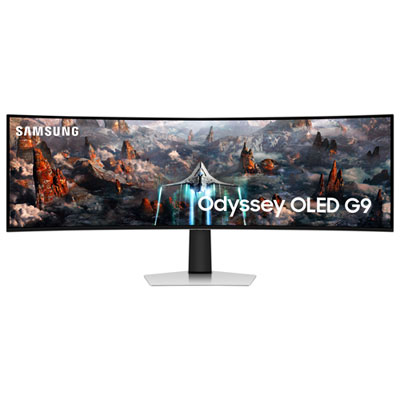
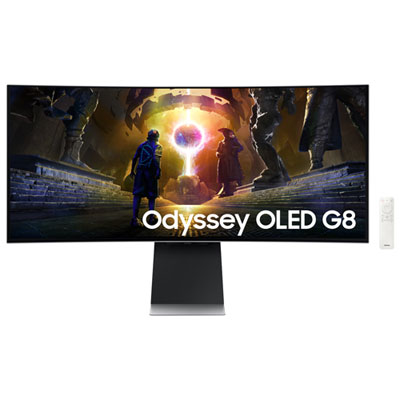
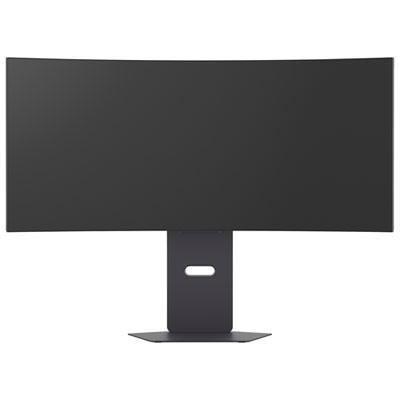
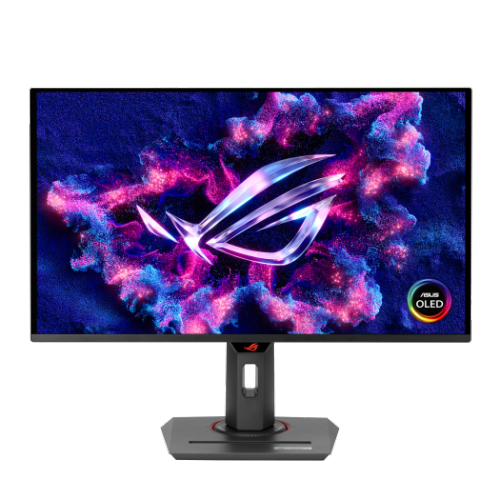
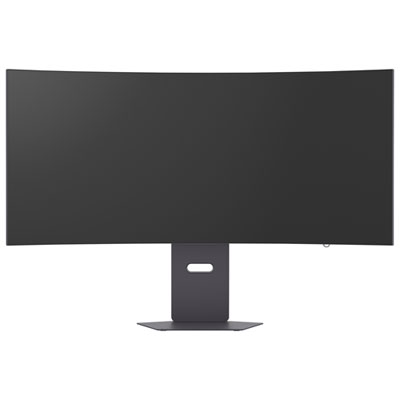
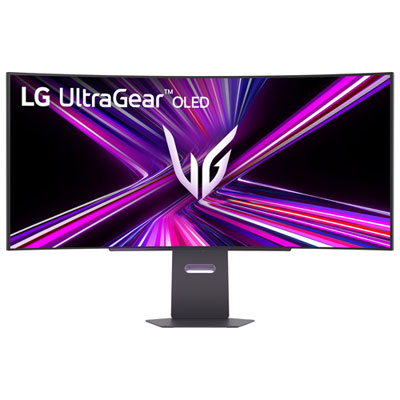
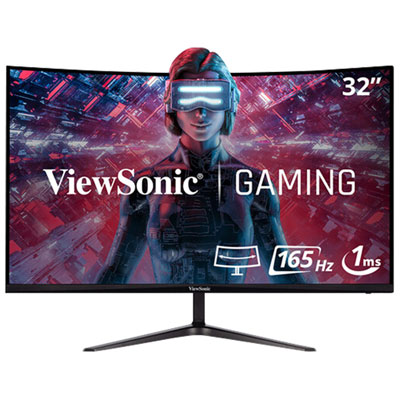
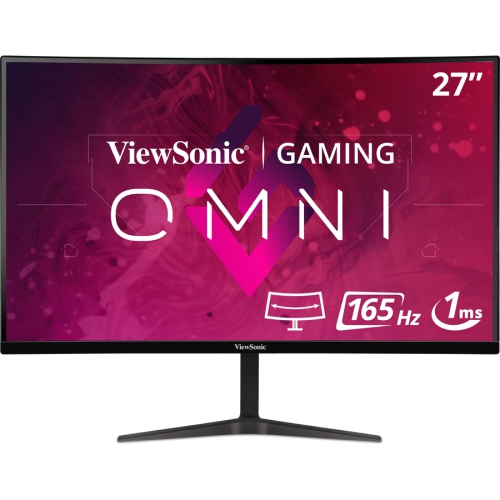
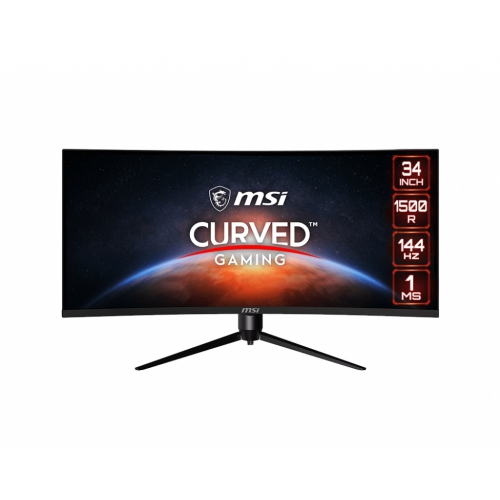
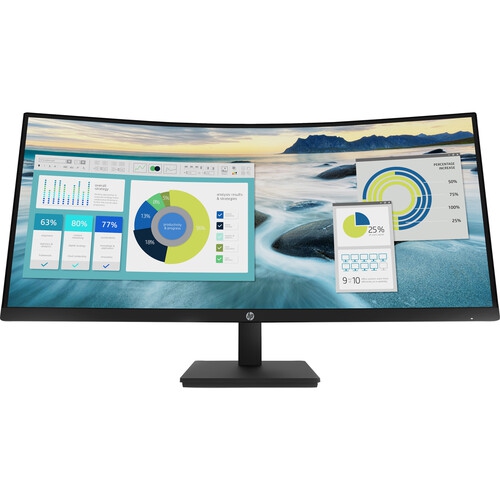
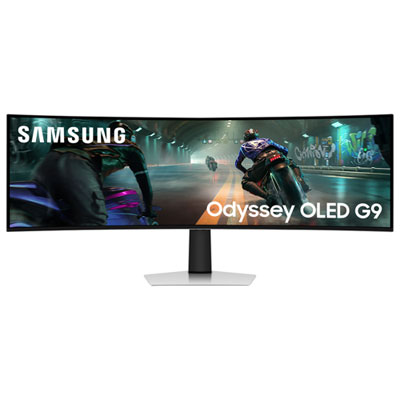
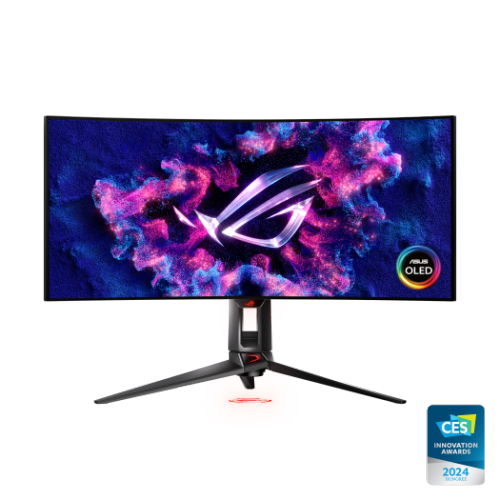
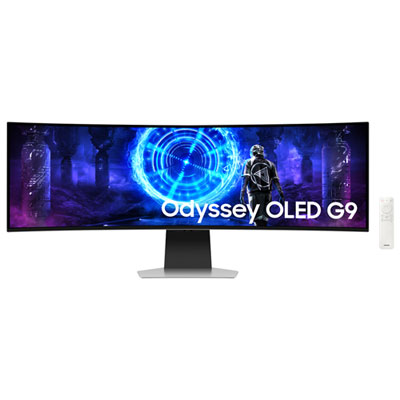
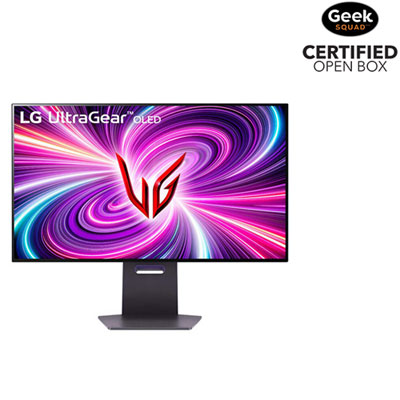
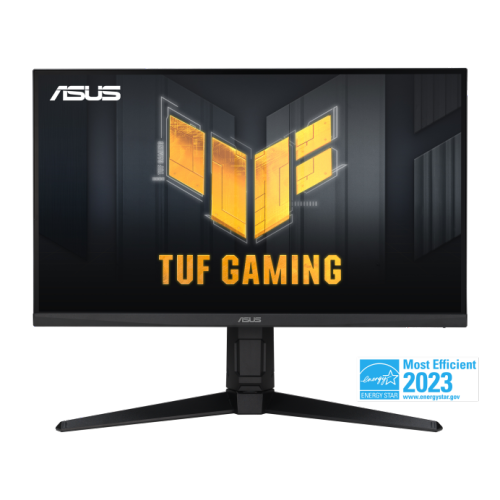
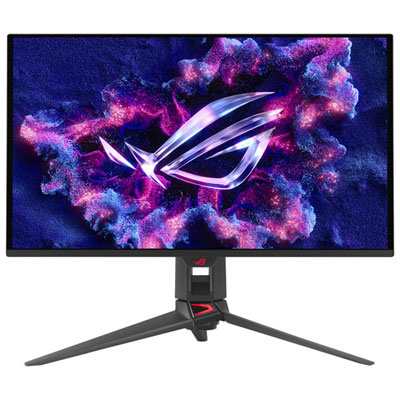
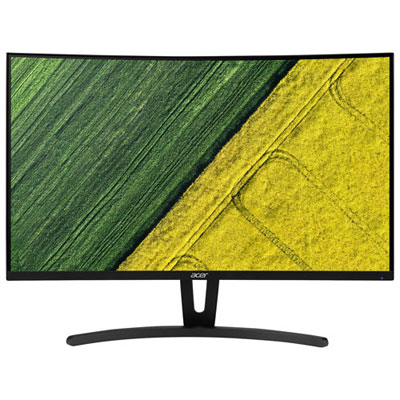
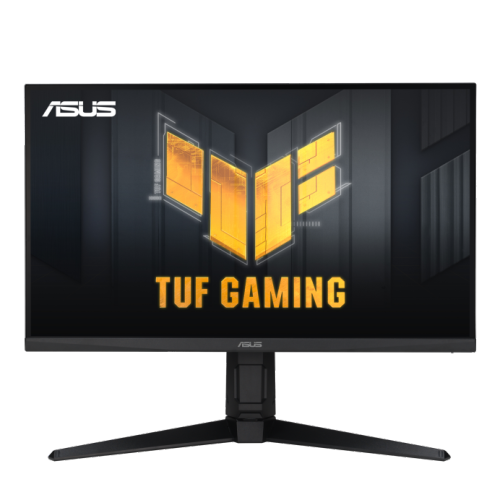
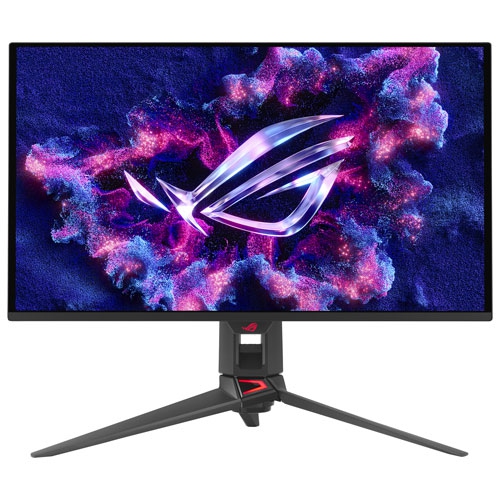
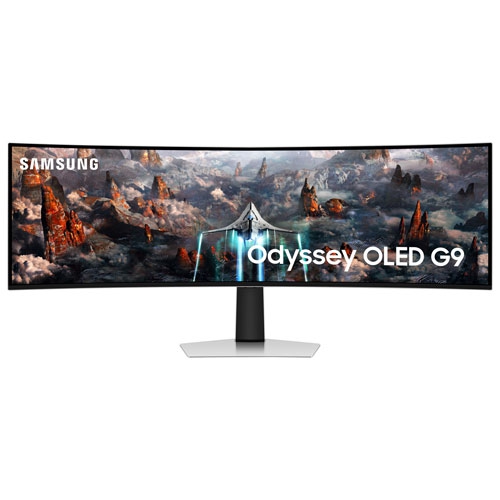

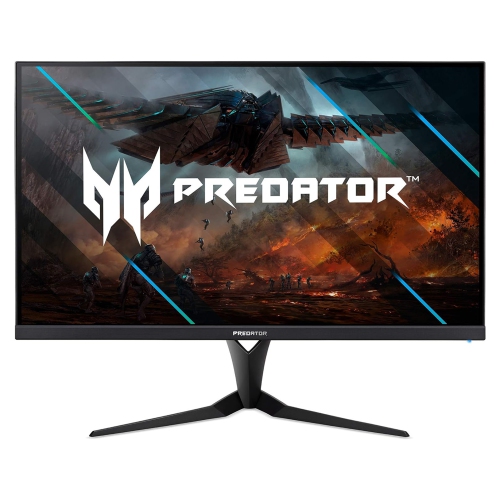

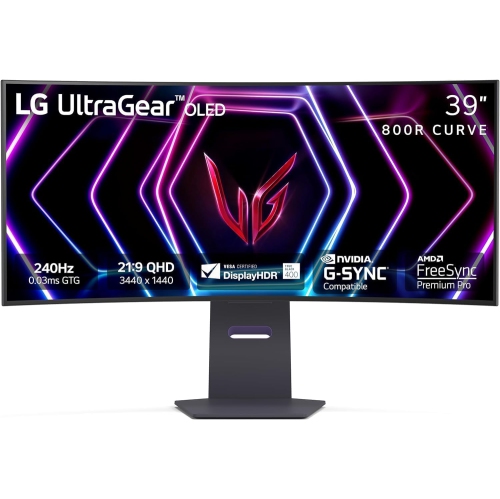
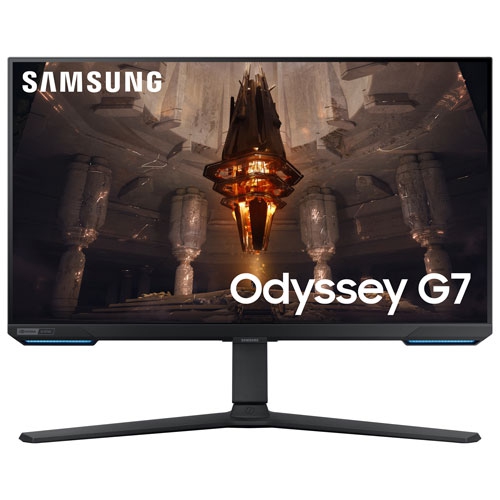
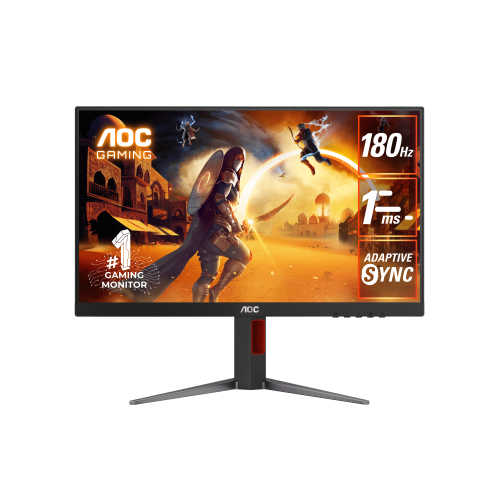
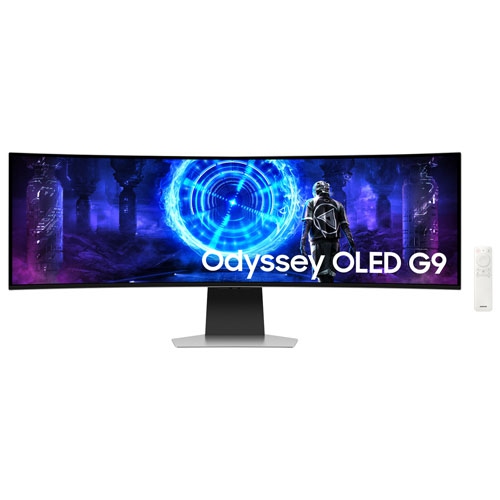
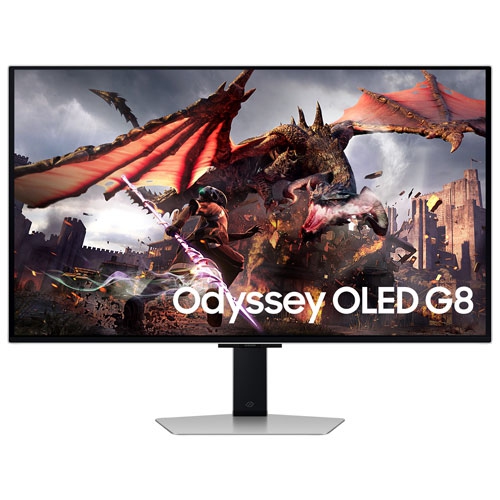
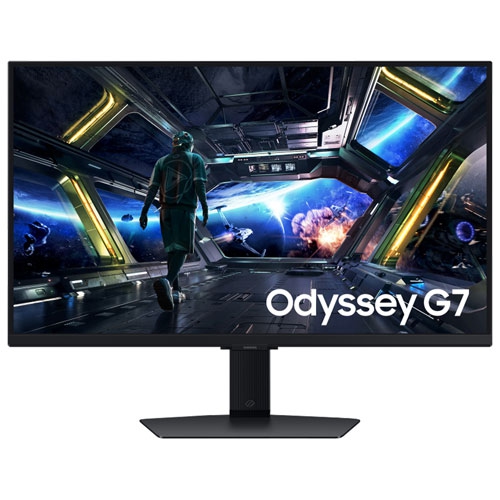
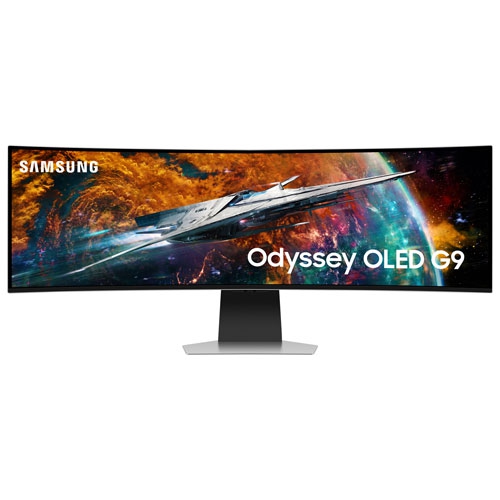
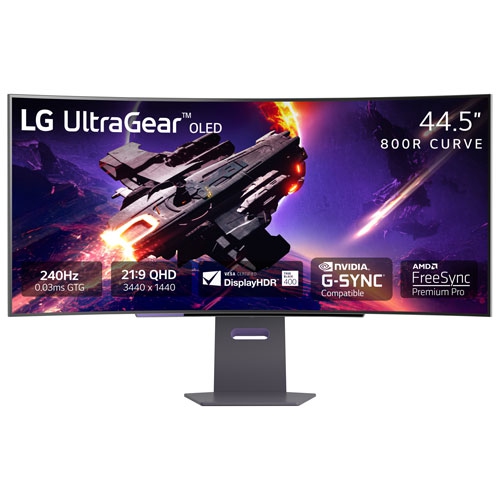
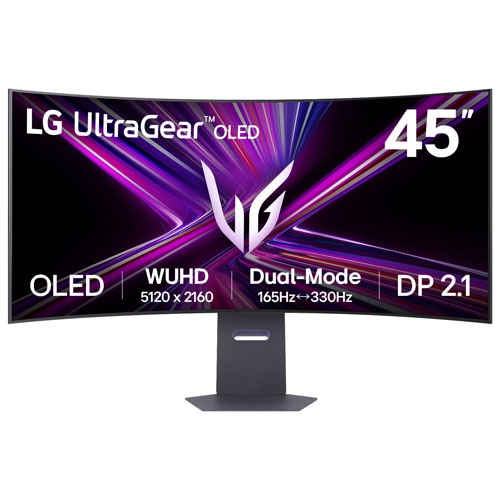
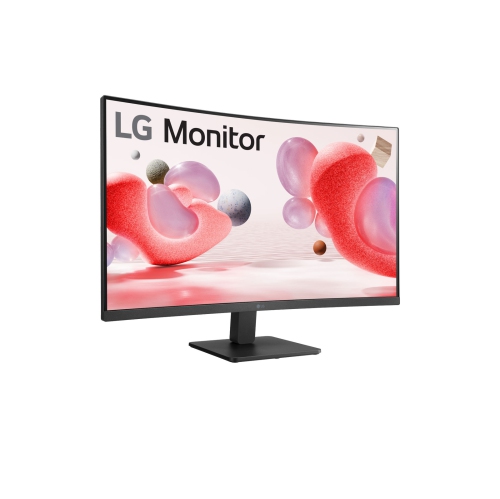
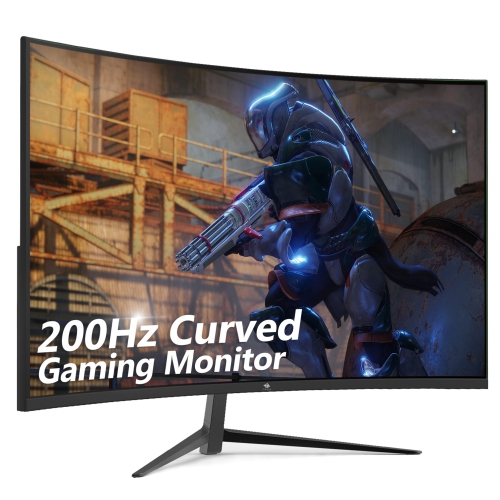
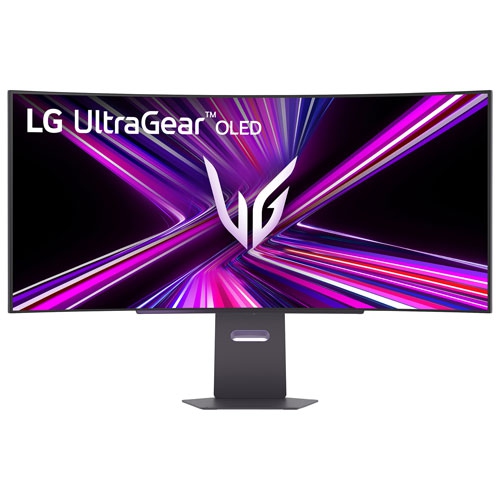
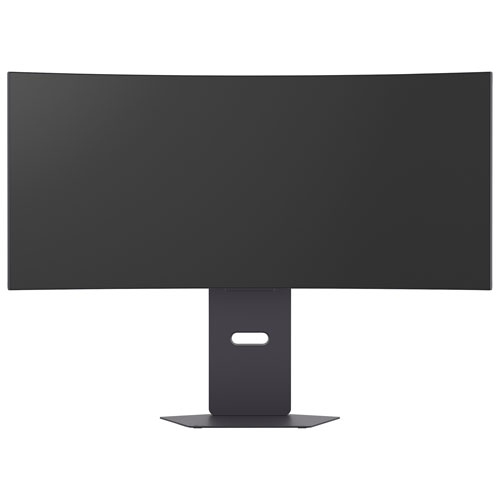
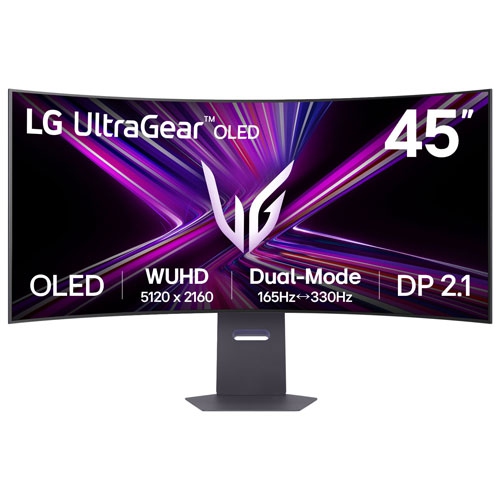
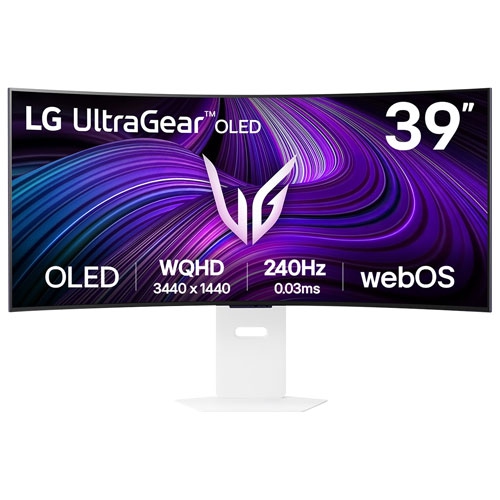
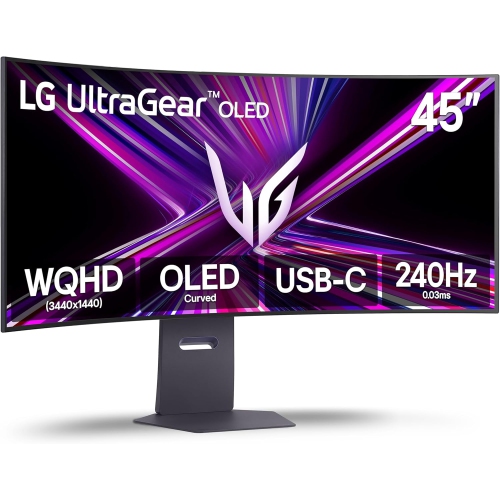
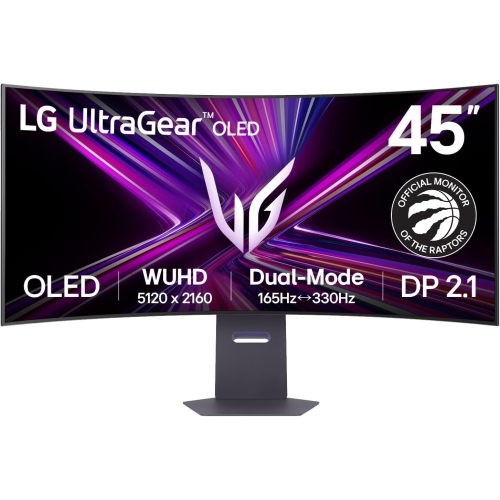
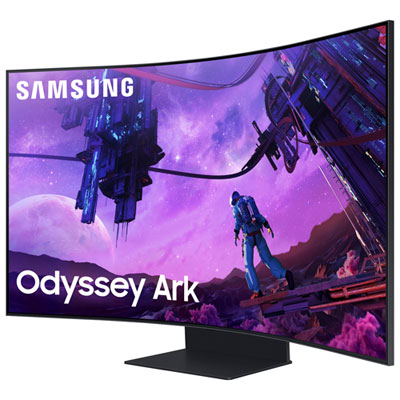

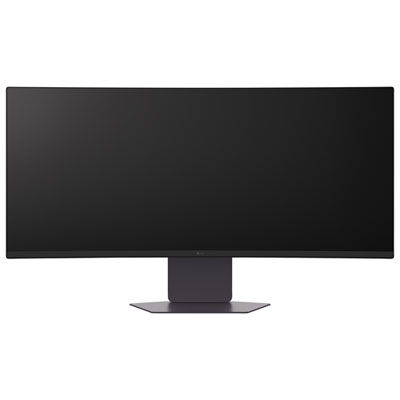
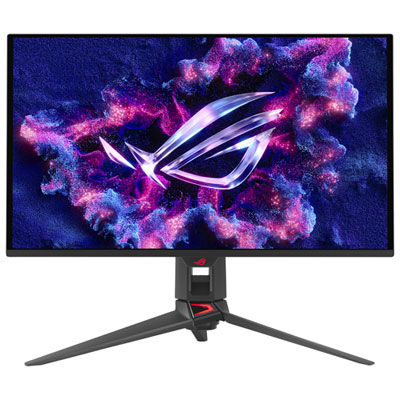
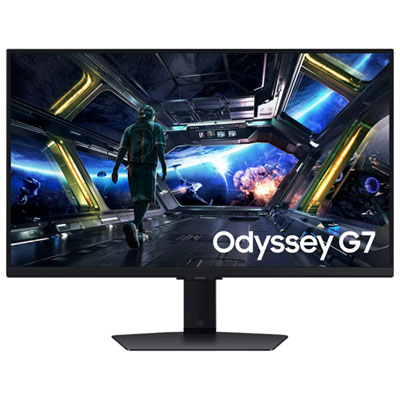
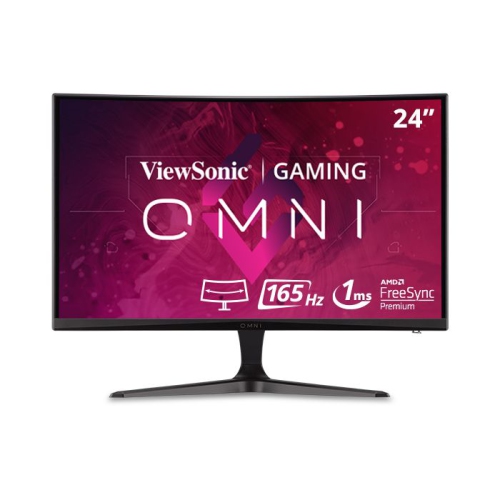
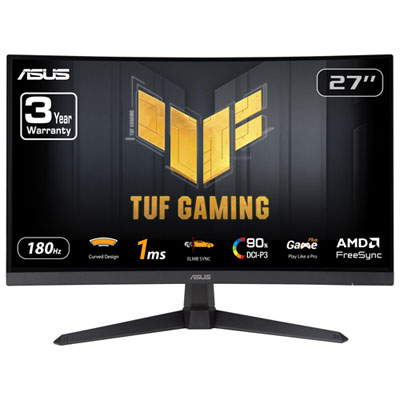
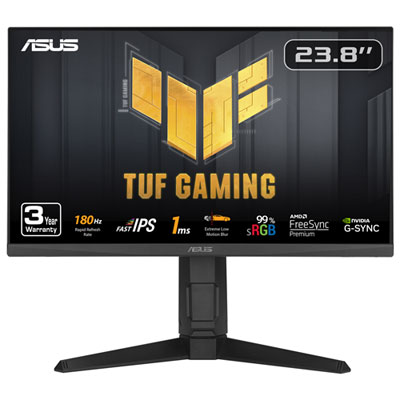
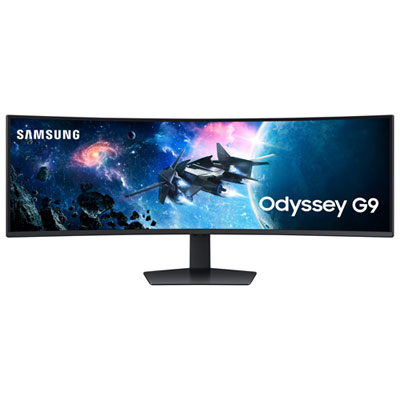
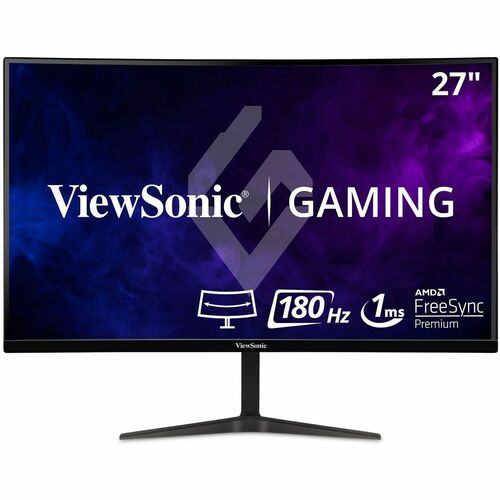

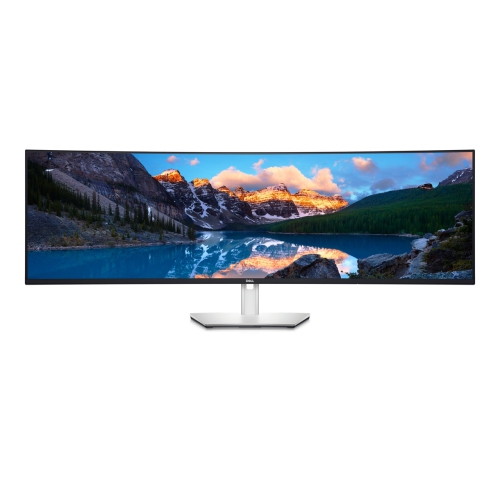
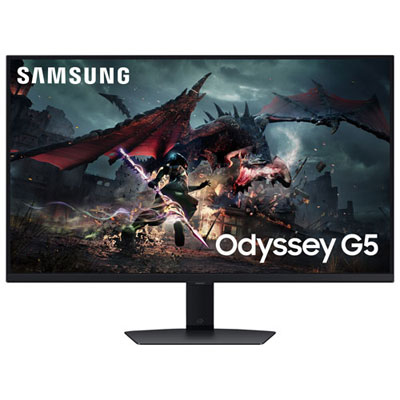
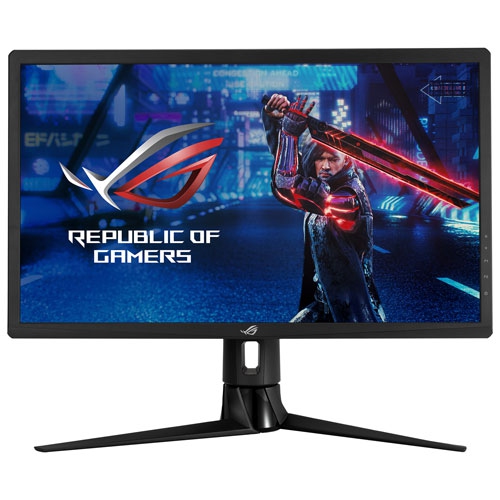
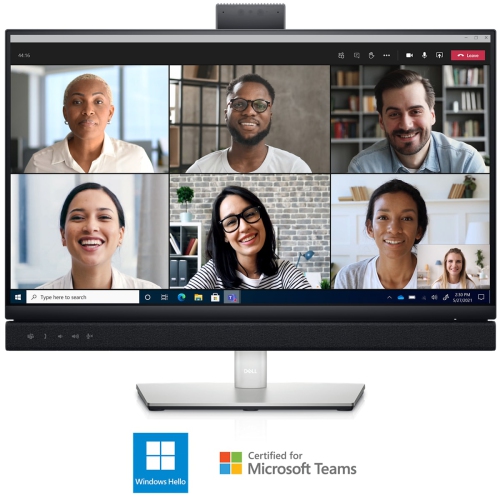
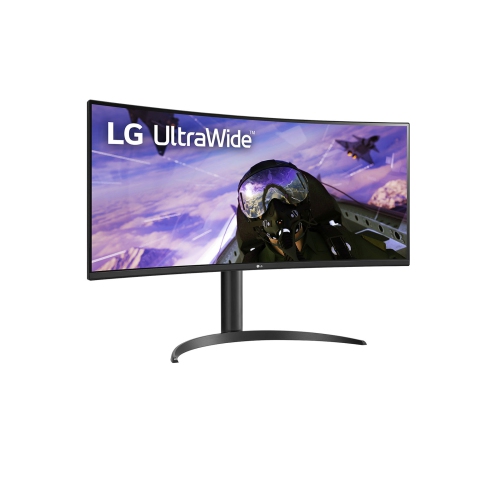
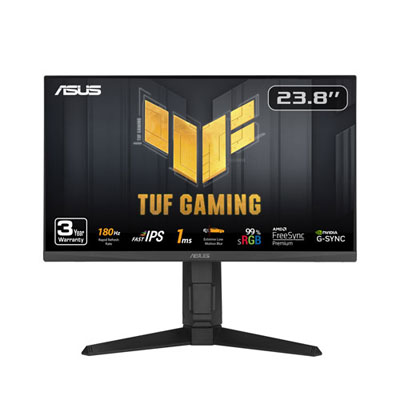
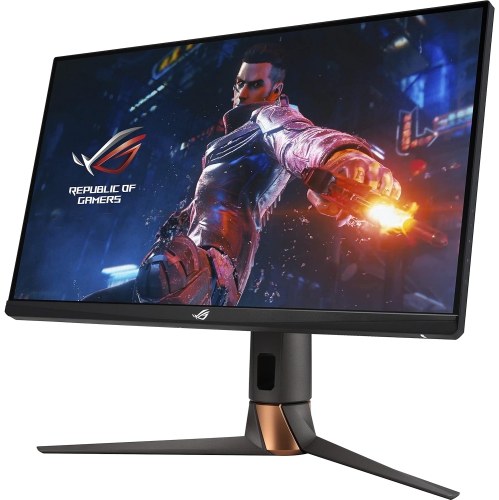
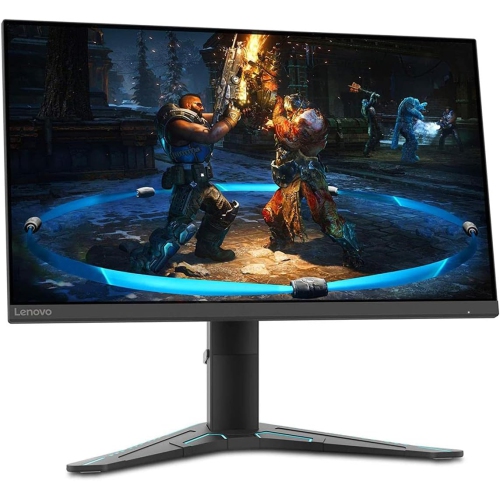
Smoother gameplay and a more immersive viewing experience
G-Sync curved monitors bring together two features designed to make games feel more fluid and immersive: a curved display and variable refresh rate technology that works with compatible NVIDIA graphics cards. Instead of refreshing at a fixed speed while the graphics card sends frames at a different pace, G-Sync technology helps the monitor adjust its refresh rate to match the frame rate being produced. This can reduce visible screen tearing, distracting stutter, and uneven motion, particularly in fast-moving games with sweeping camera movement, racing sequences, competitive matches, or detailed open-world environments. The curve adds another layer of immersion by angling the outer edges of the screen toward you, creating a more natural viewing field than a flat panel of the same width. A moderate curve can make a standard widescreen monitor feel more enveloping, while a more pronounced curve may suit an ultrawide display that stretches across a large portion of your desk. These monitors are especially appealing to PC gamers who want smoother movement and a stronger sense of being surrounded by the action, but they can also suit anyone who spends long periods working with several windows, editing video on a broad timeline, or watching films from a central seating position. When comparing models, look for clear compatibility information with your graphics card, since G-Sync features can vary between displays. Some monitors include dedicated G-Sync hardware, while others are certified as G-Sync compatible and use adaptive sync through a supported connection. Checking the monitor’s specifications, your computer’s available ports, and the graphics card requirements before buying can help ensure that the display delivers the experience you expect.
Screen size and resolution have a major effect on how a curved monitor fits into your space and how much detail it can show. A smaller widescreen display may be practical for a compact desk, while larger options create a broader field of view and can make games, films, and creative projects feel more expansive. Ultrawide monitors are useful when you want to keep a game, chat window, browser, or reference document visible without constantly switching between applications. Super-ultrawide formats go even further, offering a wide workspace that may replace a two-monitor setup, although they require substantial desk width and a graphics card capable of driving the full resolution. Resolution should be considered alongside screen size: higher resolutions can produce sharper text and more detailed images, but they also place greater demands on your computer. Refresh rate matters just as much for gaming. A higher refresh rate can make camera pans, scrolling, and responsive gameplay appear clearer, provided the computer can produce enough frames to take advantage of it. Response time is another specification worth reviewing, as a low response time can help reduce blur during rapid movement. Panel type also influences the experience. OLED displays are known for strong contrast and deep blacks, while other panel technologies may provide different advantages in brightness, viewing angles, or value. A matte or anti-glare coating can be helpful in rooms with windows or overhead lighting, and brightness adjustment is useful when moving between a bright daytime room and a more subdued evening setup. Think about the content you use most, the lighting around your desk, and the performance of your computer rather than choosing specifications in isolation.
A comfortable setup depends on more than the screen itself. Look for a stand with height, tilt, and swivel adjustment so the centre of the display can sit at a natural eye level. A curved monitor is generally best viewed from a central position, so confirm that the desk is deep enough to place the screen at a comfortable distance without forcing you to lean forward. Large displays may need a sturdy surface, and some can be mounted to a compatible monitor arm to free up desk space. Built-in speakers, headphone connections, USB ports, and multiple video inputs can reduce cable clutter and make it easier to switch between a gaming computer, a work computer, or another compatible source. Cable management is particularly useful with wide displays, where power and video cables can otherwise become noticeable along the back of the desk. For competitive gaming, consider the monitor’s refresh rate, input lag, adaptive sync support, and the types of games you play. For work and study, prioritise text clarity, resolution, ergonomic adjustment, and the ability to arrange several applications side by side. For creative projects, colour coverage, calibration options, resolution, and screen uniformity may be more important than the highest available refresh rate. These displays can also be thoughtful gifts for a PC gamer, a student building a more capable study area, or someone upgrading a home office before the cooler months encourage more time indoors. A curved G-Sync monitor can make a gaming station feel more complete while providing practical space for everyday tasks, from spreadsheets and online classes to photo editing and streaming. If you are comparing adaptive sync options across a broader range of displays, explore G Sync FreeSync Monitors to review related choices and find a screen that matches your computer, desk, and preferred way of using it.
Screen size and resolution have a major effect on how a curved monitor fits into your space and how much detail it can show. A smaller widescreen display may be practical for a compact desk, while larger options create a broader field of view and can make games, films, and creative projects feel more expansive. Ultrawide monitors are useful when you want to keep a game, chat window, browser, or reference document visible without constantly switching between applications. Super-ultrawide formats go even further, offering a wide workspace that may replace a two-monitor setup, although they require substantial desk width and a graphics card capable of driving the full resolution. Resolution should be considered alongside screen size: higher resolutions can produce sharper text and more detailed images, but they also place greater demands on your computer. Refresh rate matters just as much for gaming. A higher refresh rate can make camera pans, scrolling, and responsive gameplay appear clearer, provided the computer can produce enough frames to take advantage of it. Response time is another specification worth reviewing, as a low response time can help reduce blur during rapid movement. Panel type also influences the experience. OLED displays are known for strong contrast and deep blacks, while other panel technologies may provide different advantages in brightness, viewing angles, or value. A matte or anti-glare coating can be helpful in rooms with windows or overhead lighting, and brightness adjustment is useful when moving between a bright daytime room and a more subdued evening setup. Think about the content you use most, the lighting around your desk, and the performance of your computer rather than choosing specifications in isolation.
A comfortable setup depends on more than the screen itself. Look for a stand with height, tilt, and swivel adjustment so the centre of the display can sit at a natural eye level. A curved monitor is generally best viewed from a central position, so confirm that the desk is deep enough to place the screen at a comfortable distance without forcing you to lean forward. Large displays may need a sturdy surface, and some can be mounted to a compatible monitor arm to free up desk space. Built-in speakers, headphone connections, USB ports, and multiple video inputs can reduce cable clutter and make it easier to switch between a gaming computer, a work computer, or another compatible source. Cable management is particularly useful with wide displays, where power and video cables can otherwise become noticeable along the back of the desk. For competitive gaming, consider the monitor’s refresh rate, input lag, adaptive sync support, and the types of games you play. For work and study, prioritise text clarity, resolution, ergonomic adjustment, and the ability to arrange several applications side by side. For creative projects, colour coverage, calibration options, resolution, and screen uniformity may be more important than the highest available refresh rate. These displays can also be thoughtful gifts for a PC gamer, a student building a more capable study area, or someone upgrading a home office before the cooler months encourage more time indoors. A curved G-Sync monitor can make a gaming station feel more complete while providing practical space for everyday tasks, from spreadsheets and online classes to photo editing and streaming. If you are comparing adaptive sync options across a broader range of displays, explore G Sync FreeSync Monitors to review related choices and find a screen that matches your computer, desk, and preferred way of using it.
Top selling and popular products
-
 Your price for this item is $279.97
 -
 Your price for this item is $275
 -
 Your price for this item is $299
 -
 Your price for this item is $559.68
 -
 Your price for this item is $209.99
 -
 Your price for this item is $239.99
 -
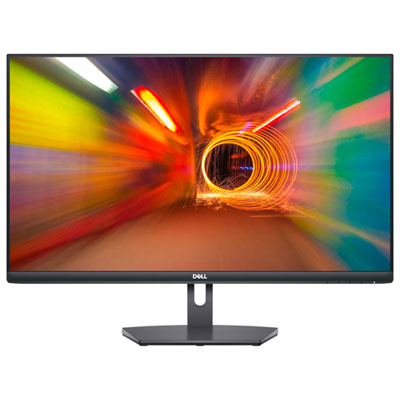 Your price for this item is $179.95
 -
 Your price for this item is $3299.99
Discover more categories related to G Sync Curved Monitors
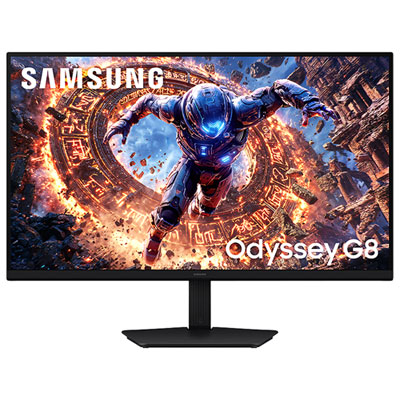
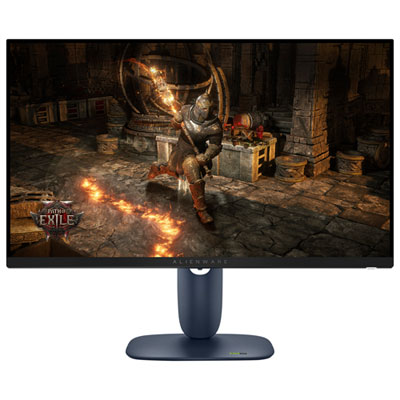

Top Collections:
Pokemon Centers, Kindle Devices, Best Budget Office Chairs, Apple iPhones 16, Best Laptops for Writers, iPhone 15 Apple, Canon G7X Cameras, Refurbished Apple Laptops, Alarm Clock, Motorola Razr Phones
Some products may be subject to Environmental Handling Fees
(EHF) depending on your province.
Learn more about EHFs.