4TB External Hard Drives



FAQ
Many external hard drives work with both Windows and macOS, but the drive's file system determines how each computer can access it. exFAT supports reading and writing on both platforms, while other formats may require additional software or reformatting.
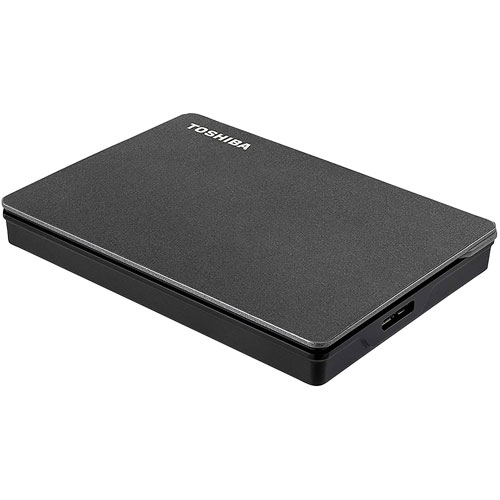
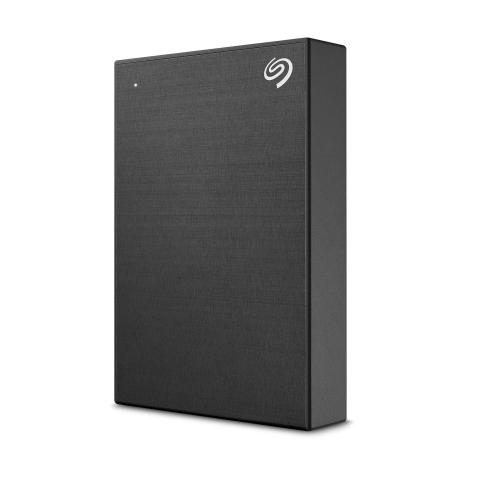
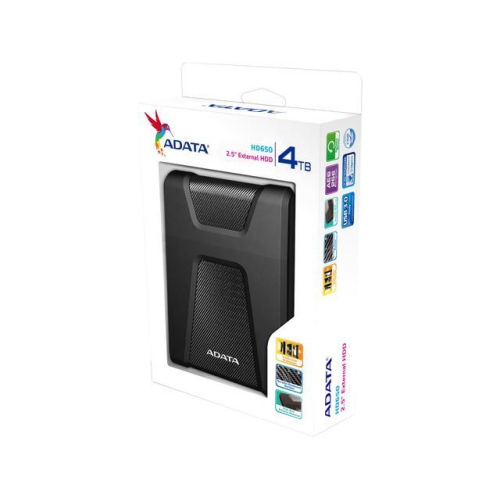
External hard drives commonly connect to computers through USB-A or USB-C ports. The connector on the drive itself can vary, so check the included cable and your computer's ports to determine whether you need a compatible adapter or replacement cable.
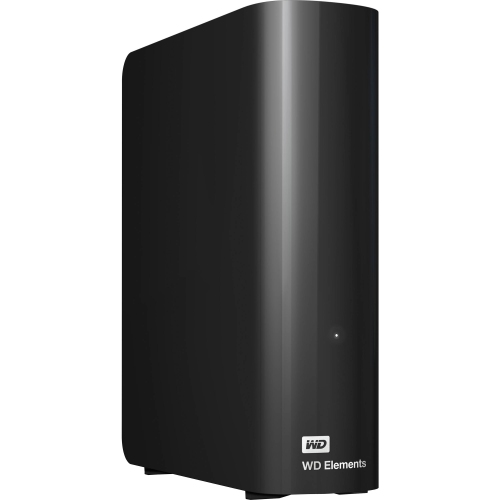
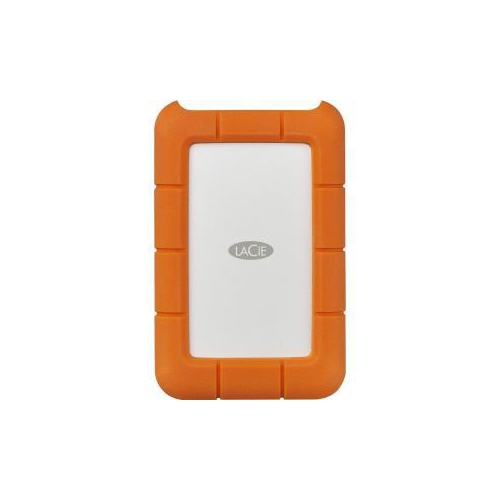
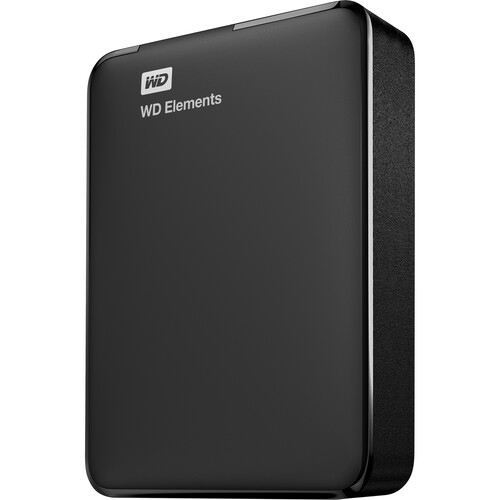
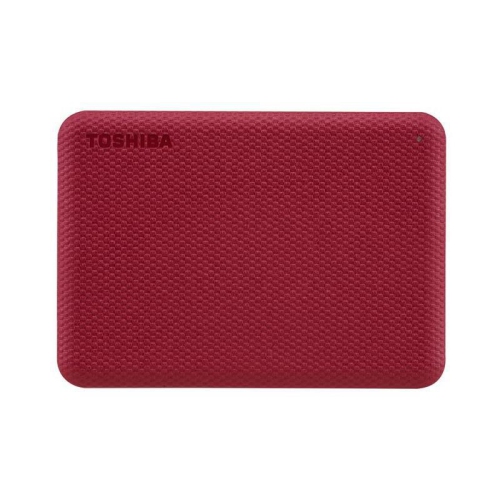
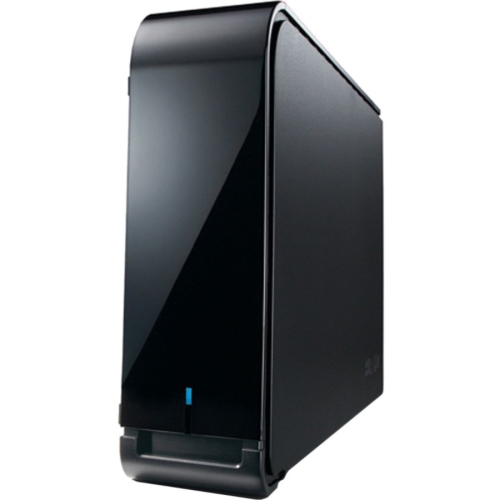
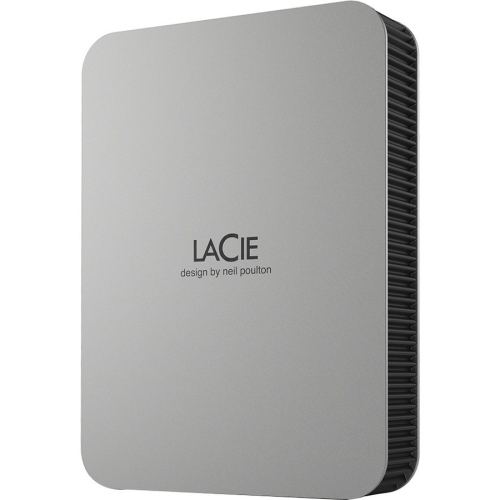
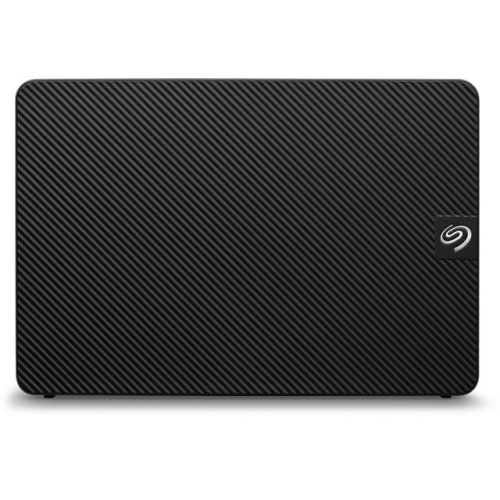
Portable external hard drives typically draw power through their USB connection. Desktop external hard drives generally use a separate power adapter plugged into an electrical outlet, along with a USB cable for the data connection.
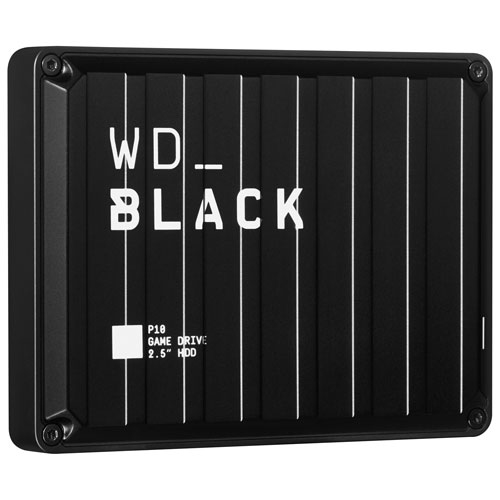
Many game consoles support compatible USB external hard drives, though storage and playback options vary by console and game. Some games can run directly from external storage, while others must be transferred to supported internal storage before playing. Check your console's requirements before choosing a drive.
For basic file storage, most external hard drives work with your computer's built-in file management tools once connected and formatted for the operating system. Optional software may provide features such as scheduled backups, while some drives include manufacturer utilities for managing settings.
Top selling and popular products
Discover more categories related to 4TB External Hard Drives

Some products may be subject to Environmental Handling Fees (EHF) depending on your province. Learn more about EHFs.