500 GB Hard Drives
A 500 GB Hard Drive offers a practical solution for expanding your storage capacity, whether you’re organizing important documents, saving cherished photos, or backing up essential files. Designed to fit seamlessly with a variety of devices, these hard drives provide ample space for work, entertainment, and everyday needs. Find the right 500 GB Hard Drive to suit your setup and enjoy the convenience of reliable data storage at your fingertips.
Sort




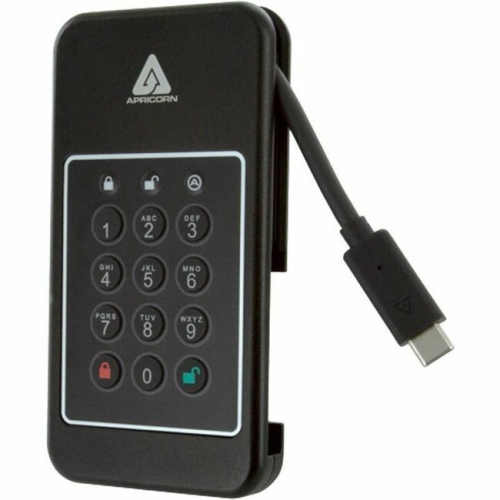

What drive capacity really means for everyday files
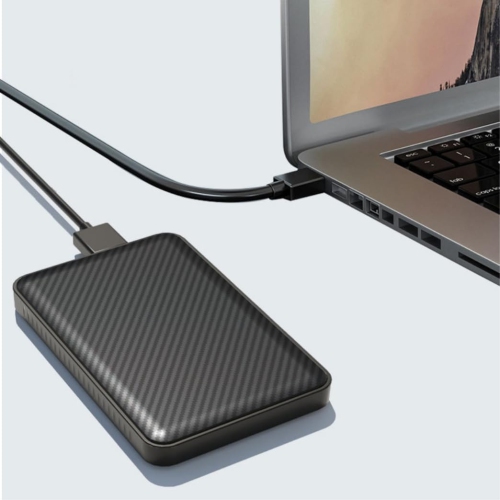
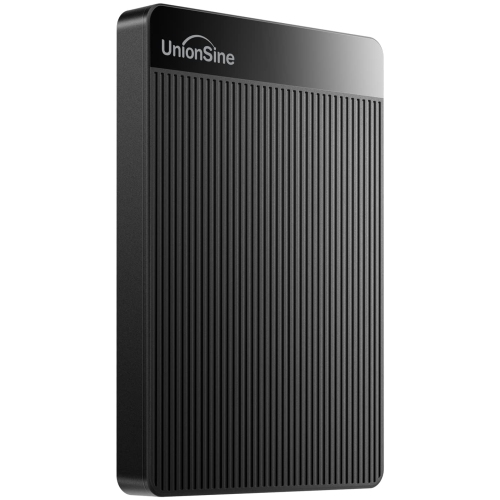
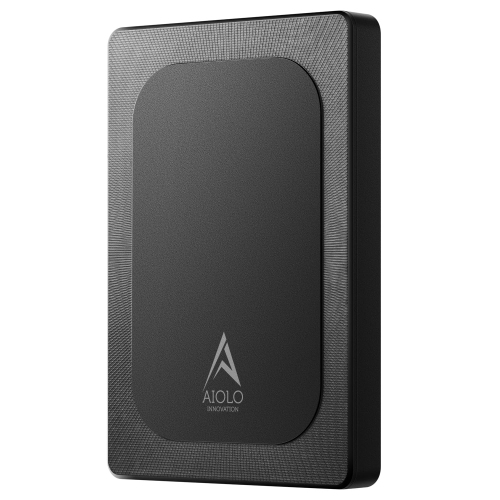
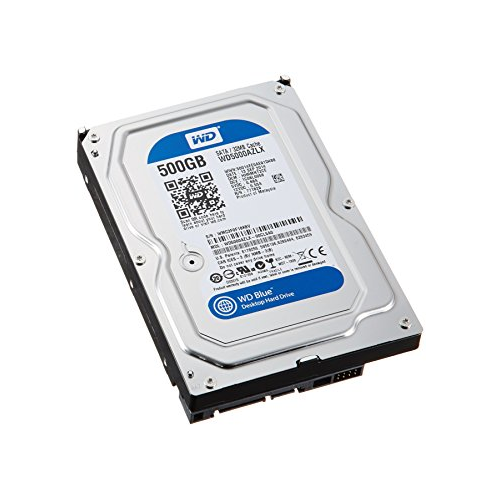
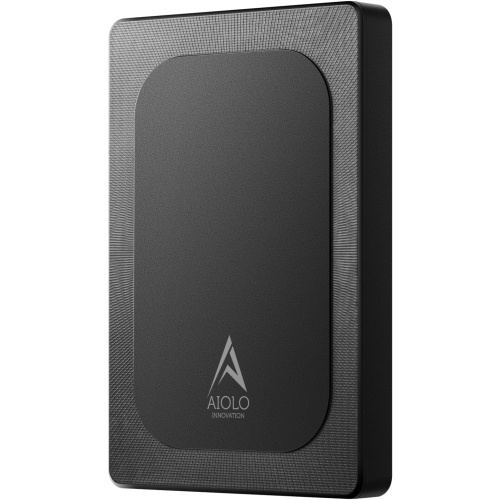
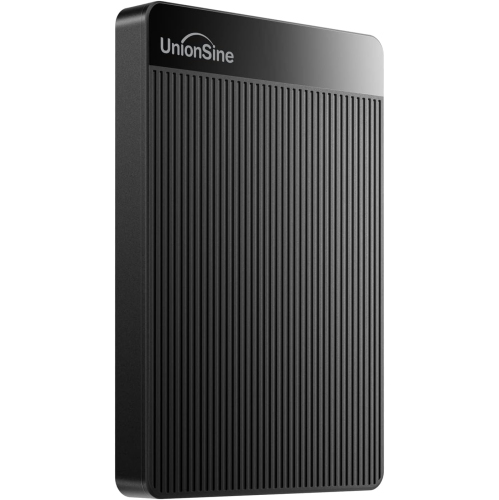
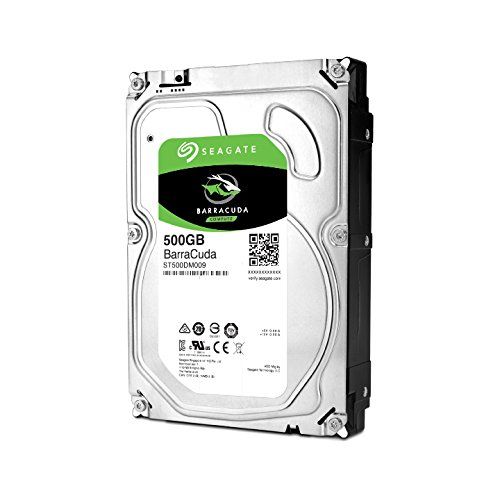
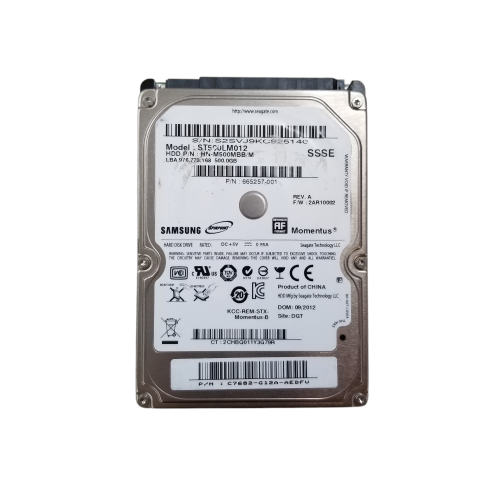
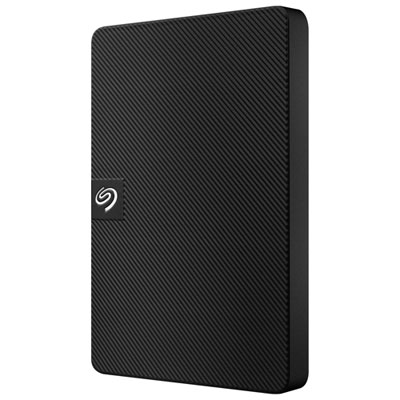
500 GB hard drives provide storage for documents, photos, music, software and other everyday files, whether installed inside a compatible computer or connected as an external drive. A drive labelled 500 GB has a nominal capacity of 500 billion bytes, equivalent to approximately 466 GiB before formatting and system use. Some operating systems display capacity using binary units, sometimes with a GB label, which helps explain why the reported figure can look smaller than the capacity on the packaging. Formatting, recovery partitions and an installed operating system can further reduce the space left for personal files. For someone keeping spreadsheets, school assignments, scanned records and a family photo collection, this capacity can serve as a dedicated storage location without mixing everything into the computer’s main drive. Large video projects, uncompressed media and modern game installations can occupy much more space, so the number of files a drive can hold depends heavily on their size and format. A 500 GB hard disk drive, or HDD, stores data magnetically on spinning platters, with a moving read/write head accessing the information. That construction distinguishes it from a solid-state drive, which has no moving storage components. HDDs can suit file storage, backups and compatible older computers, while an SSD generally delivers faster application loading and responsiveness. Within the HDD category, rotational speed, recording technology, cache and connection type all influence performance. Common spindle speeds include 5,400 RPM and 7,200 RPM, but RPM alone does not establish how quickly every task will finish. Copying one large video file is a different workload from opening hundreds of small documents scattered across the disk. A clear sense of the intended use makes the capacity more meaningful: a drive holding a working photo library has different demands from one used occasionally to store completed projects or duplicate important household files.
The distinction between internal and external 500 GB hard drives matters as much as capacity. An internal drive fits within a computer or compatible storage enclosure, while an external drive includes a housing and a connection for use outside the computer. Common internal HDD formats include 2.5-inch drives associated with laptops and compact systems, and 3.5-inch drives associated with desktops. These measurements describe the drive format rather than the complete outer dimensions. Physical clearance, mounting points and connector compatibility all affect fit; even two 2.5-inch drives can have different thicknesses. A laptop with only an M.2 storage slot cannot accept a 2.5-inch SATA hard drive simply because both are intended for computers. Many internal HDDs use SATA connections, with separate data and power connections inside a desktop, although the host device’s specifications remain the deciding factor. An external enclosure must also match the drive’s size and interface. A 3.5-inch HDD generally needs an enclosure with its own power adapter, whereas many portable 2.5-inch external drives receive power through USB. For external storage, the cable and computer port deserve attention alongside the drive itself. USB-C describes a connector shape, not a guaranteed transfer speed, and actual performance depends on the supported USB standard, the computer, the cable and the disk. An external HDD can be convenient for moving a folder of photographs between compatible computers or keeping a separate copy of business paperwork. File-system support affects that flexibility: exFAT is commonly useful for exchanging files between Windows and macOS, while other formats may better suit a drive dedicated to one operating system. Formatting erases existing data, and televisions, game consoles and other devices can have their own storage requirements. Compatibility with those devices should be established before assigning a drive to media playback, game storage or another specialised task.
Everyday handling contributes to a hard drive’s durability. An external housing may use plastic, metal or a combination of materials, but a sturdy-looking shell does not necessarily make the disk inside resistant to drops. Because an HDD contains moving parts, it is best kept on a stable surface while operating, with enough cable slack to avoid being pulled off a desktop by a moving laptop or chair. A padded carrying case can help protect a portable drive from knocks in a bag, particularly when it is packed separately from heavy accessories. The drive should finish transferring files before it is moved or disconnected, and the operating system’s eject function helps ensure that pending writes are completed. Internal drives benefit from secure mounting and cables positioned so they do not strain the connectors or obstruct fans. For either format, dry storage, unobstructed ventilation and protection from spills support dependable use. No hard drive should be treated as the only home for irreplaceable material, regardless of its age or casing. Moving photographs off a computer and onto an external disk creates a new storage location, but it does not create a backup if the originals are then deleted. A separate copy, ideally with another copy kept elsewhere, offers stronger protection against drive failure, accidental deletion or loss. Backup software can help maintain regular copies, although checking that saved files can actually be opened is equally important. A 500 GB drive used for backups also needs enough free capacity for the selected data and any retained versions; matching the computer’s advertised storage capacity is not always sufficient. Larger collections of high-resolution video, extensive media libraries or backups from several computers may be better suited to 8TB Hard Drives. For a more focused collection, a compatible 500 GB hard drive can keep coursework, archived projects, personal records or a secondary media library together in one clearly defined place. Matching the format, connection and capacity to that purpose helps make the drive a useful part of a broader storage setup.
The distinction between internal and external 500 GB hard drives matters as much as capacity. An internal drive fits within a computer or compatible storage enclosure, while an external drive includes a housing and a connection for use outside the computer. Common internal HDD formats include 2.5-inch drives associated with laptops and compact systems, and 3.5-inch drives associated with desktops. These measurements describe the drive format rather than the complete outer dimensions. Physical clearance, mounting points and connector compatibility all affect fit; even two 2.5-inch drives can have different thicknesses. A laptop with only an M.2 storage slot cannot accept a 2.5-inch SATA hard drive simply because both are intended for computers. Many internal HDDs use SATA connections, with separate data and power connections inside a desktop, although the host device’s specifications remain the deciding factor. An external enclosure must also match the drive’s size and interface. A 3.5-inch HDD generally needs an enclosure with its own power adapter, whereas many portable 2.5-inch external drives receive power through USB. For external storage, the cable and computer port deserve attention alongside the drive itself. USB-C describes a connector shape, not a guaranteed transfer speed, and actual performance depends on the supported USB standard, the computer, the cable and the disk. An external HDD can be convenient for moving a folder of photographs between compatible computers or keeping a separate copy of business paperwork. File-system support affects that flexibility: exFAT is commonly useful for exchanging files between Windows and macOS, while other formats may better suit a drive dedicated to one operating system. Formatting erases existing data, and televisions, game consoles and other devices can have their own storage requirements. Compatibility with those devices should be established before assigning a drive to media playback, game storage or another specialised task.
Everyday handling contributes to a hard drive’s durability. An external housing may use plastic, metal or a combination of materials, but a sturdy-looking shell does not necessarily make the disk inside resistant to drops. Because an HDD contains moving parts, it is best kept on a stable surface while operating, with enough cable slack to avoid being pulled off a desktop by a moving laptop or chair. A padded carrying case can help protect a portable drive from knocks in a bag, particularly when it is packed separately from heavy accessories. The drive should finish transferring files before it is moved or disconnected, and the operating system’s eject function helps ensure that pending writes are completed. Internal drives benefit from secure mounting and cables positioned so they do not strain the connectors or obstruct fans. For either format, dry storage, unobstructed ventilation and protection from spills support dependable use. No hard drive should be treated as the only home for irreplaceable material, regardless of its age or casing. Moving photographs off a computer and onto an external disk creates a new storage location, but it does not create a backup if the originals are then deleted. A separate copy, ideally with another copy kept elsewhere, offers stronger protection against drive failure, accidental deletion or loss. Backup software can help maintain regular copies, although checking that saved files can actually be opened is equally important. A 500 GB drive used for backups also needs enough free capacity for the selected data and any retained versions; matching the computer’s advertised storage capacity is not always sufficient. Larger collections of high-resolution video, extensive media libraries or backups from several computers may be better suited to 8TB Hard Drives. For a more focused collection, a compatible 500 GB hard drive can keep coursework, archived projects, personal records or a secondary media library together in one clearly defined place. Matching the format, connection and capacity to that purpose helps make the drive a useful part of a broader storage setup.
Top selling and popular products
-
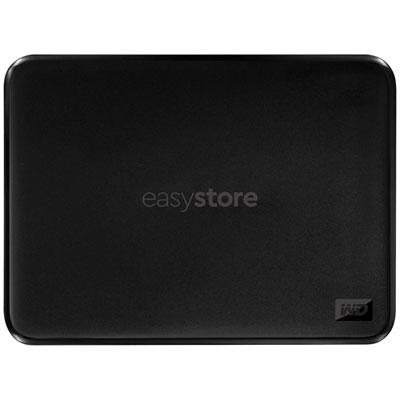 Your price for this item is $234.99
-
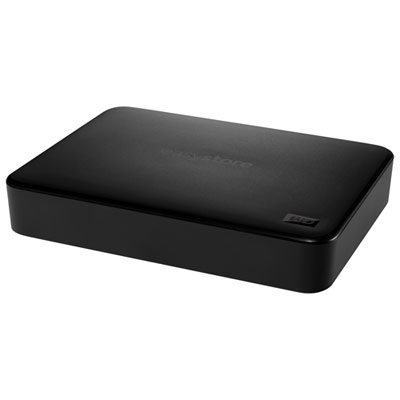 Your price for this item is $394.99
-
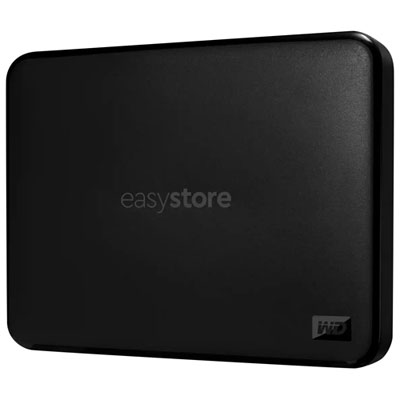 Your price for this item is $179.99
-
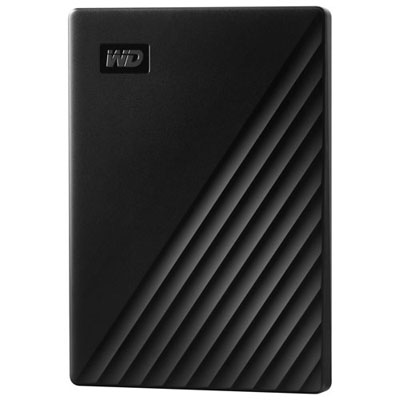 Your price for this item is $244.99
-
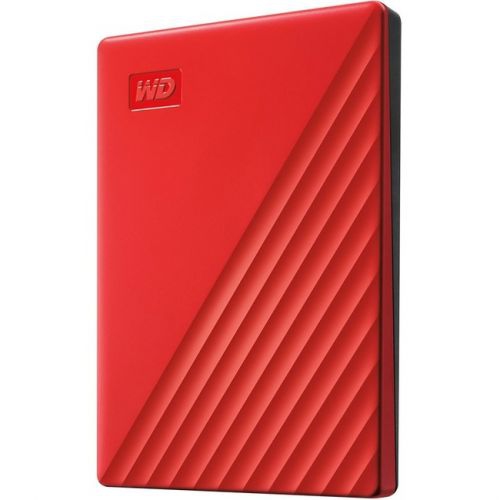 Your price for this item is $270.68
-
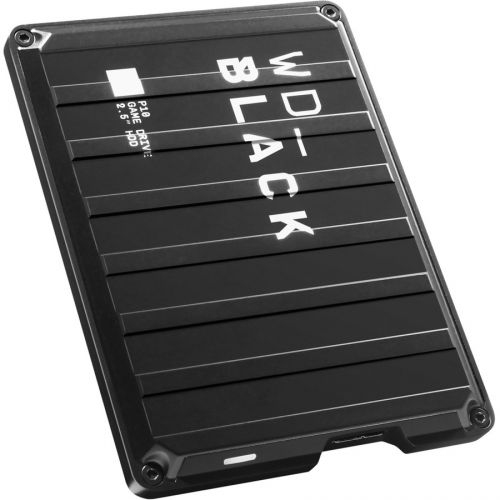 Your price for this item is $438.68
-
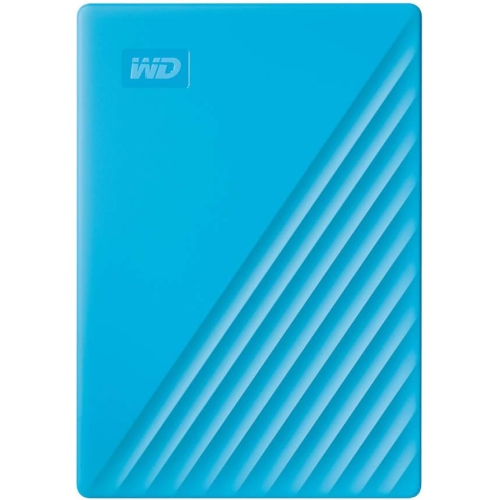 Your price for this item is $280.68
-
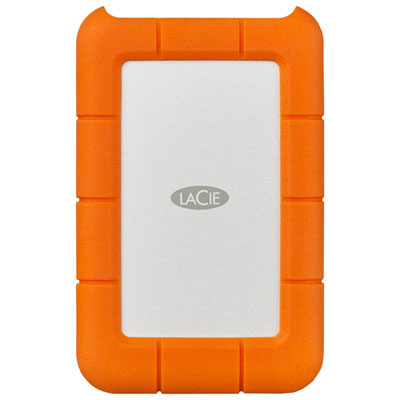 Your price for this item is $209.99
Discover more categories related to 500 GB Hard Drives
Top Collections:
Pokemon Centers, Best Budget Office Chairs, Kindle Devices, Best Cameras for Sports Photography, Pokémon 30th Celebration Cards, Best Laptops for Writers, Canon G7X Cameras, iPhone 15 Apple, Best Cell Phones Under $300, Apple iPhones 16
Some products may be subject to Environmental Handling Fees
(EHF) depending on your province.
Learn more about EHFs.