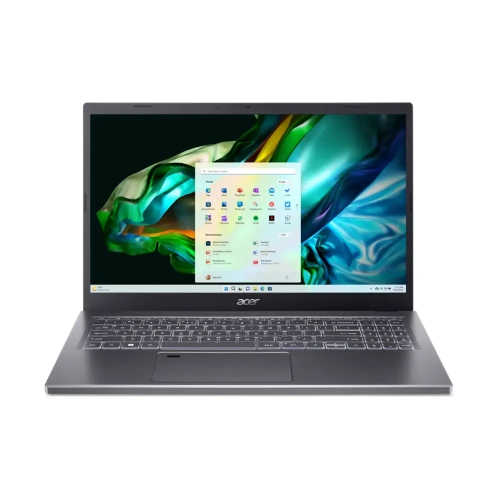
Acer Aspire 5 15
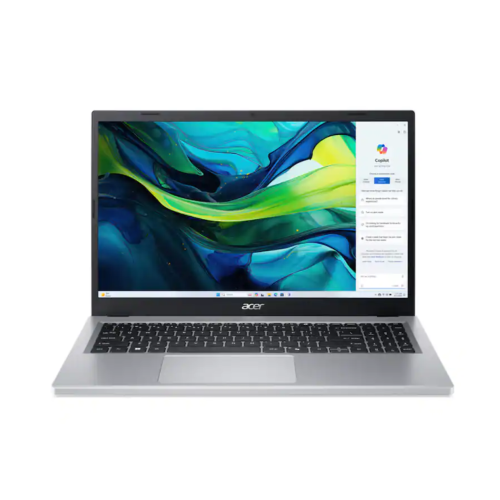
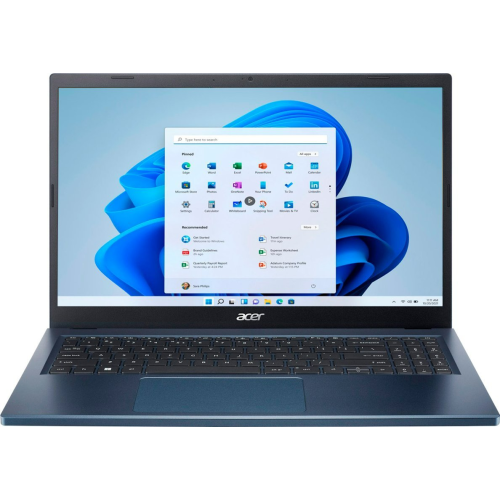
Discover the perfect balance of performance and versatility with the Acer Aspire 5 15. Ideal for both work and entertainment, this laptop offers a seamless experience whether you're tackling daily tasks or enjoying your favorite media. With its sleek design and reliable functionality, the Acer Aspire 5 15 is a great choice for anyone looking to stay productive and connected on the go. Explore the available options to find the model that best fits your needs.
Sort
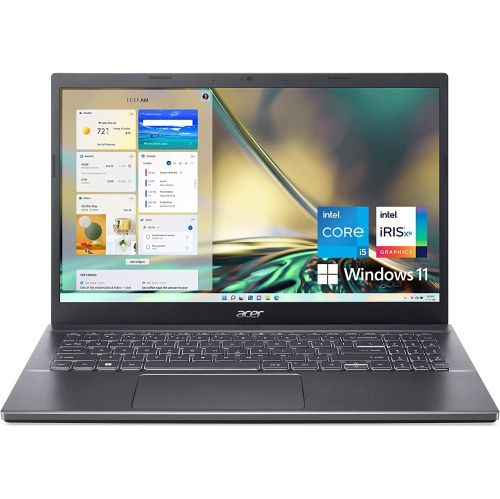
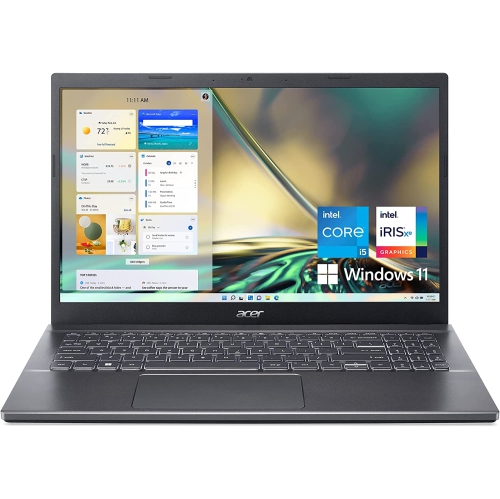
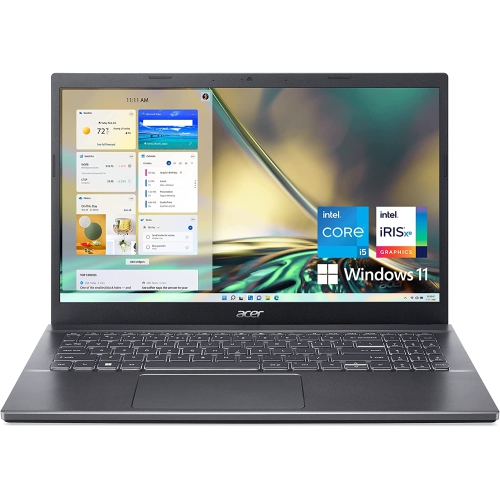
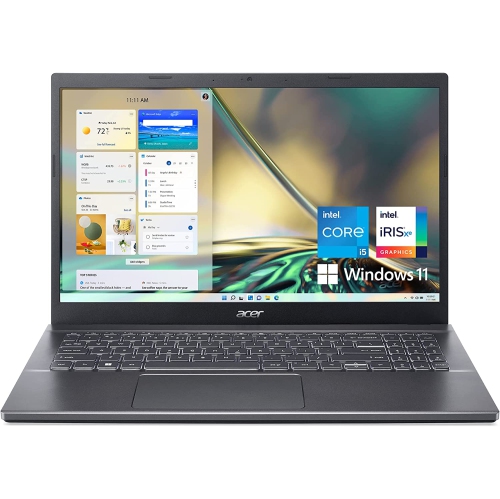
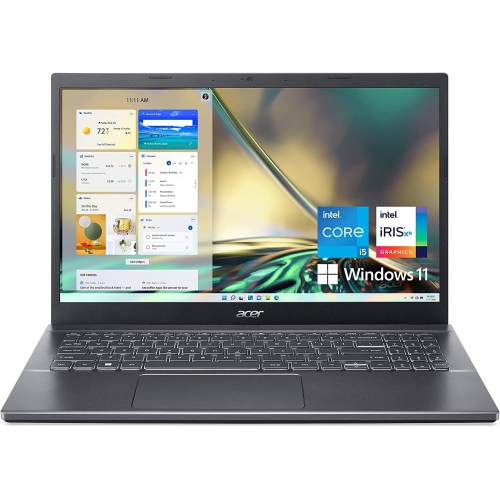
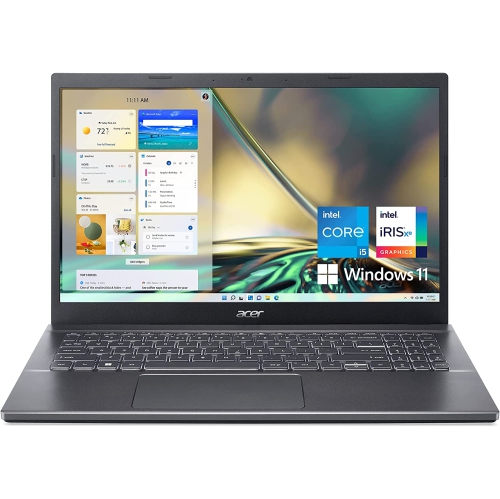
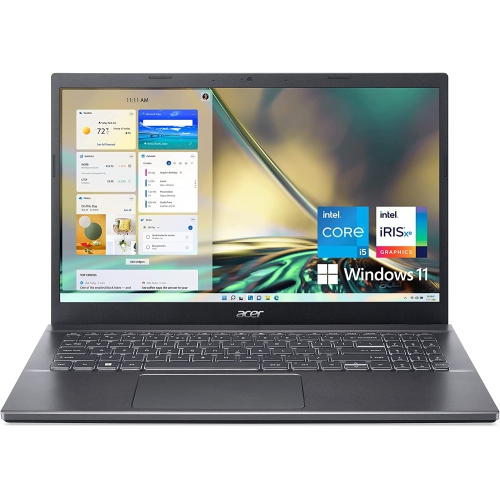
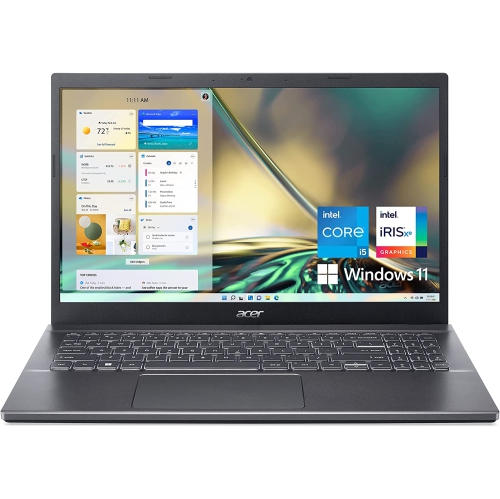
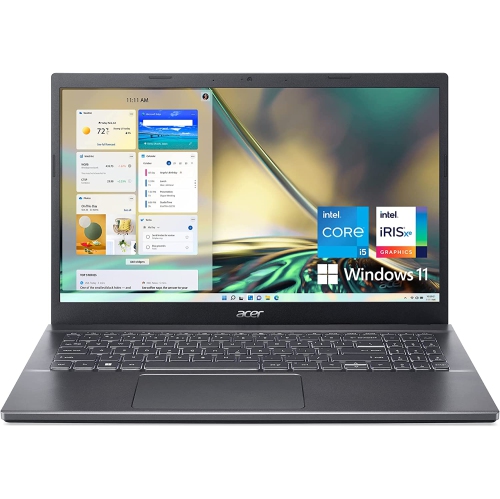
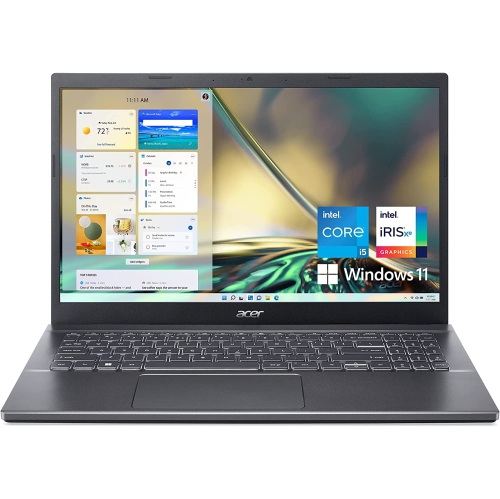
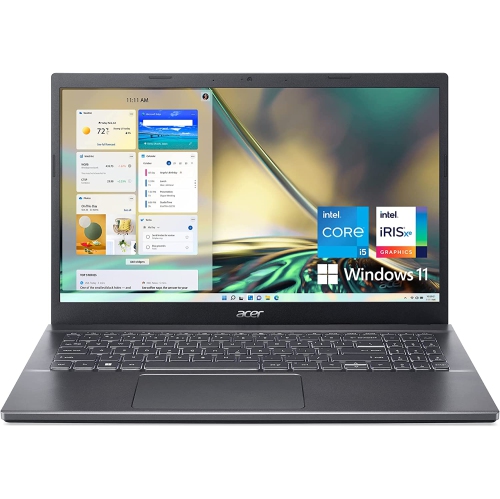
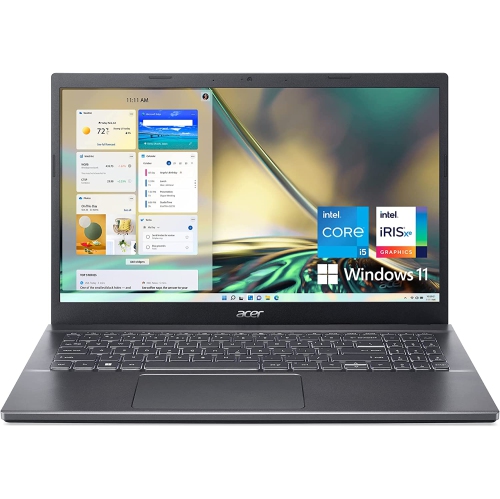
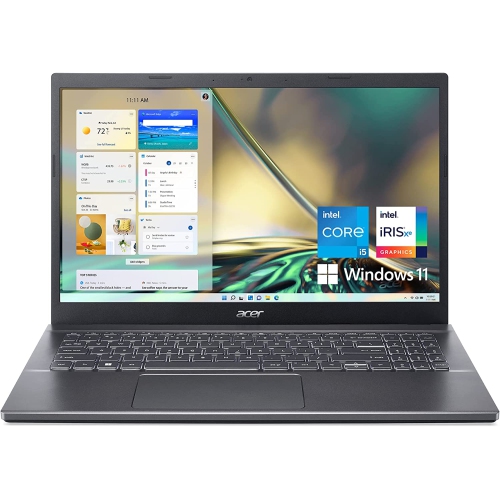
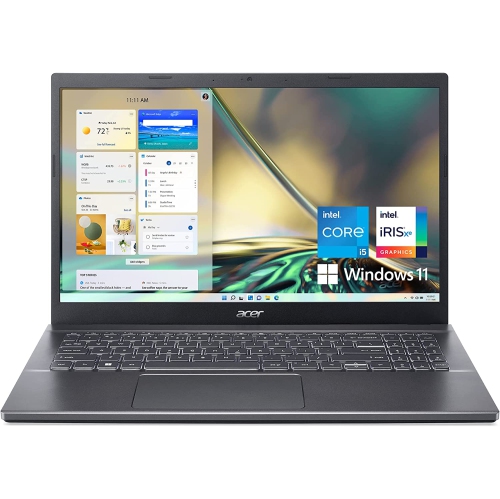
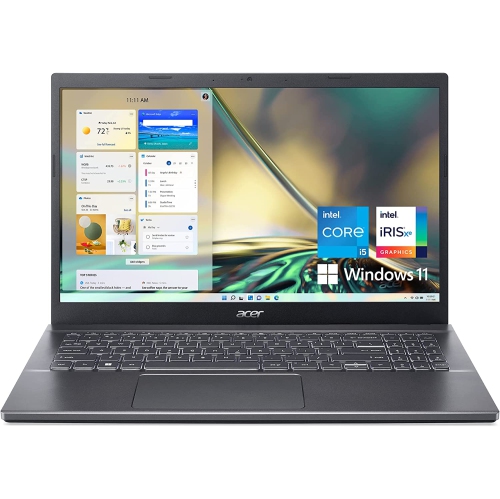
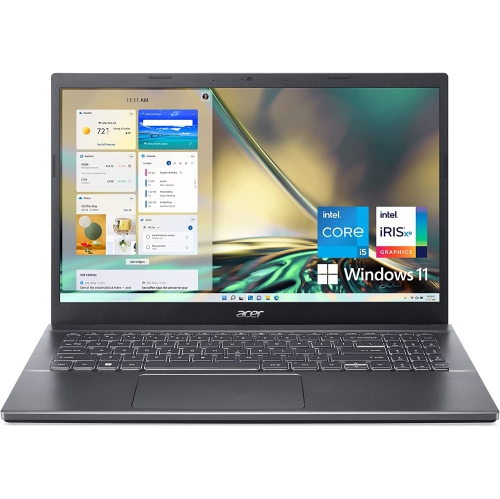
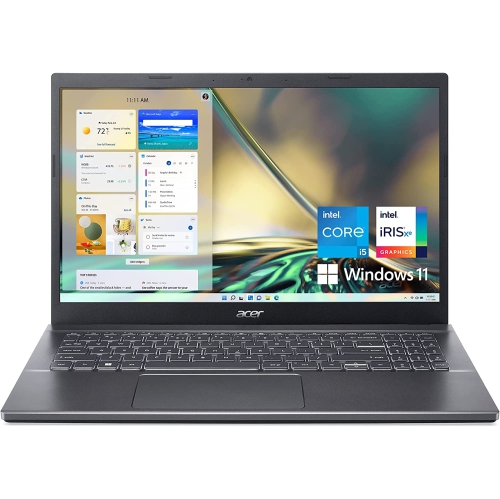
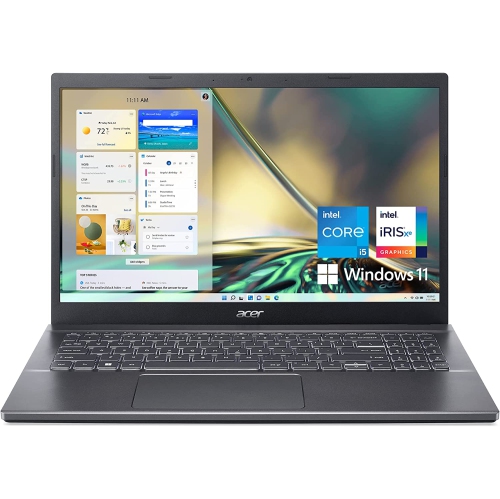
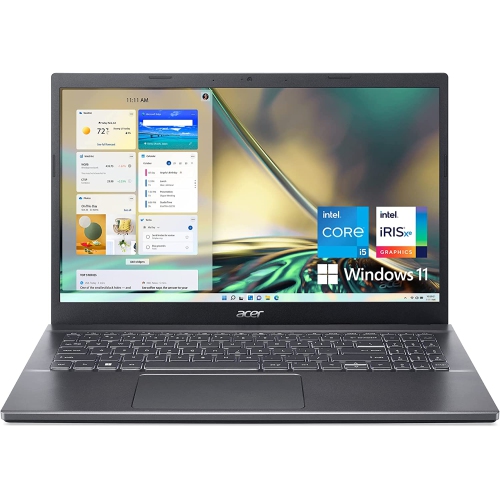
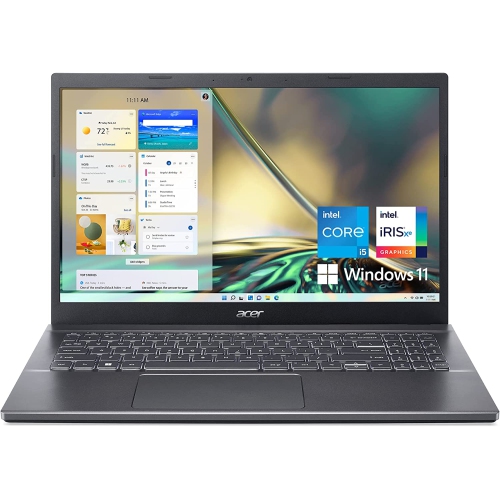
Room to work without tying you to a desk
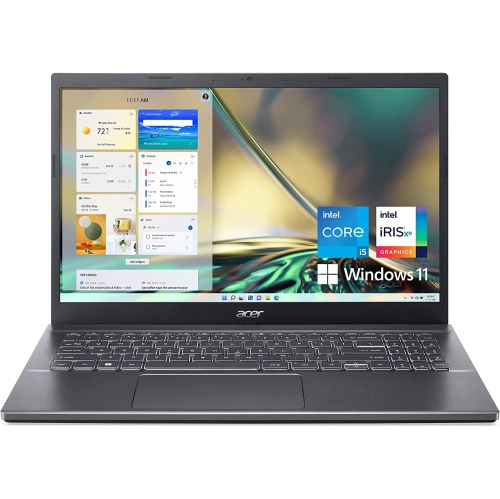
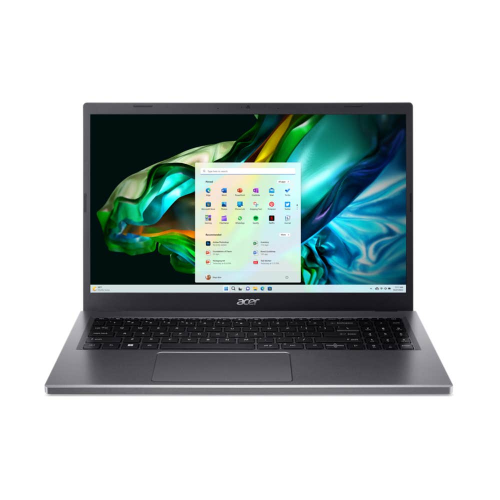
A 15.6-inch productivity laptop offers a practical balance between screen space and portability for schoolwork, office tasks, and everyday computing. Its display gives documents, spreadsheets, and browser windows room to breathe without requiring the desk space of a separate monitor and desktop computer. That balance suits a student moving between lectures and a study desk, a remote worker preparing reports, or a household sharing one computer for banking, appointments, and video calls. Within this category, the configuration matters as much as the screen size: processor capability, memory, storage, and graphics all influence how comfortably a laptop handles a particular workload. Writing an assignment while listening to music places different demands on a computer than editing a large photo library or running several demanding applications together. More memory provides additional room for active programs and browser tabs, while a capable processor helps with calculations, application responsiveness, and multitasking. Solid-state storage supports responsive startup and file access, though capacity deserves separate attention. A collection of downloaded lectures, family videos, and project files can occupy considerably more space than documents stored mainly online. Integrated graphics are generally suited to everyday visual tasks, streaming, and lighter creative work; demanding games, complex 3D projects, and intensive video production call for closer attention to graphics requirements. These distinctions make everyday productivity laptops especially relevant to people whose routine centres on a browser, office software, online learning, and communication rather than specialized production tools. A balanced configuration can feel more useful than an impressive specification in isolation. Someone attending online classes, for example, benefits from enough memory to keep course materials open alongside a video meeting, storage for submitted assignments, and a screen that makes long reading sessions comfortable. The strongest fit comes from matching those ordinary tasks to the complete set of specifications, including software requirements, rather than assuming that every laptop with the same display size will perform alike.
The experience of using a 15.6-inch laptop also depends on details that are easy to appreciate over a full day at a desk. Display resolution affects how clearly text and interface elements appear, while brightness and screen finish influence visibility under indoor lighting. A Full HD resolution of 1920 x 1080 provides a useful reference point for this size, although resolution alone does not describe colour accuracy, viewing angles, or overall picture quality. Those characteristics matter when sharing a presentation across a table or making adjustments to photographs. Keyboard layout is equally personal. Some larger laptop layouts include a numeric keypad, which can be helpful for entering expenses or working through calculations, while others prioritize different spacing and key arrangements. Backlighting, where included, makes key labels easier to see in dimly lit rooms. A responsive touchpad supports everyday navigation, and an external mouse may feel more comfortable for detailed spreadsheet work. Physical dimensions and weight determine how well a laptop fits into a backpack, tote, or briefcase; the advertised screen diagonal is not a measurement of the entire computer. A padded compartment needs to accommodate the chassis as well as protect its corners. Construction materials, hinge design, and the rigidity of the keyboard deck also contribute to the feel of a machine that gets opened, closed, and carried regularly. Connectivity deserves similar attention because familiar-looking ports do not always support identical functions. A USB-C connection, for instance, does not automatically mean that charging or video output is supported. The available connections determine whether a monitor, storage drive, headset, or other accessory can connect directly or needs an adapter. Reliable Wi-Fi supports online classes and shared documents, while webcam and microphone quality affect how clearly someone can participate in a meeting. Battery performance varies with screen brightness, applications, wireless activity, and other settings, making a light document-editing session quite different from an afternoon of video calls.
Everyday durability is partly about construction and partly about how a laptop is handled. A stable desk or table gives the computer a firm base and helps keep ventilation openings clear; soft bedding and upholstered surfaces can obstruct airflow. Carrying the computer in a well-fitting padded sleeve reduces contact with keys, chargers, and other objects inside a bag. The charging cable also benefits from being packed without tight bends or pressure around its connectors. For cleaning, a soft microfibre cloth removes dust and fingerprints gently, with any additional cleaning method following the manufacturer’s directions. Liquid should never be sprayed directly onto the display or keyboard. These small habits help preserve the surfaces that receive the most daily contact, particularly around the palm rest, touchpad, and frequently used keys. Keeping software updated and maintaining a separate backup of important files supports dependable use beyond the physical hardware. For a student, that might mean protecting a term’s worth of notes and assignments; for a household, it could mean keeping copies of photographs and essential documents. Comfort matters over longer sessions, too. A laptop stand paired with an external keyboard and mouse can create a more flexible desk arrangement, while the built-in keyboard and display remain convenient when moving between rooms or working away from that setup. As a gift, this type of computer is most useful when its size, operating system, and capabilities match the recipient’s established habits, whether those involve coursework, personal administration, or staying in touch with family. Compatibility with required applications and existing accessories can matter more than a feature the recipient rarely uses. The related Acer Aspire 15 collection provides another place to explore this general size category, with individual specifications remaining important for understanding differences between configurations. Across everyday productivity laptops, the lasting appeal is straightforward: enough screen space to work comfortably, a portable format that fits familiar routines, and capabilities suited to the tasks that fill an ordinary day.
Top selling and popular products
-
 Your price for this item is $449
-
 Your price for this item is $3099
-
 Your price for this item is $1800.68
-
 Your price for this item is $664.05
-
 Your price for this item is $869.99
-
 Your price for this item is $2960.48
-
 Your price for this item is $489.7
-
 Your price for this item is $1199
Discover more categories related to Acer Aspire 5 15
Top Collections:
Best Black Friday Deals This Year, Best Black Friday Deals On Electronics, Kindle Devices, Best Black Friday Deals On Apple Products, Best Budget Office Chairs, Best Cameras for Sports Photography, Dyson Airwrap, Canon G7X Cameras, Best Laptops for Writers, Samsung Galaxy Phones
Some products may be subject to Environmental Handling Fees
(EHF) depending on your province.
Learn more about EHFs.