Aspire 5 15
Aspire 5 15 laptops offer a perfect blend of performance and style, making them an excellent choice for both work and entertainment. With a sleek design and user-friendly interface, these devices are built to keep up with your daily tasks and multimedia needs. Explore the Aspire 5 15 lineup to find models that suit your preferences, whether you’re looking for productivity on the go or a reliable companion at home. Discover options that deliver versatility and convenience every step of the way.
Sort
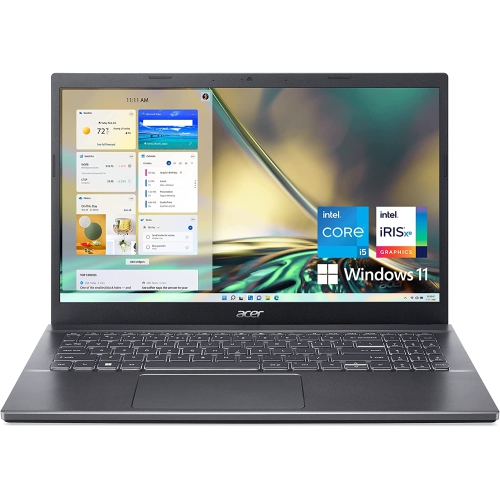
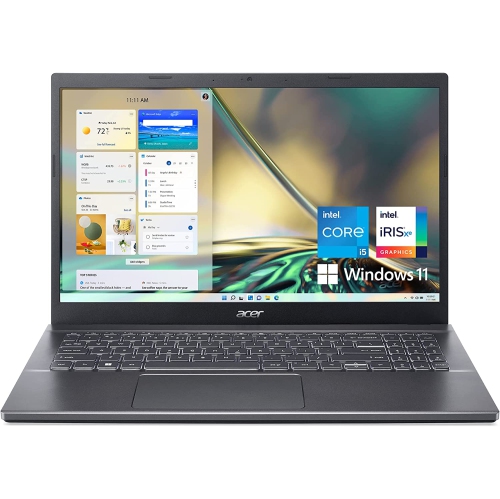
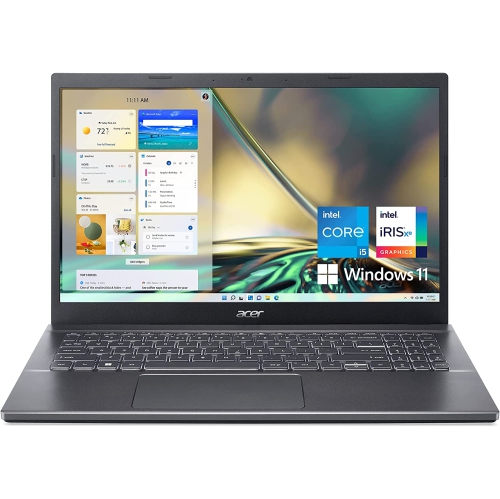
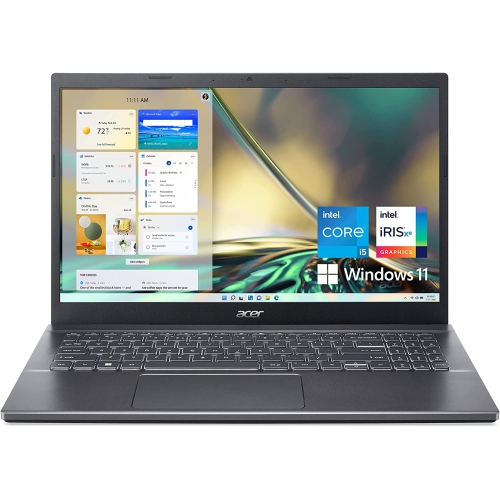
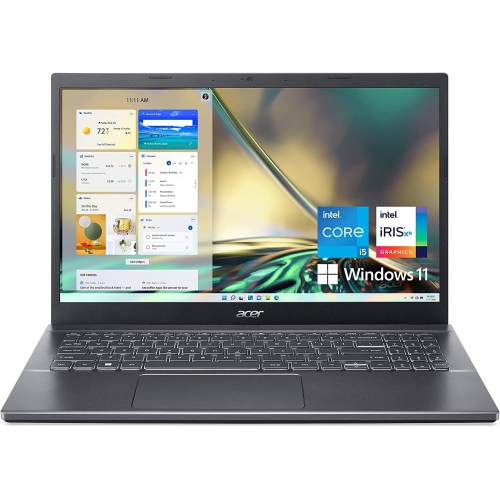
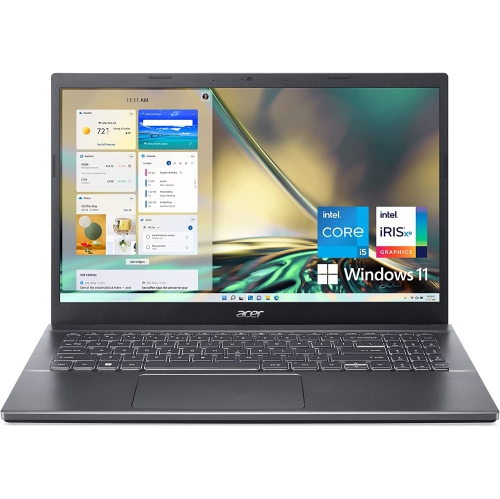
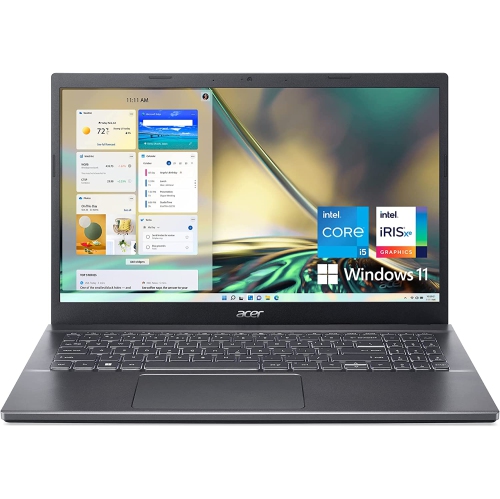
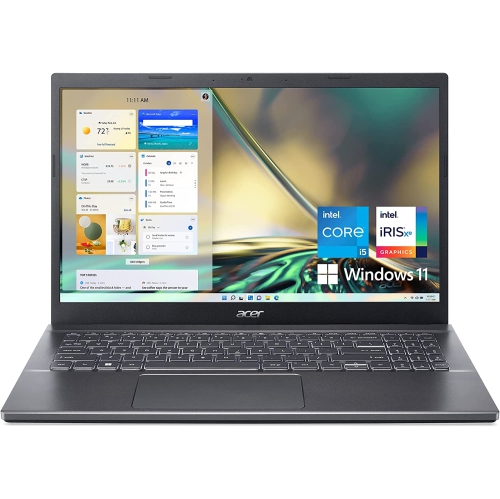
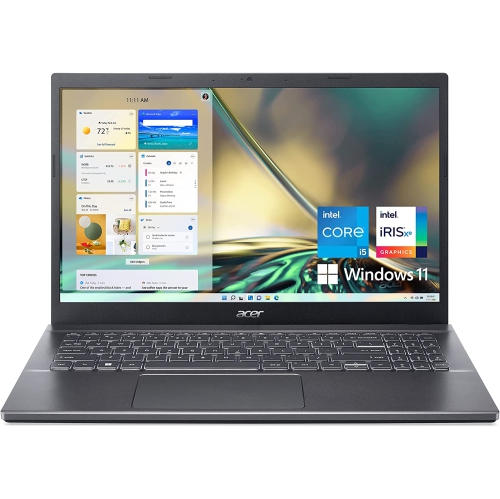
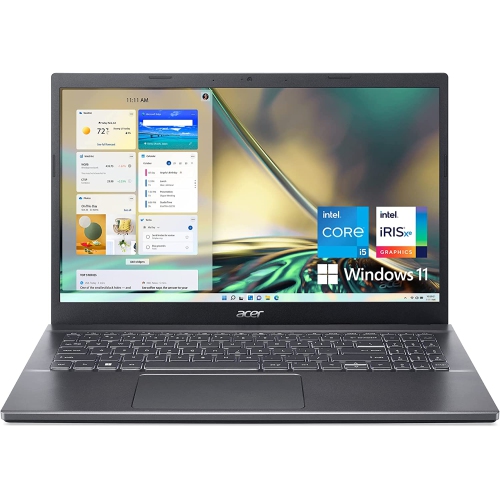
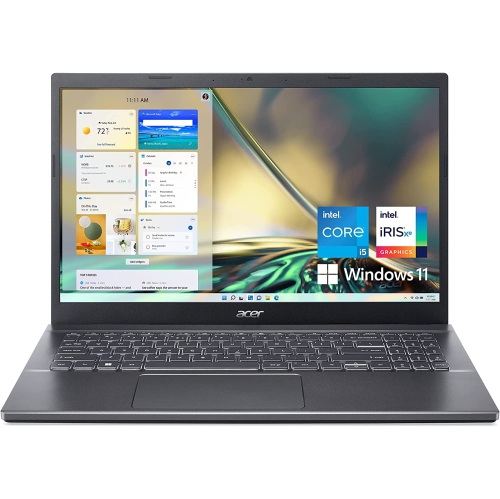
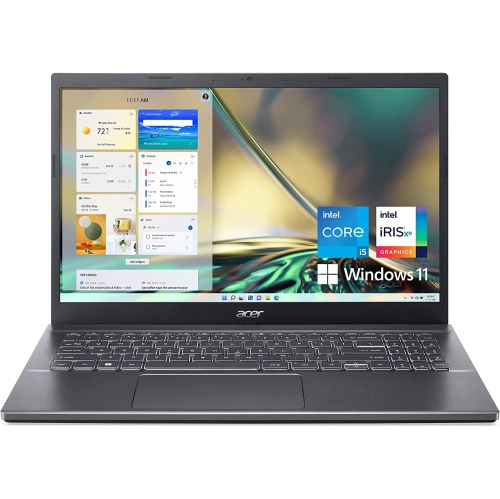
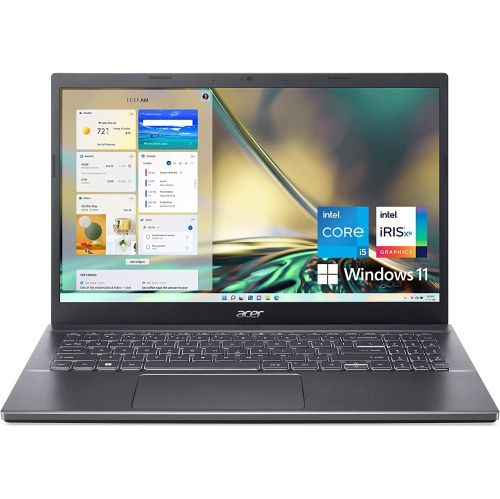
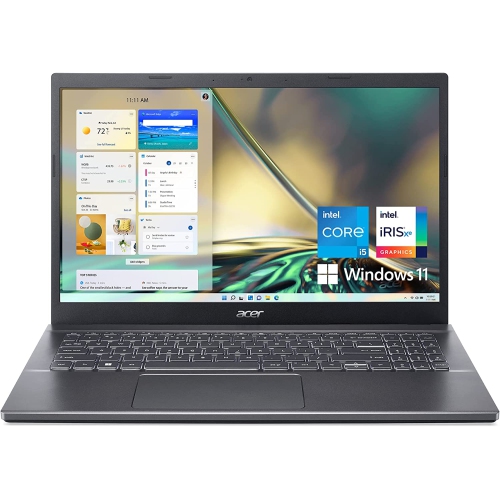
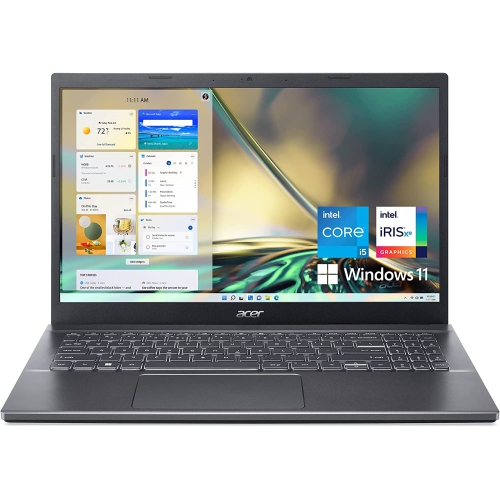
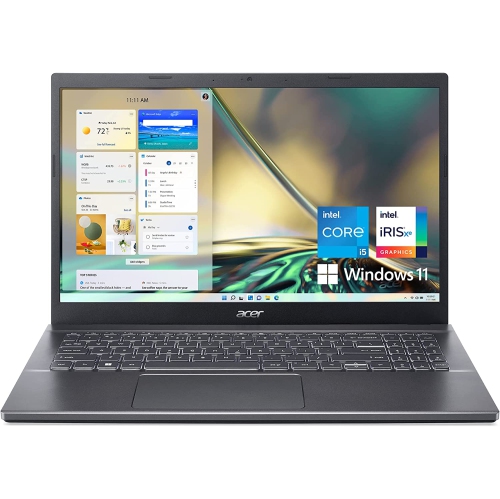
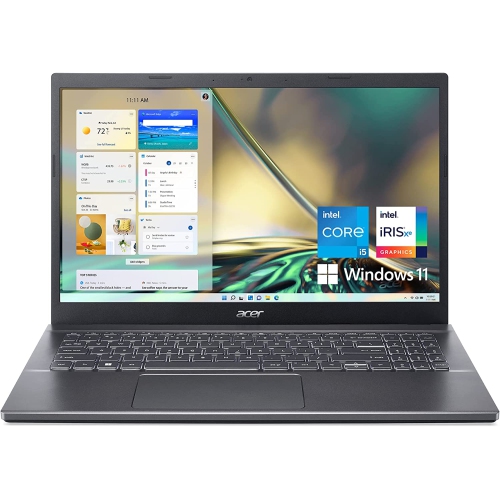
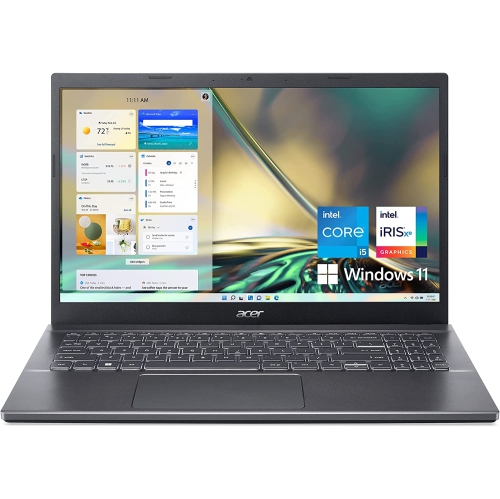
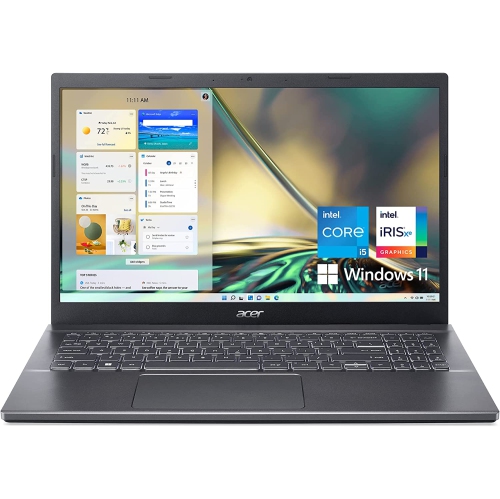
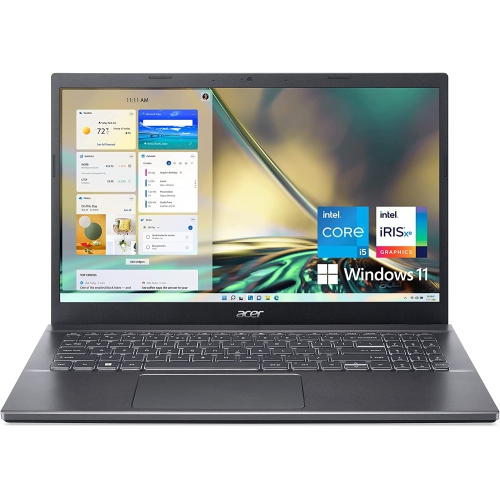
Room for everyday work without a permanent desk
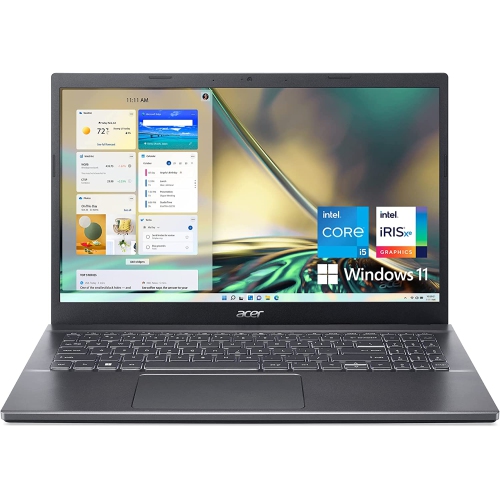
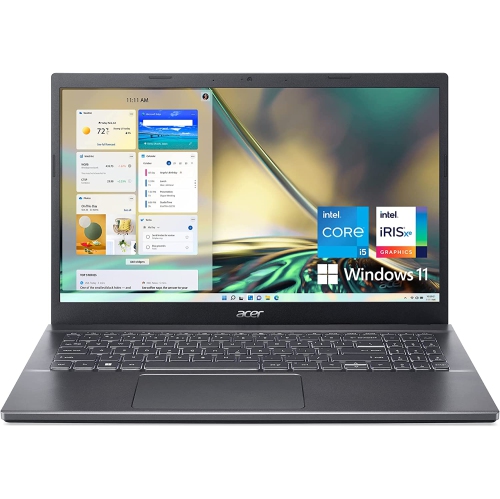
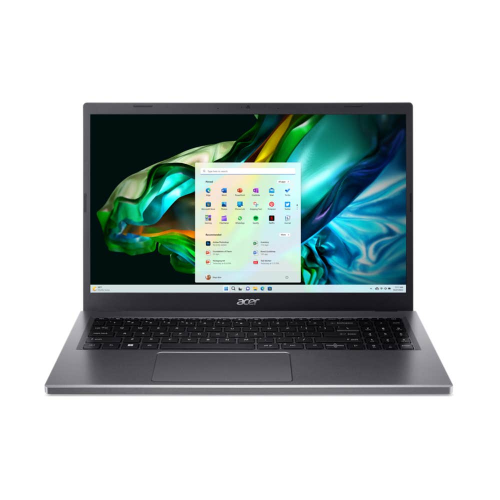
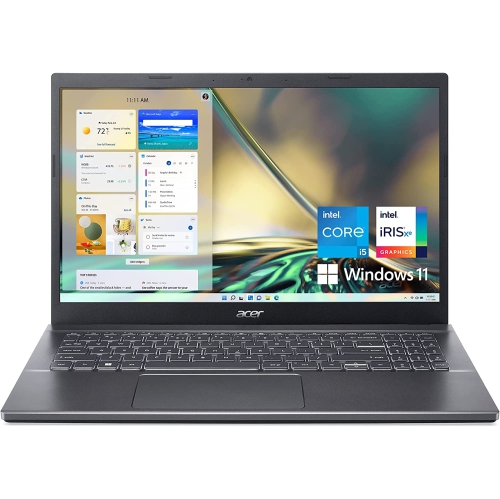
Everyday 15.6-inch Windows laptops bring schoolwork, home administration, video calls and media streaming together in a familiar, versatile format. The screen offers room to read a document beside a browser window, follow an online lesson while taking notes, or review a spreadsheet without relying entirely on a separate monitor. That balance makes this size useful for students moving between classes and a study space, people working from different rooms at home, and households that need a shared computer for forms, appointments and personal projects. A larger display can also make everyday tasks feel less cramped than they do on a smaller portable device, although text size, screen resolution and display settings all affect readability. Full HD resolution can provide clear text and useful detail for general use, while brightness, viewing angles and screen finish influence how comfortable the display feels beside a window or under overhead lighting. Colour accuracy matters more for photo work than it does for checking email, and shoppers doing detailed visual work may have different display requirements from those mainly writing reports. Keyboard layout is another meaningful part of the experience. Key spacing, the position of navigation keys and the presence of a numeric keypad can affect everything from typing an essay to entering household expenses. A backlit keyboard, where included, helps make key labels easier to see in a dim room. For video calls, the webcam, microphone and speakers work together, so camera resolution alone does not tell the whole story. A headset may be useful for shared spaces, while an external display can turn a laptop into a more spacious work setup. This screen size sits between compact portability and a larger desktop replacement: it provides a comfortable work surface without requiring a permanent desk, but its weight and overall dimensions still matter when it travels in a backpack every day.
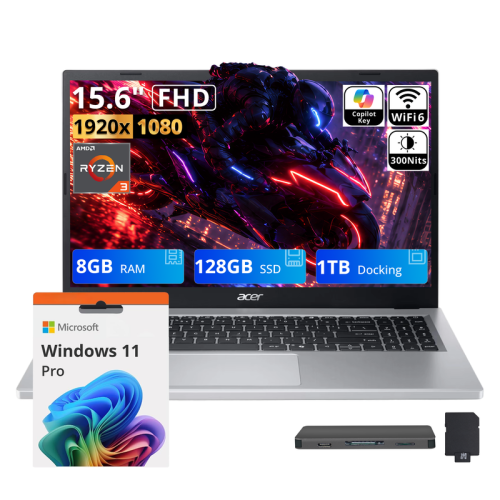
Performance depends on the exact combination of processor, memory and storage rather than screen size alone. For browsing, word processing, online learning and streaming, a well-matched configuration helps keep routine tasks responsive. A student might have a research article, a presentation and several browser tabs open at once; someone managing a small home office might move between invoices, email and a video meeting. Memory helps the computer handle those overlapping activities, while the processor influences how quickly it completes calculations and other demanding work. Solid-state storage supports quick startup and file access, with capacity determining how much room remains for applications, documents, photos and downloaded media. Large photo libraries and locally stored videos can occupy space quickly, even when everyday documents are relatively small. Cloud storage and external drives can supplement internal storage, but neither replaces a considered backup routine. More demanding uses, such as complex video editing, large design projects or newer games, may call for stronger graphics capabilities and additional memory beyond what a general-purpose configuration provides. Software requirements are worth checking against the exact specifications, especially for specialized school or work programs. Connections also shape how easily a laptop fits into an existing setup. USB ports can accommodate accessories, HDMI may support a compatible external screen, and a headset connection can be convenient for calls. USB-C features vary: the connector’s shape does not guarantee support for charging the laptop, driving a monitor or every data-transfer speed. Wi-Fi compatibility, router placement and the quality of the internet connection all contribute to online performance. Battery life varies with display brightness, video meetings, background applications and power settings, so a stated runtime should not be treated as a promise for every workload. Charger size and charging options matter as well, particularly when the computer travels between home, school and work. The most suitable configuration is one that supports the applications and accessories used regularly, with some room for changing needs.
Construction and day-to-day handling help determine how well a laptop stands up to regular use. Plastic and metal components can both be suitable for a portable computer; the way the chassis, hinges and keyboard deck are assembled matters alongside the material itself. A lid that opens smoothly, a base that sits steadily and a keyboard area that feels firm can all contribute to a reassuring everyday experience. Any laptop benefits from support beneath its base and space around its ventilation openings. A hard, level surface is preferable to a blanket or cushion that can obstruct airflow, especially during longer calls or more demanding tasks. For travel, a padded sleeve or bag compartment should fit the computer’s actual width, depth and thickness rather than relying only on the advertised screen size. A 15.6-inch display measurement describes the diagonal screen area, not the dimensions of the whole machine. Keeping charging cables and other hard accessories separate from the lid helps prevent pressure against the screen inside a bag. Routine care can remain straightforward: shut the computer down before cleaning, follow the manufacturer’s care directions and use a soft, lint-free cloth without spraying liquid directly onto the device. Closing the lid gently, keeping food and drinks away from the keyboard and checking cables before packing up are small habits that reduce avoidable wear. Software updates, account protection and regular backups support dependable use alongside physical care. For a shared household computer, separate user accounts help organize files and preferences while reducing accidental changes to someone else’s work. As a gift, this type of laptop can suit a student, a family member replacing an older computer or someone who needs a dedicated device for personal projects. The recipient’s required programs, preferred keyboard layout and carrying needs are more useful starting points than appearance alone. The related Acer Aspire 15 collection offers another way to explore this general size range, with individual specifications providing the clearest basis for comparing everyday performance, connections and portability.
Top selling and popular products
-
 Your price for this item is $449
-
 Your price for this item is $3099
-
 Your price for this item is $1800.68
-
 Your price for this item is $664.05
-
 Your price for this item is $869.99
-
 Your price for this item is $2960.48
-
 Your price for this item is $489.7
-
 Your price for this item is $1199
Discover more categories related to Aspire 5 15
Top Collections:
Best Black Friday Deals This Year, Best Black Friday Deals On Electronics, Kindle Devices, Best Black Friday Deals On Apple Products, Best Budget Office Chairs, Best Cameras for Sports Photography, Dyson Airwrap, Canon G7X Cameras, Best Laptops for Writers, Samsung Galaxy Phones
Some products may be subject to Environmental Handling Fees
(EHF) depending on your province.
Learn more about EHFs.