Acer Aspire 15
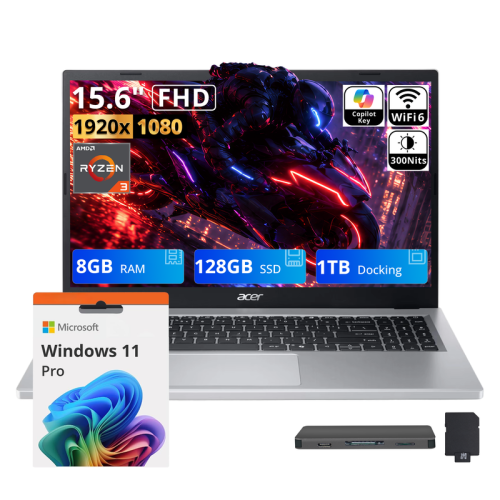
Discover the Acer Aspire 15, a versatile choice for those seeking reliability and performance in a laptop. Perfect for work, study, or entertainment, the Acer Aspire 15 offers a balance of functionality and style to fit your daily needs. Explore a range of options designed to help you stay productive and connected wherever you go. Find the Acer Aspire 15 that matches your lifestyle and enjoy seamless computing every day.
Sort
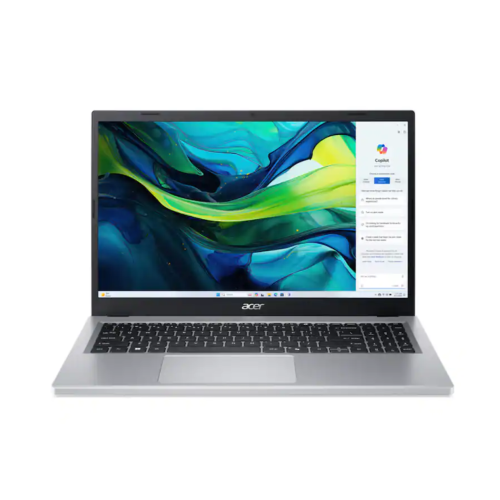
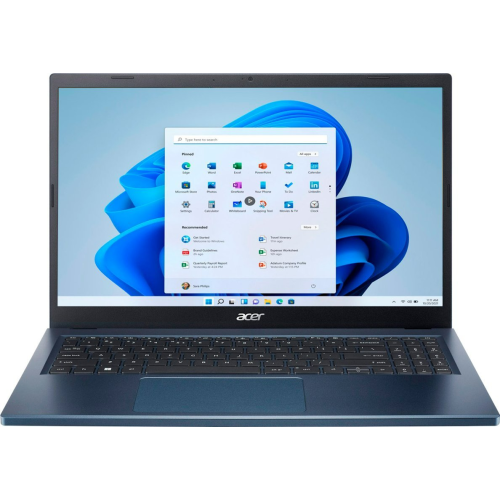
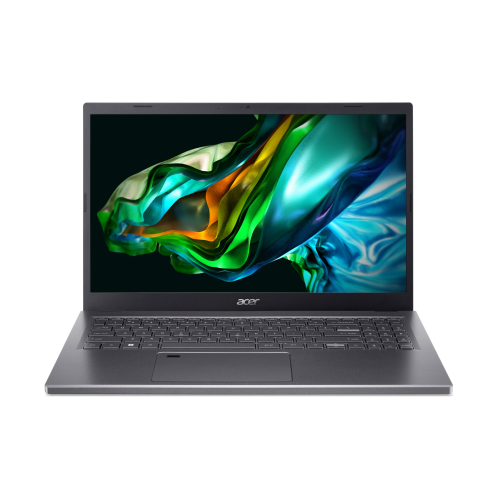
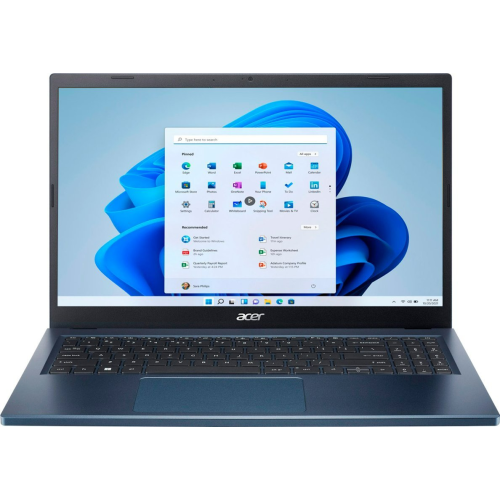
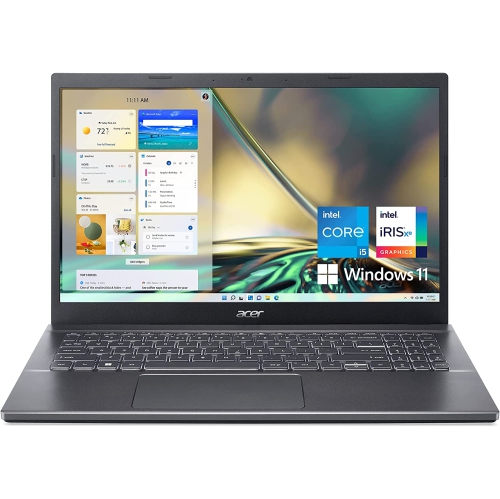
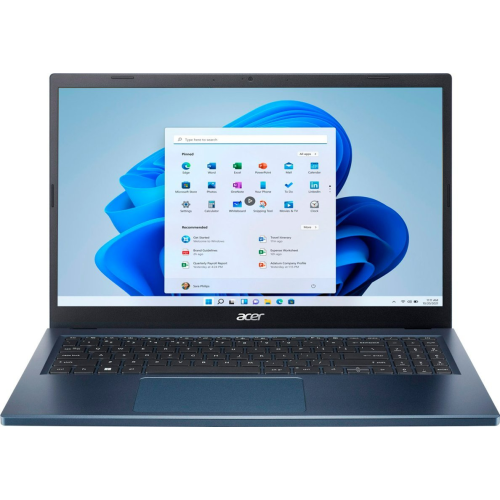
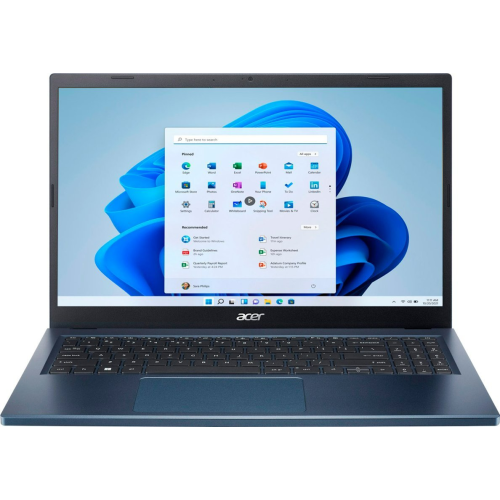
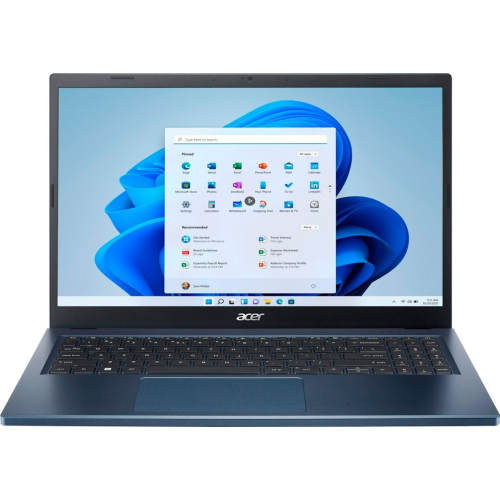
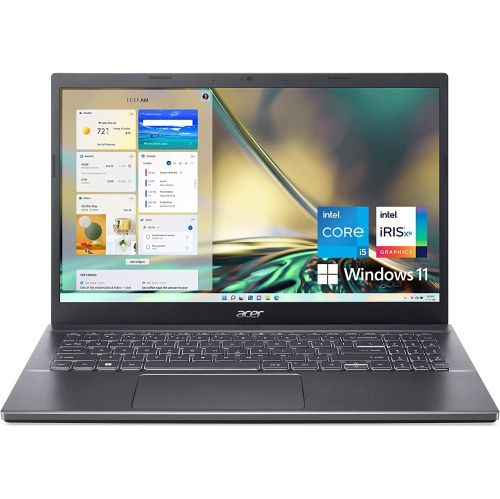
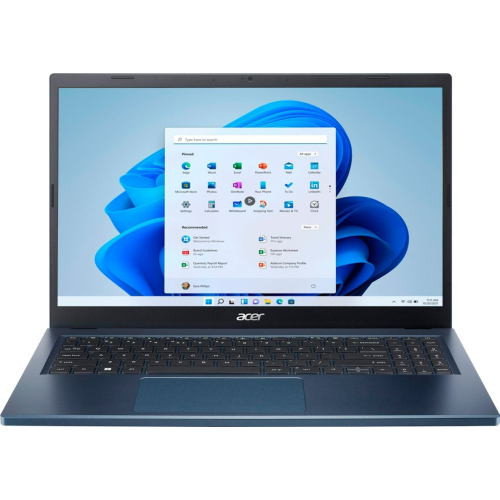
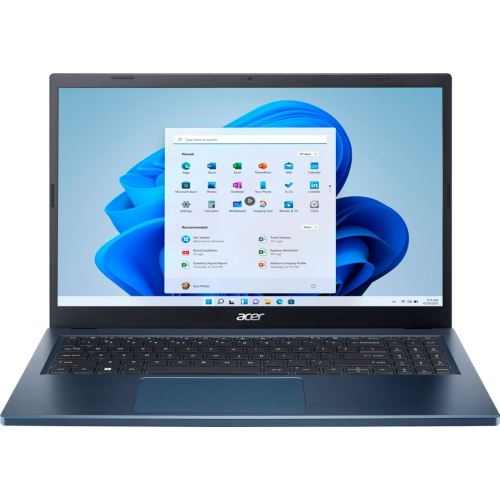
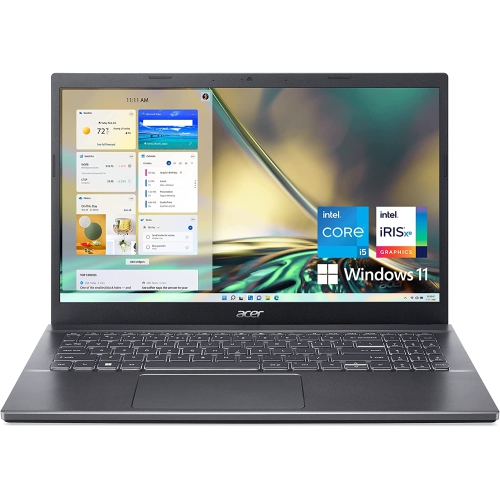
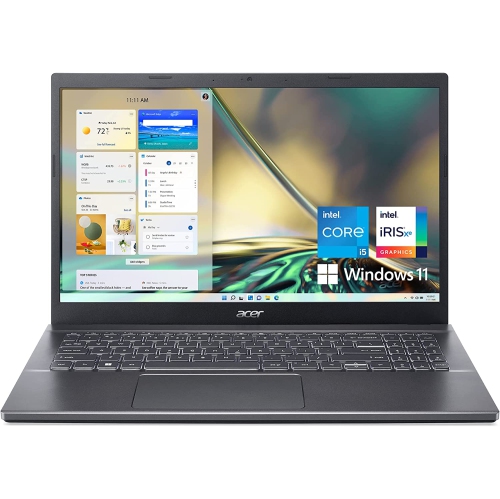
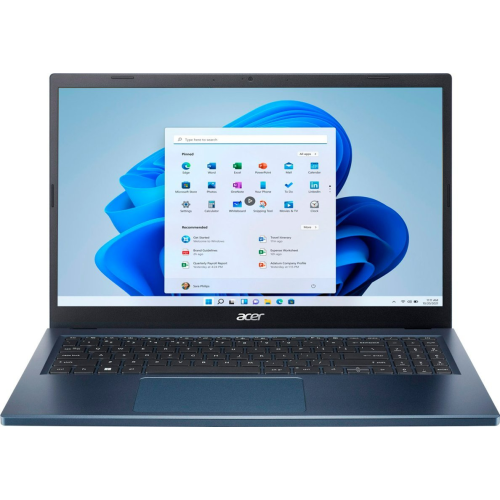
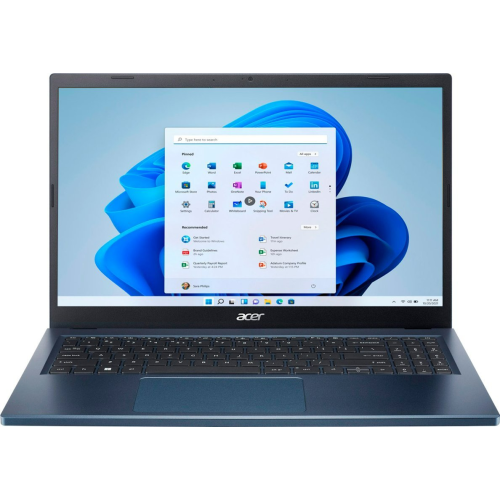
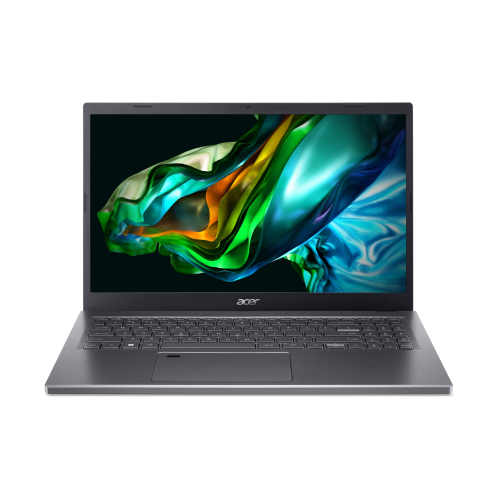
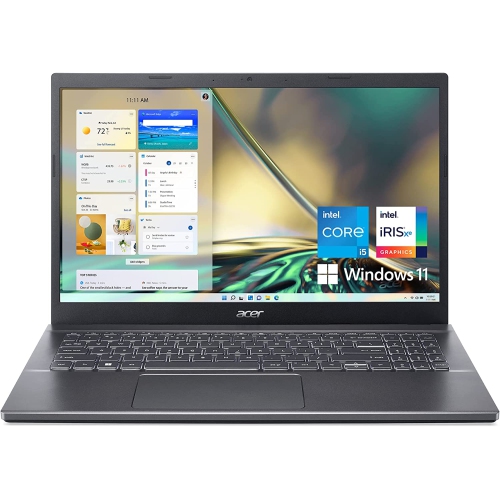
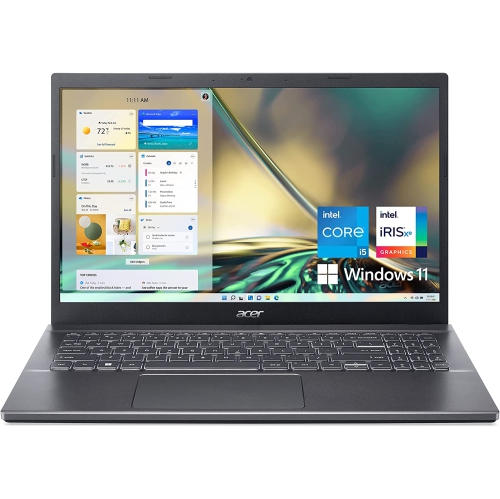
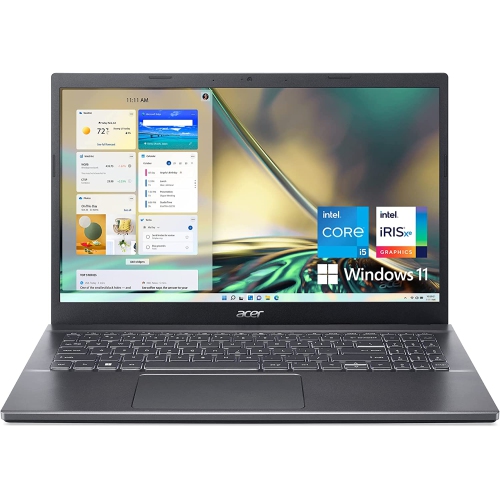
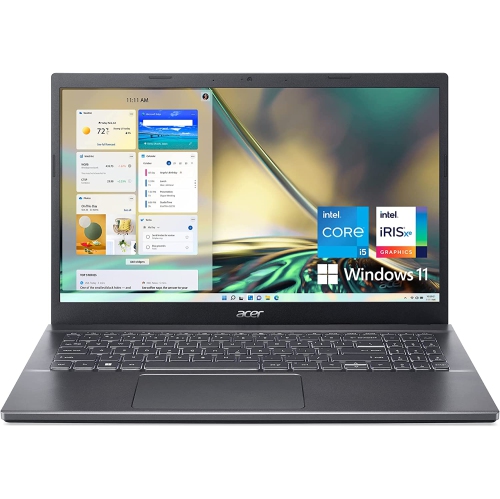
Everyday laptop comfort goes beyond screen size
A 15.6-inch Windows laptop offers a practical balance between a readable screen and a design that can move from a desktop to a kitchen table or classroom. This size suits everyday tasks such as writing assignments, managing household documents, joining video calls, browsing websites, and watching films. For students, the display provides room for a research article beside a document; for home users, it makes spreadsheets, forms, and photo folders easier to navigate than on a smaller screen. The exact configuration matters, since laptops with similar names or appearances can differ considerably in processing power, display quality, memory, and storage. A Full HD display has a resolution of 1920 x 1080 pixels, providing useful detail for text, video, and general productivity on a 15.6-inch screen. An IPS panel can help maintain a more consistent picture when viewed from an angle, which is helpful when two people are looking at the same document. A matte finish can reduce distracting reflections, although screen brightness and the position of nearby lighting still affect visibility. Touch input is useful for people who prefer tapping through menus, but a touchscreen does not necessarily mean the laptop folds into a tablet. Keyboard layout also shapes the daily experience. A dedicated number pad can make entering expenses or working with figures more comfortable, while key spacing and a responsive touchpad matter during longer writing sessions. Backlighting, where included, makes key labels easier to see in dimly lit rooms. For calls with classmates, colleagues, or family, webcam resolution, microphone clarity, and speaker placement deserve attention alongside screen specifications. A headset can improve speech clarity in shared spaces, and a physical camera shutter, when provided, adds a straightforward privacy control. Together, these details determine how comfortably a laptop fits into ordinary routines, whether that means an hour of coursework after dinner or several stretches of work throughout the day.
Processing power, memory, and storage influence how smoothly an everyday laptop handles those routines. Entry-level processors are generally suited to lighter activities such as email, web browsing, document editing, and video playback, while more capable processors offer additional headroom for larger spreadsheets and several applications running together. Memory serves a different purpose from storage: RAM holds information that active applications need, while the storage drive keeps files and installed software. An 8 GB memory configuration can support light everyday use, but 16 GB gives more breathing room when a browser has numerous tabs open alongside a video meeting and office applications. Storage requirements depend on what stays on the laptop. Documents take relatively little space, while downloaded videos, large photo collections, and installed games can fill a drive much faster. A solid-state drive typically helps with startup times, application loading, and file access compared with a mechanical hard drive. Drive capacity should also leave room for software updates and future files rather than matching only the amount needed on the first day. Integrated graphics are often adequate for streaming, presentations, and lighter creative tasks, but demanding games, complex 3D work, and intensive video projects require closer attention to graphics capabilities and software requirements. Battery life varies with screen brightness, processor workload, wireless activity, and power settings, so a light-browsing estimate may not reflect a day filled with video calls. The charger’s size and the laptop’s weight are worth considering for regular travel between classes or workspaces. Connections matter just as much once the laptop reaches its destination. USB-A ports can accommodate many existing accessories, HDMI can connect a compatible monitor or television, and a headset jack provides a simple wired audio option. USB-C capabilities differ between laptops: a connector may support data without supporting charging or video output. Reliable Wi-Fi, compatible Bluetooth accessories, and the right mix of physical ports help keep a familiar setup straightforward without relying on several adapters.
Construction and fit become especially noticeable when a laptop is used and carried regularly. Plastic housings can be practical for everyday use, while metal panels may provide a different feel and level of rigidity; the overall design, hinge construction, and handling matter more than the material alone. A padded sleeve or laptop bag should match the computer’s actual width, depth, and thickness, not just its advertised screen size. Extra space for a charger, mouse, and notebook is useful, but loose accessories should not press against the lid during transport. Carrying the laptop by its base rather than its screen helps avoid unnecessary strain, and keeping drinks away from the keyboard reduces the risk of accidental damage. Vents need clear airflow, making a firm desktop or work surface a better choice than a blanket or cushion during extended use. Routine care is usually simple: shut the laptop down before cleaning, use a soft microfibre cloth, and follow the manufacturer’s directions for any cleaning solution. Spraying liquid directly onto the display or keyboard can allow moisture to enter openings. Software maintenance matters too, including operating system updates, account security, and a separate backup of important coursework, photos, and personal records. For a student or family member receiving a laptop as a gift, the best fit depends on actual tasks rather than screen size alone. Course software, accessibility features, keyboard preferences, and the need to connect an external display can all affect long-term usefulness. A larger screen may suit someone who mainly works at home, while frequent commuters may place greater importance on carrying weight and charger size. The related Acer Aspire 3 15 range offers another point of comparison, with individual specifications remaining important to the choice. Matching those details to everyday habits helps distinguish a laptop that simply meets minimum requirements from one that remains comfortable and useful through study, work, and downtime.
Top selling and popular products
-
 Your price for this item is $449
-
 Your price for this item is $3099
-
 Your price for this item is $1800.68
-
 Your price for this item is $664.05
-
 Your price for this item is $3400.68
-
 Your price for this item is $489.7
-
 Your price for this item is $1199
-
 Your price for this item is $1951.79
Discover more categories related to Acer Aspire 15
Top Collections:
Best Black Friday Deals This Year, Best Black Friday Deals On Electronics, Kindle Devices, Dyson Airwrap, Best Cameras for Sports Photography, Best Budget Office Chairs, Canon G7X Cameras, PS5 Pro Consoles, Best Black Friday Deals On Apple Products, XBOX One S Consoles
Some products may be subject to Environmental Handling Fees
(EHF) depending on your province.
Learn more about EHFs.