Acer Iconia One 10
Discover the versatility and convenience of the Acer Iconia One 10, designed to enhance your digital experience at home, work, or on the go. Whether you're browsing the web, streaming your favorite shows, or staying productive with everyday tasks, the Acer Iconia One 10 offers a reliable solution for users seeking performance and value. Explore a range of options to find the perfect fit for your needs and make the most of every moment with technology that keeps up with your lifestyle.

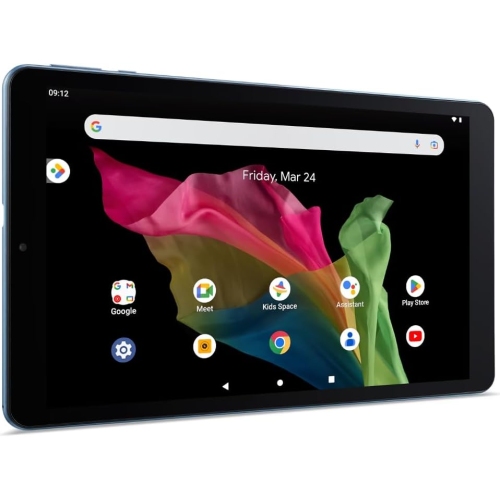

More room for everyday tasks on a 10.1-inch tablet
A 10.1-inch tablet offers a generous touchscreen for everyday browsing, reading, streaming, and simple apps without taking up the space of a laptop. This size is particularly useful when a phone screen feels cramped: a recipe can stay open on the countertop, a digital magazine can show more of its layout, and a video call can give faces a little more room. The screen measurement refers to the diagonal distance across the display, not the overall width of the device, so the surrounding frame also affects how large it feels in the hand. Tablets in this category are generally suited to casual entertainment and lighter tasks rather than demanding desktop work. They can serve as a shared household screen, a reading companion, or a convenient way to check messages away from a desk. For students, they may be useful for viewing course materials, reviewing notes, or watching instructional videos, provided the required apps and websites remain compatible. For someone who mainly reads, watches shows, or follows recipes, a straightforward layout and comfortable screen may matter more than advanced features. Display resolution influences how crisp small text looks, while brightness and viewing angles affect how easily the picture can be seen when the tablet rests on a stand or is shared between two people. Speaker placement matters, too: a hand covering a speaker opening can noticeably muffle dialogue. Headphone support and wireless audio compatibility are useful details for listening in shared spaces. Front-facing cameras can support casual calls, although image quality depends on the camera, lighting, connection, and calling app. A tablet can also make a thoughtful gift when its capabilities match the recipient’s habits, especially for someone who prefers a larger screen for familiar activities. The most suitable choice is one that handles those routines comfortably, rather than one selected on screen size alone.
Specifications deserve particular attention with older tablet generations because similar-looking devices can differ in processing power, memory, storage, ports, and software support. The operating system version helps determine which apps can be installed, while the security update history matters for connected activities and personal information. A tablet that still plays downloaded videos may no longer support a preferred streaming app, school platform, or updated browser. App requirements can change independently of the hardware, so compatibility is more meaningful than assuming that every familiar service will work. Processing power and working memory affect responsiveness when switching between a browser, a video call, and other open apps. Lighter use, with fewer tasks running at once, may suit older hardware better than frequent multitasking. Internal storage holds the operating system as well as apps, photos, and downloaded files, which means the space available for personal content is less than the stated capacity. Where expandable storage is supported, a compatible memory card can add room for certain files, but it does not automatically increase working memory or allow every app to move off internal storage. Wi-Fi specifications are another practical consideration, particularly when the tablet will be used away from the router or alongside several connected devices. Cellular connectivity should never be assumed from the presence of Wi-Fi; mobile network access requires the appropriate hardware and service support. Charging connections, audio ports, and wireless accessory support can also vary between versions. Exact model information is therefore important when matching a charger, protective cover, or replacement accessory. The Huawei MediaPad T5 collection offers another tablet-focused page to explore while comparing these everyday features. For an older device intended for continued use, clear information about its software limitations is just as valuable as its screen dimensions. Activities involving banking, work accounts, or other sensitive information call for supported software and appropriate security updates, not simply a device that powers on successfully.
Physical condition, comfortable handling, and battery performance shape the experience just as much as the specifications. Tablet bodies may use plastic, metal, or a combination of materials; weight, edge shape, and the finish on the back influence how securely the device sits in the hand. A smooth surface can feel different once a protective cover is fitted, and added protection also adds bulk. For reading on a sofa or watching a programme at a table, a cover with a stable stand can reduce the need to hold the screen continuously. Its fit needs to match the device precisely so that the camera, charging port, speakers, and buttons remain accessible. Screen protectors also require the correct dimensions and cut-outs, rather than a match based only on the advertised screen size. Battery capacity does not tell the whole story on a previously used tablet: age, charging history, screen brightness, and the type of activity all affect how long it operates between charges. Video calls and streaming can place different demands on the battery than reading a saved document. A suitable charger and an undamaged cable are important, and a loose charging connection can make an otherwise usable tablet frustrating. For pre-owned or refurbished devices, condition descriptions, included accessories, testing details, and warranty terms help clarify what to expect. An unresponsive section of touchscreen or a damaged port can interfere with daily use more than a cosmetic mark on the back. Routine care is straightforward: a soft, lint-free cloth, manufacturer-approved cleaning methods, and protection from spills help keep the screen and openings clean. Liquid should not be sprayed directly onto the device. A padded sleeve can protect it from scratches inside a bag, while a stable place to charge helps prevent accidental falls. For a shared family tablet, separate profiles or suitable parental controls, where supported, can help organize access. These details make a difference to whether the tablet feels convenient and dependable for its intended purpose.
Top selling and popular products
-
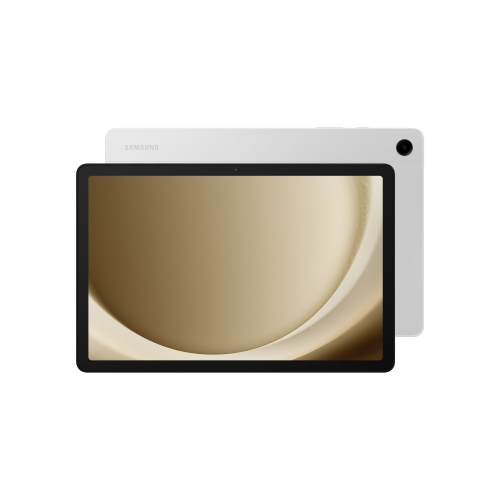 Your price for this item is $499.99
-
 Your price for this item is $1749.99
-
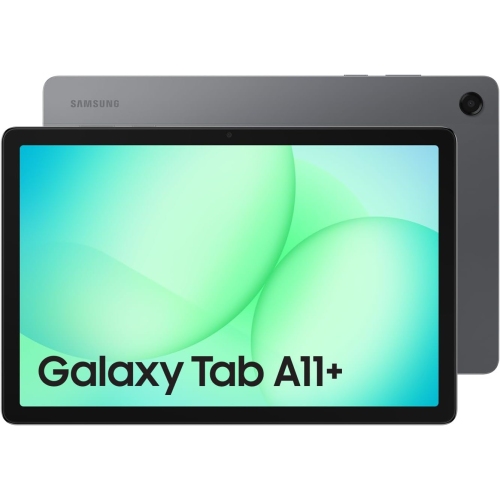 Your price for this item is $394.99
-
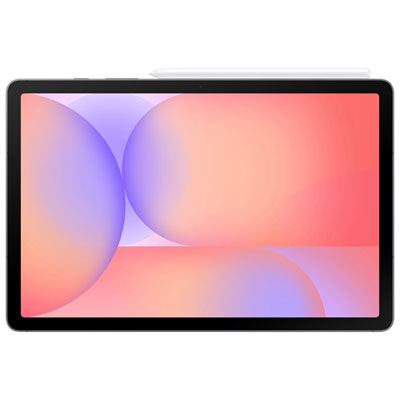 Your price for this item is $579.99
-
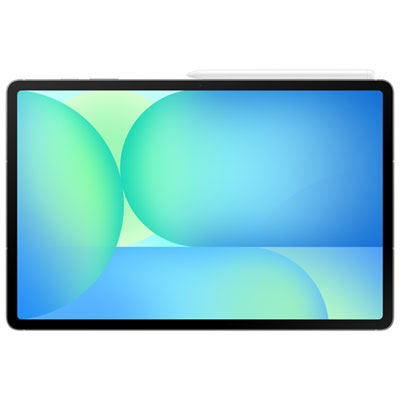 Your price for this item is $979.99
-
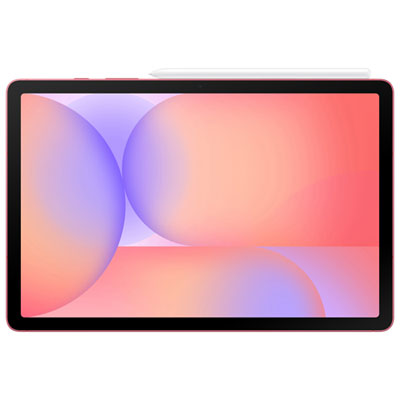 Your price for this item is $579.99
-
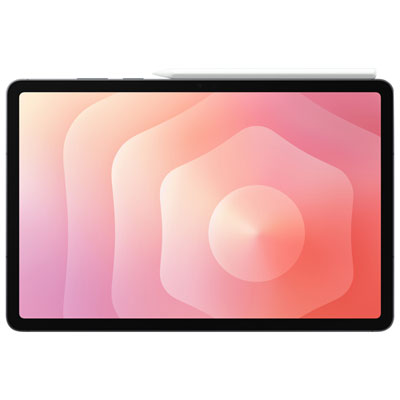 Your price for this item is $1099.99
-
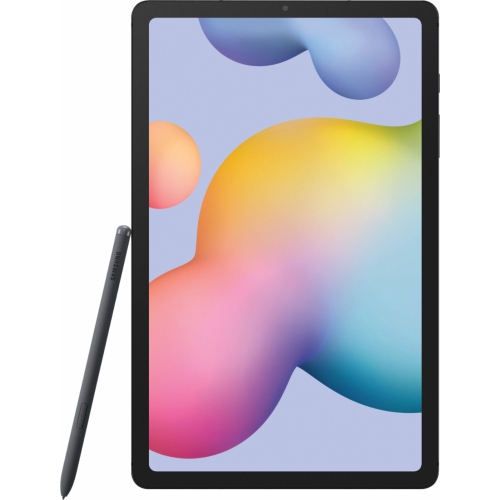 Your price for this item is $699.99
Discover more categories related to Acer Iconia One 10

Top Collections:
Best Black Friday Deals This Year, Best Black Friday Deals On Electronics, Kindle Devices, Best Black Friday Deals On Apple Products, Best Budget Office Chairs, Best Cameras for Sports Photography, Dyson Airwrap, Canon G7X Cameras, Best Laptops for Writers, Samsung Galaxy Phones
Some products may be subject to Environmental Handling Fees
(EHF) depending on your province.
Learn more about EHFs.