Lenovo Tab 11
Discover a new level of convenience and entertainment with the Lenovo Tab 11. Perfect for browsing, streaming, or staying connected on the go, this versatile tablet fits seamlessly into any lifestyle. Explore a range of options designed to suit your needs, whether you’re working, learning, or relaxing at home. Find the ideal Lenovo Tab 11 to enhance your daily routine and enjoy reliable performance wherever you are.
Sort
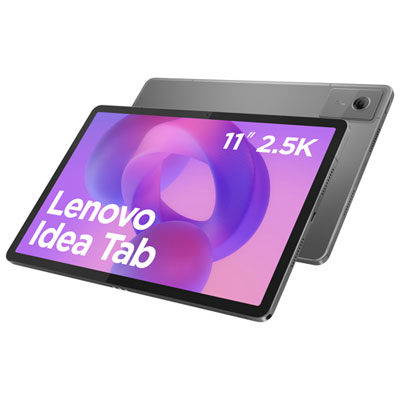
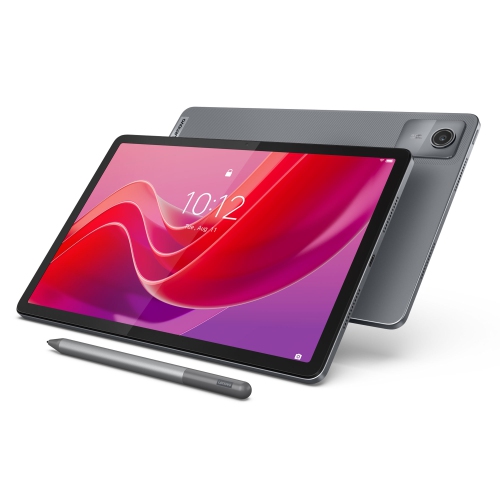
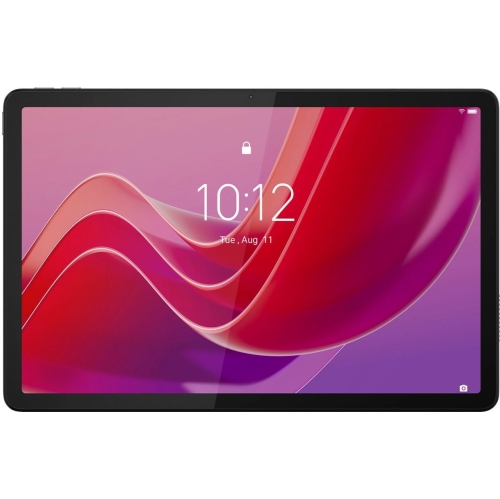
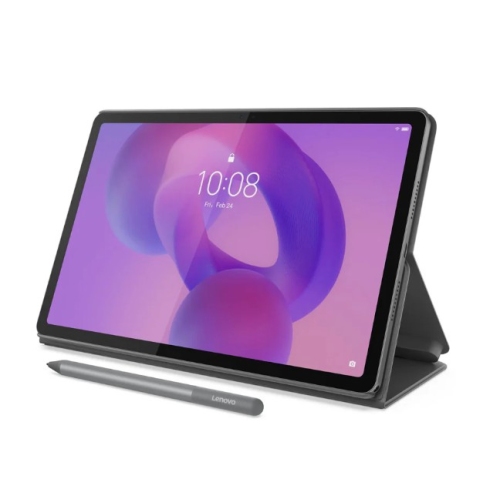
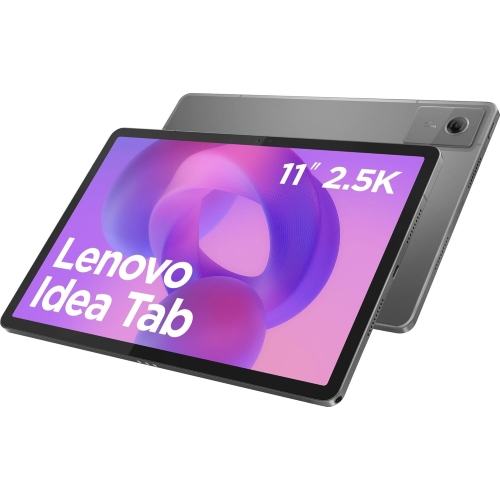
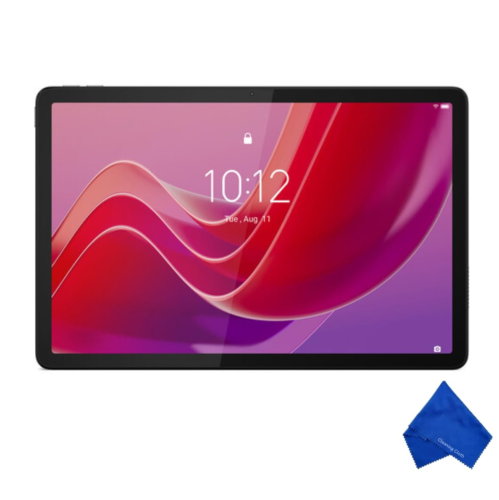
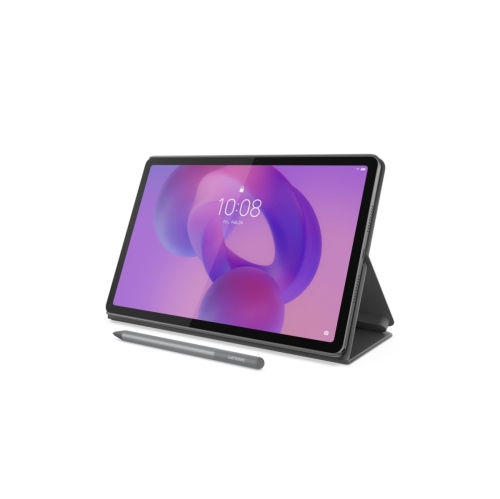
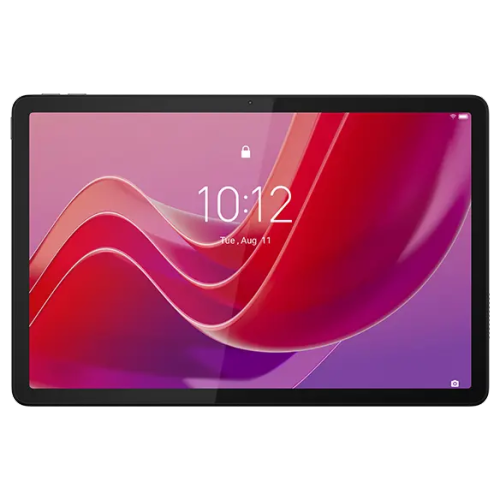
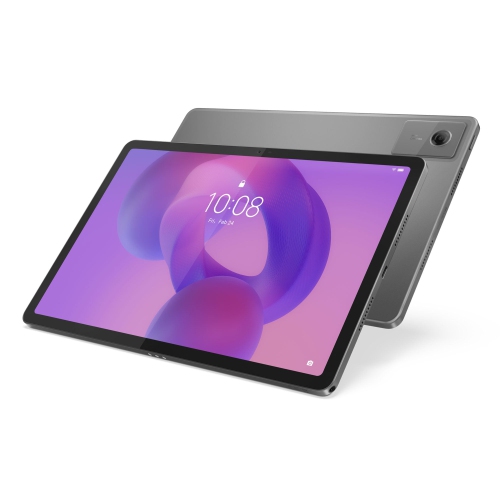
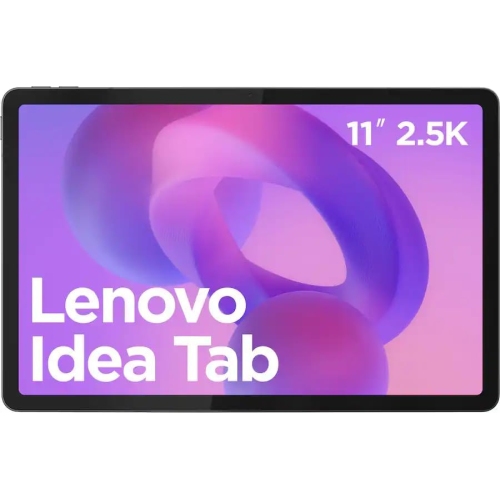
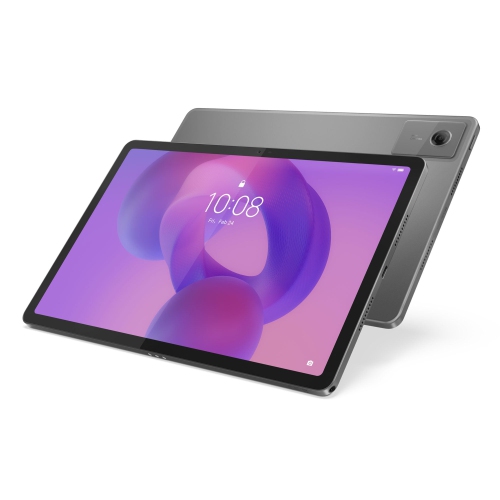
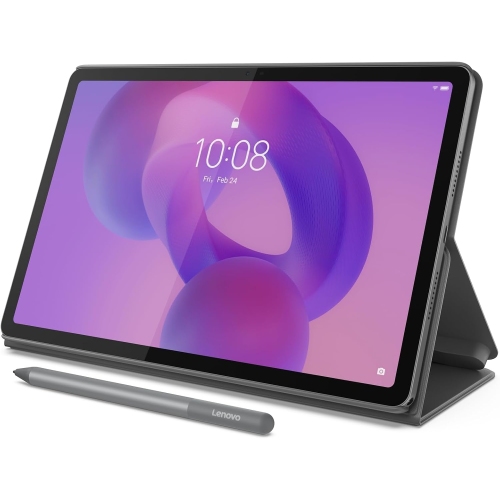
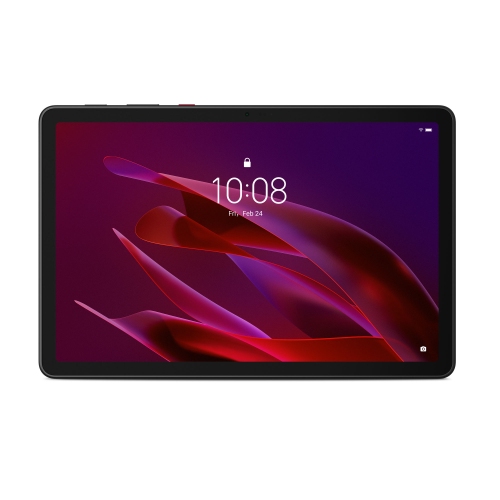
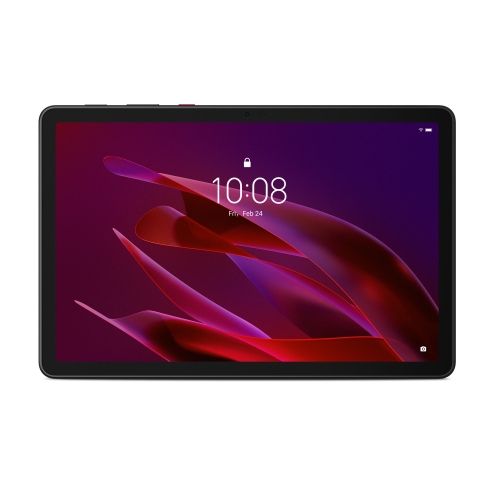
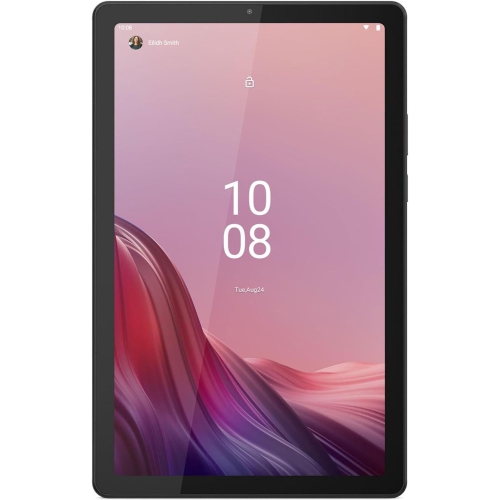
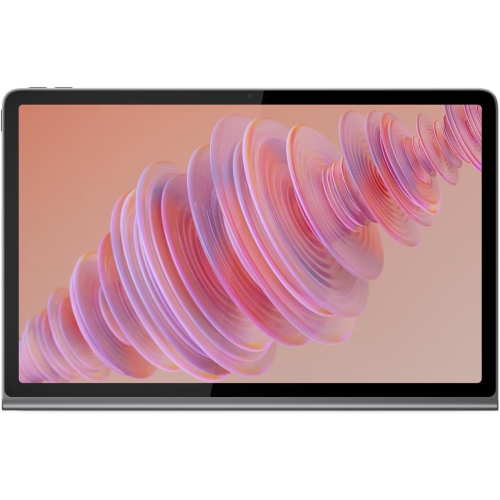
More room for reading without the laptop bulk
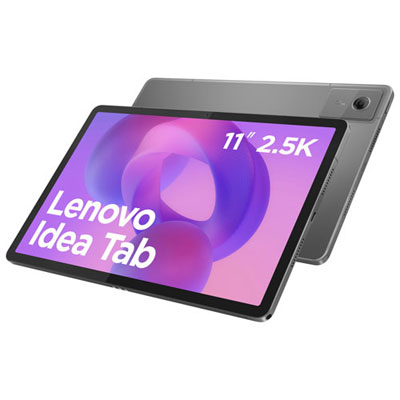
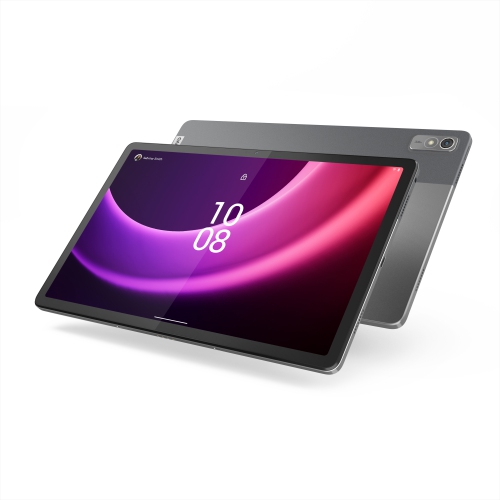
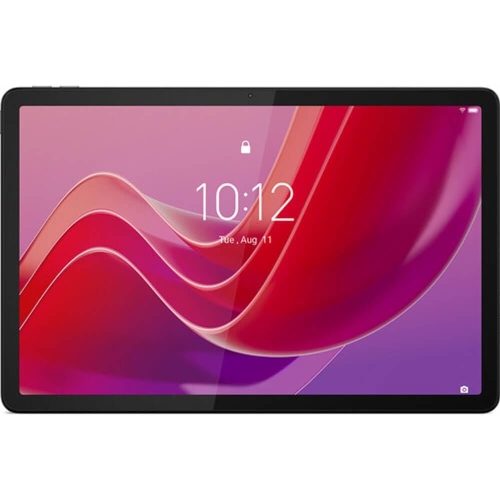
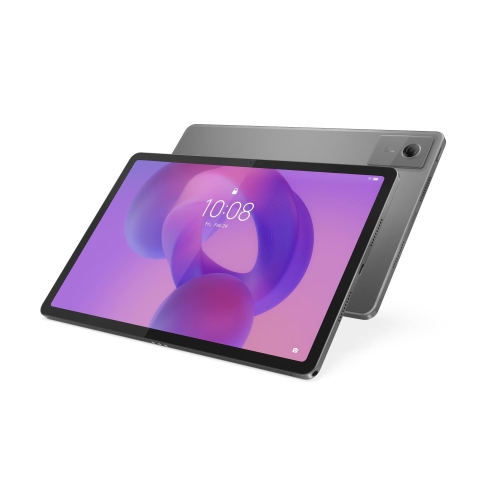
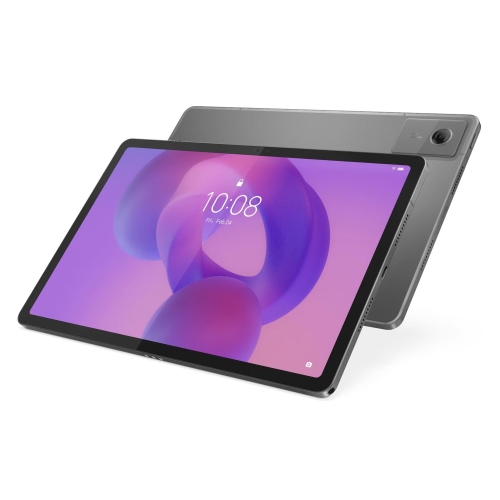
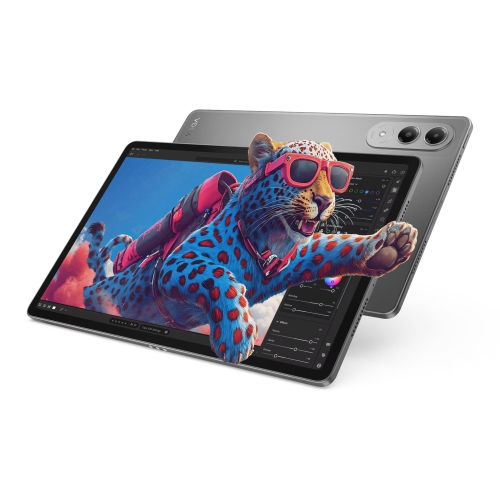
An 11-inch Android tablet provides enough screen space for reading, streaming, schoolwork, and everyday browsing without taking up as much room as a typical laptop. The measurement refers to the screen’s diagonal, not the tablet’s overall width or height, so two devices in this size range can feel different in the hand. Narrower bezels, overall weight, and the shape of the edges all affect comfort when reading a novel or following a recipe at the kitchen countertop. In landscape orientation, the screen gives films, lecture recordings, and illustrated articles room to breathe; turned vertically, it suits ebooks, digital magazines, and longer documents. Display resolution influences how clearly small text and fine details appear, while brightness and reflections affect visibility near a window or beneath overhead lighting. A higher refresh rate can make scrolling and supported animations look smoother, although it does not improve every type of content in the same way. Screen proportions also matter: some videos will have black bars, and a document may need a little zooming to make its text comfortable to read. For entertainment, speaker placement can be just as noticeable as picture quality. Speakers positioned along multiple edges can provide a fuller impression of sound, but hands or a poorly fitted cover may block them. Bluetooth headphones offer a more private option for shared rooms and travel, while a wired connection depends on the ports or compatible adapters supported by the device. Front-facing camera placement is another practical detail for video calls, especially when the tablet rests horizontally in a stand. An 11-inch screen can suit a student reviewing slides, a commuter reading downloaded articles, or a family sharing a larger display for puzzles and casual games. It also offers a useful middle ground for someone who finds a phone cramped but does not need a laptop for every task.
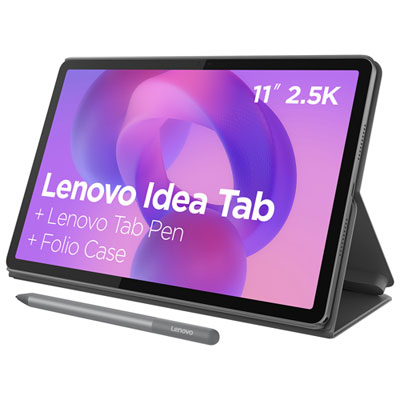
Everyday responsiveness depends on the processor, memory, software, and the demands of the apps being used. Email, ebooks, video playback, and basic web browsing place different demands on a tablet than detailed games, large presentations, or switching repeatedly between several apps. RAM helps keep active tasks accessible, while internal storage holds downloaded apps, photos, documents, and offline entertainment. The advertised storage capacity is not the same as the space left for personal files, because the operating system and preinstalled software occupy part of it. Where a microSD slot is supported, a compatible memory card can add room for files such as photos and downloaded media, though not every app can be moved to the card. Wi-Fi provides the connection for streaming, downloads, and online calls; mobile connectivity requires a version with the appropriate cellular hardware, along with compatible service. Downloads prepared in advance can keep reading material and entertainment accessible away from a connection, subject to each app’s rules. Battery capacity is only one part of battery life. Screen brightness, games, video calls, wireless connections, and background activity all influence how long a charge lasts, so a stated playback figure should not be treated as a promise for every routine. Charging speed also depends on the tablet’s supported input and the charger and cable used. For study and light work, split-screen features can make it possible to keep reference material beside notes, where supported by the software and apps. A compatible active pen adds handwriting, annotation, and drawing functions, but pen support is specific to the device and pen technology rather than screen size alone. Pressure sensitivity, palm rejection, and charging requirements can vary. A keyboard can make longer messages and assignments more comfortable, although tablet apps may not provide every feature found in their desktop equivalents. The installed Android version and published software-support period are worth considering alongside hardware specifications, particularly for a tablet expected to handle personal accounts and school files over several years.
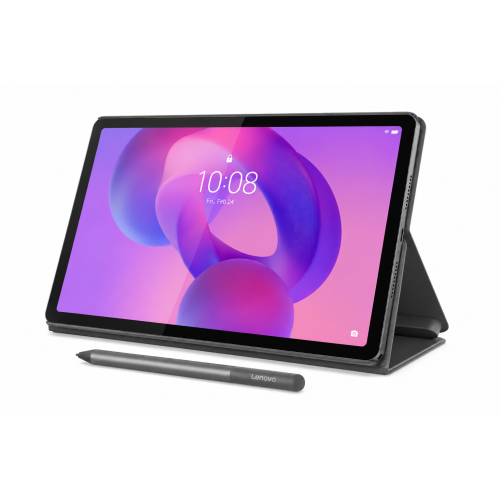
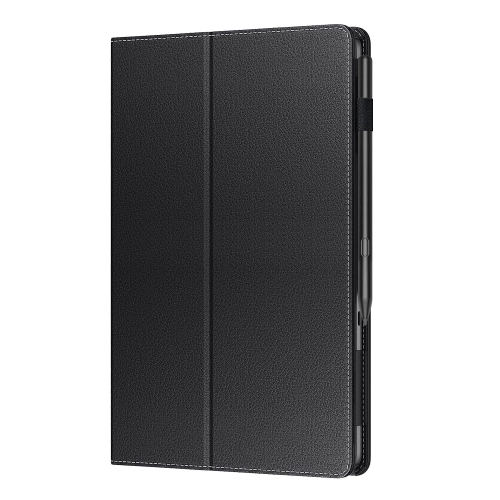
Construction and accessories shape how comfortably a tablet fits into daily life. A metal body may feel firm and substantial, while other casing materials can keep weight manageable; neither finish removes the need for careful handling. Glass screens remain vulnerable to impacts, particularly at corners and edges. A fitted folio can cover the display inside a bag and provide a stand for watching a lesson or taking a call, while a more protective case may add raised edges, reinforced corners, or a hand strap. Added protection also adds bulk, which matters when the tablet will be held for long reading sessions or used by a child. Case fit depends on the exact model and generation, including camera openings, button positions, speaker cut-outs, and charging-port access. The same care with compatibility applies when comparing related options such as Lenovo P11: a similar name or screen measurement does not establish that accessories will fit. A stable stand is useful on a desktop or kitchen countertop, keeping the display upright without leaning it against a mug or stack of books. Adjustable viewing angles can help position the screen comfortably for longer sessions. Routine care is straightforward: a soft, lint-free cloth removes fingerprints, and cleaning methods should follow the manufacturer’s directions. Liquid should not be sprayed directly onto the screen or allowed into openings, and abrasive cleaners can damage finishes or screen coatings. Keeping the tablet separate from loose keys and other hard objects helps prevent scratches during transport. For younger users, age-appropriate profiles, parental controls, and supervised account setup can make shared use more manageable, though the available tools vary by software. As a gift, this tablet size can suit a reader, student, frequent traveller, or relative who enjoys video calls. Matching the device to familiar apps, comfortable controls, and any needed accessories makes the gift more useful than choosing by screen size alone. A protective cover and a suitable stand can support everyday use without making the tablet unnecessarily complicated to carry or handle.
Top selling and popular products
-
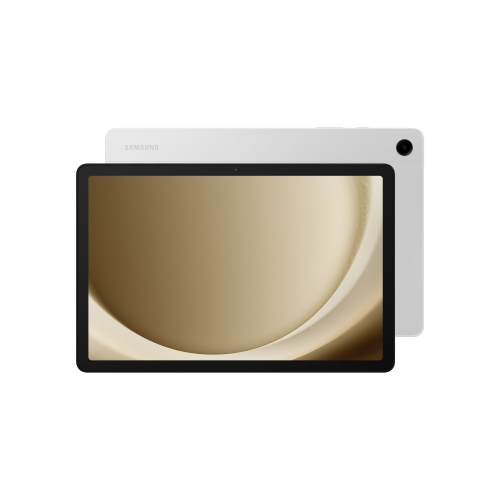 Your price for this item is $499.99
-
 Your price for this item is $1749.99
-
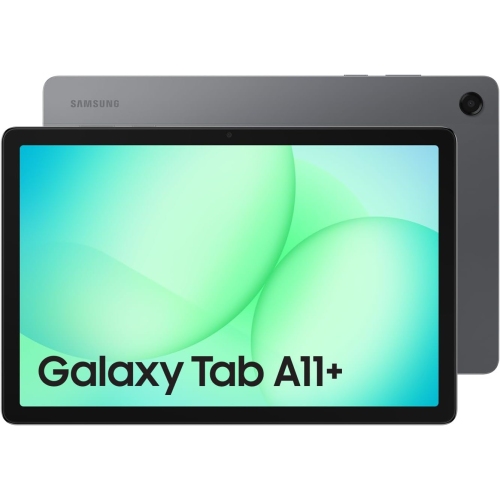 Your price for this item is $394.99
-
 Your price for this item is $579.99
-
 Your price for this item is $979.99
-
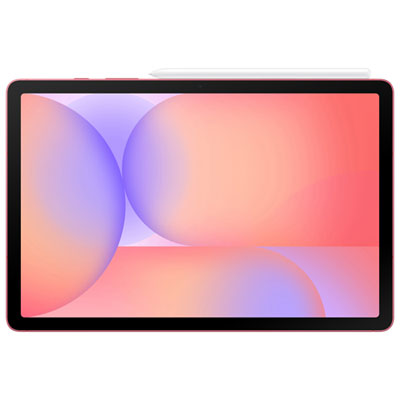 Your price for this item is $579.99
-
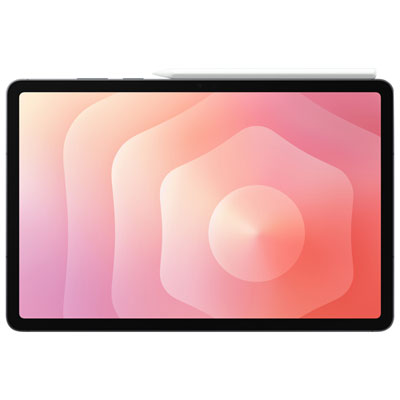 Your price for this item is $1099.99
-
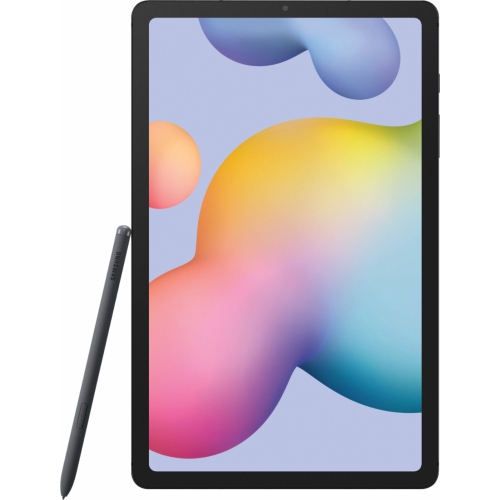 Your price for this item is $699.99
Discover more categories related to Lenovo Tab 11
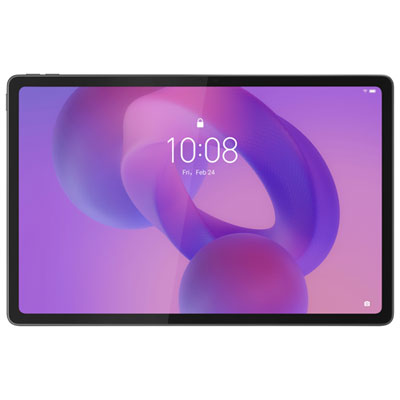
Top Collections:
Best Black Friday Deals This Year, Best Black Friday Deals On Electronics, Kindle Devices, Best Black Friday Deals On Apple Products, Best Budget Office Chairs, Best Cameras for Sports Photography, Dyson Airwrap, Canon G7X Cameras, Best Laptops for Writers, Samsung Galaxy Phones
Some products may be subject to Environmental Handling Fees
(EHF) depending on your province.
Learn more about EHFs.