Huawei MediaPad T5
Discover the versatility and convenience of the Huawei MediaPad T5, designed to enhance your everyday digital experience. Whether you're streaming your favorite shows, browsing the web, or staying connected on the go, the Huawei MediaPad T5 offers a seamless blend of style and performance. Perfect for work, study, or entertainment, it brings reliable functionality to your fingertips. Explore a range of options to find the right fit for your lifestyle with the Huawei MediaPad T5.
Sort

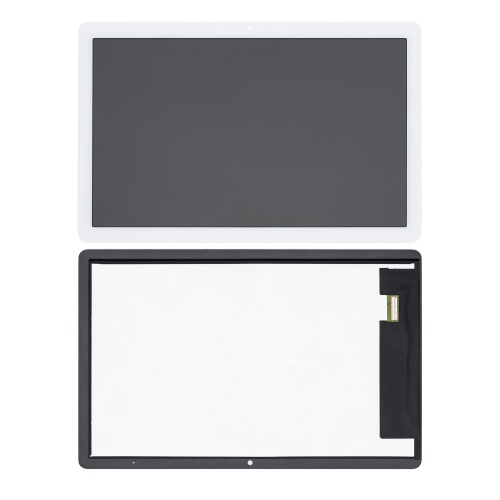







More room for favourite films and everyday reading
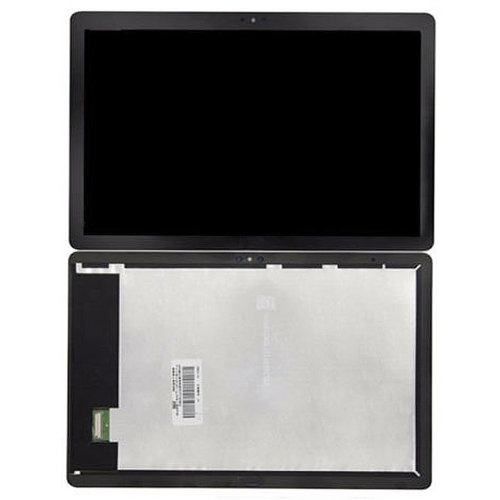
A 10.1-inch tablet offers a comfortable middle ground between a phone screen and a full laptop, with enough room for films, illustrated books, recipes, and everyday browsing without taking over a coffee table or kitchen counter. This size is especially well suited to entertainment: subtitles are easier to follow, photographs have room to show detail, and a digital magazine can be read with less constant zooming. A Full HD display with a resolution of 1920 x 1200 pixels provides a useful reference point for screen clarity, while a 16:10 aspect ratio gives video a wide viewing area and leaves extra vertical space for reading in portrait orientation. An IPS panel helps preserve colour and visibility when the screen is viewed at an angle, such as when two people share a programme from opposite ends of a sofa. Screen resolution is only part of the experience, though. Reflections, brightness settings, text size, and the distance between the screen and the viewer all affect comfort. Built-in stereo speakers can make dialogue easier to follow than a single speaker, although their placement matters when a hand or case covers an opening. Headphones are useful for audiobooks on public transit or a film watched beside someone who is reading. For everyday use, this tablet format lends itself to short, familiar tasks: checking a recipe with flour-free hands, reading a chapter over breakfast, or following a stretching routine with the screen propped securely nearby. It is less suited to replacing a workstation for demanding creative projects or extended multitasking. The strongest fit is often as a dedicated reading and viewing device, a shared household screen, or a portable companion for someone who prefers a larger display than a phone provides. That clear sense of purpose makes screen quality, comfortable handling, and straightforward controls more meaningful than a long list of features that may rarely be used.
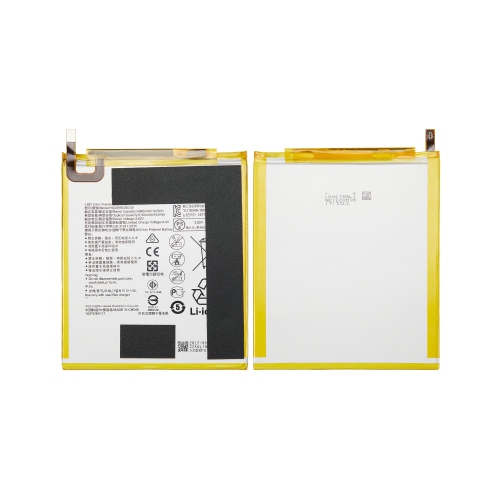
Performance and software compatibility deserve particular attention with an older tablet design. Processor specifications describe the hardware, but the experience also depends on memory, available storage, the operating system, and the demands of each application. Basic reading, downloaded video, and light browsing place different demands on a device than a graphics-heavy game or a video call running alongside several other applications. Smaller memory configurations tend to work best with one main task at a time; switching repeatedly between applications may cause pages or documents to reload. Storage capacity is a separate consideration. The space stated in a specification includes room used by the operating system, so the amount left for books, photographs, and downloads will be lower. A compatible microSD card can provide additional space for supported files, but it does not increase working memory, and not every application can be moved to it. For a tablet intended for travel, locally stored entertainment can be useful where Wi-Fi is unreliable or unavailable, provided the relevant service supports downloads on that device. Application support can change independently of the hardware, so compatibility with a particular streaming service, school platform, or video-calling application matters more than a general description of what tablets can do. Older software may also lack security updates or features required for sensitive accounts. Battery capacity, expressed in mAh, is another specification that needs context: screen brightness, wireless activity, battery age, and the task being performed all influence time between charges. A previously used device may have a shorter runtime than it did when new. Charging connections also affect daily convenience. Micro-USB and USB-C cables are not interchangeable at the device end, and the correct connector should slide into place without force. Wireless connections, headphone connections, and front-facing camera quality round out the practical picture. A simple front camera may be adequate for a brief family conversation in good light, while clear speech and a stable connection often matter more than extra camera detail. These considerations help distinguish a comfortable everyday companion from a device that does not suit the intended routine.
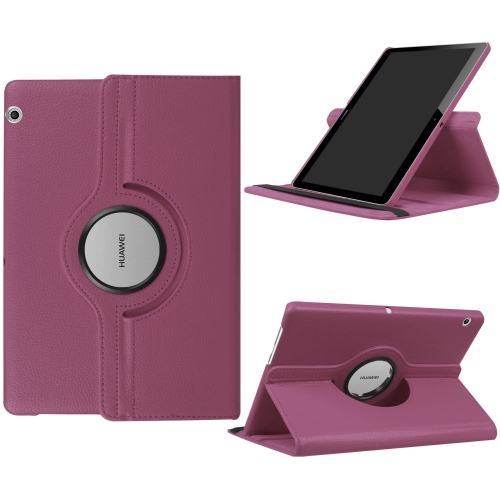
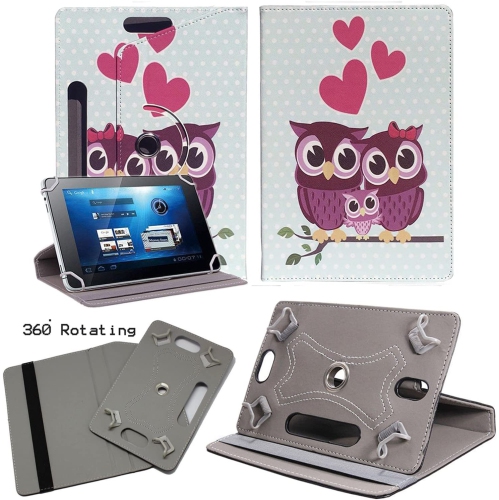
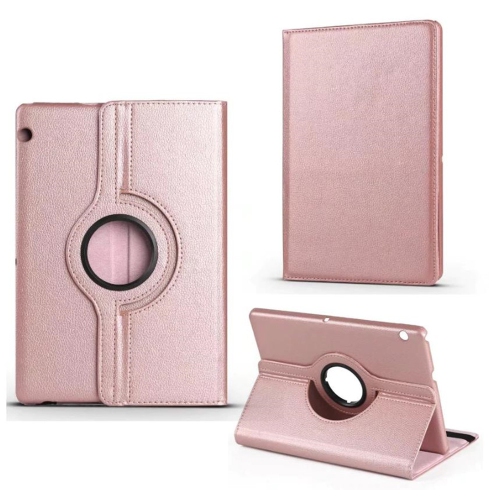
Physical fit makes a noticeable difference to how often a tablet gets used. A metal body can feel reassuringly solid, but the glass display and charging port still need protection from knocks, grit, and pressure inside a bag. Rounded edges and a manageable weight are helpful for reading, although holding any tablet unsupported for a long stretch can tire the hands. A fitted case with a stand can take that weight off the wrists and keep the screen at a useful angle for watching, reading, or joining a call. Case compatibility needs to match the exact model rather than screen size alone, because button positions, camera openings, speaker cut-outs, and overall dimensions vary. The same applies to screen protectors: a close fit should leave sensors and cameras unobstructed and avoid lifting at the edges beneath a case. For children, a grippy case and a stable stand can make shared use easier, while available parental settings can help adults manage access and establish clear boundaries. Those controls depend on the installed software and do not replace supervision. For an older relative, larger text, a clear home screen, and a familiar selection of applications may be more useful than an elaborate setup. As a gift, a tablet is most thoughtful when its intended role is clear, whether that means library reading, family photographs, or watching favourite programmes. Someone who mainly writes long documents or works across several windows may be better served by exploring the related Huawei MateBook laptop category. Day-to-day care remains straightforward: use a soft, lint-free cloth, keep moisture away from openings, and follow the device’s cleaning directions rather than applying household sprays directly to the screen. A protective sleeve for carrying, a secure place to charge, and a case that supports the preferred viewing angle help make a tablet easier to live with, whether it stays beside a reading chair or travels between home, school, and family visits.
Top selling and popular products
-
 Your price for this item is $499.99
-
 Your price for this item is $1749.99
-
 Your price for this item is $394.99
-
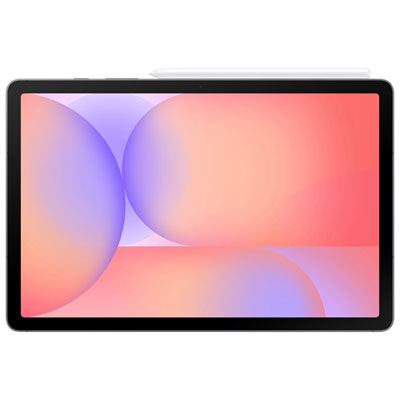 Your price for this item is $579.99
-
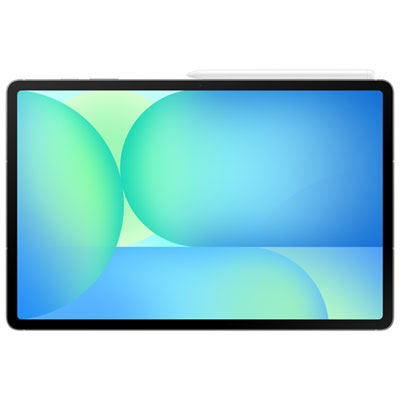 Your price for this item is $979.99
-
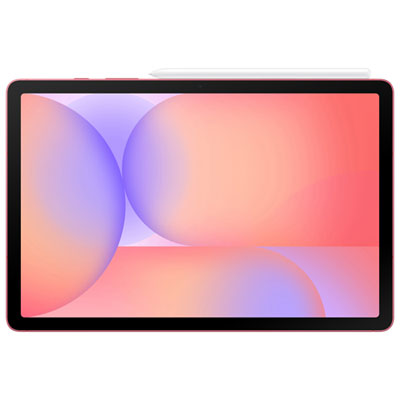 Your price for this item is $579.99
-
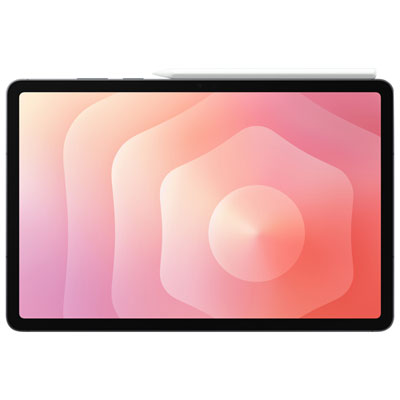 Your price for this item is $1099.99
-
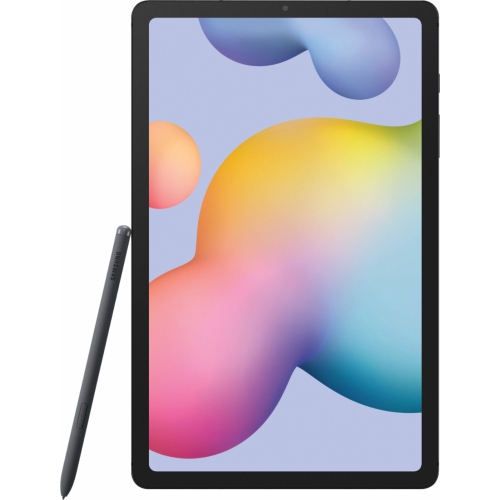 Your price for this item is $699.99
Discover more categories related to Huawei MediaPad T5

Top Collections:
Best Black Friday Deals This Year, Best Black Friday Deals On Electronics, Kindle Devices, Best Black Friday Deals On Apple Products, Best Budget Office Chairs, Best Cameras for Sports Photography, Dyson Airwrap, Canon G7X Cameras, Best Laptops for Writers, Samsung Galaxy Phones
Some products may be subject to Environmental Handling Fees
(EHF) depending on your province.
Learn more about EHFs.