Acer Laptop Adapters
Looking for reliable and quality laptop adapters? Look no further than our selection of Acer laptop adapters. Designed to provide a seamless power supply to your Acer laptop, these adapters are built with precision and durability in mind. Whether you need a replacement for your old adapter or simply want an extra one for convenience, our range of Acer laptop adapters has got you covered. With their compatibility and efficiency, you can enjoy uninterrupted performance on your Acer laptop wherever you go. Shop from our collection now and find the perfect adapter to keep your device powered up and ready for action.
Sort
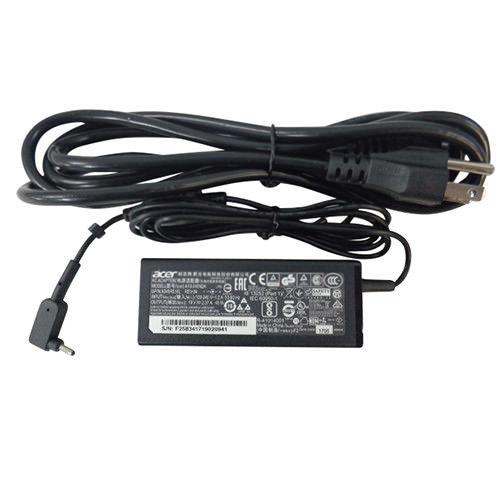
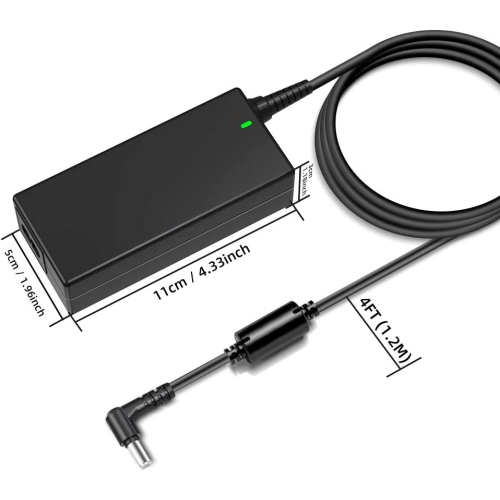
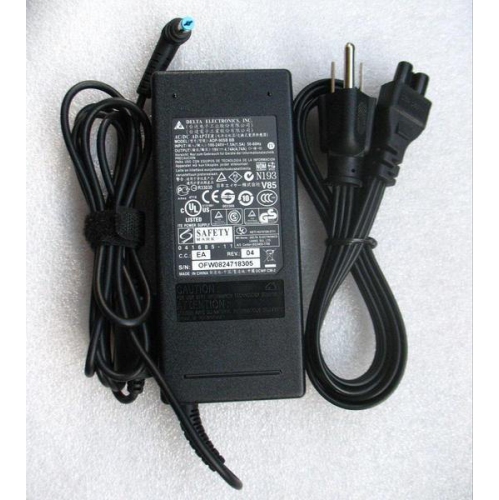
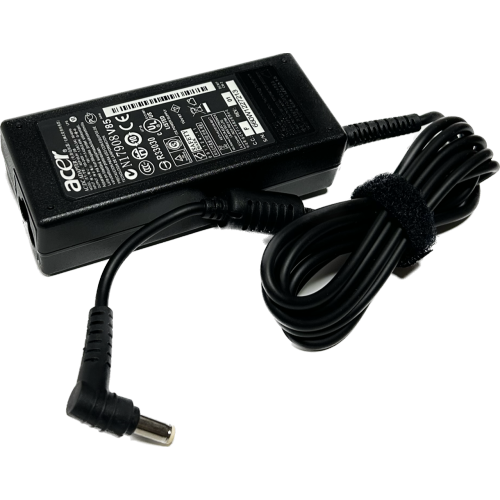
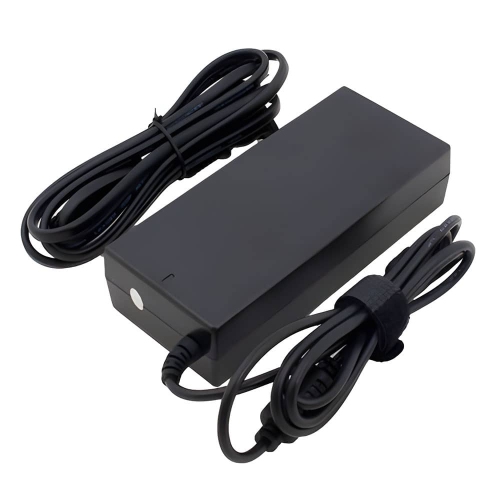
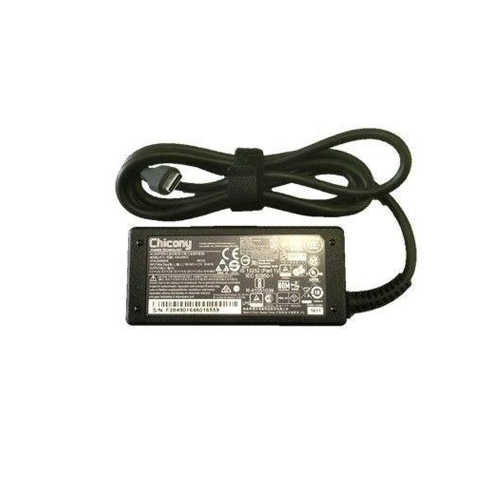
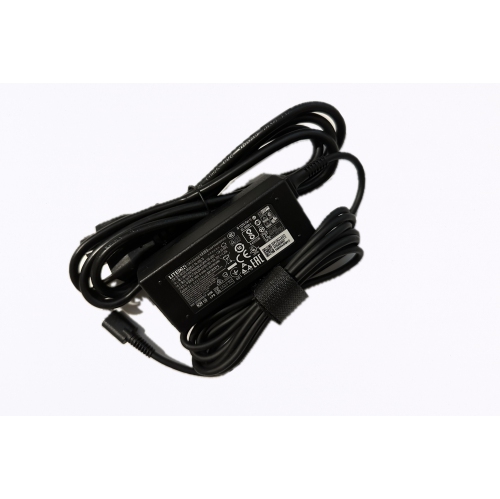
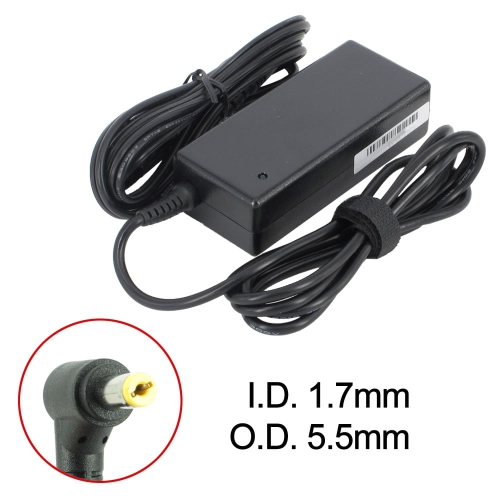
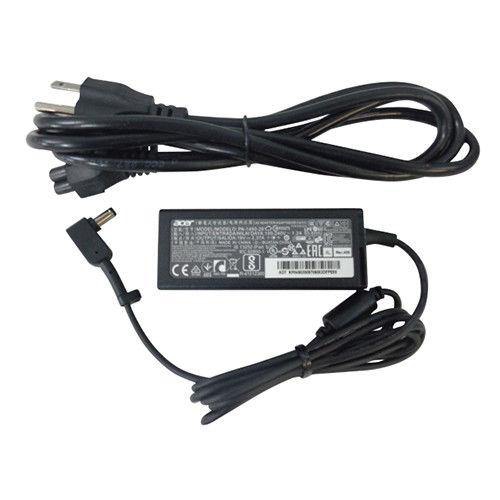
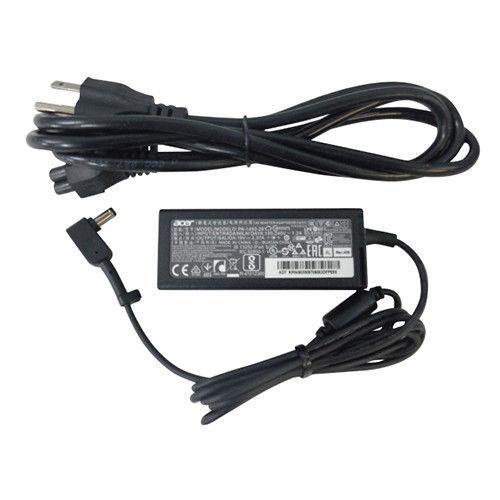
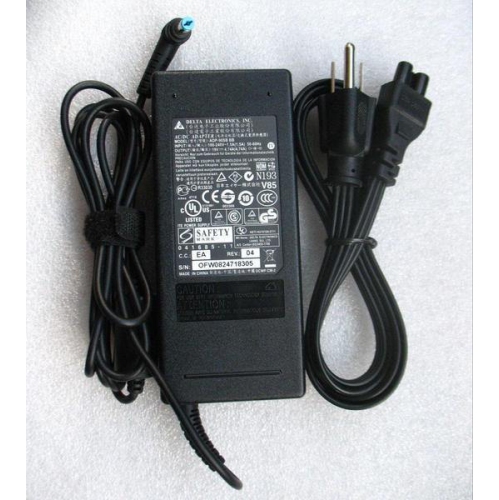
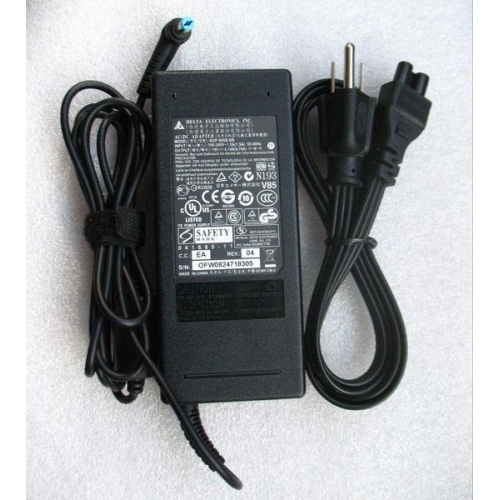
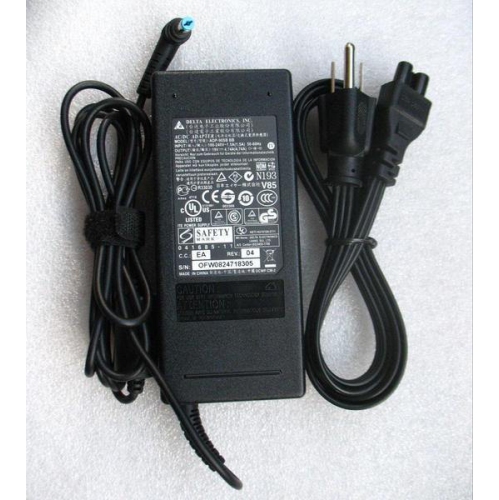
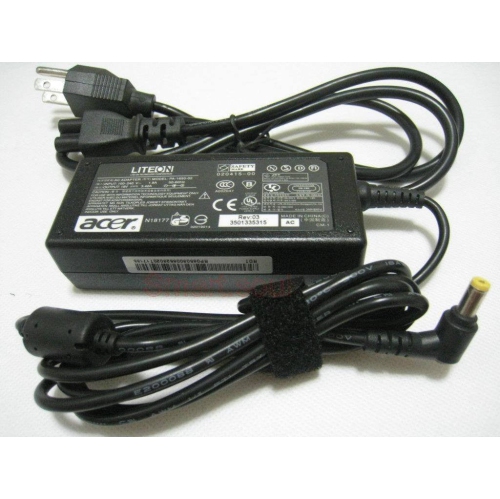
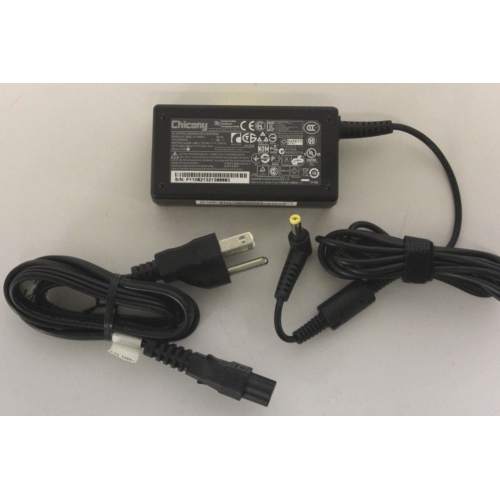
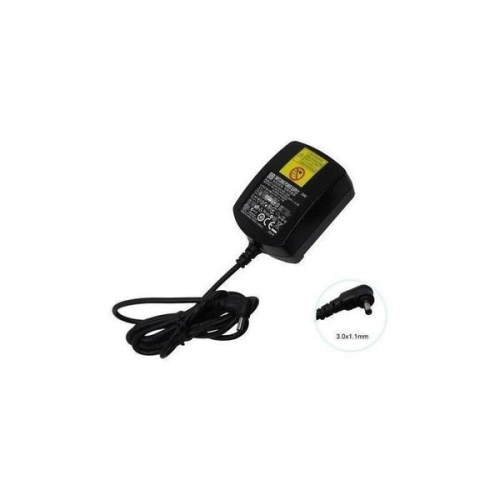
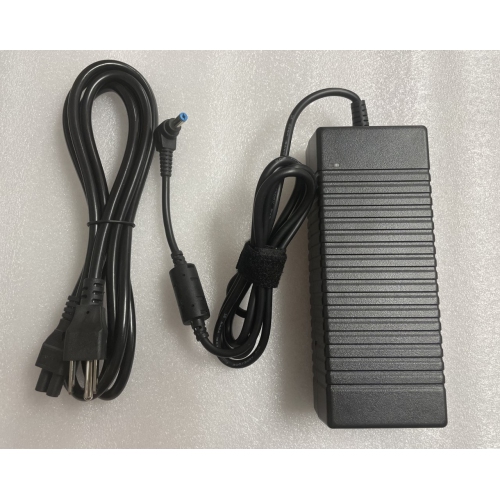
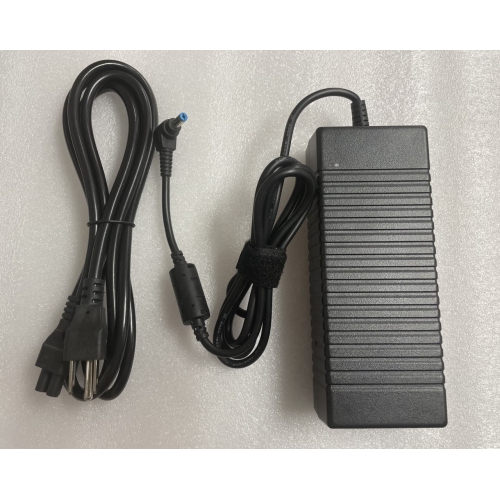
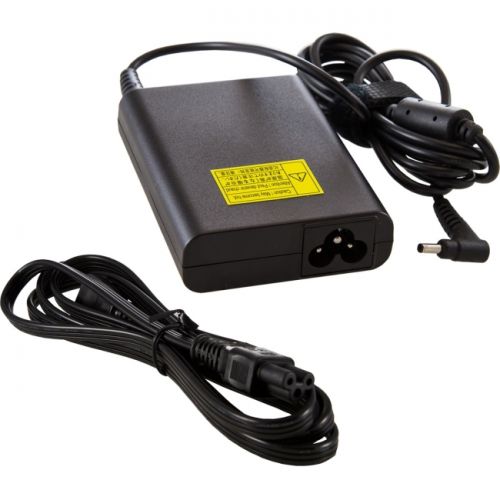
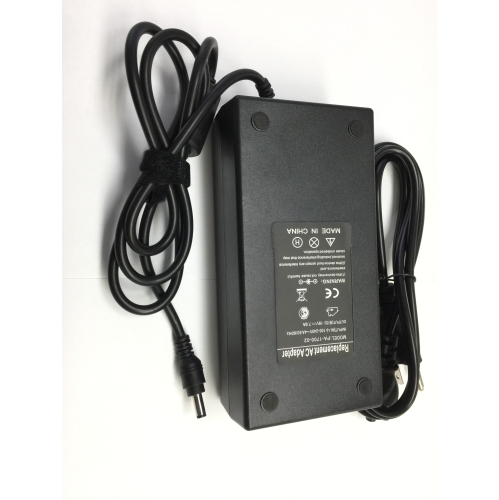

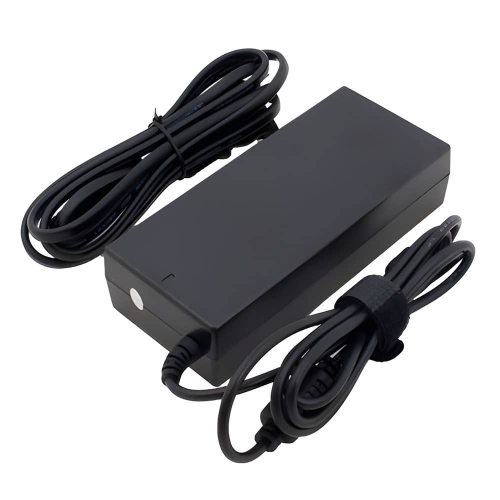
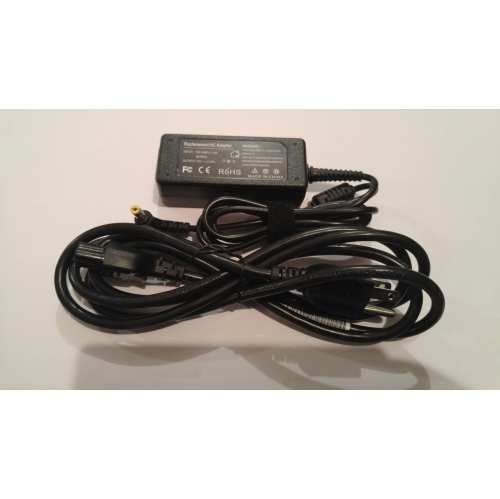
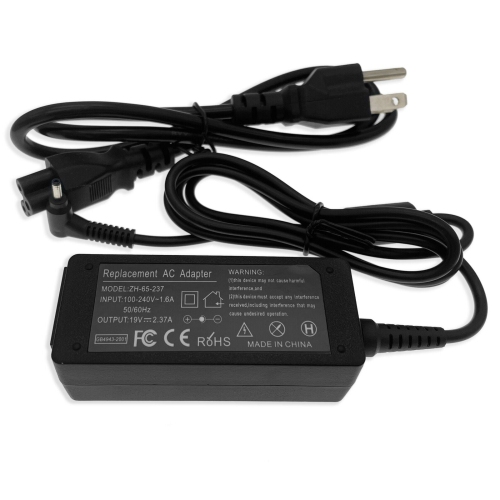
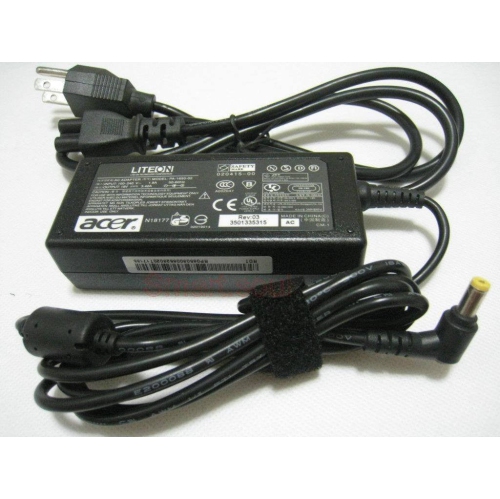
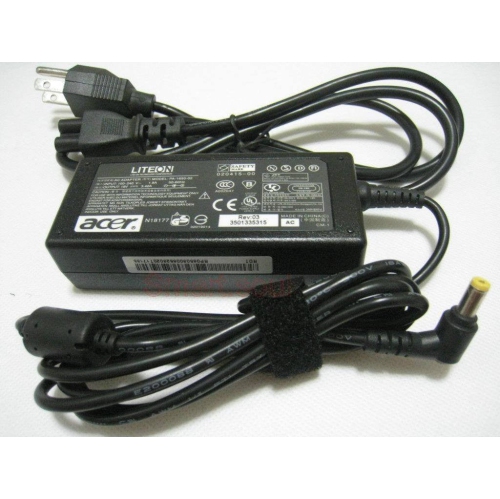
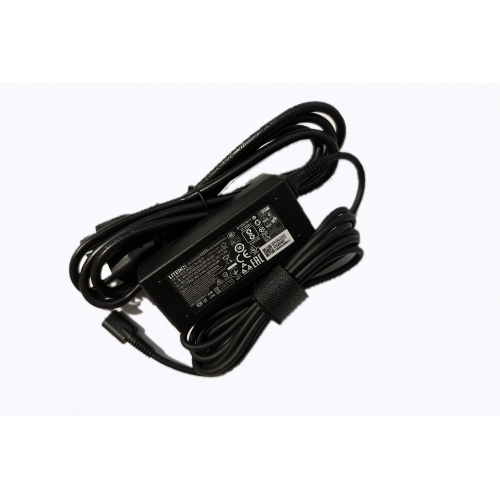
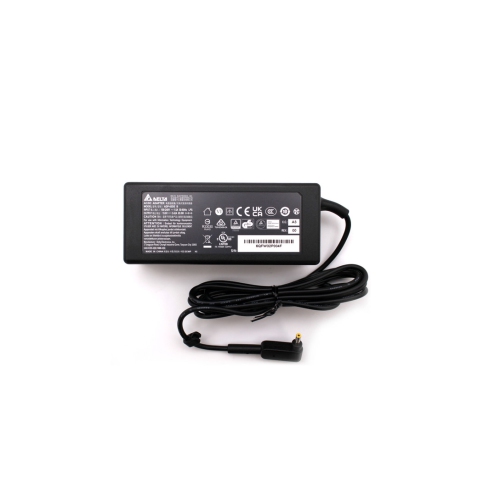
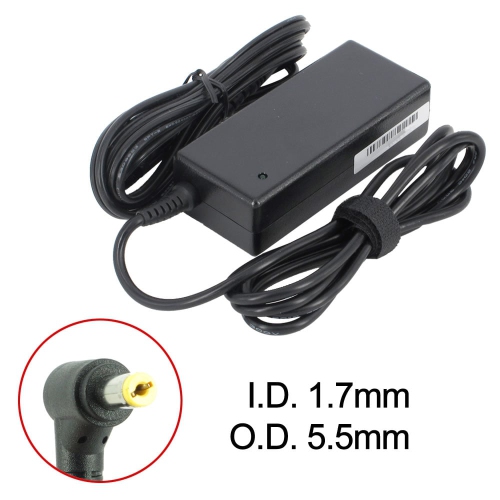
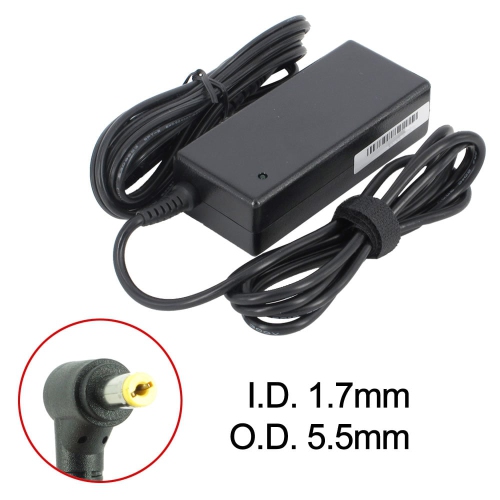
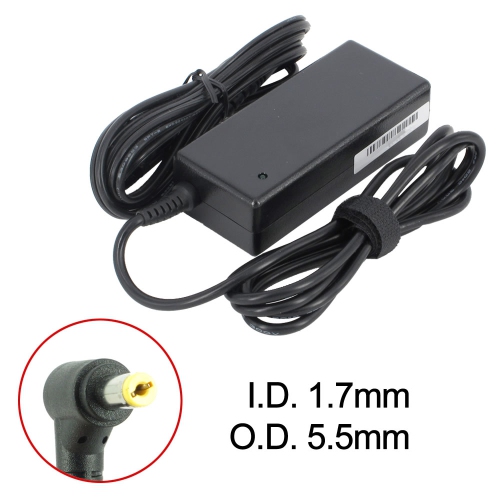
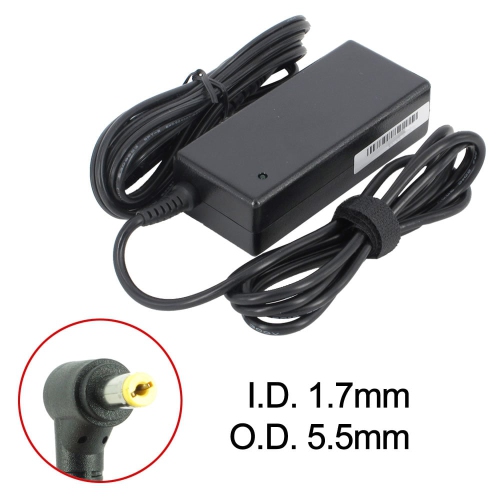
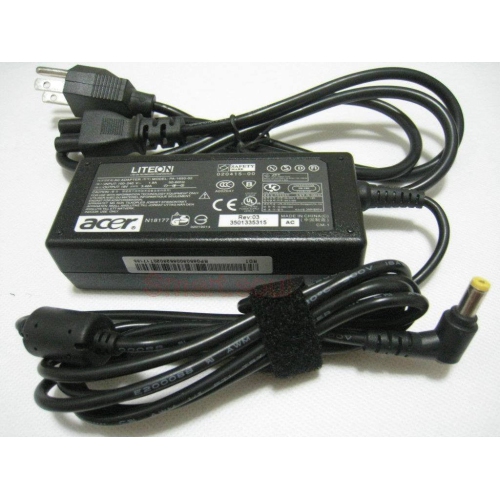
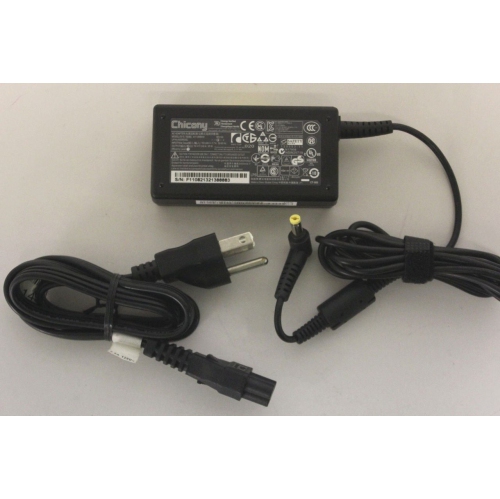
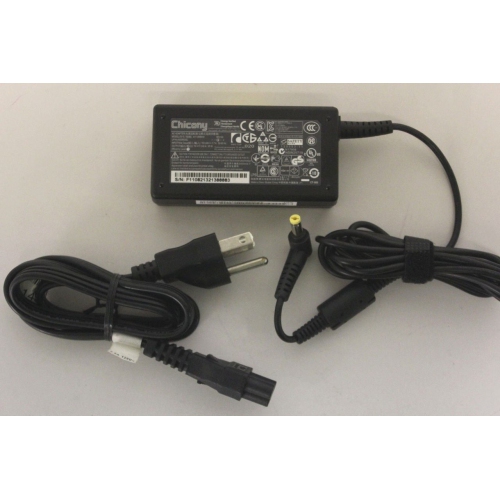
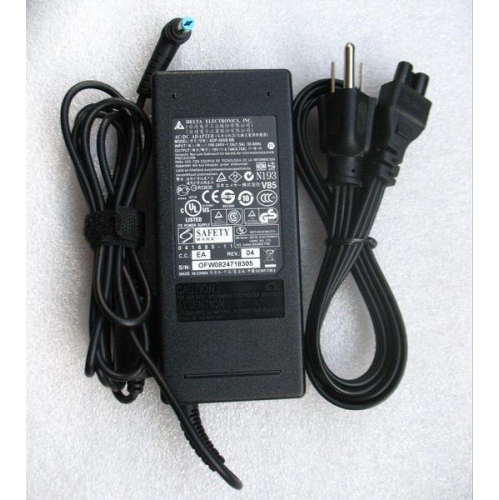
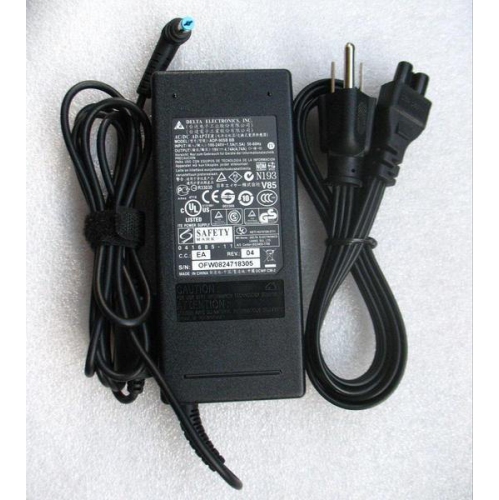
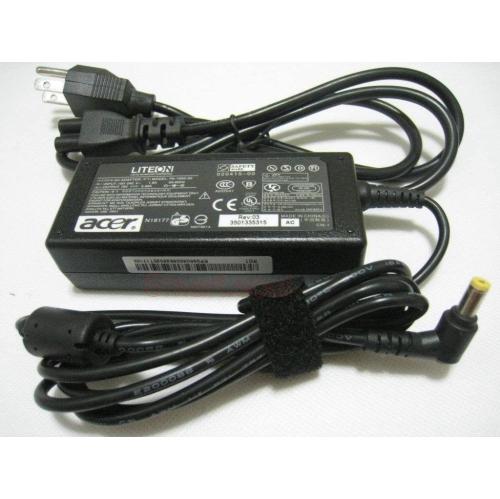
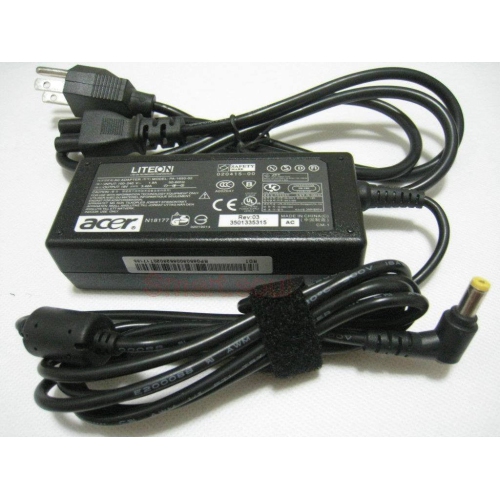
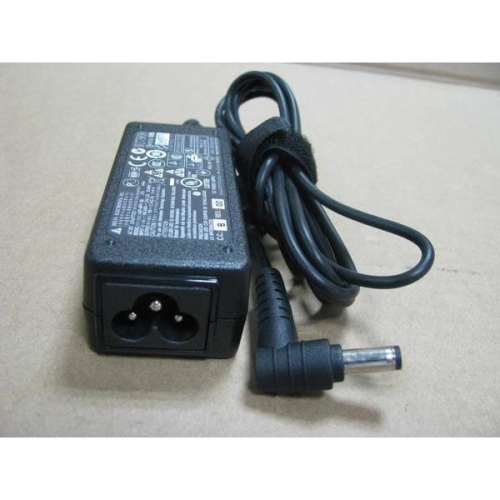


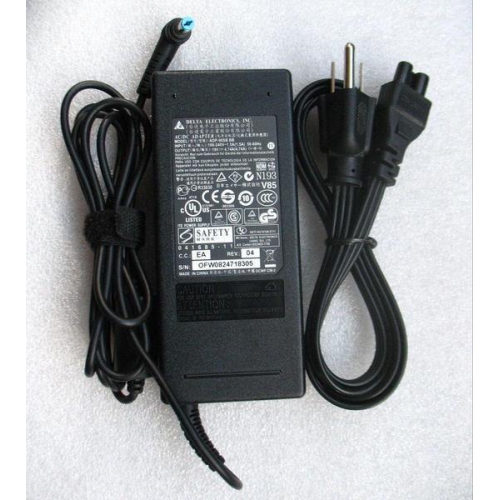
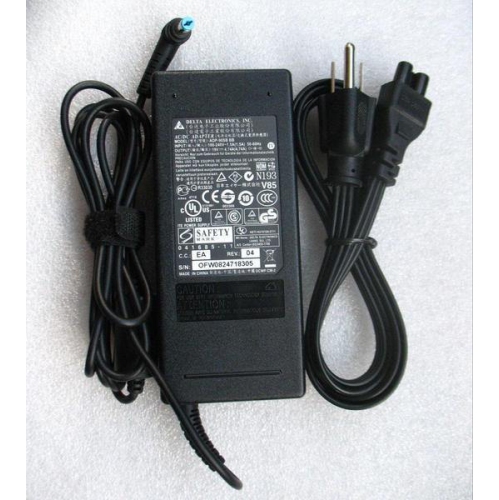
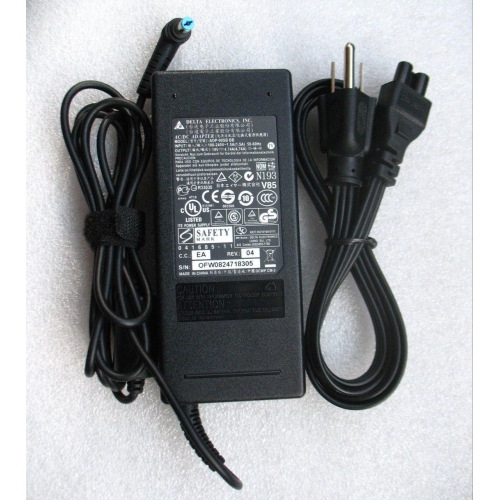
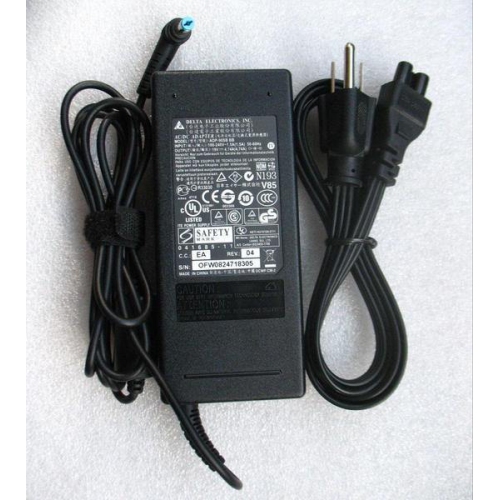
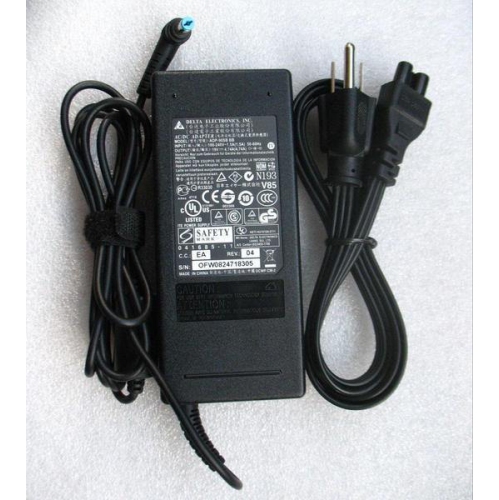
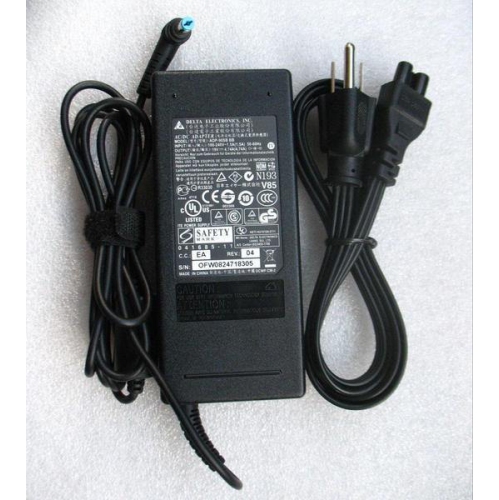
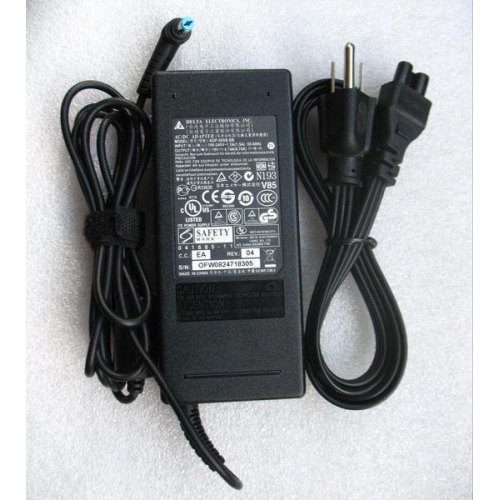
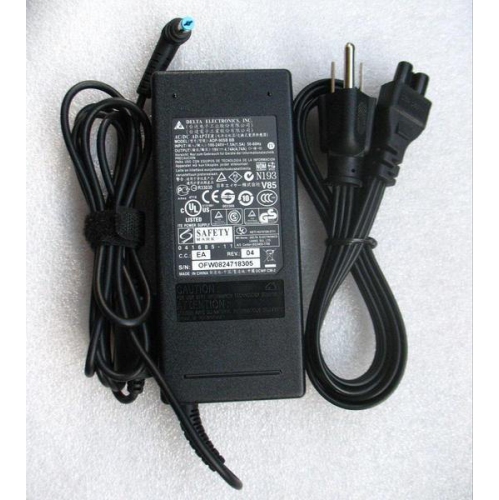
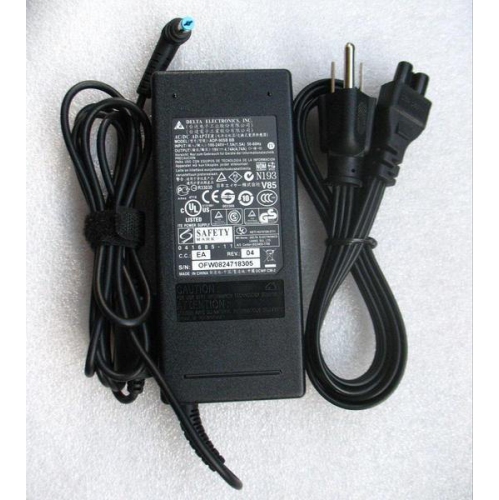
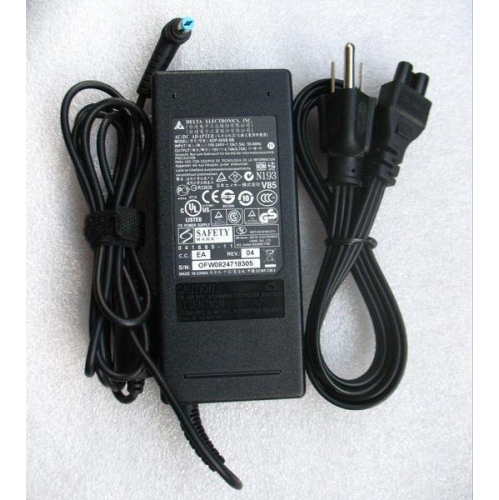
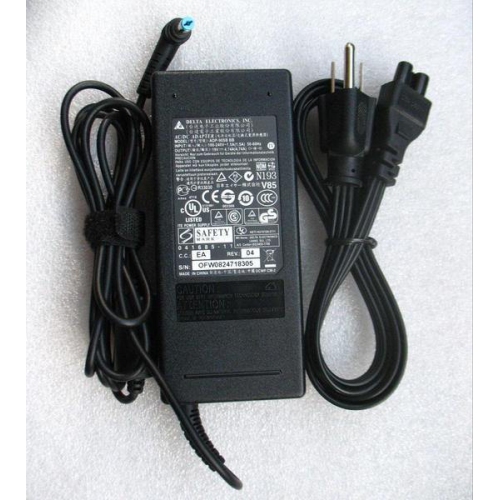
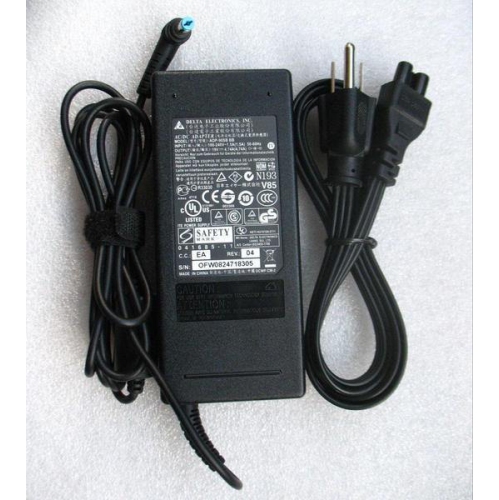
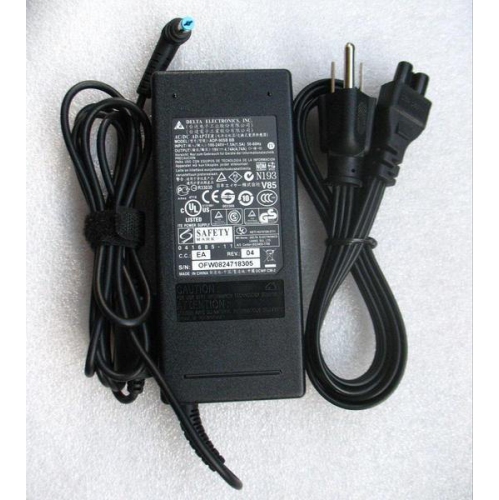
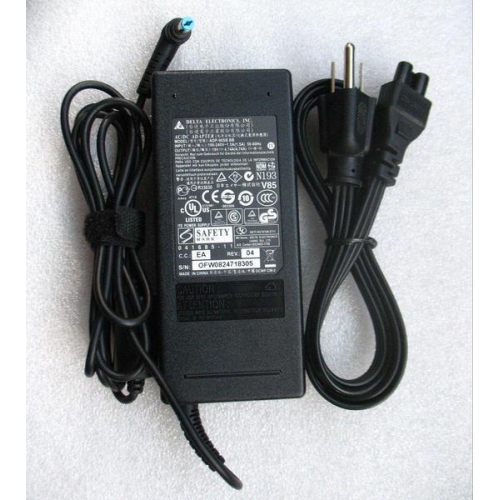
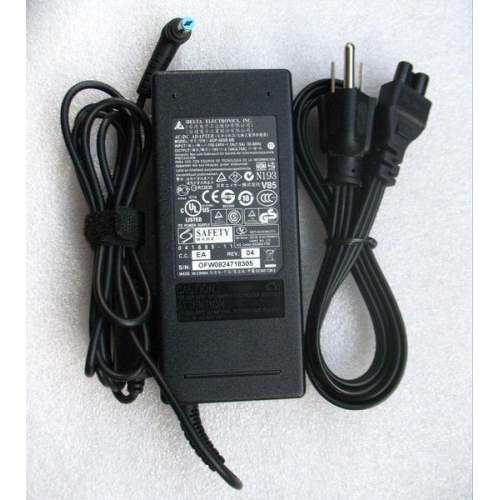
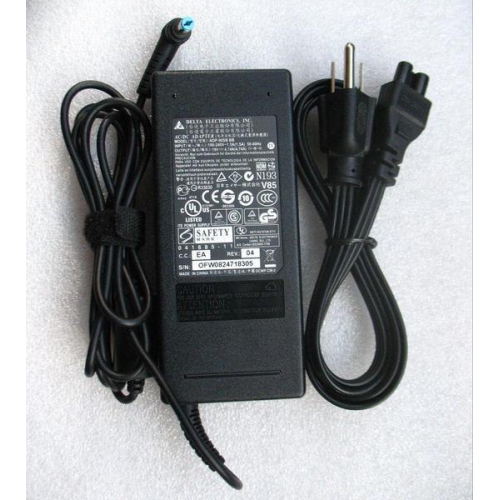
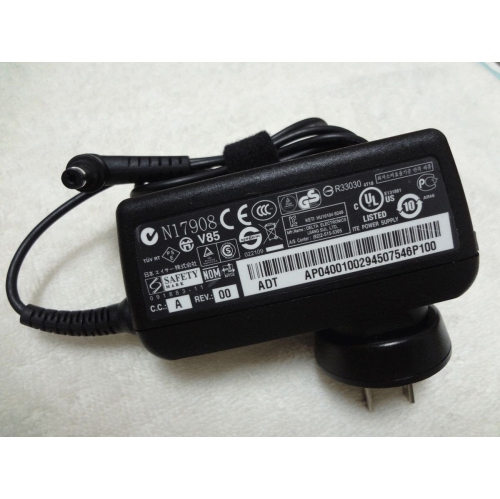
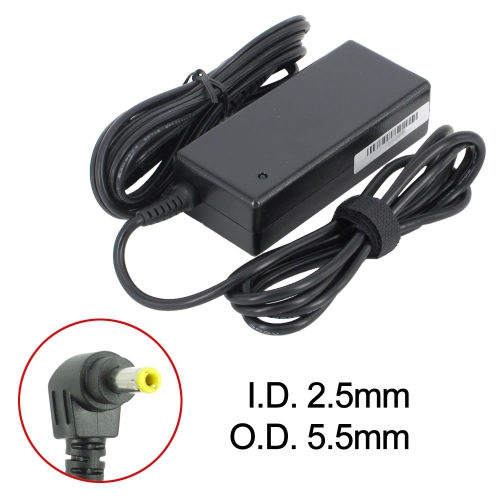
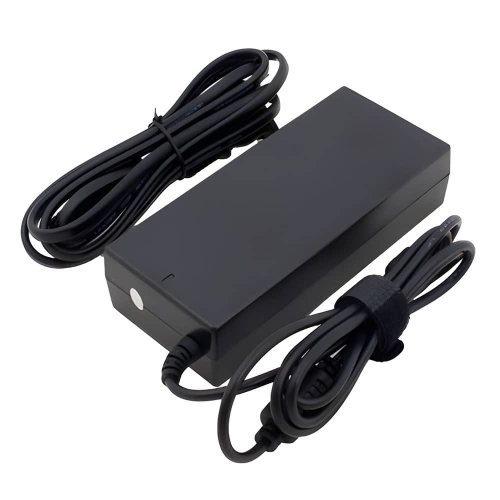
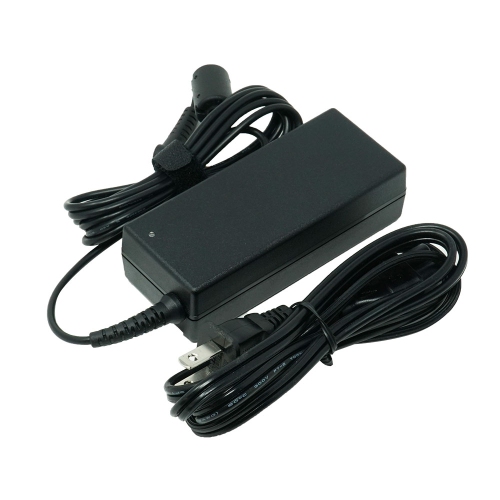
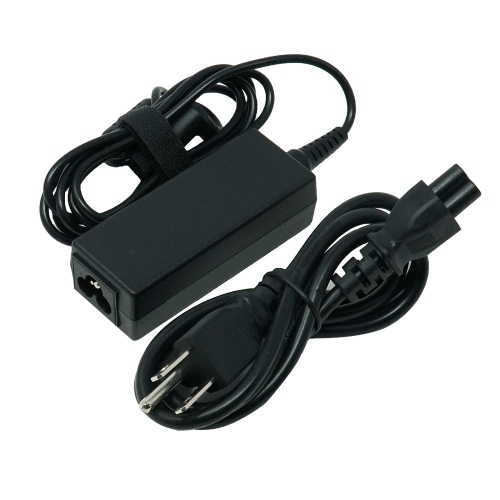
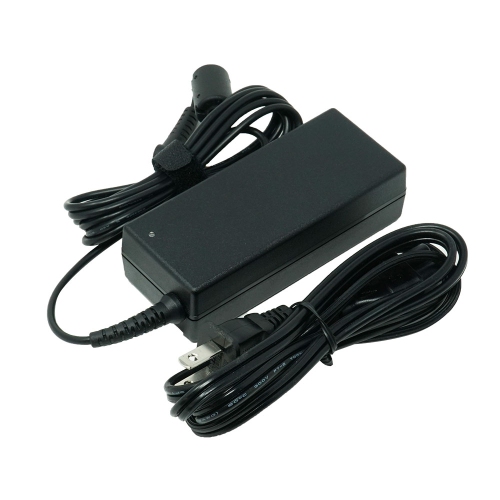
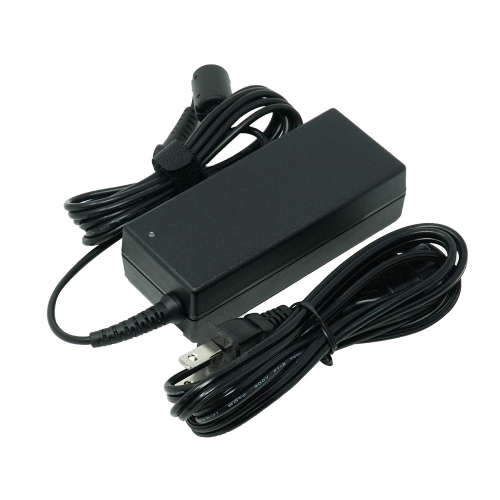
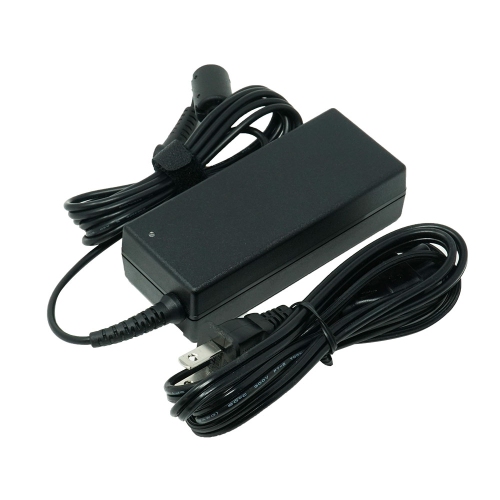
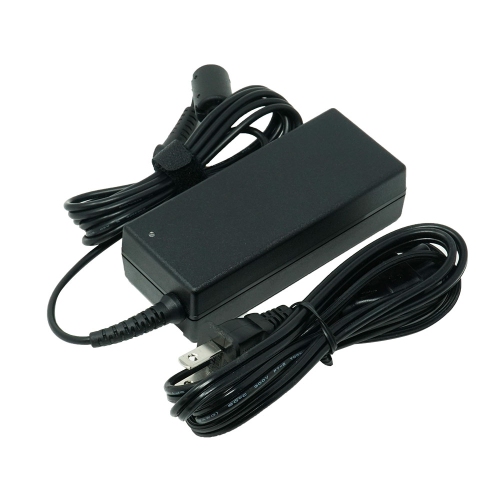
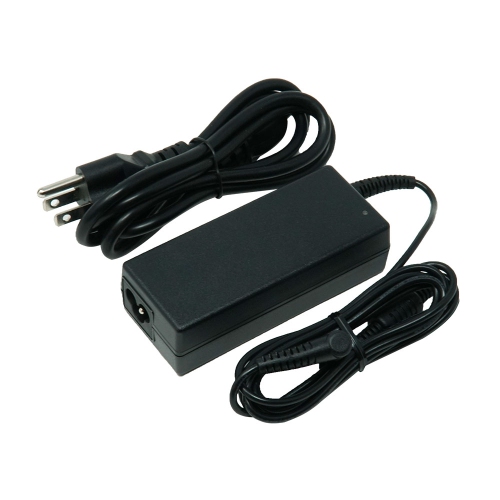
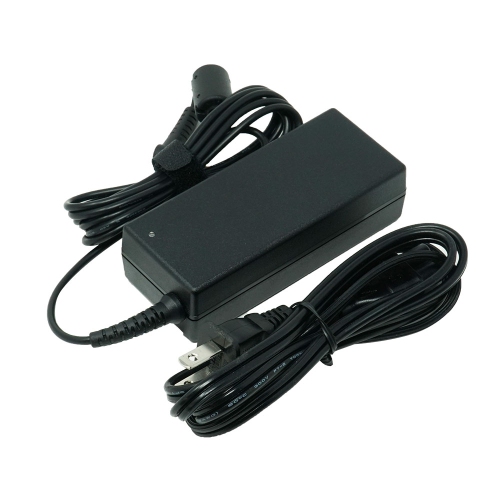
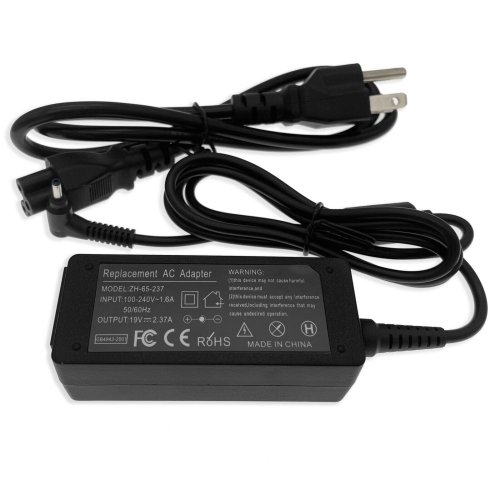
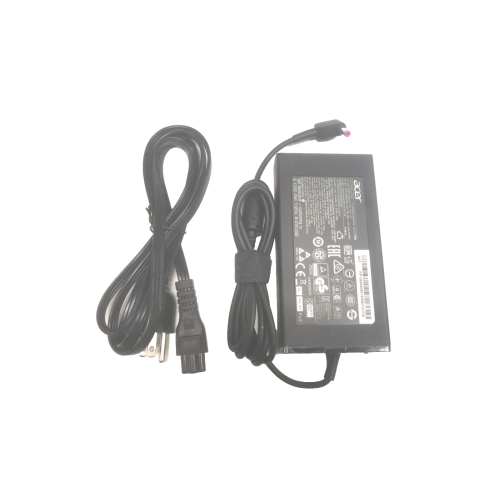
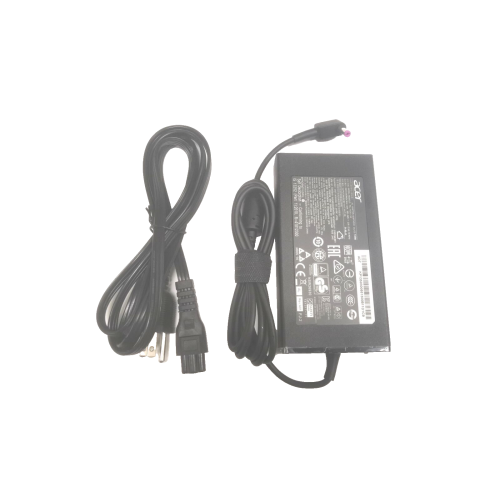
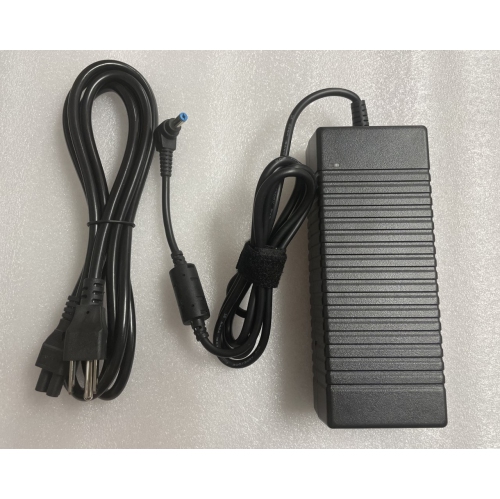
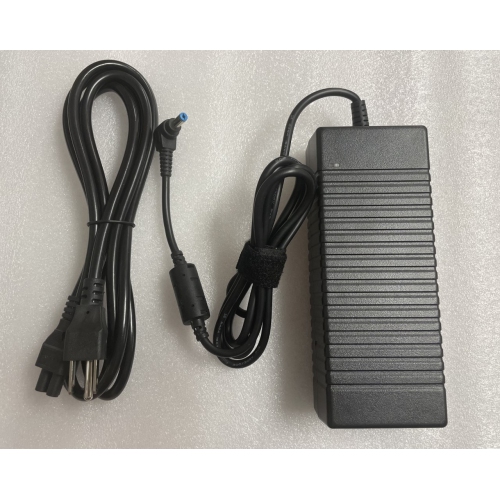
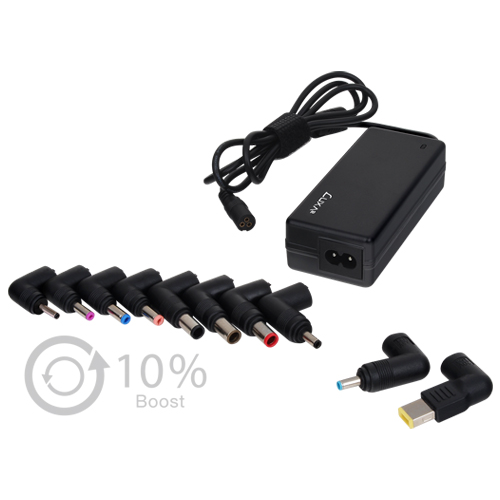
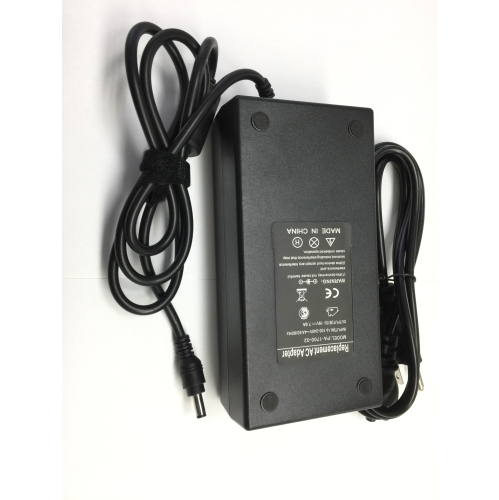

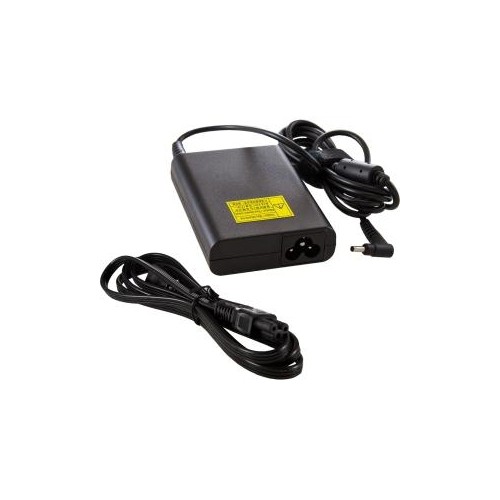

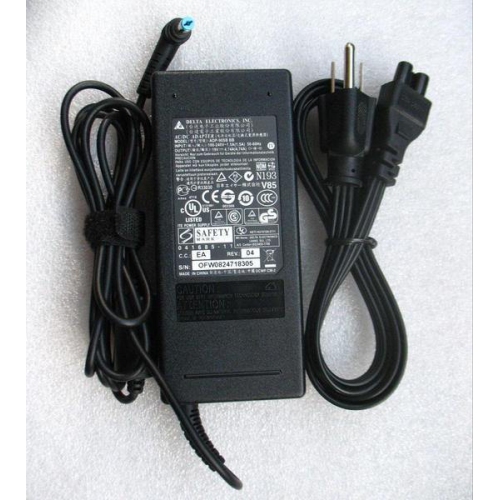
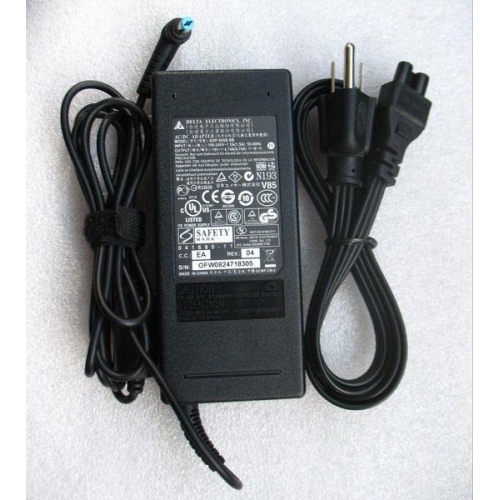
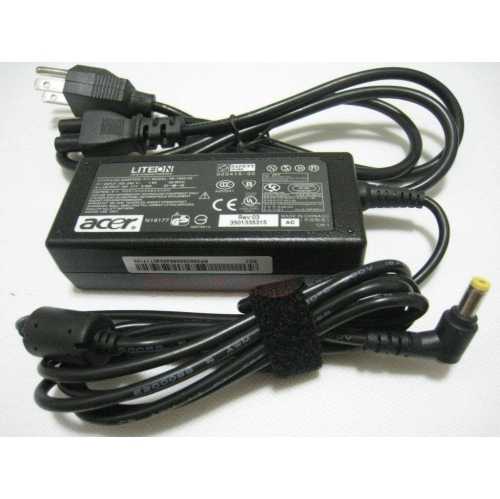
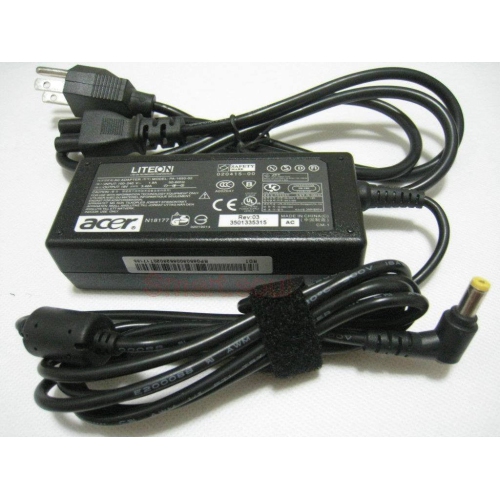
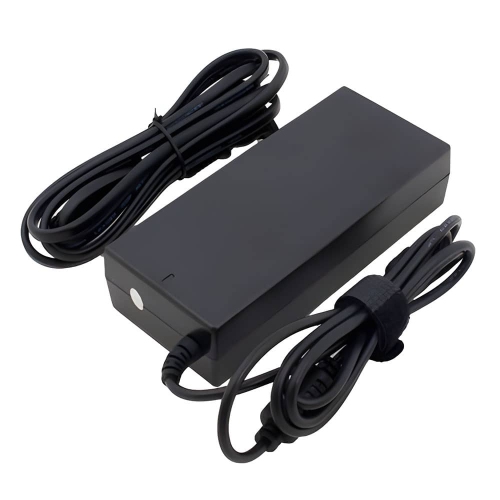
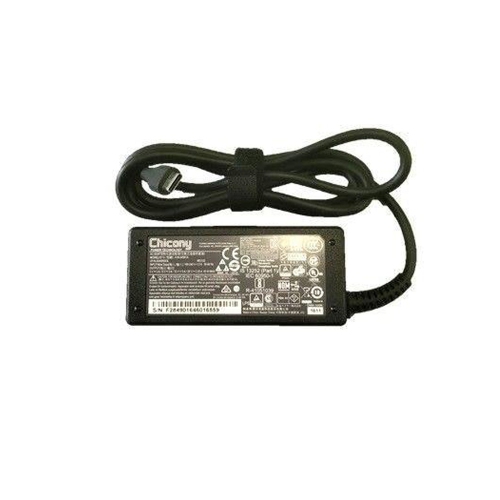
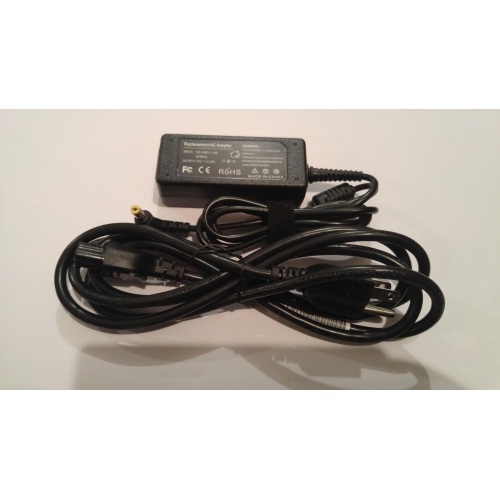
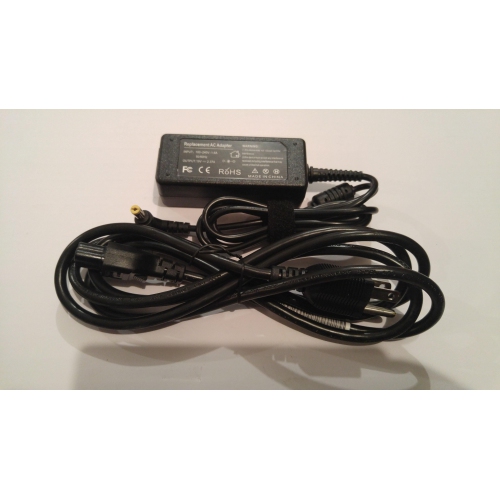
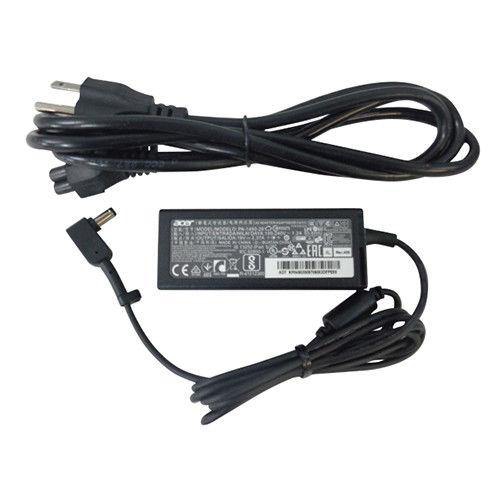
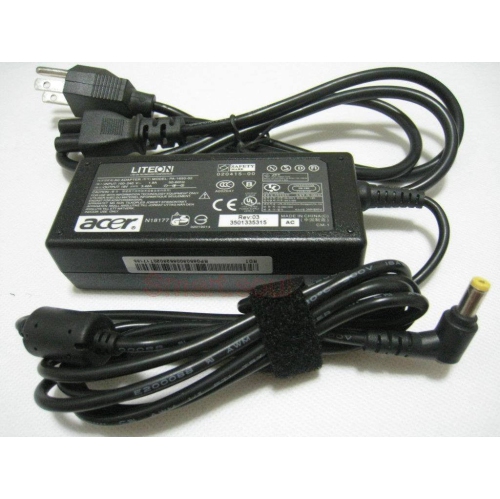
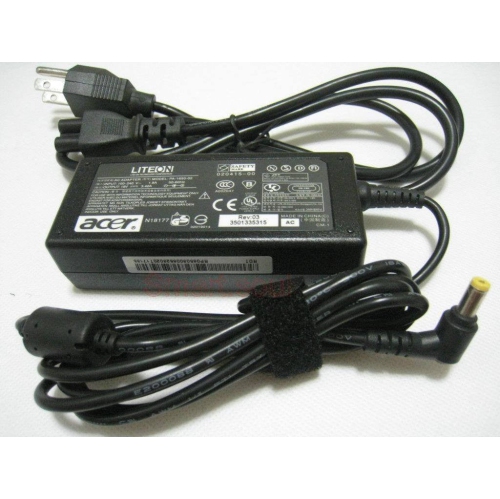
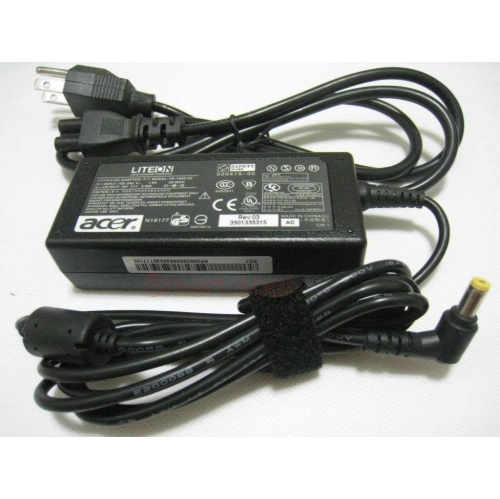
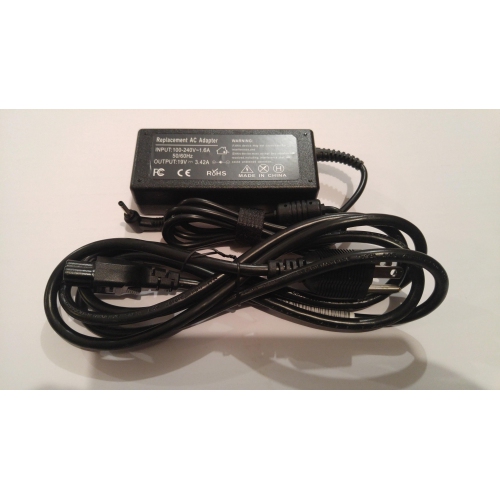
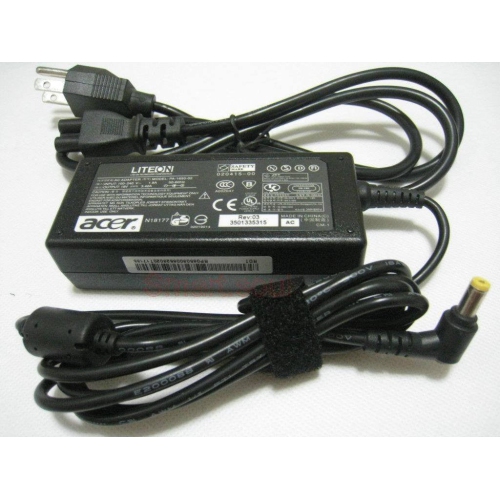
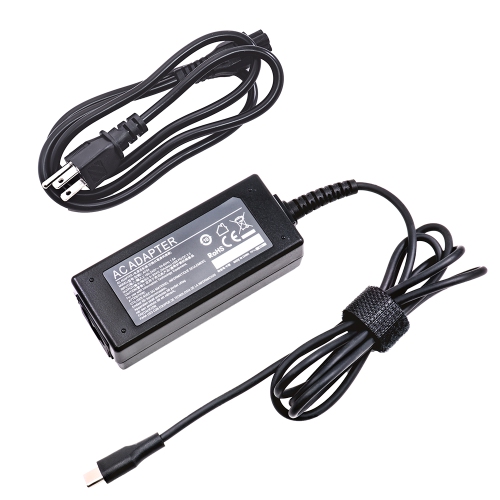
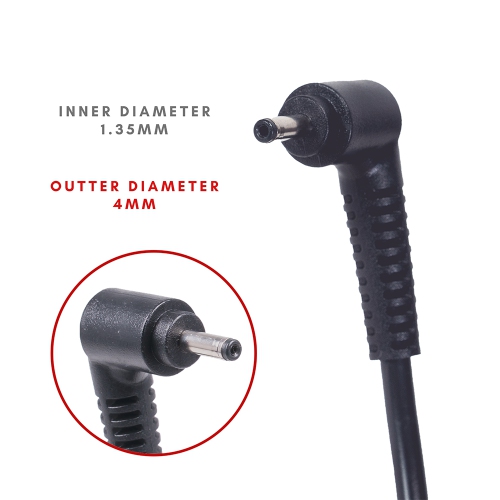
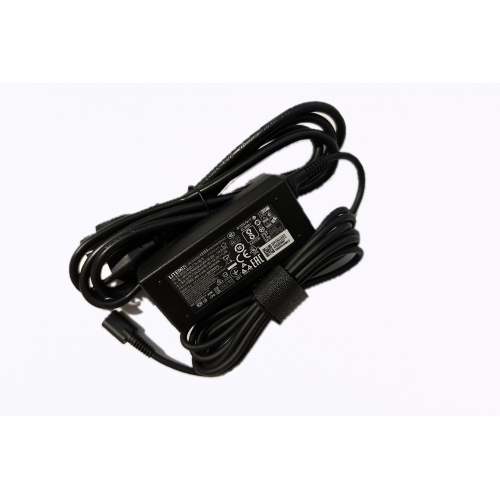
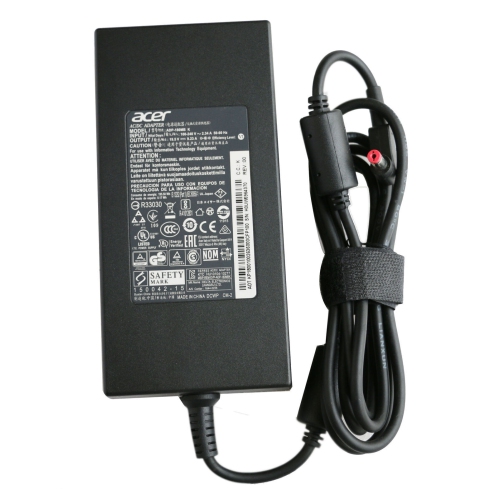
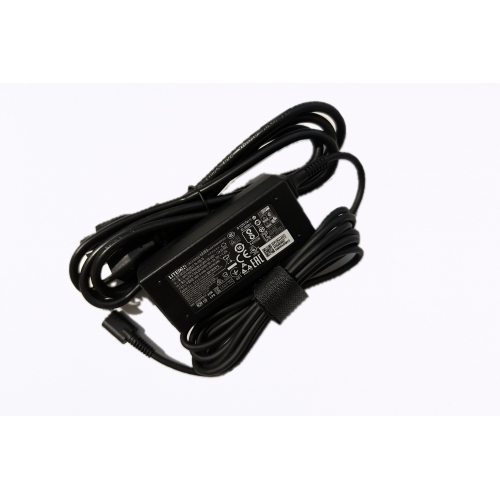
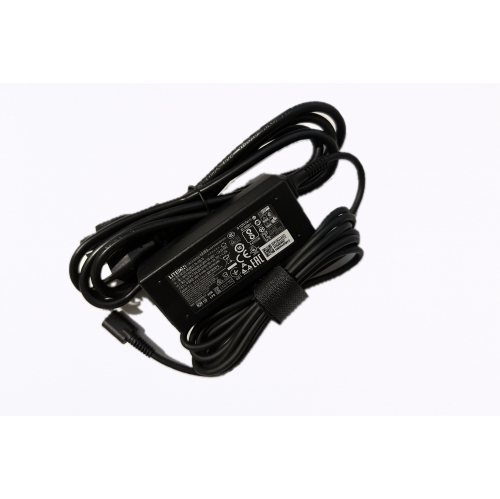
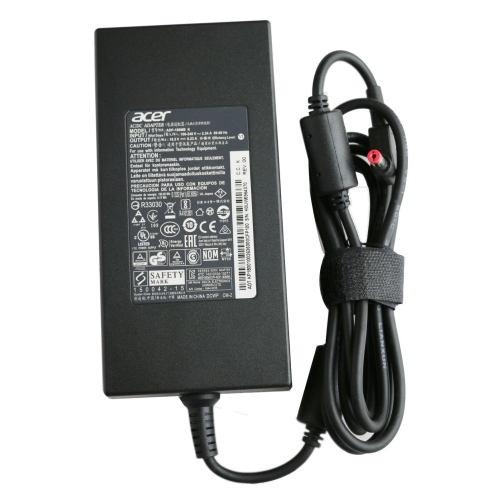
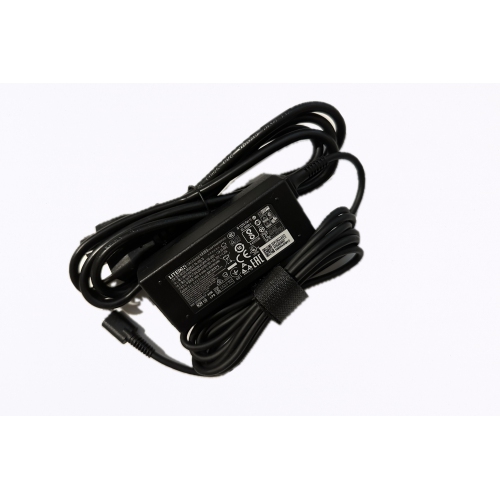
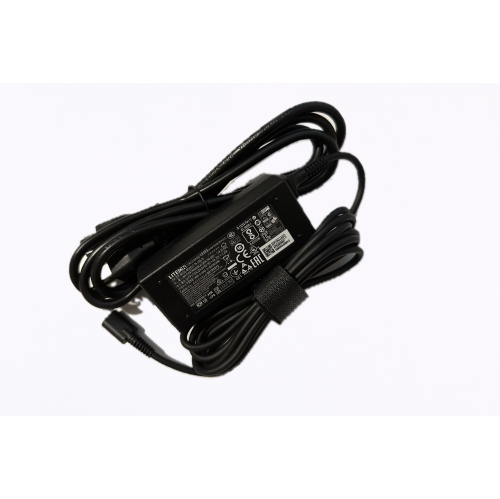
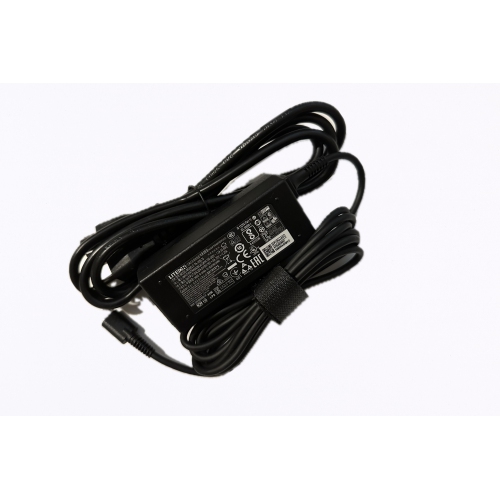
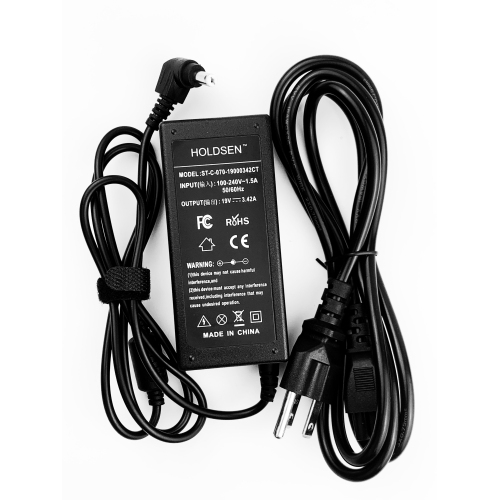
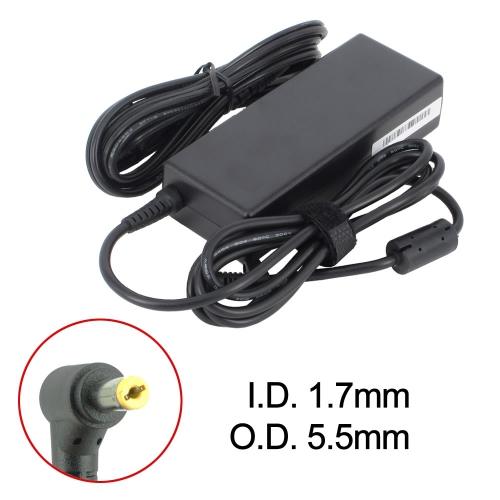
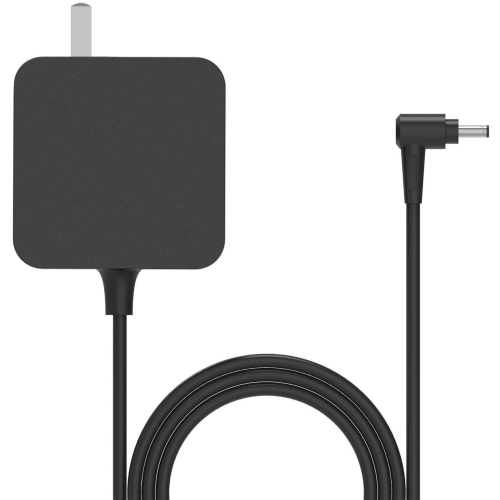
Compatibility depends on voltage, wattage, and connector details
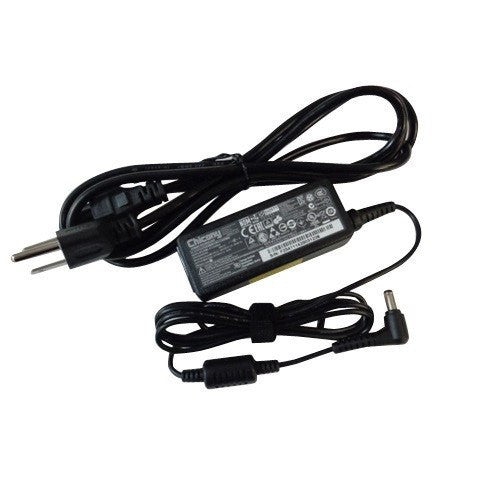
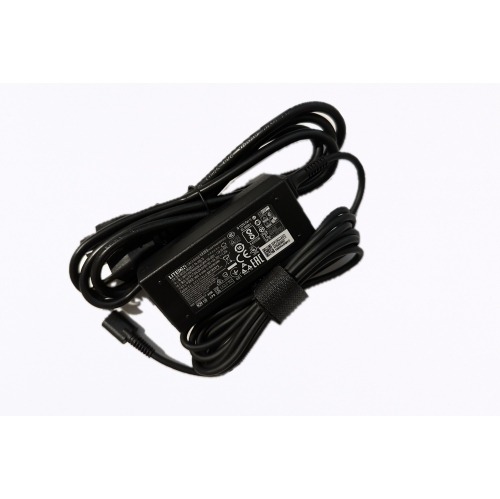
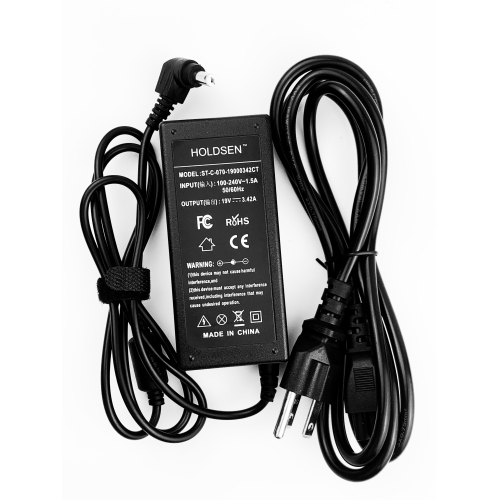
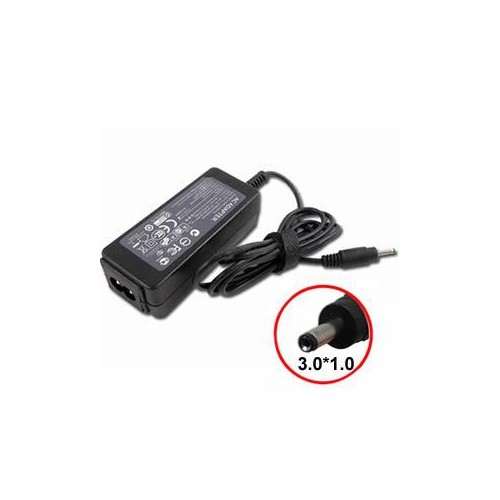
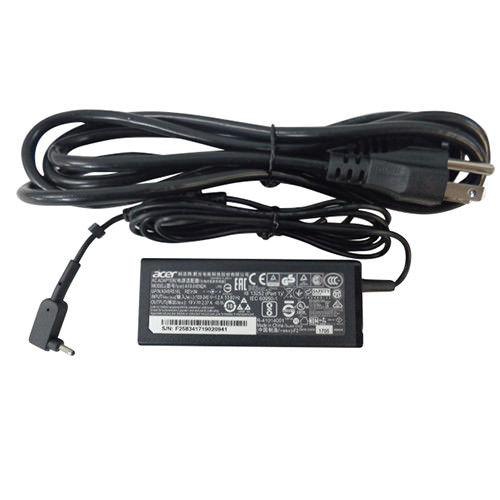
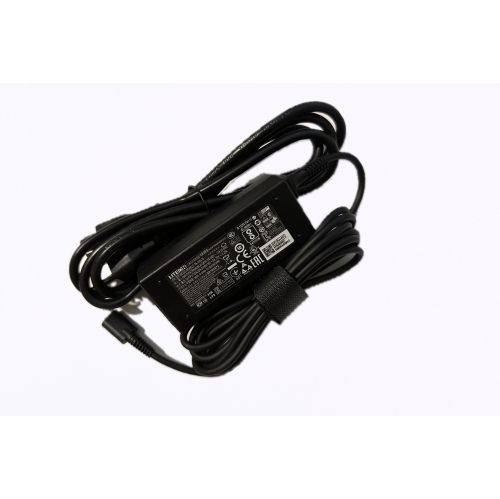
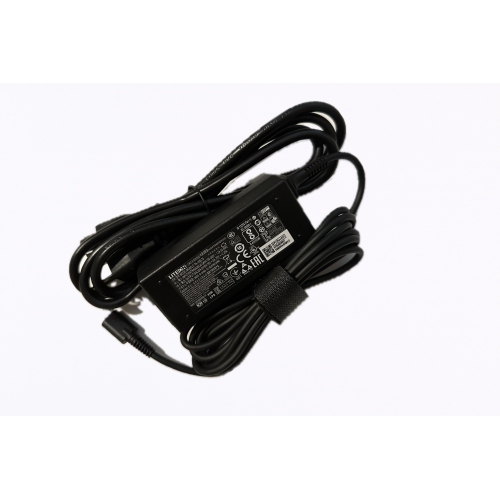
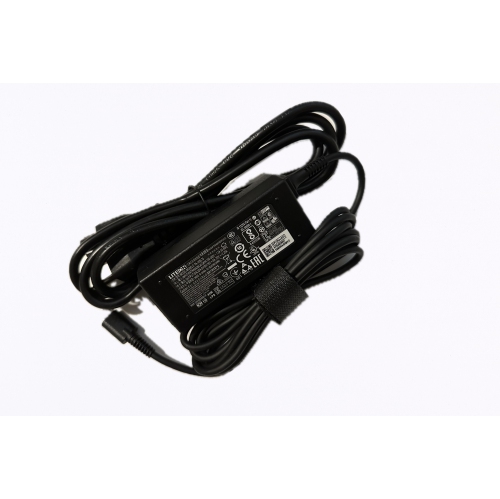
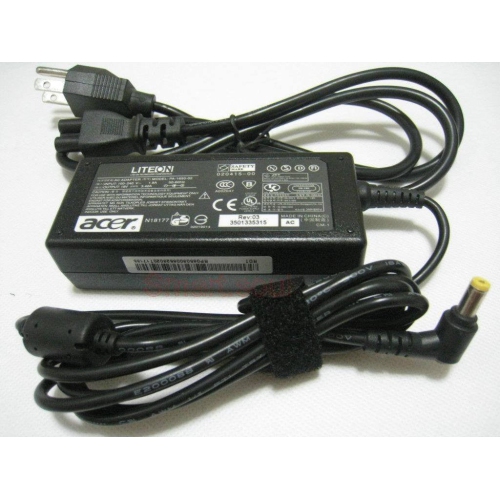
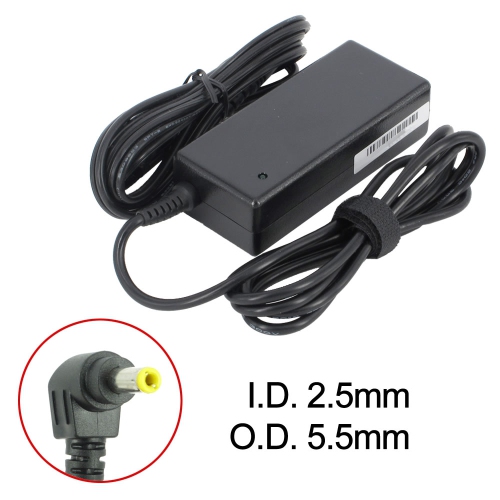
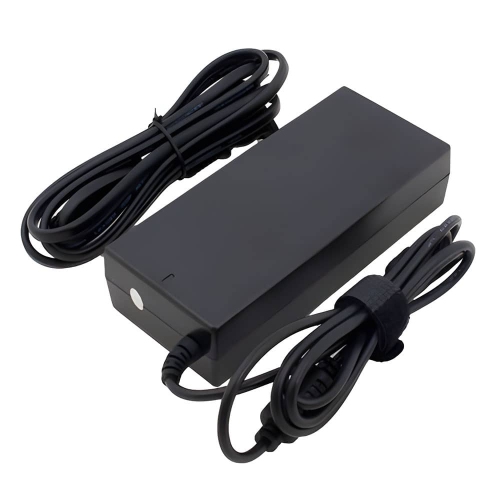
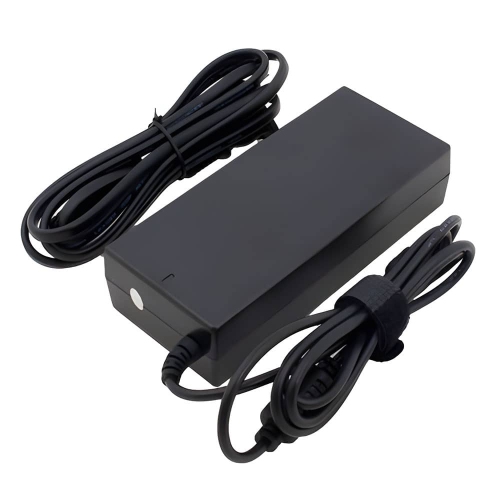
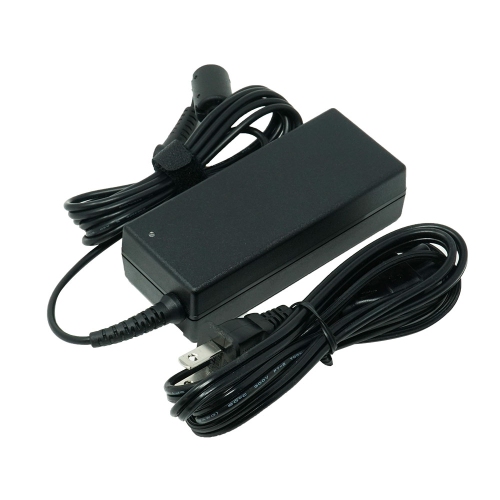
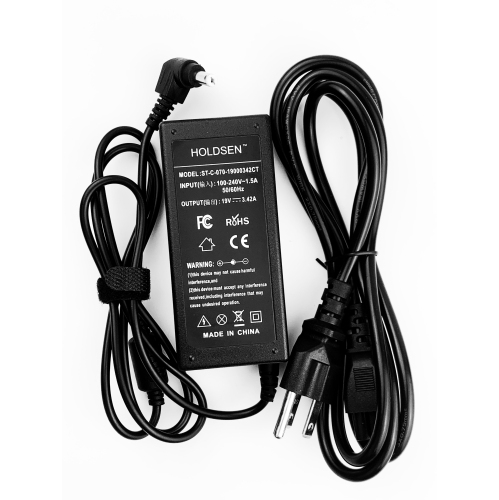
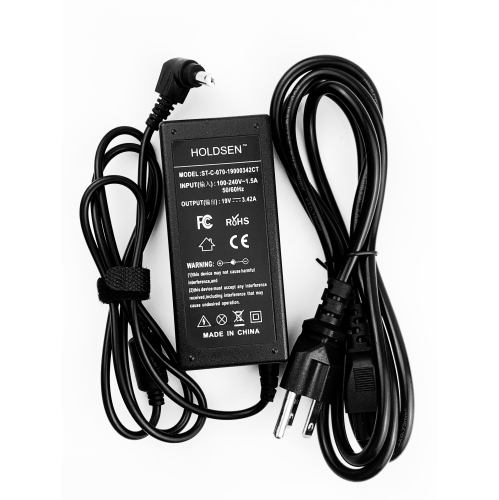
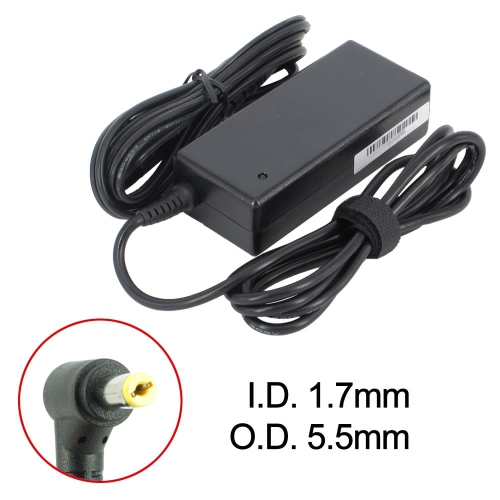
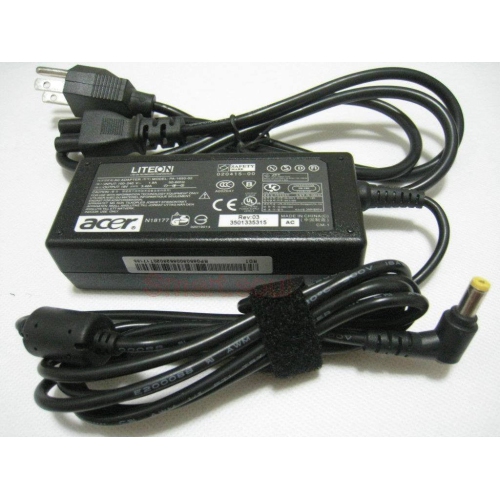
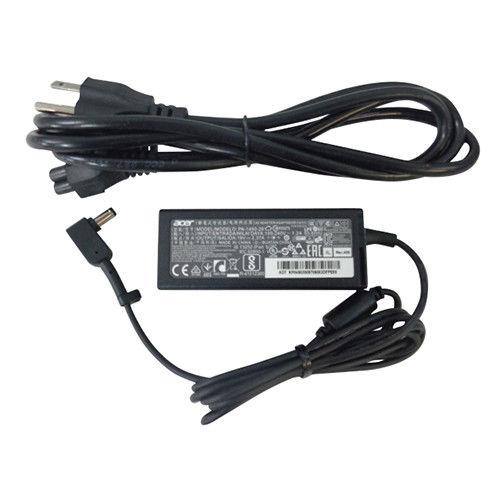
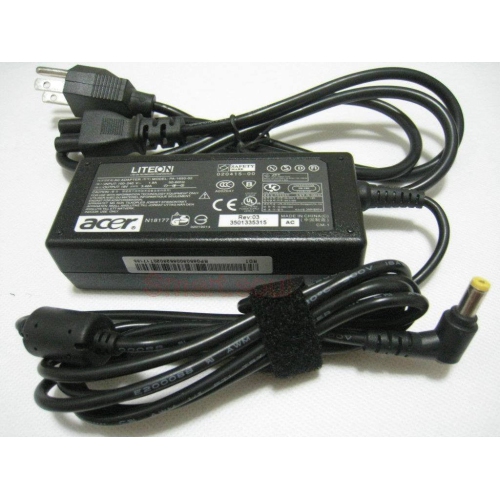
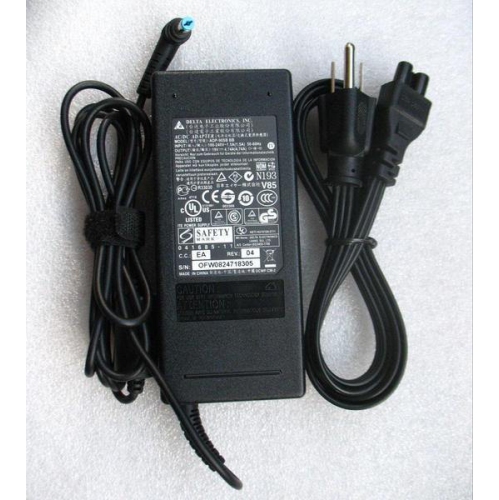
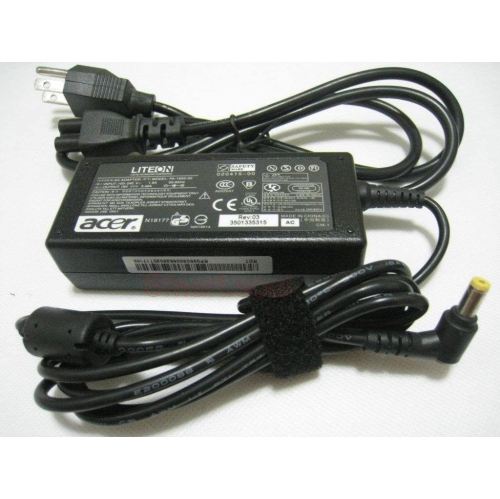
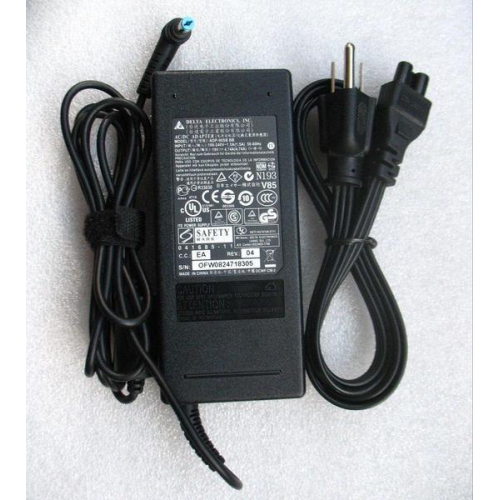
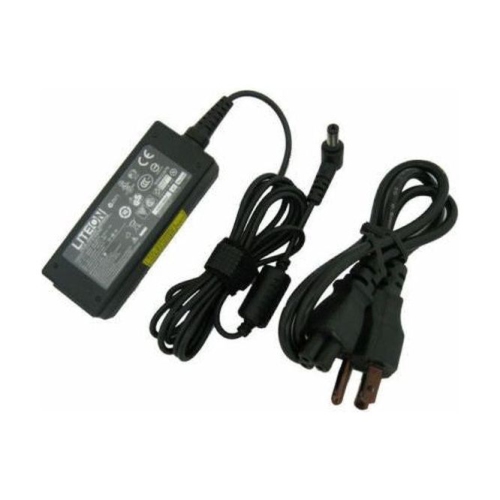
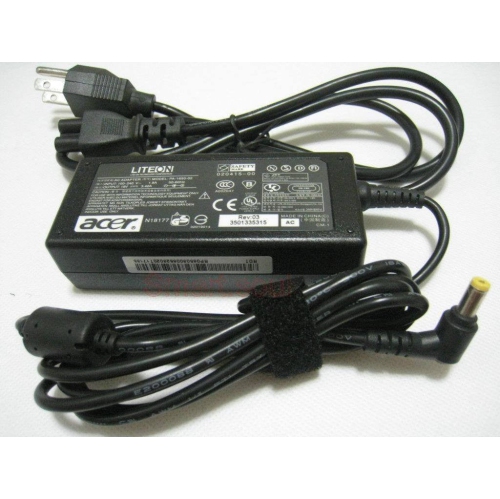
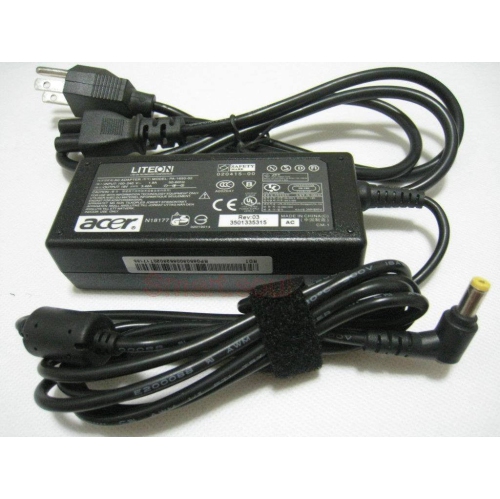
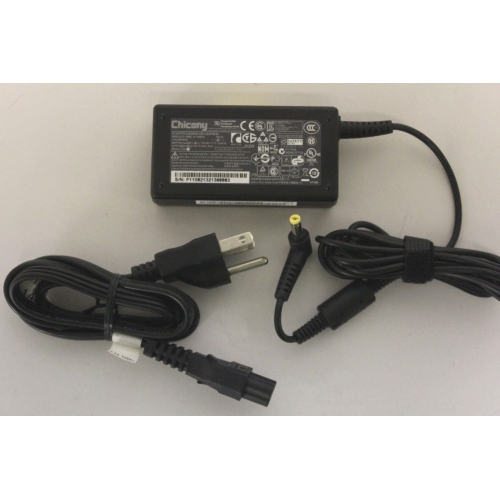
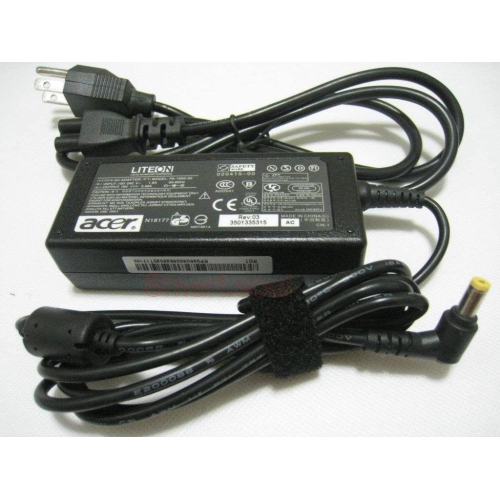
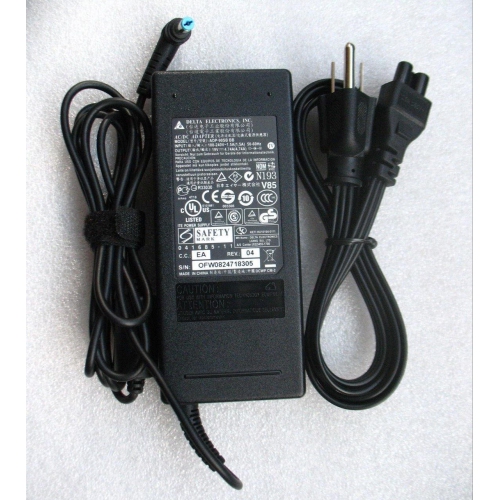
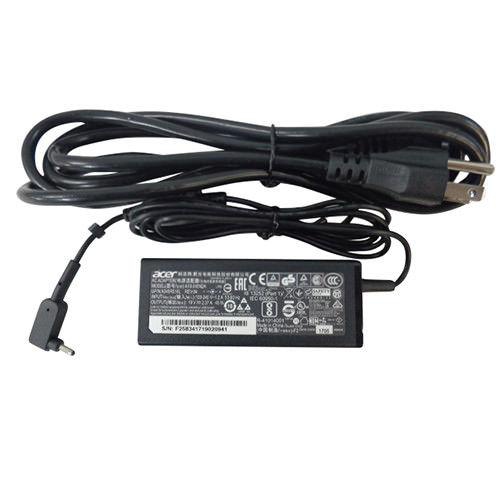
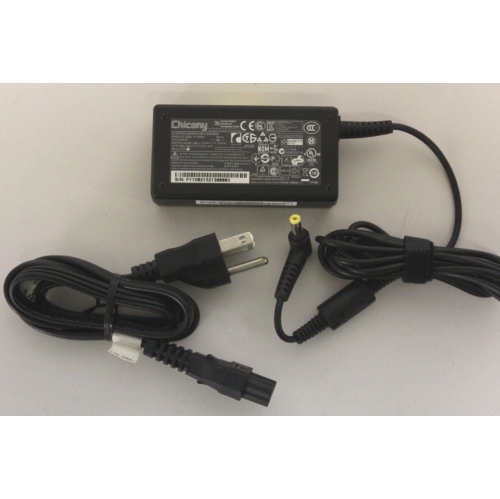
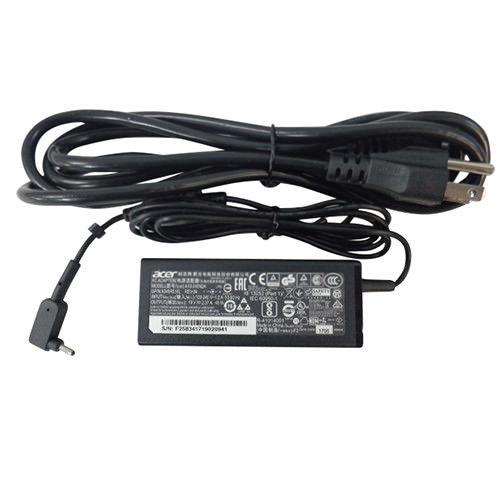
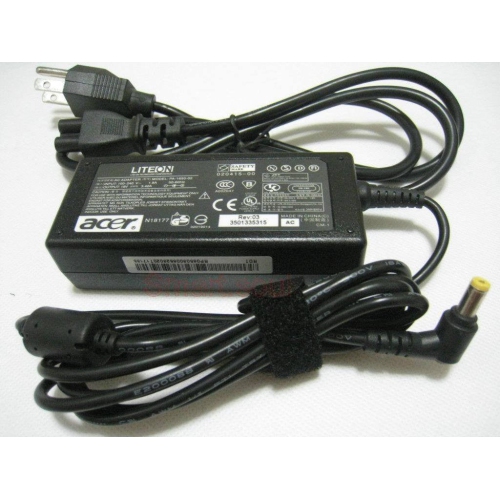
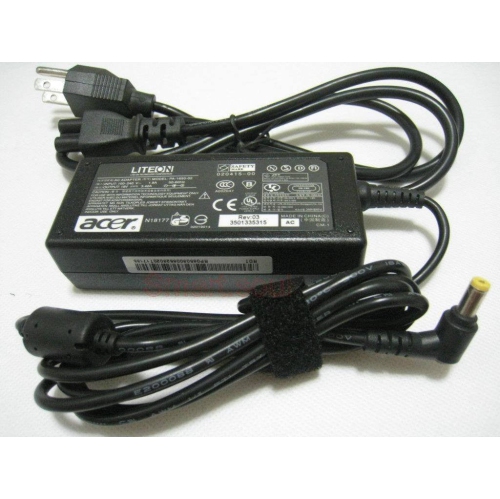
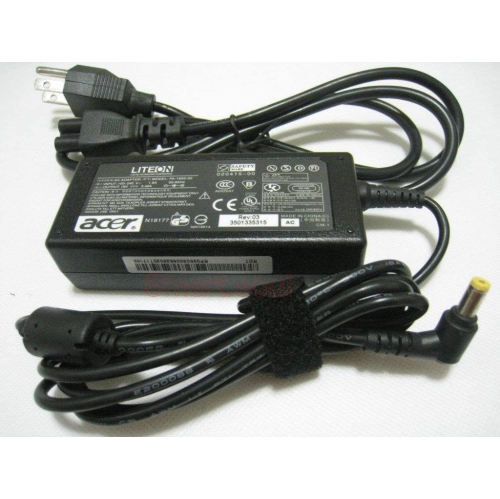
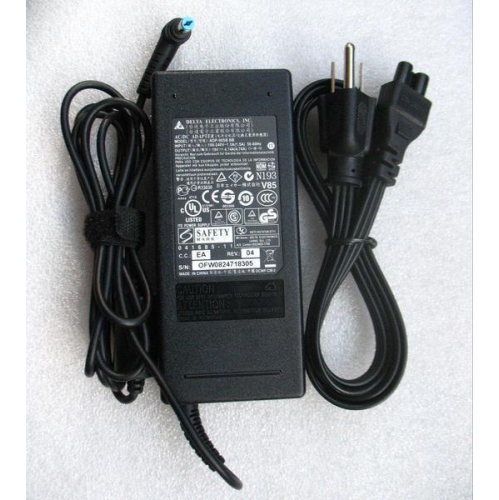
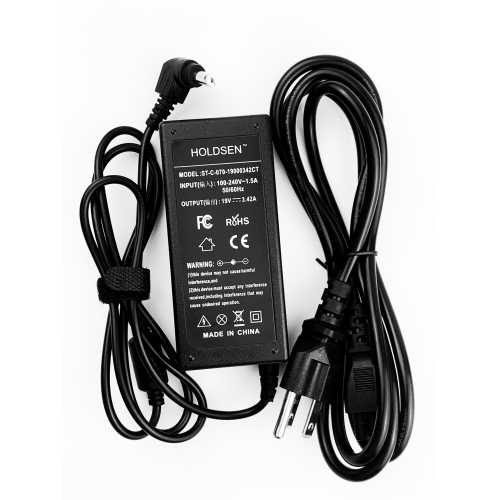
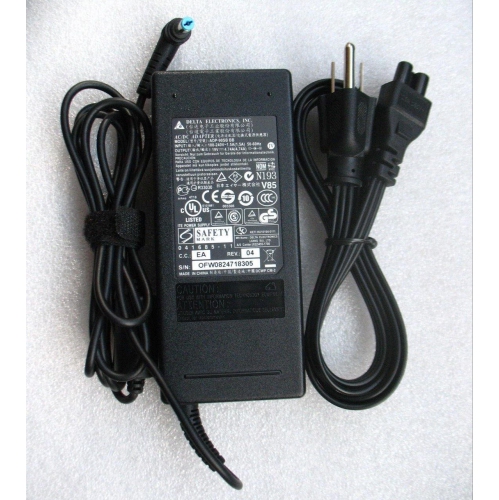
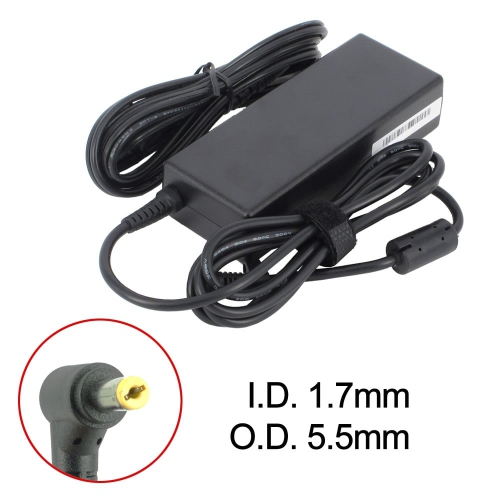
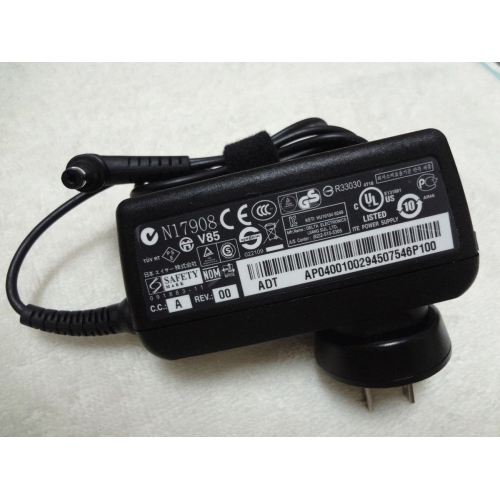
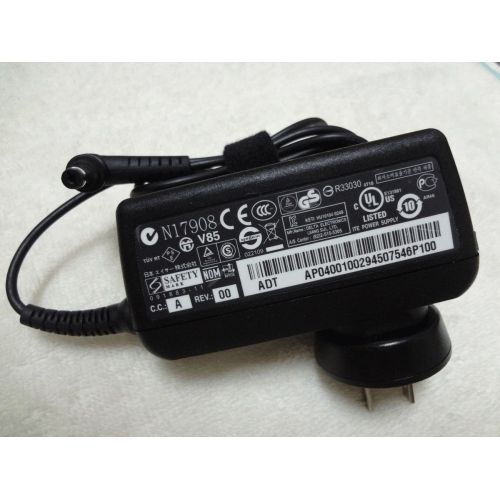
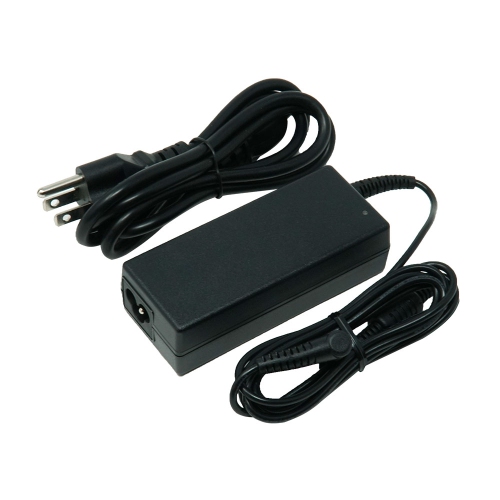
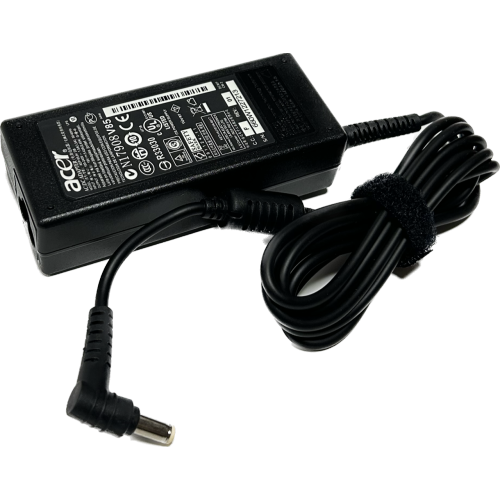
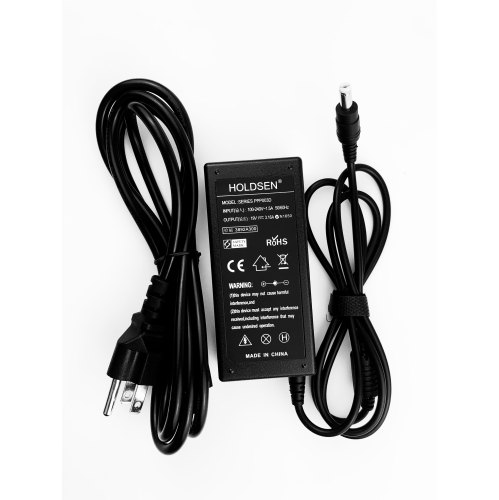
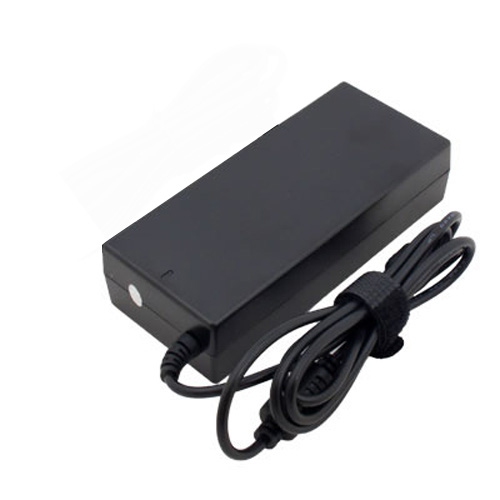
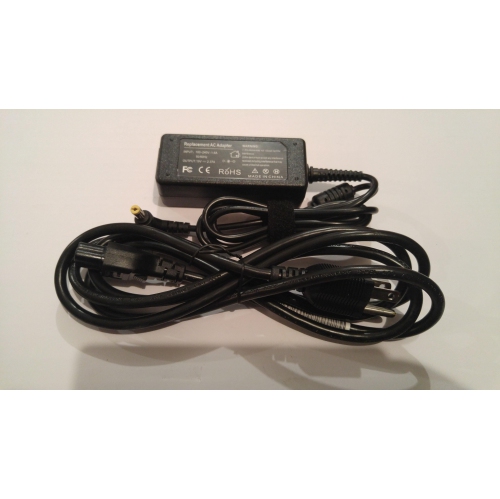
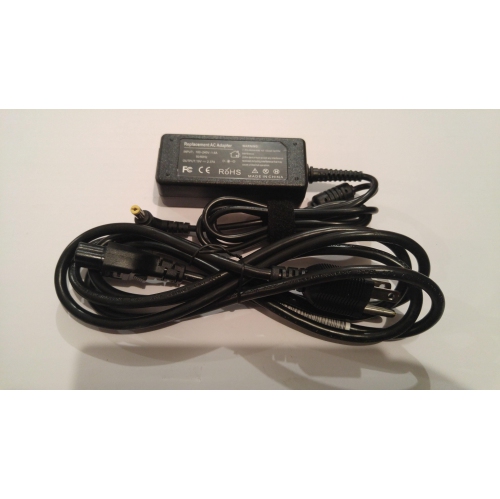
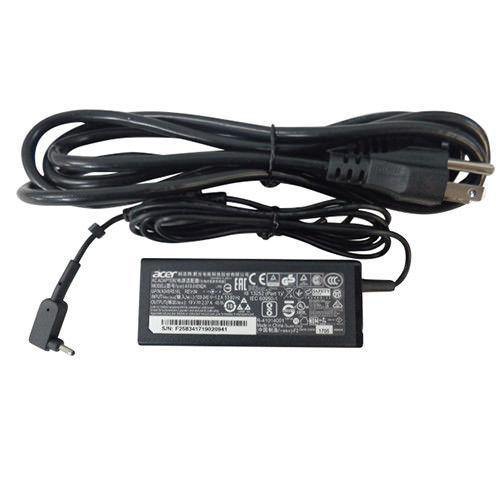
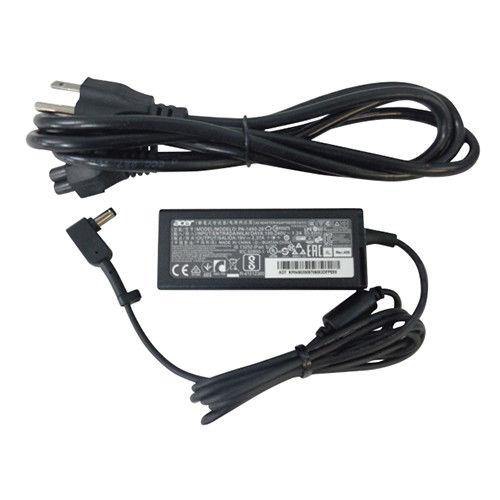
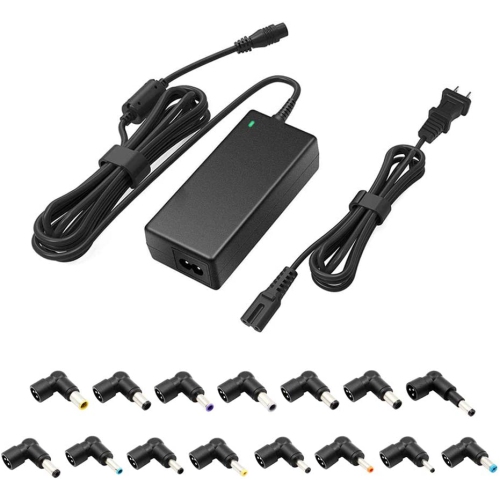
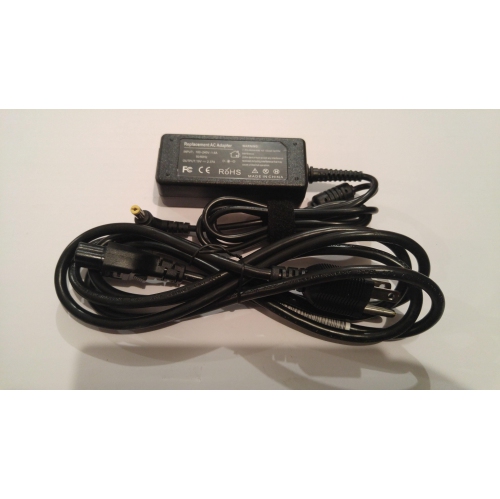
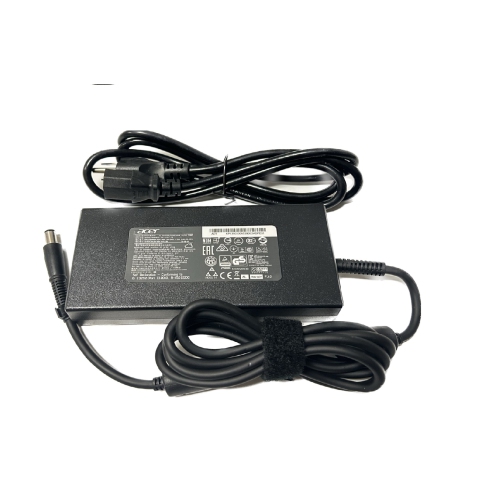
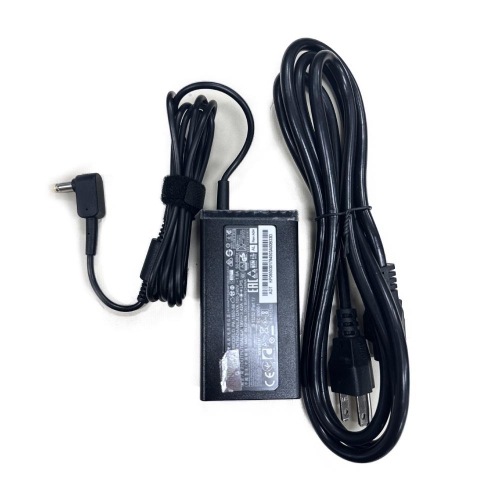
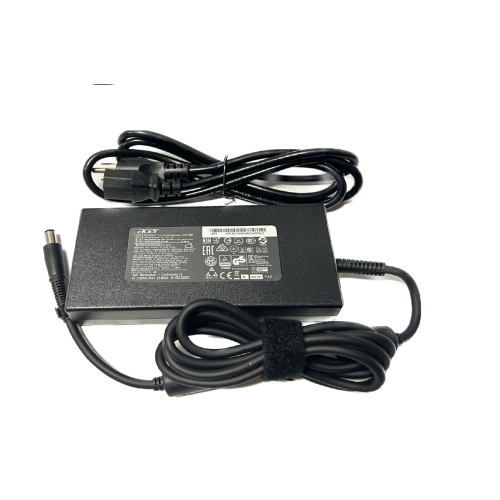
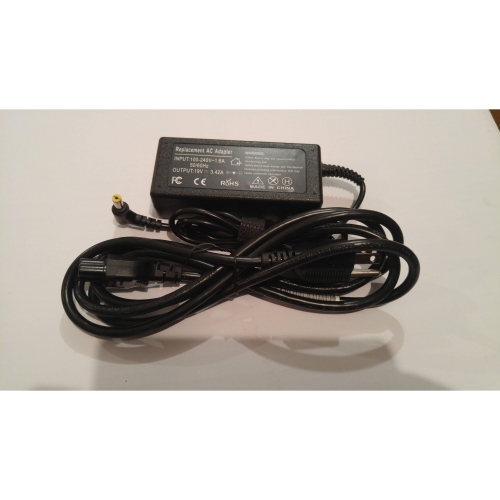
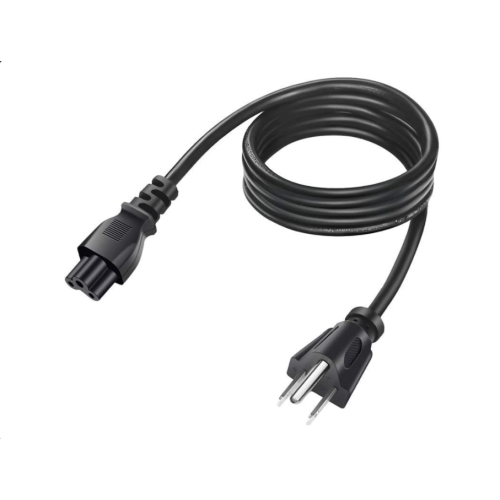
Acer laptop adapters provide the dependable connection your computer needs to recharge its battery and operate from a wall outlet, whether you are working at a desk, studying in a quiet corner, travelling between classes, or setting up a home office. A replacement adapter can be useful when an original charger has been misplaced, damaged, left at another location, or reserved for a second workspace. Many people keep one adapter in a home office and another in a backpack, so they can avoid packing and unpacking cables each day. An extra charger can also be a thoughtful, practical gift for a student, remote worker, family member, or anyone who relies on an Acer laptop for school, work, entertainment, or everyday tasks. Before choosing an Acer laptop adapter, identify the exact laptop model and compare the electrical information printed on the original adapter or on the laptop itself. Important details include output voltage, amperage, wattage, connector type, and connector size. Common output ratings include 19V or 19.5V, while standard laptop adapters may be rated at 45W, 65W, or 90W. More powerful performance-focused laptops can require 180W or more. The adapter should meet the laptop’s required voltage and provide the appropriate wattage; using an adapter with the wrong specifications may lead to slow charging, unreliable operation, or possible damage.
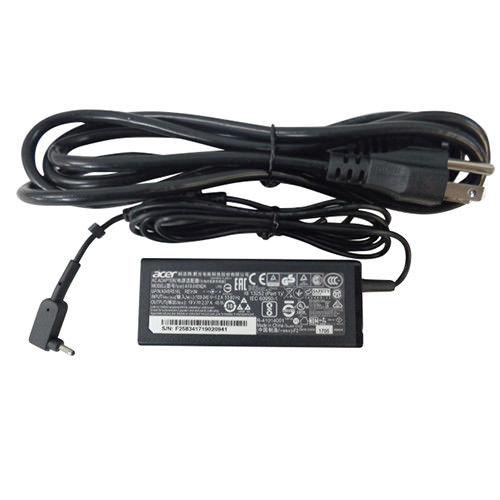
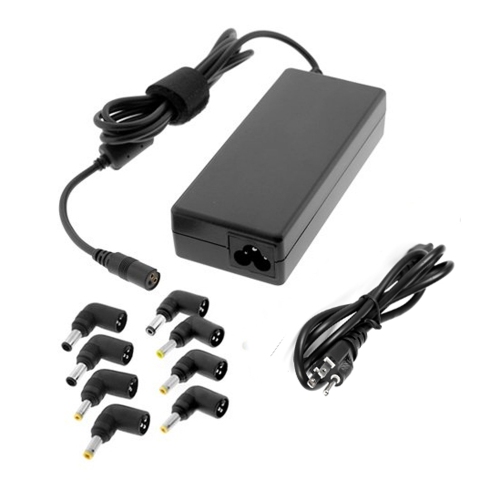
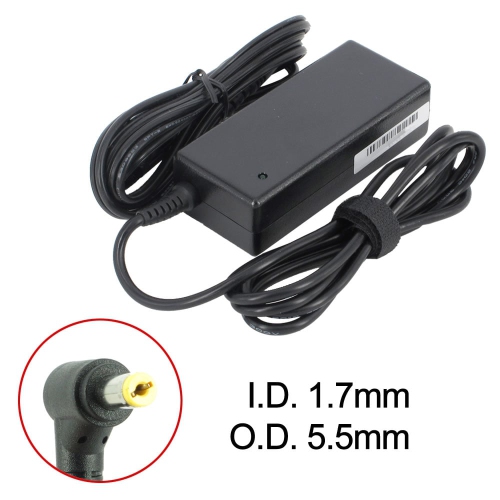
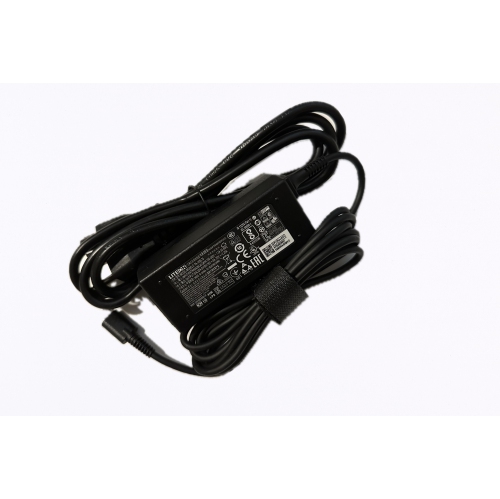
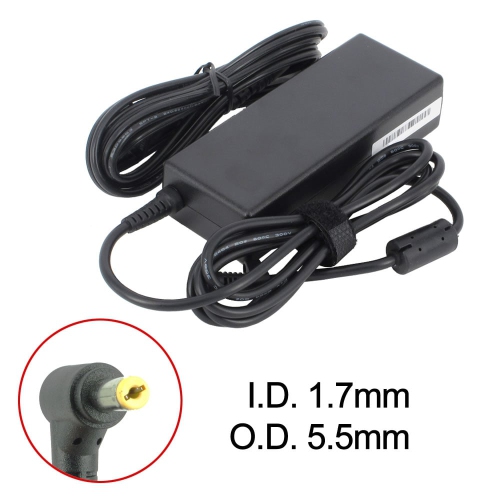
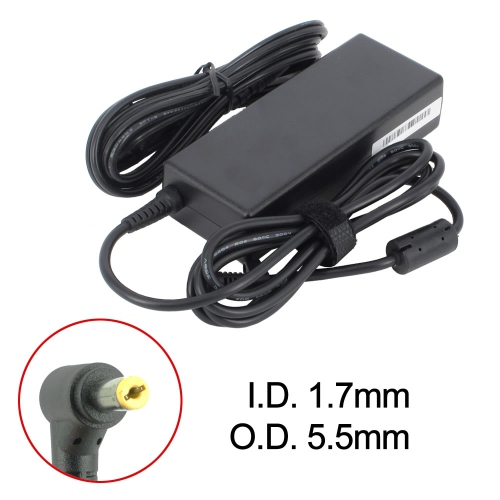
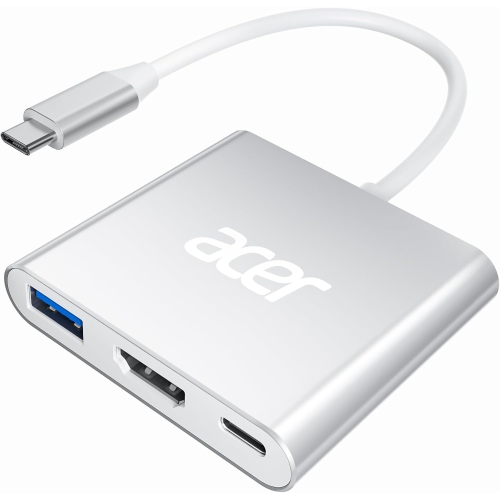
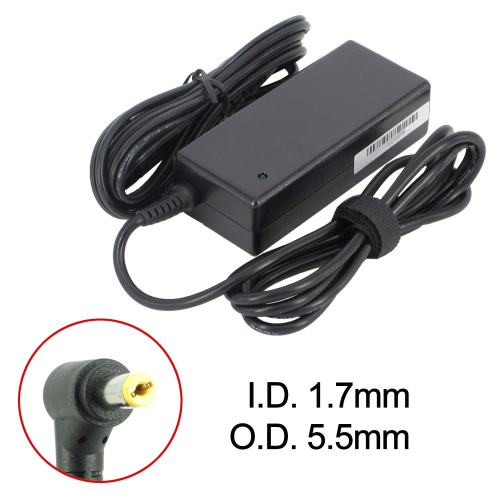
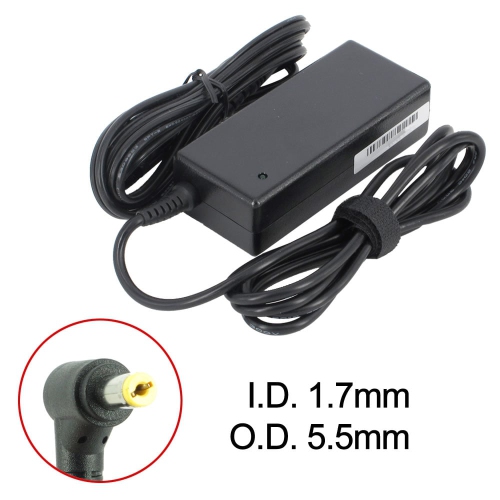
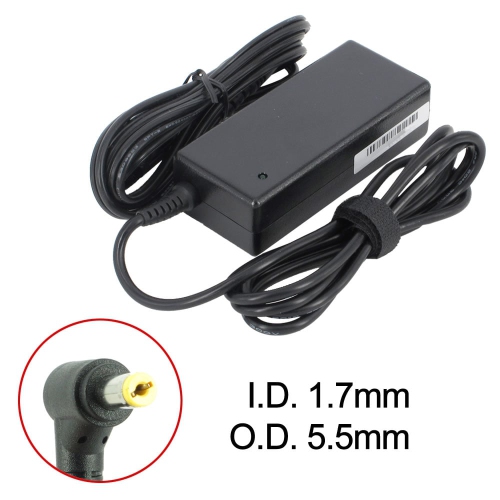
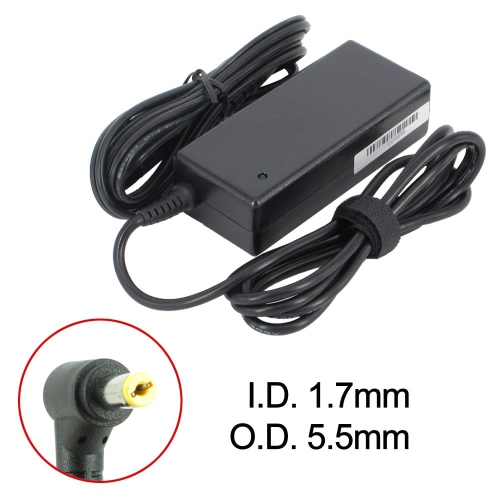
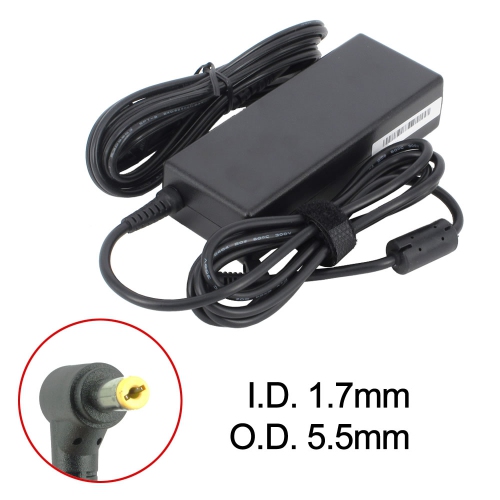
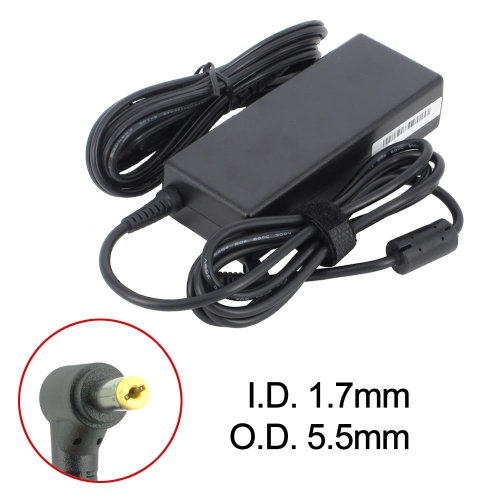
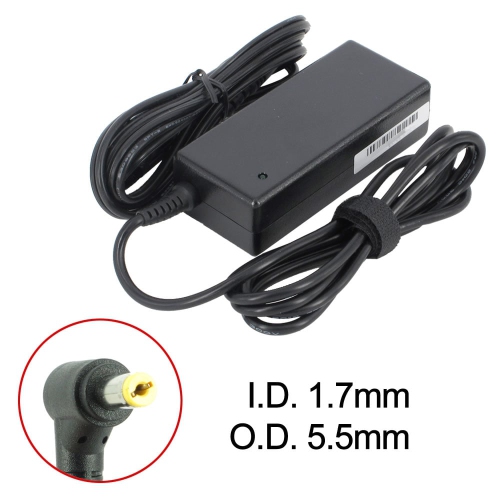
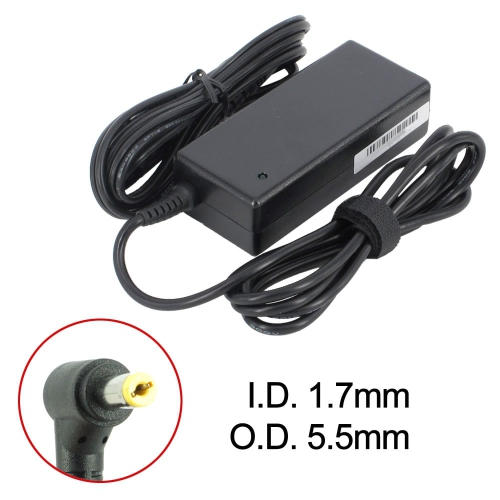
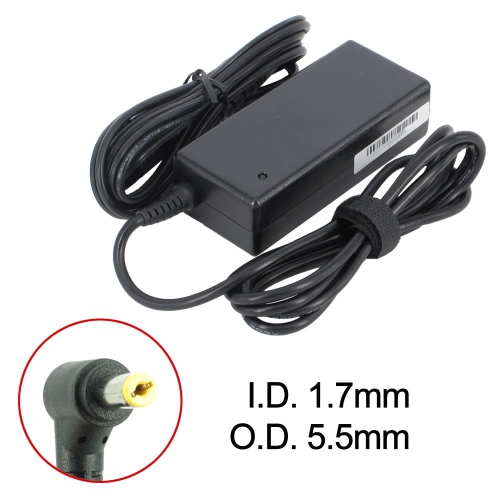
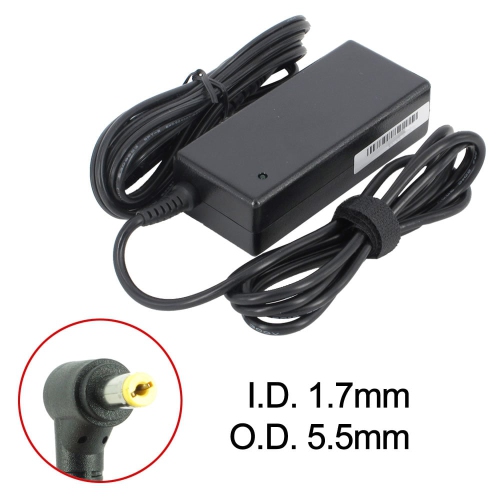
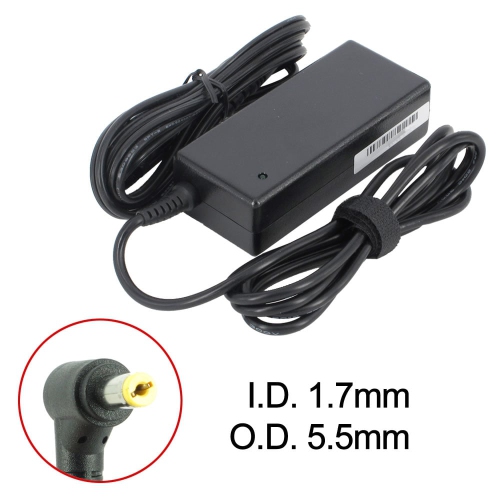
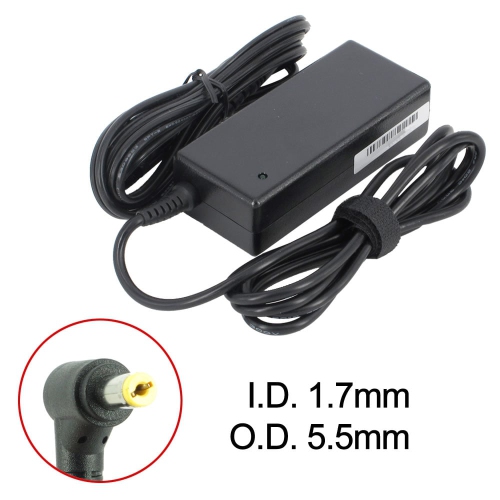
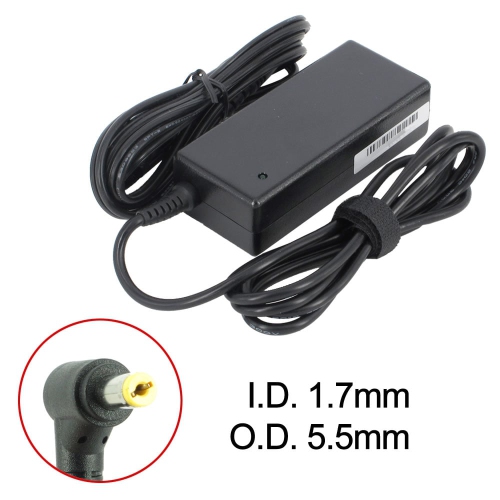
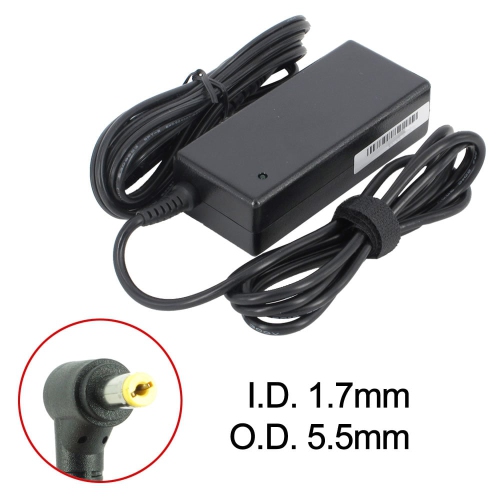
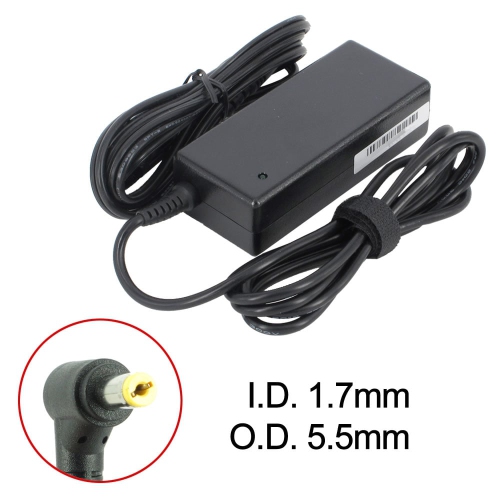
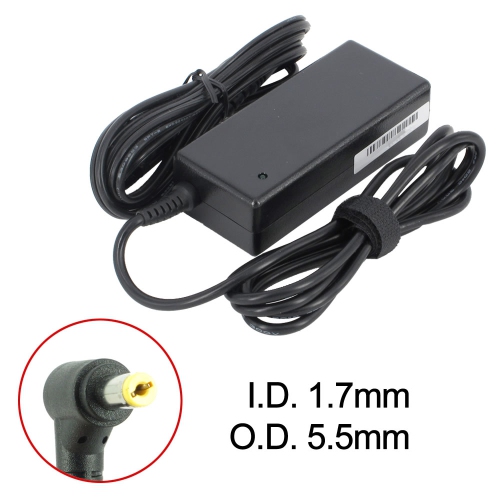
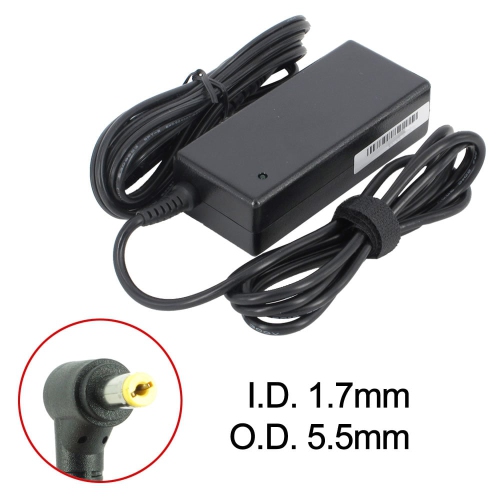
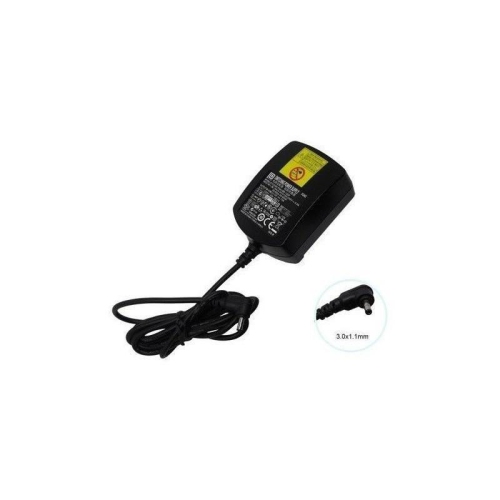
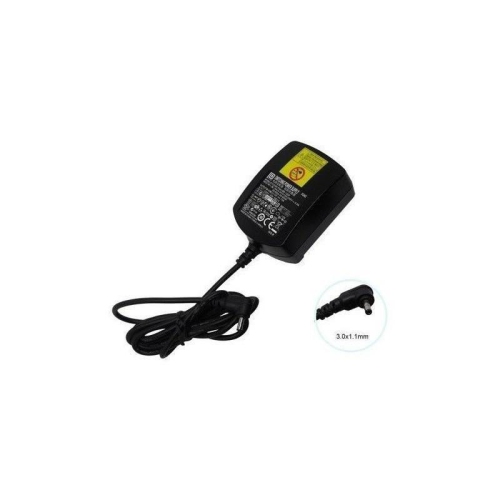
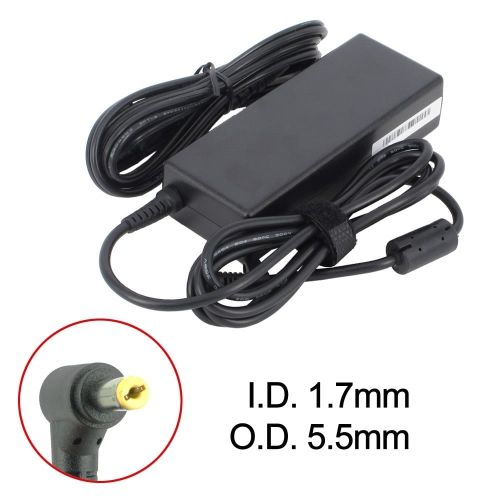
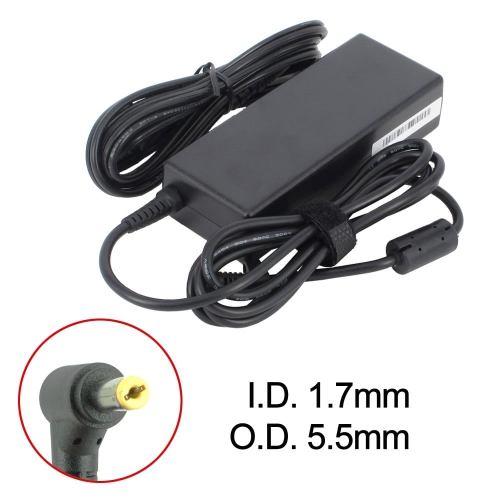
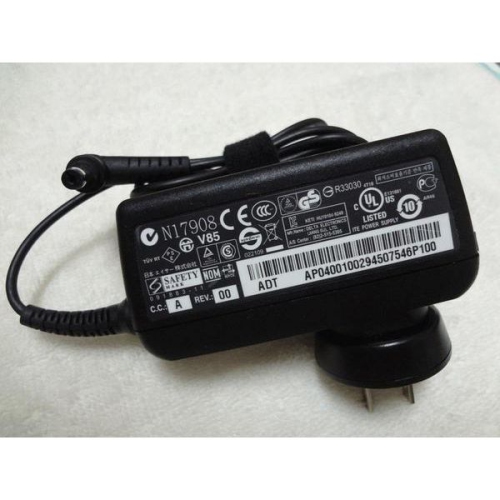
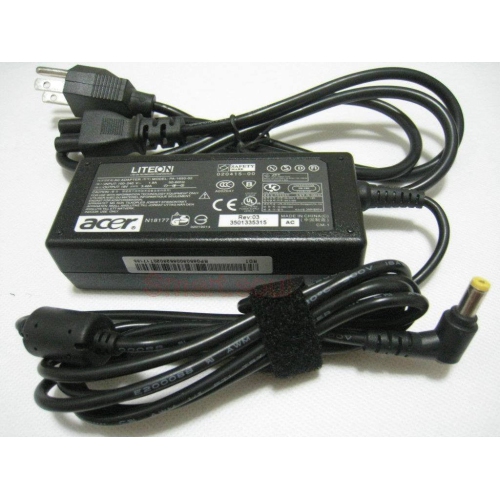
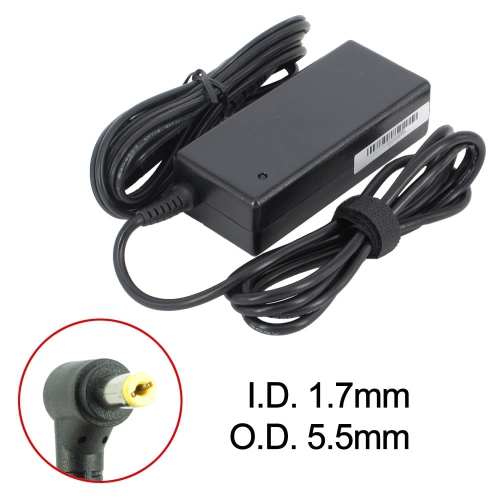
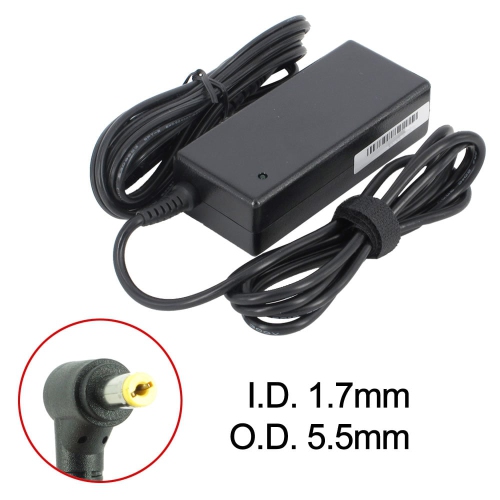
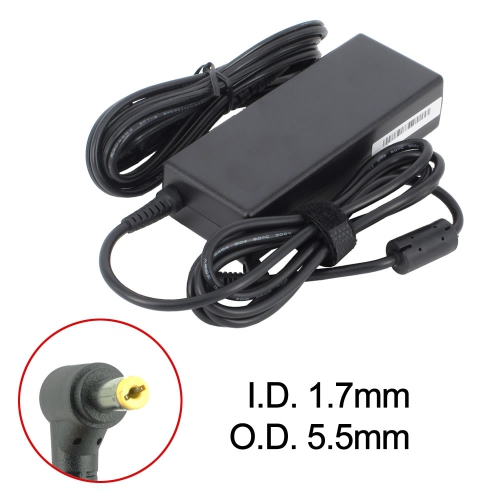
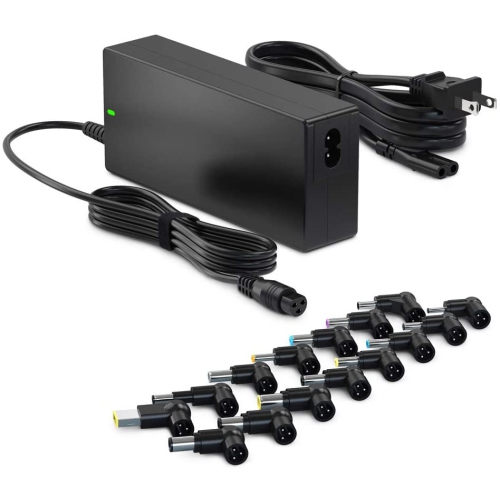
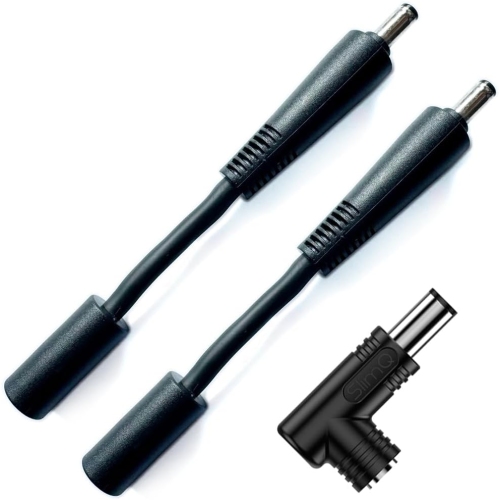
Connector compatibility is equally important. Acer laptops can use different barrel-style charging tips, including sizes such as 5.5mm x 1.7mm and smaller 3.0mm connectors, while some newer models charge through USB-C. A plug that looks similar may not fit securely, and a loose connection can interrupt charging when the laptop is moved across a desk or carried from room to room. Check the tip dimensions and polarity information carefully, and compare the shape of the connector with the port on the computer before placing an order. For USB-C charging, confirm that the adapter supports the required power delivery specification and wattage rather than assuming that every USB-C power source will charge every laptop. The information on the old adapter is often the quickest reference: look for a line marked “Output,” where voltage and amperage appear together. Wattage can be calculated by multiplying volts by amps; for example, 19V multiplied by 3.42A equals approximately 65W, while 19V multiplied by 4.74A equals approximately 90W. Typical replacement Acer laptop adapters may range from about $25 to $60, depending on the power rating, connection style, and compatibility details, although higher-powered configurations can cost more. For additional computer accessories that may help complete a workspace or travel setup, browse Accessories for Acer Laptops.
A suitable adapter should fit naturally into the way the laptop is used. A compact, standard-wattage charger can be convenient for a student who moves between a classroom, library, and residence, while a higher-wattage adapter may be better suited to a laptop that handles demanding creative software, technical applications, or gaming. For a family computer, a clearly labelled spare adapter can prevent mix-ups when several devices are charging near the kitchen counter or shared office. During travel, check the adapter’s cable length, brick size, and overall weight, since these details affect how easily it fits into a backpack or carry-on. At home, a longer cable can make it easier to position the laptop comfortably without stretching the connection across a work surface. Keep the adapter away from damp areas, avoid sharply bending the cable near the plug, and replace it if the casing is cracked, the cable is frayed, or the connector becomes unusually hot. When an adapter is connected, the laptop should charge steadily without repeated interruptions, warning messages, or excessive heat. Always confirm the model number printed on the underside of the laptop, the output details on the existing charger, and the connector style before purchasing. Taking a few minutes to match these specifications helps ensure that the replacement is compatible and ready for reliable use through busy school days, changing work routines, and the cooler months ahead.
Connector compatibility is equally important. Acer laptops can use different barrel-style charging tips, including sizes such as 5.5mm x 1.7mm and smaller 3.0mm connectors, while some newer models charge through USB-C. A plug that looks similar may not fit securely, and a loose connection can interrupt charging when the laptop is moved across a desk or carried from room to room. Check the tip dimensions and polarity information carefully, and compare the shape of the connector with the port on the computer before placing an order. For USB-C charging, confirm that the adapter supports the required power delivery specification and wattage rather than assuming that every USB-C power source will charge every laptop. The information on the old adapter is often the quickest reference: look for a line marked “Output,” where voltage and amperage appear together. Wattage can be calculated by multiplying volts by amps; for example, 19V multiplied by 3.42A equals approximately 65W, while 19V multiplied by 4.74A equals approximately 90W. Typical replacement Acer laptop adapters may range from about $25 to $60, depending on the power rating, connection style, and compatibility details, although higher-powered configurations can cost more. For additional computer accessories that may help complete a workspace or travel setup, browse Accessories for Acer Laptops.
A suitable adapter should fit naturally into the way the laptop is used. A compact, standard-wattage charger can be convenient for a student who moves between a classroom, library, and residence, while a higher-wattage adapter may be better suited to a laptop that handles demanding creative software, technical applications, or gaming. For a family computer, a clearly labelled spare adapter can prevent mix-ups when several devices are charging near the kitchen counter or shared office. During travel, check the adapter’s cable length, brick size, and overall weight, since these details affect how easily it fits into a backpack or carry-on. At home, a longer cable can make it easier to position the laptop comfortably without stretching the connection across a work surface. Keep the adapter away from damp areas, avoid sharply bending the cable near the plug, and replace it if the casing is cracked, the cable is frayed, or the connector becomes unusually hot. When an adapter is connected, the laptop should charge steadily without repeated interruptions, warning messages, or excessive heat. Always confirm the model number printed on the underside of the laptop, the output details on the existing charger, and the connector style before purchasing. Taking a few minutes to match these specifications helps ensure that the replacement is compatible and ready for reliable use through busy school days, changing work routines, and the cooler months ahead.
Top selling and popular products
-
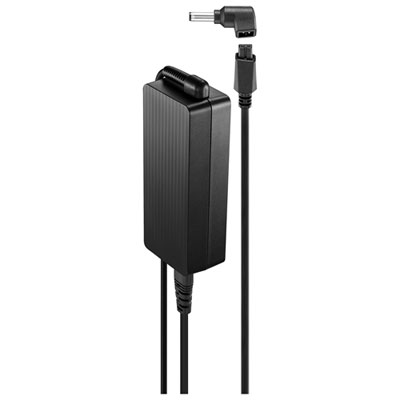 Your price for this item is $69.99
 -
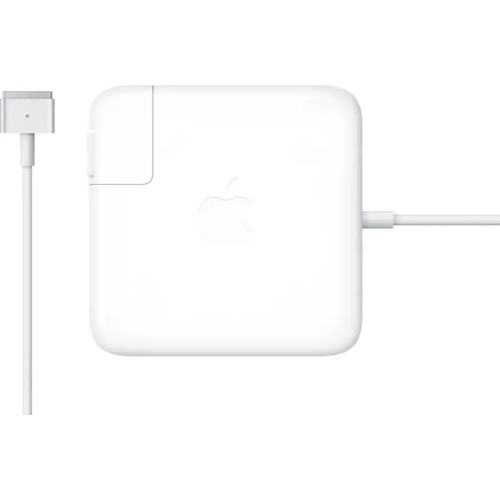 Your price for this item is $135.39
 -
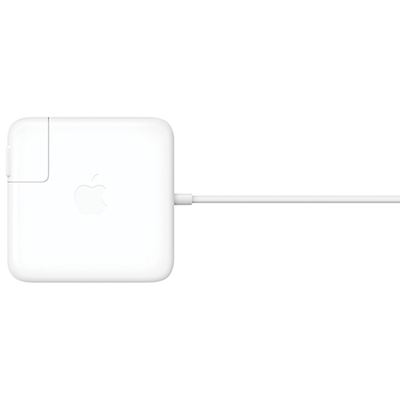 Your price for this item is $95
 -
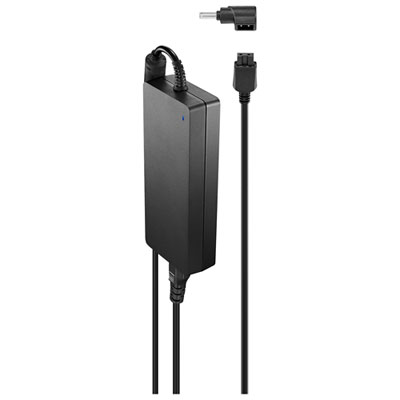 Your price for this item is $109.99
 -
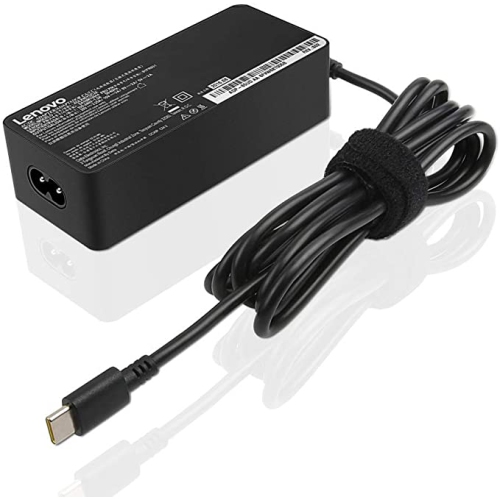 Your price for this item is $67
 -
 Your price for this item is $49.99
 -
 Your price for this item is $71
 -
 Your price for this item is $51.99
Discover more categories related to Acer Laptop Adapters


Top Collections:
Pokemon Centers, Best Budget Office Chairs, Budget 4K TVs, Kindle Devices, Best Laptops for Writers, Canon G7X Cameras, Apple iPhones 16, iPhone 15 Apple, Laptops for Business Work, Xiaomi Phones
Some products may be subject to Environmental Handling Fees
(EHF) depending on your province.
Learn more about EHFs.