Accessories for Acer Laptops
Enhance your computing experience with top-quality accessories for Acer laptops. Whether you're looking to boost productivity, protect your device, or personalize your setup, you'll find a wide selection of essential add-ons designed to complement your laptop. From convenient carrying cases to reliable chargers and more, discover the perfect accessories for Acer laptops to match your needs and style. Find everything you need to get the most out of your device right here.
Sort
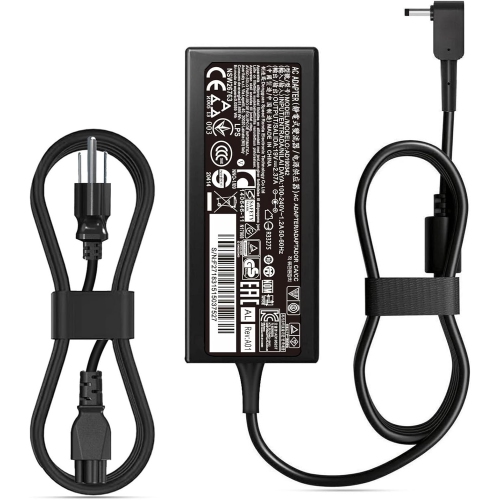
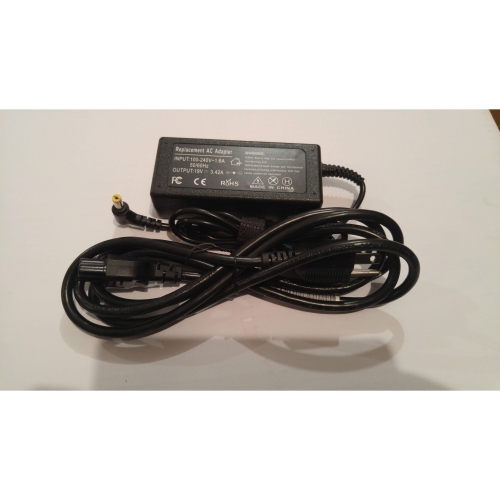
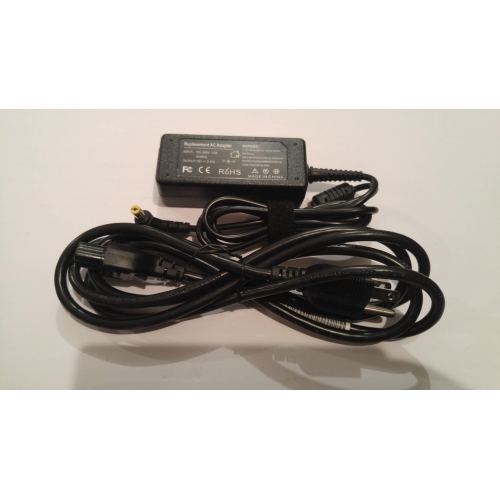
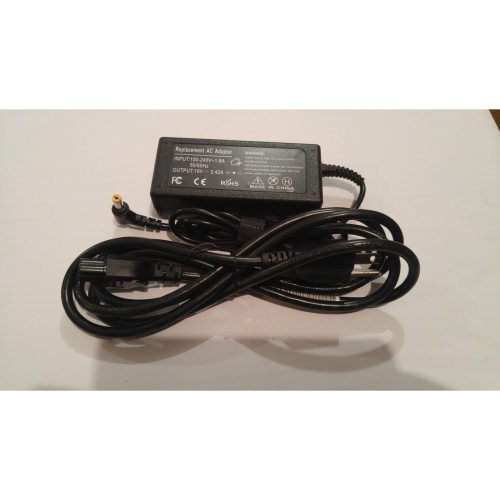
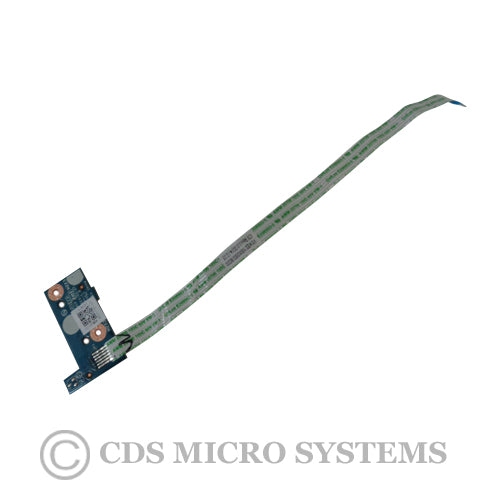
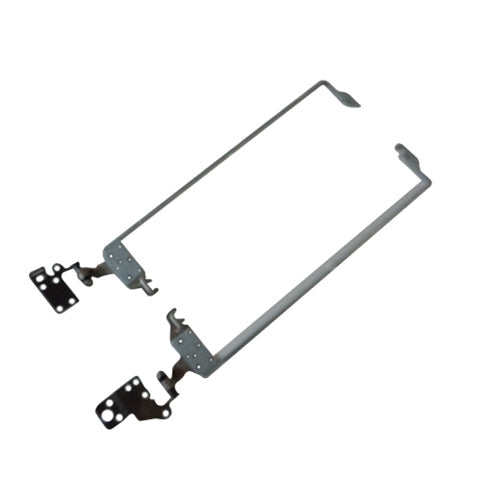
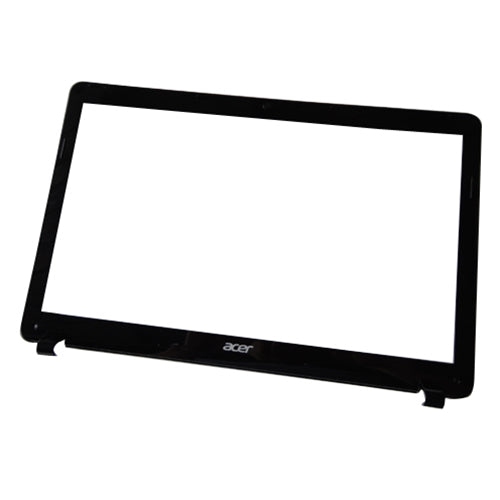
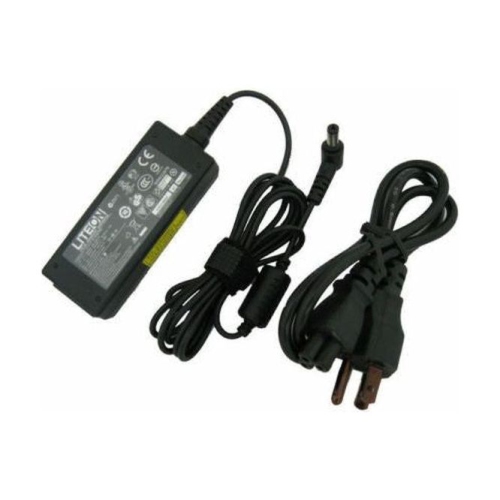
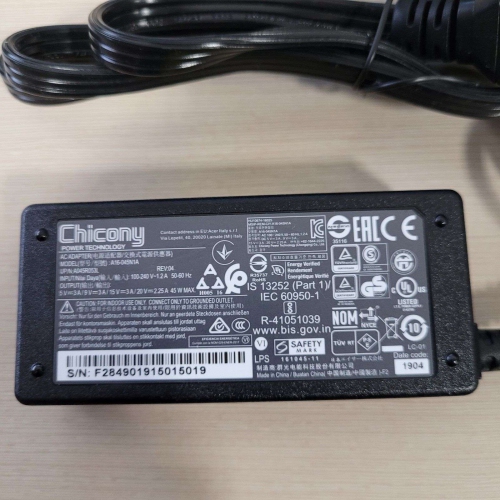
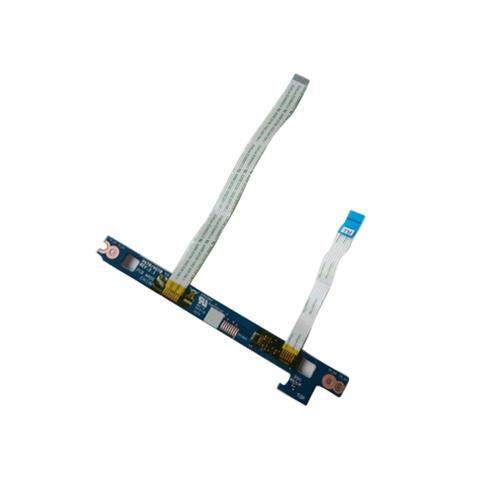
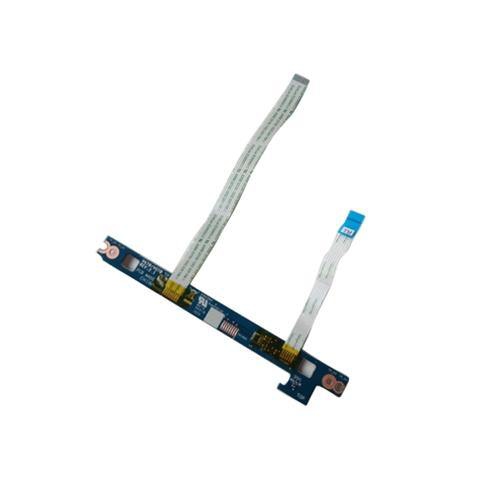
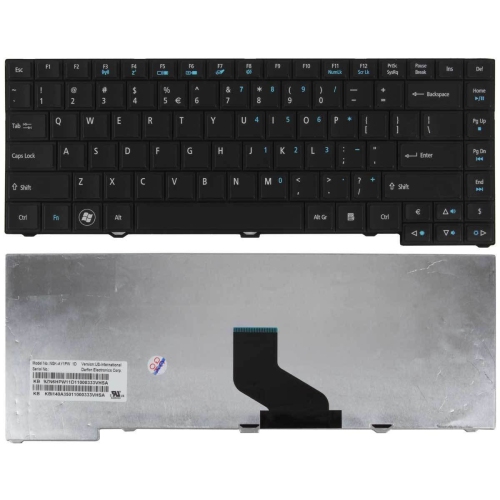
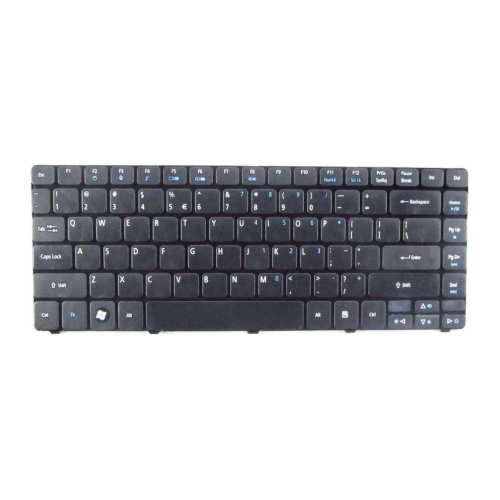
The right accessories depend on more than screen size
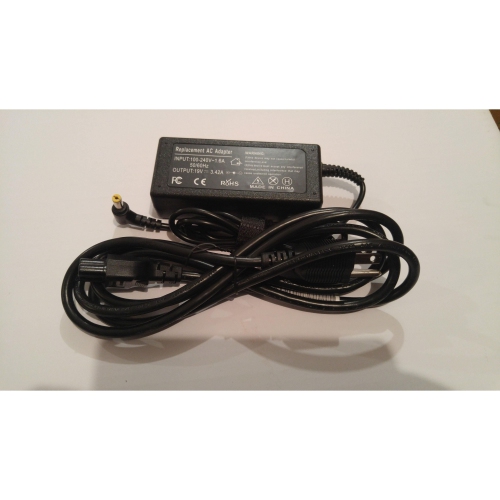
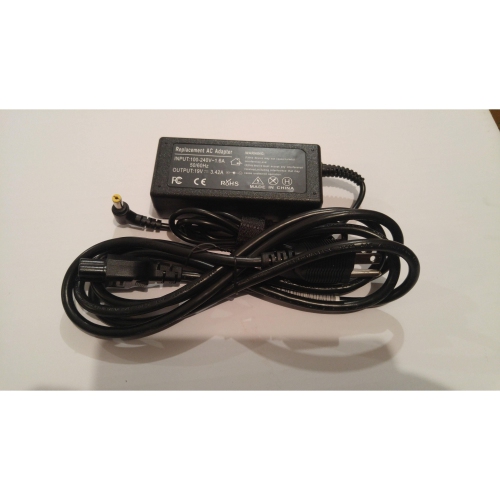
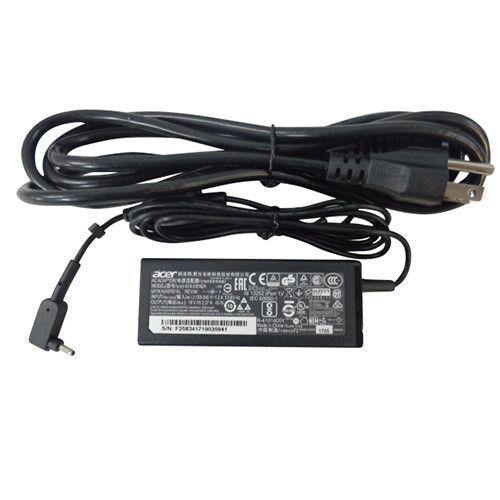
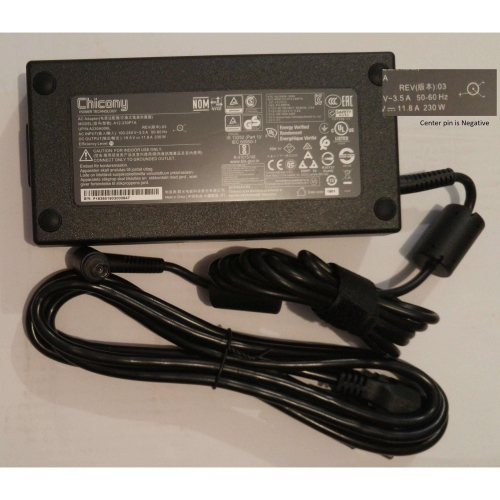
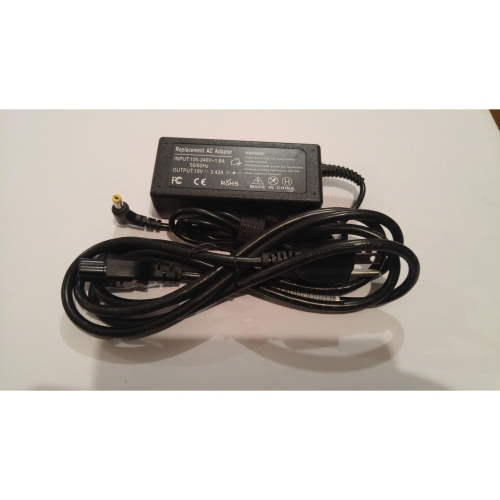
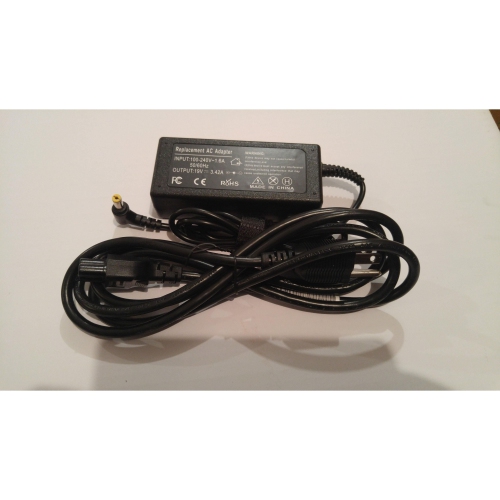
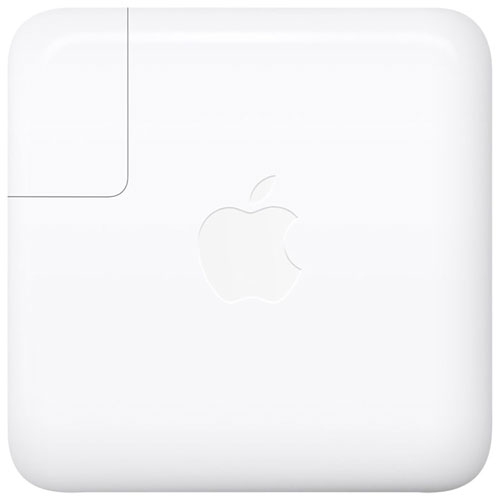
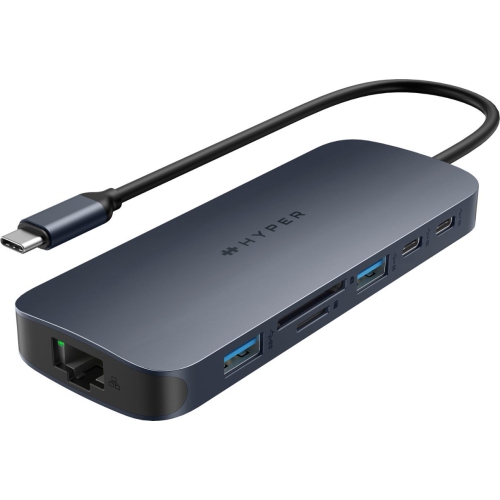
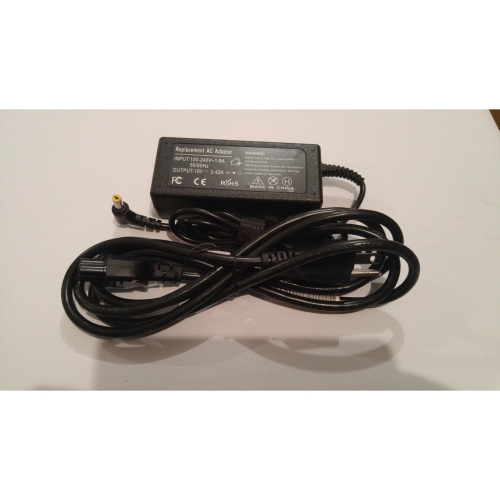
Laptop accessories add charging, connectivity, protection, and everyday comfort to a portable computer used for studying, office work, creative projects, or gaming. Useful categories include power adapters, docking stations, USB hubs, external keyboards and mice, headsets, laptop stands, sleeves, and carrying bags. The right fit depends on the computer’s exact model, dimensions, ports, and power requirements rather than its screen size alone. Chargers are a good example: a replacement adapter needs the correct connector and electrical specifications, while USB-C charging requires a laptop that supports power input through that connection. A USB-C port used for data does not necessarily accept charging or transmit video. For compatible USB-C charging setups, the adapter and cable both need to support the required power level; a higher-rated adapter does not automatically make a computer charge faster. Docking stations and hubs serve different workspace needs, from connecting a mouse and storage drive to bringing together a monitor, wired network connection, and other peripherals. Some hubs rely entirely on power from the laptop, while certain docks use a separate power supply and may also charge compatible computers. Available functions depend on the dock, the connecting cable, and the laptop’s capabilities. A desk used for spreadsheets and video meetings may benefit from display connections and Ethernet, while a photography workspace may place more value on a memory card reader and fast storage connections. For external displays, resolution, refresh rate, and support for multiple screens all depend on the complete connection path, not simply whether a cable fits into a port. Cable length matters, too: enough reach keeps a charger comfortably beside a desk, but unnecessary loops can crowd a small workspace. Clearly labelled connections and sturdy cable ends make accessories easier to use repeatedly, especially when a computer moves between a desk, a meeting room, and a bag throughout the day. Checking these details helps distinguish accessories that merely connect from those that support the intended task.
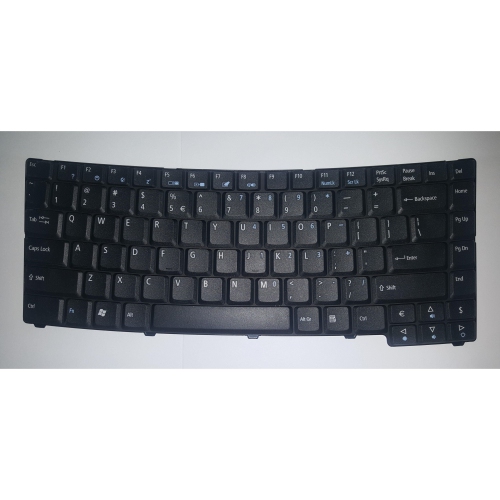
A comfortable setup often combines the laptop’s portability with accessories that make longer sessions feel less cramped. External keyboards offer different layouts, key spacing, and typing feedback, with compact designs leaving more room for a mouse and full-size layouts providing a dedicated number pad for frequent data entry. Keyboard language and layout deserve attention, particularly when a household uses more than one language or a student needs familiar punctuation placement. Mice vary in shape, size, weight, and button arrangement, so the best match depends on hand comfort and the work involved. A compact mouse is convenient beside a laptop in a lecture hall, while a larger shape may feel more supportive during a full day at a desk. Wireless connections reduce cable clutter, but Bluetooth support, receiver requirements, charging methods, and battery replacement remain practical considerations. Wired peripherals offer a straightforward connection without a separate battery to maintain. Laptop stands can raise the display and free up desk space, although a separate keyboard and mouse are usually helpful when the computer sits above its normal typing position. Stability, load capacity, and clearance around ventilation openings matter more than appearance alone. Metal stands can provide a firm base, while lighter designs may be easier to carry between workspaces. Headsets add another layer of flexibility for calls, online learning, and entertainment. Microphone placement, ear-cup cushioning, connection type, and access to mute controls can make a noticeable difference during back-to-back conversations. Closed ear cups may help limit surrounding distractions, but comfort varies with head shape and wearing time. For gaming, compatibility with the laptop’s audio connection and easy access to controls can be as useful as sound characteristics. A workspace can also bring together choices from Essential Accessories for Laptops, with each addition matched to the computer’s connections and daily routine. Thoughtful combinations keep frequently used controls within reach without filling every available port or covering the desk with cables.
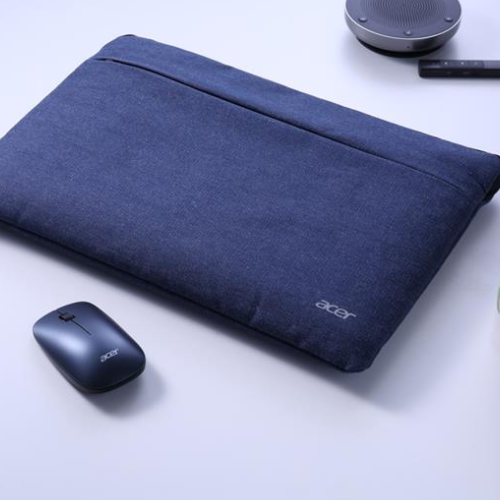
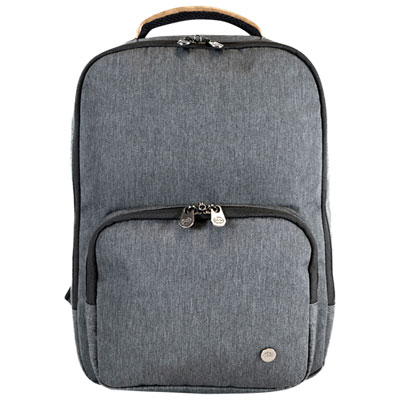
Protection and carrying accessories are especially useful when a laptop travels between home, campus, an office, or shared workspaces. Sleeves provide a close-fitting layer against everyday scuffs, while backpacks and briefcases offer more room for a charger, mouse, notebook, and other essentials. Screen size is only a starting point for fit: two laptops with the same display measurement can have different widths, depths, and thicknesses. Internal compartment dimensions, corner shape, and space around the closure help determine whether a computer slides in easily without moving excessively. Padding around the base and edges can soften everyday knocks, although a padded bag is not a guarantee against damage from a drop. Woven nylon and polyester are common outer materials because they can offer a useful balance of weight, flexibility, and resistance to abrasion. A smooth lining helps reduce rubbing against the laptop’s finish, while covered zippers or a protective flap can keep hard components away from the casing. Water-resistant fabric may help with an accidental splash, but it should not be treated as waterproof unless the accessory is specifically rated that way. Reinforced handles, secure stitching, and smoothly operating closures are practical signs to examine on a bag that will be carried often. Separate pockets keep adapters and plugs from pressing directly against the computer, and small organizers prevent cables from tangling with pens or keys. Care depends on the material: fabric bags may need spot cleaning according to their care labels, while keyboards, mice, and stands generally benefit from gentle cleaning with liquids kept away from openings and electrical contacts. Chargers and cables last better when they are unplugged by the connector rather than pulled by the cord, and stored without tight bends near the ends. For a student, commuter, remote worker, or frequent traveller, laptop accessories can also make thoughtful gifts. Knowing the recipient’s laptop model, preferred carrying style, and daily tasks helps narrow the choice to something useful, comfortable, and suited to regular use.
Top selling and popular products
-
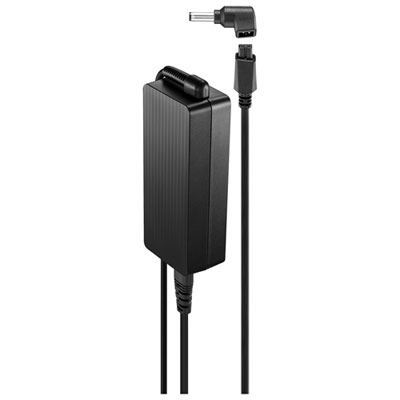 Your price for this item is $69.99
-
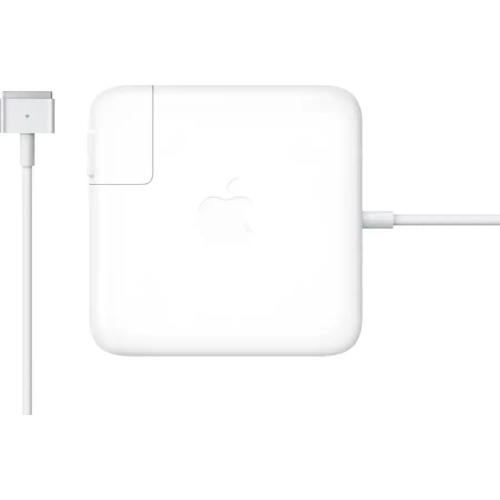 Your price for this item is $127.37
-
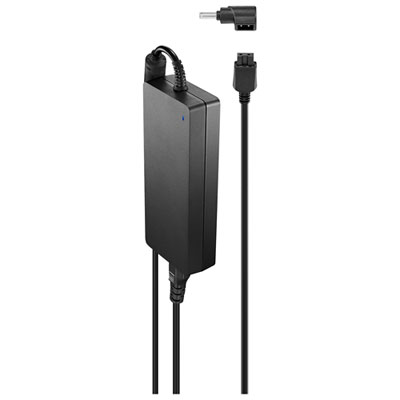 Your price for this item is $109.99
-
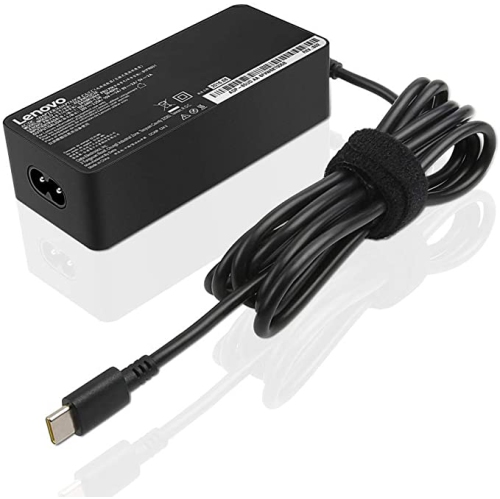 Your price for this item is $67
-
 Your price for this item is $71.99
-
 Your price for this item is $71
-
 Your price for this item is $51.99
-
 Your price for this item is $48
Discover more categories related to Accessories for Acer Laptops

Top Collections:
Best Black Friday Deals This Year, Best Black Friday Deals On Electronics, Kindle Devices, Best Black Friday Deals On Apple Products, Best Budget Office Chairs, Best Cameras for Sports Photography, Dyson Airwrap, Canon G7X Cameras, Best Laptops for Writers, Samsung Galaxy Phones
Some products may be subject to Environmental Handling Fees
(EHF) depending on your province.
Learn more about EHFs.