Acer Monitors 24 Inch
Looking for a high-quality monitor to enhance your viewing experience? Look no further than our selection of 24-inch monitors. With their sleek designs and impressive display capabilities, these monitors are perfect for both work and play. Whether you're a gamer looking for smooth graphics or a professional seeking accurate color reproduction, our 24-inch monitors deliver exceptional performance. Explore our range of options and find the perfect monitor to meet your needs.
Sort
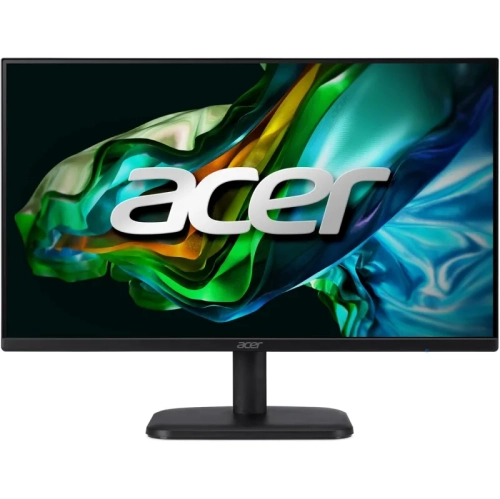
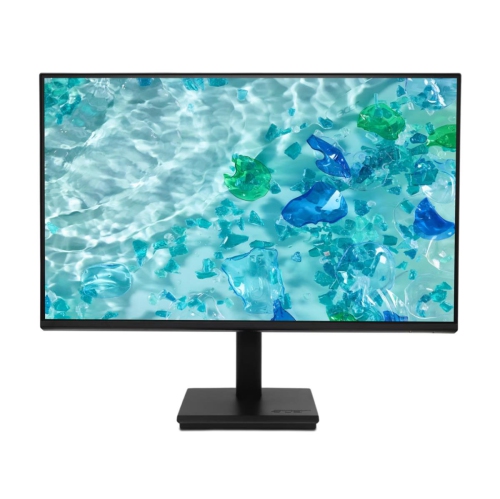
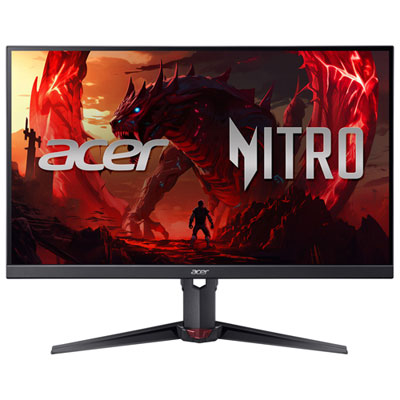
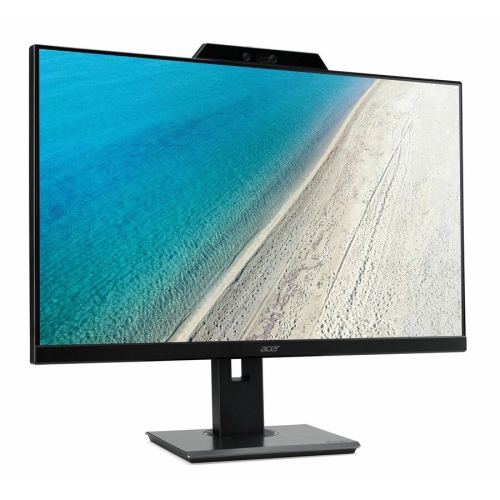
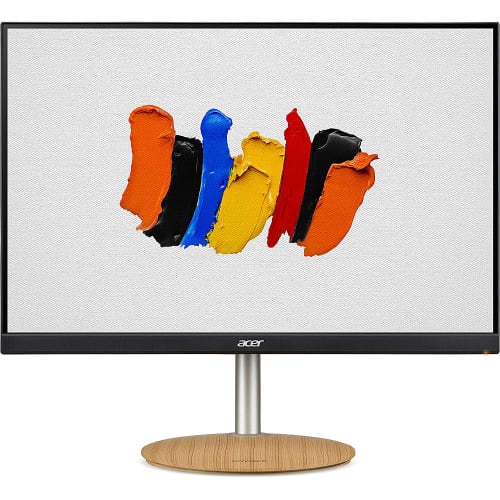
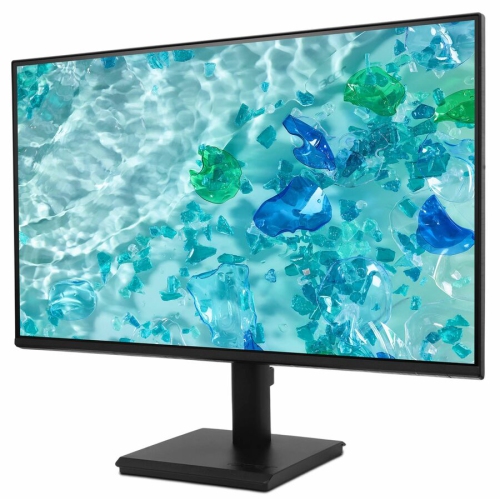
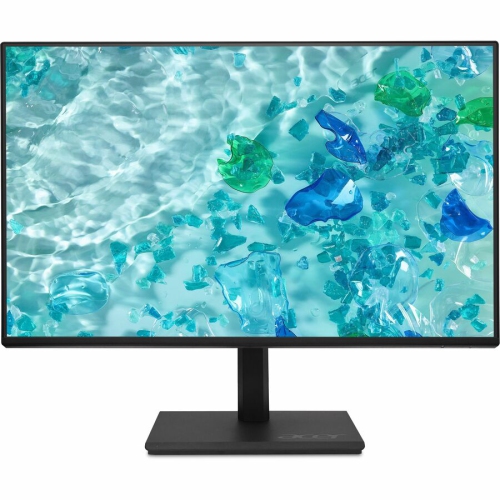
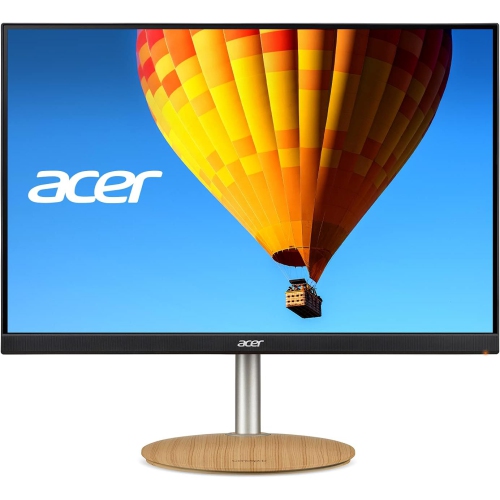
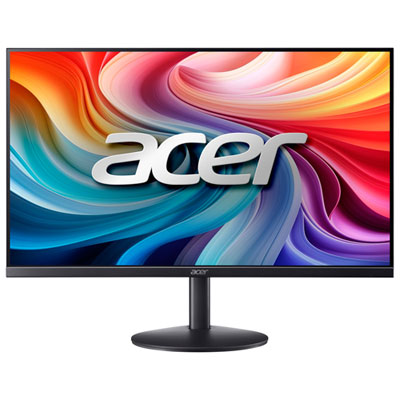
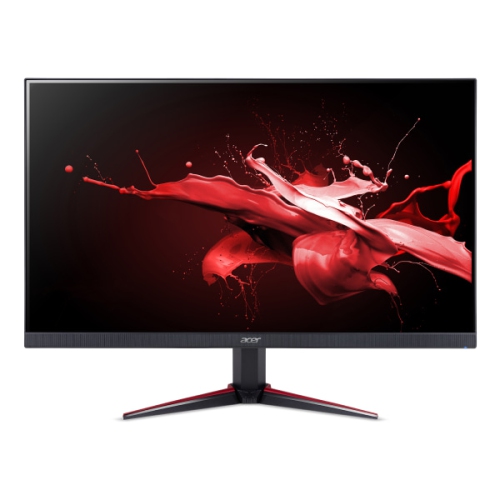
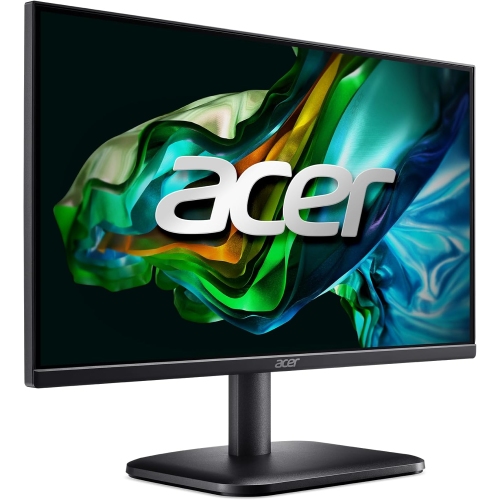
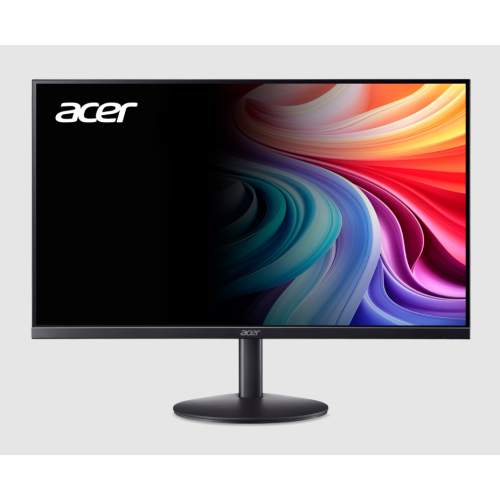

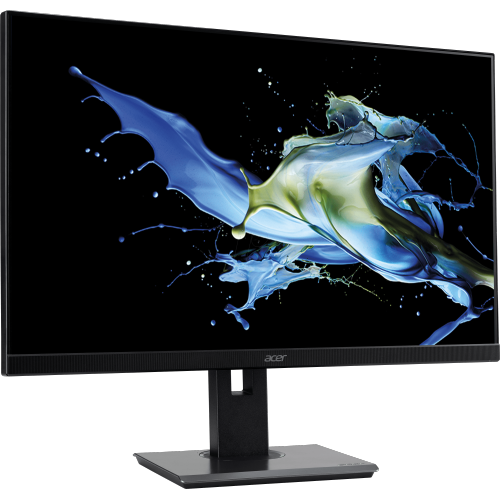
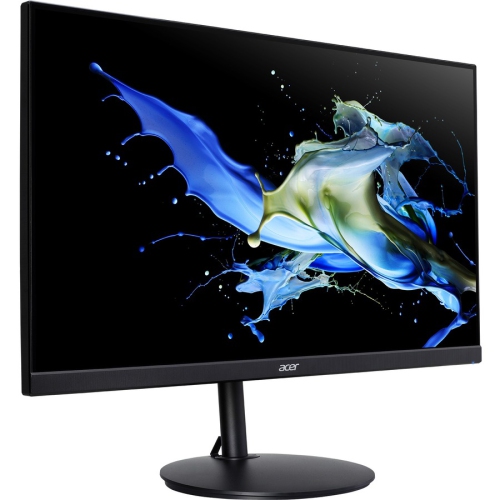
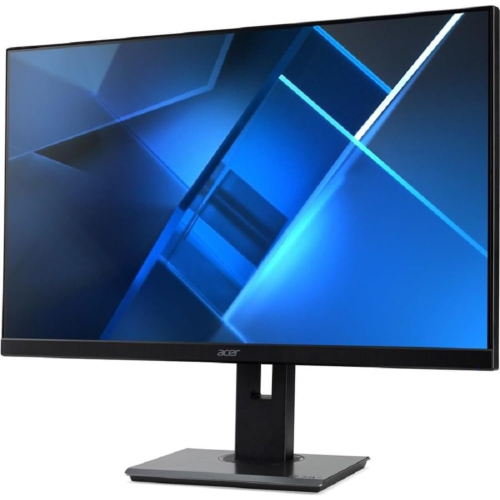
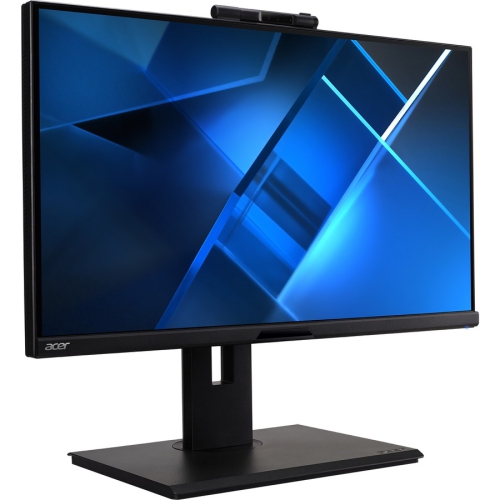
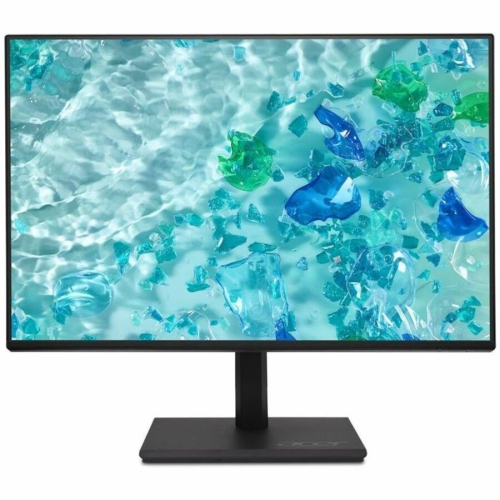
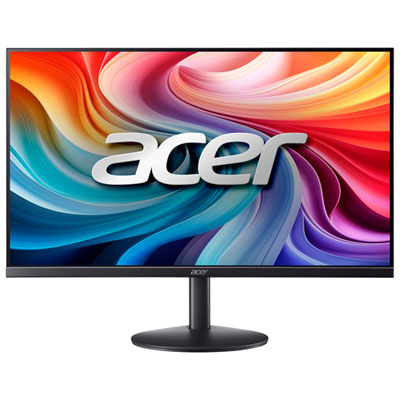
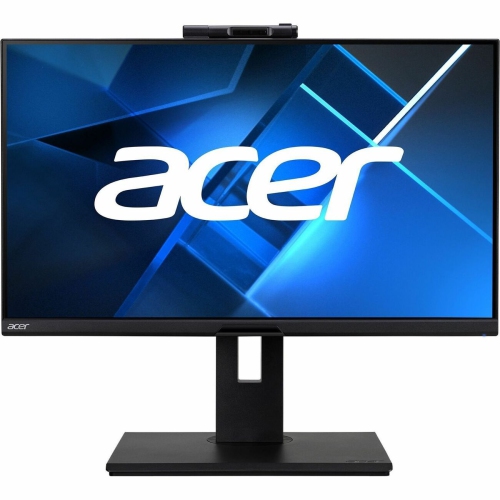
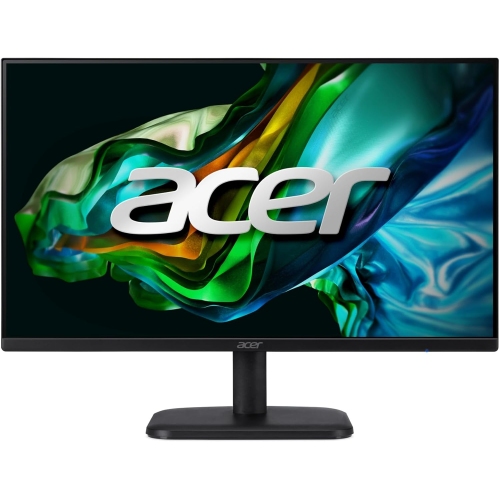
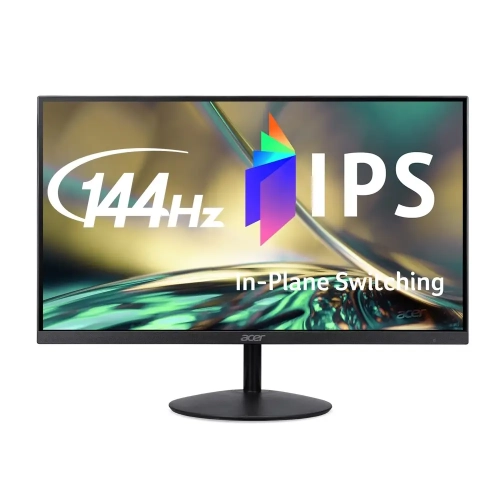
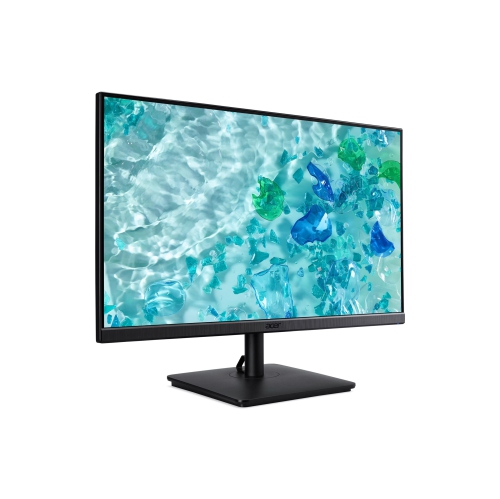
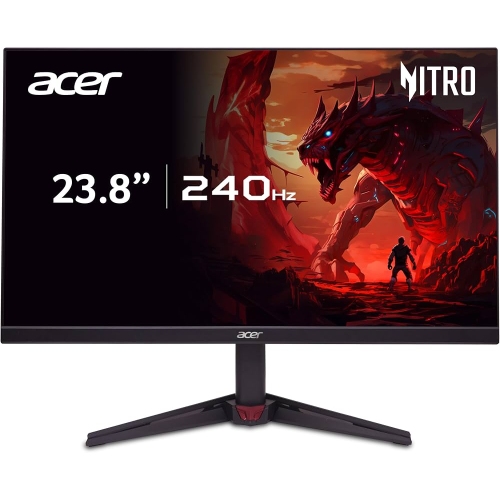
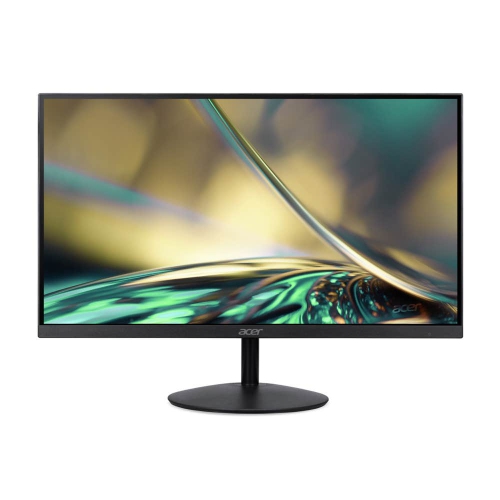
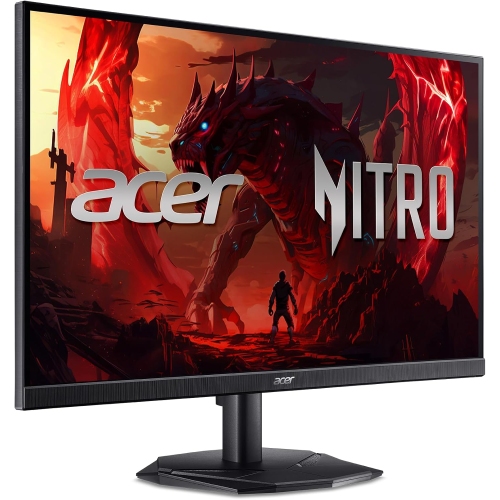
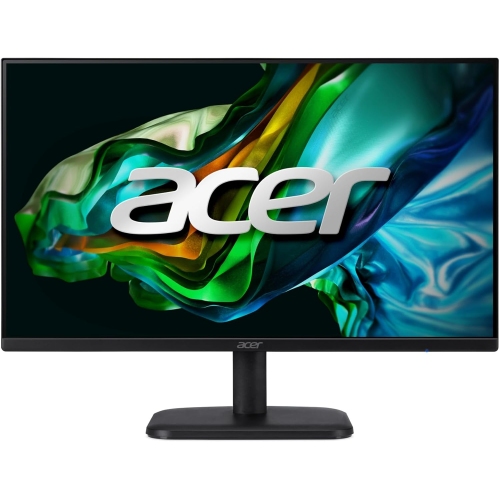
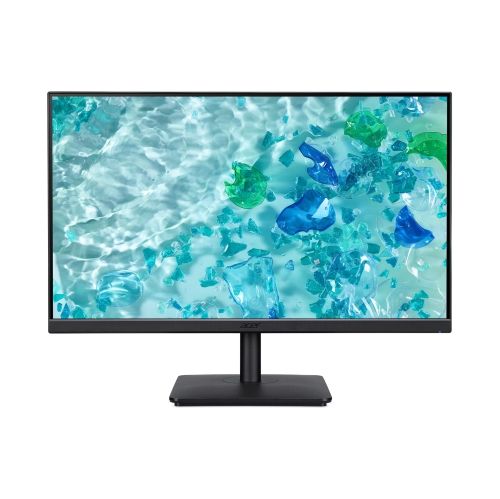
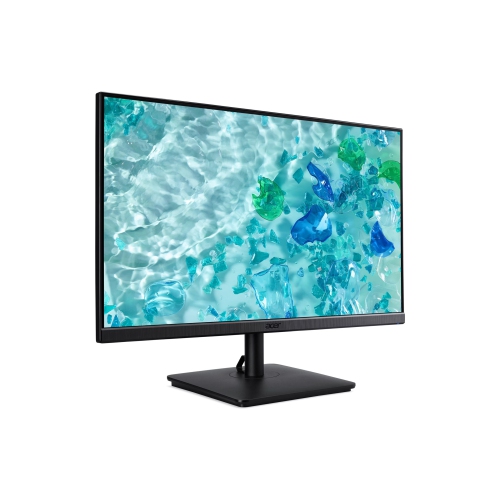
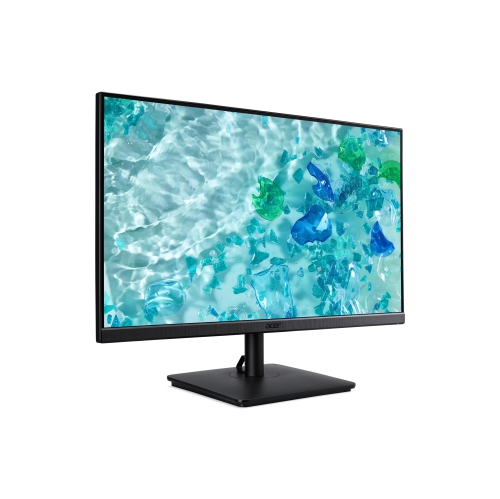
Practical features for work, study, gaming, and entertainment
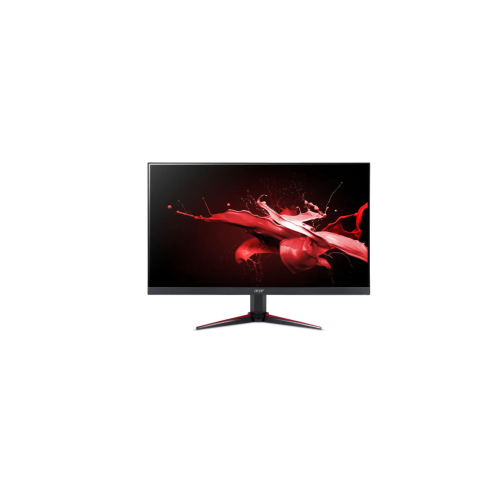
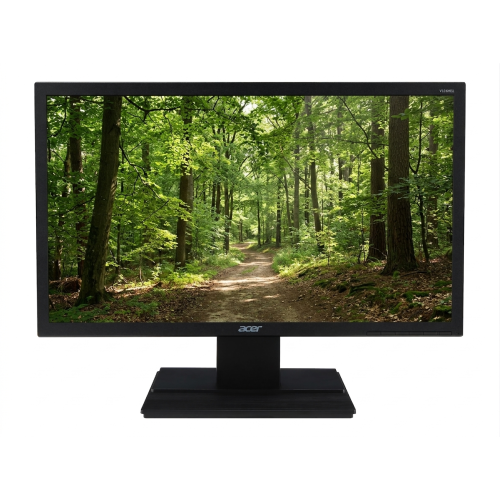
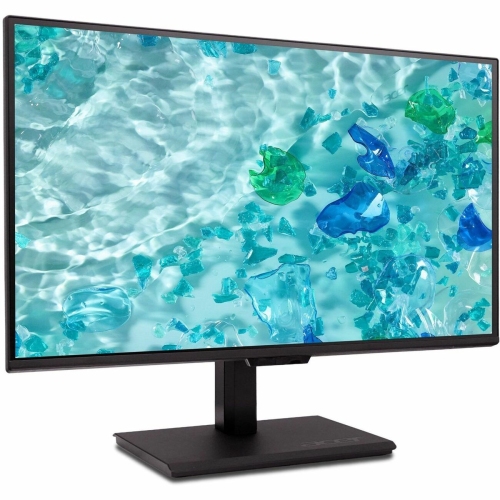
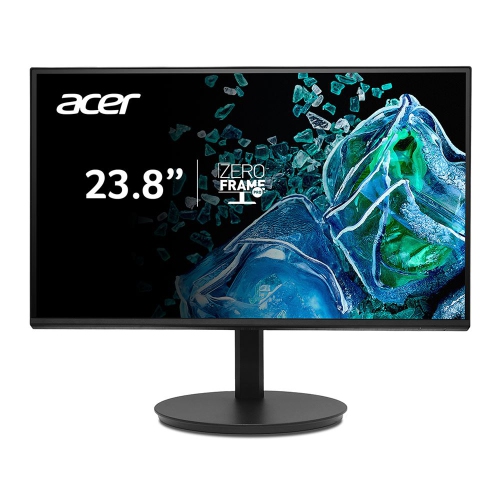
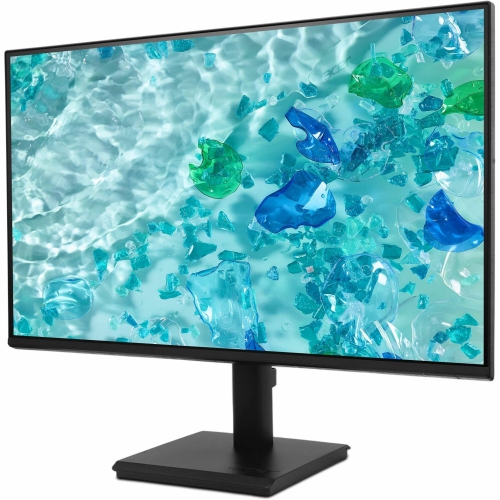
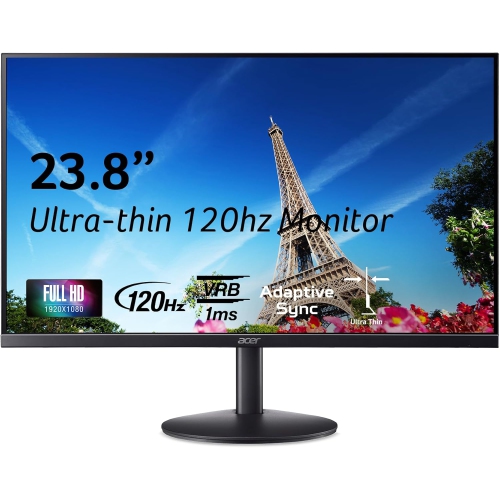
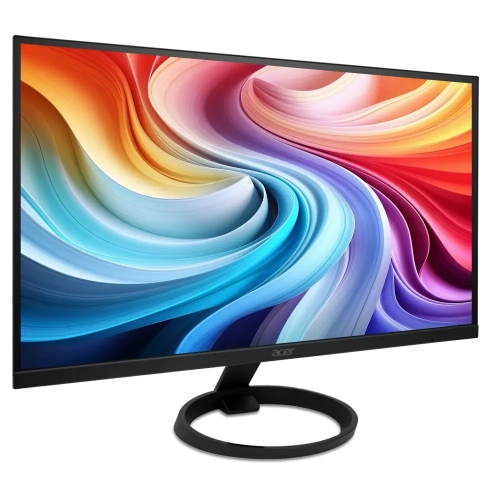
A 24-inch monitor offers a practical balance of screen space, desk footprint, and everyday versatility. With a display size that typically falls between 23.8 and 24.5 inches, these monitors fit comfortably on compact desks while providing enough room for documents, web pages, video calls, streaming, and creative projects. Many models in this size range use Full HD resolution at 1920 x 1080, which keeps text readable and images sharp without requiring an especially powerful computer. That makes them a dependable choice for home offices, student workstations, family computers, and secondary displays. A 24-inch screen can also be easier to position at a comfortable viewing distance than a much larger panel, particularly in bedrooms, apartments, dorm rooms, and shared work areas. If you are comparing this selection with other screen sizes, the broader range of 24 Inch Monitors can help you see how features and designs vary across the category. Consider the space available on your desk, the height of your chair and table, and whether you plan to use a monitor stand, an adjustable arm, or a wall-mounted setup. A narrow bezel can help create a cleaner look or make two-screen arrangements feel more continuous, while built-in speakers may be convenient for casual audio, even if dedicated speakers or headphones remain preferable for richer sound. For a workspace used throughout the day, features such as a matte screen, flicker reduction, and a low blue light mode may help make long reading or spreadsheet sessions more comfortable.
The panel type is another useful point of comparison. IPS displays are popular for their wide viewing angles and consistent colour across the screen, which is helpful when more than one person is looking at a presentation or when you move between tasks. VA displays are often valued for stronger contrast and darker blacks, making them appealing for films, games, and evening use in a dimly lit room. Refresh rate affects how smoothly movement appears. A standard 60Hz or 75Hz monitor is well suited to email, schoolwork, browsing, office applications, and general entertainment, while 120Hz, 144Hz, 165Hz, 200Hz, or 240Hz options can make scrolling, animation, and fast-paced gaming feel more fluid when the computer can produce enough frames. Response time is also relevant to gaming because a lower stated response time can help reduce visible trailing during quick movement. Adaptive sync support may coordinate the monitor’s refresh rate with a compatible graphics processor, helping reduce tearing in supported games. For a computer used mainly for work, these gaming-oriented specifications may be less important than an adjustable stand, comfortable brightness, sharp text, and convenient connections. Check the available inputs before buying, especially if the monitor will be connected to a desktop, laptop, game console, or docking station. HDMI is common for modern computers and consoles, while DisplayPort is often useful with desktop graphics cards and multi-monitor setups. VGA may appear on some basic or legacy-oriented displays, but newer computers may require an adapter. Also check whether the included cable matches your equipment and whether the monitor supports the resolution and refresh rate you intend to use through that connection. A VESA mounting pattern can provide additional flexibility if you want to place the screen on a monitor arm, raise it to eye level, or free up space beneath it.
These monitors can serve a wide range of people and uses. A student may use one for online classes, research, writing, and keeping reference material open beside an assignment. Someone working from home may pair a 24-inch display with a laptop to create a more comfortable workstation, placing a calendar, chat window, or spreadsheet on the larger screen while keeping the laptop available for another task. A first-time PC builder can use this size as an approachable main display, while an experienced computer user may add two matching screens for a broader desktop without taking over the room. Gamers should compare refresh rate, response time, adaptive sync compatibility, panel type, and the graphics capabilities of their computer rather than choosing based on screen size alone. Casual players may appreciate the straightforward Full HD experience of a general-purpose display, whereas competitive players may prefer a faster refresh rate and a stand that allows precise positioning. A 24-inch monitor can also be a thoughtful gift for a student moving into a residence, a family member setting up a home office, or a hobbyist who is upgrading an older display. Before giving one as a gift, it is worth considering the recipient’s computer ports, available desk space, and preferred activities. Someone who edits photos may place greater importance on colour consistency, while a person who spends evenings watching videos may prefer deeper contrast and built-in audio. If the screen will be used during the cooler months for work, study, gaming, or entertainment at home, a comfortable viewing angle and sensible brightness can make the setup feel more inviting. Take a moment to compare screen specifications, stand adjustability, connection types, mounting support, warranty details, and the monitor’s intended role. Matching those practical details to the computer and the way the display will be used is the best way to choose a 24-inch monitor that remains useful well beyond the initial setup.
The panel type is another useful point of comparison. IPS displays are popular for their wide viewing angles and consistent colour across the screen, which is helpful when more than one person is looking at a presentation or when you move between tasks. VA displays are often valued for stronger contrast and darker blacks, making them appealing for films, games, and evening use in a dimly lit room. Refresh rate affects how smoothly movement appears. A standard 60Hz or 75Hz monitor is well suited to email, schoolwork, browsing, office applications, and general entertainment, while 120Hz, 144Hz, 165Hz, 200Hz, or 240Hz options can make scrolling, animation, and fast-paced gaming feel more fluid when the computer can produce enough frames. Response time is also relevant to gaming because a lower stated response time can help reduce visible trailing during quick movement. Adaptive sync support may coordinate the monitor’s refresh rate with a compatible graphics processor, helping reduce tearing in supported games. For a computer used mainly for work, these gaming-oriented specifications may be less important than an adjustable stand, comfortable brightness, sharp text, and convenient connections. Check the available inputs before buying, especially if the monitor will be connected to a desktop, laptop, game console, or docking station. HDMI is common for modern computers and consoles, while DisplayPort is often useful with desktop graphics cards and multi-monitor setups. VGA may appear on some basic or legacy-oriented displays, but newer computers may require an adapter. Also check whether the included cable matches your equipment and whether the monitor supports the resolution and refresh rate you intend to use through that connection. A VESA mounting pattern can provide additional flexibility if you want to place the screen on a monitor arm, raise it to eye level, or free up space beneath it.
These monitors can serve a wide range of people and uses. A student may use one for online classes, research, writing, and keeping reference material open beside an assignment. Someone working from home may pair a 24-inch display with a laptop to create a more comfortable workstation, placing a calendar, chat window, or spreadsheet on the larger screen while keeping the laptop available for another task. A first-time PC builder can use this size as an approachable main display, while an experienced computer user may add two matching screens for a broader desktop without taking over the room. Gamers should compare refresh rate, response time, adaptive sync compatibility, panel type, and the graphics capabilities of their computer rather than choosing based on screen size alone. Casual players may appreciate the straightforward Full HD experience of a general-purpose display, whereas competitive players may prefer a faster refresh rate and a stand that allows precise positioning. A 24-inch monitor can also be a thoughtful gift for a student moving into a residence, a family member setting up a home office, or a hobbyist who is upgrading an older display. Before giving one as a gift, it is worth considering the recipient’s computer ports, available desk space, and preferred activities. Someone who edits photos may place greater importance on colour consistency, while a person who spends evenings watching videos may prefer deeper contrast and built-in audio. If the screen will be used during the cooler months for work, study, gaming, or entertainment at home, a comfortable viewing angle and sensible brightness can make the setup feel more inviting. Take a moment to compare screen specifications, stand adjustability, connection types, mounting support, warranty details, and the monitor’s intended role. Matching those practical details to the computer and the way the display will be used is the best way to choose a 24-inch monitor that remains useful well beyond the initial setup.
Top selling and popular products
-
 Your price for this item is $299
 -
 Your price for this item is $469
 -
 Your price for this item is $149.99
 -
 Your price for this item is $329.99
 -
 Your price for this item is $499
 -
 Your price for this item is $199.99
 -
 Your price for this item is $249.99
 -
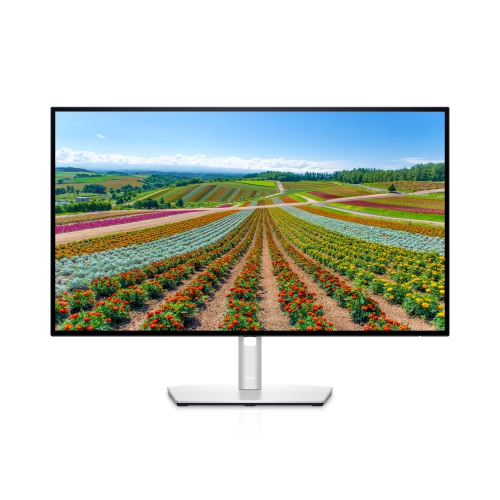 Your price for this item is $569.99
Discover more categories related to Acer Monitors 24 Inch
Top Collections:
Pokemon Centers, Best Cameras for Sports Photography, Kindle Devices, Samsung Galaxy Phones, Canon G7X Cameras, Pokémon 30th Celebration Cards, Refurbished Apple Laptops, iPhone 15 Apple, Laptops for Students, Budget Smartphones
Some products may be subject to Environmental Handling Fees
(EHF) depending on your province.
Learn more about EHFs.