Acer Nitro 5 I5
Discover the Acer Nitro 5 I5, a dynamic option for those seeking performance and reliability in their computing experience. Whether you're tackling daily tasks, enjoying entertainment, or engaging in gaming sessions, this lineup is designed to keep up with your lifestyle. Explore a range of configurations and find the perfect Acer Nitro 5 I5 to suit your needs, all while enjoying great value and trusted quality.
Sort
Gaming performance depends on more than the processor
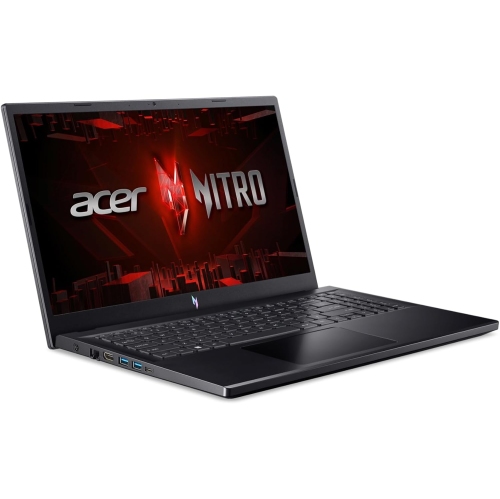
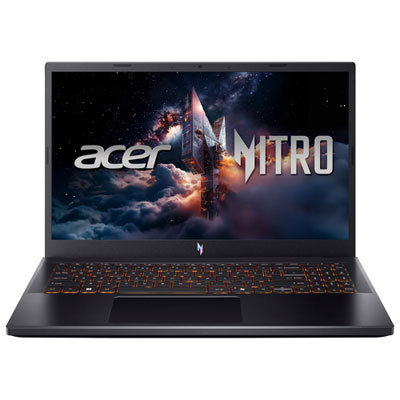
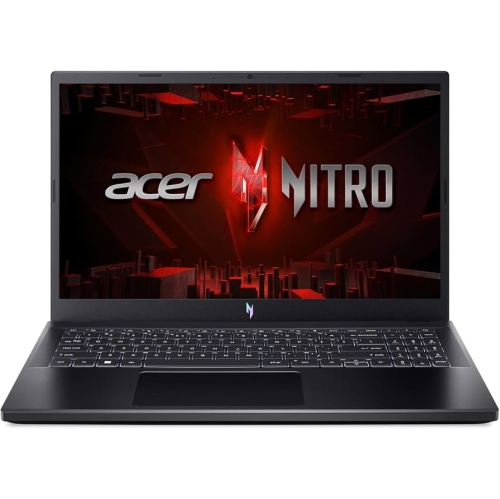
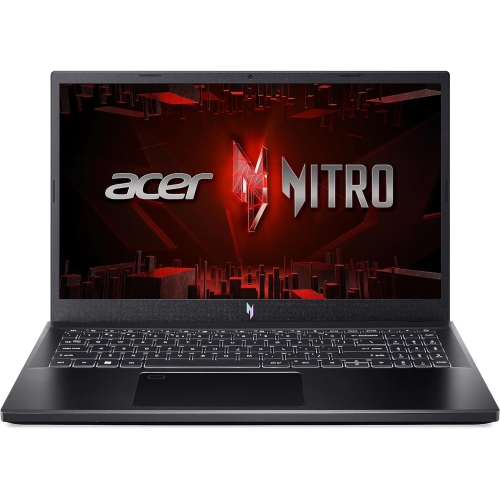
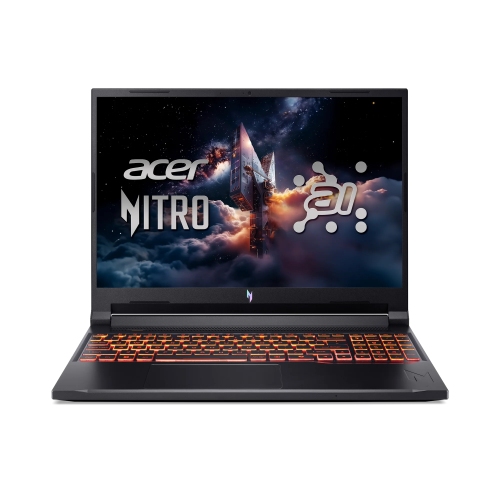
An i5 gaming laptop combines everyday computing capability with hardware designed for more demanding entertainment, making it a practical choice for someone who wants one computer for coursework, video calls, creative projects, and gaming. The i5 designation alone does not describe the whole experience: processor generation, core configuration, graphics hardware, memory, and cooling all influence how a laptop performs. A newer processor can differ substantially from an older one bearing the same designation, so the complete processor specification matters more than the family name on its own. Dedicated graphics are especially important for games, since they handle much of the work involved in drawing detailed scenes, lighting effects, and moving characters. Graphics memory is separate from system memory, and its capacity can affect which texture settings are practical in demanding games. For competitive titles, a balanced processor and graphics combination can help maintain responsive play; for visually detailed adventures, the graphics processor often has a larger influence on the settings and resolution that feel comfortable. Display specifications deserve equal attention. A 15.6-inch Full HD screen provides a familiar balance between desk space and portability, while a resolution of 1920 x 1080 offers a practical target for many gaming configurations. A 144Hz refresh rate means the display can refresh up to 144 times per second, although the game, graphics settings, and hardware determine how many frames the computer actually produces. A higher refresh rate does not automatically make every game run faster. Panel viewing angles, brightness, colour reproduction, and screen finish also shape daily use, particularly when the same laptop handles a lecture recording in the afternoon and a multiplayer session later on. Someone editing photographs may place greater importance on colour accuracy, while a player following fast movement across the screen may focus more closely on refresh rate and response behaviour. These differences make the complete configuration more useful than a single headline specification when comparing i5 gaming laptops.
Memory and storage influence how smoothly an i5 gaming laptop fits into a busy routine. System memory gives active applications room to work, so keeping a game open alongside voice chat, a browser, and background utilities creates different demands from using one application at a time. An 8GB configuration may suit lighter workloads, while 16GB can provide more breathing room for multitasking and many games. Requirements still vary by title and application, and system memory cannot replace the dedicated video memory used by a graphics processor. Storage capacity deserves similar planning. A solid-state drive helps with system responsiveness, application launches, and loading files, but a game library can occupy substantial space once updates, downloaded content, and saved recordings are included. A 512GB drive offers more room than a 256GB drive, yet neither capacity guarantees space for a particular number of games because installation sizes differ considerably. Anyone planning to expand memory or storage should confirm the supported components, slot arrangement, access requirements, and warranty terms before making changes. Everyday comfort matters just as much as internal specifications. A well-spaced keyboard can make long assignments easier to type, while a number pad may be useful for spreadsheets but changes the keyboard layout. Backlighting helps make keys visible in a dim room without determining how comfortable they feel. For a desk setup, consider where a mouse, headset, external display, and charging cable will connect. USB-A remains useful for many accessories, HDMI commonly connects to monitors or televisions, and USB-C capabilities depend on the particular port; its shape alone does not guarantee display output or laptop charging. Wi-Fi performance depends on the laptop, router, signal strength, and network conditions, while Ethernet offers a wired connection when a suitable port or adapter is supported. Webcam quality, microphone clarity, and speaker placement also deserve attention when gaming shares the schedule with remote classes, collaborative projects, or calls with friends.
The physical fit of a gaming laptop becomes especially noticeable when it moves between a desk, a classroom, and a backpack. Gaming-focused designs often need more room for cooling hardware than thin laptops intended mainly for documents and browsing, and the power adapter adds to the total carrying weight. Compare the full dimensions with a bag’s padded compartment rather than relying only on the screen measurement. Leave room for the charger and avoid pressing accessories against the lid. For shoppers comparing screen space and portability across related laptop families, Acer Nitro 16 offers another point of reference, with dimensions and display specifications worth comparing individually. Housing materials, hinge construction, and surface finishes can vary, so durability is better judged by the complete build than by assuming that one material guarantees a longer lifespan. Careful handling helps protect both plastic and metal surfaces: open the lid from near the centre, keep liquids away from the keyboard, and avoid carrying the computer by its display. During use, a firm, flat surface helps keep ventilation openings clear; bedding and soft cushions can obstruct airflow. Fan noise can increase under demanding workloads, and high-performance gaming generally draws more power than reading documents or streaming a video. Battery-life expectations should therefore reflect the activity, brightness settings, and power mode rather than a single runtime figure. Follow the manufacturer’s cleaning directions, use an appropriate soft cloth, and avoid spraying liquid directly onto the screen or keyboard. At a regular workstation, an external keyboard and mouse can make it easier to position the display at a comfortable height. These laptops can suit students, recreational players, and people exploring light video editing or other graphics-based projects, provided the software requirements match the configuration. As a gift, the most useful considerations are the recipient’s preferred games, existing accessories, carrying needs, and intended applications. Matching those habits to the hardware creates a more satisfying everyday experience than choosing by gaming styling alone.
Top selling and popular products
-
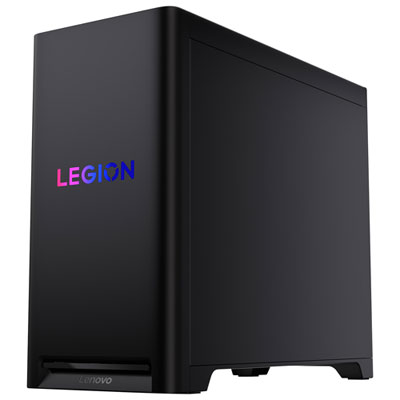 Your price for this item is $2299.99
-
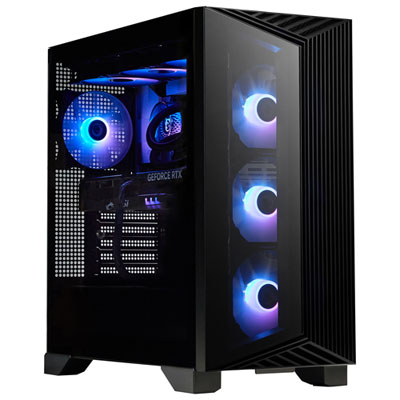 Your price for this item is $3899.99
-
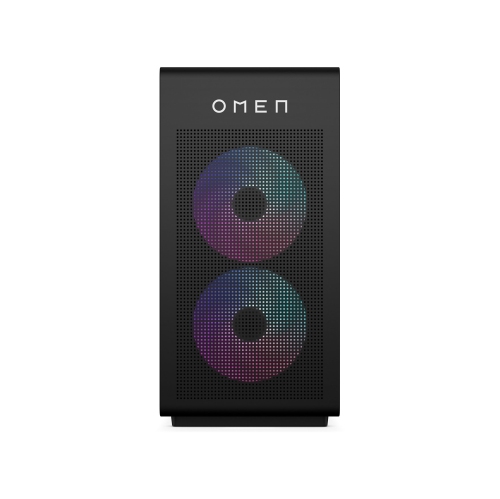 Your price for this item is $6776.99
-
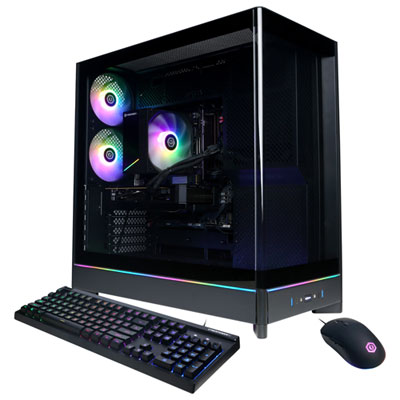 Your price for this item is $1899.99
-
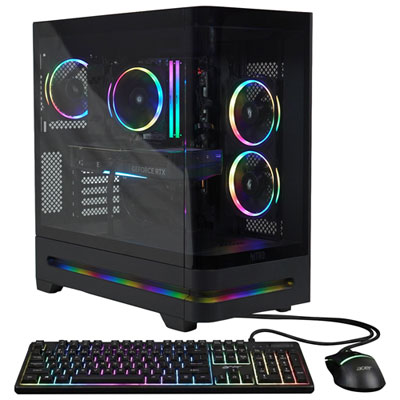 Your price for this item is $1799.99
-
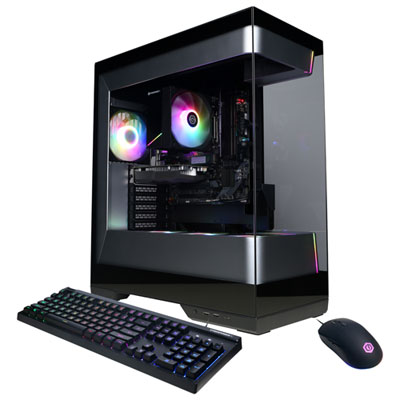 Your price for this item is $1549.99
-
 Your price for this item is $7579.99
-
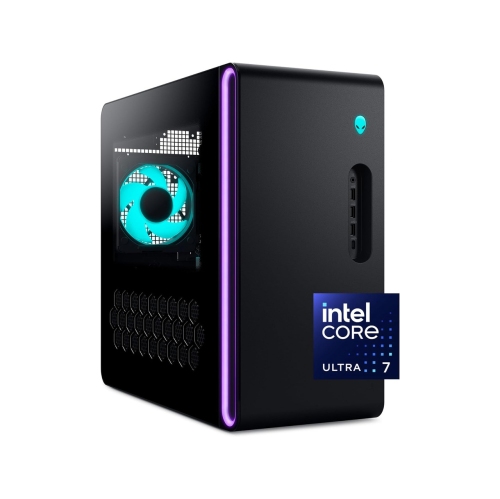 Your price for this item is $3286.49
Discover more categories related to Acer Nitro 5 I5
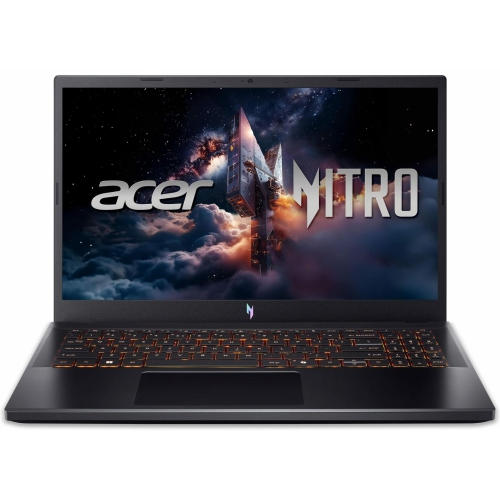
Top Collections:
Best Black Friday Deals This Year, Best Black Friday Deals On Electronics, Kindle Devices, Dyson Airwrap, Best Cameras for Sports Photography, Best Budget Office Chairs, Canon G7X Cameras, PS5 Pro Consoles, Best Black Friday Deals On Apple Products, XBOX One S Consoles
Some products may be subject to Environmental Handling Fees
(EHF) depending on your province.
Learn more about EHFs.